
Joined March 2021
- Tweets 15,034
- Following 2,541
- Followers 3,914
- Likes 71,830
4,968 Photos and videos









THETZILLA retweeted

10 May 2024
7 May 2024

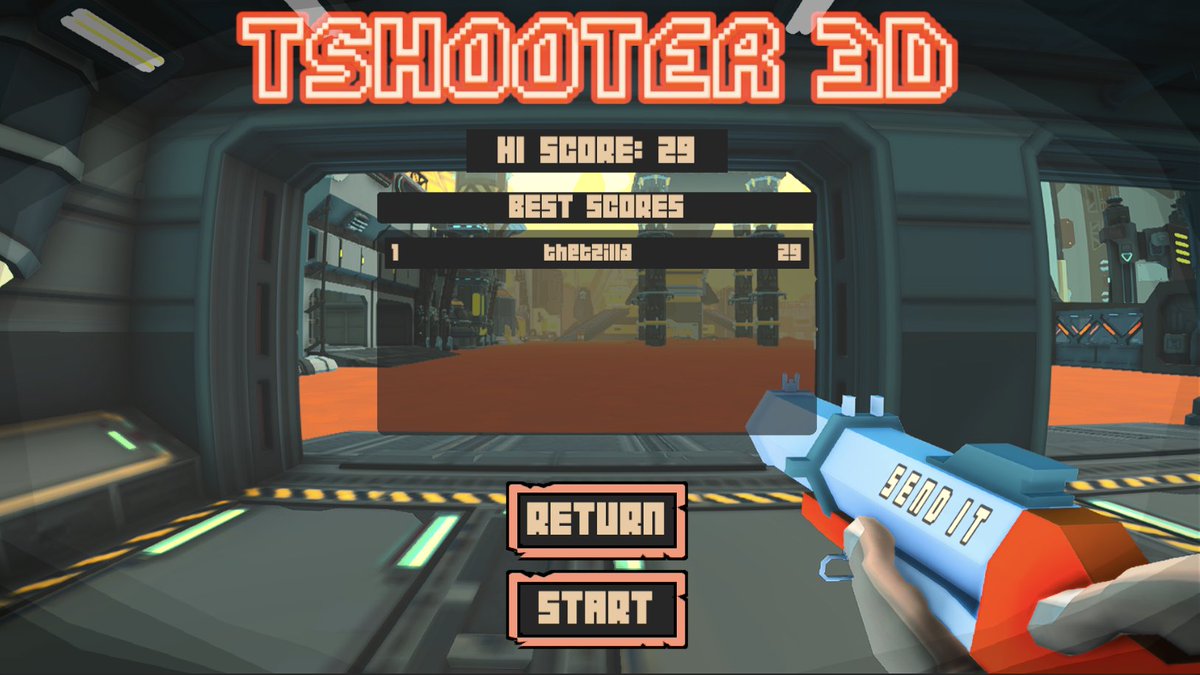
TSHOOTER 3D - LEVEL 03 - LIVE NOW CONTEST 🍺🍺🍺
TO PARTICIPATE, READ CAREFULLY BELOW! 👇
URL: tbeer.meme/tshooter
$TBEER GAMING CONTEST - READ CAREFULLY!
I am giving away some TBEER to the top 5 scores in the new level (THE AVALONS).
Gameplay Updates:
- New Timer Challenge: A countdown timer is now part of this level. Players must stay alive until the timer expires to record their score.
- Enhanced Enemy Speed: The enemies are quicker, offering increased difficulty. But, their slower turning speeds provide an advantage to players good at strafing.
* I have optimized the game as much as possible but it has increased in size due to the new assets added to it. The game might take a longer time to load this time. Just leave it loading and it will eventually open.
To participate, you must: LOG IN WITH TWITTER AND MAKE SURE YOU ARE PLAYING THE AVALONS LEVEL!
If you want your score to be included in the competition, you must log in with Twitter and check that you are ranking on the Avalons leaderboard. I will only take the scores from that leaderboard!
Prizes:
First place: 15 TBEER
Second place: 10 TBEER
Third place: 8 TBEER
Fourth place: 5 TBEER
Fifth place: 2 TBEER
The contest is open from now until next Monday, the 13th of May 2024 at 10 am GMT.
I will take a screenshot of the leaderboard at that time, and the top 5 scores will be the winners. The winners will be announced via this platform.
FAQs:
The game won't load:
Answer: Many factors can prevent a web game from loading. Please check your internet connection, disconnect your VPN if you are using one, and try accessing the game from different browsers. I have successfully tested this game in the following browsers: Brave, Chrome, Firefox, and Safari. Also, with this update the game has increased in size, so it might take longer to load.
Additionally, consider the following tips:
- Clear your browser's cache and cookies: Sometimes, outdated or corrupted cache files can prevent web games from loading correctly.
- Enable WebGL: Ensure that WebGL is enabled in your browser, as it is essential for running Unity WebGL games.
- Disable browser extensions: Some browser extensions can interfere with game loading. Try disabling extensions to see if the game loads.
- Update your browser: Ensure your browser is up-to-date, as newer versions often include performance improvements and bug fixes that can impact gameplay.
- Check for JavaScript enabled: Ensure that JavaScript is enabled in your browser, as it is crucial for many game functionalities.
- Adjust your browser’s security settings: High security settings or adblockers can block elements necessary for the game to load.
- Use a supported device: Some older devices may struggle to handle the demands of more complex WebGL games.
Let me know if you have any questions!
Happy gaming! 🎮
$TBEER
2
5
14
1,253


THETZILLA retweeted

May 22
71,770
96,997
909,629
99,170,797



THETZILLA retweeted

May 14
"He's too excited about this movie. Add Pedro Pascal."
124
2,142
47,371
609,824
THETZILLA retweeted

May 14
No one wants these faggot ass data centers
201
1,255
11,879
131,731

May 15
$TBEER CHALLENGE

Who likes basketball?
This girl looks like she loves playing. 🐯
Without scrolling back, what number was on her jersey? 😉
2
3
199


THETZILLA retweeted

someone is systematically collapsing all first world nations
705
1,116
10,345
181,040
May 12

fyi women are highly aware when you look at our breasts
1
74


THETZILLA retweeted

May 10
Hey @Grok, completely unrelated to the Hantavirus, what does the word "Hanta" mean in Israeli? Very concise.
354
1,661
17,548
4,785,680
THETZILLA retweeted

May 10
In a world full of modern technology, there’s still this




11
210
3,318
103,957
THETZILLA retweeted

May 10
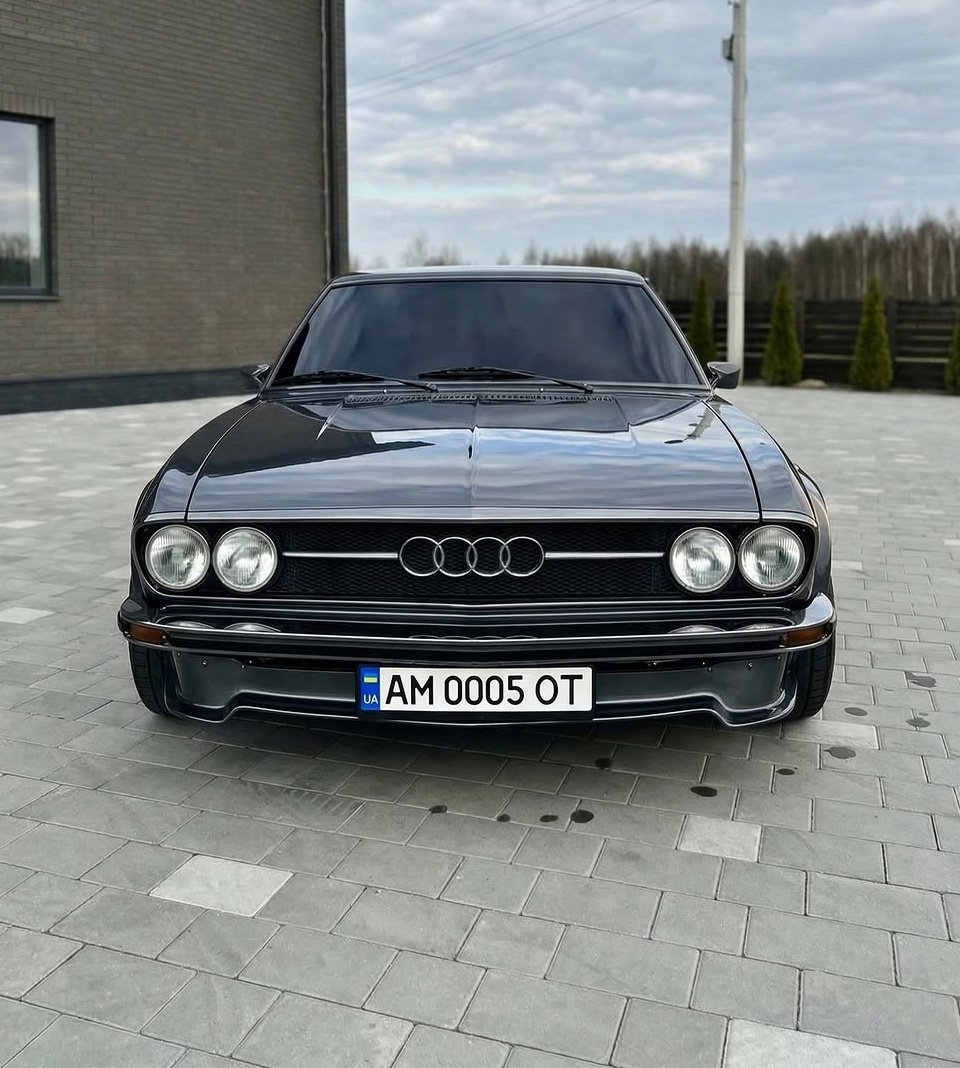
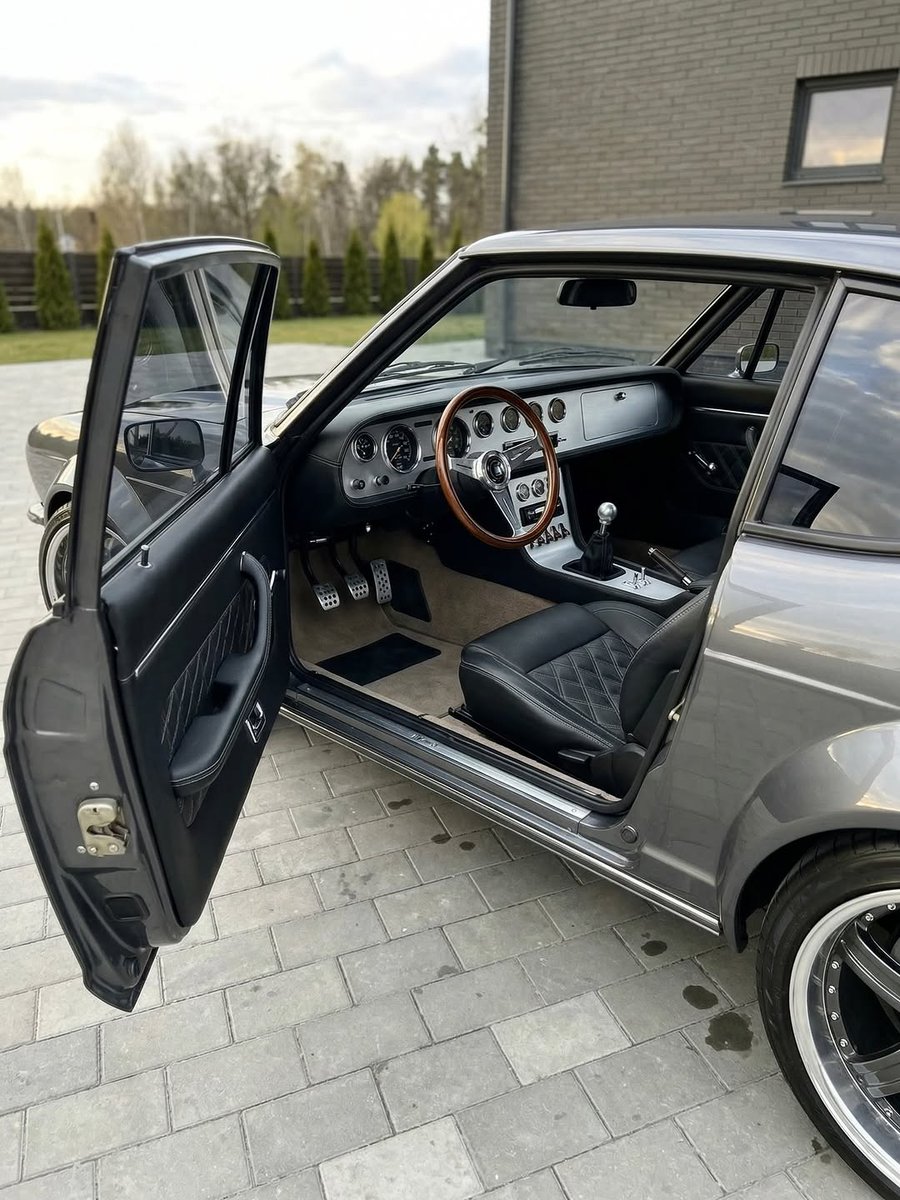
'82 Audi 100 Coupé S
$18,500
71000 KM
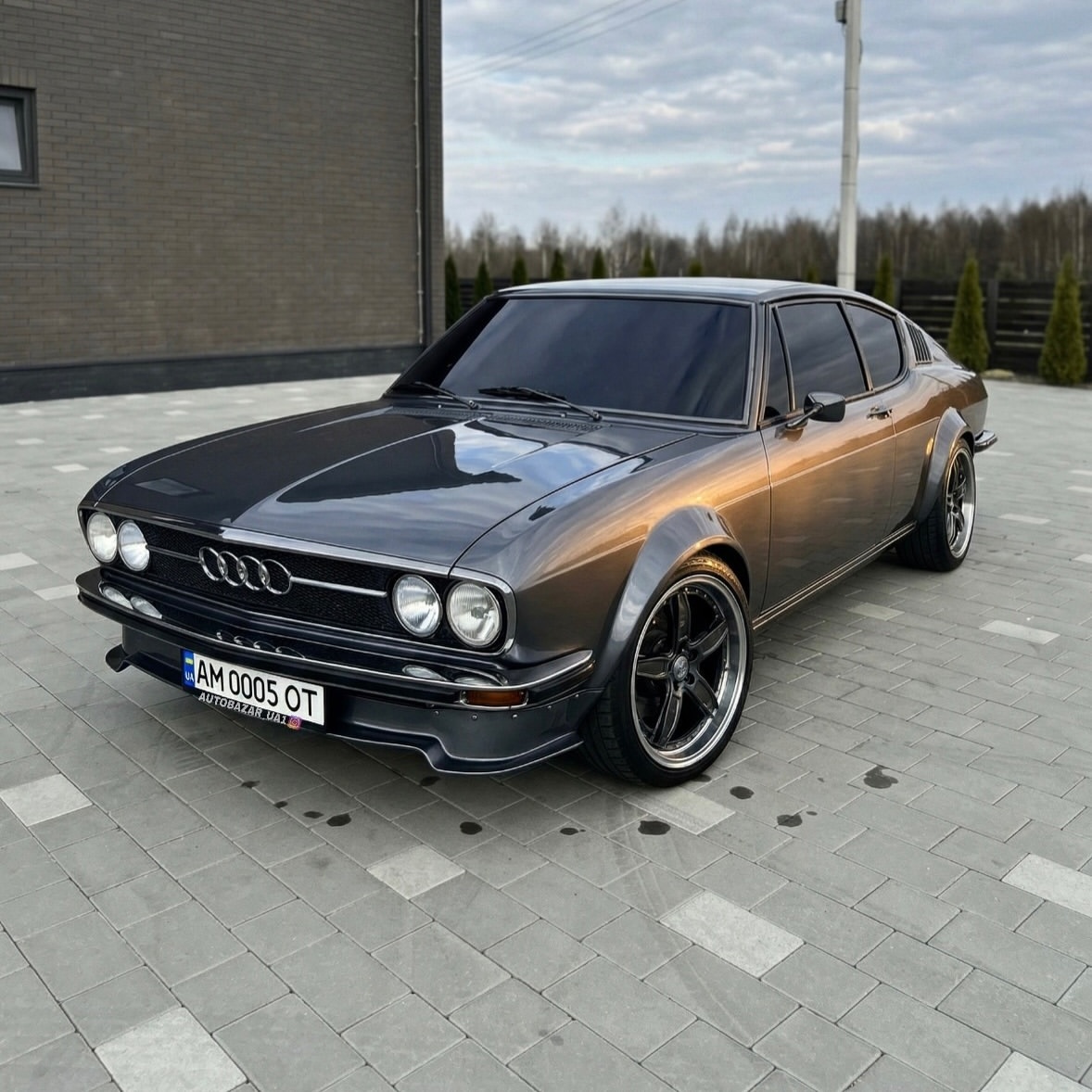

204
1,427
26,829
1,786,888