
☬TRILLIONAIRE CIRCLE☬ || YouTube Genius👾:@WeAreGlitchy
Joined December 2023
- Tweets 5,146
- Following 176
- Followers 15,747
- Likes 9,748
522 Photos and videos









i've been making faceless YouTube videos for a while and the editing always took longer than everything else combined
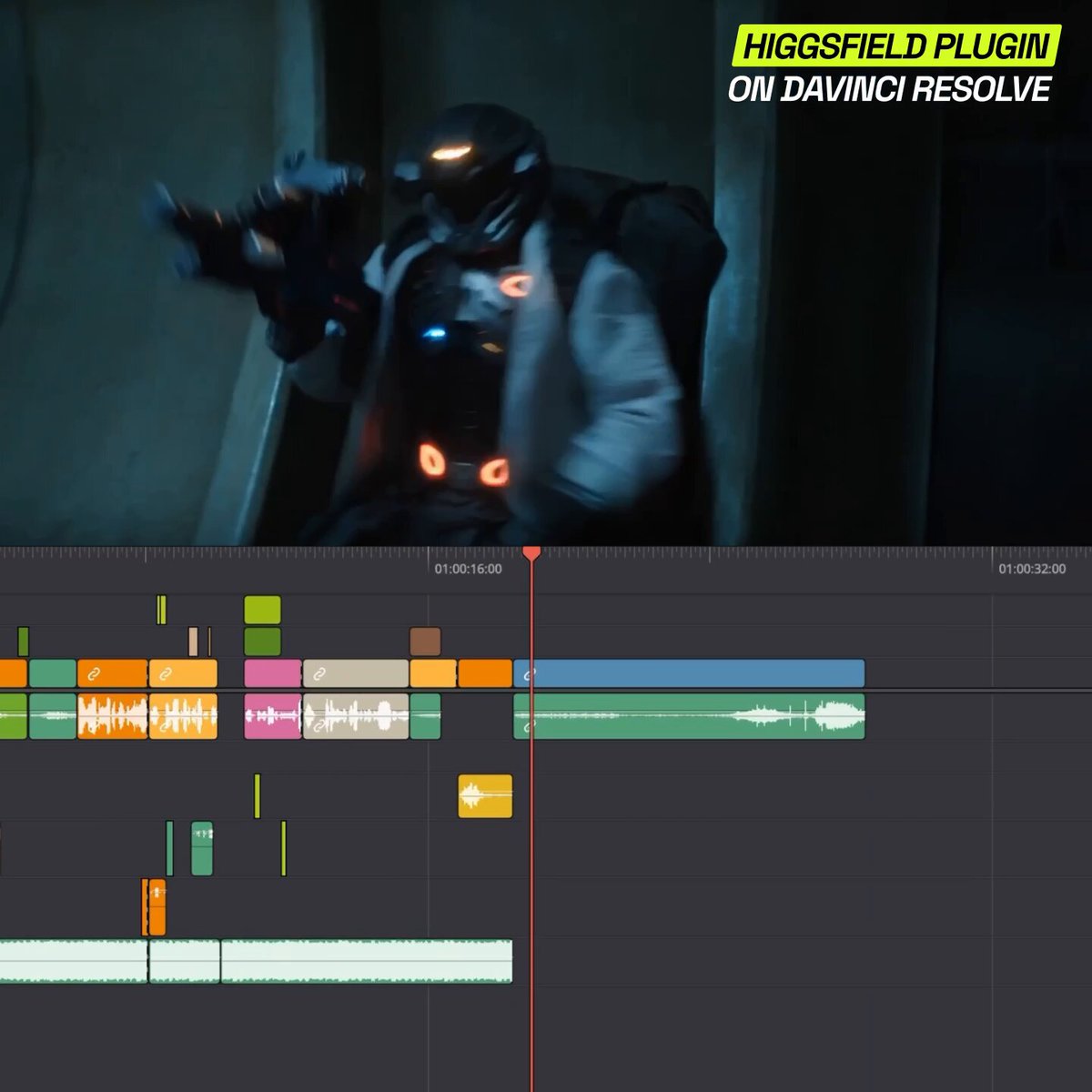
Higgsfield just fixed that inside DaVinci Resolve and i'm still processing it
you can now remove backgrounds without a green screen, match any cinematic color grade from a single reference photo, generate footage and images directly in your timeline, reframe for Shorts in one click with subject tracking, draw on a frame to remove or replace anything, and upscale old footage to 4K
all of it. inside Resolve. without touching another app.
the part that got me wasn't any single feature
it was realising i haven't switched apps once since i installed it
if you're running a faceless channel solo and the editing is what's slowing you down this is the one
reply "RESOLVE" and follow, i'm dropping a full breakdown of how to use every feature specifically for faceless YouTube content 👇
15
5
30
1,542
i'm LEAKING the entire Claude FanPro AI Influencer system:
the hyperrealistic AI influencers flooding your feed are pulling 10M views/mo.
i spoke to the owners of these accounts. most of them are making $500/mo.
not because AI influencers don't work. because 99% of people running them have no idea about basic marketing.
we engineered a system that closes that gap, and i'm giving away the full breakdown:
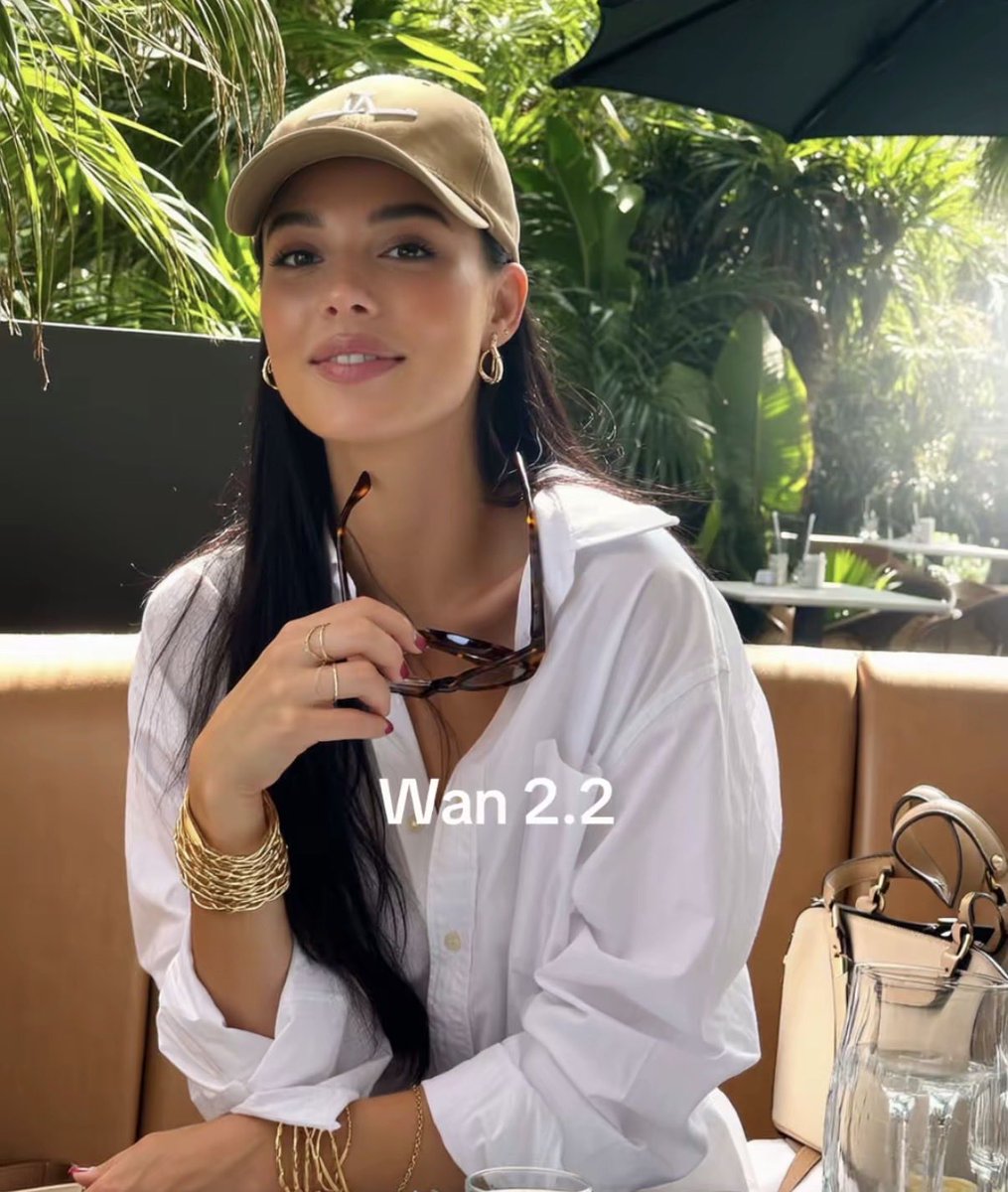
→ how to create a hyperrealistic character in fanpro ai that's almost indistinguishable from a real person (exact prompts included: age, lighting, environment, accessories, vibe)
→ the character swap method that gives your AI influencer real human motion without prompting a single movement. works like a mocap suit, no more will smith eating spaghetti footage
→ why selling ebooks caps you at $500/mo and the product swap that takes the same views to $20-50k/mo
→ the CTA placement fix that 8M view videos are missing (this alone is the difference between views and downloads)
→ how claude generates 50 hook angles per product across cold, warm, and hot awareness levels, structures every script, and feeds the entire pipeline automatically
→ the full automation loop that posts 5x a day across multiple accounts without any video feeling like a copy of the last one
→ how to take your validated organic winners and put them behind paid ads for 3-4x ROAS
this is the exact system behind accounts doing millions of views while everyone else burns out manually editing.
you are early. the people who learn this now will own the next era of social media.
comment "SYSTEM" and i'll send it over
You must be following.
28
8
29
1,531
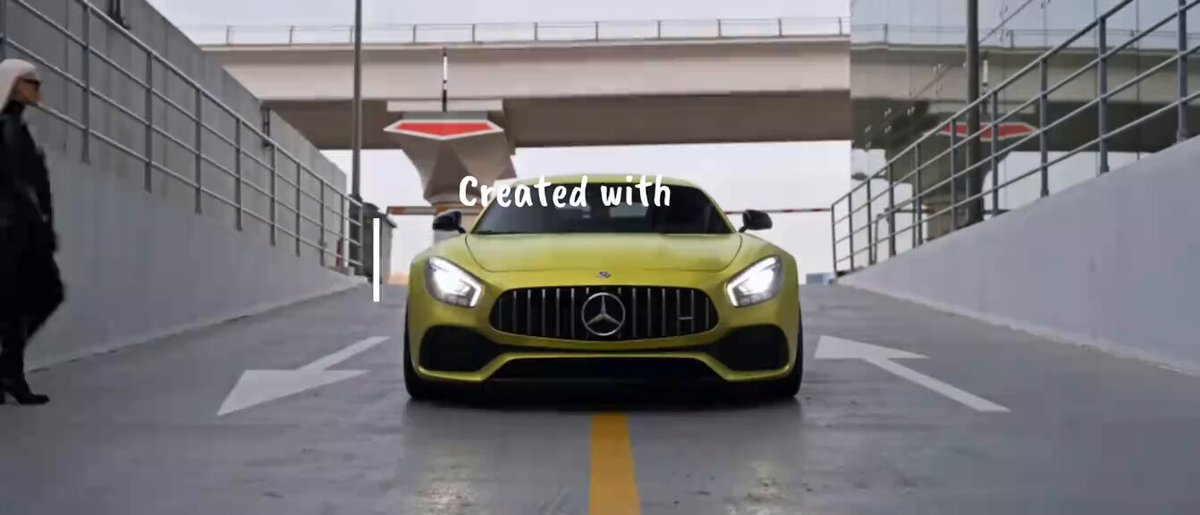
How I created this ai car commercial using seedance 2.0 👇
Created with Claude Higgsfield using only 1 reference image of the model and 1 reference image of the Mercedes amg gt car with nano banana pro.
After used Claude to create prompts and generated the full sequence with SeeDance 2.0 to create realistic automotive commercial shots, cinematic angles, motion shots, and luxury campaign-style visuals 00 1 uploaded the 2 images I made with nano banana.
Everything was then edited together in CapCut
5
3
24
880
This type of content will never go viral because it’s not flashy..
if i posted a revenue screenshot with a generic motivational caption instead, it’d probably do 100k views.

5
2
31
2,196
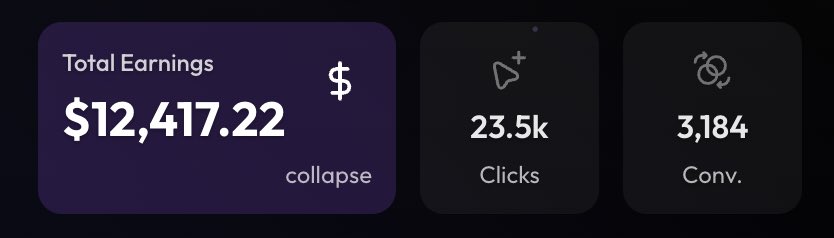
This guy makes $10,453 every month by using claude and higgsfield to generate AI videos
This may be the worse use of organic traffic and tools ive ever seen, he could make 10x more by using this exact same system to mass produce organic content and push it to affiliate offers
Organic traffic is probably the most scalable thing you can do right now and most likely will take over ads when it comes to scale
If it hasn't already

8
6
57
4,184
Easiest $3-5k/month right now is the new Kalshi clipping campaign, heres the full setup
Live on promote fun. Pays $0.40 per 1k views. The campaign covers basically all of pop culture (drake, sydney sweeney, GTA 6, taylor swift, sports highlights, movies, shows, gaming) so almost anything trending fits the campaign
Step by step:
1. Sign up to promote.fun and find "Kalshi Culture Markets" in the campaigns tab.
2. Pick clips from whatever niche ur already in. Drake interviews on youtube, sydney sweeney twitter clips, GTA 6 trailer footage, taylor swift moments, NFL highlights. Literally any of it works as long as its on their approved topic list (which gets updated every few weeks)
3. Capcut, 9:16 vertical, white text box at the top describing the moment, video clip in the middle, keep watermark visible till end of clip. 4 min edit max, dont over polish
4. Caption needs @kalshi tagged in it. thats the only mandatory tag. write whatever in the rest of the caption
5. Post 2-4 clips daily across ur accs, 2 hour spacing minimum. submit each one on promote.fun right after it goes live (dont save them up to batch submit)
The angle that makes this easy is u dont need new content. Clip what ur already clipping, drop the kalshi watermark on it, submit, done
Campaign budget is still active but these public CPMs always close eventually. get in while its open
I’ve discovered the simplest method to earn $10,000 per month from GTA 6 and The World Cup. I’ll be sharing the process with my followers.
11
27
190
13,072

POV: Realizing you don’t need to hire an editor anymore.
Then AI started editing videos better than most of them.
i'm not supposed to be this excited about a software update
but if you run a faceless YouTube channel and you're still manually editing b-roll, removing backgrounds, and exporting footage between apps
this changes literally everything for you
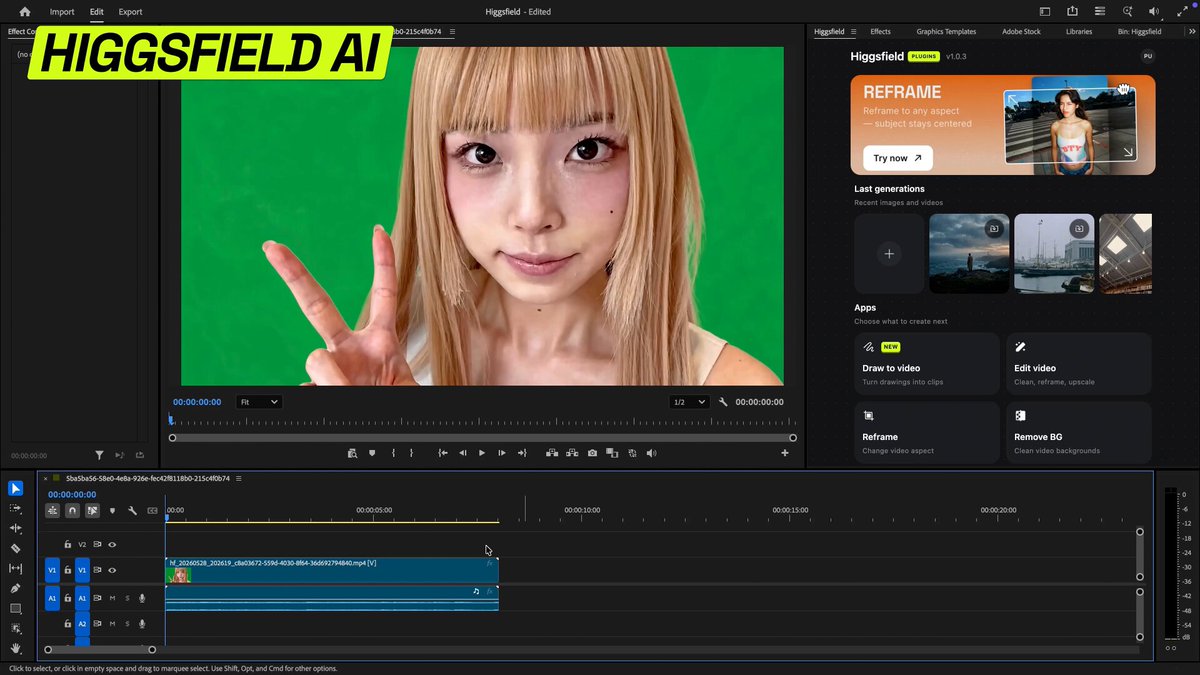
Higgsfield just dropped plugins for Premiere Pro and After Effects
and i've been testing it all morning here's what it actually means for faceless creators:
you know how long it used to take to find the right stock footage, remove the background, reframe it for YouTube vs Shorts, and upscale it so it doesn't look cheap?
that's now one project file
generate footage directly in your timeline with a prompt
remove backgrounds from any clip no green screen, no third party app
reframe your video for any format without cropping and losing the shot
draw on a frame and tell it exactly what to change
export in 4K without leaving your project
for faceless channels this is massive
you don't need a camera
you don't need stock footage subscriptions
you don't need three apps open at once
you just need a prompt and a timeline
i'm putting together a breakdown of exactly how to use this for faceless YouTube content specifically
reply "ADOBE" and i'll send it to you when it's ready
follow so i can actually reach you when i drop it 👇
1
3
36
2,706
i'm not supposed to be this excited about a software update
but if you run a faceless YouTube channel and you're still manually editing b-roll, removing backgrounds, and exporting footage between apps
this changes literally everything for you
Higgsfield just dropped plugins for Premiere Pro and After Effects
and i've been testing it all morning here's what it actually means for faceless creators:
you know how long it used to take to find the right stock footage, remove the background, reframe it for YouTube vs Shorts, and upscale it so it doesn't look cheap?
that's now one project file
generate footage directly in your timeline with a prompt
remove backgrounds from any clip no green screen, no third party app
reframe your video for any format without cropping and losing the shot
draw on a frame and tell it exactly what to change
export in 4K without leaving your project
for faceless channels this is massive
you don't need a camera
you don't need stock footage subscriptions
you don't need three apps open at once
you just need a prompt and a timeline
i'm putting together a breakdown of exactly how to use this for faceless YouTube content specifically
reply "ADOBE" and i'll send it to you when it's ready
follow so i can actually reach you when i drop it 👇
May 27

Higgsfield plugins for Adobe Premiere Pro and After Effects are live.
Generate images, videos, and transitions. Drag them into your timeline.
Reframe aspect ratios without cropping. Remove backgrounds from footage. Draw on a clip to edit what you want. Upscale to 4K on export.
27
5
75
10,470
POV: Realizing you can quite your 9 to 5 and run Faceless YouTube channels that make money after reading this article
2
7
79
7,881