
Work communication for distributed teams → campsite.com
Joined April 2022
- Tweets 295
- Following 0
- Followers 6,901
- Likes 346
128 Photos and videos





Pinned Tweet

20 Dec 2024
After two incredible years of building tools to reshape team collaboration, we have an important update to share: Campsite will officially wind down operations on February 28, 2025.
Learn more:
campsite.com/blog/campsite-w…
17
7
185
60,465
Campsite retweeted

13 Jan 2025
The @trycampsite codebase is now open source github.com/campsite/campsite
48
69
1,213
255,084
20 Dec 2024
After two incredible years of building tools to reshape team collaboration, we have an important update to share: Campsite will officially wind down operations on February 28, 2025.
Learn more:
campsite.com/blog/campsite-w…
17
7
185
60,465
20 Dec 2024
This isn’t goodbye—it’s the beginning of an exciting new chapter. We are thrilled to announce that Campsite’s founders are joining Notion to continue shaping the future of collaborative software.
Read Notion’s announcement here:
notion.com/blog/welcoming-ca…
4
56
12,957
1 Nov 2024
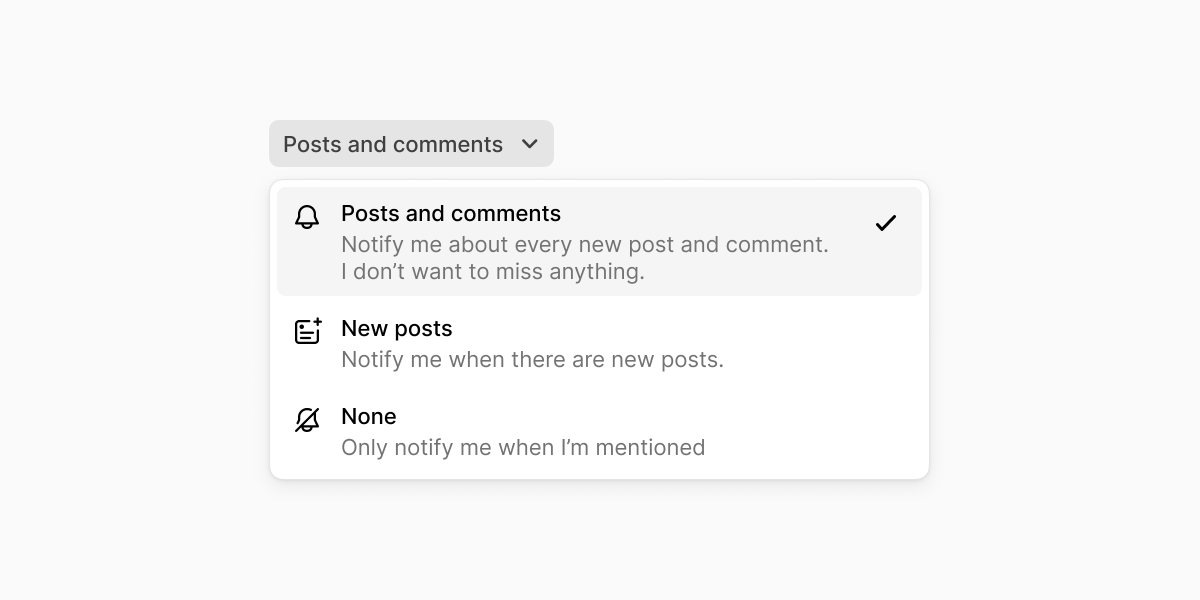
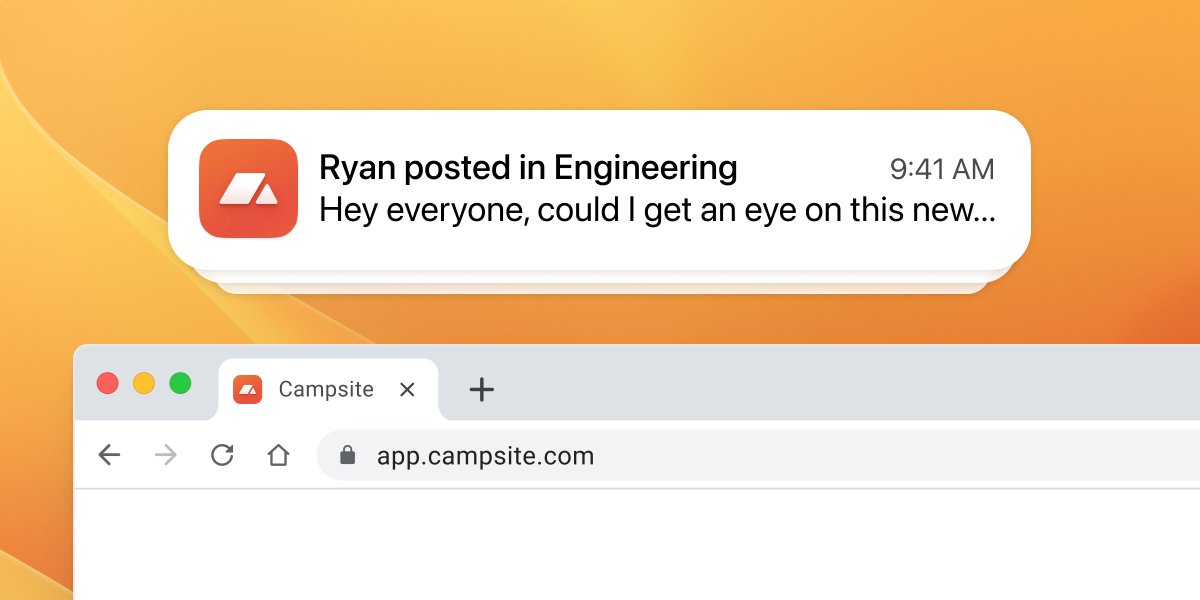
🆕 For the most critical channels where you don’t want to miss anything, we’ve added a new channel notification preference to receive notifications for every new post and comment.
1
8
6,713
31 Oct 2024
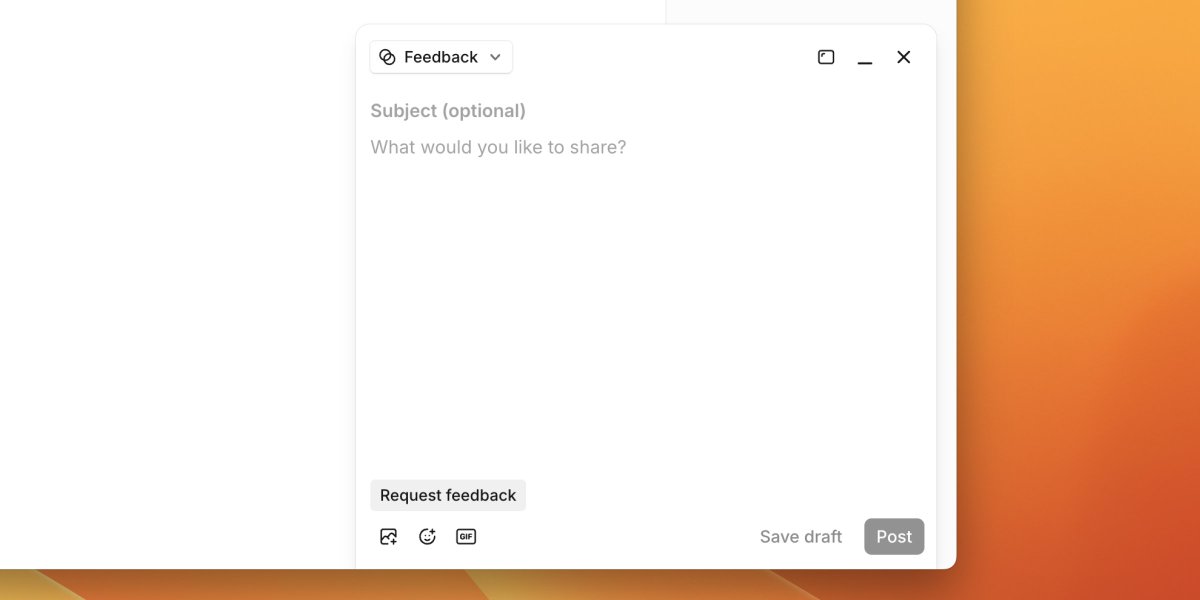
New: Pin the post composer to the corner of the app window to freely navigate Campsite and gather context while writing a post 📝
Read the release notes: campsite.com/changelog/2024-…
2
9
5,229
Campsite retweeted

31 Oct 2024
I wrote about how I've been using val.town to speedrun prototypes of bots, features, and 3rd party integrations as we develop our public API at Campsite:
campsite.com/blog/how-we-pro…
1
8
32
9,687
30 Oct 2024
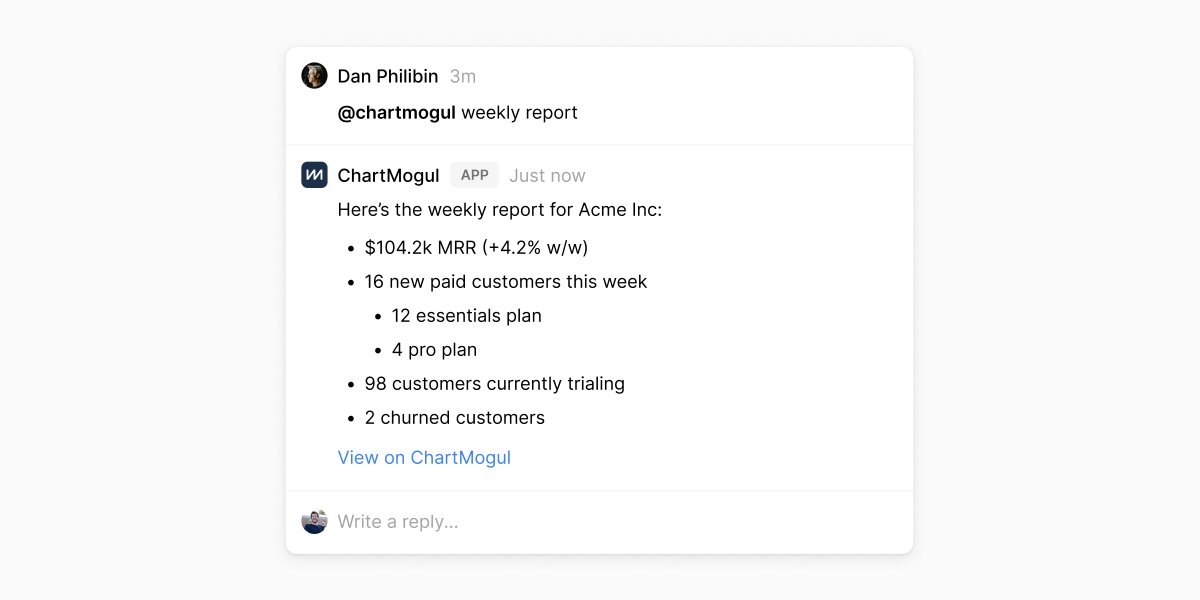
New: webhooks enable your custom integrations to respond to new posts, comments, and app mentions from your Campsite organization. With webhooks, you can build two-way apps and workflows between Campsite and the rest of your toolkit 🔌⚡
1
8
3,372
30 Oct 2024
Read the full release notes: campsite.com/changelog/2024-…
Developer docs: developers.campsite.com
1,943
29 Oct 2024
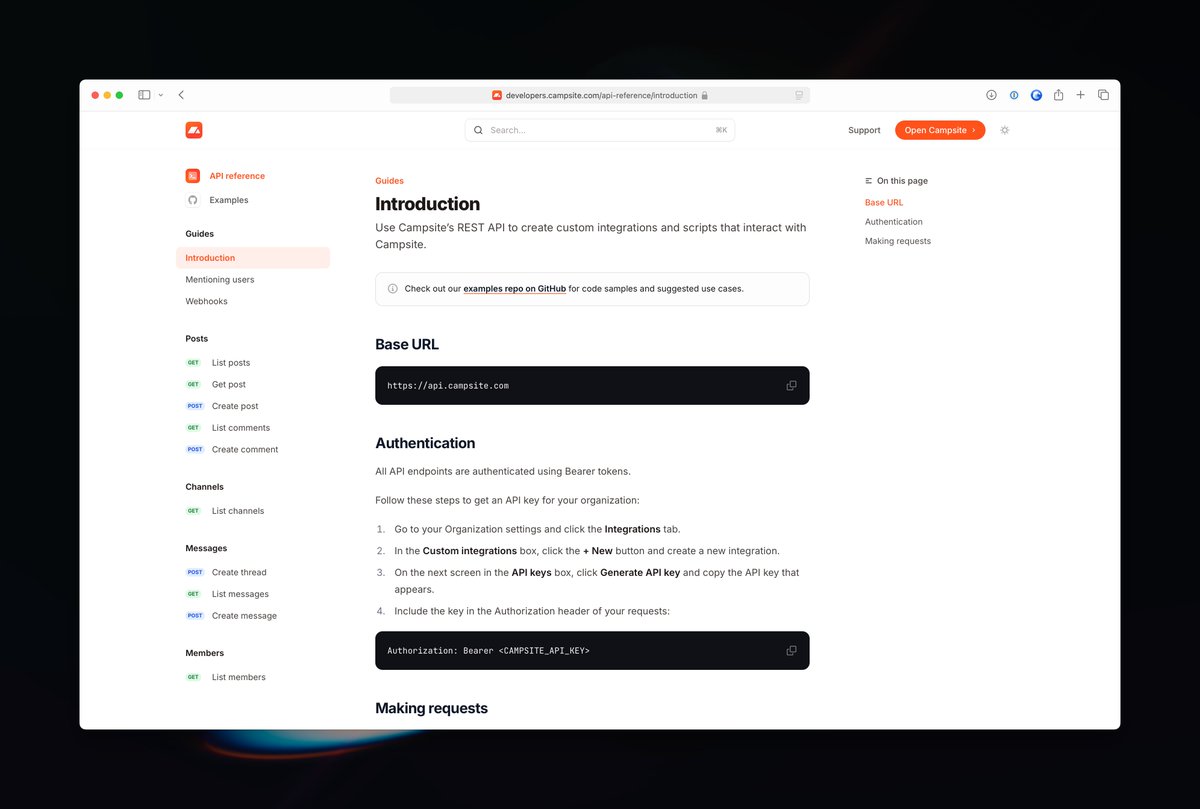
Our new developer documentation site is live, powered by @mintlify 🍃
Get started at developers.campsite.com
1
1
20
3,154
Campsite retweeted

17 Oct 2024
This code probably sets off a little alarm bell in your head.
useEffect(() => {
But what about this code?
def self.method
Class methods are Ruby's useEffect. Escape hatches that should give us pause.
1
3
7
4,244

10 Oct 2024
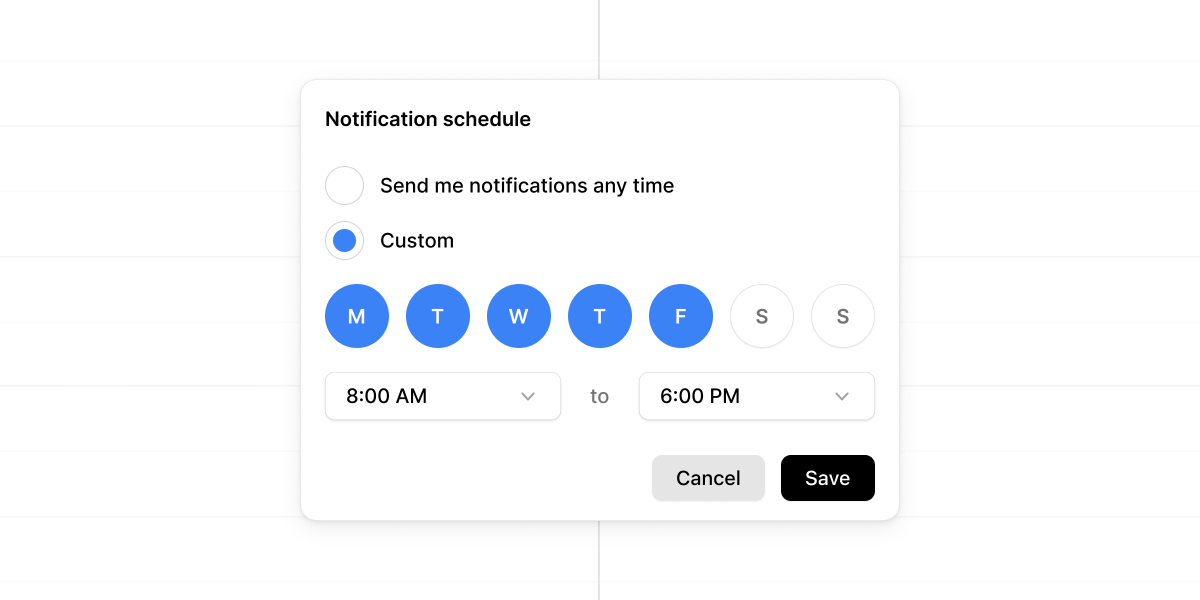
Create a schedule to only allow notifications at certain times throughout your week. By default, notifications can be received anytime, but you might customize this only to allow notifications during weekday working hours.
Create your notification schedule from the profile menu in the app sidebar or by visiting your account settings.
1
7
2,498
9 Oct 2024
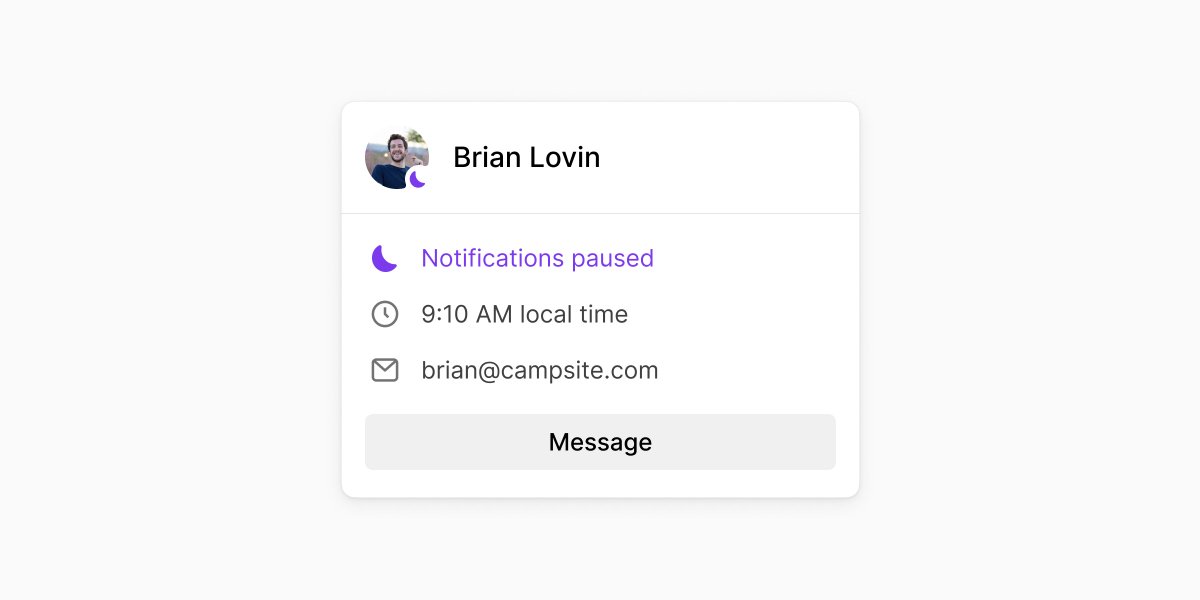
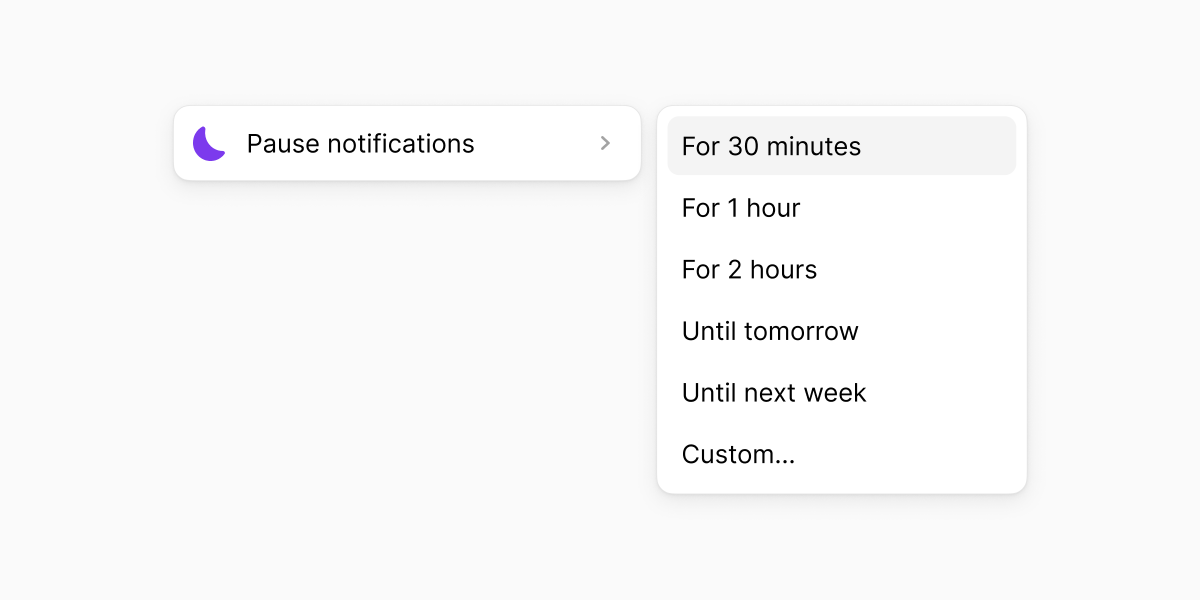
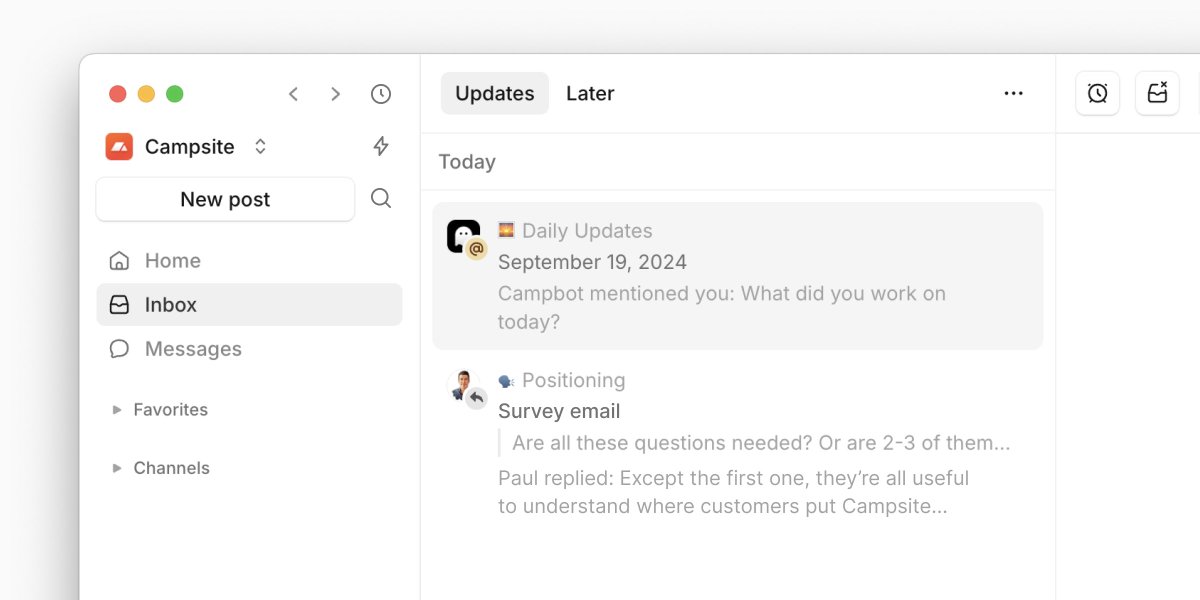
Pause push notifications to minimize distractions and stay in flow. Pausing notifications will suppress push notifications across the desktop app, mobile PWA, and email.
Any activity you missed while notifications were paused will appear in your inbox to catch up on later.
1
2
2,169
9 Oct 2024
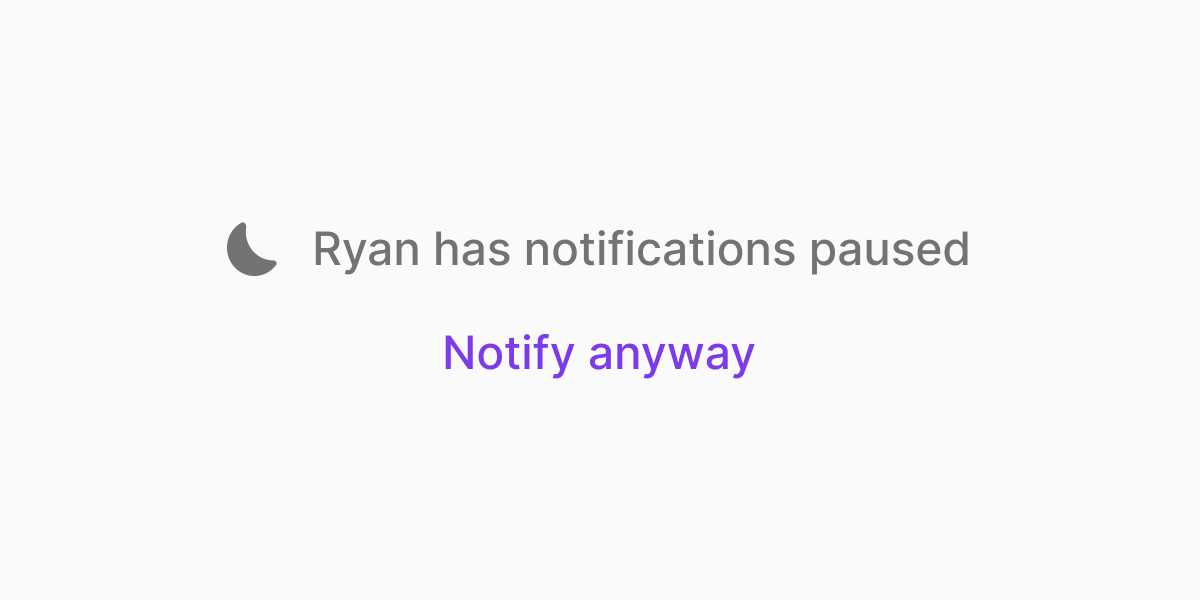
If you need to reach someone whose notifications are paused, you can force a push notification by sending them a DM and choosing to Notify anyway.
1
1,230
9 Oct 2024
This, plus other improvements and fixes in today's changelog:
campsite.com/changelog/2024-…
1,128
25 Sep 2024
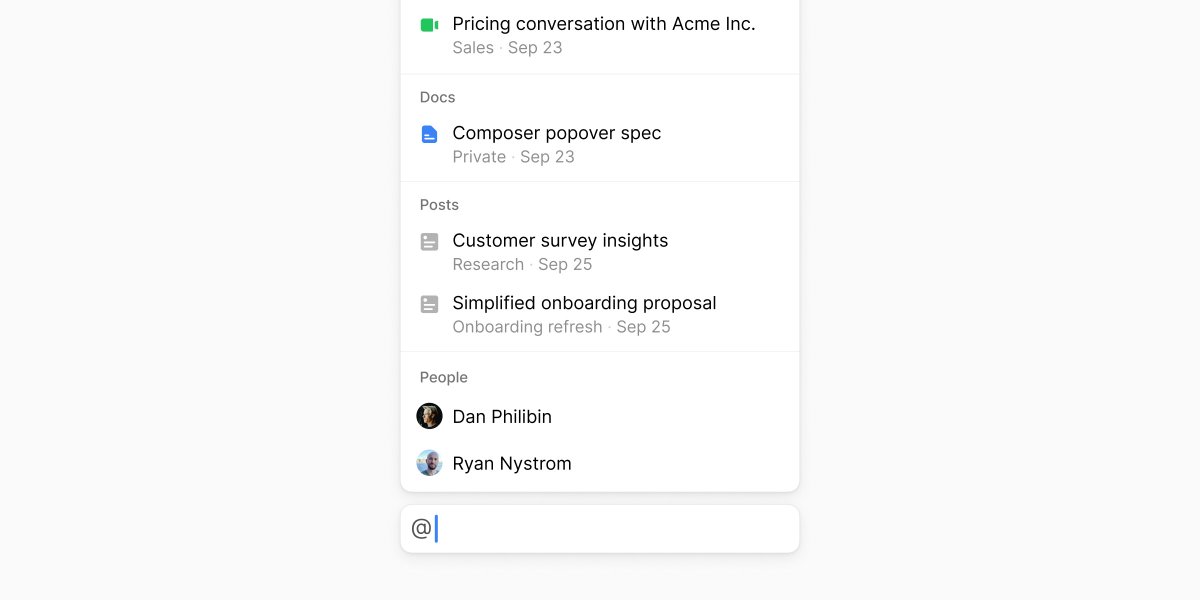
Mention any post, doc, or call to keep your team’s conversations effortlessly connected. Linking to a post, doc, or call creates a timeline reference on the original resource so people can easily follow branching conversations.
Release notes → campsite.com/changelog/2024-…
10
2,453