
Co-Founder @CollX_App, Formerly CEO @SlyceIt, @SnipSnapApp. Fan of all things Visual Search.
Joined March 2008
- Tweets 10,853
- Following 2,187
- Followers 2,344
- Likes 13,465
715 Photos and videos


Ted Mann retweeted

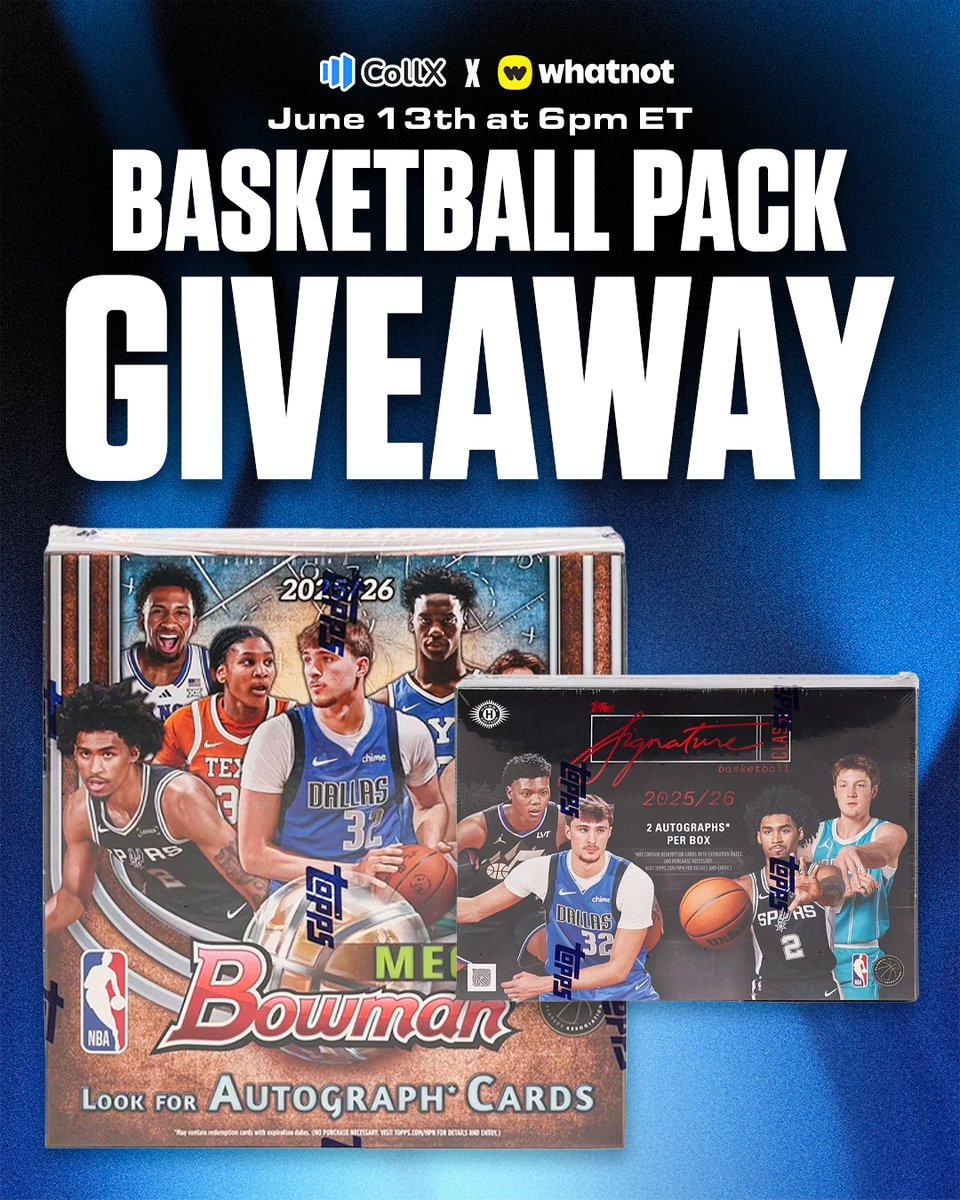
Free basketball packs! 🏀
Join us Saturday, June 13 at 6 PM ET on @Whatnot for a FREE basketball pack giveaway with the CollX community! We’ll be giving away packs from 2025-26 Bowman Basketball Mega Box (2 total) and 2025-26 @Topps Signature Class Basketball Hobby.
Follow CollX on Whatnot to enter the giveaways, and use our invite link below to get $15 after your first purchase.
Tune in live for your chance to score FREE packs from CollX this weekend!
Show info: whatnot.com/invite/collxapp
2
5
372
Ted Mann retweeted
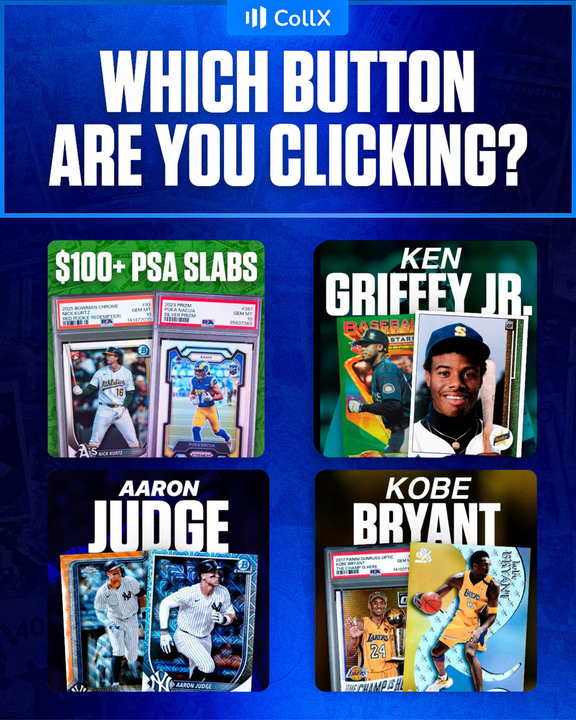
Which of these 4 buttons are you exploring on the CollX App first? 🤔
1
2
3
365

I sold $45 worth of cards on @CollX_App today.
They are also giving away $10 for new users. Use code ALLSET to claim your credit
2
3
3
556

Jun 9
Oh man, just learned that Meta finally built face identification capability into their glasses, but then ripped it out before it was fully productized or used. Wired published story and public reaction, it seems, was “scary invasion of privacy.”
But I for one have been waiting for a way to help my name-recall-challenged brain have some kind of auxiliary tool to help. Oh well. Still 100% think a startup needs to build this … not just for Meta glasses, but Google and Apple ones too.
engadget.com/2190115/meta-qu…
2
59
Jun 7
I voted for Langeliers, Rice, Bazzana, Caminero, Witt, Alvarez, Greene, Judge, Trout, Smith, Harper, Marte, Bregman, De La Cruz, Schwarber, Carroll, Chourio, Marsh. VOTE NOW: mlb.com/vote #AllStarBallot
1
165
Ted Mann retweeted

Consistency is key! @BiggzyRips shares his strategy for keeping card sales rolling.
2
5
532
Ted Mann retweeted
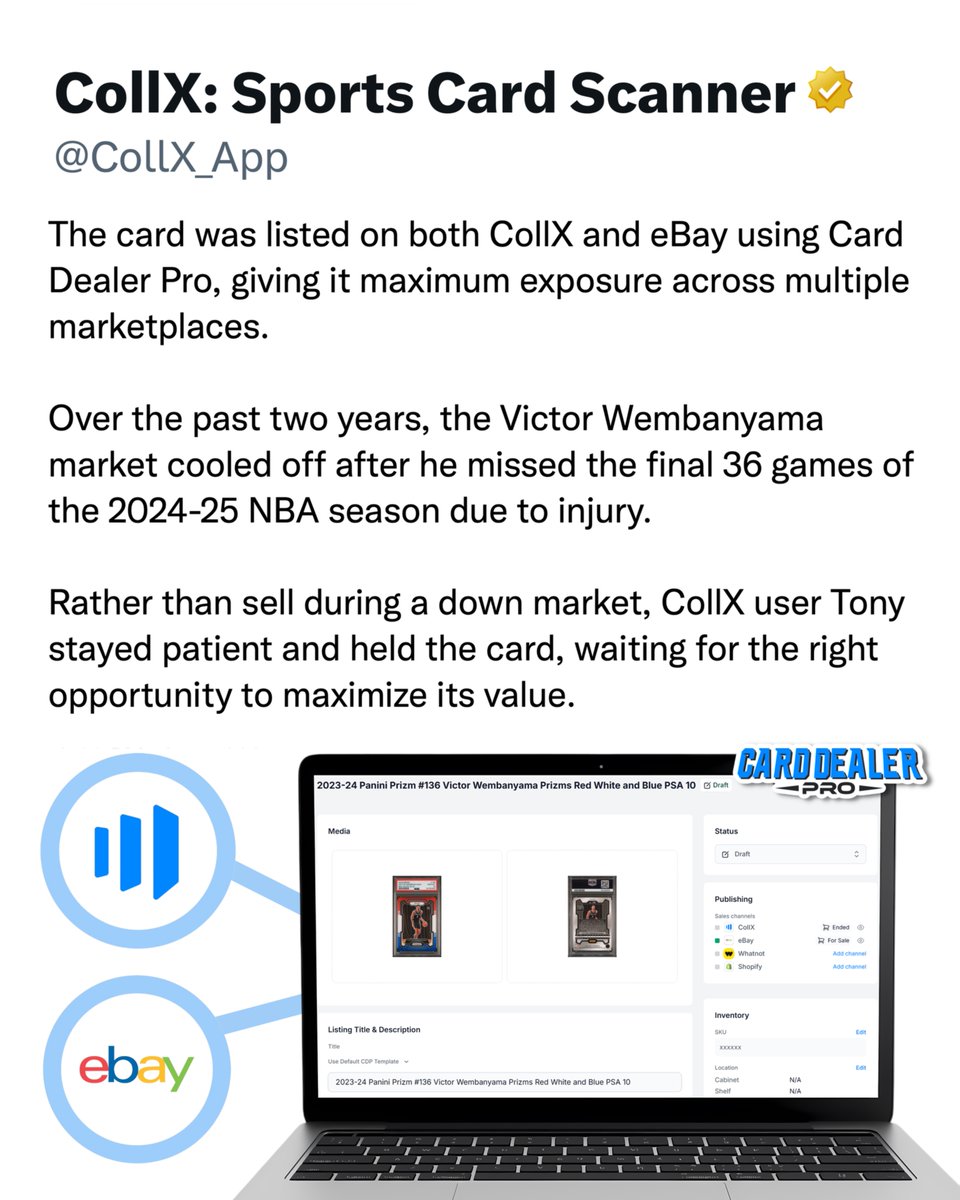
Instead of selling right away, Tony stayed patient and held the card after Wemby was shut down in February 2025.
A year later, with the NBA Finals here and the market heating up, Tony cross-listed the card using Card Dealer Pro and right before Game 1 of the NBA Finals, it sold for $2,250.
1
1
2
788
Ted Mann retweeted
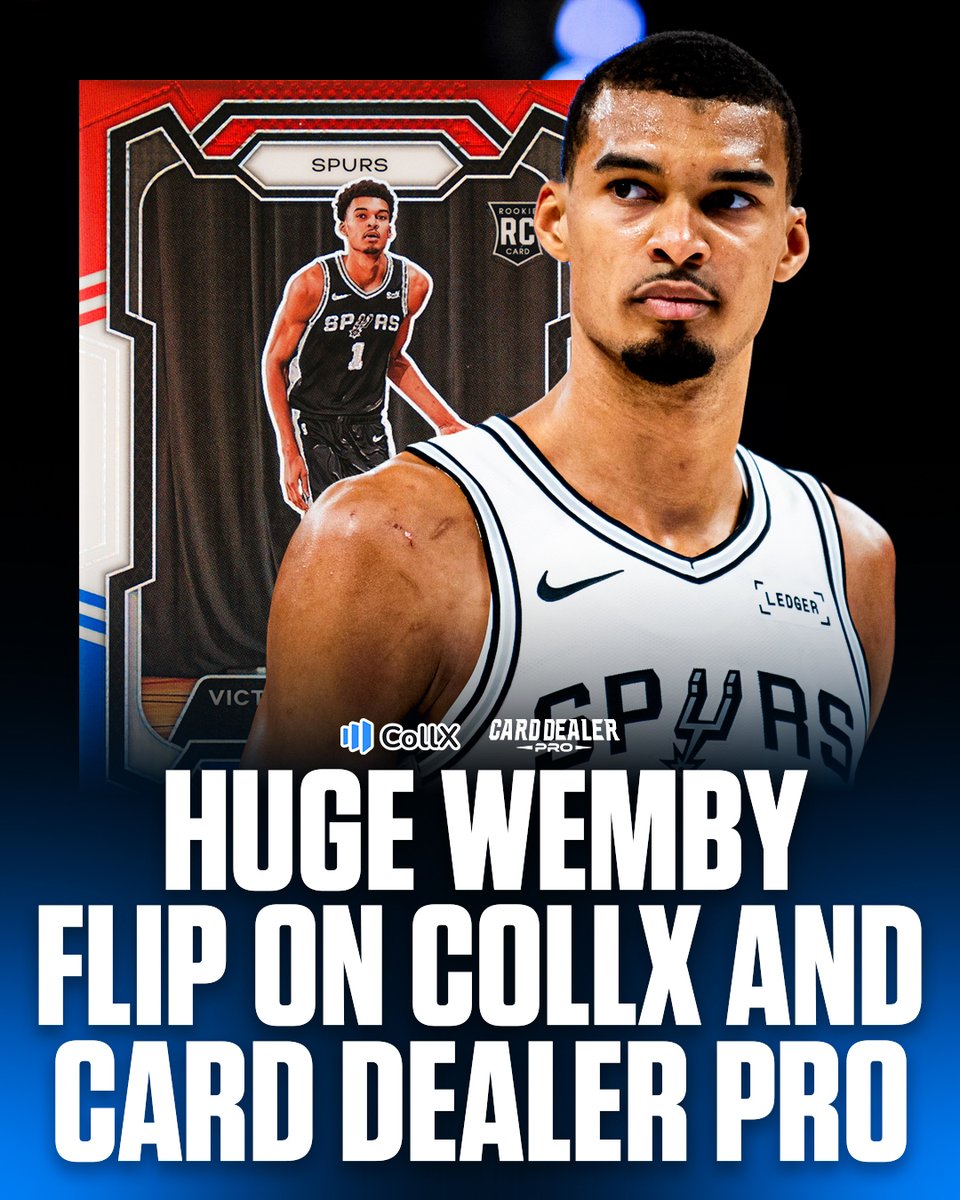
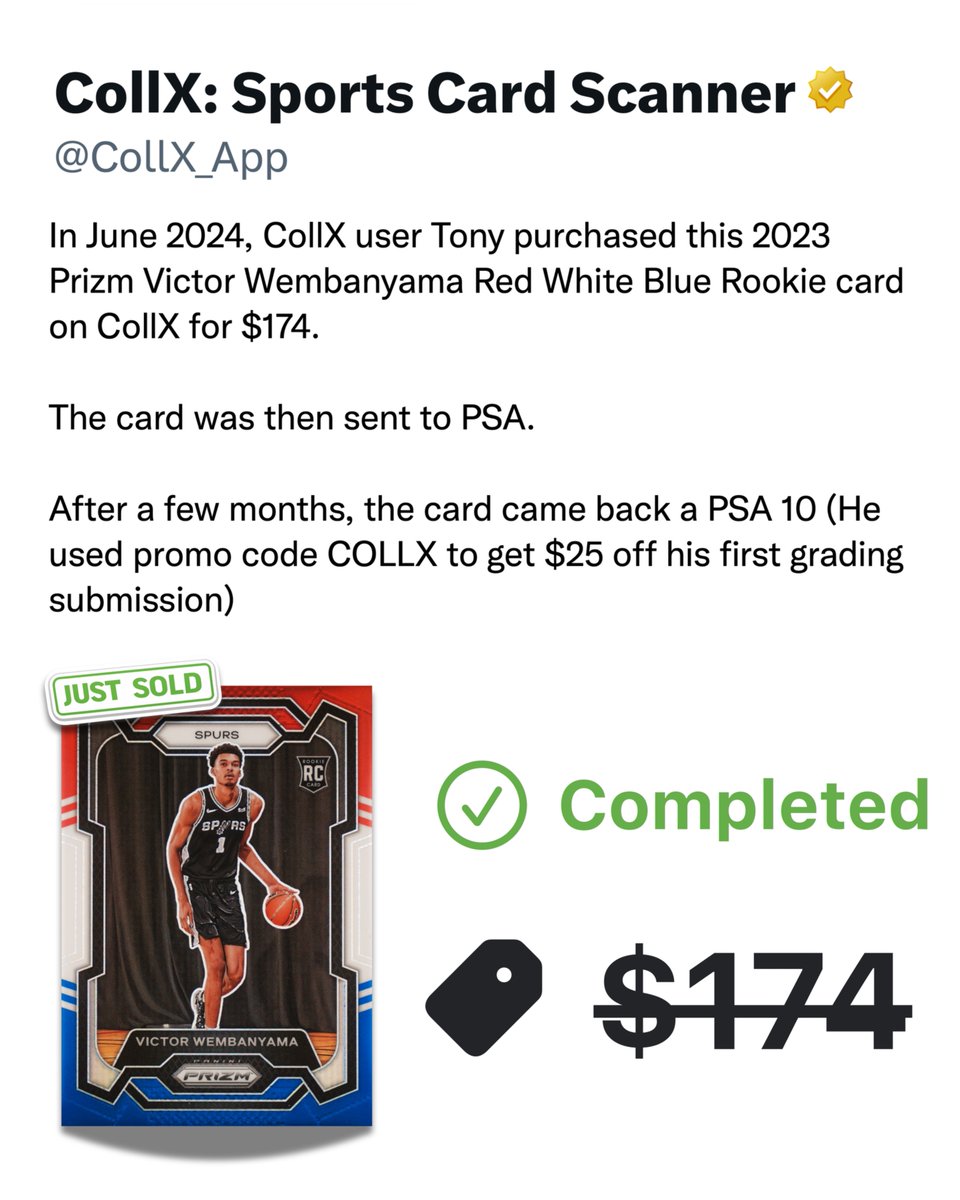
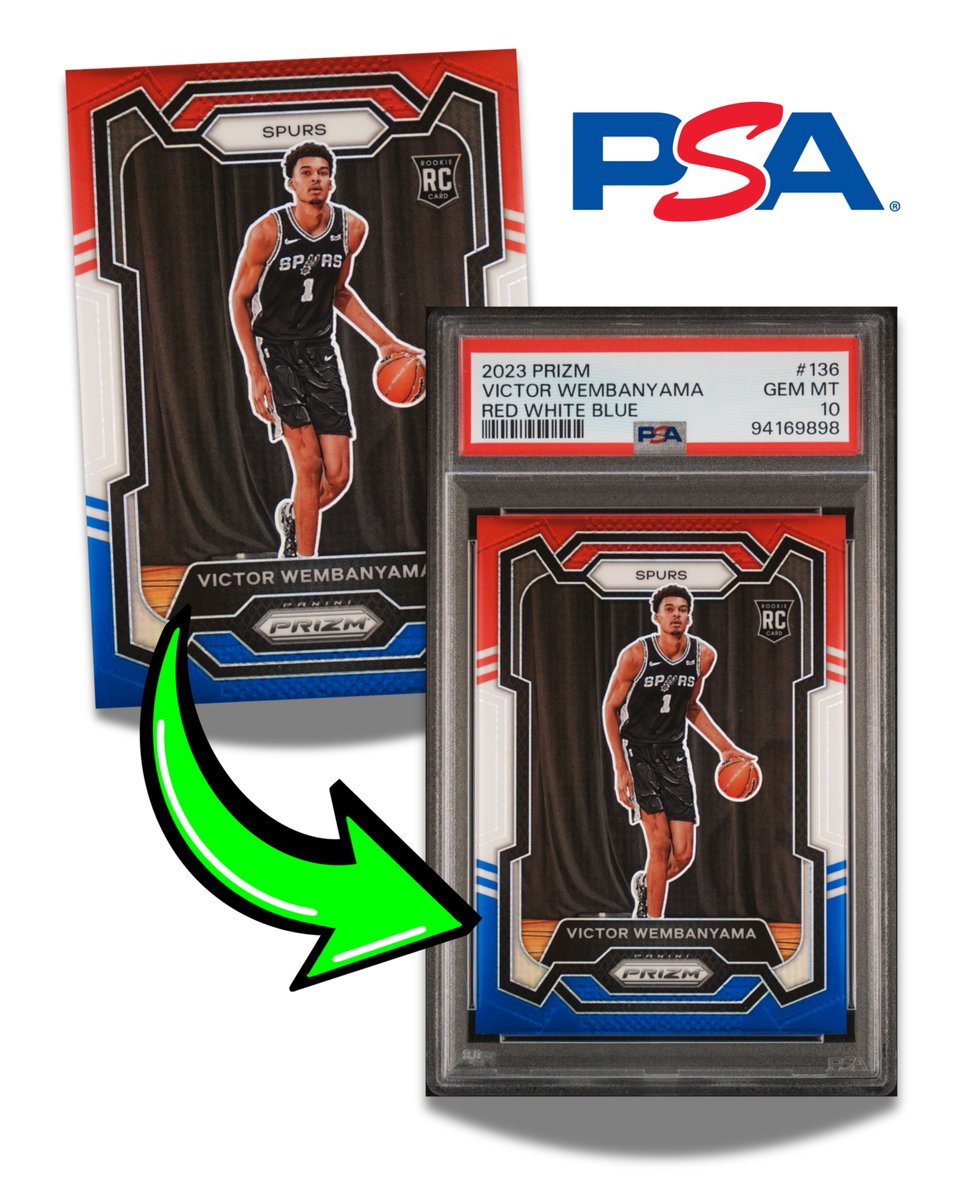
This is why CollX and @CardDealer_Pro users are successful! Back in 2024, CollX user Tony bought a 2023 Prizm Victor Wembanyama Red White & Blue Rookie Card on CollX for just $174.
He graded it with @PSAcard using code COLLX25 to save $25 on his first submission, and it came back a PSA 10.
1
6
10
978
Ted Mann retweeted
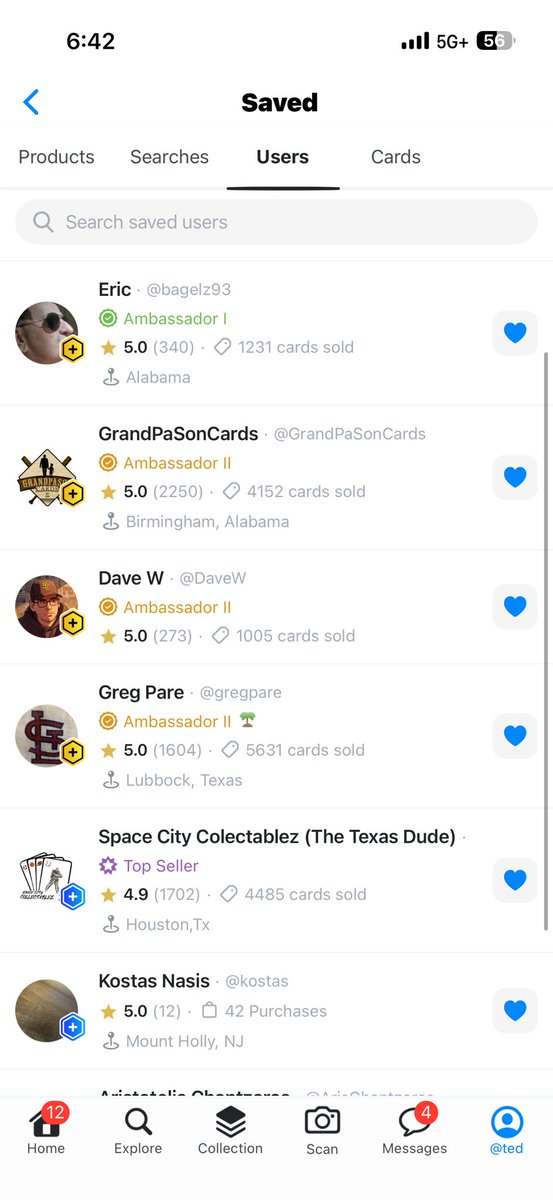
In the most recent CollX app update, we released an exciting new “Saved” screen, which you can access via the icon atop the Home feed, or via the Profile screen. This is your new home for user cards you’ve saved (hearted), favorite searches, users you regularly check out, and database cards you want to follow.
If you tap on the heart icon on any of these things (user cards, searches, user profiles, database cards) they’ll show up in this new view. It’s a quick and easy way to get back to your favorites quickly.

1
1
5
422
May 22
We released 2 mega app updates to @CollX_App this week! Shipping overhaul w/ support for new carriers, order upgrades, and auto-upgrade policies. Also an all new “❤️ Saved” screen where you can access fave’s user listings, searches, db cards, and users. Shipping cards & code! 📦
1
1
6
152
May 22
2. ❤️ Saved Users. We already had Saved listings and saved searches, and I think saving DB cards will be super useful in future. But being able to access my fave sellers, buyers, ambassadors right from new Saved screen is killer. Kinda already wanting this in tab bar!
1
1
4
92
Ted Mann retweeted
Upgrade Your Shipping! 📦
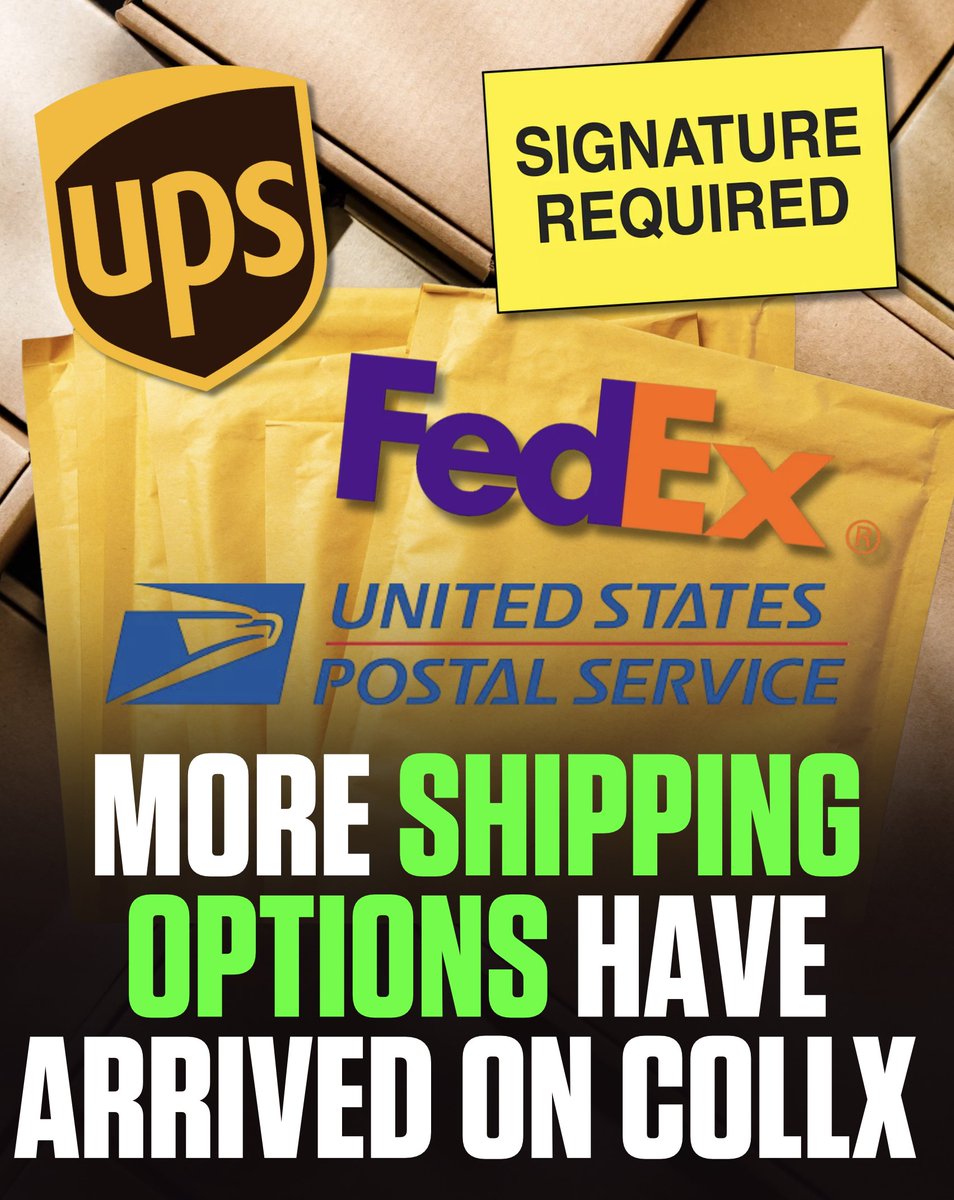
In the latest CollX app update, we introduced several options to for sellers to upgrade shipping.
Order Details: On any paid order, you can elect to upgrade shipping. For example, you can bump up a shipment from Envelope to Package, including USPS Ground Advantage, UPS Ground, FedEx Ground and more. You can also add Signature Required. The additional costs will be displayed, and deducted from the order proceeds (less any shipping charges already assessed to the buyer).
3
4
9
675
May 22
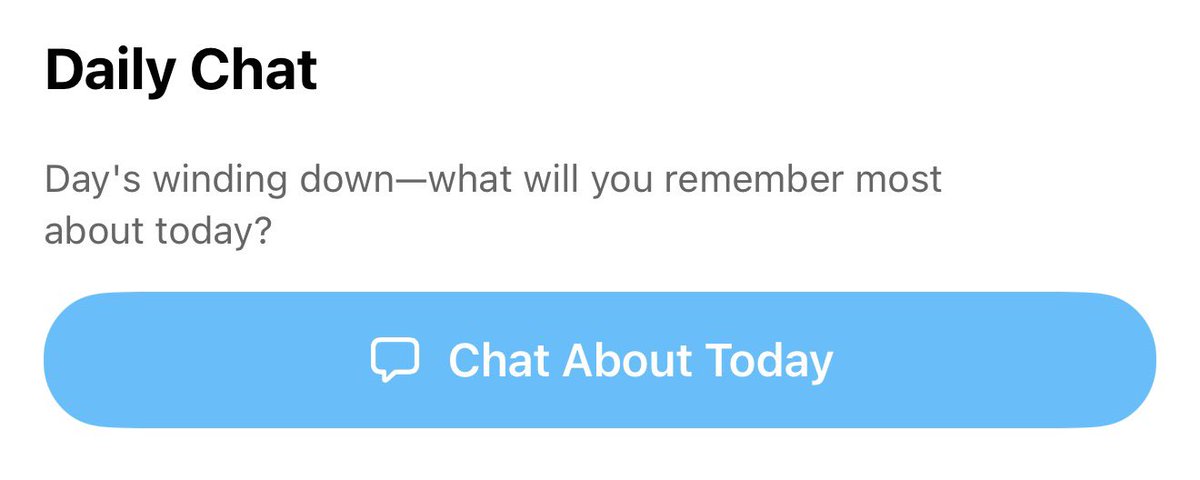
Loving @dayone’s push into AI assisted journaling with Daily Chat. Only thing that’s missing is leveraging camera roll and prompting user about which pics to include, which to cluster. For me, the photos have always been a core part of the Day One journaling magic
1
3
48
May 22
My 3 favorite improvements among the dozens in these updates:
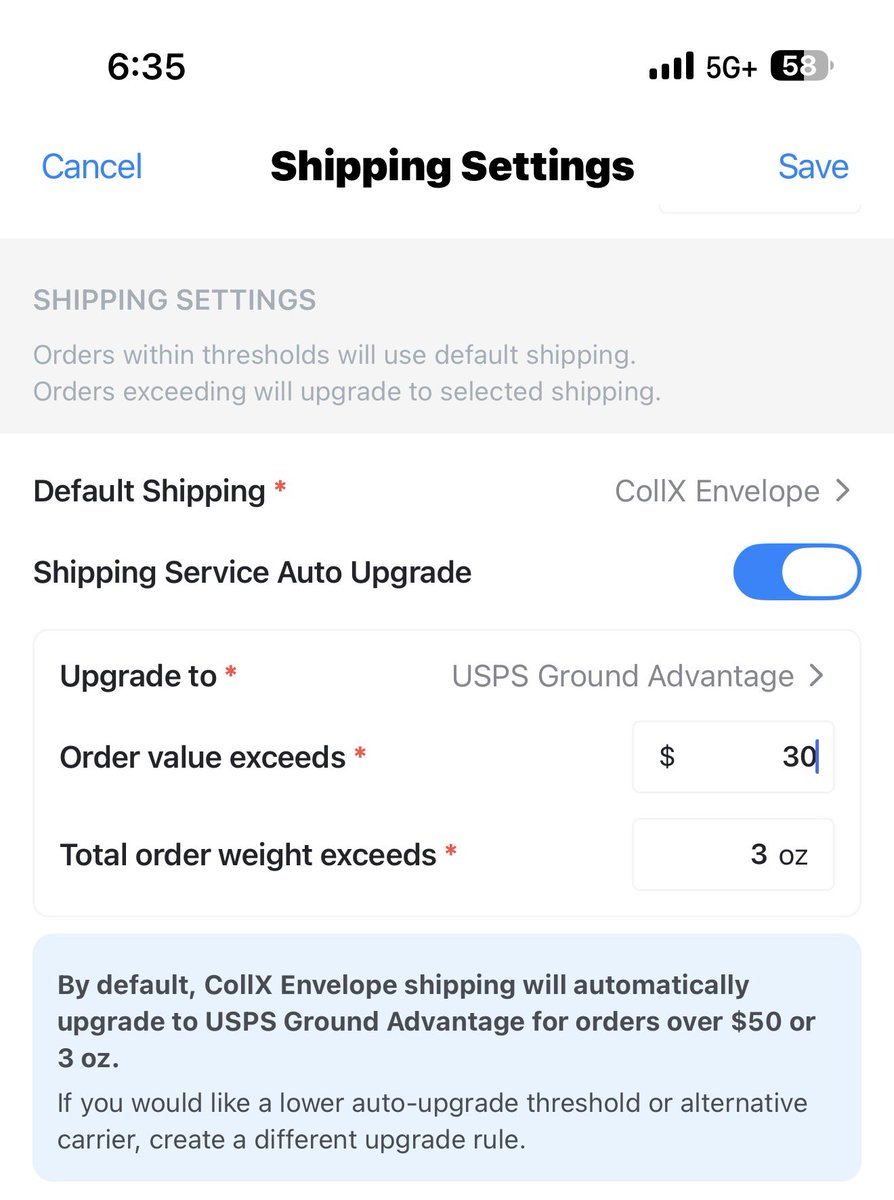
1. Ability to customize my auto upgrade (I’m switching to UPS Ground for orders over $30)
2
1
55
May 22
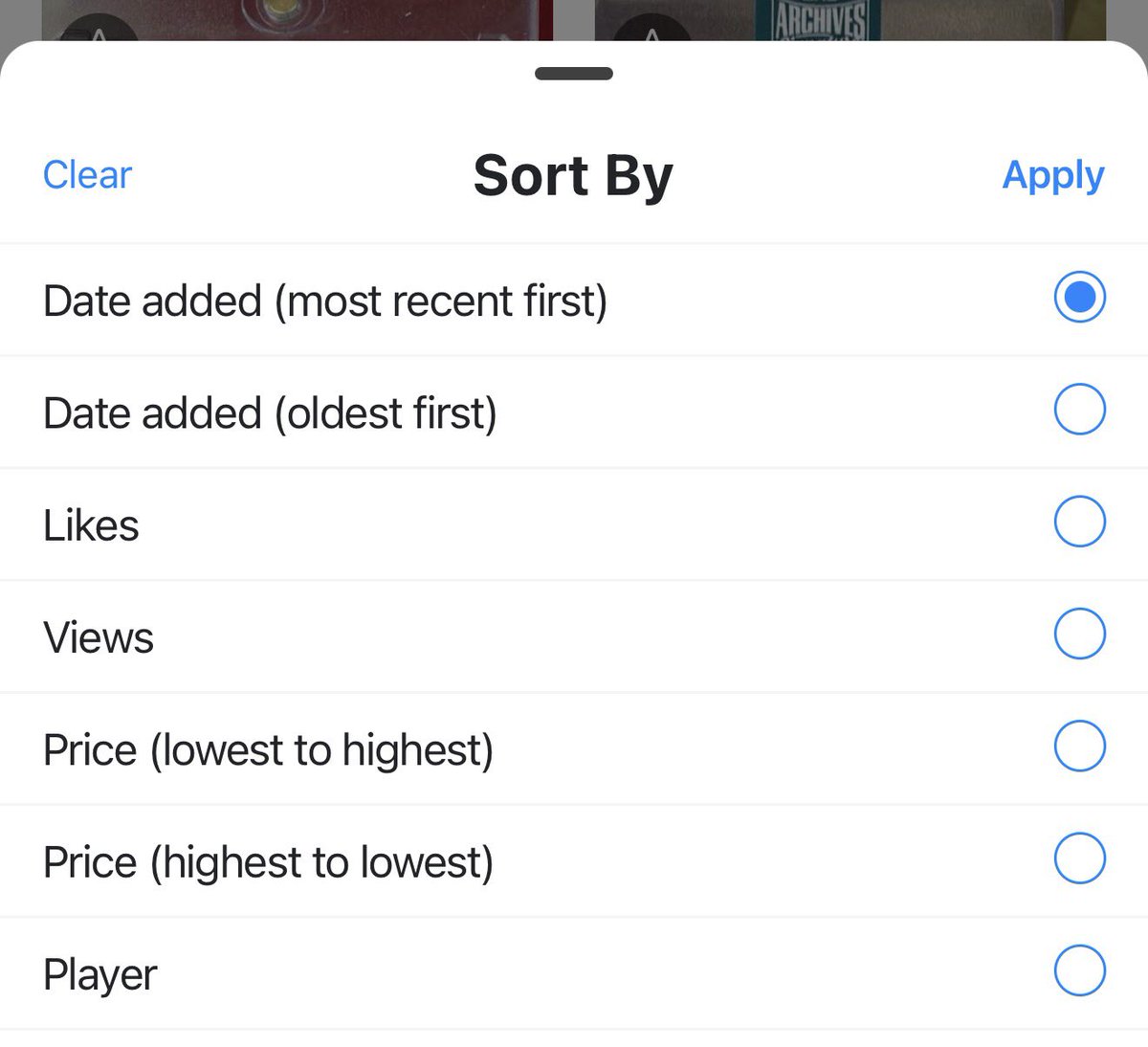
3. Collection sort options now shows sort by likes, views, price up top. Sorting by likes and views feels a little narcissistic, but I keep doing it.
1
2
36
Ted Mann retweeted
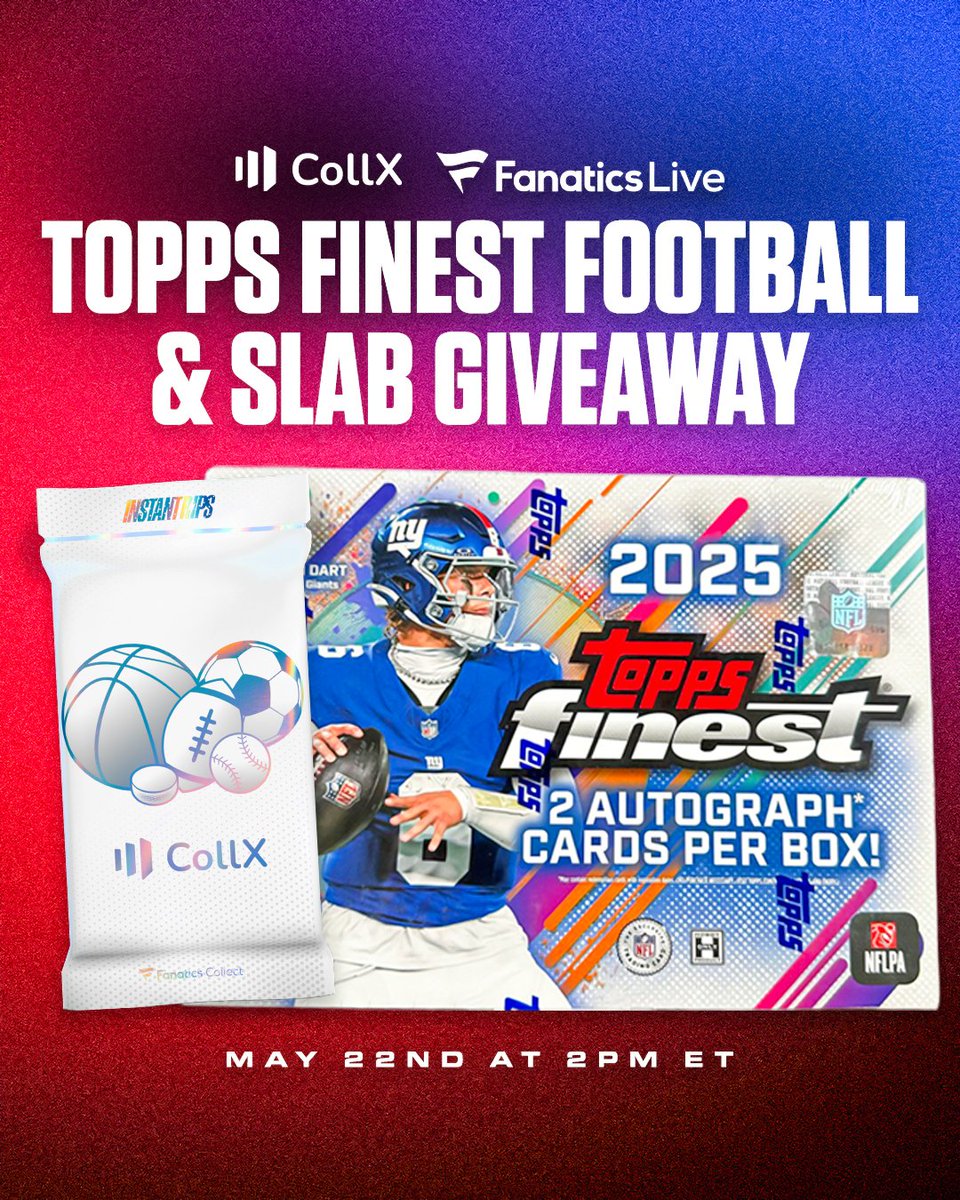
Giveaway alert! Join us LIVE on Fanatics Live this Friday, May 22 for your chance to score mystery slabs and packs of 2025 Topps Finest Football!
We’re going live tomorrow at 2 PM ET, so tune in and hang out for a chance to walk away with some heat.
get.fanatics.live/X8WW/aha6m…
1
3
2
800
May 20
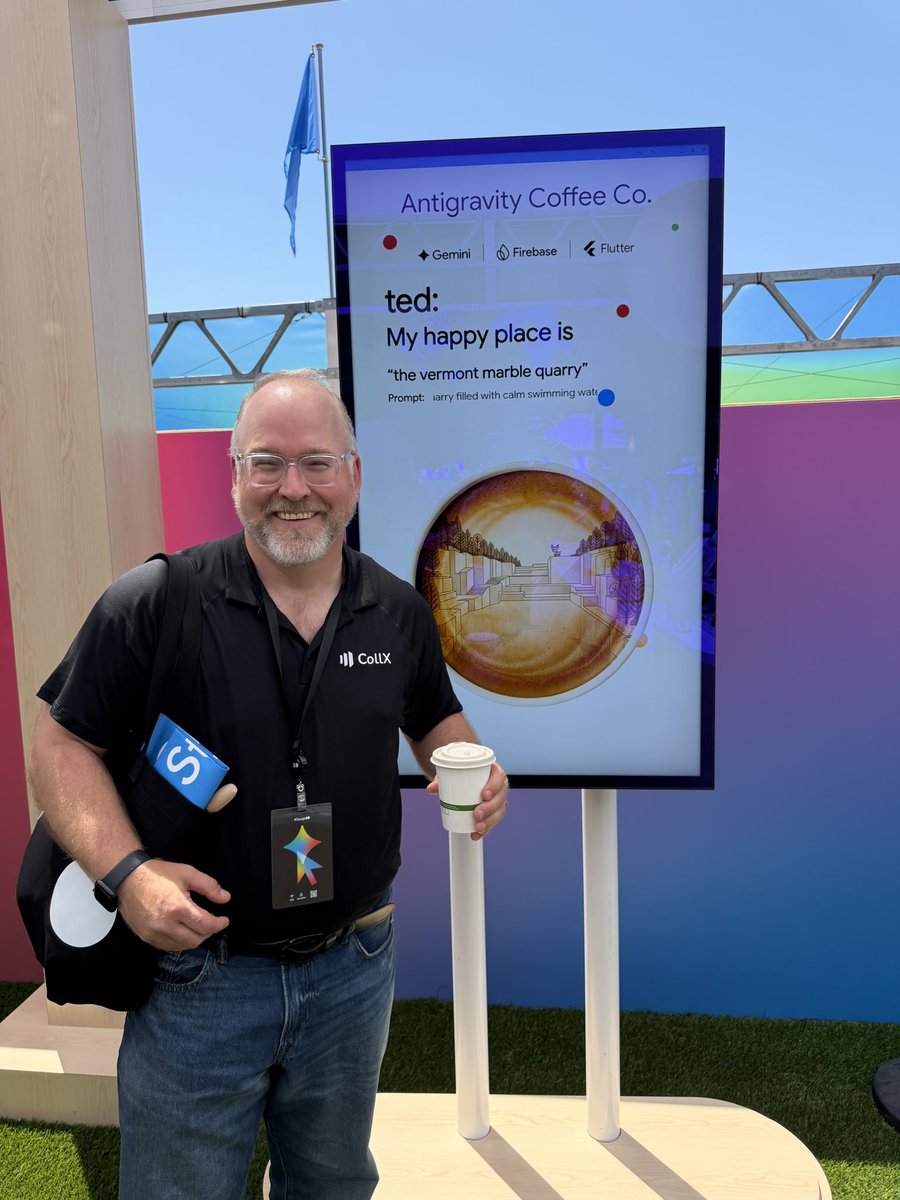
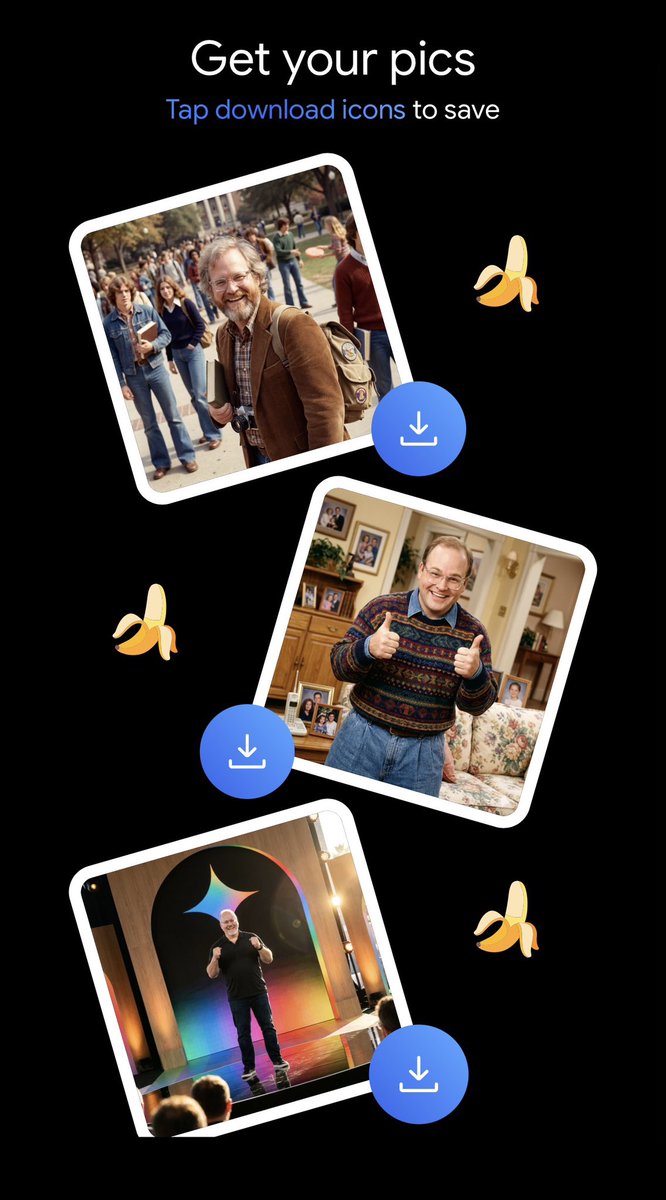
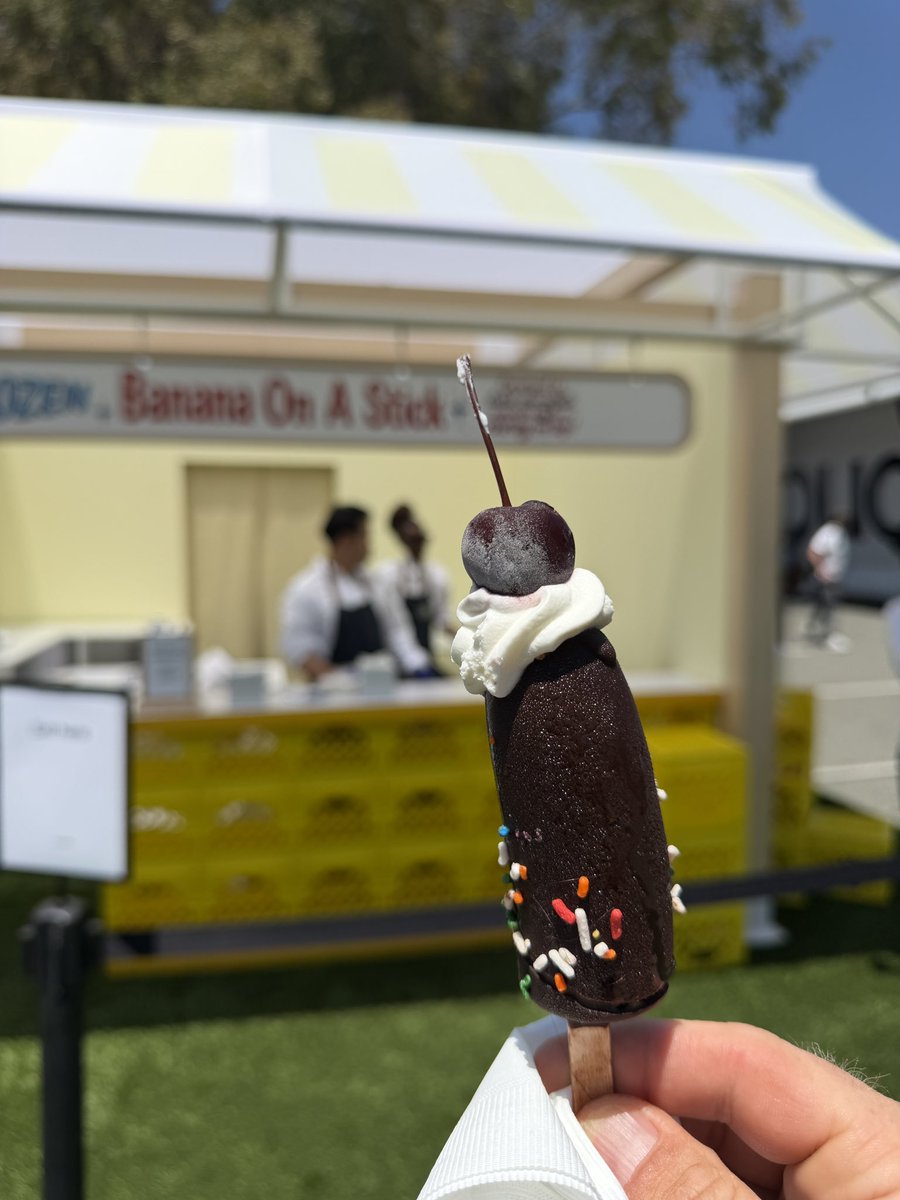
Geek heaven at Google IO: making latte foam pictures with Antigravity agents, Nanobanana AI photo booth pics … and real-world chocolate bananas

1
2
135
Ted Mann retweeted
These packs could have a Michael Jordan baseball rookie card inside!
2
11
1,679
Ted Mann retweeted
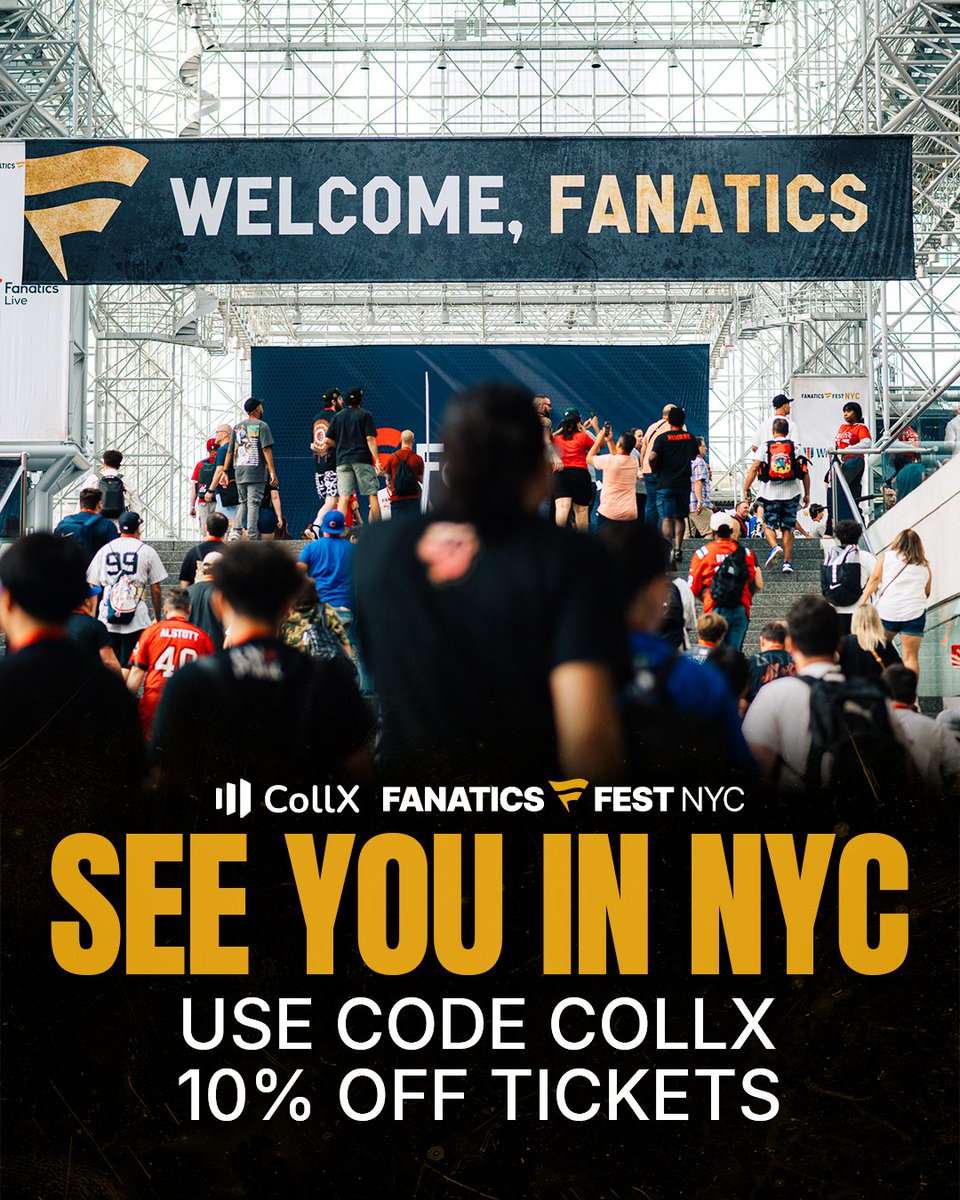
Heading to @FanaticsFest NYC 2026? Use code COLLX for 10% off your tickets and get ready for one of the biggest weekends in sports! We’ll see you in NYC 🗽
1
1
2
461