
Easily design in 3D. No matter what your skill level is, uMake empowers you to easily express your ideas, in 3D.
Joined September 2014
- Tweets 948
- Following 474
- Followers 646
- Likes 1,390
418 Photos and videos
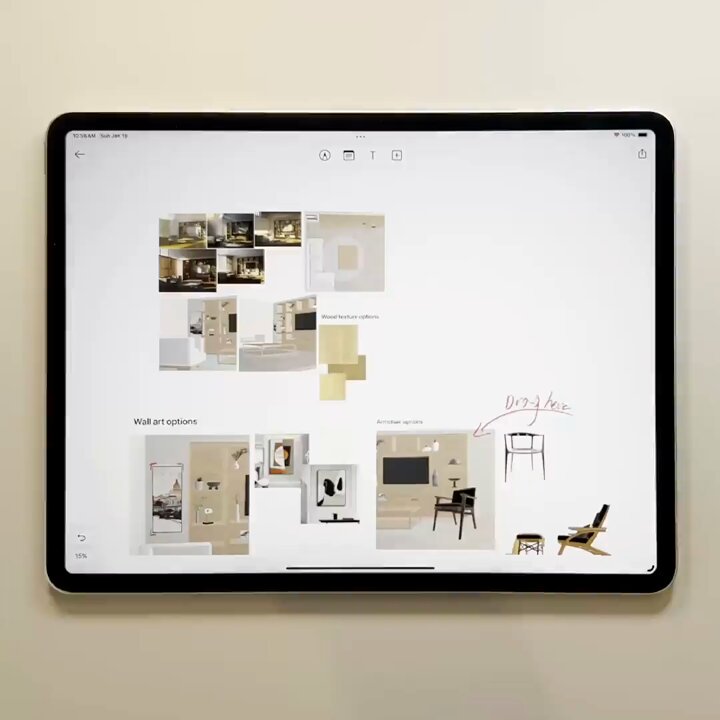
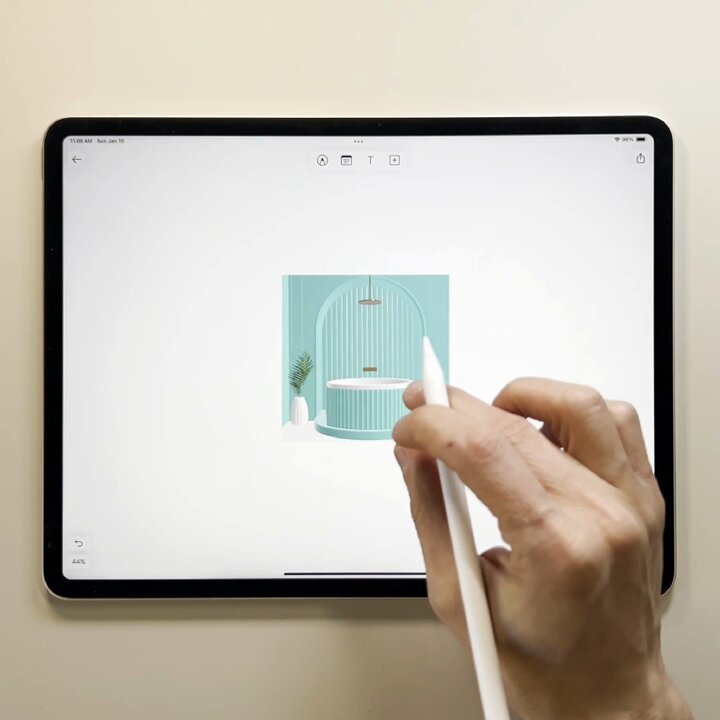
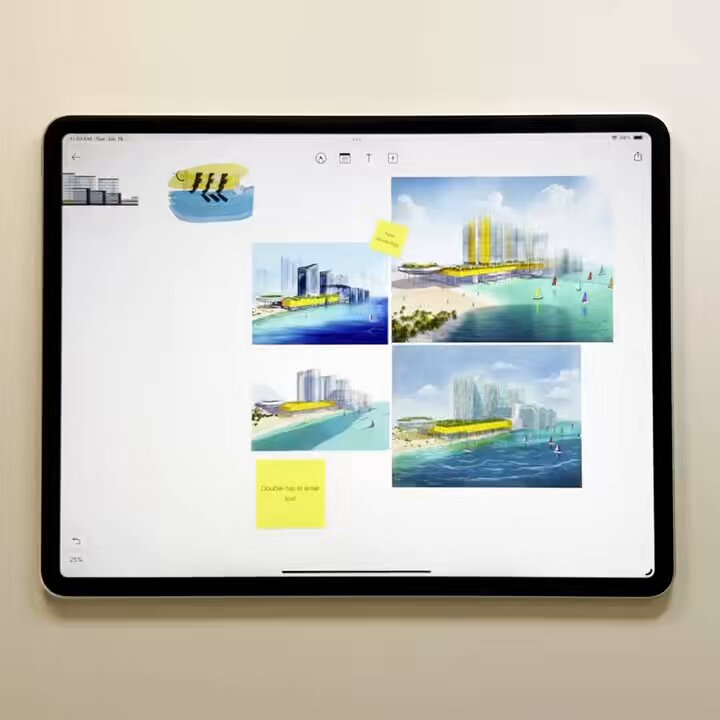
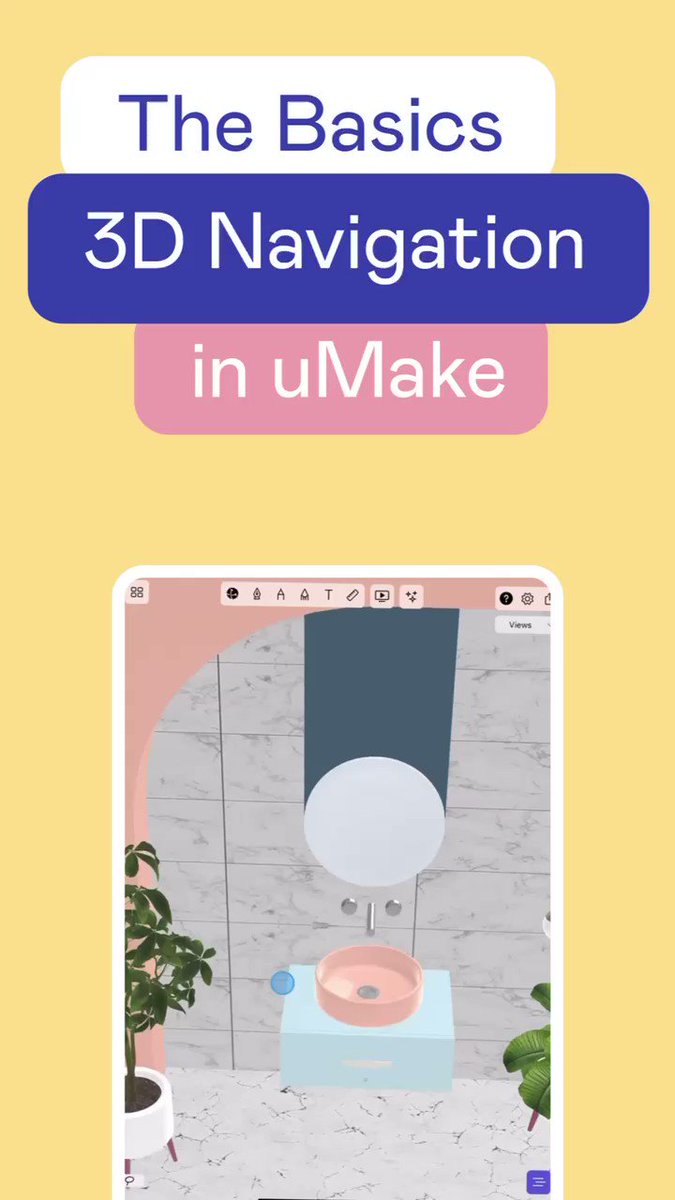


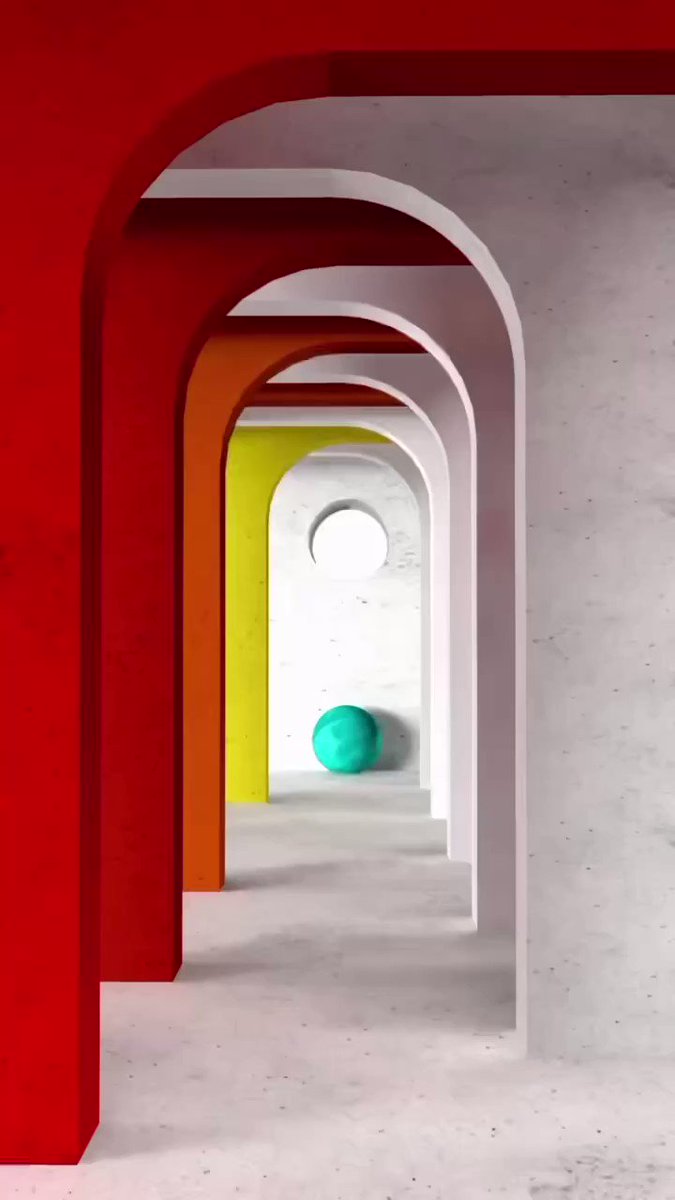


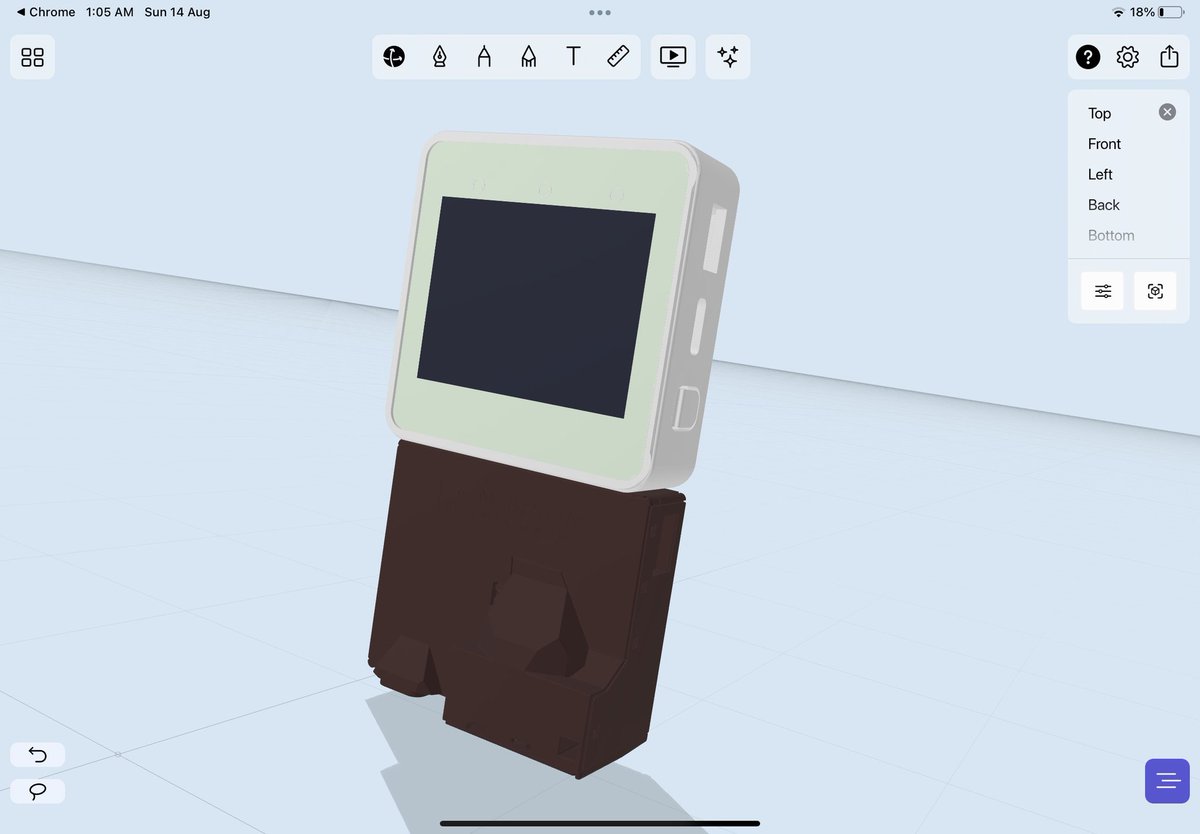
Coming next week ⭐️➡️ An updated 3D navigation experience. We added a new mode for easier access to 3D navigation - Orbit, select and edit 3D objects using just one finger. The orbit button experience remains the same when switching to modeling tools
#3dmodeling #uidesign
1
2
1
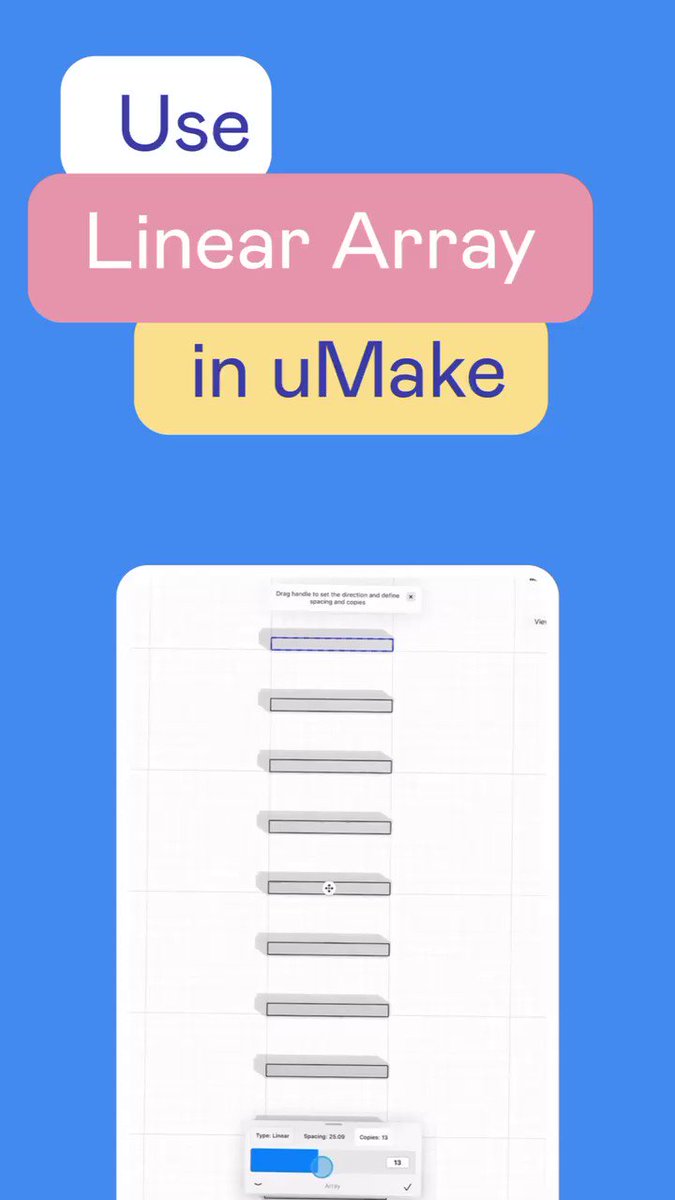
New tool, new tutorial: Speed up your creation workflow by creating multiple copies of an object in a linear direction. Control the number of copies and the spacing between them using the Linear Array tool #cad #3dcad #woodworking #iPadPro #designer #3ddrawing
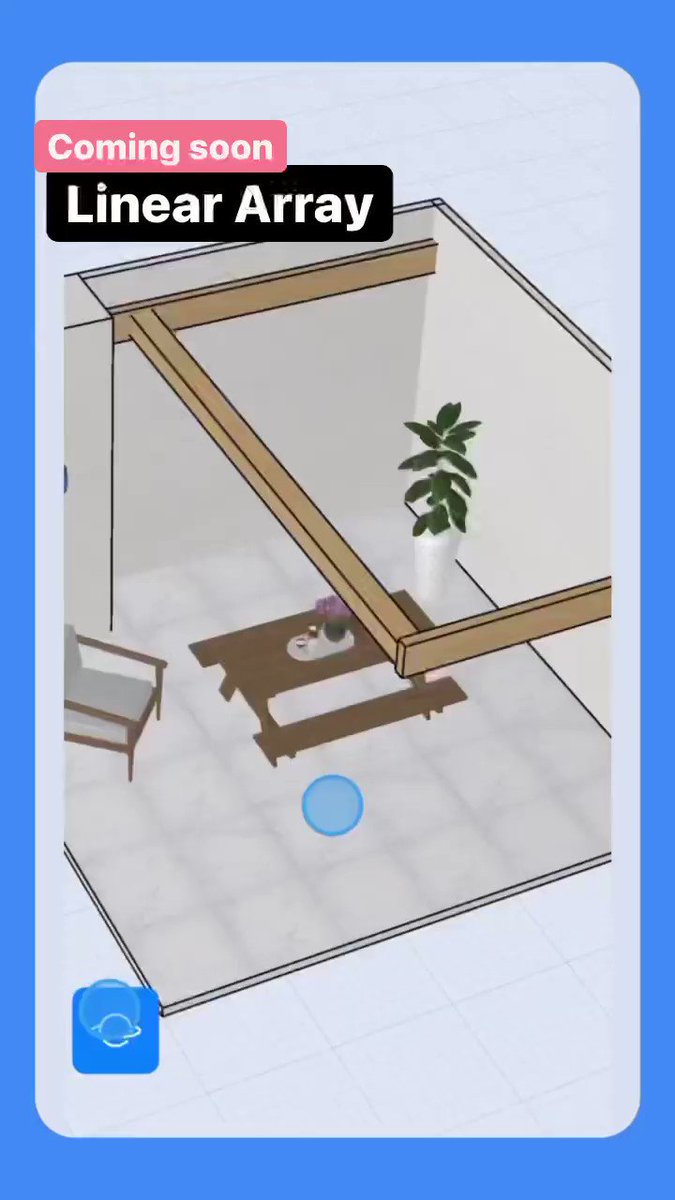
Coming soon: Linear Array Tool - easily create multiple copies in a linear direction #3dmodeling #3dcad #cad
1
1
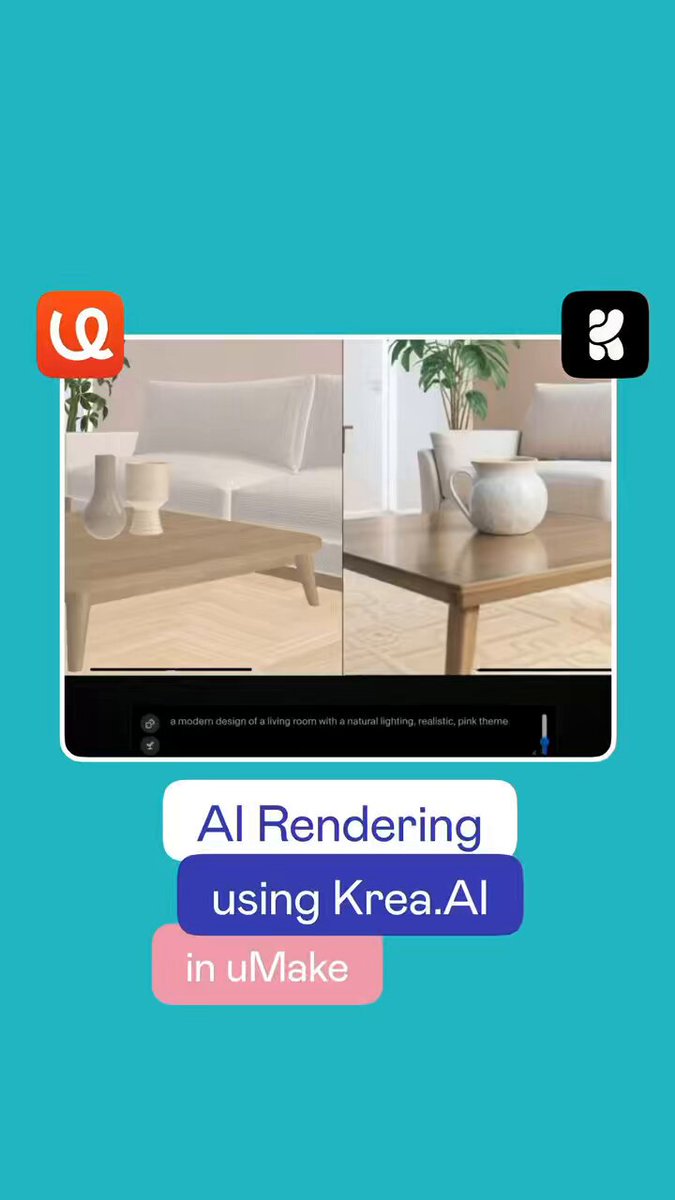
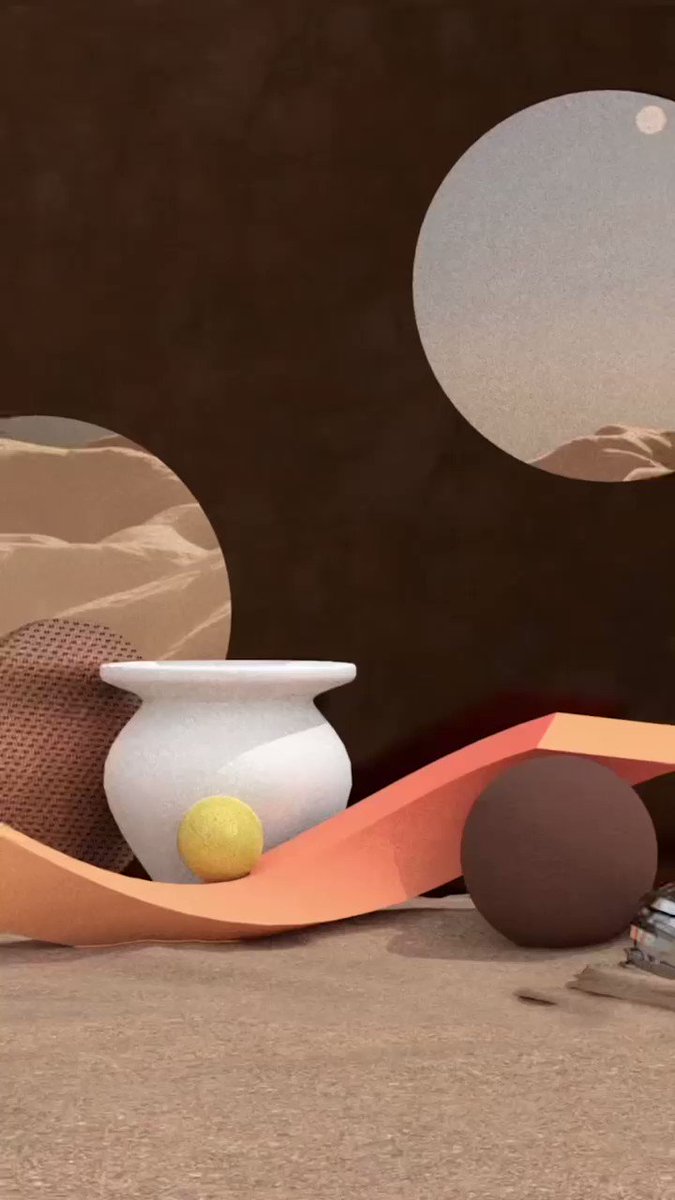
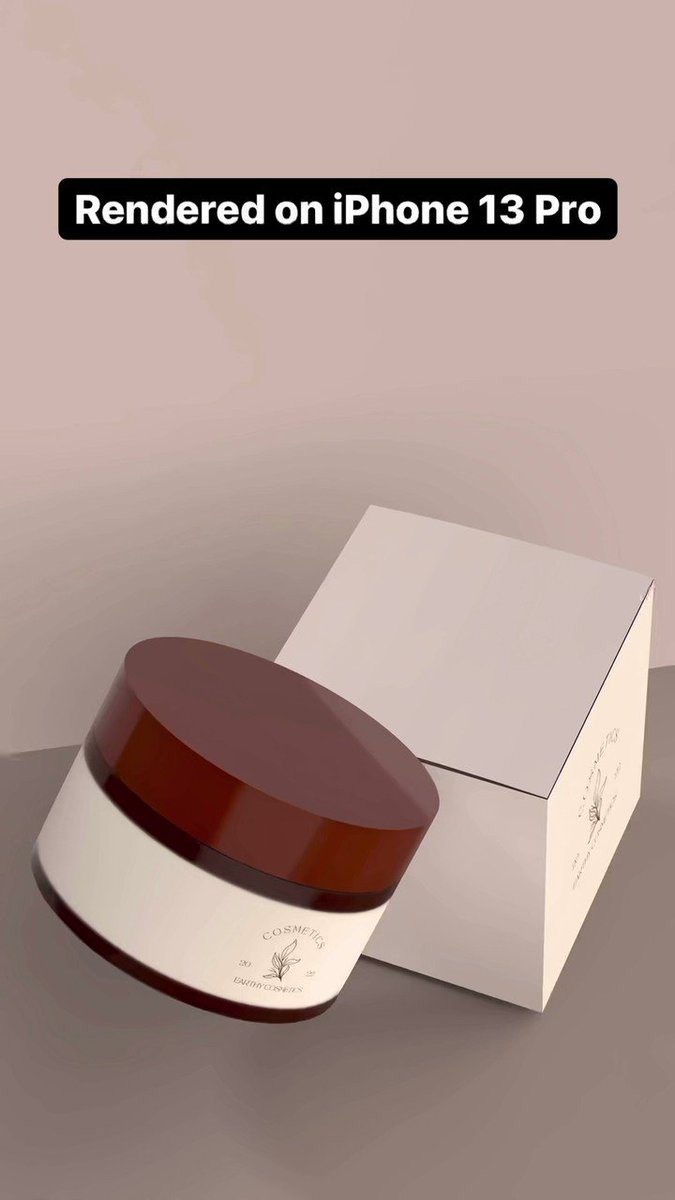
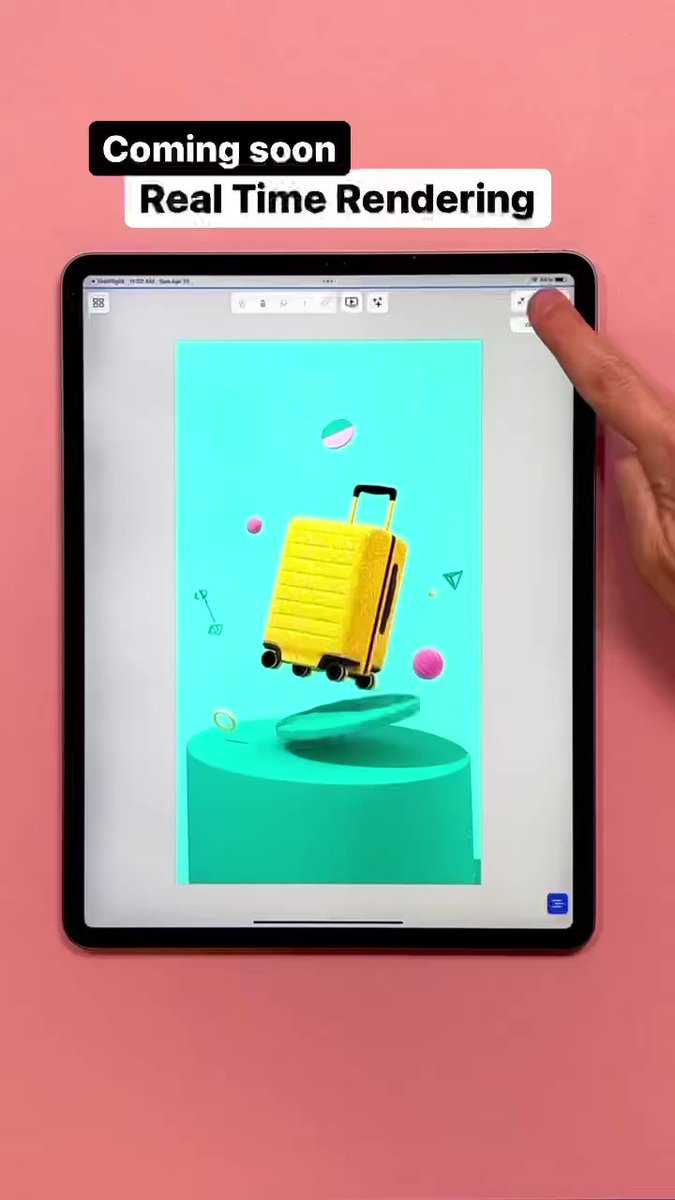
Ray tracing rendering to Real Time Rendering for rendered video export using @UMake on iPhone and iPad #3drendering #3dart #3DArtist #3dmodeling #3dmodels
2
2
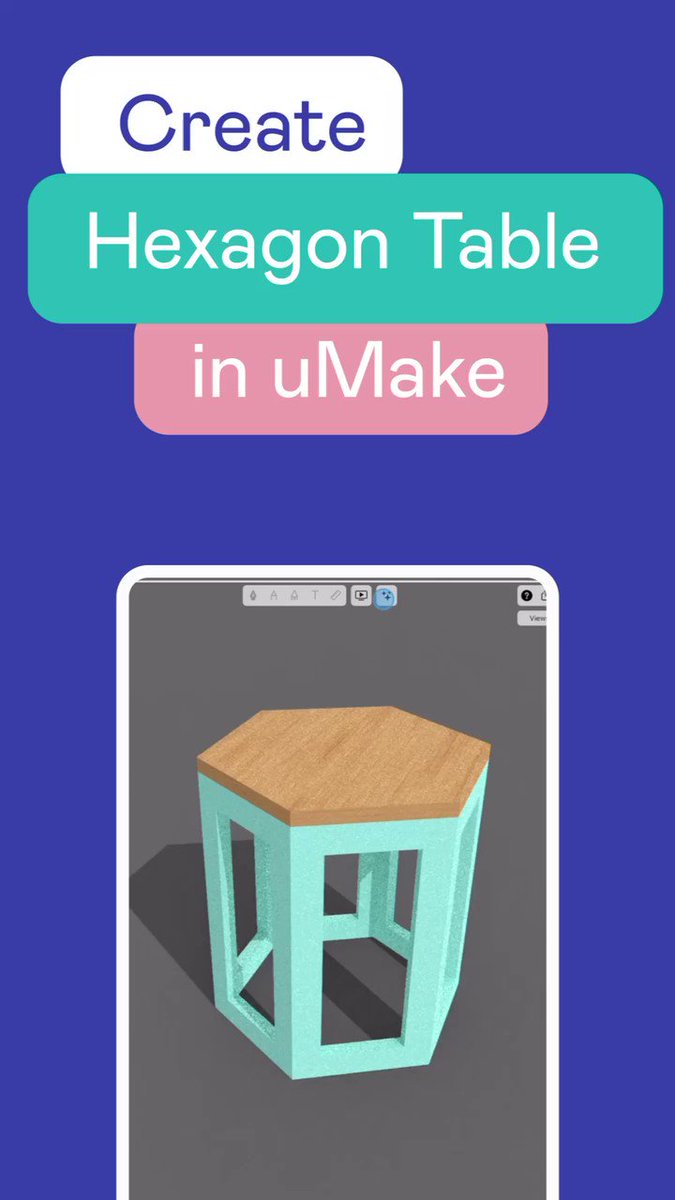
1 min tutorial ⏰ 🖼 Create a Hexagon side table with a few steps using the offset and array tools #3dmodeling #3Dprinting #DIY #3ddesign #Furnituredesign
1
1
1
1
3
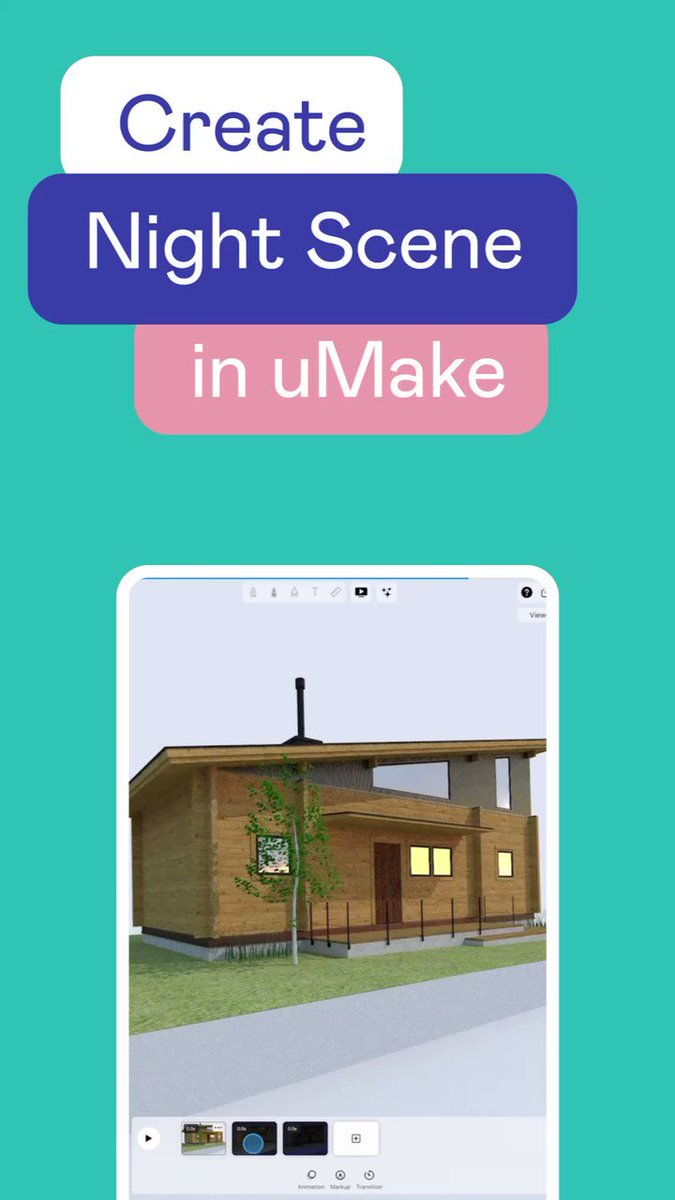
En-lighting 💡😃 tutorial about how to create a night scene in uMake. Created by @idauyunita (IG) and designed by OPPO Architect #rendering #render #3dmodeling #3dart
1
2
A beautiful spa design 🛁 🖼 by IG: @cuzeillycan using uMake #3dmodeling #3Dartist #3dartwork #interiordesign
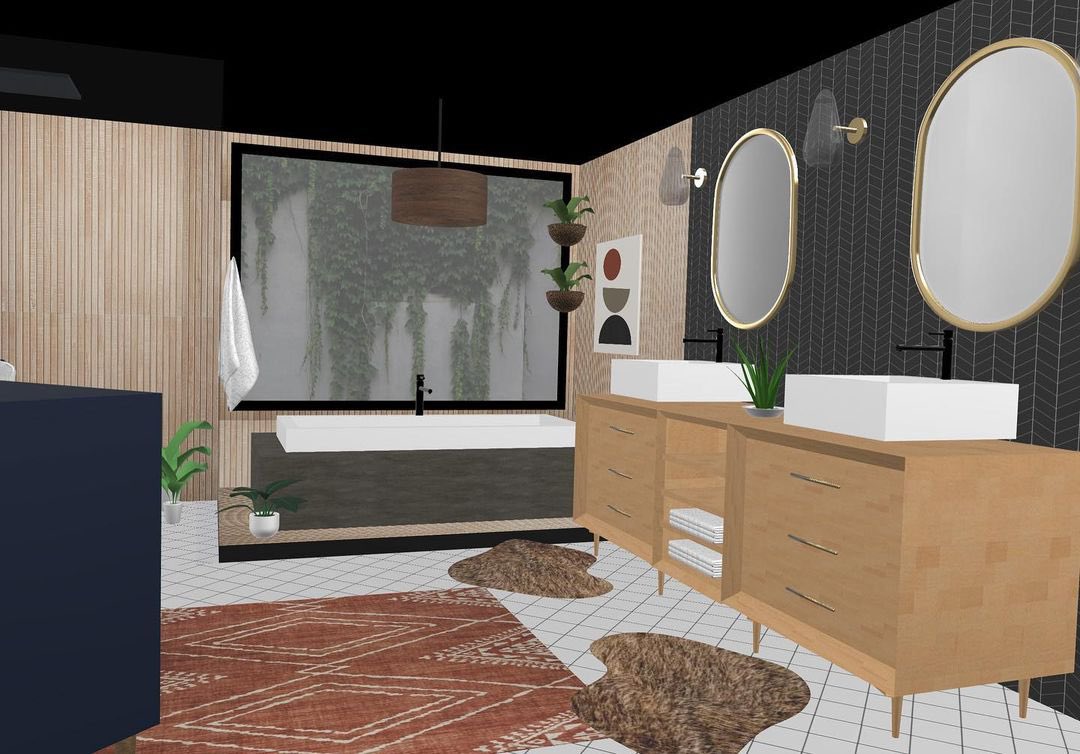
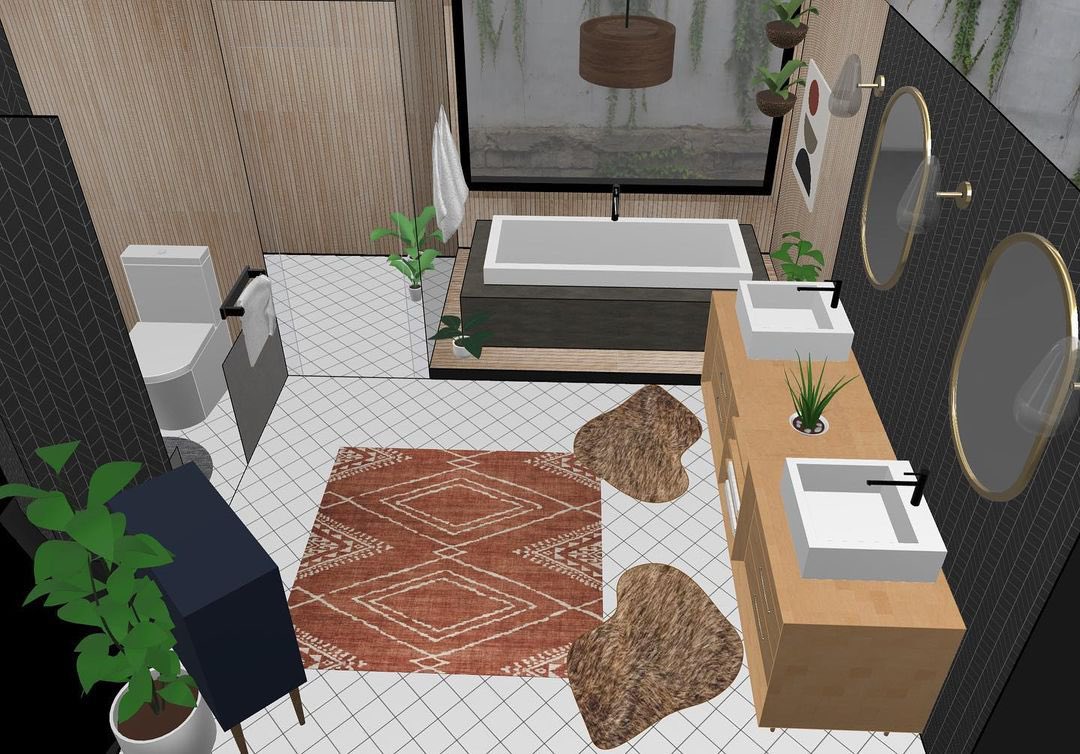
1
2
2
Quick tutorial: How to create an AR face mask using uMake and @Apple Reality Composer #AugmentedReality #MixedReality #facemasks

1
2
1