
Building the web you build on @GoogleChrome ✨🎨 Web Experience DevRel Lead 🦄 @csswg @openuicg. #CSSPodcast host 🎬 una.im
Joined November 2008
- Tweets 31,144
- Following 1,444
- Followers 88,077
- Likes 42,206
3,004 Photos and videos
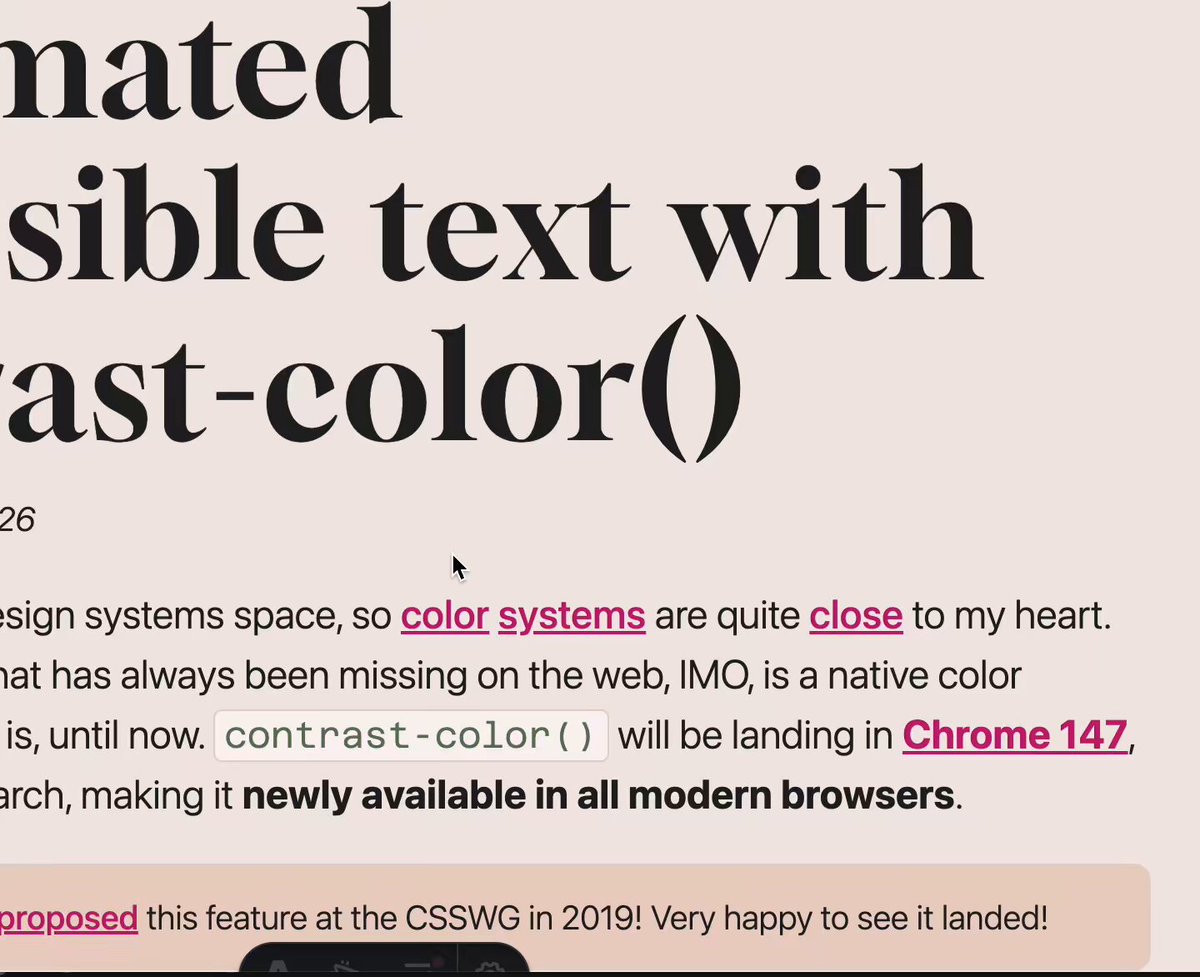



Neat anchor positioning thing:
(I'm implementing some interest-invoked popovers on my blog for internal links)
The "taller" tooltips don't fit in the viewport, so they get positioned above the link.
All of this is done with a few lines of CSS, a couple of HTML attributes, and is a progressive enhancement so they don't change the existing experience for non-supported browsers.
(I'm still working on the design/animations)
6
7
69
4,154
Demo if you want to explore it yourself (hover or focus "contrast-color()")
codepen.io/una/pen/MYbRLaO
1
8
1,322
Had a blast @Future_Frontend!
And tomorrow I’m headed to Amsterdam for #CSSDay 🎉🎉
Will I see you there? 👀
1
2
20
2,845
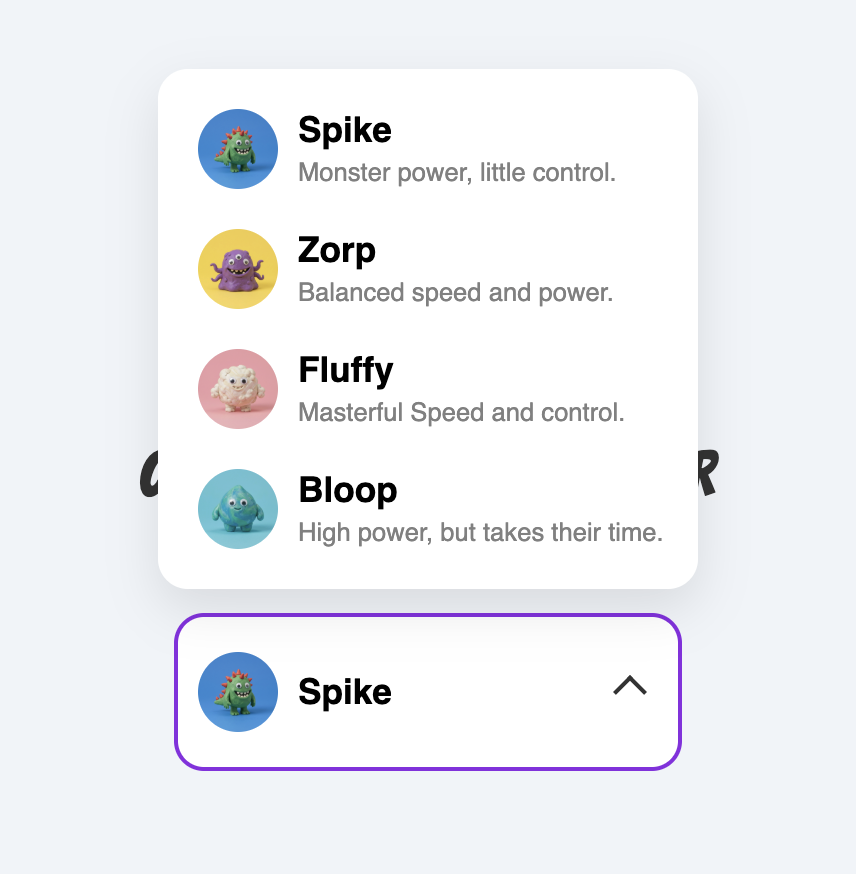
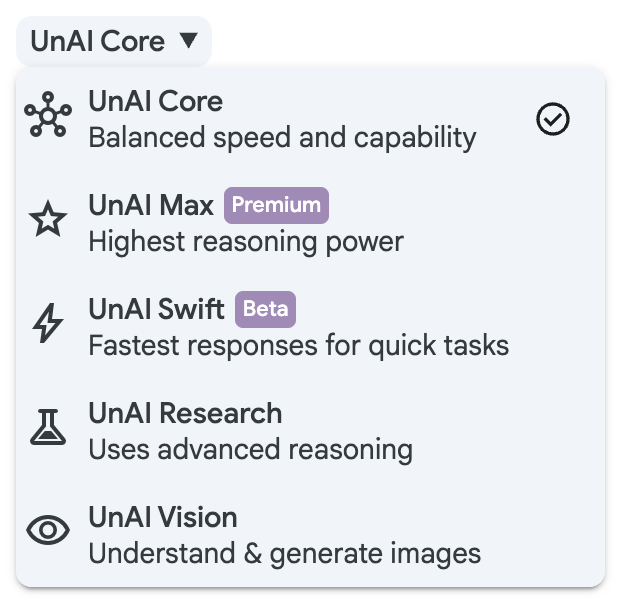
Customizable select is coming to Safari 27! 🥳
Want to try it out? Check out my demo collection: codepen.io/collection/BNZjPe
2
13
112
5,091
Una 🇺🇦 retweeted

1
2
15
2,116
Ooh interesting design detail. Really makes it feel like the top object is floating off the page.
Jun 7

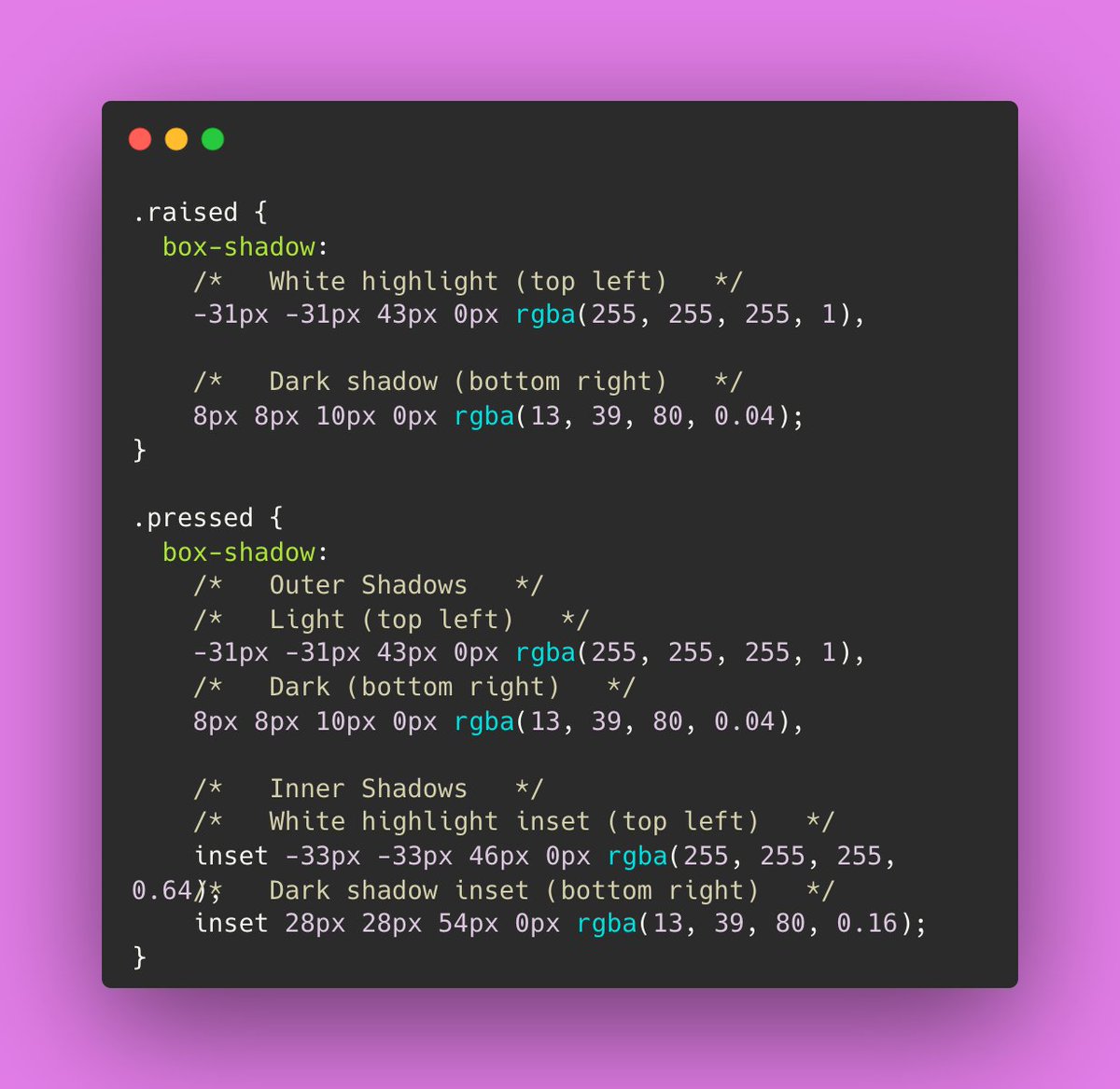
Design Engineering Tip:
Separate the object from its shadow.
When an element lifts away from a surface, the shadow doesn't always need to move with it. Keeping the shadow grounded and fading it based on distance can create a stronger sense of depth and physicality.
Used carefully, this can make interfaces feel more tangible and less like layers floating on a screen. It's not something I'd apply everywhere, but for moments that need extra emphasis, it can be surprisingly effective.
js
const card = document.querySelector(".notification"); const shadow = document.querySelector(".shadow"); card.animate( [ { transform: "translateY(0)" }, { transform: "translateY(-160px)" }, ], { duration: 900, easing: "cubic-bezier(.64,0,.78,0)" } ); shadow.animate( [ { opacity: 0.5, transform: "scaleX(1)" }, { opacity: 0, transform: "scaleX(.35)" }, ], { duration: 700, easing: "ease-out" } );
1
1
66
11,034
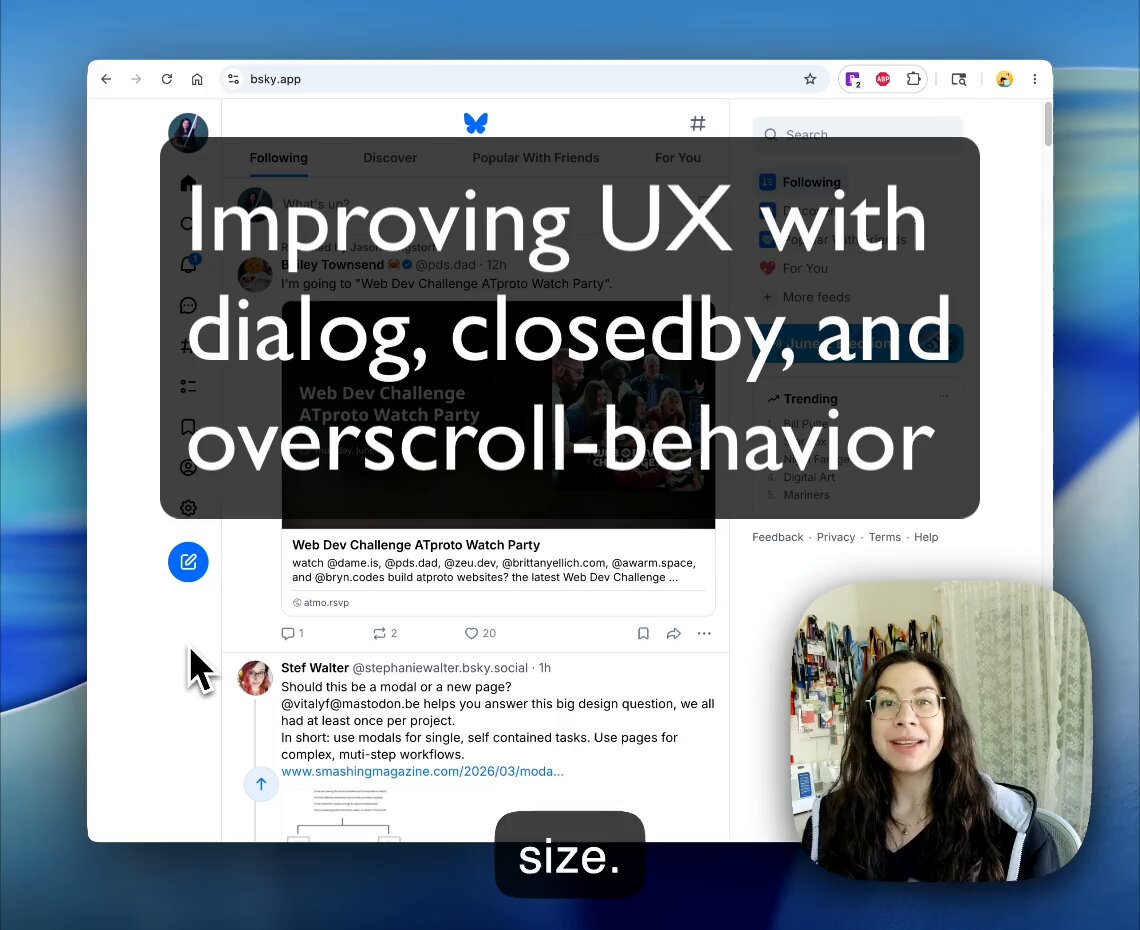
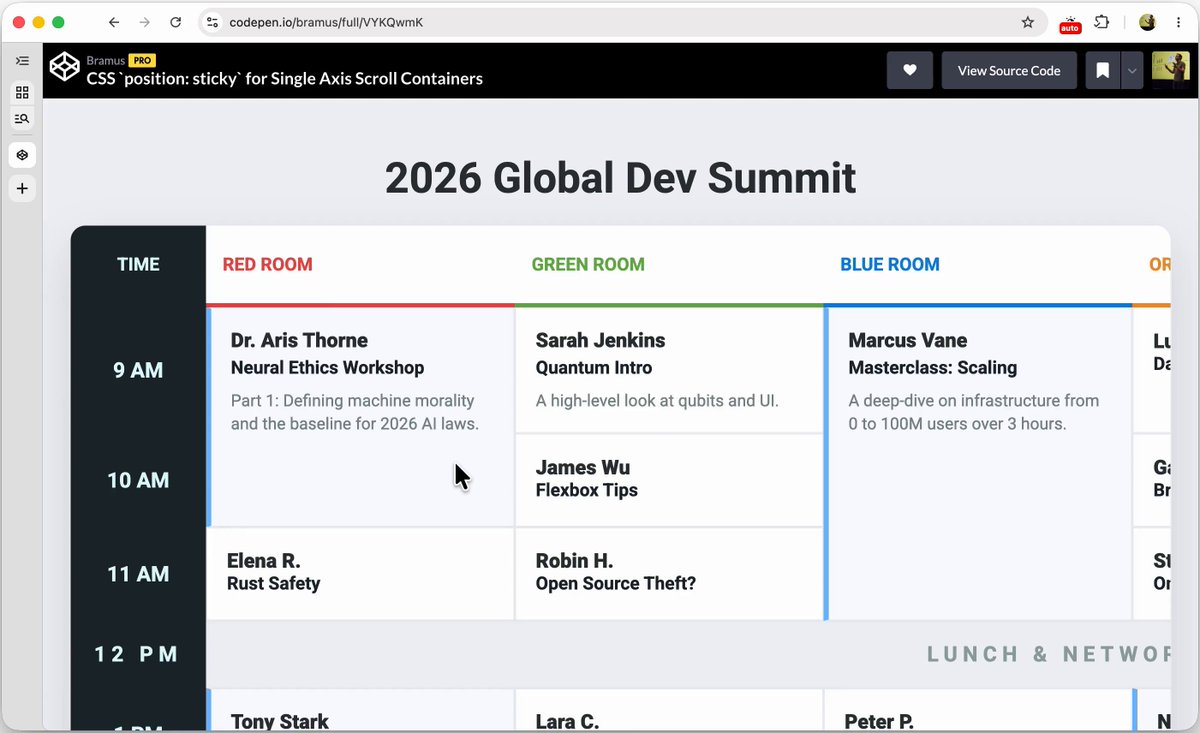
Works in Chrome & FF—Safari still missing the overscroll-behavior on non-scrollable scroll containers change
Here's a demo of a similar interaction: codepen.io/una/pen/PwbRzdV
4
1,524
The State of CSS survey is out!
It's shorter this year!
Please go take it!
survey.devographics.com/en-U…
7
18
2,770
Una 🇺🇦 retweeted

Jun 1
To get good animations from an AI you need to get good at telling it what you want:
- "stagger this list of items"
- "make this animation direction-aware"
- "spacial consistency", "crossfade", "layout animation",
I made a motion vocabulary for this:
animations.dev/vocabulary
83
419
5,301
741,199
When people comment "why bother learning to code anymore?"

2
6
91
11,862
This conversation nostalgically reminded me of an interview I did with my Dad (an industrial engineer) literally a decade ago. He works on hardware for large machinery, and codebases that live 20 years.
I think a lot of the same principles about simplicity still apply and will continue to matter in non-trivial systems design.
una.im/simplicity-in-eng
May 24

A lot of people are building with the assumption that the codebases we work in today will still matter next year.
I’m not sure if that’s the case.
3
5
85
15,117
Here's the link!
youtube.com/watch?v=uT7MVcCQ…
5
21
3,113
Watch @bramus and I do a round up of What’s New in Web UI!
✨ LIVE ✨ in 30 mins
See us at the #google Chrome tent
Stream it: io.google/2026/explore/pa-ke…
4
37
3,602