
Joined October 2019
- Tweets 1,744
- Following 547
- Followers 89
- Likes 490
86 Photos and videos






17h
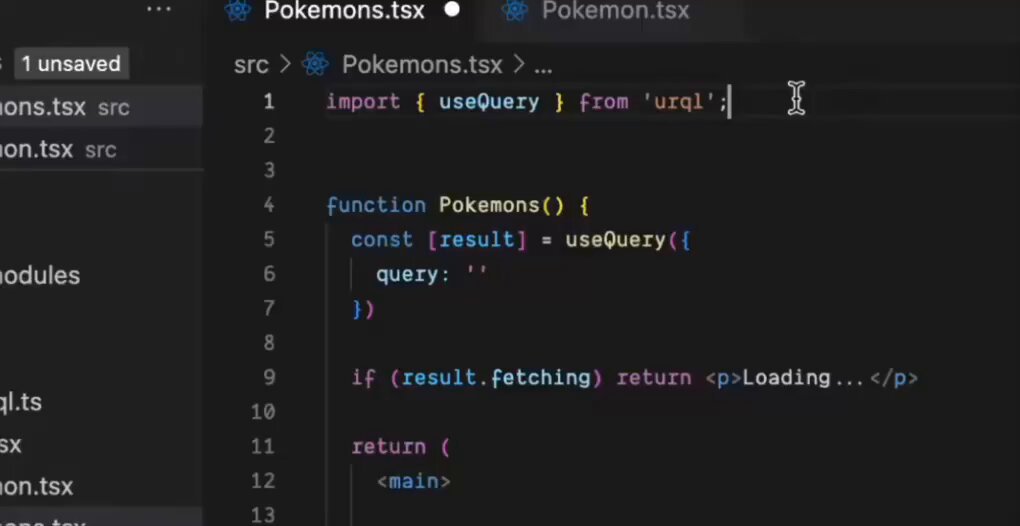
モバイルアプリのモジュール化はコード整理だけではない ― CI、QA、セキュリティを改善する方法 qiita.com/muizidn/items/0499… #Qiita via @muizidn
34
18h
One of the most impactful CI optimizations for mobile apps:
Selective Builds.
Instead of:
Feature A changed
→ Build App
→ Run 2,000 tests
→ Wait 30 minutes
Do:
Feature A changed
→ Build Feature A
→ Run Feature A tests
→ Wait 5 minutes
This requires:
• Modular architecture
• Clear dependency boundaries
• CI aware of module relationships
Architecture decisions directly affect developer productivity.
#AndroidDev #iOSDev
1
39
18h
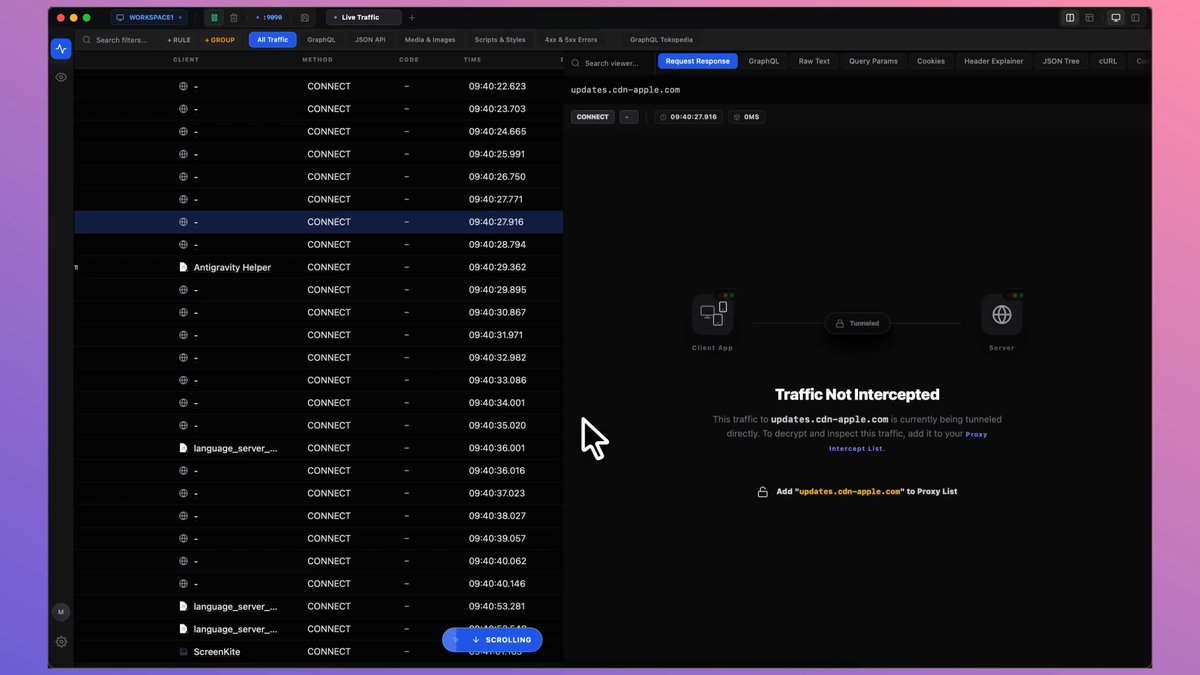
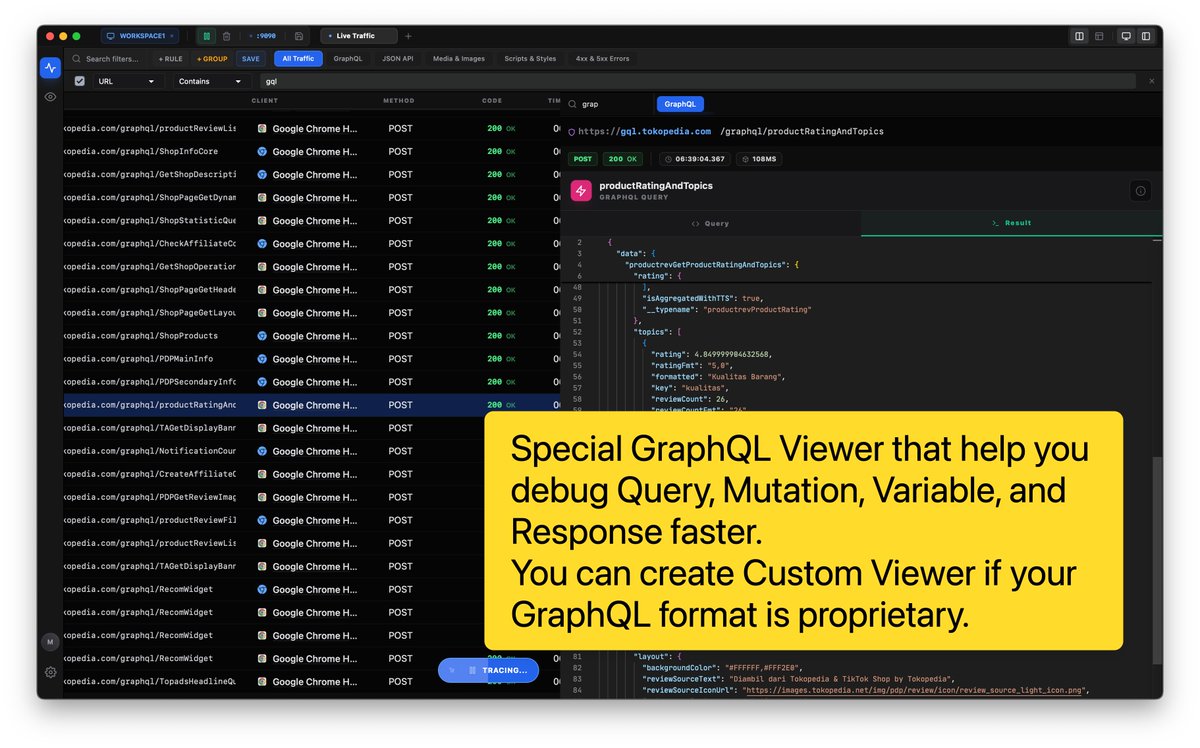
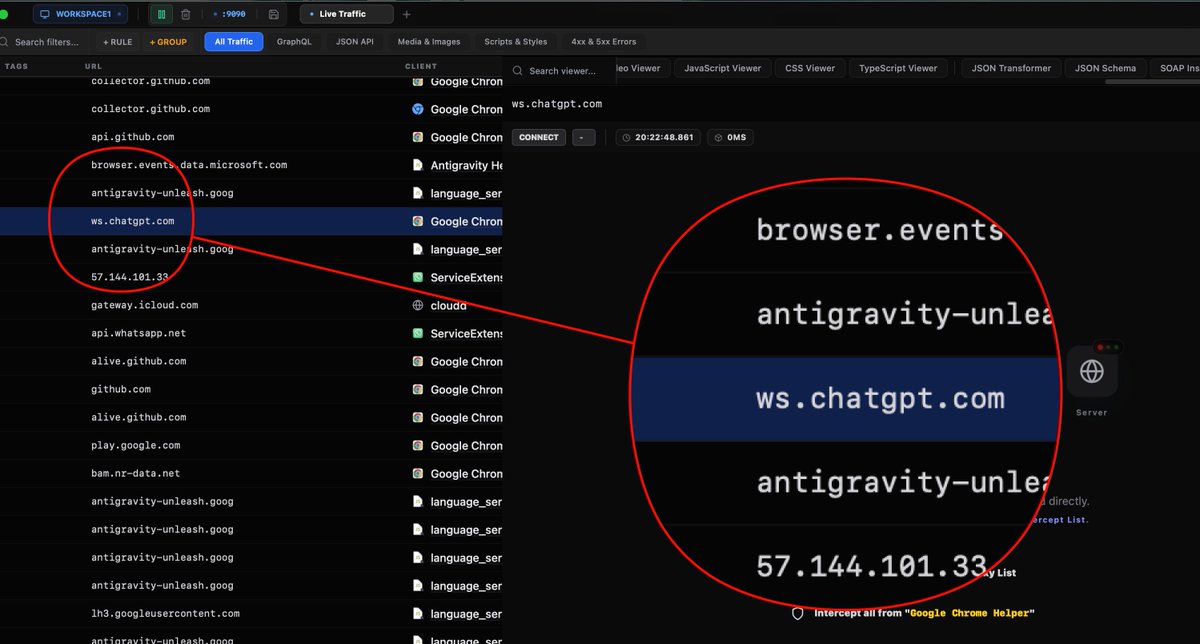
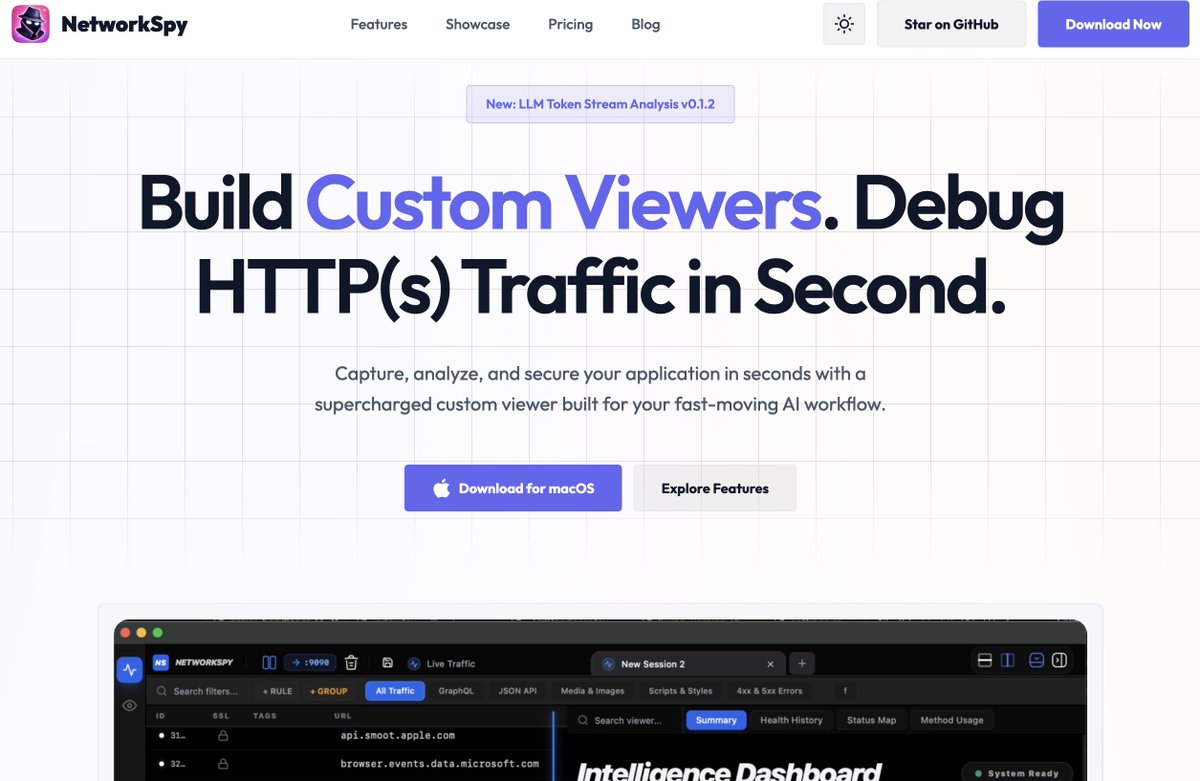
If you employ CI/CD for your mobile app, run your testing as well networkspy.app/blog/mobsf-ci…
31
23h
Which one will be printed to the console?
1. Member
2. Ext
Why?
#Kotlin #AndroidDev #Programming #SoftwareEngineering
1
39
23h
Many developers expect extension functions to override existing behavior.
They don't.
In this example:
class C {
fun foo() = "member" // Member function
}
fun C.foo() = "ext" // Extension function
When you call:
C().foo()
Kotlin prints:
member
Why?
Because fun foo() inside class C is a real member of the class.
Meanwhile, fun C.foo() is just an extension function, a compiler convenience that lets you call a regular function using dot syntax.
When both have the same signature, Kotlin always chooses the member function.
Member functions win. Extensions don't override existing behavior.
32
Jun 14
REST stands for Representational State Transfer.
It powers much of the modern web, from mobile apps and SaaS platforms to public APIs.
One important concept in REST is HTTP status codes. They help clients understand the result of a request.
2
1
40
Jun 14
🔥 5xx Server Error
• 500 Internal Server Error
• 502 Bad Gateway
• 503 Service Unavailable
1
36
Jun 14
If you're debugging APIs, these 12 status codes will cover the majority of cases you'll encounter.
Check common status code your application returns with networkspy.app
27
Jun 12
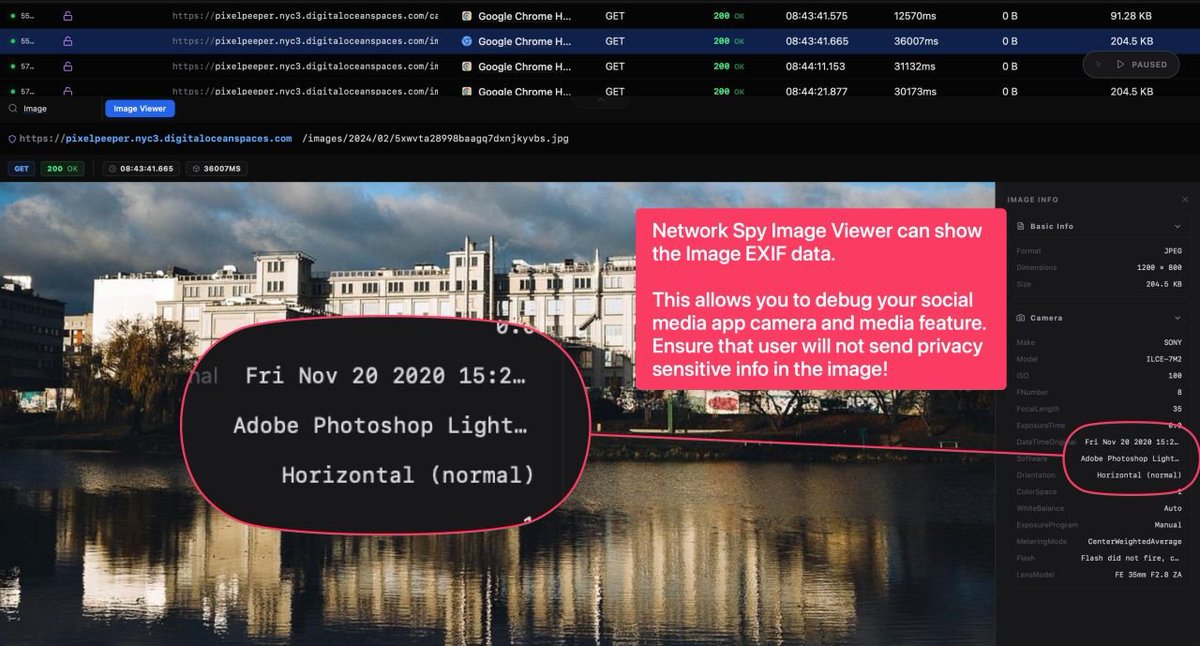
If you're building media upload features, don't assume an image is "just pixels."
A photo can contain far more information than what users see on the screen:
📍 GPS coordinates
📷 Device make and model
🕒 Exact capture timestamp
🔄 Editing history
👤 Author information
📐 Camera settings and other metadata
4
13
72,405
Jun 12
The engineering challenge is not simply "remove all metadata."
The challenge is understanding which metadata should be preserved, which should be removed, and why.
Privacy and authenticity often pull in opposite directions.
A social media app may want to remove location data to protect users.
A journalism platform may need to preserve capture details to verify a story.
Same file. Different requirements.
That's why "it uploads successfully" is only the beginning of the conversation.
The real question is:
What information are you sending to the server that your users don't know about?
1
71
Jun 10
Many new developers think:
"My app is draining battery. SwiftUI must be slow."
Sometimes the problem isn't rendering.
It's that your app is downloading and processing way more data than it needs?
Let me help you.
1
47
Jun 10
Before optimizing animations, view hierarchies, or startup time:
Inspect your network payloads.
APIs can return 50KB–500KB of JSON to render a few labels on screen.
You should not.
The fastest byte is the one you never downloaded.
1
24