
25 | Software Engineer - Cerberus Runner at @TheBottingHouse/ @Alphasltns Find me in my 2 discord profiles! Vice#6634 / Versa#1012
Joined December 2013
- Tweets 2,595
- Following 521
- Followers 190
- Likes 3,505
130 Photos and videos






VicVes retweeted

29 Dec 2024
Rules:
1) Tag 1 community that you think @MelancholyJimmy should meet in Web3
2) Tag 3 friends
3) Retweet this post
4) No bots, only active accounts' replies will be counted.
Winners will be announced around 24 hours.
Will start cooking after I settle down in Hong Kong.
482
244
414
13,875
VicVes retweeted
29 Dec 2024
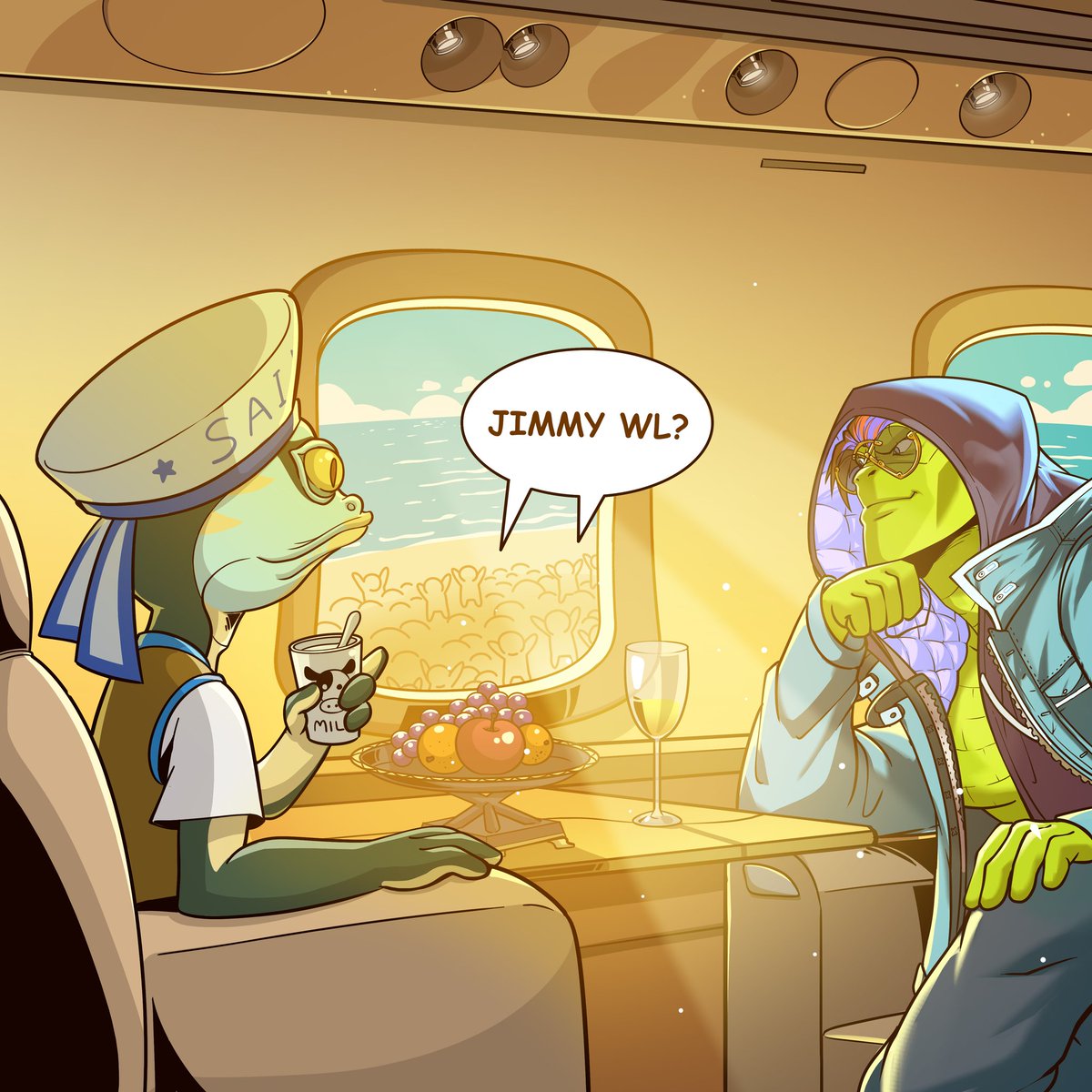
Away from mobile now, 16-hour flights from Paris to HK means my break from 200 DM bumps across platforms.
You could still have fun bombarding my TL to introduce where are you from to @MelancholyJimmy.
The three most mentioned communities get extra whitelists.
Rules below.. ⬇️
2,365
1,118
1,862
106,305

VicVes retweeted

4 Aug 2024
Giveaway (Free Key)
1. 5 Days FREE
2. 3 Days FREE
3. 1 Day FREE
Join the giveaway
discord.gg/HwfpyAFf
Requirements
Follow, like, retweet and tag 2 friends
450 Normal TS Checkouts! (NO VIP)
19
17
26
3,664
VicVes retweeted
7 Jul 2024
Another good day!!
Follow,Retweet and tag 2 friends (if you have any) for a chance to get a daily.
9
9
13
888

SOLD OUT!
Thank you all for your tremendous support! We are grateful to have such an amazing community.
We're just getting started, and we promise there's plenty more to come.
Alpha incoming over the next few days! 🔔 on!
We continue to build 🫡
💾SEND ZAAR💾
185
139
285
32,379
IMPORTANT ANNOUNCEMENT (MUST READ)
NEW MINT SCHEDULE:
FCFS WL Mint
Date: 18th April 2024
Time: 3:00 PM UTC
Mint Link: Will be posted at the stipulated time on our official channels
Twitter: twitter.com/ordzaar
Discord: discord.com/invite/ordzaar
Public Mint - CANCELLED
Mint Supply will be added to FCFS WL
There will be no stealth mint.
A message from the Ordzaar Team:
We have taken into consideration that many of you are frustrated, as a team we are deeply apologetic to those affected during our launch.
To Our Valued Supporters:
We will try our best to make these groups of minters whole.
Here are the next steps:
1) We have decided to Cancel the Public Phase.
2) REALLOCATING ALL REMAINING SUPPLY TO THE FCFS WL PHASE
What happened during:
Phase 2 - FCFS WL
- As per reported by the @helio_pay Team, the payment pre-sale link broke due to an extreme surge in requests on their server.
- Out of 210 Supply, 26 were successful.
Available: 184 Supply
Phase 1 - GTD WL
- There were technical difficulties that caused 1 hour of delay.
- Due to incompatible wallets, some GTD WL minters were unable to make purchases.
- We have been trying our absolute best to assist and working on solutions to make them whole.
We are truly grateful to those who have supported us during these difficult moments and would like to extend our heartfelt thank you for being patient with our launch.
196
146
283
55,778
🚨 Less than 24 HOURS to go until the ODZR Pass Launch! 🚨
Attention all ODZR Pass WL Winners! To participate in the mint, you MUST use an @xverse / @MEonBTC wallet due to compatibility issues with UNISAT wallets on @helio_pay. UNISAT will NOT work for this mint!
IMPORTANT NOTICE:
Once again, due to the nature of our CURSED inscription collection, we strongly recommend using @xverse wallets for the sale/mint and to subsequently store your cursed ODZR Pass inscriptions to prevent potential loss. 👇
Here’s a guide on how to download & setup XverseApp wallet: xverse.app/blog/how-to-set-u…
Importing Your Wallet into Xverse:
1. Download brave.com/ and set up a brand new user profile.
Alternatively, you can simply set up a brand new google chrome user profile and proceed with the steps below.
2. Download Xverse: Start by downloading the Xverse wallet application.
Link: xverse.app/download
3. Import Using Seed Phrase: Open the wallet app that you wish to import from, click on “HD Wallet” and the settings to access your seed phrase. Use your seed phrase to import that wallet from E.g - Unisat and/or other wallet providers.
4. Transfer BTC (if applicable): If your Unisat wallet contains BTC in Taproot, Native SegWit, or Legacy addresses, transfer it directly to your Xverse BTC address to complete the setup.
We strongly recommend following our X/Twitter for more information and announcement updates.
Official X/Twitter: twitter.com/ordzaar
⚠️ NO STEALTH MINT will occur. ⚠️
Ensure your setup is complete BEFORE the mint to avoid any disappointment. For more info, here's a short video tutorial guide on how you can import it over from UniSat to Xverse. 👇
💾 SEND ZAAR 💾
467
329
508
46,342
💾IMPORTANT NOTICE💾
- Due to the nature of our CURSED inscription collection, we strongly recommend using
@xverse
wallets for the sale/mint and to subsequently store your cursed ODZR Pass inscriptions to prevent potential loss.
- Here’s a guide on how to download & setup
@xverse
wallet: xverse.app/blog/how-to-set-u…
Importing Your Wallet into Xverse:
1. Download brave.com and set up a brand new user profile.
Alternatively, you can simply set up a brand new google chrome user profile and proceed with the steps below.
2. Download Xverse: Start by downloading the Xverse wallet application.
Link: xverse.app/download
3. Import Using Seed Phrase: Open the wallet app that you wish to import from and use your seed phrase to import that wallet from E.g - Unisat and/or other wallet providers.
4. Transfer BTC (if applicable): If your Unisat wallet contains BTC in Taproot, Native SegWit, or Legacy addresses, transfer it directly to your Xverse BTC address to complete the setup.
We strongly recommend joining our discord for more information and announcement updates:
Official Discord: discord.com/invite/ordzaar

IMPORTANT NOTICE:
- Due to the nature of our CURSED inscription collection, we strongly recommend using @xverse wallets for the sale/mint and to subsequently store your cursed ODZR Pass inscriptions to prevent potential loss.
- Here’s a guide on how to download & setup @xverse wallet: xverse.app/blog/how-to-set-u…
Importing Your Wallet into Xverse:
1. Download brave.com/ and set up a brand new user profile.
Alternatively, you can simply set up a brand new google chrome user profile and proceed with the steps below.
2. Download Xverse: Start by downloading the Xverse wallet application.
Link: xverse.app/download
3. Import Using Seed Phrase: Open the wallet app that you wish to import from and use your seed phrase to import that wallet from E.g - Unisat and/or other wallet providers.
4. Transfer BTC (if applicable): If your Unisat wallet contains BTC in Taproot, Native SegWit, or Legacy addresses, transfer it directly to your Xverse BTC address to complete the setup.
We strongly recommend joining our discord for more information and announcement updates:
Official Discord: discord.com/invite/ordzaar
524
340
463
58,163
💾FINAL CALL💾
Missed out the giveaways?
Calling out the holders of:
- Bitcoin Puppets by @lepuppeteerfou
- @quantumcats
- @Nodemonkes
- @OrdinalMaxiBiz
- @rune_coin
- Runestone by @LeonidasNFT
🚨 NOW IS YOUR CHANCE TO GRAB THE FINAL FCFS SPOTS! 🚨
Head to discord.com/invite/Ordzaar NOW!
SEND ZAAR! 💾
606
381
564
53,339
🔳Ninth Wave of Partnerships Announced🔳
@Sparksordinals: A wave of collectors and investors by @Darewise and @Animocabrands.
For the future of Ordinals and beyond. 🌊
(1/12) 👇
x.com/sparksordinals/status/…
3 Apr 2024

🔳SEND ZAAR 🔳
Another week another SPARK making waves with @Naqib_Noor and Ordzaar.
SPARKS are thrilled to be an official partner of @ordzaar and excited for their upcoming ODZR Pass drop!
Our holders are having the chance to participate in an exclusive ODZR pass WL G.A in our TG group!
326
221
310
32,007
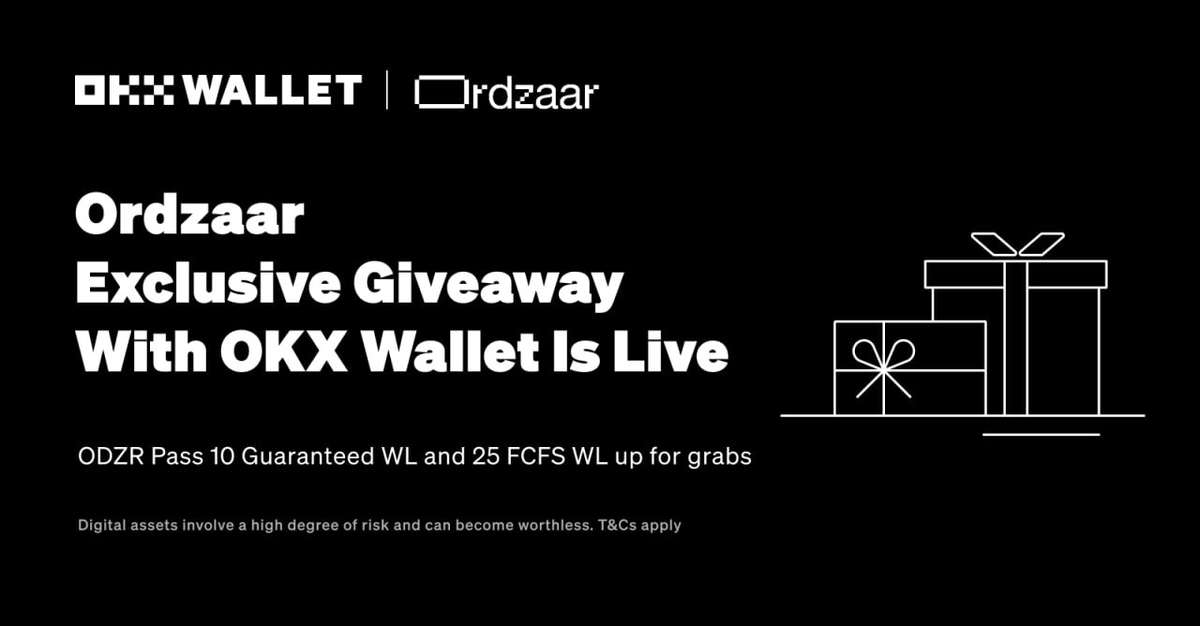
GM Ordinal Maxis, we're excited to announce our collaboration with @okxweb3 🤝
Stand a chance to win some ODZR Pass WL spots with this Giveaway in collaboration with OKX Web3 Wallet 💾
Join the Giveaway here 👇
app.galxe.com/quest/OKXWEB3/…
SEND ZAAR 🫡
507
13,174
1,149
427,605
VicVes retweeted

8 Apr 2024
New role = New WL opportunity? If you missed out on OG whitelist, we're activating a new VIP role so leap into the Discord and tap in! discord.gg/nodetoadz
*ps NodeToadz is now open for collabs*
219
177
261
12,808
VicVes retweeted

4 Mar 2024
Arcana x Misei
We're proud to announce a partnership giveaway with @miseibot , the most powerful bot in SEI.
- 10x Beta spots for Misei
- 2x $100 in ETH from us!
To enter:
Follow us and @miseibot
Retweet this tweet.
Tag one friend who would love a chance to win!
Good luck!
88
102
148
6,903
WTS Taylor Swift France
- Lyon, Groupama Stadium
- 03 June 2024
- x3 General Admission
Dm me for price!
#ErasTourtickets #TaylorSwiftErasTour #TaylorSwift #france
7
334

VicVes retweeted

21 Oct 2023
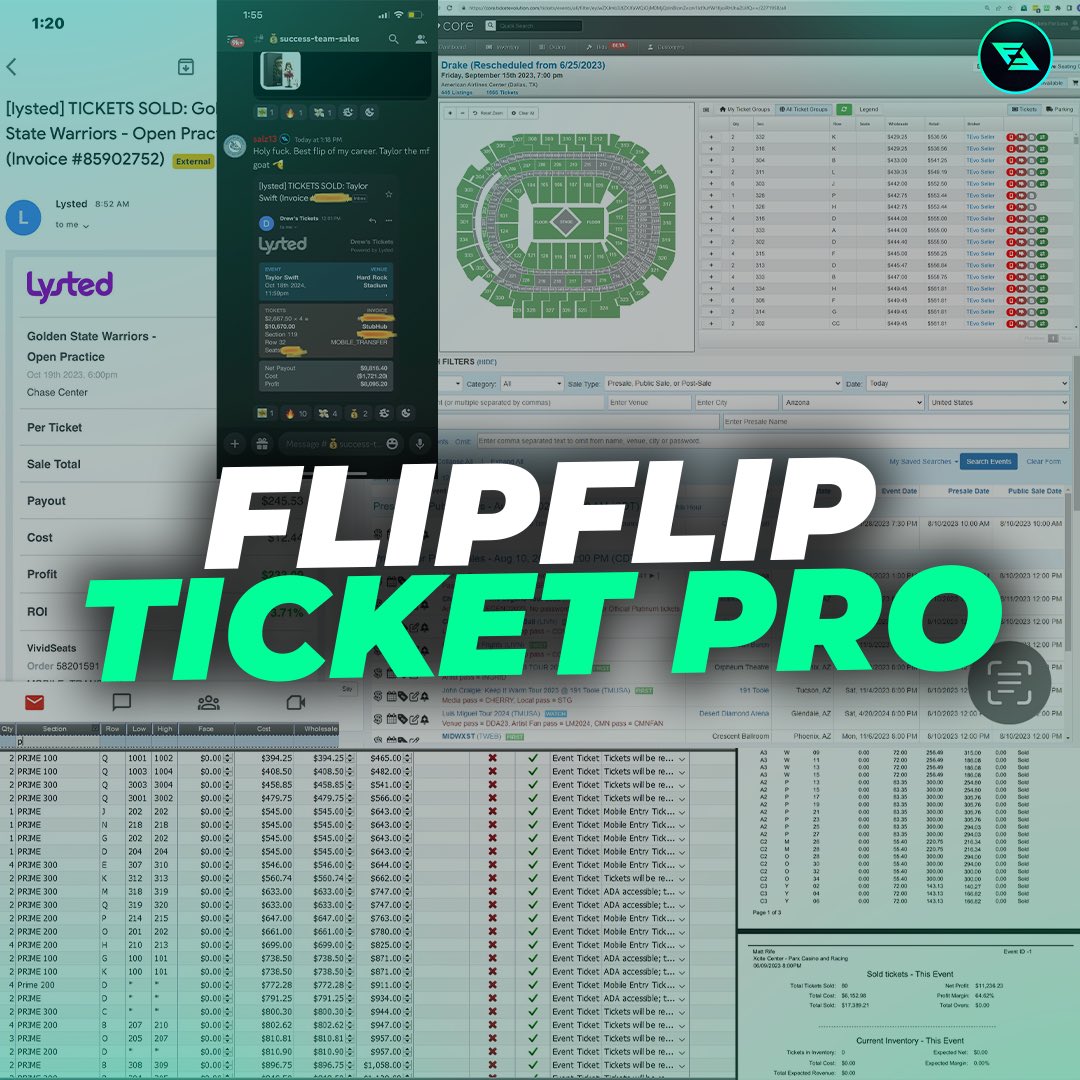
follow, retweet, tag ur bros
Dropping beta before officially launching
19
25
29
4,105