
The calendar for people with too many meetings
Joined November 2019
- Tweets 1,300
- Following 237
- Followers 4,153
- Likes 2,652
253 Photos and videos
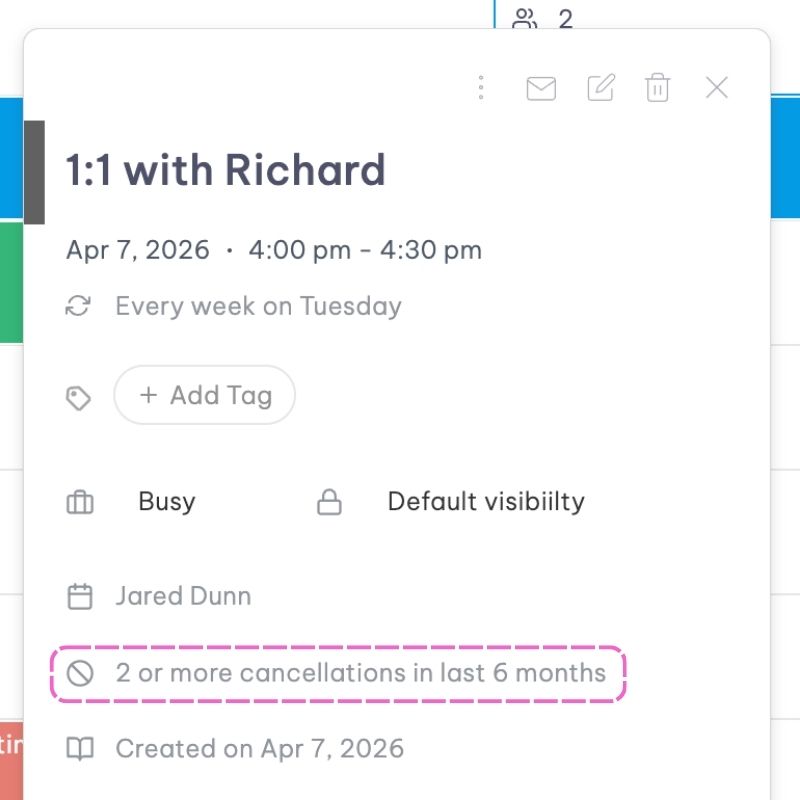
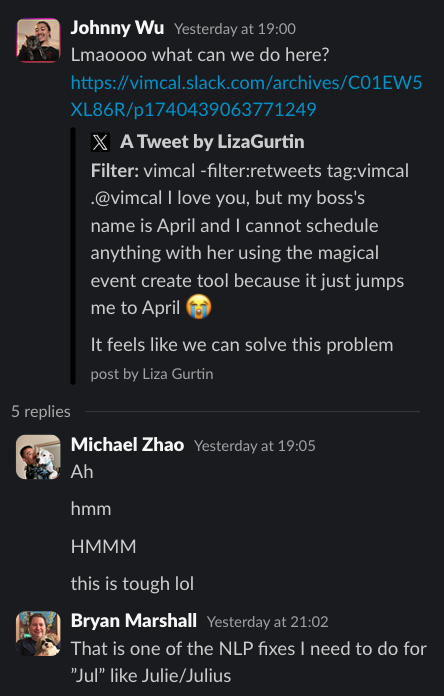
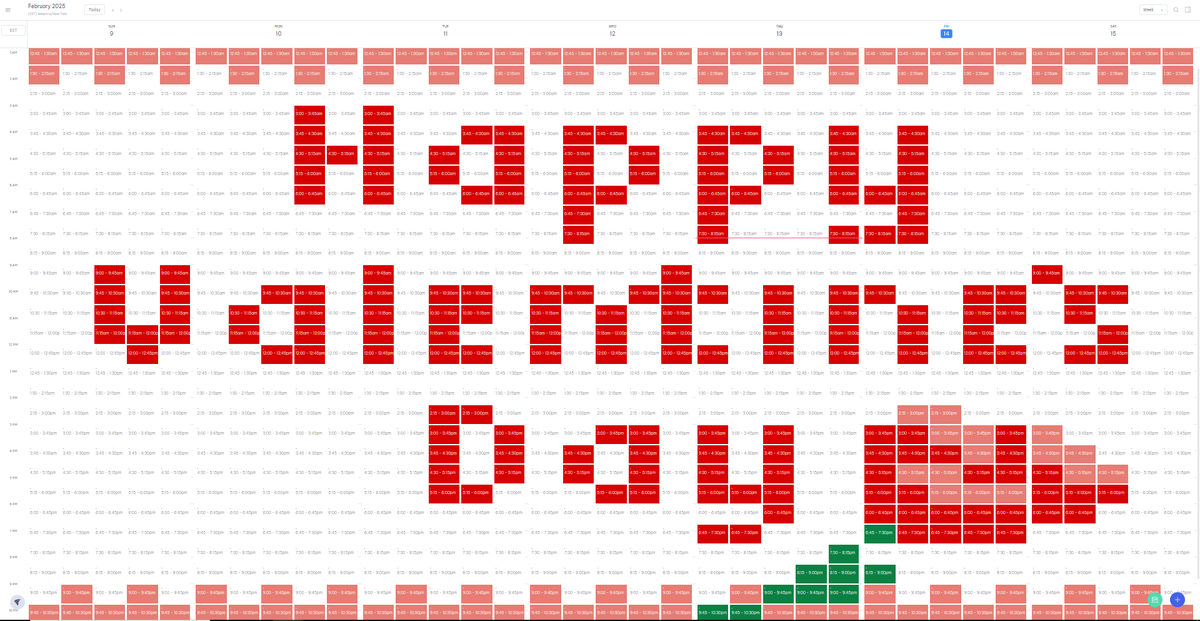
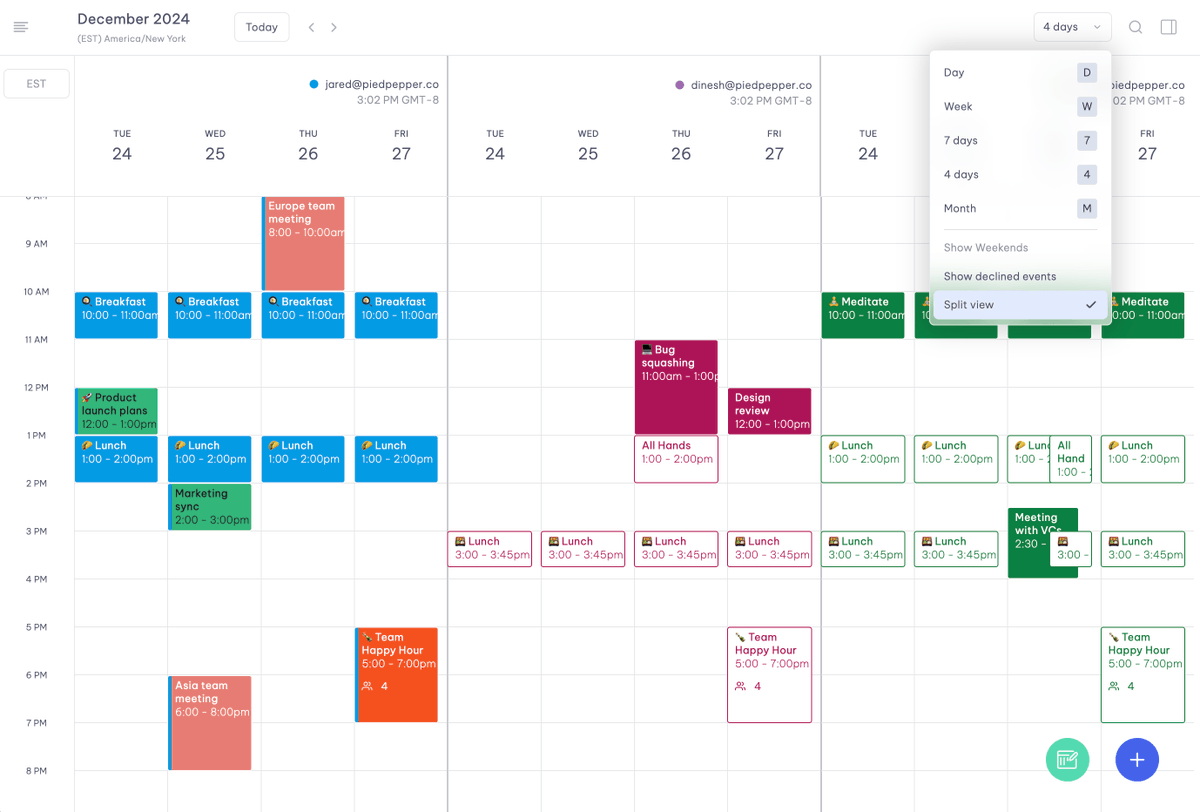
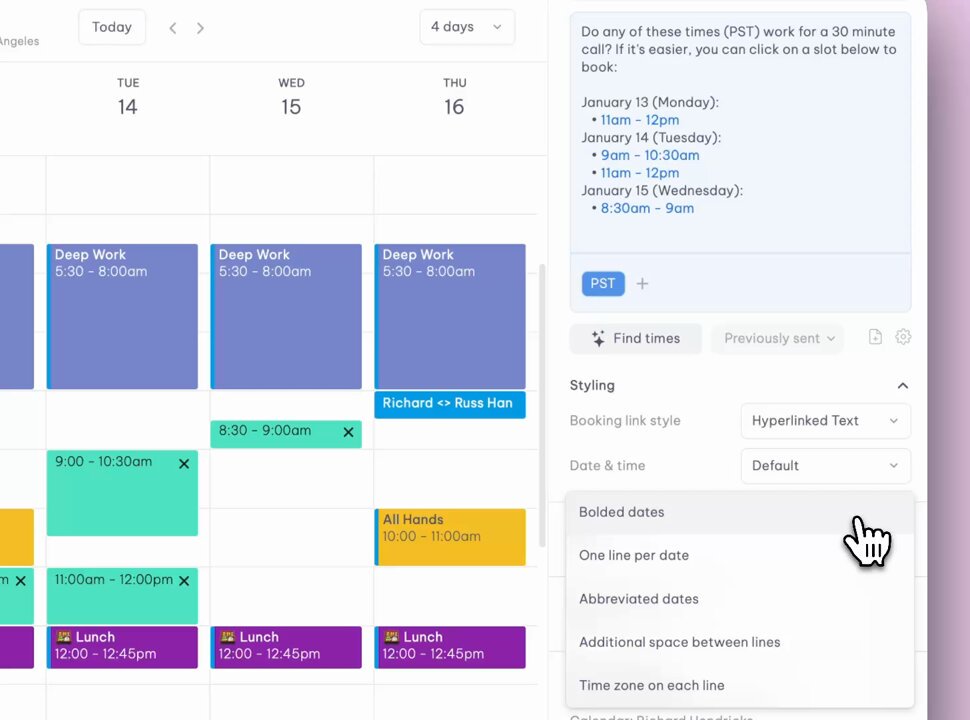

Cancellation Counter is here!
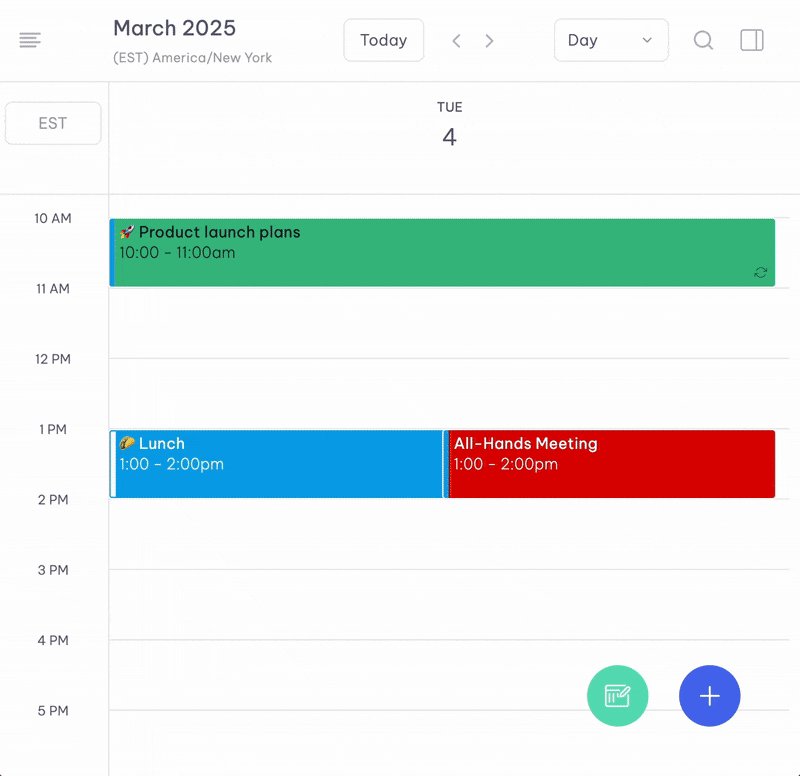
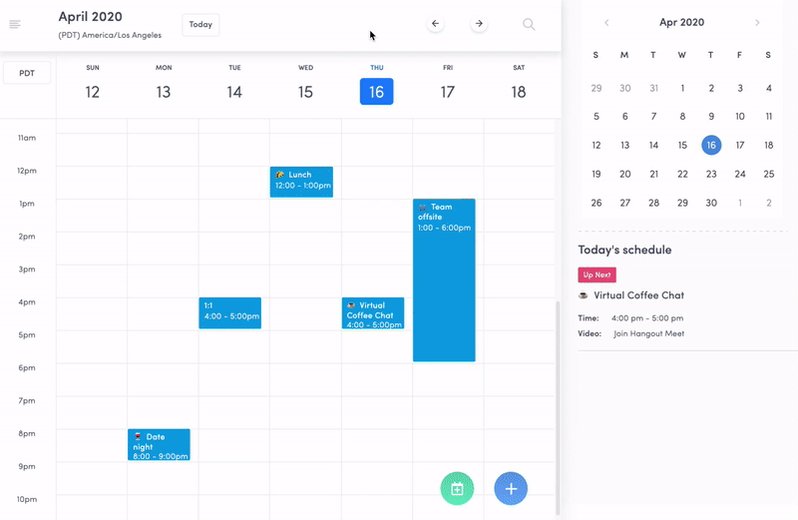
You can now see how often a recurring meeting has been canceled over the past 6 months.
This helps surface those meetings that repeatedly get canceled but still linger on the calendar.
Try Vimcal at vimcal.com
1
2
328
One of the most under-leveraged roles in a company is the Executive Assistant.
We surveyed 600 EAs on workload, AI, job satisfaction, and retention.
Findings are below here! vimcal.com/ea/2026-report
339
Vimcal retweeted

11 Dec 2025
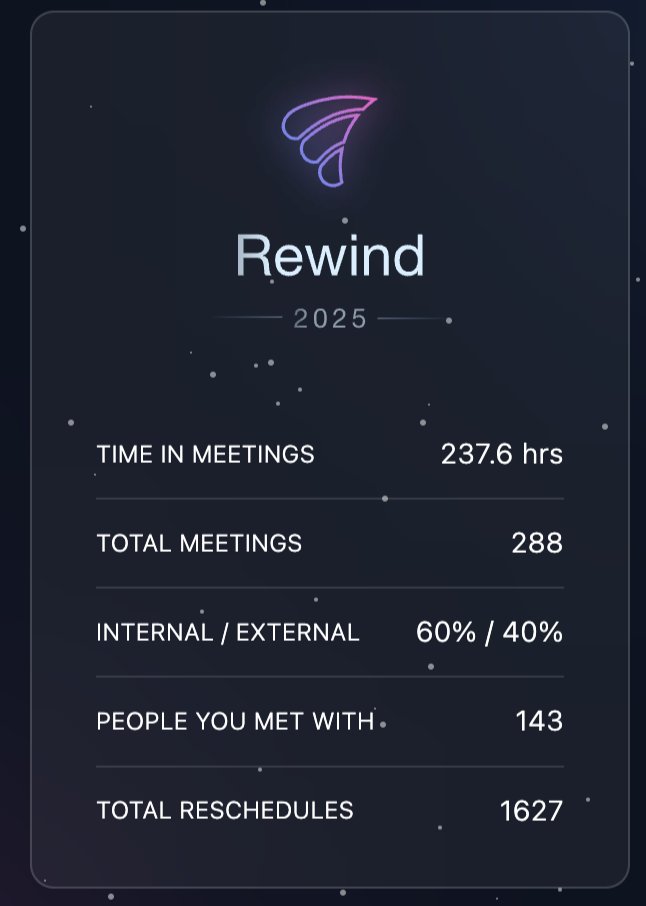
Been using @vimcal since @mikeyyyzhao first onboarded me in 2023, and haven't looked back. Now they've launched Vimcal rewind!
2
2
3
475
Vimcal retweeted

9 Dec 2025
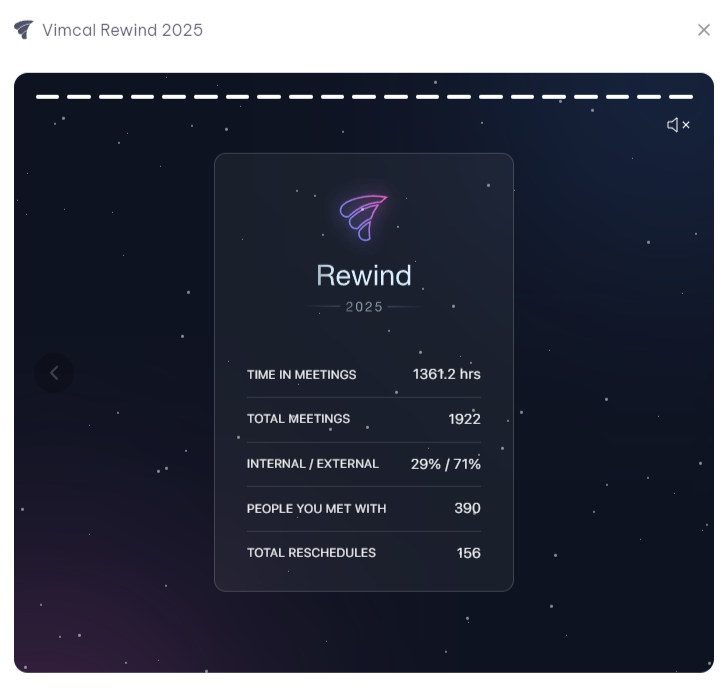
thanks Vimcal now I know how to improve next year
(do fewer meetings)
2
1
3
468
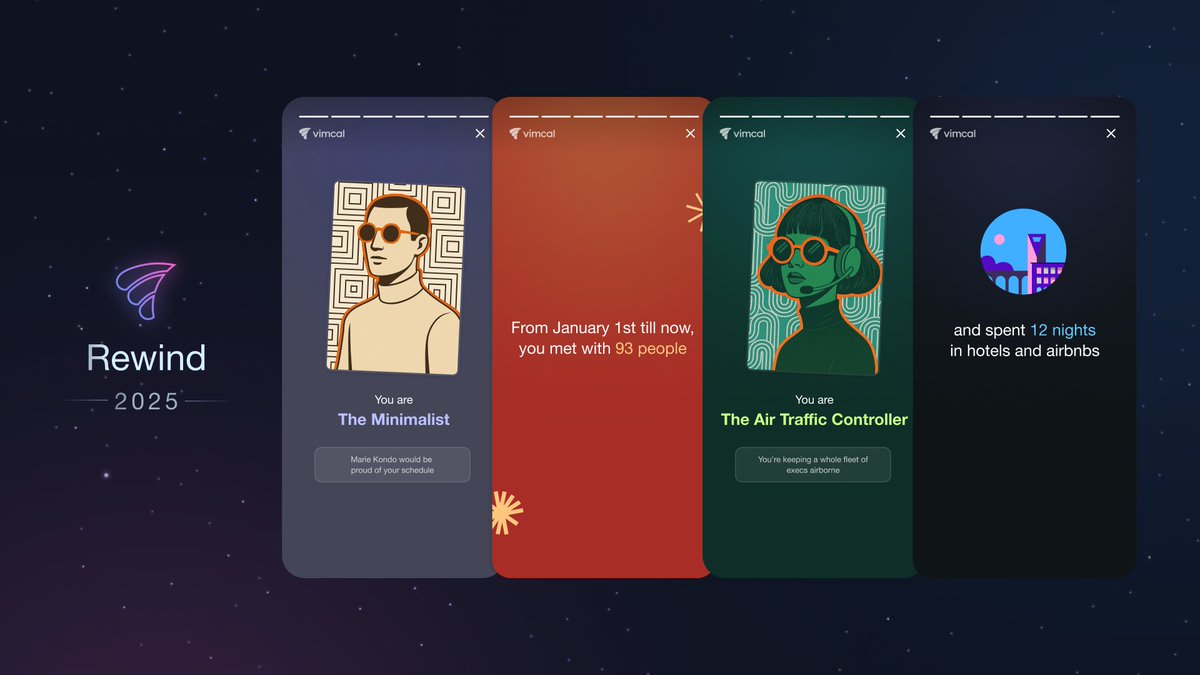
Your 2025 @Vimcal Rewind is now live!!
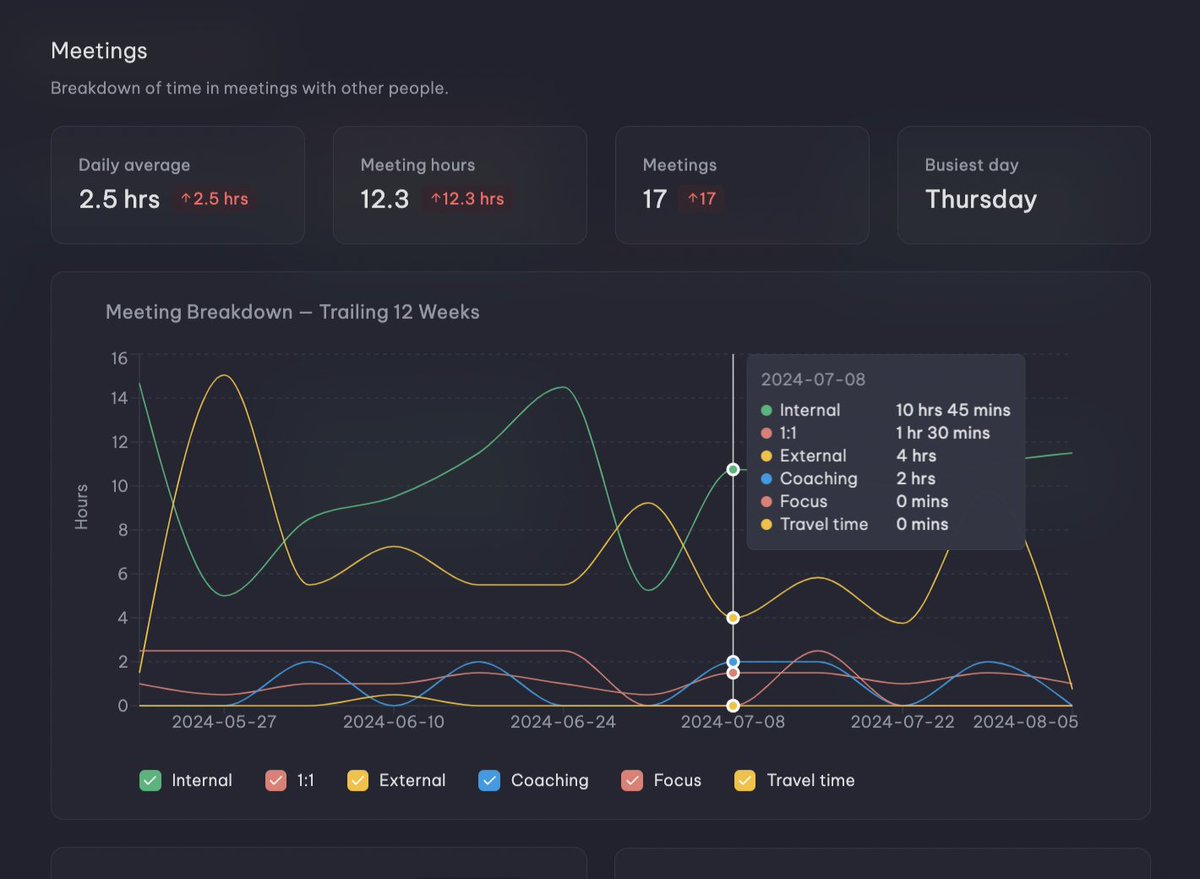
This year brings refreshed visuals, new personas, and a clearer picture of how your calendar evolved in a year where AI sped up deep work… and somehow still made meetings multiply.
It answers the questions we all secretly have at the end of the year:
- How many hours did I spend in meetings?
- How many times did I reschedule meetings?
- How many flights did I take?
- What's my Calendar Persona?
And much more!
You can access your Rewind for the rest of the year by typing “Rewind” into the Command Center.
Hope it gives you a fun look back and a few surprises!
1
2
4
387
Vimcal retweeted

15 Oct 2025
⌛ New in Vimcal: Smart Meeting Buffers Commute Time Calculator!
Whether you need to drive to a coffee chat or leave room to prep for a sales call, @Vimcal's got your back.
With our new Smart Buffers feature, you can easily add color-coded buffers before and/or after any meeting.
The best part? If the meeting gets rescheduled, the buffers will automatically move with the meeting to the new time. No more manual dragging after-the-fact.
2
4
7
548
There's a new way you can protect your calendar with Vimcal! 🛡️
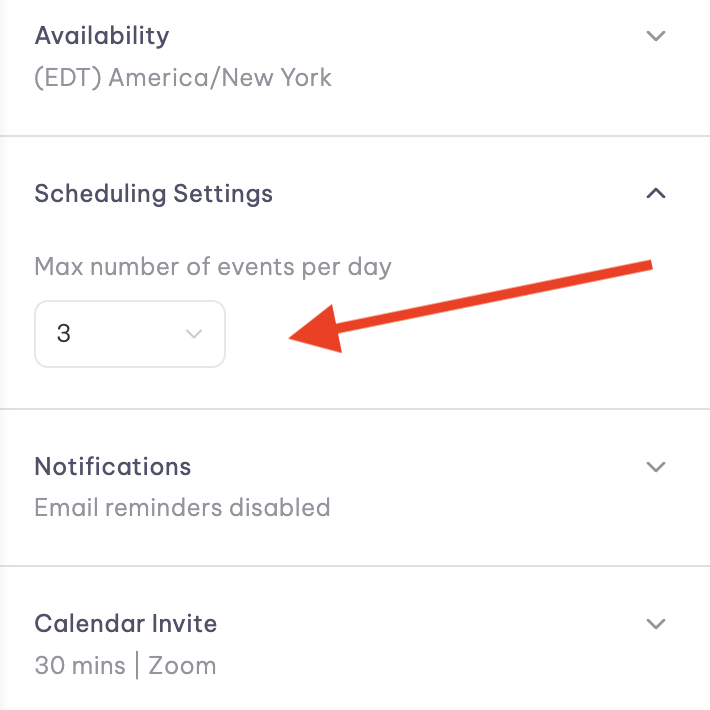
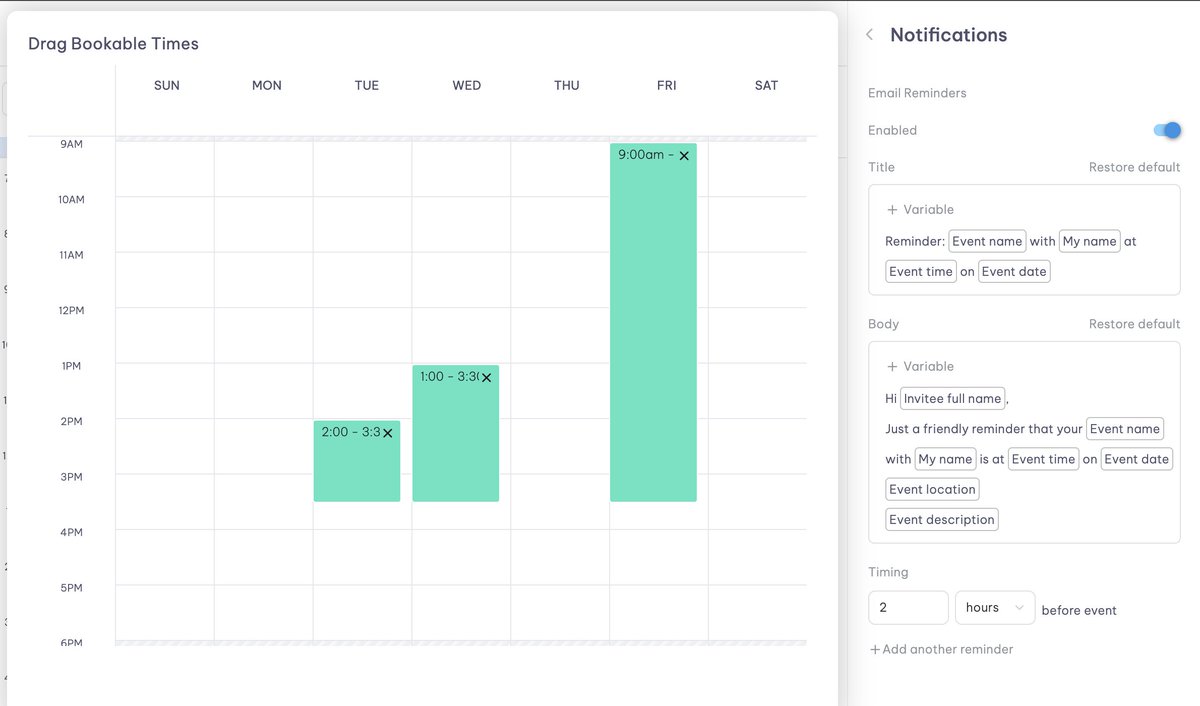
You can now limit how many meetings get booked per day through any Personal Link.
Simply go to the link, expand the "Scheduling Settings" section, and set a max number.
Once your limit is hit, your link will appear fully booked for the day.
Whether you want to max out at 3 office hours or you have too many sales calls (great problem to have), we've got your back!
1
8
406
Vimcal retweeted
13 Aug 2025
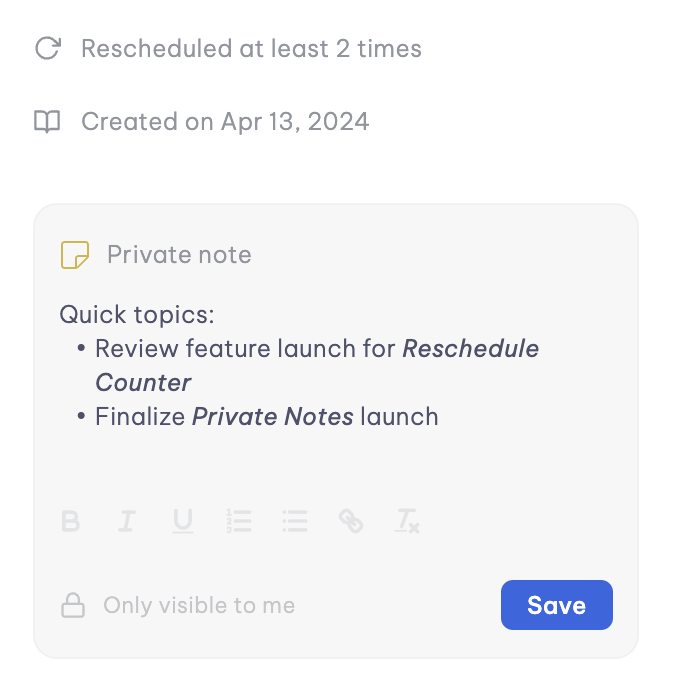
🔒 🗒️ New in @vimcal: You can now add a private note on any calendar event!
By "private", I mean no one else can see them but you. Not an attendee, not a teammate, not even someone with edit access to your calendar.
Use them for:
* Quick meeting prep, e.g., “Remember to bring up budget increases”
* Running agendas
* Sensitive context you don't want in the description
Just scroll to the bottom of an event on any of your calendars and start typing.
Your notes live within your Vimcal account and are for your eyes only, even if the event is owned by a coworker or is on a shared calendar.
This is a feature I've personally wanted ever since we launched Vimcal in 2020, so I hope you find it as useful as I do!
Comment and let us know if there's anything else you'd like to see regarding notes.
1
2
10
636
Vimcal retweeted
7 Aug 2025
🌐 We've got another new feature for you today that you'll only find in @vimcal!
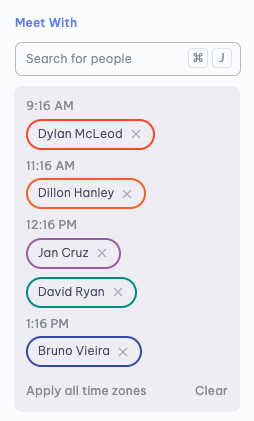
Now when you look up your coworkers' calendars, Vimcal automatically sorts everyone by their local time so you can immediately see how everyone is spread out.
You can then overlay everyone's time zones onto your own calendar in just one click.
It's easy to forget who is where when you're scheduling across continents (or even just coasts). This small touch makes it a tad faster and much less error-prone =)
If you're constantly scheduling/rescheduling team meetings, check out Vimcal today: vimcal.com?utm_campaign=meet…
2
9
538
Vimcal retweeted
24 Jul 2025
I've been dying to share our newest feature in @Vimcal that you won't find in any other calendar:
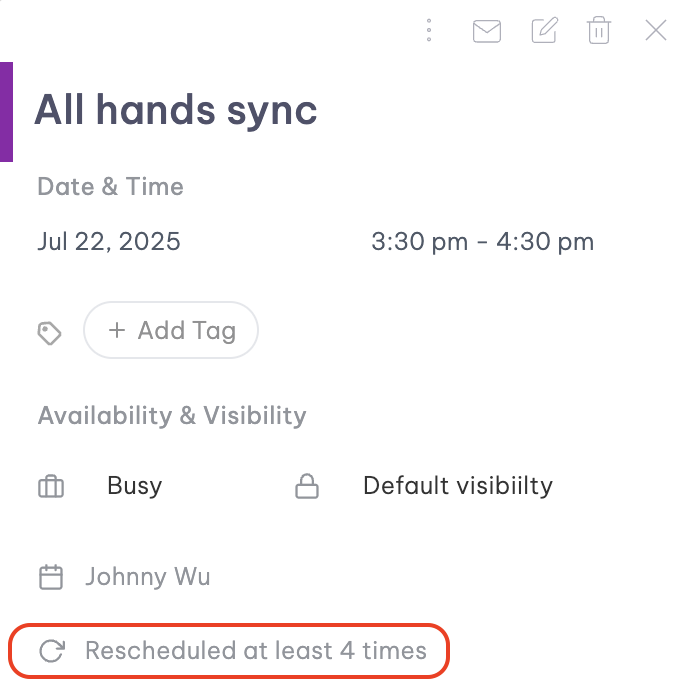
You can now see how often your meetings have been rescheduled!
The truth is, some meetings just don’t want to happen. Now, at the bottom of your calendar events, you can see how many times each meeting has been moved.
It’s a small detail, but it helps you spot patterns:
- "Catch ups" that neither party really wants
- Repeatedly moved 1:1s that need re-prioritizing
- Meetings you want to reschedule but you've already moved too many times
Additionally, Vimcal will surface a warning when you reschedule a meeting that's already been moved a few times, just in case it's one time too many.
4
3
15
1,283
Vimcal retweeted
14 Jul 2025
I'm happy to share that @Vimcal is now HIPAA compliant!
Alongside SOC 2, GDPR, and ISO 27001, this makes us one of the only enterprise-grade calendar solutions on the market, trusted by teams handling sensitive data across healthcare, the Fortune 500, and beyond.
If you're at a larger company and would like to use Vimcal at work, DM me and we can speak with your IT team!

2
2
22
807
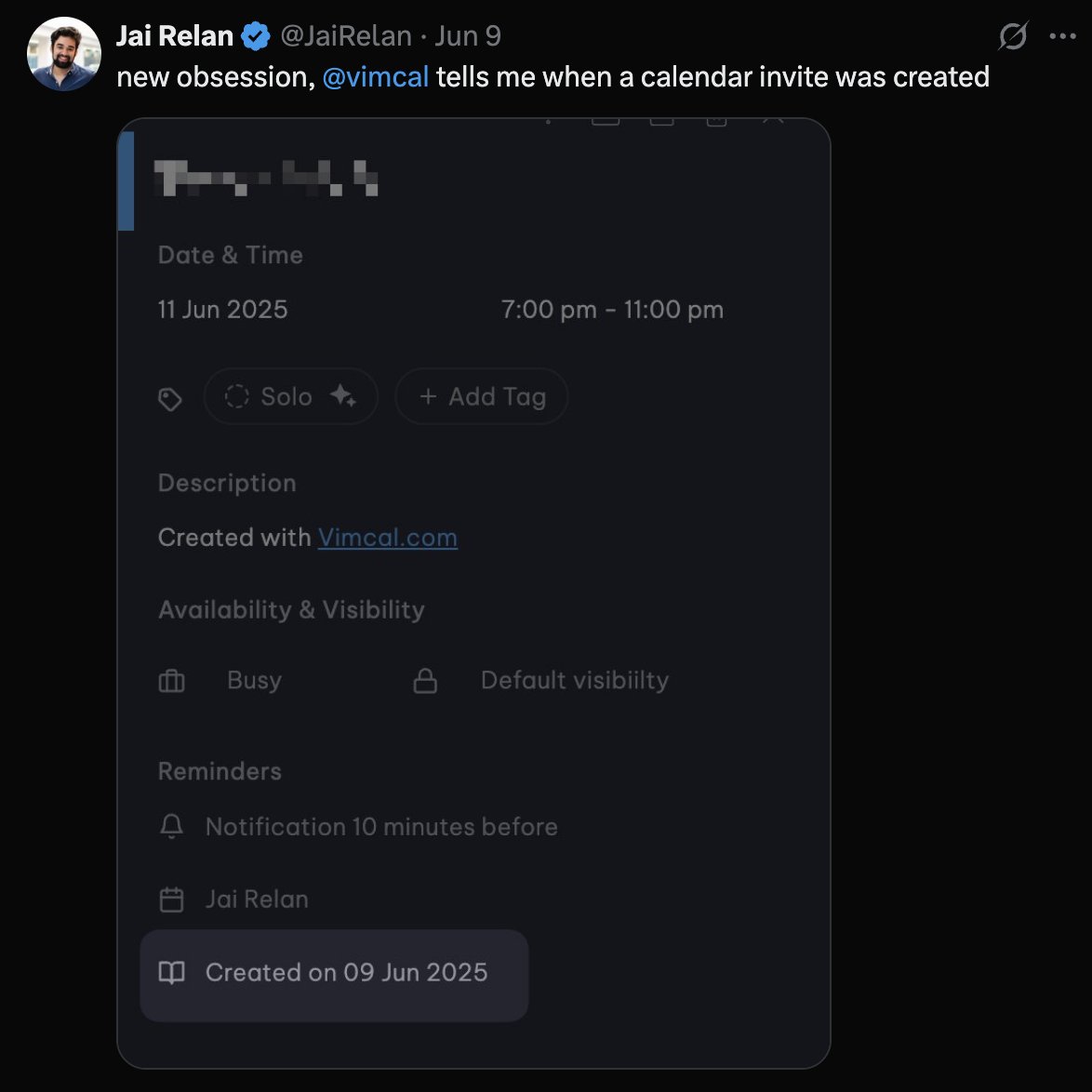
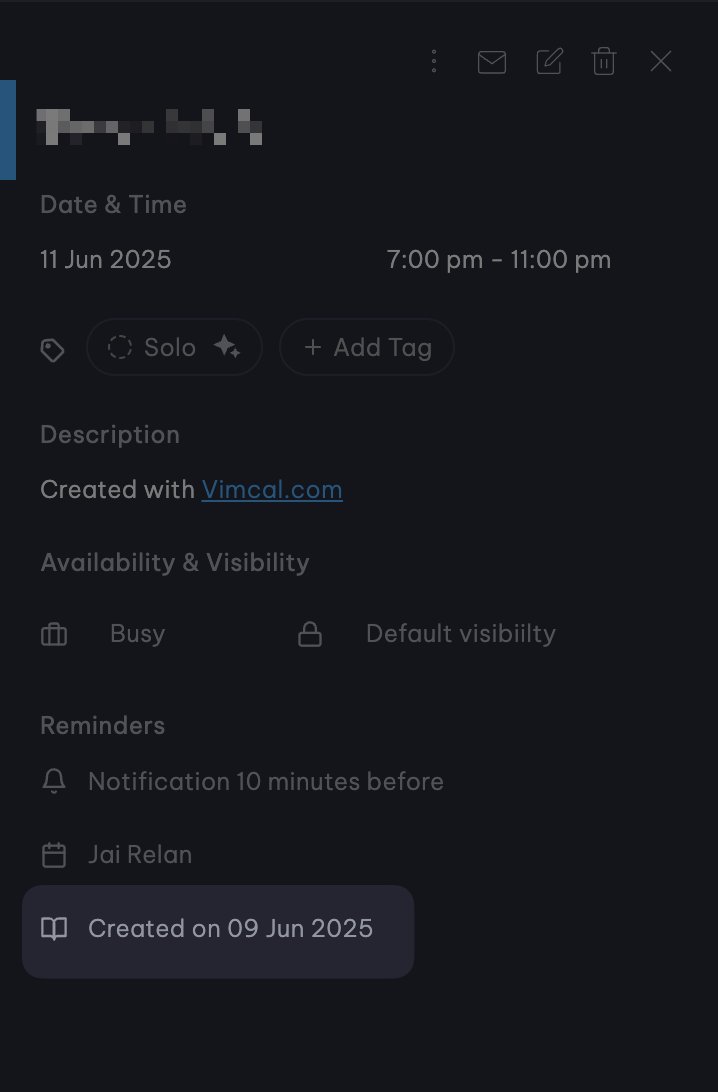
New in @Vimcal 📆: See exactly when calendar events were created. No more guessing "When did this get added?"
Perfect for:
• Spotting surprise meetings
• Clearing old invites
• Answering execs' calendar mysteries
Bonus points if you noticed before we announced it.
P.S. We quietly dropped another feature last week. Did you notice? 👀
3
278

Vimcal retweeted

5 Jun 2025
There are so few tech products that I really love and constantly delight me, so I feel like I need to again shout out @vimcal for being such a great calendar app.
1
1
3
995
We’ve just rolled out 7 quality-of-life updates that we hope will be a pleasant improvement for you!
What’s new:
🗓 1) Scheduling Assistant 2.0
Critical attendees — You can now mark which attendees are the most important with a star, which will calculate mutual availability only for these VIPs.
Suggestions to override low-priority meetings — Your coworkers’ internal events with 2 or fewer attendees (e.g. 1:1s) are now shown in a lighter shade, helping surface meetings that may be lower priority for you to book over.
See event details — Click on any event to instantly see full details. This allows you to have full context of people’s schedules, directly inside the Scheduling Assistant.
1
1
3
772