Vault Rooms is an industry-leading cloud-based virtual data room provider. We enable clients to safely collect, share and track business-critical documents 24/7
Joined February 2009
- Tweets 1,495
- Following 782
- Followers 513
- Likes 5
1,020 Photos and videos







14 Feb 2024
In today's fast-paced digital landscape, businesses always look for innovative solutions to streamline operations, enhance productivity, and deliver exceptional customer experiences. One such solution that has gained significant traction is the seamless unified technology platform. This platform integrates various functionalities like transaction processing, project management, CRM marketing, and VDR document storage into a single cohesive system. Read More rb.gy/rm4pac
#CRM #VDR #outlook #marketingautomation #business #ceos #security #makeadifference #businessvaluation
74
30 Jan 2024
Monthly Security News
Forbes Reports
Warning As 26 Billion Records Leak: Dropbox, LinkedIn, Twitter Named
Here's What You Need To Know
According to Security Discovery and Cyber News researchers, the newly discovered database of leaked data runs to 12 terabytes in size and deserves the MOAB title.
The research team thinks that the 26 billion record database, found on an open storage instance, will likely have been compiled by a malicious actor or data broker. "Threat actors could leverage the aggregated data for a wide range of attacks, including identity theft, sophisticated phishing schemes, targeted cyberattacks, and unauthorized access to personal and sensitive accounts," they say.
How to Protect Yourself
1. Use Two-factor Authentication to Protect Your Accounts
Using only one factor — say, something you know, like a password — to log in to your account is like having one lock on your front door. And not a very secure one.
Using two-factor authentication is like using two locks on your door — and is much more secure. Even if a hacker knows your username and password, they can't log in to your account without the second credential or authentication factor.
lnkd.in/eZWhZNTQ
2. Providers should offer protection against attacks targeting specific IP attacks.
Brute-force protection is a feature that safeguards against a single IP address attacking a single user account. When a given IP address tries and fails multiple times to log in as the same user, brute-force protection blocks the suspicious IP address from logging in as that user and sends an email to the affected user. Brute Force Protection (BFP) is a feature that monitors Vault Rooms. lnkd.in/efANT-zY
3. Why you should never allow your web browser to save your passwords.
You shouldn't use a password manager — if that password manager happens to be the one built into your desktop web browser.
That's because desktop web browsers, despite their best efforts, need to safeguard your passwords, credit card numbers, and personal details, such as your name and address. Web browsers are fairly easy to break into, and lots of malware, browser extensions, and even honest software can extract sensitive information. Instead, you should save passwords in a stand-alone password manager. lnkd.in/eChjqMbV
vaultrooms.com/pricing/
#security #cyberattack #bestpractices #securedata #vaultrooms #mergersandacquisitions #businessadvisory #
330
22 Jan 2024
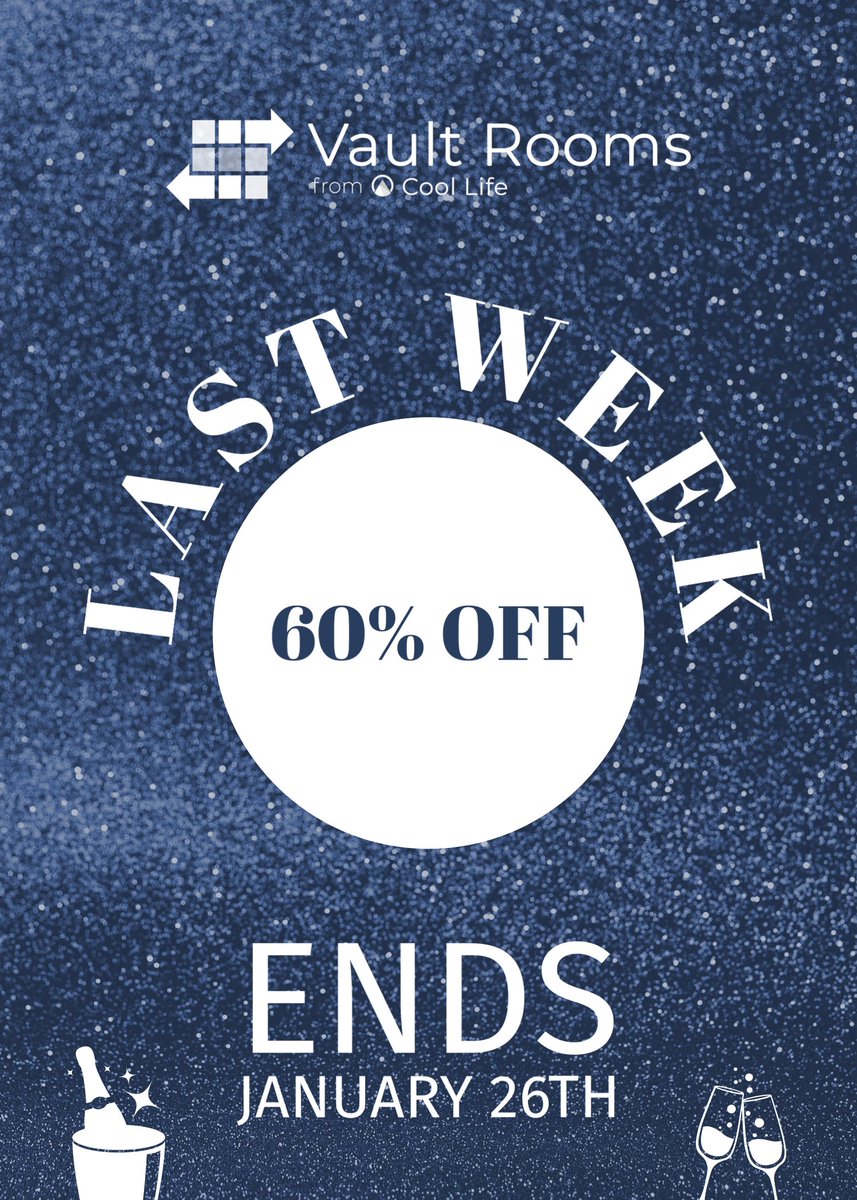
Secure Your Sensitive document - Our Sales end this week. Jan 26, 2024 vaultrooms.com/pricing/
#vaultrooms #securestorage #banking #businessbroker #SaleEvent
#CIBV #investmentbanking #Therapudic
27
23 Dec 2023
tinyurl.com/CoolLifeCRM
Exciting news from Cool Life CRM! We are thrilled to announce our game-changing upgrade to services with the All-In-One Solution: Cool Life CRM Vault Rooms. Experience the power of seamless integration with our combined CRM and Virtual Data Room on a single, user-friendly platform!
What’s in it for you? Stay organized and on top of your projects effortlessly with the Project Manager. Elevate your marketing strategies with our specialized tools. Simplify content management and streamline form processes with CMS and Form Tools. Connect with ease! We’re integrated with DocuSign, Outlook, and more!
But that’s not all! Dive into our brochure for an in-depth look at the extraordinary features that await your business. Ready to take your business to new heights? Contact us today to discover how Cool Life CRM can empower and transform your operations!
hashtag#CoolLifeCRM hashtag#VaultRooms hashtag#AllInOneSolution hashtag#BusinessEmpowerment hashtag#CRM hashtag#VDR hashtag#InnovationInProgress
tinyurl.com/CoolLifeCRM
30
20 Dec 2023
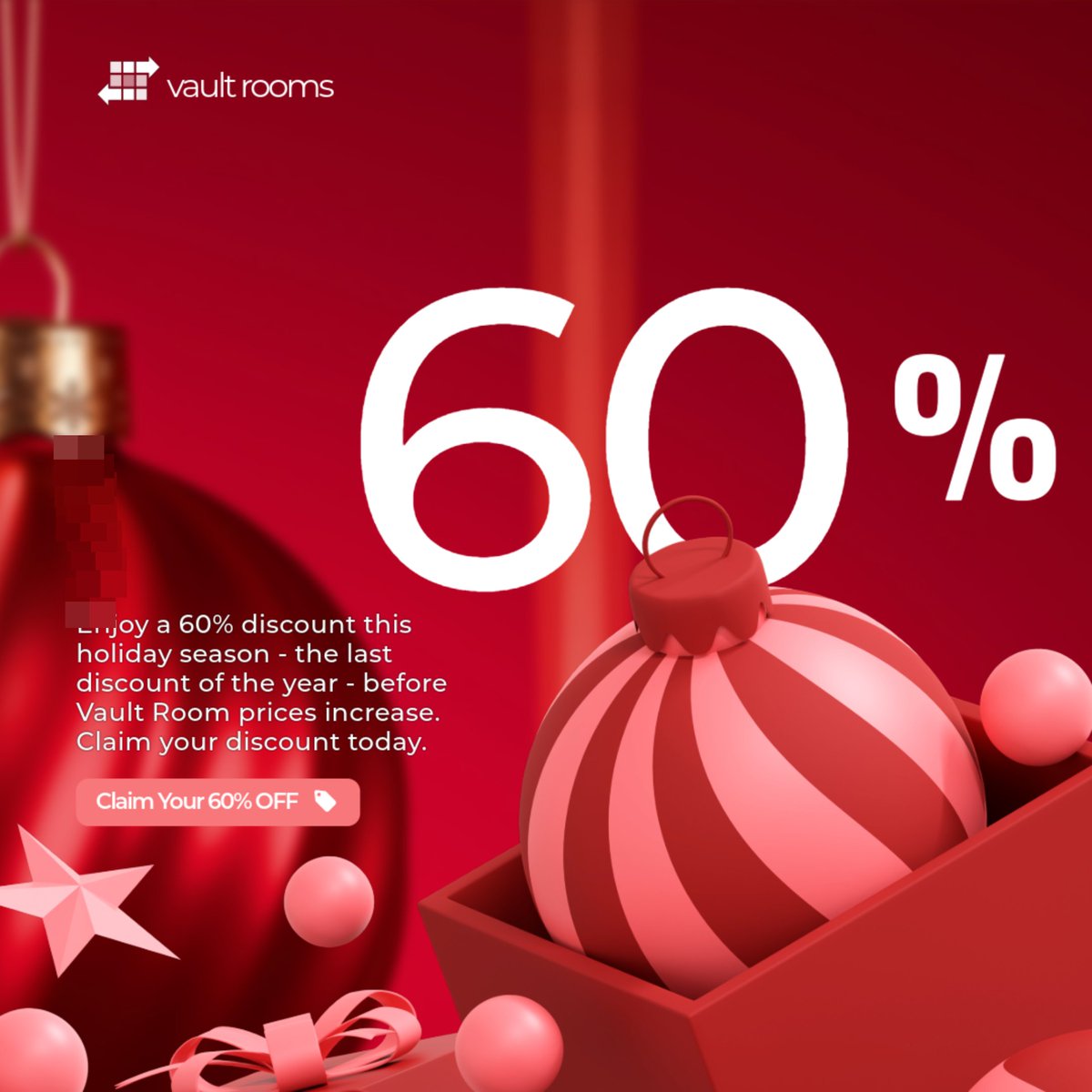
Save 60% this Holiday Season and protect your important documents.
📁 Don't miss out on this incredible opportunity to ensure the safety and security of your confidential documents and files. Prices start at $ 27.50.
vaultrooms.com/
18
9 Dec 2023
🚀 What's Vault Room? 🚀
Vault Room is not just another platform; it's your digital fortress for confidential files and seamless collaboration.
🔒 Key Features:
✅ Bank-level Security
✅ Easy File Sharing
✅ Intuitive User Interface
tinyurl.com/mr2rs52h
22
27 Nov 2023
Peace of mind is priceless when circulating your sensitive documents. Vault Rooms protects them with stringent access permissions, unique watermarking, and comprehensive activity tracking. Safeguard your data from prying eyes and unauthorized access. vaultrooms.com/
21
23 Oct 2023
In this ever-changing and uncertain world, we are unable to control world politics, but for sensitive documents, confidential information, or crucial business transactions, look no further than vaultrooms.com
25
12 Oct 2023
Don't take chances with your data. Vault Rooms offers the comprehensive features and ironclad security global companies demand. Fast file transfers and an intuitive user interface simplify your workflow while safeguarding valuable information. vaultrooms.com/
25
11 Oct 2023
📷 Vault Rooms is the product you've all been waiting for! If you're tired of struggling with slow, unreliable document storage systems, we've got the solution for you. Vault Rooms offers fast, secure, and intuitive transaction document storage.vaultrooms.com/
24
28 Sep 2023
vaultrooms.com/ is an indispensable tool for organizations across various industries due to its numerous benefits. A VDR is a secure online repository that allows users to store, share, and access sensitive information in a controlled and protected environment.
29
23 Jul 2021
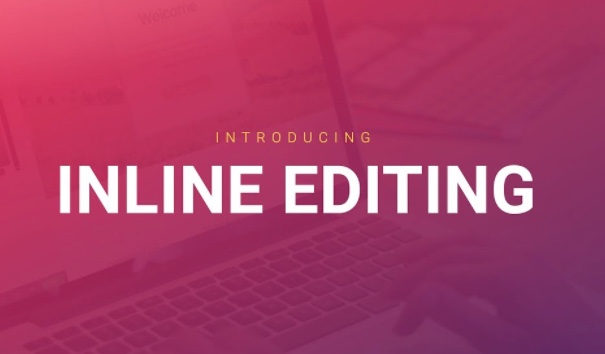
Great things coming with new Vault Rooms feature this September - INLINE EDITING!! Can't wait for you guys to see this!!!
2
17 Feb 2021
Minimum wage & main vs wall street gap discussions are heating up. Great insight from former Reps Charlie Stenholm (D) & Steve Bartlett (R) - how Biden administration might address.
bit.ly/2OB5ioR #minimumwageincrease #dataroom #virtualdatarooms #mainstreet #wallstreet
1