
Recognized IT Pro & End User Computing industry expert: Citrix, Microsoft, VMware, Nutanix, NVIDIA. Technology evangelist, blogger, and strategic advisor!
Joined March 2009
- Tweets 11,541
- Following 1,337
- Followers 3,530
- Likes 4,876
2,028 Photos and videos


May 20
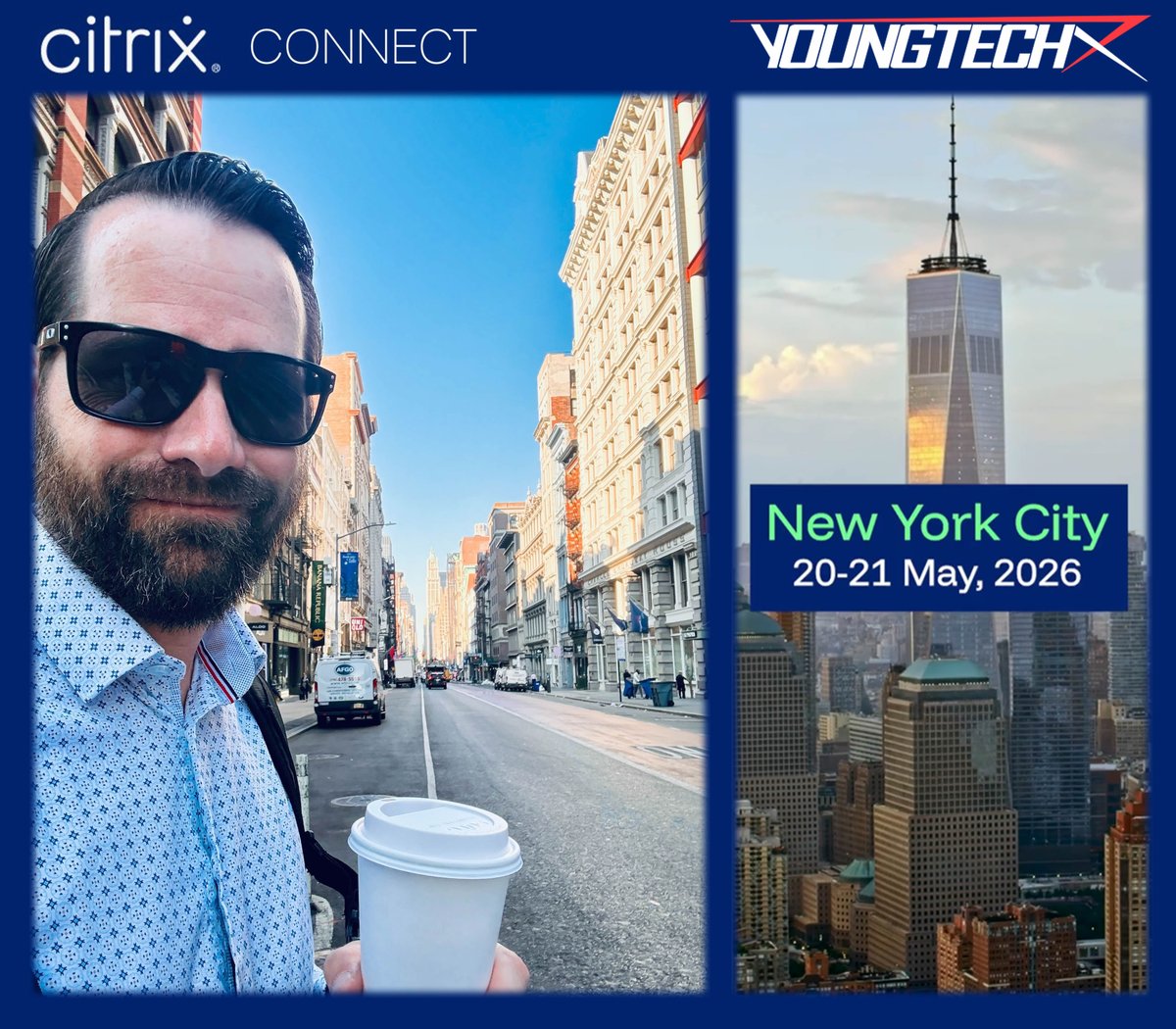
Good morning from New York City! Glad to be here with friends, colleagues and community peers at @Citrix Connect! If you're in New York for this event, drop me a note or a comment, or just come find me! Onward and upward!!
🚀🚀🚀
#CitrixConnect | #YOUNGTECH | @YOUNGTECH | #Citrix | #Microsoft | #Nerdio | #Omnissa | #VMware | #CitrixCTP | #NerdioValuedProfessional | #NVP | #NVIDIA | #NEPA | #OmnissaCommunity | #OmnissaTechInsider | #EUCExpert | #EUCExperts | #VDI | #DAAS | #Horizon | #Azure | #AVD | #W365 | #Windows365 | #AzureVirtualDesktop | #EndUserComputing | #EUC | @Citrix | @Microsoft | @LoginVSI | @GetNerdio | @WeAreOmnissa | @OmnissaCmty | @VMware | @Broadcom | @WorldofEuc | @nvidia | @nutanix | #EUCWorld | #WorldOfEUC | #NVIDIANEPA | #Consulting | #ITPro | #Professional | #Services | #ProfessionalServices | #MVPbuzz | #EUCCommunity | #ITLeadership | #EndUserComputing | #WorkspaceAI | #Automation | #CloudPC | #Nutanix | #AHV | #Horizon | #Horizon8 | #NutanixAHV
1
64
Apr 14
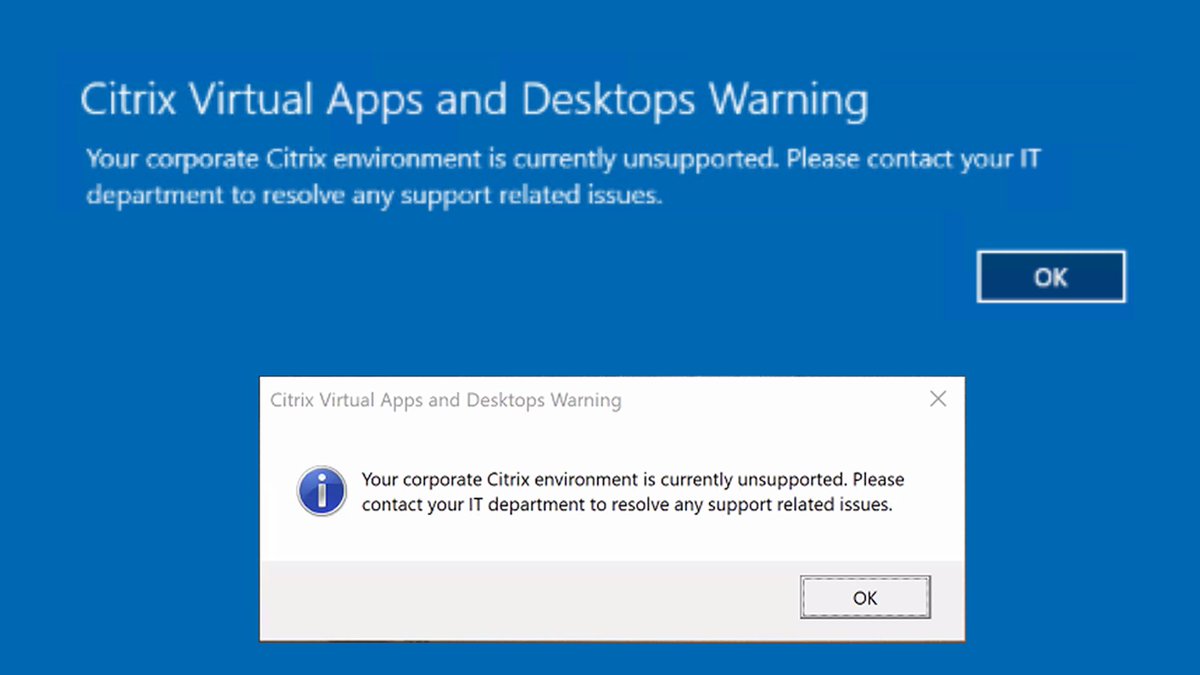
Taking a minute between daily fire drills to appreciate all the many customers and partners we've helped in the last 30 days to avoid inevitable Citrix support challenges due to License Activation Service (LAS) non-compliance by April 15th 2026! We see you, we appreciate your Citrix Admins and the hard work they put in to avoid major disruptions every day!!
Now...shameless plug time for YOUNGTECH!! If you're running Citrix technologies of any kind and not sure if your environment will be affected this week, PLEASE drop a DM or message for a FREE ONE HOUR Consultation call over Zoom. We don't need any elevated permissions or direct access to help over the shoulder, ensure that your environment is 100% addressed, and will not encounter any issues throughout the remainder of this month. There's nothing worse than NOT KNOWING 'are we going to have an outage or errors' similar to what I'm showing below.
My encouragement to all would be to: 1) Stay in the fight, 2) Don't be discouraged, 3) Keep up the good work, 4) Avoid system outages or customer impact, and 5) Don't delay! Do these things this month and every month. WE GOT THIS!
Last comment for my partners and consulting friends helping customers avoid outages, you are appreciated!! Keep doing what you're doing!
LET’S GO!!
🚀🚀🚀
#YOUNGTECH | @YOUNGTECH | #Citrix | #Microsoft | #Nerdio | #Omnissa | #VMware | #CitrixCTP | #NerdioValuedProfessional | #NVP | #NVIDIA | #NEPA | #OmnissaCommunity | #OmnissaTechInsider | #EUCExpert | #EUCExperts | #VDI | #DAAS | #Horizon | #Azure | #AVD | #W365 | #Windows365 | #AzureVirtualDesktop | #EndUserComputing | #EUC | @WorldofEuc | @NVIDIA | #EUCWorld | #WorldOfEUC | #NVIDIANEPA | #Consulting | #ITPro | #Professional | #Services | #ProfessionalServices | #MVPbuzz | #Nutanix | #AHV | #Horizon | #Horizon8 | #NutanixAHV | #EUCCommunity | #EndUserComputing | #ModernWorkplace | #NutanixNext | @citrix | @Microsoft
357
Dane Young, MBA retweeted

📣 At the end of last week, Tech Insider @youngtech published the final section of his blog series on Step-by-Step Installation and Configuration of Omnissa Horizon 8 on Nutanix AHV. This last part covers upgrading Nutanix AHV to 11.0 and final validation, the perfect wrap-up to the series. 🔧📘
👉 omnissa.link/3OLg62E
#OmnissaCommunity #OmnissaTechInsider

1
119
Feb 27
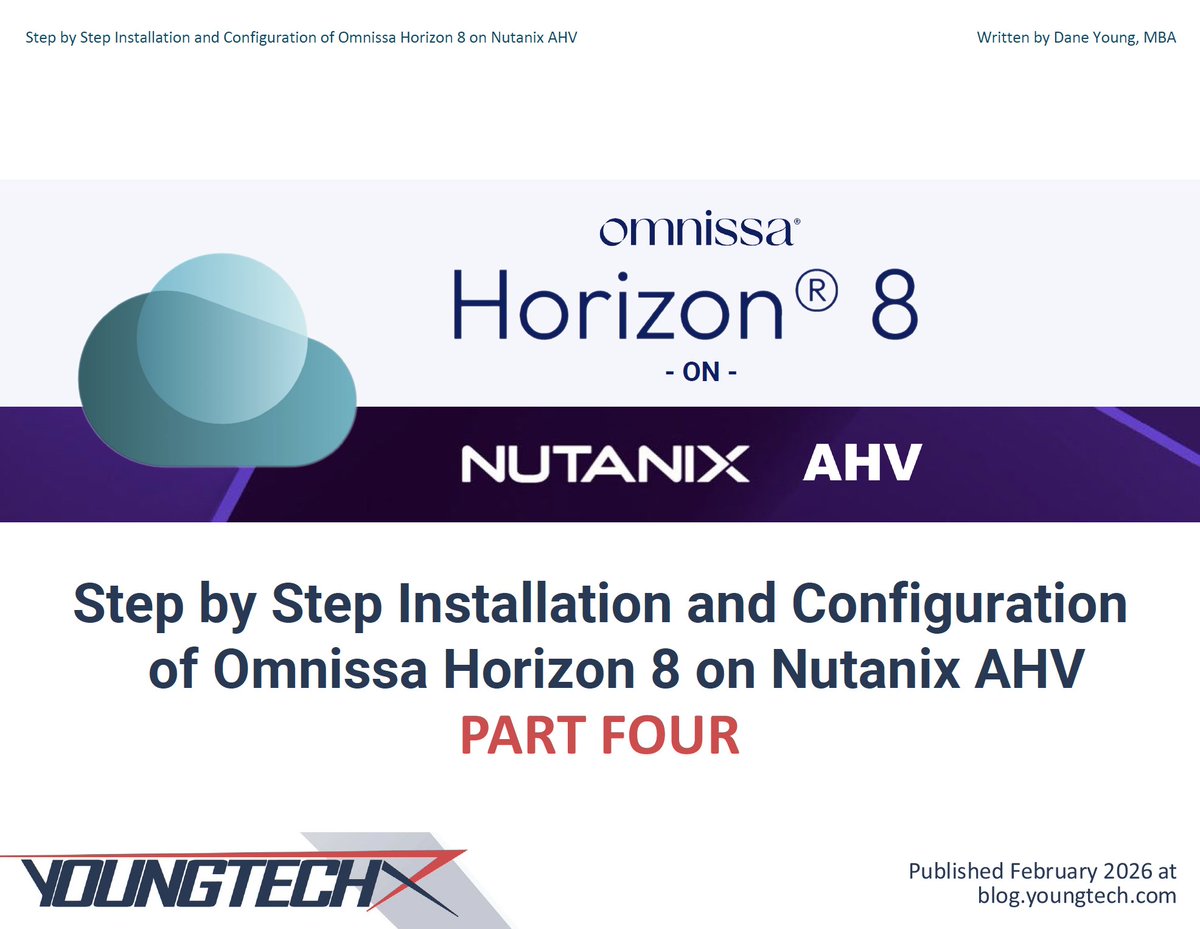
The final part of this Horizon on Nutanix series is now live and online!! Over the last several weeks I’ve shared the first three parts of this blog series, which are sections extracted from the 325 Full Guide linked in the blog. This post is Part Four (of Four), and as of today, all sections can be found online, linked below! While I still feel the 325 Full Guide (PDF) is a better way to consume this content, as of today, all content can be viewed online with no need to subscribe to receive the PDF. Enjoy!
Continue reading on LinkedIn and the Blog Series today!
LinkedIn: linkedin.com/pulse/step-inst…
Blog: blog.youngtech.com/step-by-s…
🚀🚀🚀
#EUCCommunity | #ITLeadership | #EndUserComputing | #WorkspaceAI | #Automation | #CloudPC | #YOUNGTECH | @YOUNGTECH | #Citrix | #Microsoft | #Nerdio | #Omnissa | #VMware | #CitrixCTP | #NerdioValuedProfessional | #NVP | #NVIDIA | #NEPA | #OmnissaCommunity | #OmnissaTechInsider | #EUCExpert | #EUCExperts | #VDI | #DAAS | #Horizon | #Azure | #AVD | #W365 | #Windows365 | #AzureVirtualDesktop | #EndUserComputing | #EUC | @Citrix | @Microsoft | @LoginVSI | @GetNerdio | @WeAreOmnissa | @OmnissaCmty | @VMware | @Broadcom | @WorldofEuc | @nvidia | #EUCWorld | #WorldOfEUC | #NVIDIANEPA | #Consulting | #ITPro | #Professional | #Services | #ProfessionalServices | #MVPbuzz | @Nutanix | #Nutanix | #AHV | #Horizon | #Horizon8 | #NutanixAHV
1
150
Feb 16
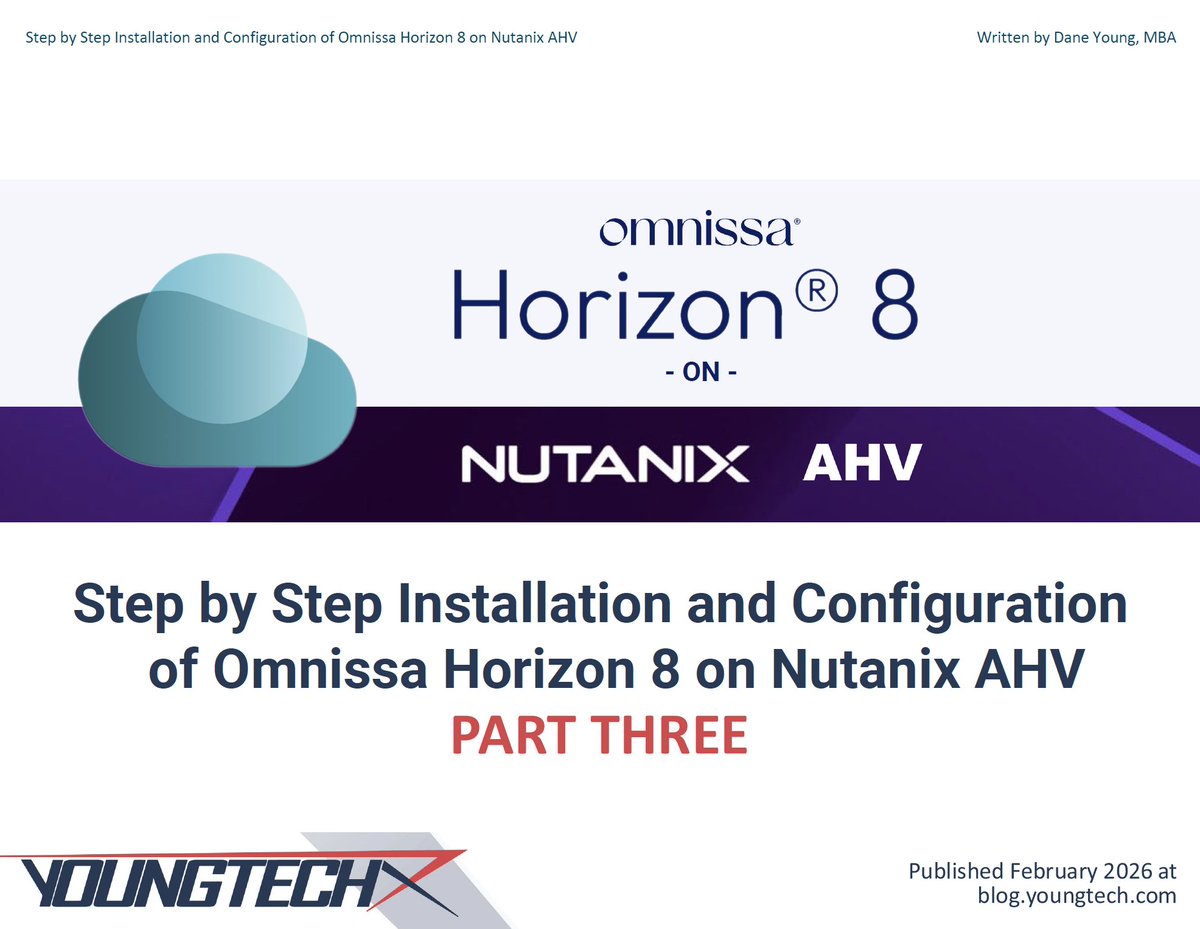
Over the last six weeks I’ve shared the first two parts of this blog series! Part Three of the Installation and Configuration Guide for Horizon 8 on Nutanix AHV is now online! In previous blog posts, I shared sections from the 325 Full Guide linked below. Continue reading on LinkedIn and the Blog Series today!
LinkedIn: linkedin.com/pulse/step-inst…
Blog: blog.youngtech.com/step-by-s…
🚀🚀🚀
#EUCCommunity | #ITLeadership | #EndUserComputing | #WorkspaceAI | #Automation | #CloudPC | #YOUNGTECH | @YOUNGTECH | #Citrix | #Microsoft | #Nerdio | #Omnissa | #VMware | #CitrixCTP | #NerdioValuedProfessional | #NVP | #NVIDIA | #NEPA | #OmnissaCommunity | #OmnissaTechInsider | #EUCExpert | #EUCExperts | #VDI | #DAAS | #Horizon | #Azure | #AVD | #W365 | #Windows365 | #AzureVirtualDesktop | #EndUserComputing | #EUC | @Citrix | @Microsoft | @LoginVSI | @GetNerdio | @WeAreOmnissa | @OmnissaCmty | @VMware | @Broadcom | @WorldofEuc | @NVIDIA | #EUCWorld | #WorldOfEUC | #NVIDIANEPA | #Consulting | #ITPro | #Professional | #Services | #ProfessionalServices | #MVPbuzz | @Nutanix | #Nutanix | #AHV | #Horizon | #Horizon8 | #NutanixAHV
1
2
127
Feb 9
Part Two of the Installation and Configuration Guide for Horizon 8 on Nutanix AHV is now online! Continue Reading the Blog and Download this Full Guide as a PDF today! blog.youngtech.com/step-by-s…
🚀🚀🚀
#EUCCommunity | #ITLeadership | #EndUserComputing | #WorkspaceAI | #Automation | #CloudPC | #YOUNGTECH | @YOUNGTECH | #Citrix | #Microsoft | #Nerdio | #Omnissa | #VMware | #CitrixCTP | #NerdioValuedProfessional | #NVP | #NVIDIA | #NEPA | #OmnissaCommunity | #OmnissaTechInsider | #EUCExpert | #EUCExperts | #VDI | #DAAS | #Horizon | #Azure | #AVD | #W365 | #Windows365 | #AzureVirtualDesktop | #EndUserComputing | #EUC | @Citrix | @Microsoft | @LoginVSI | @Nerdio | @WeAreOmnissa | @OmnissaCmty | @VMware | @Broadcom | @WorldofEuc | @NVIDIA | #EUCWorld | #WorldOfEUC | #NVIDIANEPA | #Consulting | #ITPro | #Professional | #Services | #ProfessionalServices | #MVPbuzz | @Nutanix | #Nutanix | #AHV | #Horizon | #Horizon8 | #NutanixAHV
1
4
150
Jan 5
The final (Part Four) of the Nerdio Manager for Enterprise 7.4 Blog Series has been published this morning! As a refresher, back in November I published the Full Guide linked below, which includes 165 pages of Step by Step instructions for Installation and Configuration of Nerdio Manager for Enterprise 7.4. In this post, we'll jump back in where we left off: Section 6: Lock Down Nerdio Manager for Enterprise to an Azure Private Endpoint
Continue reading on LinkedIn: linkedin.com/pulse/step-inst…
Blog Post: blog.youngtech.com/step-by-s…
🚀🚀🚀
78
29 Dec 2025
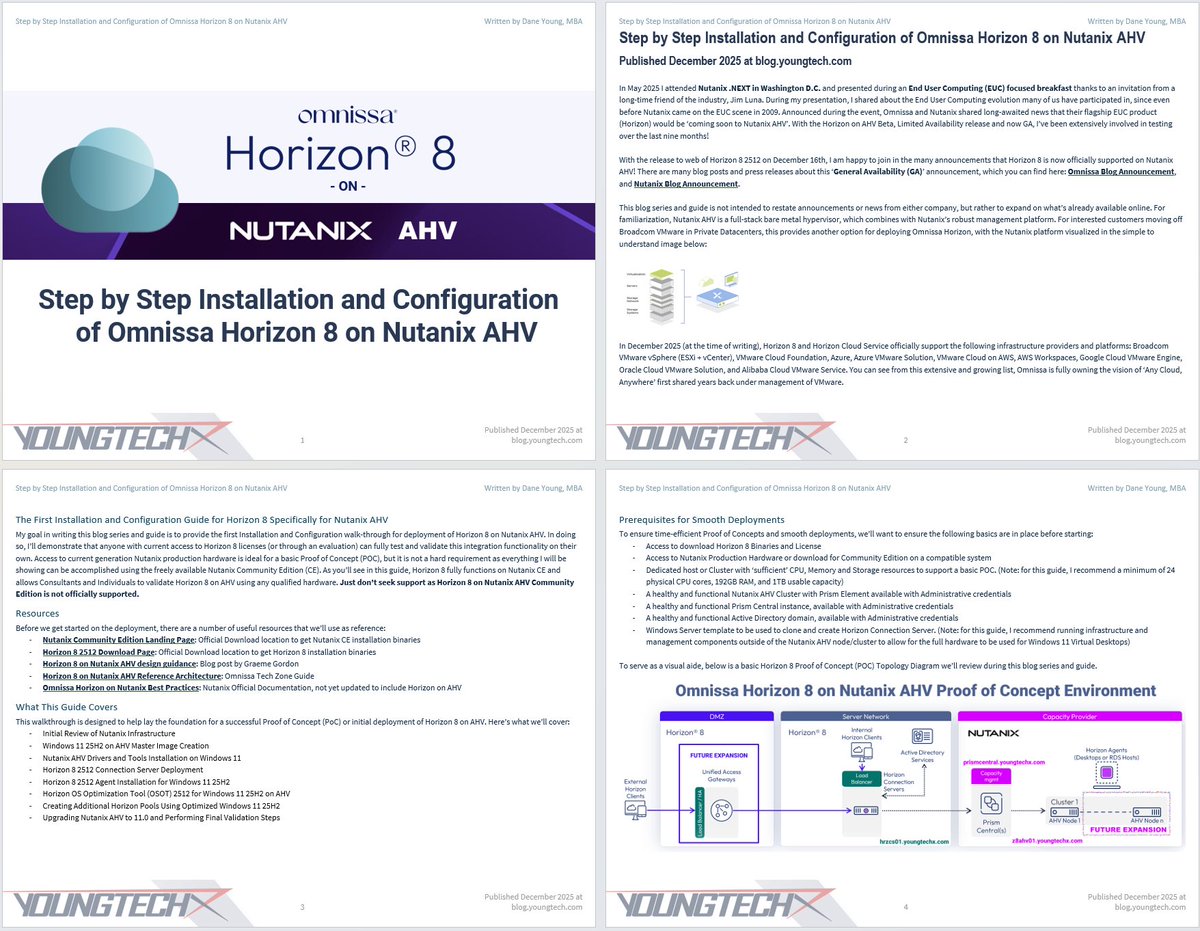
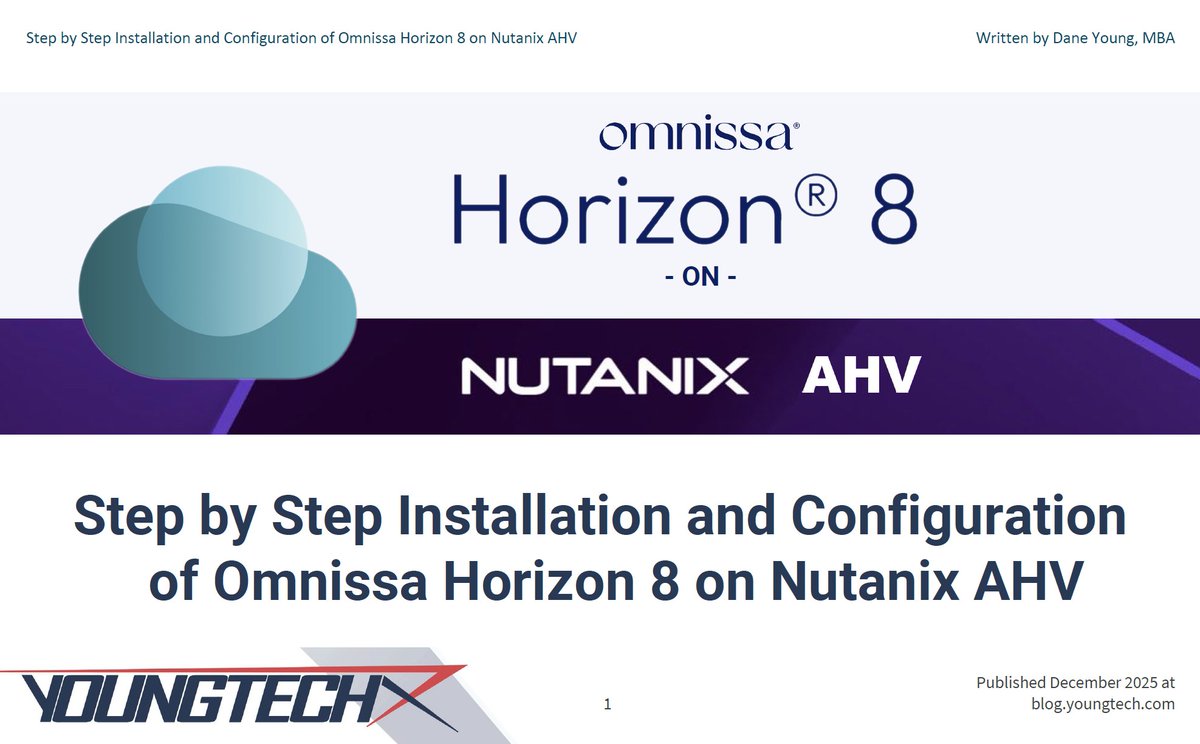
The First Detailed Installation and Configuration Guide for Horizon 8 Specifically for Nutanix AHV is now Online! With the release to web of Horizon 8 2512 on December 16th, I am happy to join in the many announcements that Horizon 8 is now officially supported on Nutanix AHV! My goal in writing this blog series and guide is to provide the first detailed Installation and Configuration walk-through for deployment of Horizon 8 on Nutanix AHV. In doing so, I’ll demonstrate that anyone with current access to Horizon 8 licenses (or through an evaluation) can fully test and validate this integration functionality on their own. Access to current generation Nutanix production hardware is ideal for a basic Proof of Concept (POC), but it is not a hard requirement as everything I will be showing can be accomplished using the freely available Nutanix Community Edition (CE).
Continue reading on LinkedIn and the Blog Series today!
LinkedIn: linkedin.com/pulse/step-inst…
Blog: blog.youngtech.com/omnissa-h…
🚀🚀🚀
#EUCCommunity | #ITLeadership | #EndUserComputing | #WorkspaceAI | #Automation | #CloudPC | #YOUNGTECH | @YOUNGTECH | #Citrix | #Microsoft | #Nerdio | #Omnissa | #VMware | #CitrixCTP | #NerdioValuedProfessional | #NVP | #NVIDIA | #NEPA | #OmnissaCommunity | #OmnissaTechInsider | #EUCExpert | #EUCExperts | #VDI | #DAAS | #Horizon | #Azure | #AVD | #W365 | #Windows365 | #AzureVirtualDesktop | #EndUserComputing | #EUC | @Citrix | @Microsoft | @LoginVSI | @GetNerdio | @WeAreOmnissa | @OmnissaCmty | @VMware | @Broadcom | @WorldofEuc | @nvidia | #EUCWorld | #WorldOfEUC | #NVIDIANEPA | #Consulting | #ITPro | #Professional | #Services | #ProfessionalServices | #MVPbuzz
1
4
124
27 Dec 2025
Interested in Omnissa #Horizon8 on Nutanix #AHV!? This powerful integration for Virtual Desktop and App delivery just became fully supported with the GA release of #Horizon 8 2512! GA released less than two weeks ago, and now I’ve got some content for all of you… With the release of this Blog Series and Guide (publishing Monday), you’re in for a treat! The final page count ended up being higher than I anticipated due to a heavy amount of high-resolution full page screenshots, which I hope you all will enjoy!!
Over a hundred hours of content development have gone into this PDF work product, resulting in an extensive guide newbies, notices and subject matter experts can all learn from the words and images across a whopping 325 Pages! The content will be releasing over the coming months in a series of blog posts, each focused on a given section or two to make it easier to digest and follow. But for anyone ready to dive into the fullness of end to end deployment, the 325 Page PDF I’ve developed, can be obtained with a valid email address to “Subscribe to the Blog”. By Subscribing, readers will get the 325-page PDF download (my efforts over a hundred plus hours) which includes all content for the full Blog Series in an easy to scroll and follow Guide!
Drop a comment to be first to be notified of the upcoming Blog, Guide, and LinkedIn Article! Stay tuned for Monday December 29th...
🚀🚀🚀
#EUCCommunity | #ITLeadership | #EndUserComputing | #WorkspaceAI | #Automation | #CloudPC | #YOUNGTECH | @YOUNGTECH | #Citrix | #Microsoft | #Nerdio | #Omnissa | #VMware | #CitrixCTP | #NerdioValuedProfessional | #NVP | #NVIDIA | #NEPA | #OmnissaCommunity | #OmnissaTechInsider | #EUCExpert | #EUCExperts | #VDI | #DAAS | #Horizon | #Azure | #AVD | #W365 | #Windows365 | #AzureVirtualDesktop | #EndUserComputing | #EUC | @Citrix | @Microsoft | @LoginVSI | @Nerdio | @Omnissa | @OmnissaCmty | @VMware | @Broadcom | @WorldofEuc | @NVIDIA | #EUCWorld | #WorldOfEUC | #NVIDIANEPA | #Consulting | #ITPro | #Professional | #Services | #ProfessionalServices | #MVPbuzz
1
3
148
25 Dec 2025
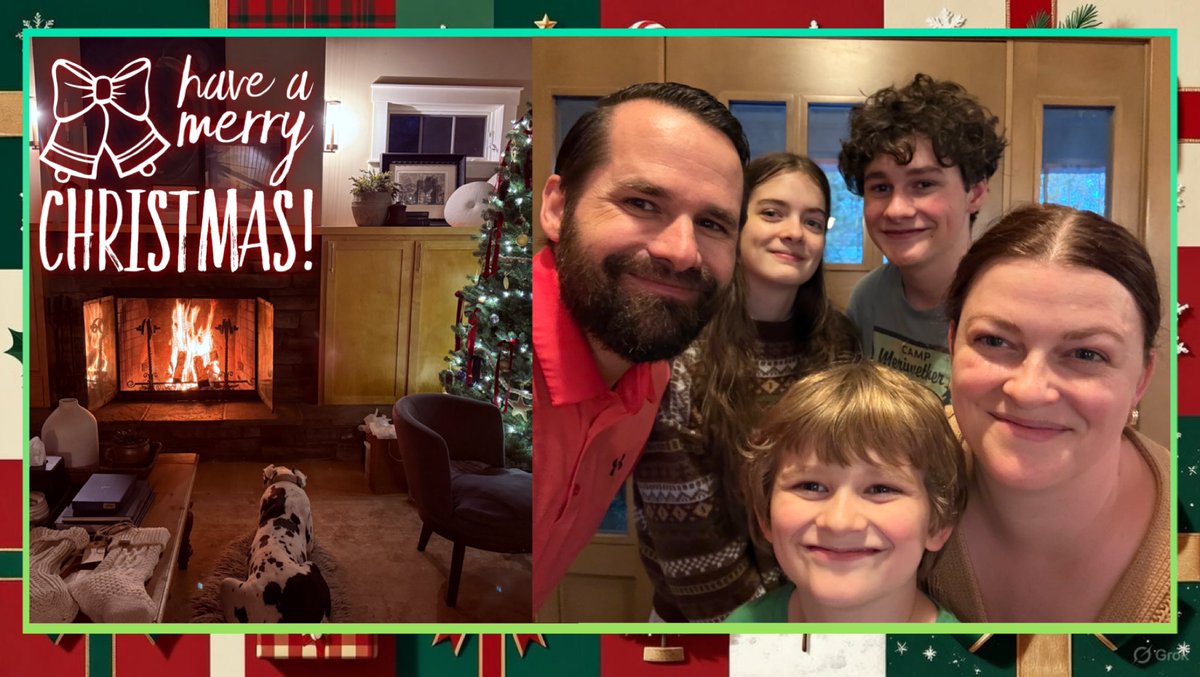
Have a Merry Christmas, friends, followers and IT colleagues around the world! May your extended weekend ahead be full of cheer and memories to last the years, especially with those you love!! My desire for our family is that no matter what circumstances we face, in every situation, we continually give thanks to God, who gave us the greatest gift of all (1 Thes. 5:18). ❤️
Many blessings and Merry Christmas to you and yours! 🎄
2
74
23 Dec 2025
A small teaser of what's releasing in the coming week as we look ahead to Christmas and a bright New Year! Whatever holidays you may celebrate, be sure to spend time with your family, enjoy the downtime and look forward with great anticipation to the many joys ahead. As far as this #HorizonOnAHV Blog Series and Guide are concerned, I don't have a final page count yet. However, based on the current outline and content already created, this next guide will likely be in the hundreds of pages with detailed findings from the last nine months of evaluating #Horizon 8 on #Nutanix #AHV! Signing off to enjoy the extended Christmas weekend ahead, with the release of this guide slated before the New Year.
Drop a comment to be first to be notified of the upcoming Blog, Guide, and LinkedIn Article! Stay tuned...
🚀🚀🚀
60
22 Dec 2025
Back in November I published the Full Guide linked below, which includes 165 pages of Step by Step instructions for Installation and Configuration of Nerdio Manager for Enterprise 7.4. In the previous Blog Posts, I shared the first three sections out of six outlined below. In this Part Three of the series, I’ll be sharing the fourth and fifth sections from the 165 page guide.
- Initial Deployment of Nerdio Manager for Enterprise from the Azure Marketplace (Included in Previous Blog Post)
- Grant Consent using Global Administrator (Global Admin) account (Included in Previous Blog Post)
- Creating Initial Desktop Image (Included in Previous Blog Post)
- Creating Resource Group and IT Workspace (Included in This Blog Post)
- Assign the IT Workspace and Login (Included in This Blog Post)
Continue reading by clicking the Blog Article!
🚀🚀🚀
blog.youngtech.com/step-by-s…
2
92
27 Nov 2025
I hope you all enjoy a nice, restful extended weekend and try not to overeat too much of the great food that vmotions onto your plate! Happy Thanksgiving!!
1
56
24 Nov 2025
A couple weeks ago I published the Full Guide linked below, which includes 165 pages of Step by Step instructions for Installation and Configuration of Nerdio Manager for Enterprise 7.4. In the previous Blog Post, I shared the first section out of six outlined below. In this Part Two of the series, I’ll be sharing the second and third sections from the 165 page guide.
- Initial Deployment of Nerdio Manager for Enterprise from the Azure Marketplace (Included in Previous Blog Post)
- Grant Consent using Global Administrator (Global Admin) account (Included in This Blog Post)
- Creating Initial Desktop Image (Included in This Blog Post)
Continue reading by clicking below!
blog.youngtech.com/step-by-s…
#EUCCommunity | #ITLeadership | #EndUserComputing | #WorkspaceAI | #Automation | #CloudPC | #YOUNGTECH | @YOUNGTECH | #Citrix | #Microsoft | #Nerdio | #Omnissa | #VMware | #CitrixCTP | #NerdioValuedProfessional | #NVP | #NVIDIA | #NEPA | #OmnissaCommunity | #OmnissaTechInsider | #EUCExpert | #EUCExperts | #VDI | #DAAS | #Horizon | #Azure | #AVD | #W365 | #Windows365 | #AzureVirtualDesktop | #EndUserComputing | #EUC | @Citrix | @Microsoft | @LoginVSI | @GetNerdio | @WeAreOmnissa | @OmnissaCmty | @VMware | @Broadcom | @WorldofEuc | @NVIDIA | #EUCWorld | #WorldOfEUC | #NVIDIANEPA | #Consulting | #ITPro | #Professional | #Services | #ProfessionalServices | #MVPbuzz
2
69
3 Nov 2025
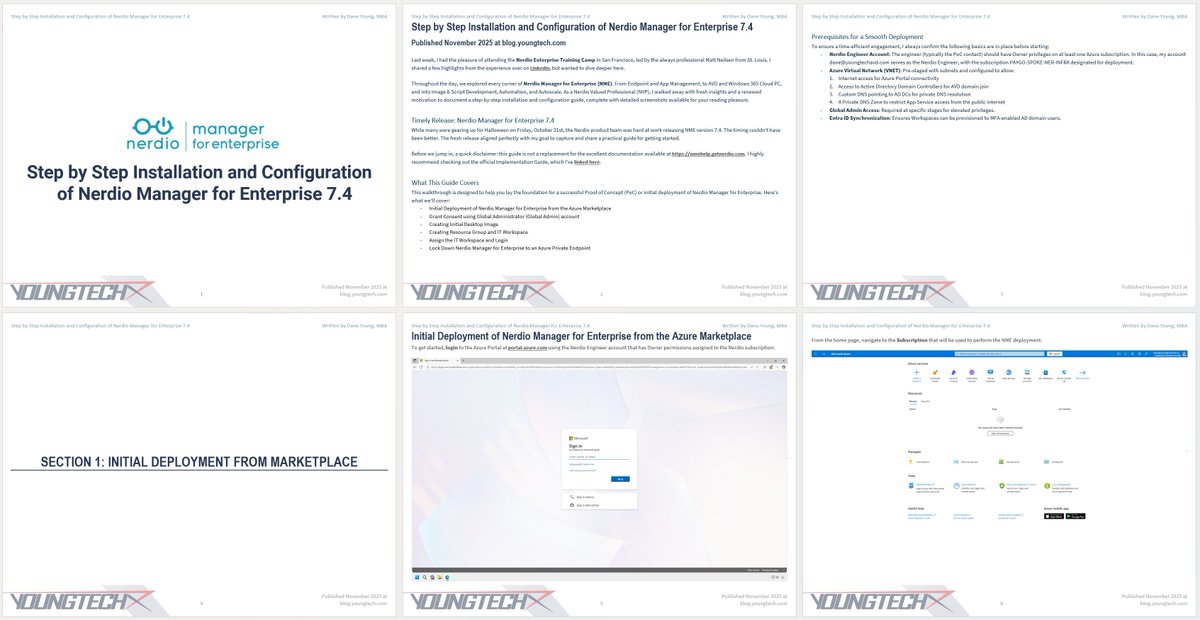
Step by Step Installation and Configuration of Nerdio Manager for Enterprise 7.4 | Published November 2025
To continue reading, click to view the blog post and download the 165 Page Guide as a PDF from here: blog.youngtech.com/step-by-s…
Last week, I had the pleasure of attending the Nerdio Enterprise Training Camp in San Francisco, led by the always professional Matt Neilsen from St. Louis. I shared a few highlights from the experience on LinkedIn, but wanted to dive deeper here.
Throughout the day, we explored every corner of Nerdio Manager for Enterprise (NME). From Endpoint and App Management, to AVD and Windows 365 Cloud PC, and into Image & Script Development, Automation, and Autoscale. As a Nerdio Valued Professional (NVP), I walked away with fresh insights and a renewed motivation to document a step-by-step installation and configuration guide, complete with detailed screenshots available for your reading pleasure.
Timely Release: Nerdio Manager for Enterprise 7.4
While many were gearing up for Halloween on Friday, October 31st, the Nerdio product team was hard at work releasing NME version 7.4. The timing couldn’t have been better. The fresh release aligned perfectly with my goal to capture and share a practical guide for getting started.
Before we jump in, a quick disclaimer: this guide is not a replacement for the excellent documentation available at nmehelp.getnerdio.com. I highly recommend checking out the official Implementation Guide, which I’ve linked here.
What This Guide Covers
This walkthrough is designed to help you lay the foundation for a successful Proof of Concept (PoC) or initial deployment of Nerdio Manager for Enterprise. Here’s what we’ll cover:
- Initial Deployment of Nerdio Manager for Enterprise from the Azure Marketplace
- Grant Consent using Global Administrator (Global Admin) account
- Creating Initial Desktop Image
- Creating Resource Group and IT Workspace
- Assign the IT Workspace and Login
- Lock Down Nerdio Manager for Enterprise to an Azure Private Endpoint
Prerequisites for a Smooth Deployment
To ensure a time-efficient engagement, I always confirm the following basics are in place before starting...
To continue reading, click to view the blog post and download the 165 Page Guide as a PDF from here: blog.youngtech.com/step-by-s…
1
67
30 Oct 2025
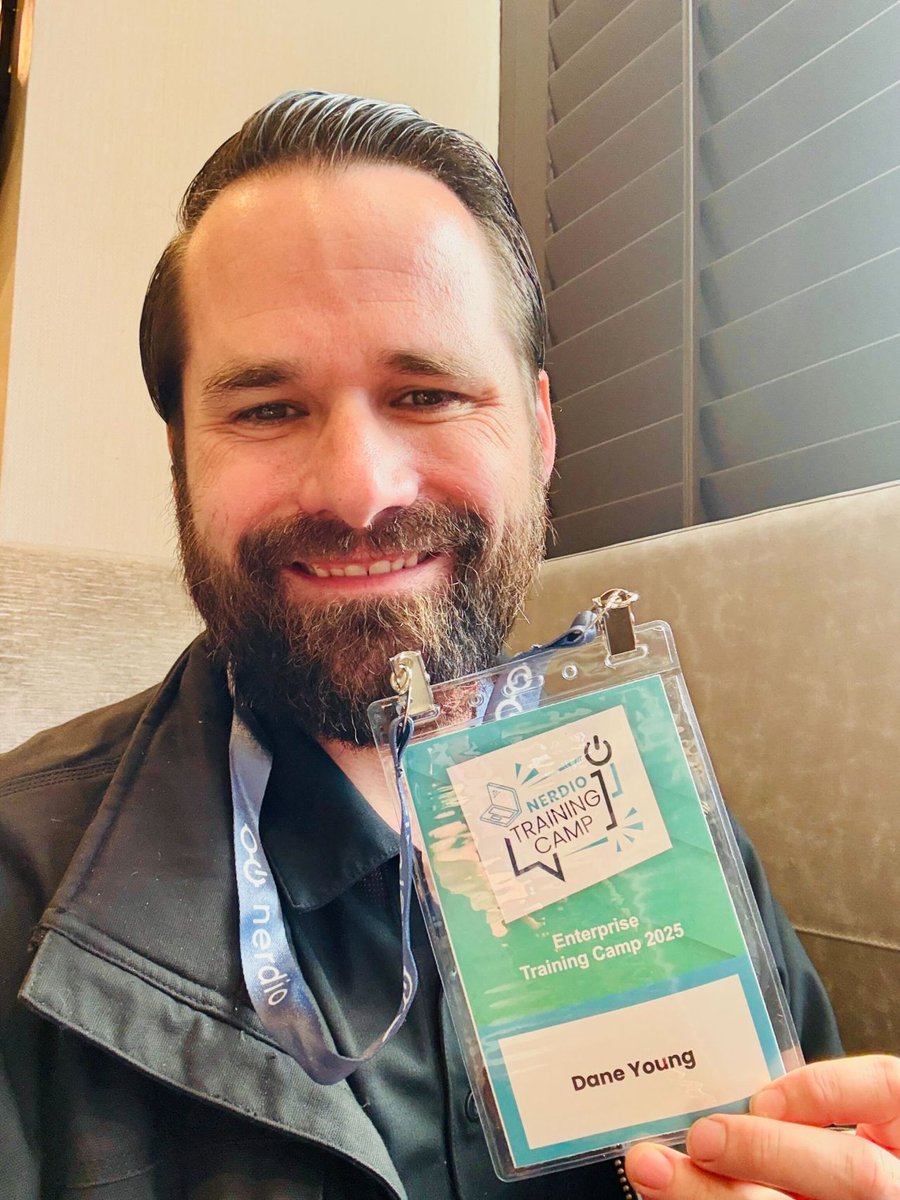
I was very pleased to attend a @GetNerdio Enterprise Training Camp in San Francisco yesterday, with the content being professionally delivered by Matt Neilsen from St. Louis! Great job, Matt! Thanks for bringing your 'A Game' and keeping the interactions super lively with the participants.
For those that aren't familiar, these Nerdio Enterprise Training Camps are designed to be 1-Day Deep Dives, extremely thorough and great technical content for practitioners of Nerdio, which include Admins, Engineers and Architects. There's a series and content catered for Nerdio Partners that focuses on similar content for Consulting and Professional Services. During the day we went through all aspects of Nerdio Manager for Enterprise (#NME) including Endpoint and App Management, AVD and Windows 365 Cloud PC, Image and Script development, Automation and Autoscale. As a Nerdio Valued Professional (#NVP), I came away learning a thing or two about a thing or two!! I was even able to meet Phil Elliott and have some great dialog about life as a Nerdio Technical Account Manager (#TAM). Overall very great day in San Francisco, and time well spent!
If you're interested to learn more, head to the Nerdio Events page and select 'Training Event' to search for an Enterprise Training Camp near you! getnerdio.com/events/?types[…
Huge thanks to everyone in the #Nerdio Community for the hard work to make activities like these happen! @LilleBear | @nerdiodave | Mehdi Sebbane | Travis Roberts | @BasvanKaam | Matt N. | Jesse Fox | Michael Aldridge | Ferranti Grantham | Michael Skonie
LET'S GO!! 🚀🚀🚀
#EUCCommunity | #ITLeadership | #EndUserComputing | #WorkspaceAI | #Automation | #CloudPC | #YOUNGTECH | @YOUNGTECH | #Citrix | #Microsoft | #Nerdio | #Omnissa | #VMware | #CitrixCTP | #NerdioValuedProfessional | #NVP | #NVIDIA | #NEPA | #OmnissaCommunity | #OmnissaTechInsider | #EUCExpert | #EUCExperts | #VDI | #DAAS | #Horizon | #Azure | #AVD | #W365 | #Windows365 | #AzureVirtualDesktop | #EndUserComputing | #EUC | @Citrix | @Microsoft | @LoginVSI | @GetNerdio | @WeAreOmnissa | @OmnissaCmty | @VMware | @Broadcom | @WorldofEuc | @nvidia | #EUCWorld | #WorldOfEUC | #NVIDIANEPA | #Consulting | #ITPro | #Professional | #Services | #ProfessionalServices | #MVPbuzz
2
89
6 Aug 2025
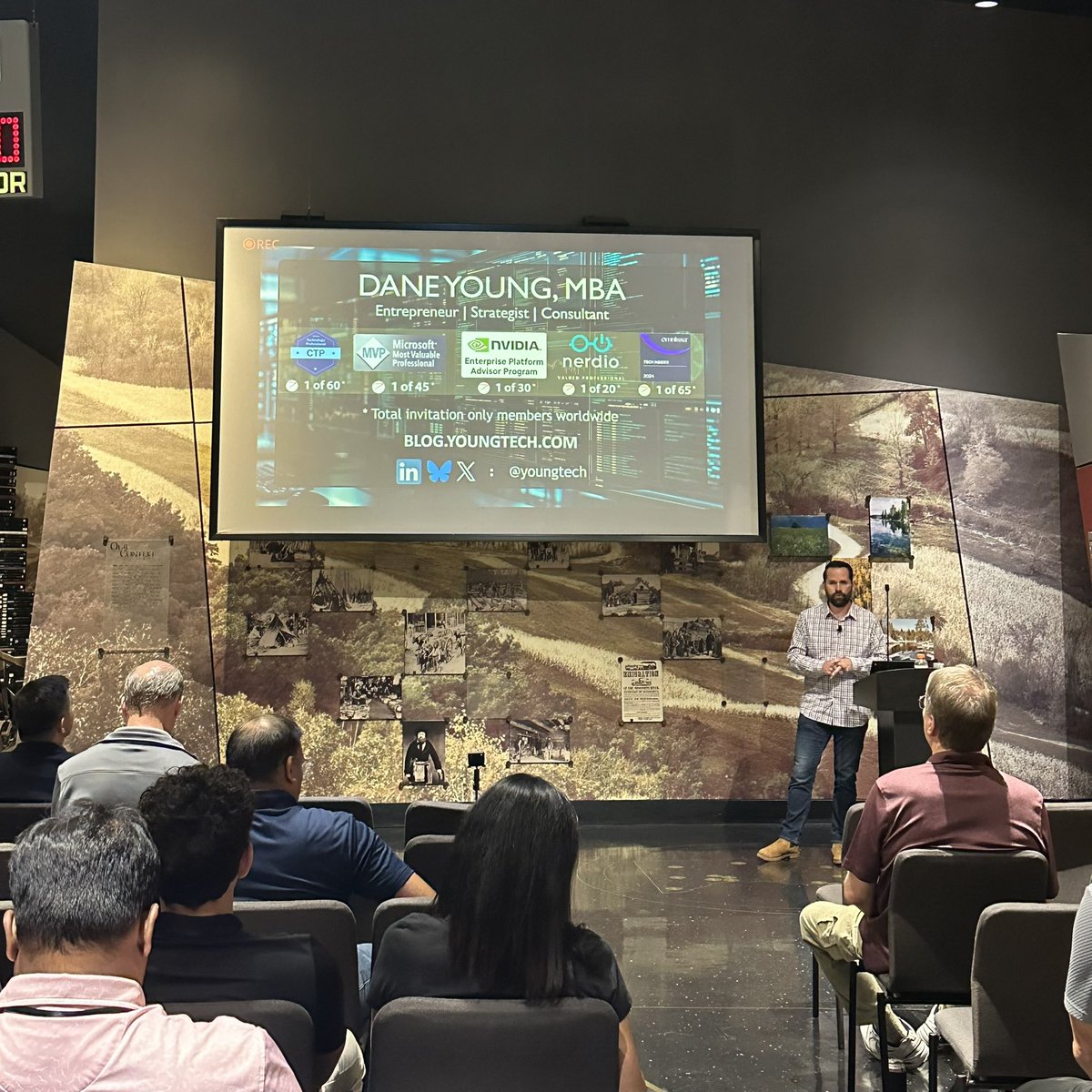
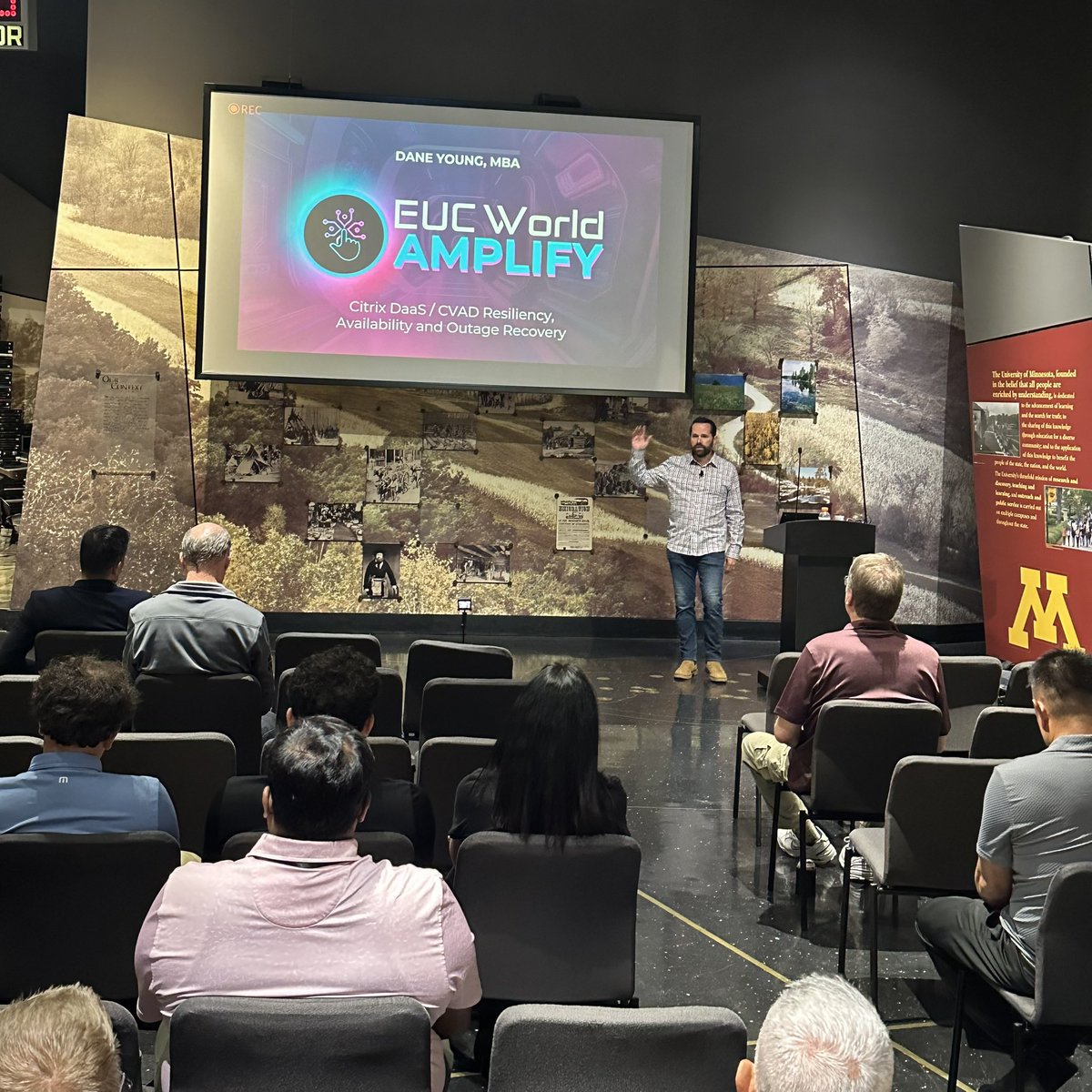
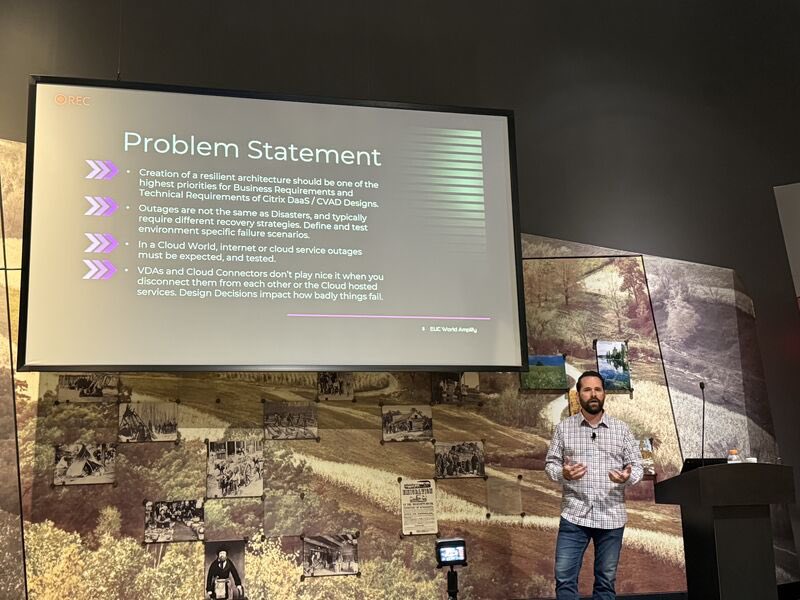
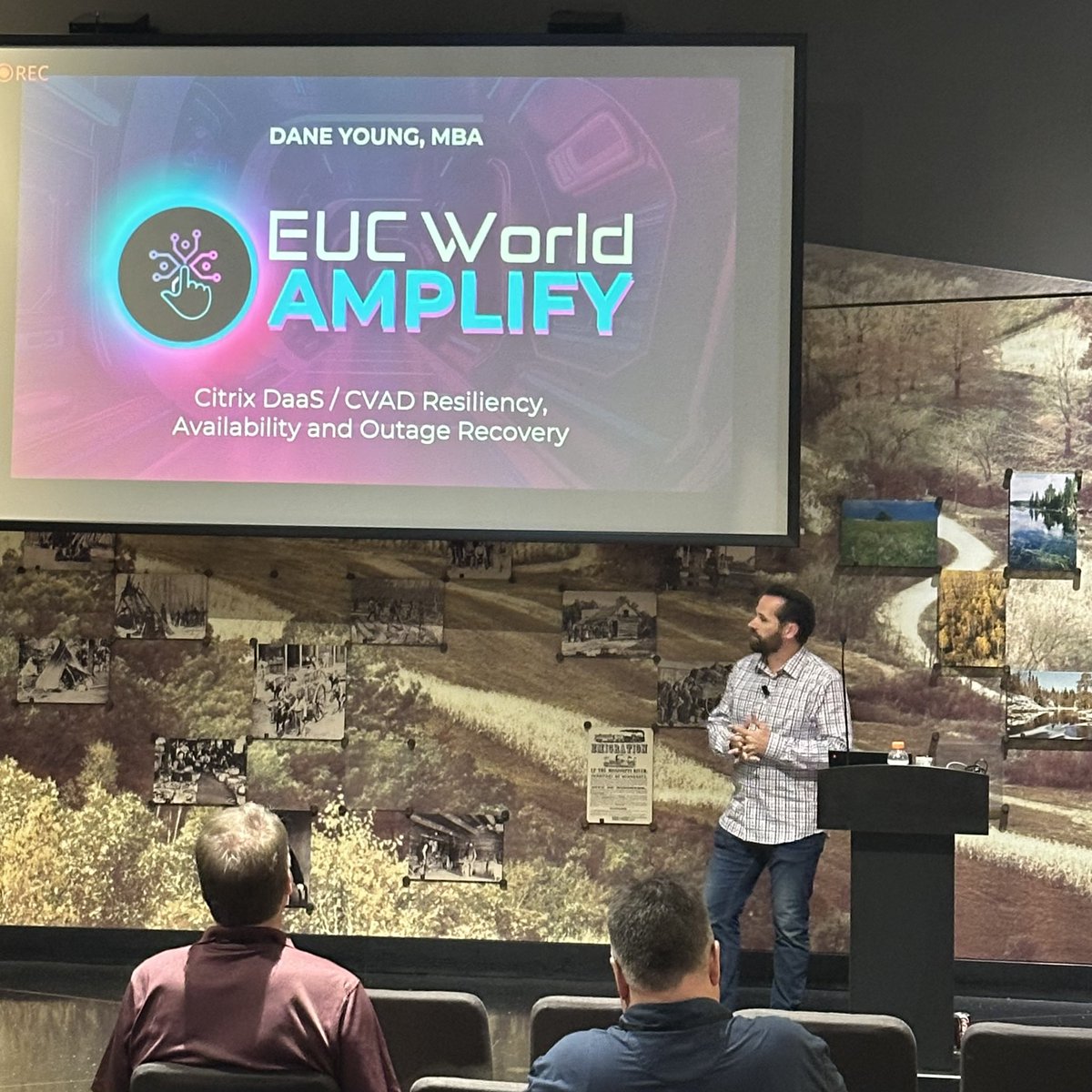
I just finished presenting my EUC World 2025 session “Citrix DaaS and CVAD Resiliency, Availability and Outage Recovery” this afternoon! I had some really good discussions and loads of live demos simulating real-world failure scenarios! Really good questions during the session, thanks to everyone who joined today!
LET'S GO!! 🚀🚀🚀
#EUCCommunity | #ITLeadership |#EndUserComputing | #WorkspaceAI | #Automation | #CloudPC | #YOUNGTECH | @YOUNGTECH | #Citrix | #Microsoft | #Nerdio | #Omnissa | #VMware | #CitrixCTP | #NerdioValuedProfessional | #NVP | #NVIDIA | #NEPA | #OmnissaCommunity | #OmnissaTechInsider | #WeAreOmnissa | #EUCExpert | #EUCExperts | #VDI | #DAAS | #Horizon | #Azure | #AVD | #W365 | #Windows365 | #AzureVirtualDesktop | #EndUserComputing | #EUC | @Citrix | @Microsoft | @LoginVSI | @Nerdio | @WeAreOmnissa | @OmnissaCmty | @VMware | @Broadcom | @WorldofEuc | @NVIDIA | #EUCWorld | #WorldOfEUC | #NVIDIANEPA | #Consulting | #ITPro | #Professional | #Services | #ProfessionalServices | #MVPbuzz
2
6
316
5 Aug 2025
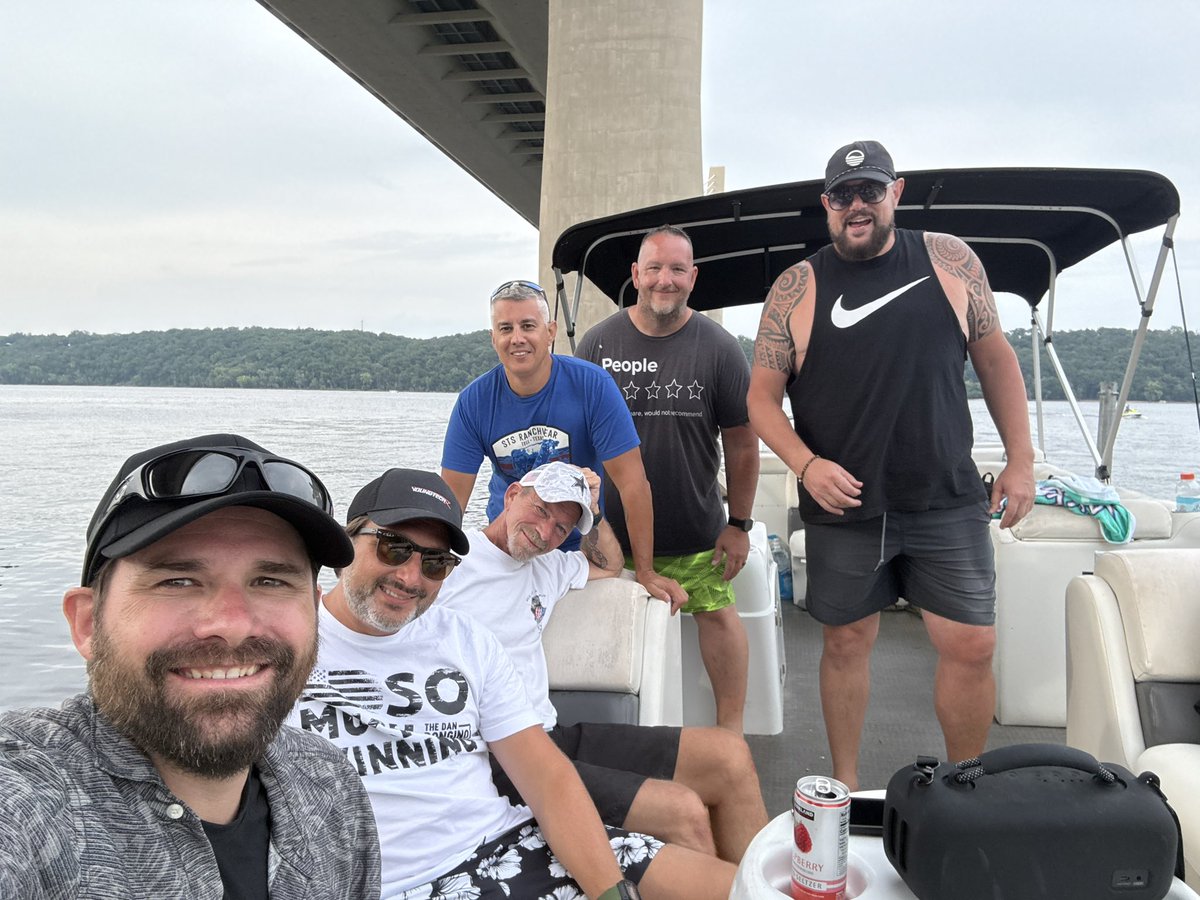
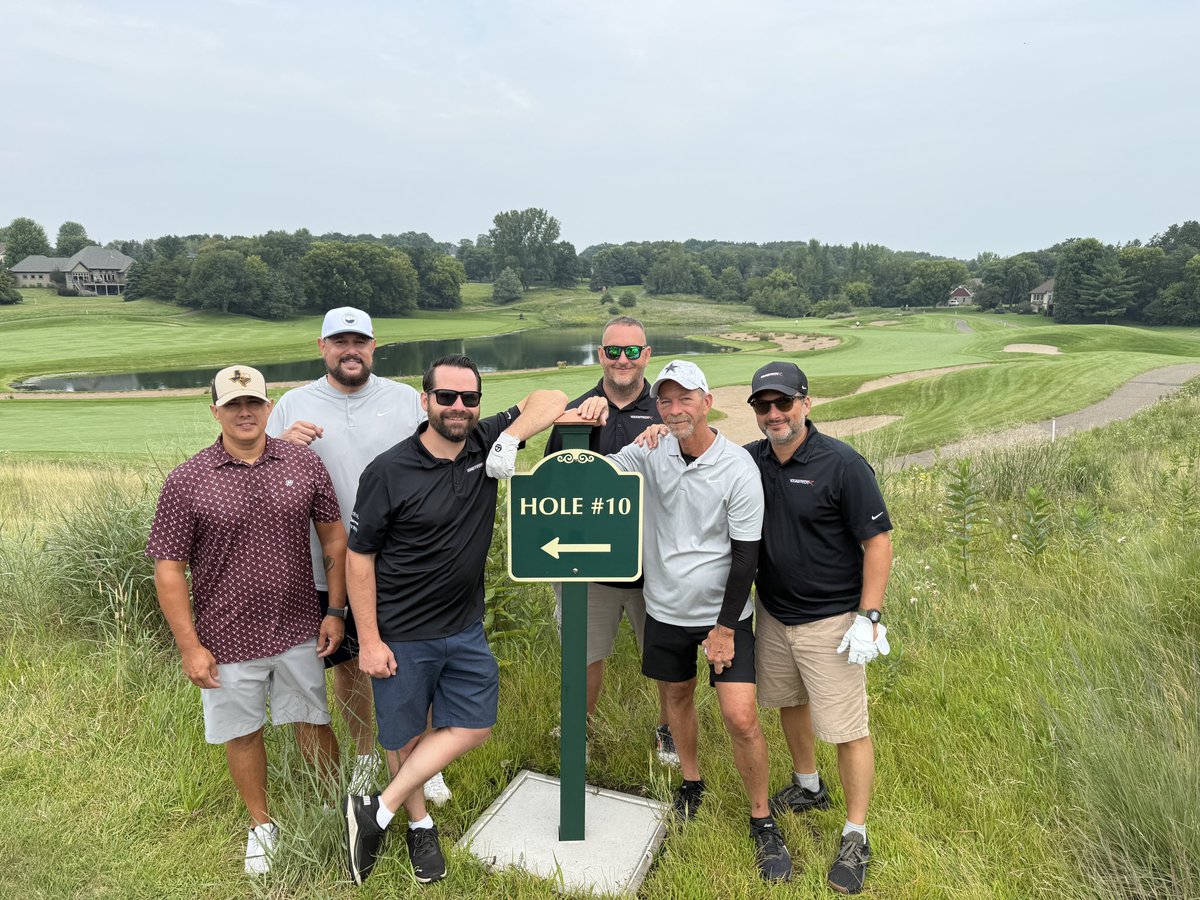
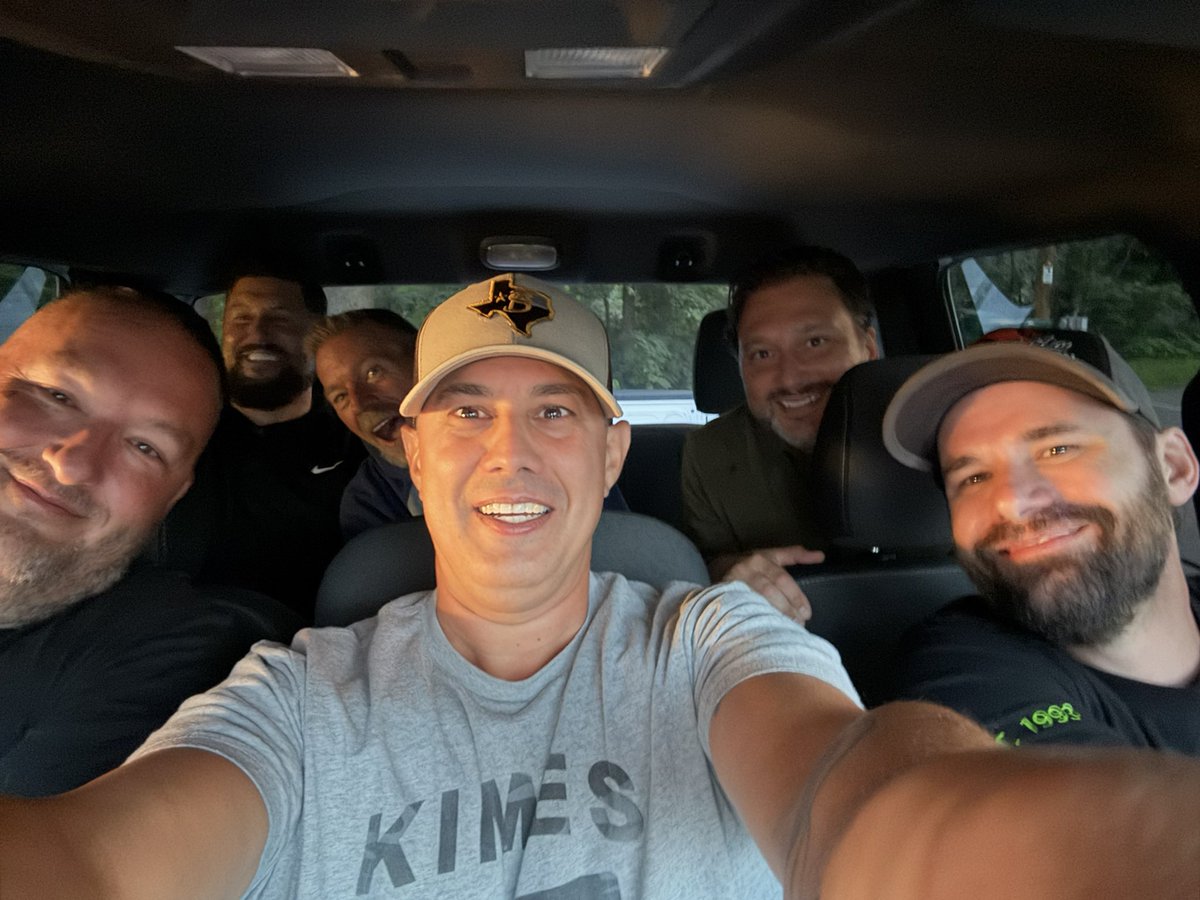
After a fun filled weekend with the YOUNGTECH team at a Lake House near the St Crouix River, we’re officially ready for the start of #EUCWorld2025! Full post and more pictures to be found on LinkedIn, here: linkedin.com/posts/youngtech…
I’m excited to be presenting again this year, and our team has already warmed up for the occasion! We all came into Northwest Wisconsin and Minneapolis area on Saturday, enjoying loads of good times and drinks, late night poker shenanigans, boating with two jet skis, amazing meals cooked at the house and nearby restaurants, and a round of 18-holes at the iconic and ever so challenging Troy Burne Golf Course in Wisconsin. At least once a year we do our best to get the gang together for a team offsite, and this year the World of EUC venue was just the right spot for it! Now for three days of deep technical content and expanding the mind in all things IT and End User Computing.
LET'S GO!! 🚀🚀🚀
#EUCCommunity | #ITLeadership |#EndUserComputing | #WorkspaceAI | #CloudPC | #YOUNGTECH | @YOUNGTECH | #Citrix | #Microsoft | #Nerdio | #Omnissa | #VMware | #CitrixCTP | #NerdioValuedProfessional | #NVP | #NVIDIA | #NEPA | #OmnissaCommunity | #OmnissaTechInsider | #WeAreOmnissa | #EUCExpert | #EUCExperts | #VDI | #DAAS | #Horizon | #Azure | #AVD | #W365 | #Windows365 | #AzureVirtualDesktop | #EndUserComputing | #EUC | @Citrix | @Microsoft | @LoginVSI | @Nerdio | @WeAreOmnissa | @OmnissaCmty | @VMware | @Broadcom | @WorldofEuc | @NVIDIA | #EUCWorld | #WorldOfEUC | #NVIDIANEPA | #Consulting | #ITPro | #Professional | #Services | #ProfessionalServices | #MVPbuzz

4
161