Joined February 2021
- Tweets 70
- Following 7
- Followers 364
- Likes 120
14 Photos and videos

Pinned Tweet

27 Jan 2025
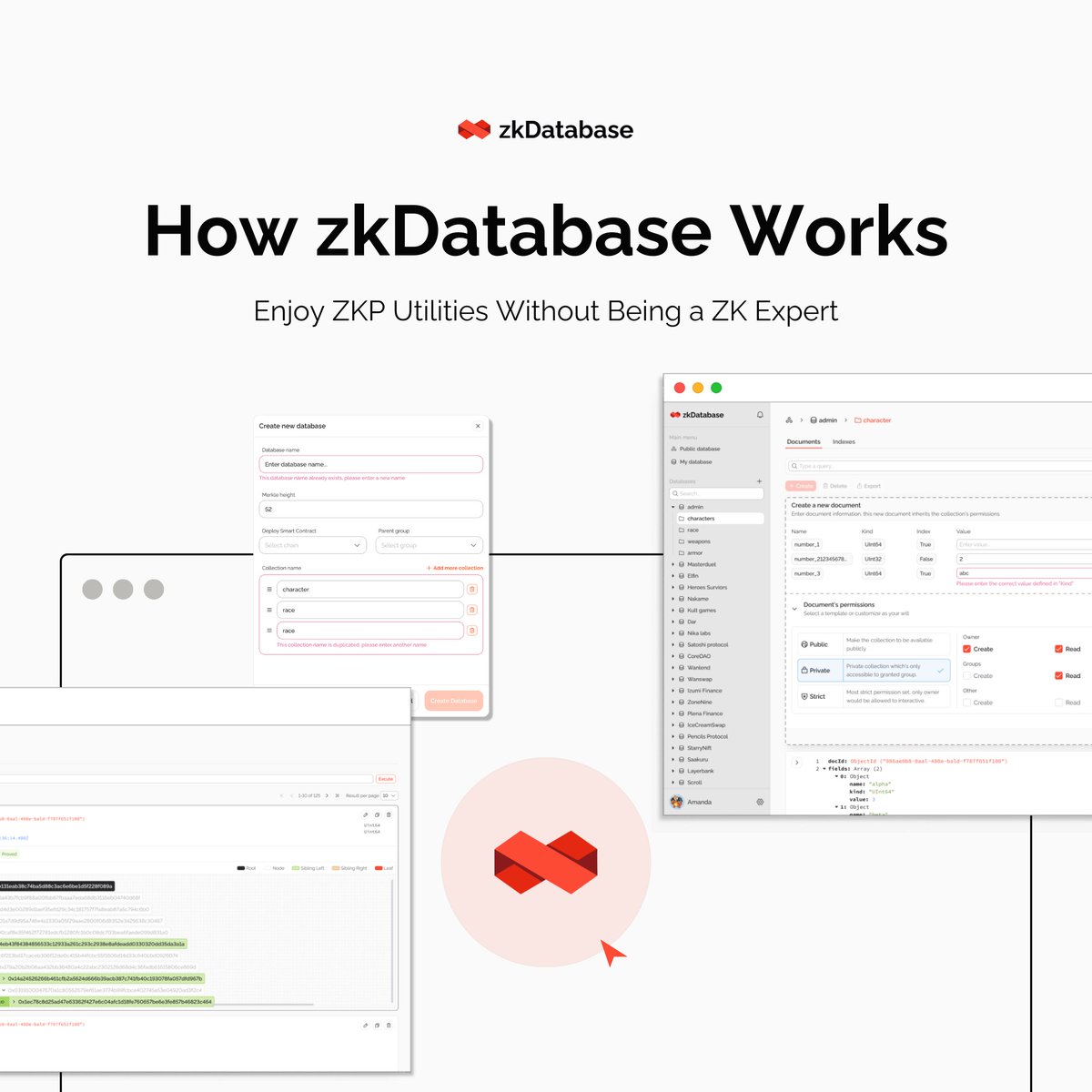
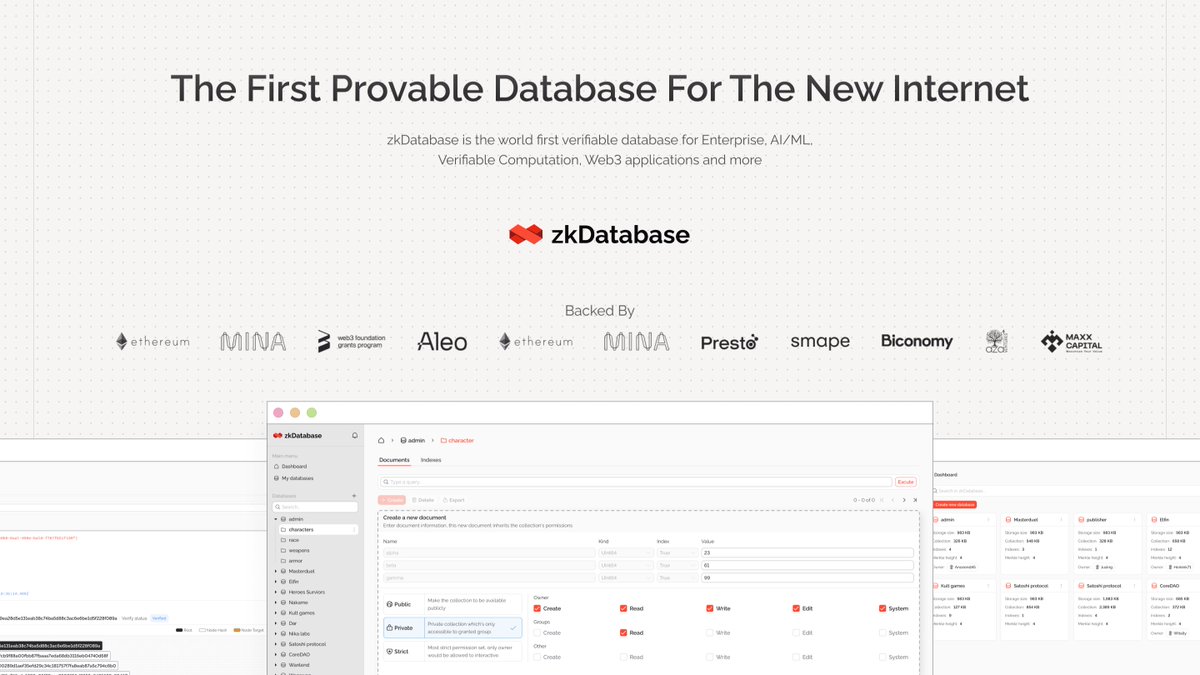
🧵 Understanding How zkDatabase Works: A Quick Tutorial
We’ll break down the essential steps of zkDatabase, from secure authentication to intuitive document management.
Discover how users can create and control databases, manage collections and documents, and ensure data integrity through advanced features like Merkle trees and Roll-ups. 🤩
13
4
42
21,013
zkDatabase retweeted

28 Feb 2025
zkDATABASE Testnet. Live.
➕ Server-side proving scheduler
➕ Verifiable off-chain rollups
➕ Friendly GUI Management tool
➕ Robust SDK
For: Better performance and simplified SDK & GUI
79
101
447
50,125
zkDatabase retweeted
11 Feb 2025
2/8
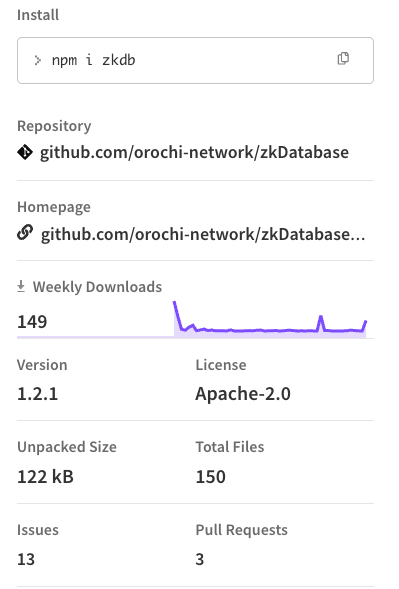
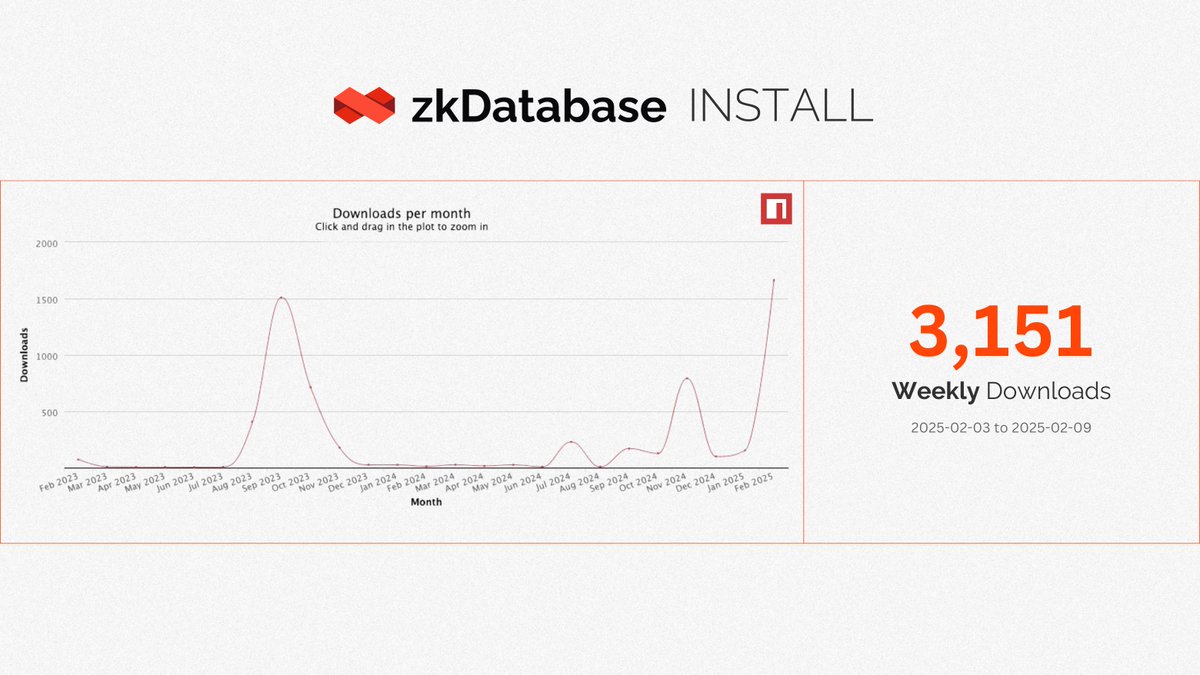
📈 Latest Version of @zkDatabase Reaches 3,151 Installs right after the newest version released in a week
What's Next?
Our goal for zkDatabase is to evolve it into a fully serverless service that anyone can use with ease. We're working on implementing public key authorization, removing the need to trust centralized entities.
With the zkDatabase portal and a user-friendly zkDatabase Explorer already live, we're just getting started! 🔜
4
4
11
922
27 Jan 2025
🧵 Understanding How zkDatabase Works: A Quick Tutorial
We’ll break down the essential steps of zkDatabase, from secure authentication to intuitive document management.
Discover how users can create and control databases, manage collections and documents, and ensure data integrity through advanced features like Merkle trees and Roll-ups. 🤩
13
4
42
21,013
27 Jan 2025
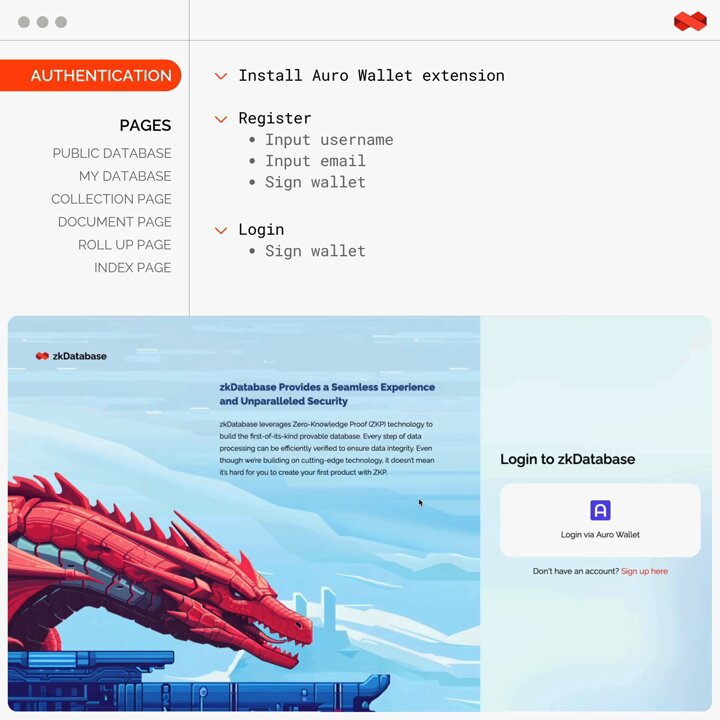
1⃣ GET STARTED
The process starts with authentication, followed by user interactions across various pages:
🔴 Public Database—displays all available databases, including both user-owned and public ones. From this page, users can create new databases easily.
🔴 My Database—shows only users' owned databases. Here, they can create new databases by entering the database name and merkle height, which triggers the compilation of a smart contract for deployment.
More functionalities will be covered in upcoming posts!
3
1
15
1,114
6 Feb 2025
🧵Understanding How zkDatabase Works (Continued)
2⃣Collection and Document Pages
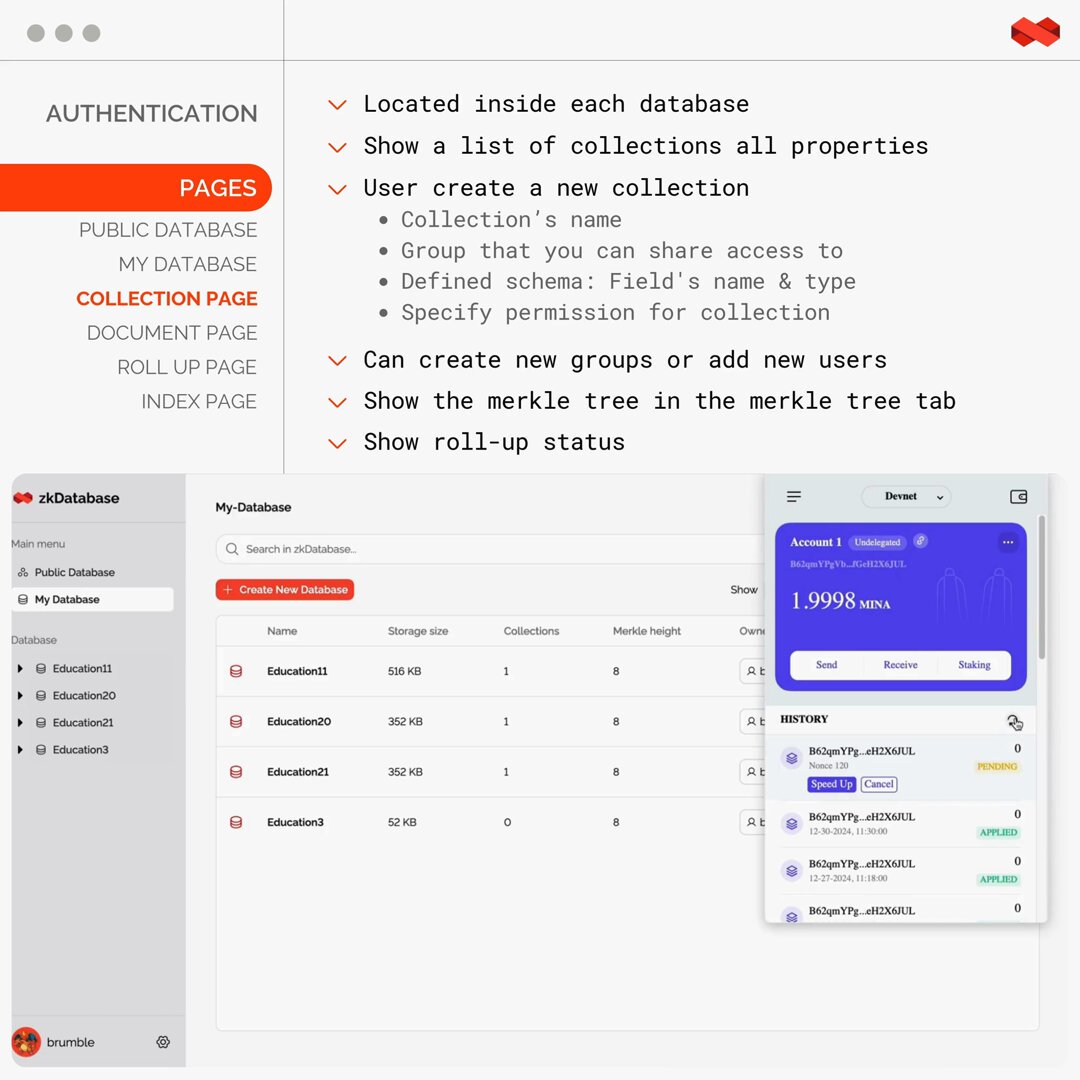
🔴 COLLECTION PAGE—Here, you can view all collections and create new ones by entering the collection name, access groups, and defining a schema with field names and types.
You can also set specific permissions for the collection, enabling controlled access.
Additionally, this page provides a visualization of the Merkle tree and the current roll-up status, ensuring data integrity and transparency.
🔴 DOCUMENT PAGE—Users can manage documents linked to a specific collection. Each document displays its Merkle witness, offering insights into its status and connection to the Merkle root, ensuring authenticity.
Users can also update existing documents directly from this page for efficient data management.
15
1,073
21 Nov 2024
The possibilities with #zkDatabase aaS are endless.
🫴 We're bringing an off-chain database with on-chain verification across the board:
✴️ AI/ML.
✴️ zkML.
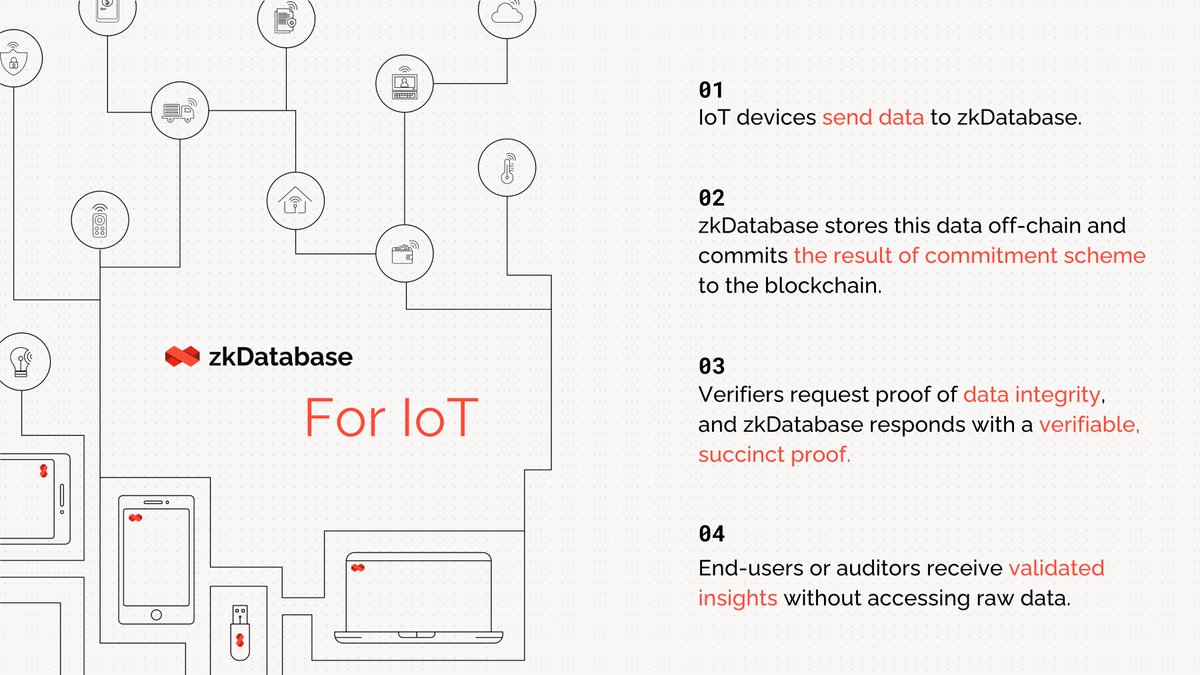
✴️ IoTs.
✴️ zkVMs.
✴️ dApps.
✴️ zkApps.
✴️ Privacy Preserving Verifiable Computation.
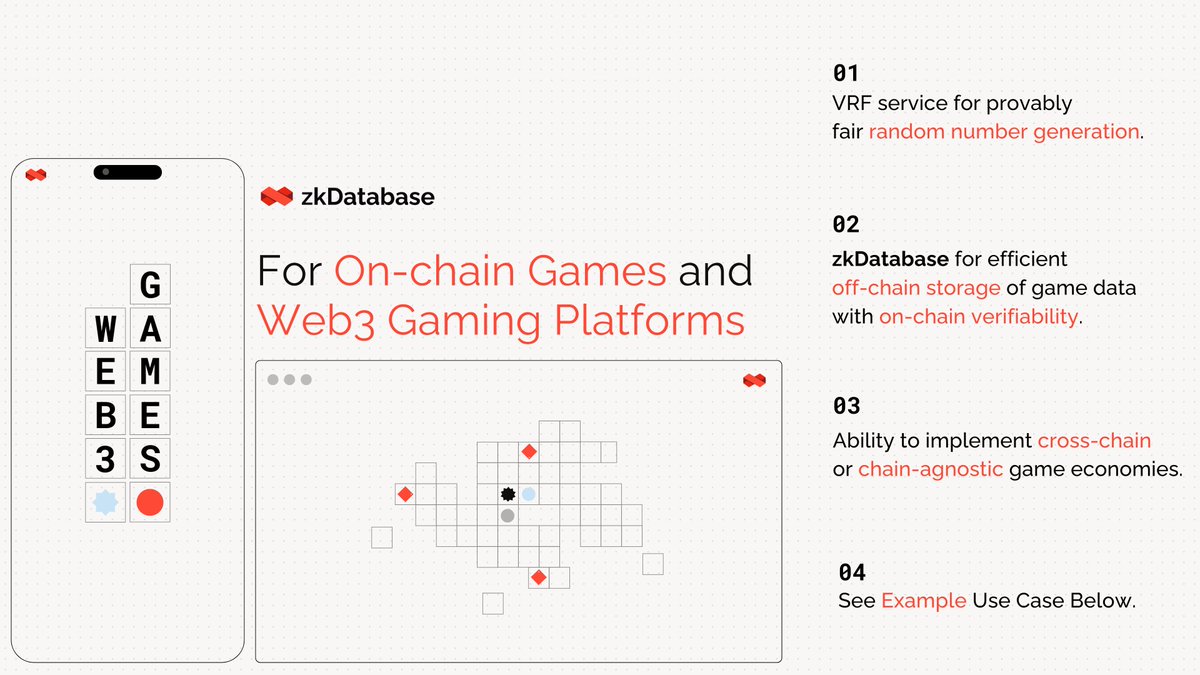
✴️ Gaming.
✴️ Blockchain.
...and everything in between! 🪐
#ZKP #zkDBaaS #UseCases #ProvableData
7
4
30
5,253
30 Jan 2025
5/6
Example: RWA Tokenization Flow 🌐
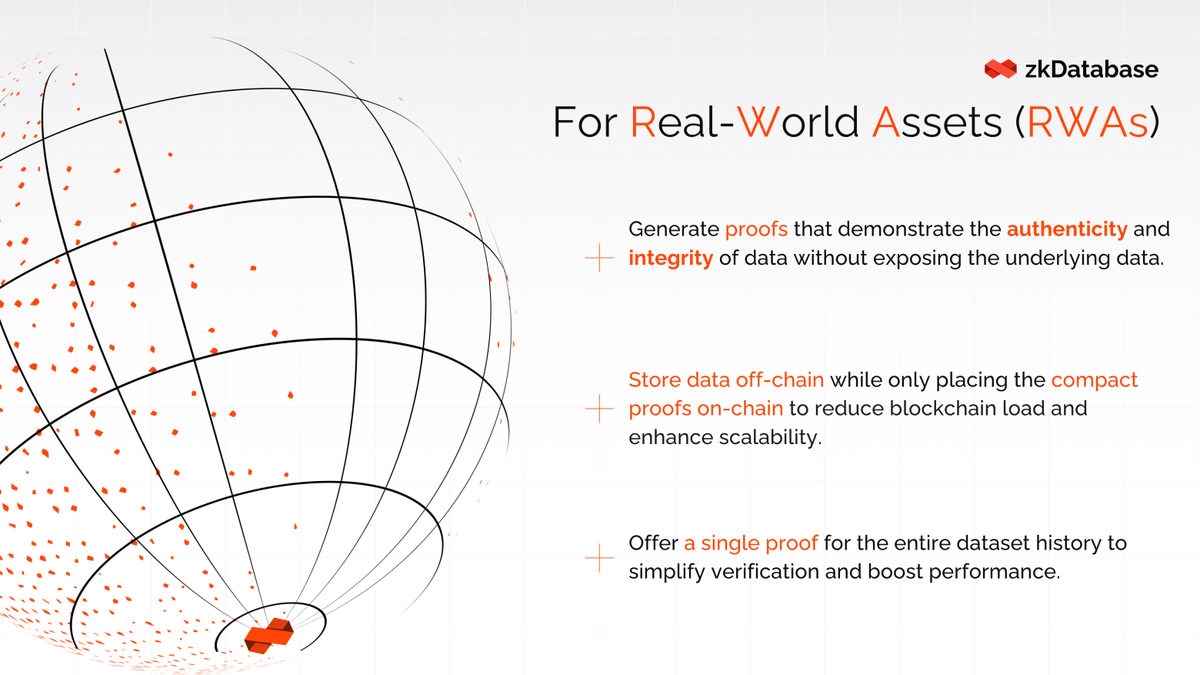
Consider a client developing a trading platform for RWAs. Their process includes steps like KYB, AML, and KYC, enabled by zero-knowledge proofs. With zkDatabase, they can:
✅Safely store sensitive documents, such as audits and financial reports.
✅Generate cryptographic proofs that verify document uploads and their accessibility for validation.
1
2
295
30 Jan 2025
6/6
🛠️ Building Confidence in Real-World Assets
Ensuring Security and Transparency With zkDatabase, we are secure sensitive documents and generate cryptographic proofs of documents without disclosing underlying data.
This not only guarantees privacy but also streamlines compliance for RWA traders.
2
277
24 Jan 2025
5/6
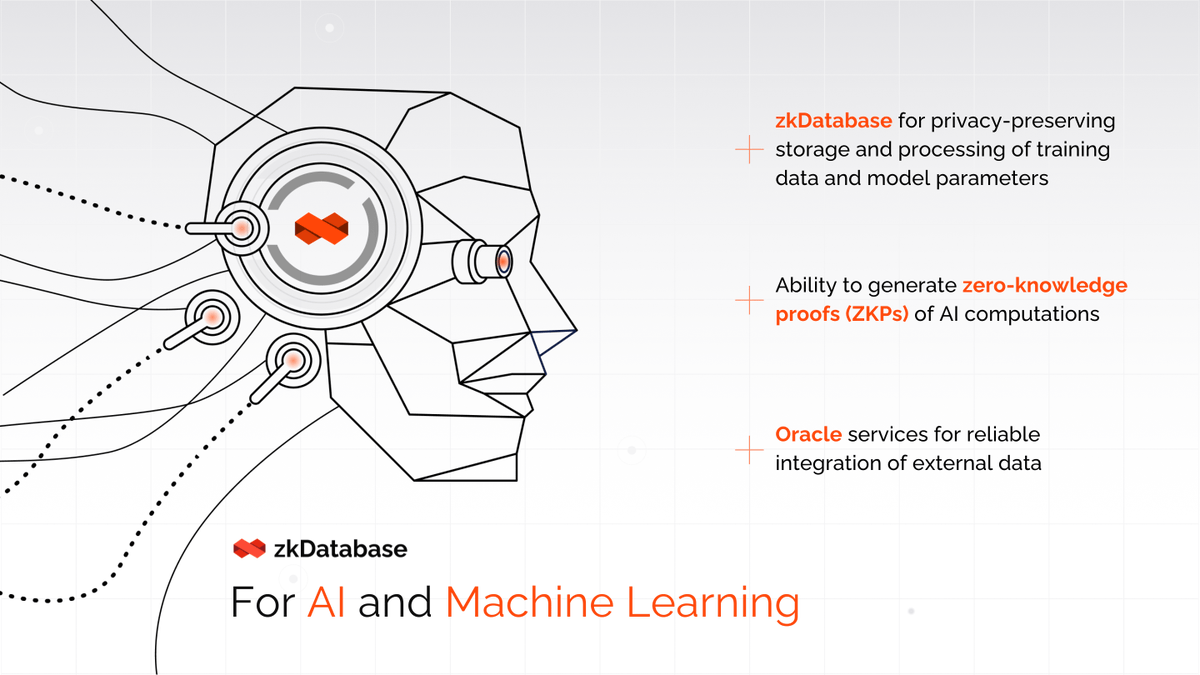
🌏 Practical Example—Imagine a financial AI company utilizing zkDatabase to securely manage and process sensitive financial data, generate verifiable predictions, and integrate real-time market information through Orochi’s Oracle—enhancing trust and compliance in AI analytics.
1
2
261
24 Jan 2025
6/6
🛠️ Building Trust in AI—zkDatabase plays a vital role in empowering developers to create trustworthy and compliant AI systems, fostering confidence in the data-driven decisions made by their solutions.
2
240
20 Jan 2025
4500 installs, zkDatabase has already gained significant traction!
🔗 orochi.network/blog/Our-Visi…
Check out our blog as we take you through our journey:
✴️ Highlighting what zkDatabase is,
✴️ The progress we've made,
✴️ Our aspirations for the future—a key player in the Web3 ecosystem and traditional markets.
Don’t miss this essential read as the launch of zkDatabase as a service is just around the corner!
1
6
286