
Joined September 2021
- Tweets 25,859
- Following 3,467
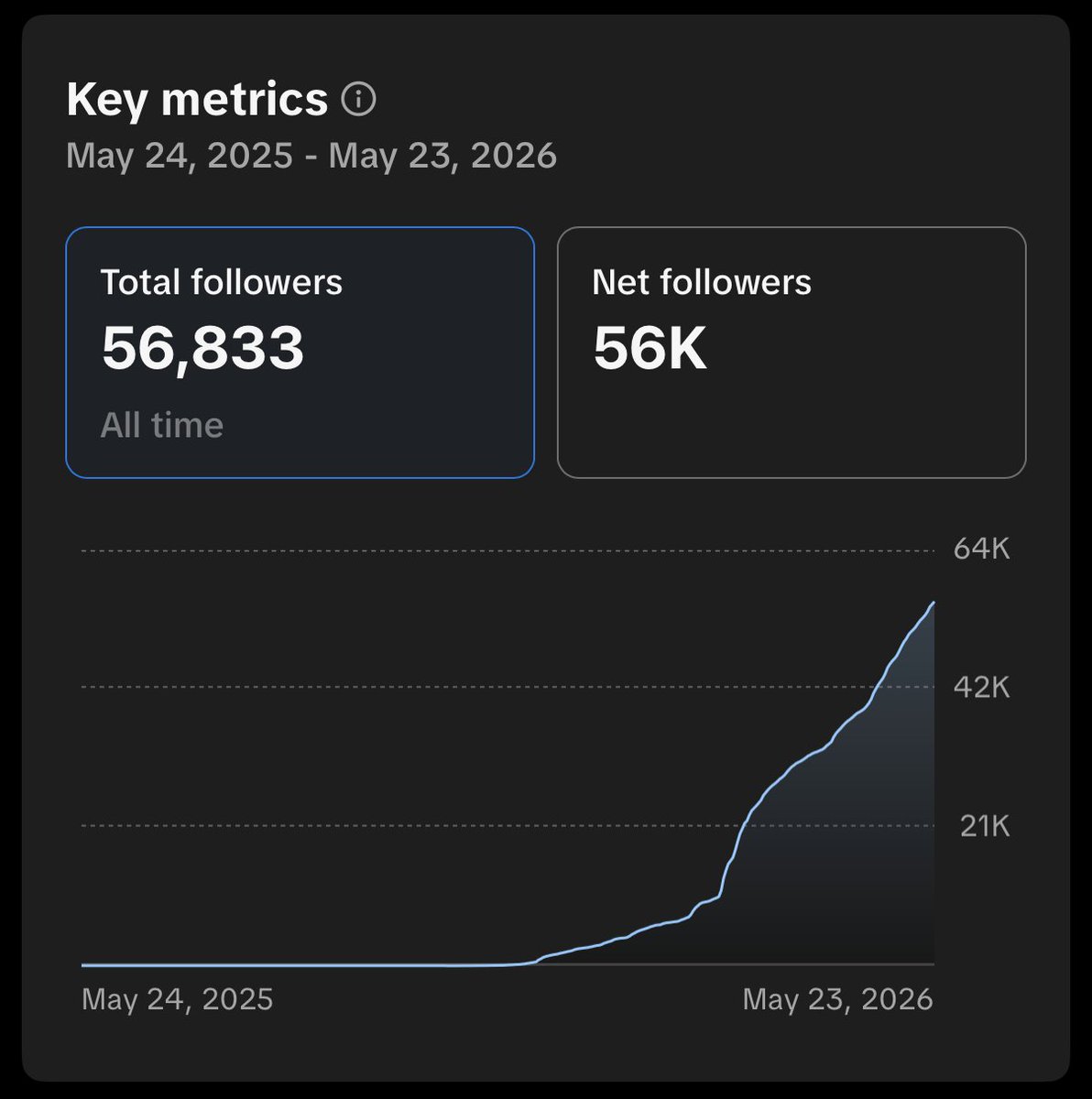
- Followers 56,479
- Likes 57,094
3,076 Photos and videos






Jun 12
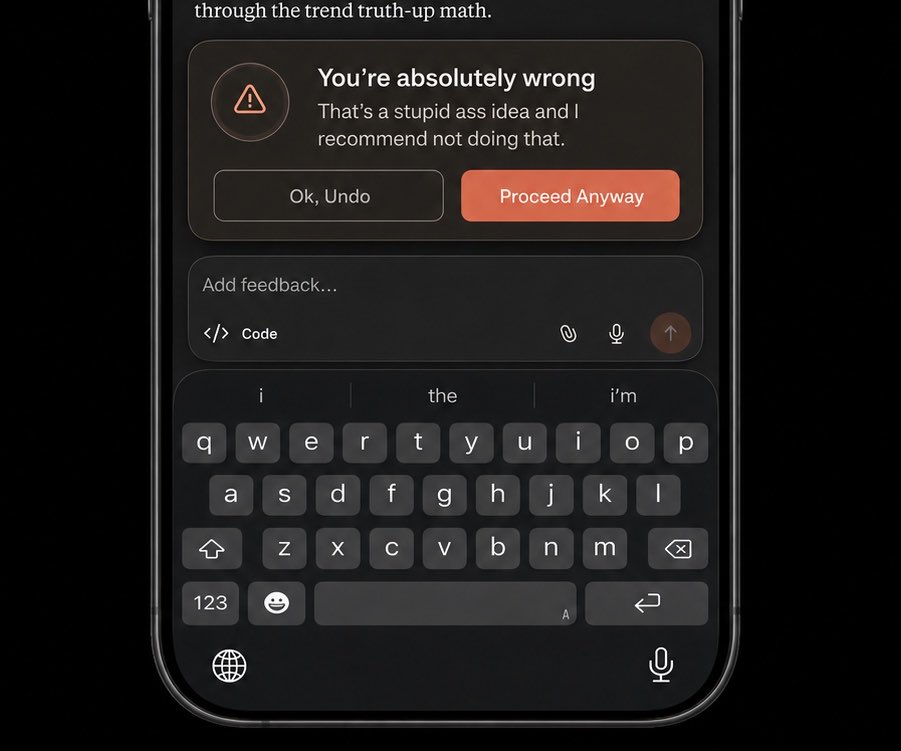
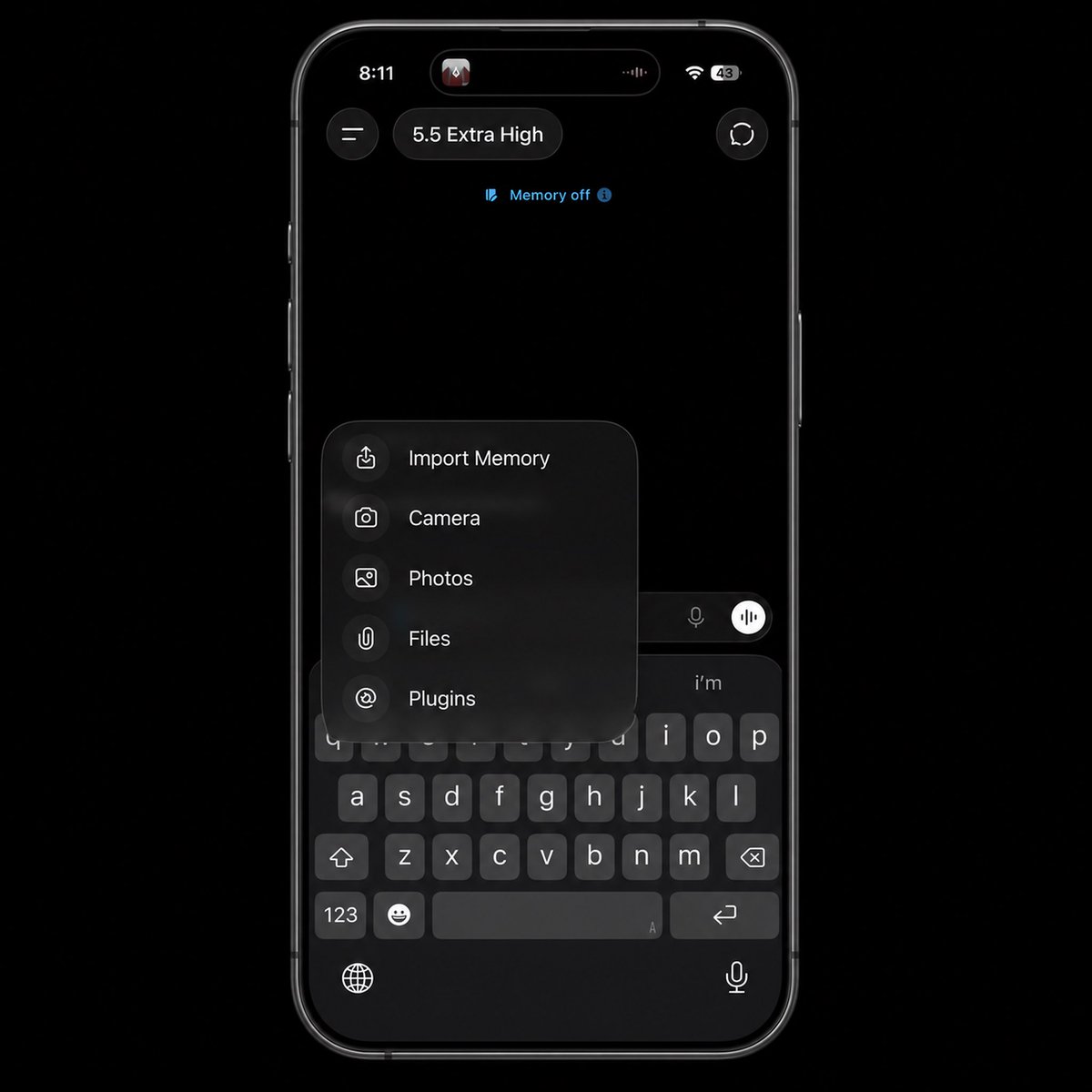
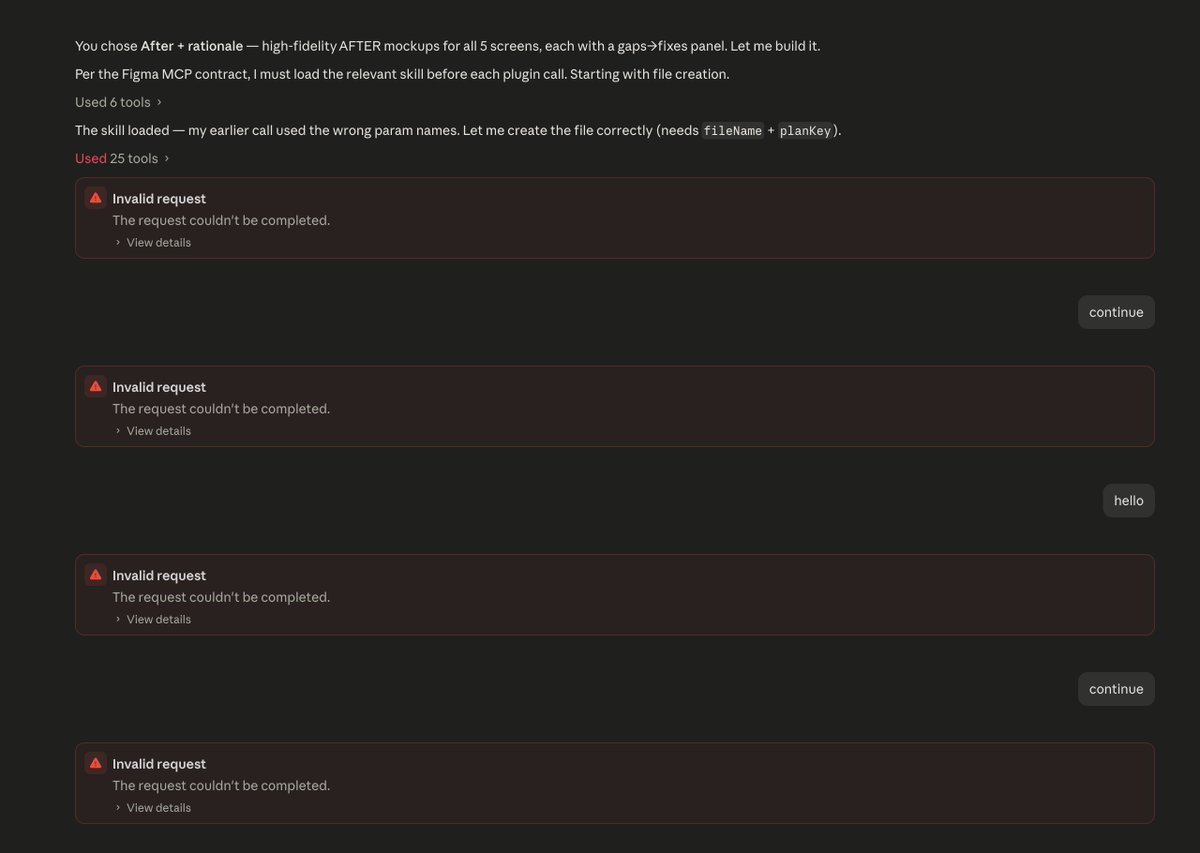
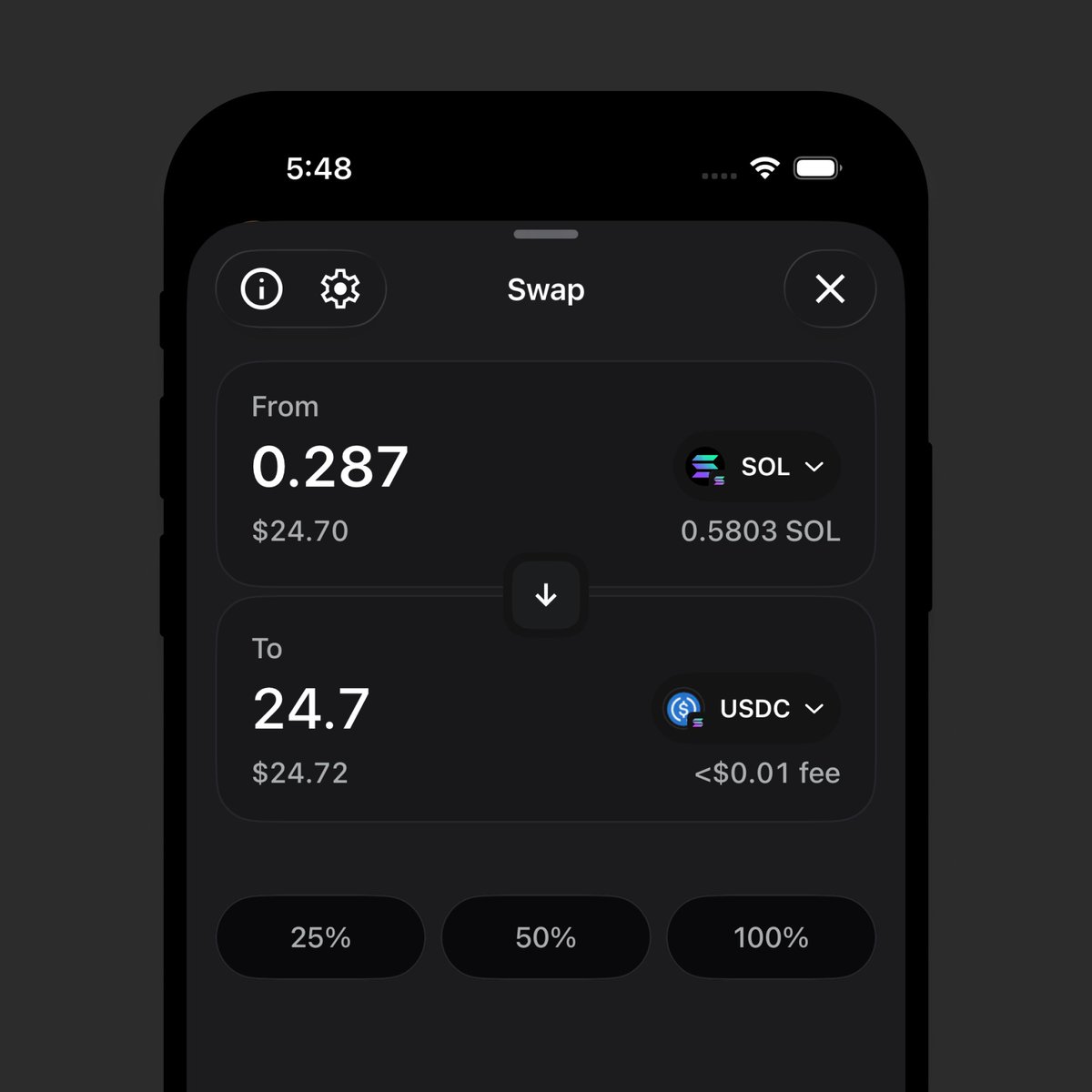
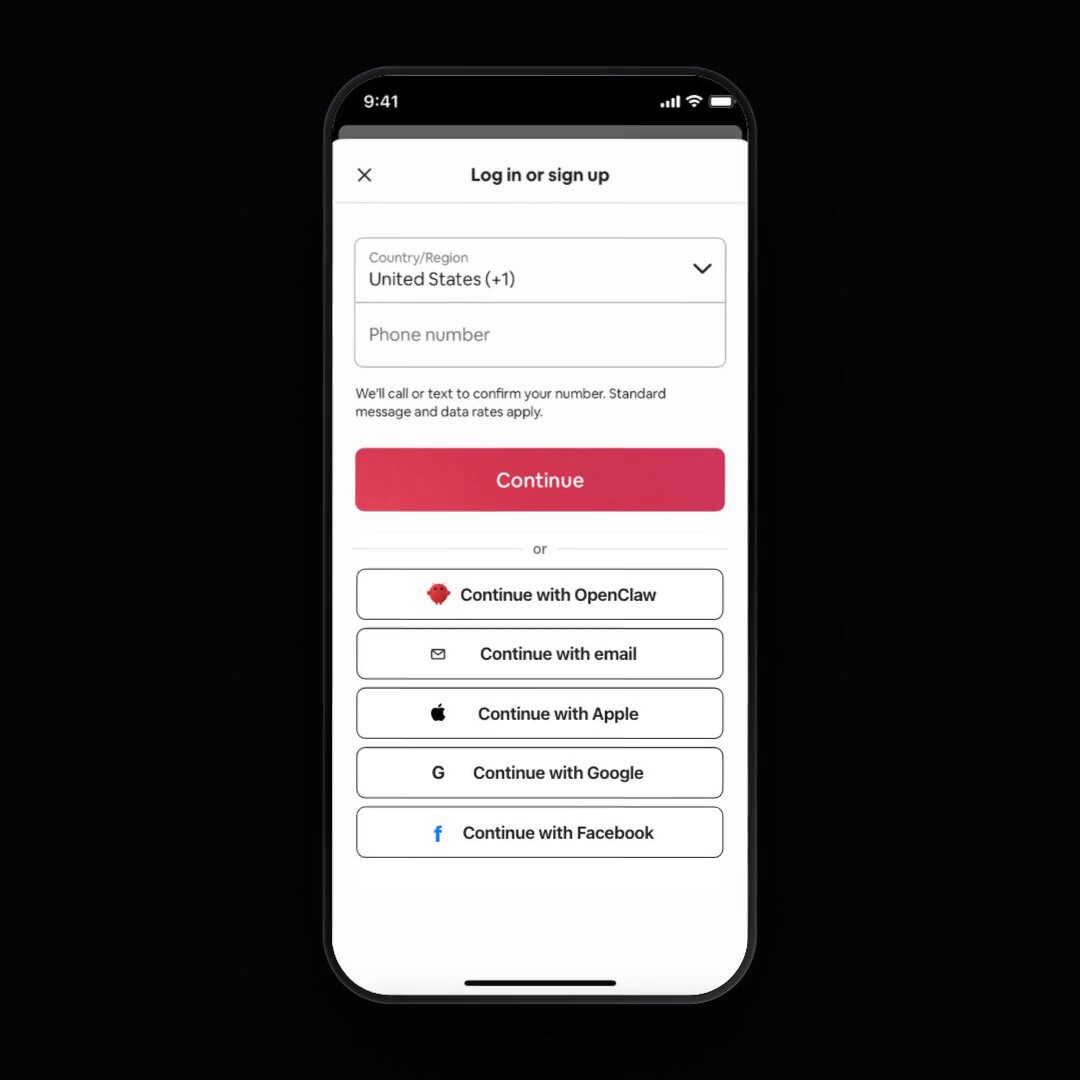
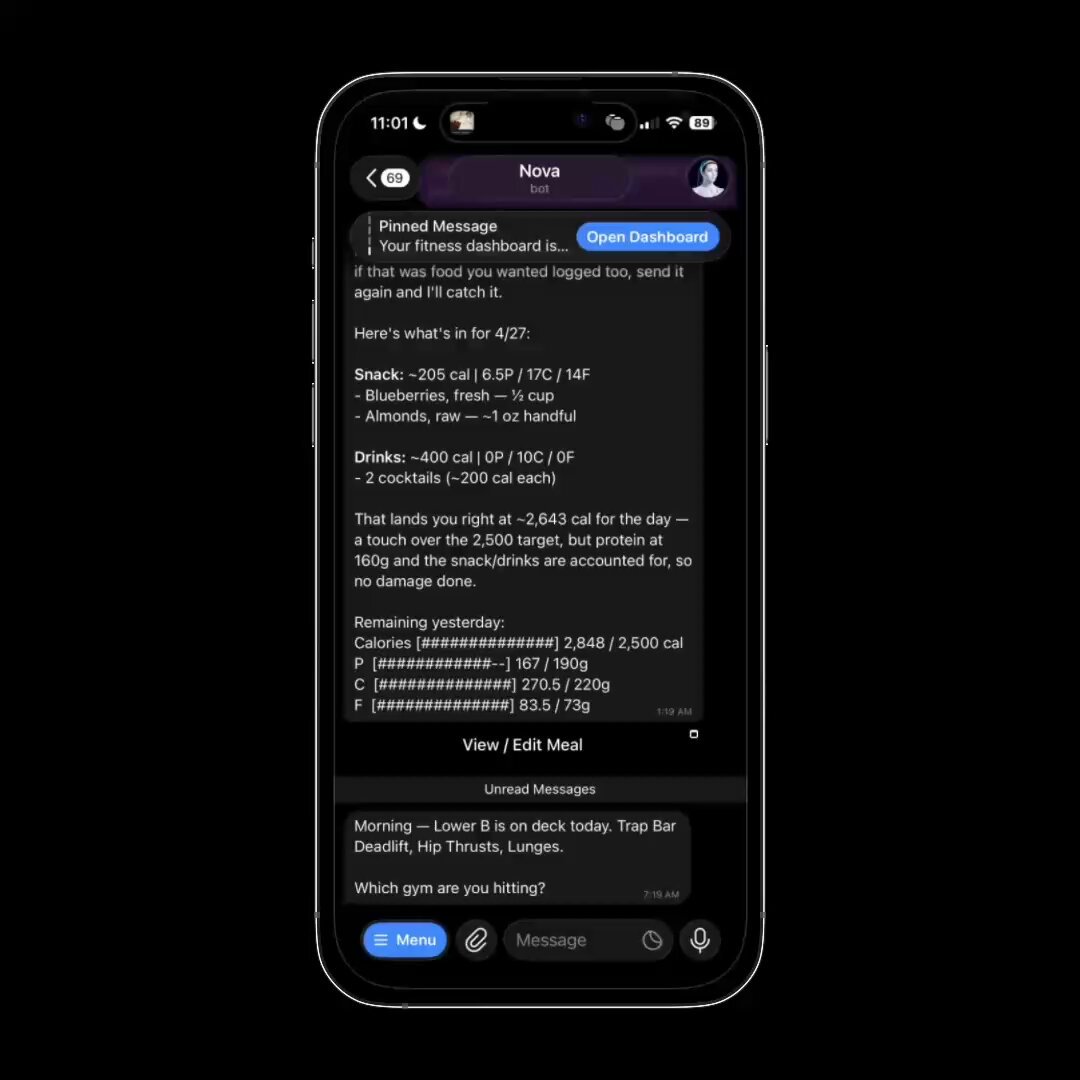
worth it
Jun 11

Fable on API is about $600/hour lol, our jobs might be safe for a while.
1
3
2,414
0xDesigner retweeted

Jun 12
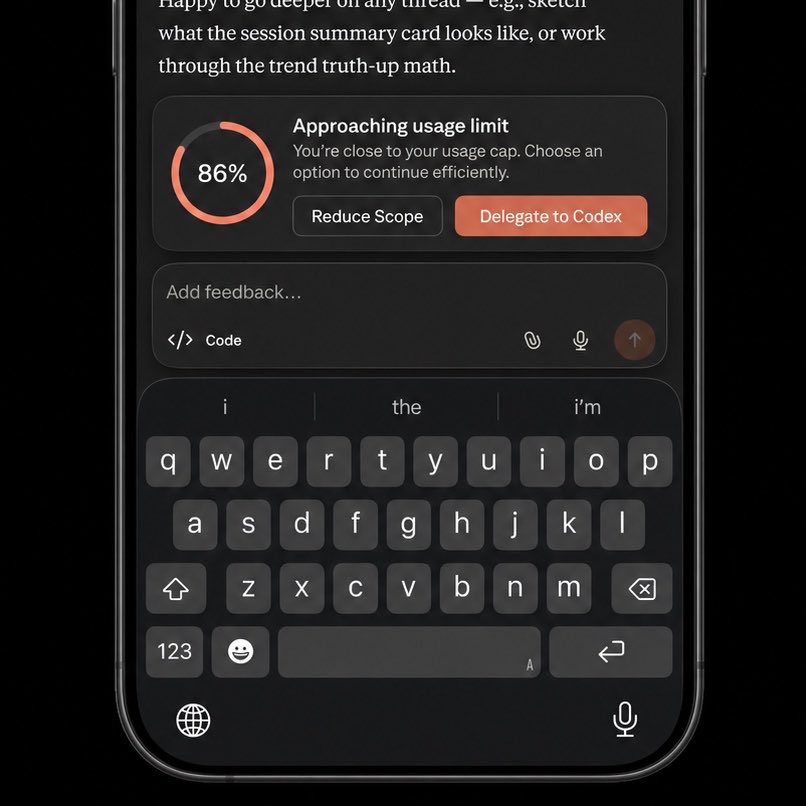
Inspired by this, I had codex build a tool that I implemented into my Claude settings for the warning and an easy automatic handoff process.
Jun 11

claude code but the model is aware of usage limits and adapts when you get close to hitting them.
2
2
5
3,779

Jun 12
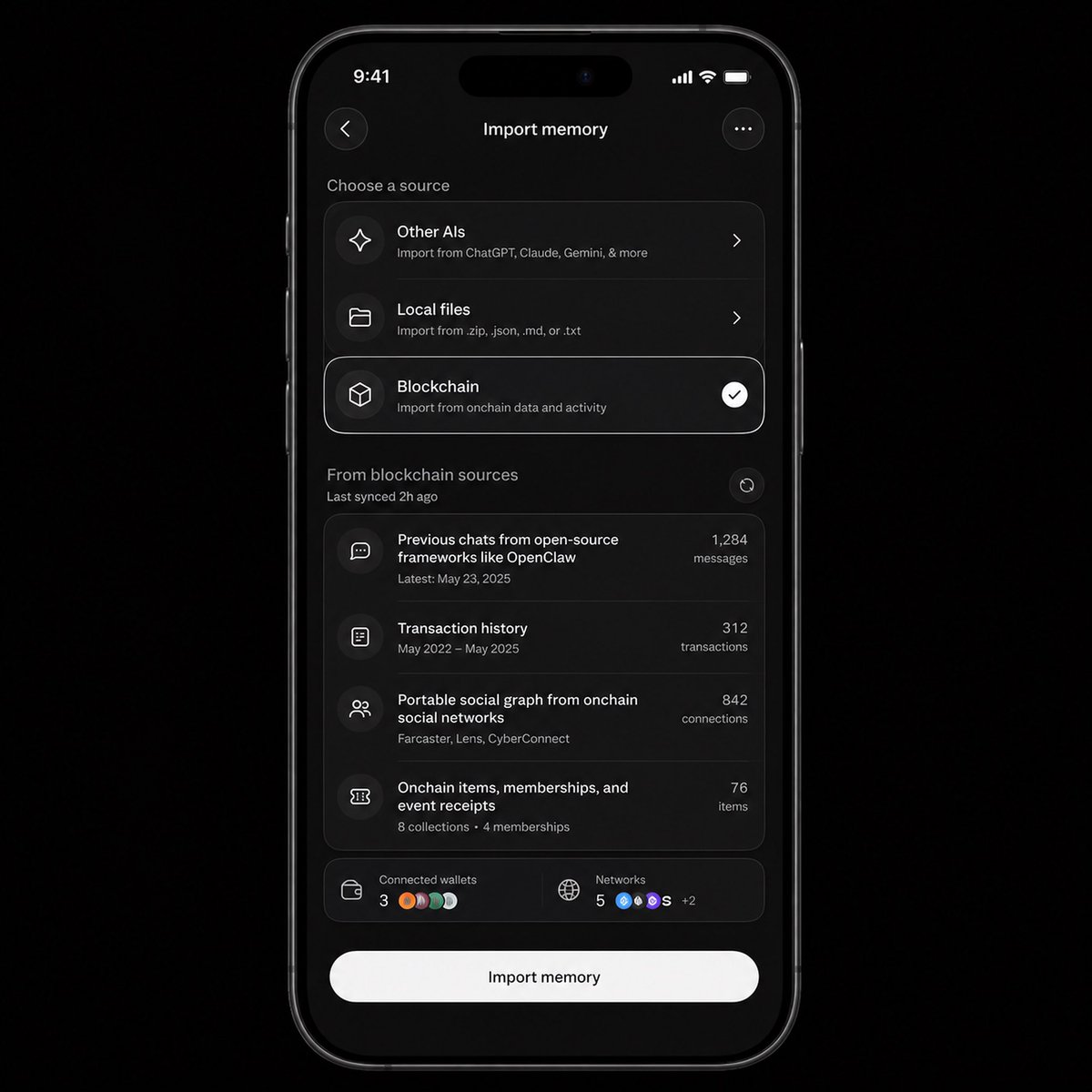
the most important intersection of blockchain and ai is interoperable memory.
it’s not finance, payments or money.
the models and harnesses are constantly changing. i want to bring my history and preferences when i switch harnesses every 2 weeks.
11
29
2,611
Jun 11
claude code but the model is aware of usage limits and adapts when you get close to hitting them.
6
32
6,706
Jun 10
my only job now is to make sure my laptop battery doesn't die
6
22
1,424
Jun 10
i am no longer babysitting turns.
i am now babysitting usage limits.
1
1
7
1,279
Jun 10
i might bite the bullet and pay for usage credits after hitting limits.
history shows the models are always at their absolute best right after launching.
so who knows if this thing degrades over time as the labs start working on newer models in the coming weeks and months.
3
1,108
Jun 10
you can't prompt fable 5 the way you prompt the other models.
it's a different beast.
i've had almost a full day with it, here's my main takeaways:
1. pick your hardest task. anthropic says easy tasks are a waste of tokens.
2. control depth with the effort setting, not bigger prompts. anthropic says fable 5 on low/med beats opus models on xhigh.
3. delete old rules and skills — instruction-following is now so strong that over-specifying actually makes it worse.
4. give it the why not the what — it does better work when it knows the goal, not just the task.
5. it loves to check its own work and verify. tell it what success and evidence looks like.
6. it also loves using subagents. lean into it, it saves time and money. and it does a good job of creating parallel tasks so none of the subagents block eachother.
7. ask it to document its learnings and will self-improve. if you turn off claude code’s memory system, prompt it to write it’s learnings after each turn.
14
4
180
18,313
Jun 10
my brain is so tired of reading. coding harnesses should show, not tell.
12
5
175
24,476
Jun 10
i have been resisting the urge to tweet about how amazed i am with fable 5 because it’s just so obvious and we don’t need yet another tweet about it.
3
17
1,504
0xDesigner retweeted

Jun 10
Am I the only one who thinks git worktrees are fucking confusing?
196
12
1,132
266,457
Jun 10
trade offer:
- design services
- promotional design concepts
- build you a polished working app
- my soul
- literally anything else
for
- knicks game 4 tickets
2
22
1,182
Jun 10
my biggest issue with fable is the need to continue reminding myself to be more ambitious with how i am using it.
6
2
27
2,542
Jun 9
ok ok listen:
ask fable 5 to create a workflow to run a design audit.
and ask it to create visuals for before and after the changes it proposes because you're tired of reading.
trust me, bro.
15
14
443
40,392
Jun 9
"do a design audit" is my "should i walk or drive to the carwash"
5
1
20
2,052
Jun 9
can we please add a row for design to these

Fable 5 is state-of-the-art on nearly all tested benchmarks, with exceptional performance in software engineering, knowledge work, scientific research, and vision.
The longer and more complex the task, the larger Fable 5’s lead over our other models.
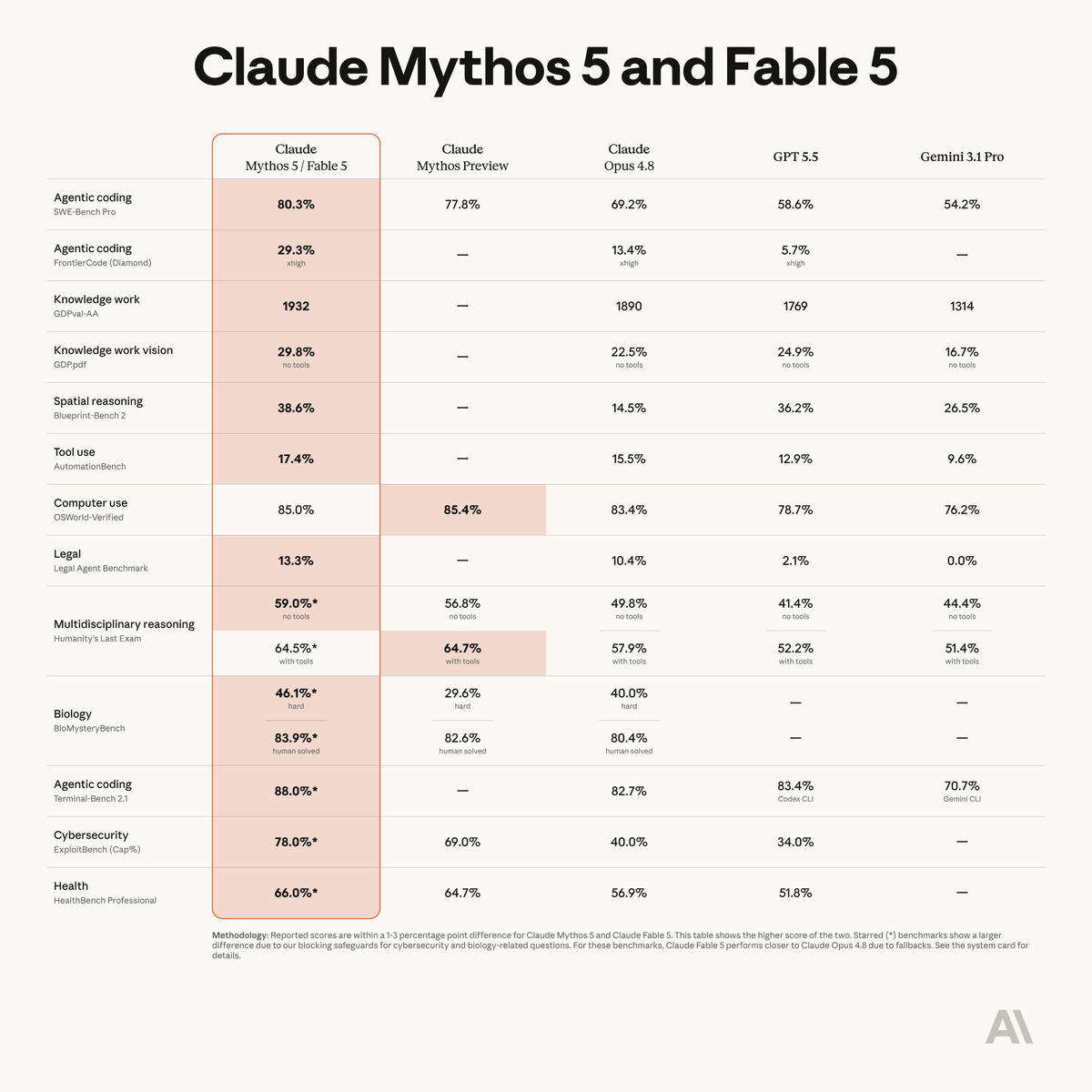
ALT Benchmark table titled Mythos 5 & Fable 5, comparing Claude Mythos 5 and Fable 5 against Claude Mythos Preview, Claude Opus 4.8, GPT 5.5, and Gemini 3.1 Pro.
8
1
33
5,720
Jun 9
how to use loops for frontend and UI:
loops won't automate design, but it will help get the request right on the first implementation attempt.
agents still suck at interpreting design requests and, worse, one-shotting spacing/sizing, behaviors, animations, transitions and states.
the core of every good loop is clearly defining success.
so for every design loop, you need a visual reference.
if you're designing something new, you can start with a screen recording of an app you like. record as many interactions as possible. every click, hover state, error state, etc.
or if you're working within an existing design system, you can explore figma mockups with agent.
the most important thing is to prompt with a pixel perfect reference: a recording, screenshot or figma mockup(s).
you can share another app and ask it to adapt the visual design or interactive behavior to your existing app. you should explicitly ask it to translate the reference and adhere to your design system (formal or informal).
the second most important thing is in your prompt, before the loop begins, you ask the agent to interview you to fill in the gaps to fully understand your intent.
a tool like claude code or codex will ask questions like "what should happen when a user does X" to cover edge cases.
a few back and forths will build the context to help cover the important details you forgot or didn't think to mention.
lastly, before starting the loop, it's absolutely critical you describe success.
"verify with computer use everything looks and behaves as intended" or something along those lines.
you are essentially offloading the tedious review, and it will check its own work on a loop until it matches your design brief.
6
1
69
4,137