
Builds brand assets w/ AI|50 DTC Brand clients|Runway/Luma/Ideogram CCP partner|DM for collab
Joined January 2017
- Tweets 3,748
- Following 795
- Followers 1,168
- Likes 9,149
1,479 Photos and videos





Pinned Tweet

24 Jun 2025
Don't let the feeling of being ignored, eat away at your already valuable professional confidence.
1
11
668
Curry Amber retweeted

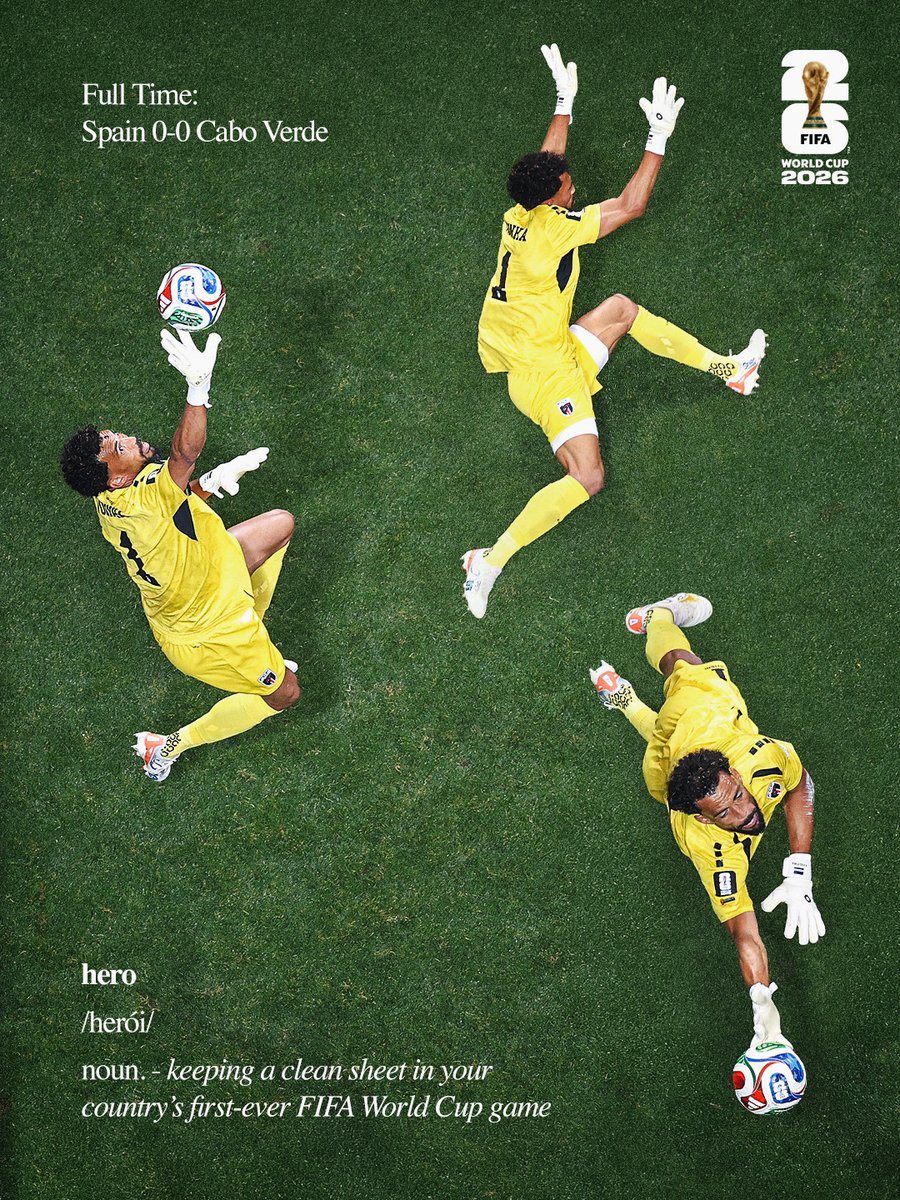
Vozinha and Cabo Verde making history 🇨🇻
#FIFAWorldCup
590
15,500
122,636
1,003,763

Jun 15
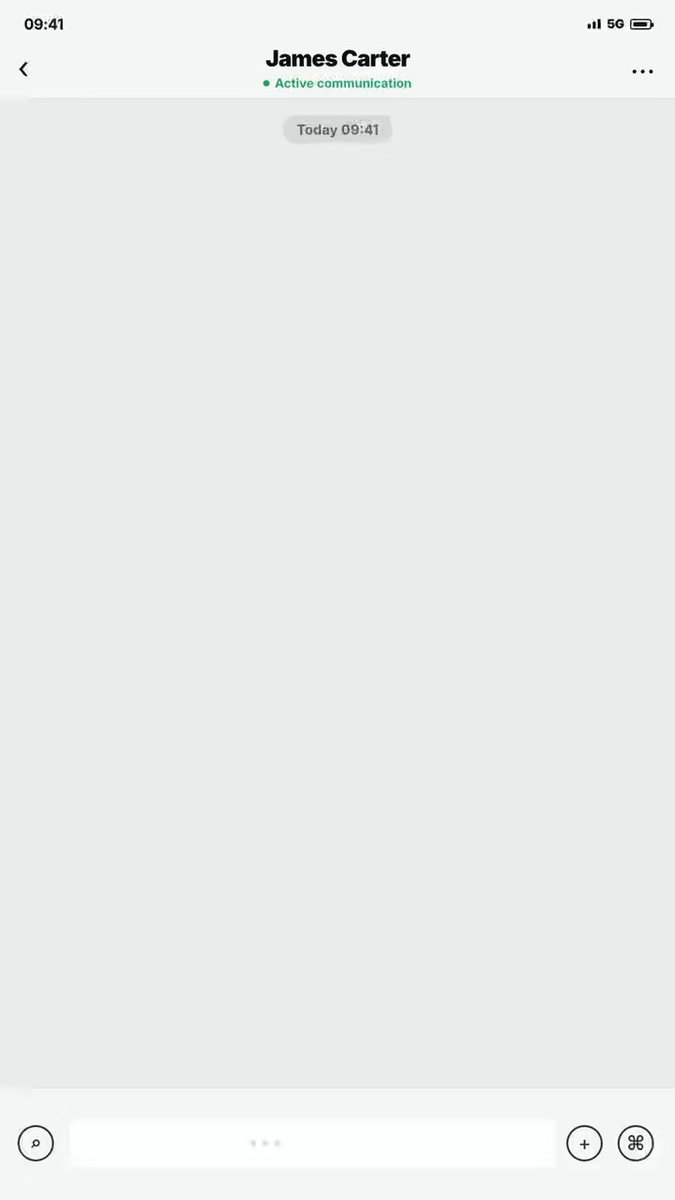
I upload my profile picture and prompt here
[$hyperframes:hyperframes](/Users/currychan/.codex/plugins/cache/openai-curated/hyperframes/c6ea566d/skills/hyperframes/SKILL.md) {
"video_specification": {
"duration_seconds": 32.0,
"frame_rate": 60,
"aspect_ratio": "9:16",
"style_preset": "WeChat Mobile UI Interface, High-End B2B Professional Design"
},
"global_environment": {
"background_color": "#EDEDED",
"wechat_right_bubble_color": "#95EC69",
"wechat_left_bubble_color": "#FFFFFF",
"lighting": "Uniform soft studio diffused light, exact WeChat app color fidelity, zero glare",
"camera_setup": "Strictly fixed front-facing vertical macro view of the chat window, 0mm movement"
},
"asset_locking_constraints": {
"my_avatar": "MUST LOCK: Use the exact image provided in 'd5a13874bf1c98d23592b398f0b01d40.jpg' as the right-side (my) chat avatar. Must crop into WeChat's standard rounded square avatar format without any modification to the original texture, contrast, or content.",
"client_avatar": "MUST LOCK: A professional, mid-shot photo of a mature British Caucasian male procurement manager wearing business attire. Sharp focus, clean studio backdrop, cropped into WeChat's left-side standard rounded square avatar format.",
"product_visuals": "MUST LOCK: [Insert your low-voltage electrical product image reference here]. Golden ratio, exact industrial dimensions, materials, colors, and textures must remain 100% unchanged.",
"brand_elements": "MUST LOCK: [Insert your Brand Logo here]. Original placement, aspect ratio, and typography must be strictly preserved without distortion."
},
"timeline_hyperframes": [
{
"time_start": 0.0,
"time_end": 2.0,
"visual_action": "The WeChat chat window is initialized with the top title showing the British client's name. The status indicates active communication. The typing indicator '...' gently pulses on the bottom-left text input box.",
"motion_graphic": "Crisp WeChat interface rendering, exact positioning of top navigation bar and bottom input field.",
"transition_type": "Cut in"
},
{
"time_start": 2.0,
"time_end": 7.0,
"visual_action": "At 02.0s, a standard WeChat white bubble pops up on the left alongside the British client's avatar: 'The target price is 15% lower, or we might consider another vendor 📉'. At 03.0s, the bottom input field shows fast text generation. At 04.0s, a WeChat green bubble pops up on the right accompanied by the 'd5a13874bf1c98d23592b398f0b01d40.jpg' avatar: 'We appreciate your volume...'. At 05.0s, typing continues, and at 07.0s, a second green bubble pops up: 'But our current quote already uses premium components for industrial reliability 🔒'.",
"motion_graphic": "Classic WeChat pop animation with zero-frame text latency.",
"transition_type": "Graphic pop"
},
{
"time_start": 7.0,
"time_end": 14.0,
"visual_action": "At 09.0s, the client's white bubble pops up on the left: 'Understand, but management limits our budget.' immediately followed by another bubble: 'Any flexibility if we double the MOQ to 5,000 units? 📦'. At 11.0s, the right-side input fields mimic fast typing. At 14.0s, our green bubble with the 'd5a13874bf1c98d23592b398f0b01d40.jpg' avatar pops up: 'Checking with our production director now... ⏳'. The entire chat log smoothly scrolls upward.",
"motion_graphic": "Smooth vertical page-scroll interpolation mimicking natural WeChat feed mechanics.",
"transition_type": "Scroll transition"
},
{
"time_start": 14.0,
"time_end": 20.0,
"visual_action": "At 16.0s, the client's white bubble appears: 'Keep me posted.'. At 18.0s, our side rapidly pushes two consecutive green bubbles: 'Approved. We can do 5% off, PLUS lock the lead time within 25 days 🚀' accompanied by a clean, high-resolution thumbnail image showing [Our Locked Product/Factory View] with our visible [Brand Logo]. The feed scrolls up significantly.",
"motion_graphic": "Fast vertical scroll animation, rigid image container loading effect without distortion or alteration of the product.",
"transition_type": "Scroll transition"
},
{
"time_start": 20.0,
"time_end": 32.0,
"visual_action": "At 22.0s, the client sends a white bubble: 'Deal! Please send the PI. 🤝'. From 24.0s to 29.0s, our side instantly sends a green message: 'PI sent to your email. Check it out!' followed by a clear PDF/image attachment thumbnail of the Technical Specification Chart / PI. The page scrolls up continuously, revealing a permanent bottom CTA overlay: 'Get Your Custom Quote in 2 Hours'. Hold frame until 32.0s.",
"motion_graphic": "Accelerated UI stacking, followed by a linear fade-in of the professional B2B CTA block at the bottom 20% of the screen. Freeze frame on the final composition.",
"transition_type": "Freeze frame"
}
]
}
2
161
Curry Amber retweeted

Jun 12
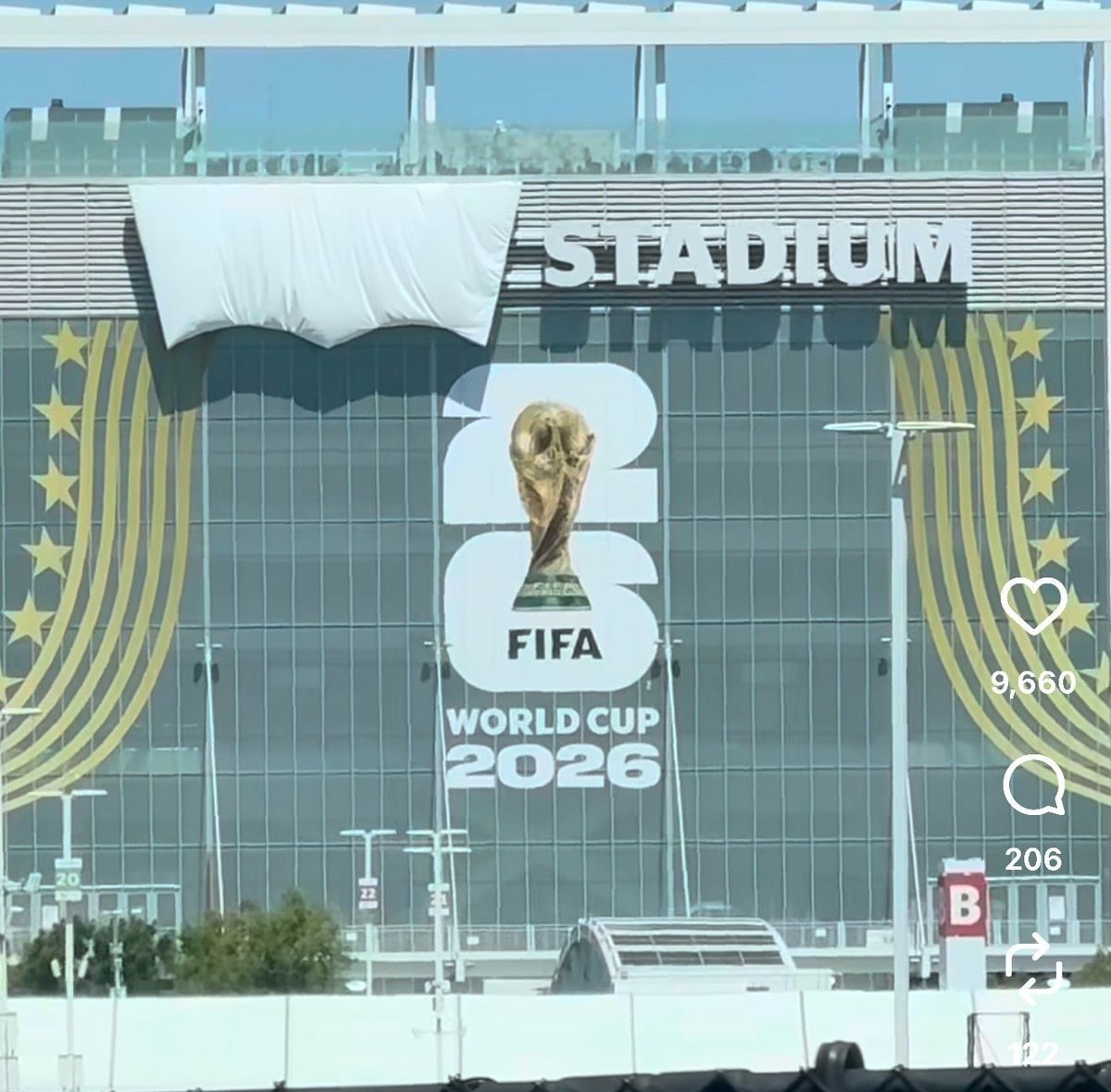
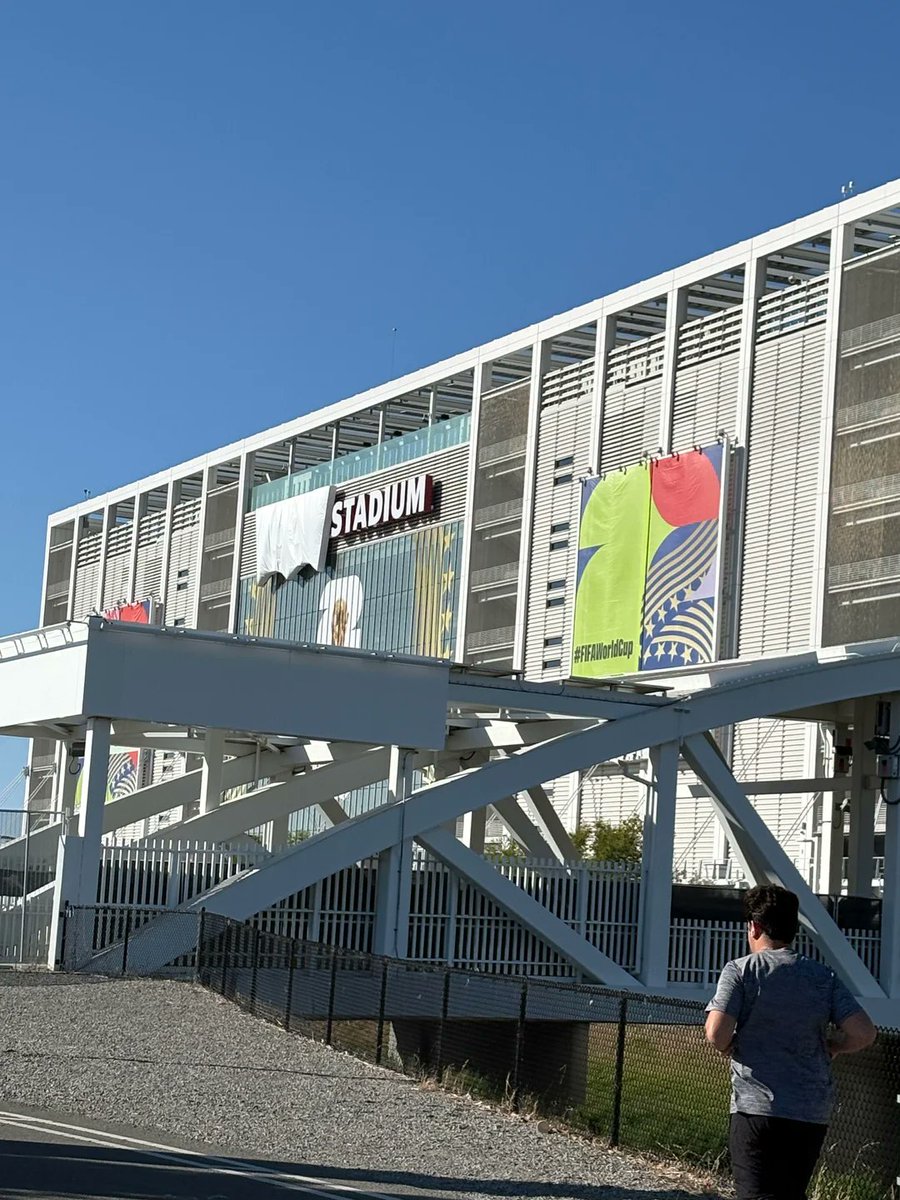
As it wasn't an official sponsor of the FIFA World Cup, Levi's was asked to hide its logo on Levi's Stadium (Santa Clara, California).
And they did it in the smartest way possible. #WorldCup #FIFAWorldCup #Levis
166
1,346
34,754
12,519,930
Jun 15
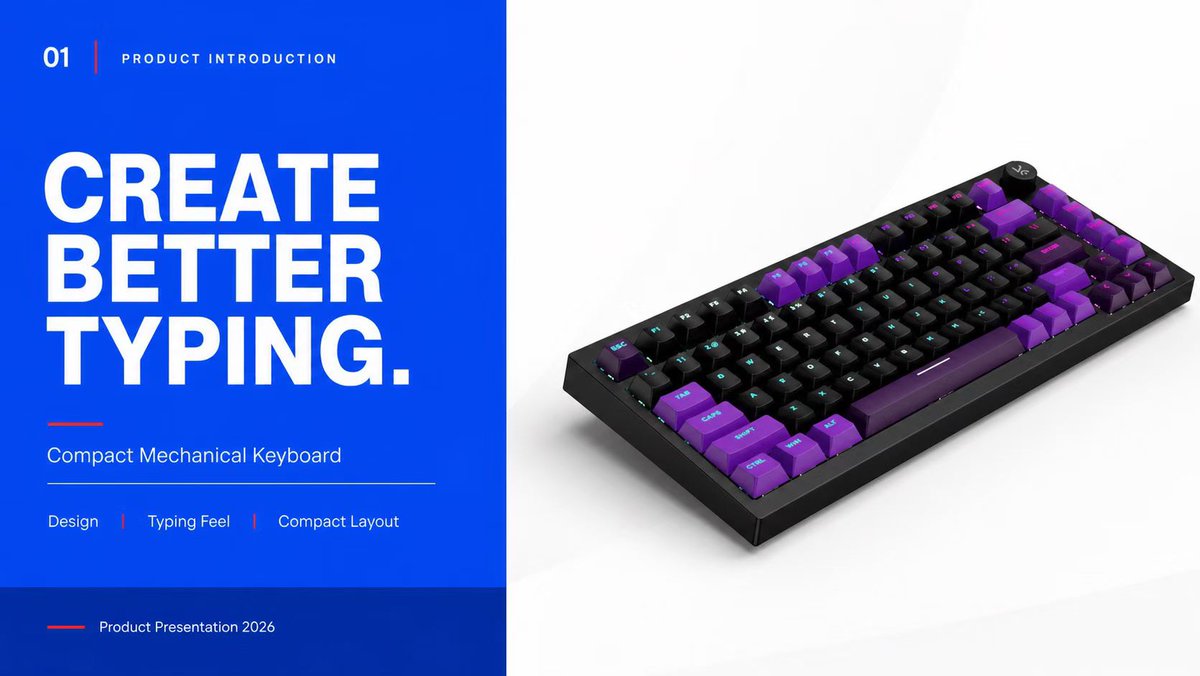
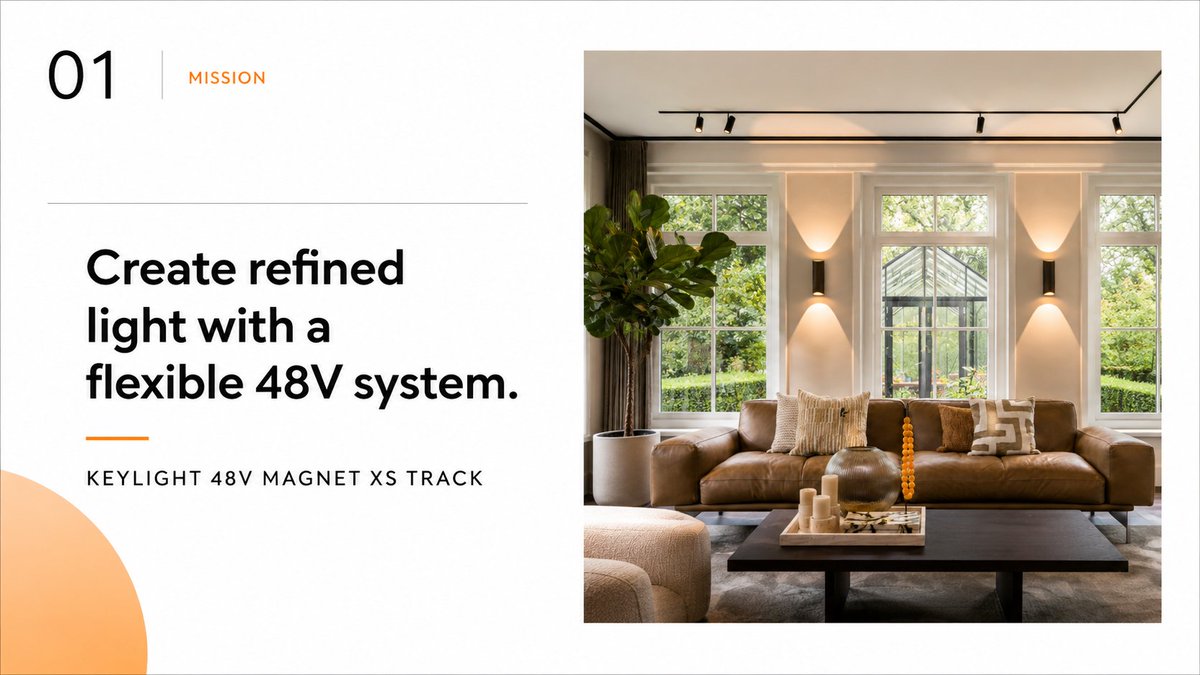
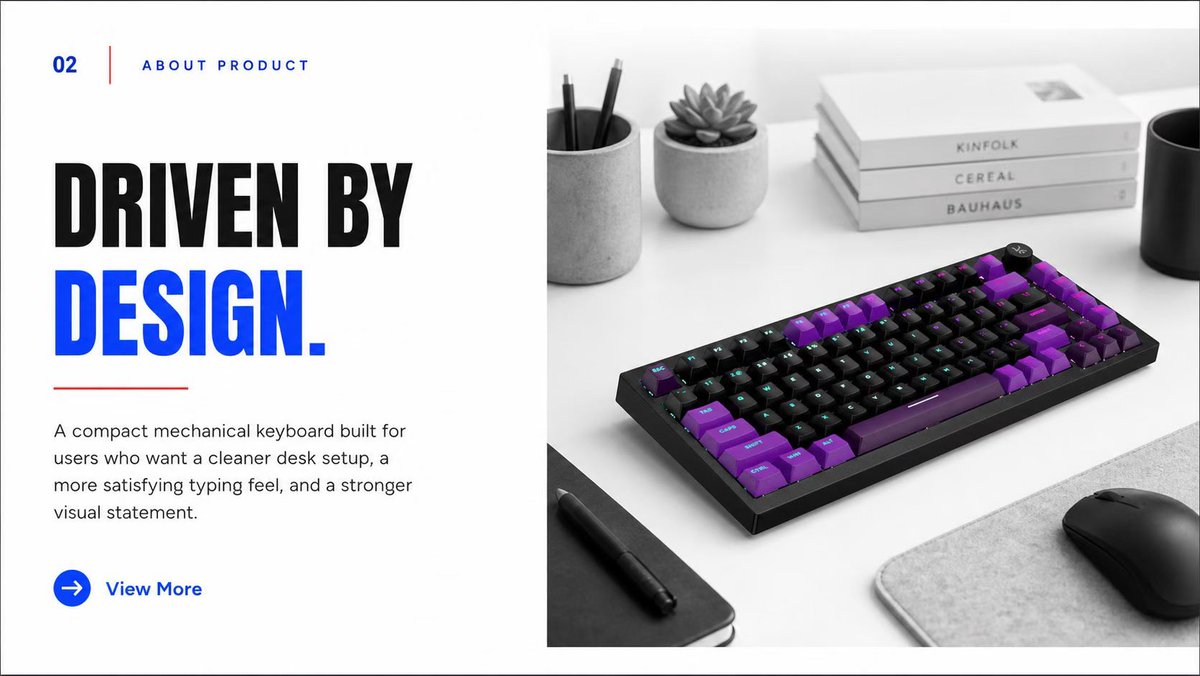
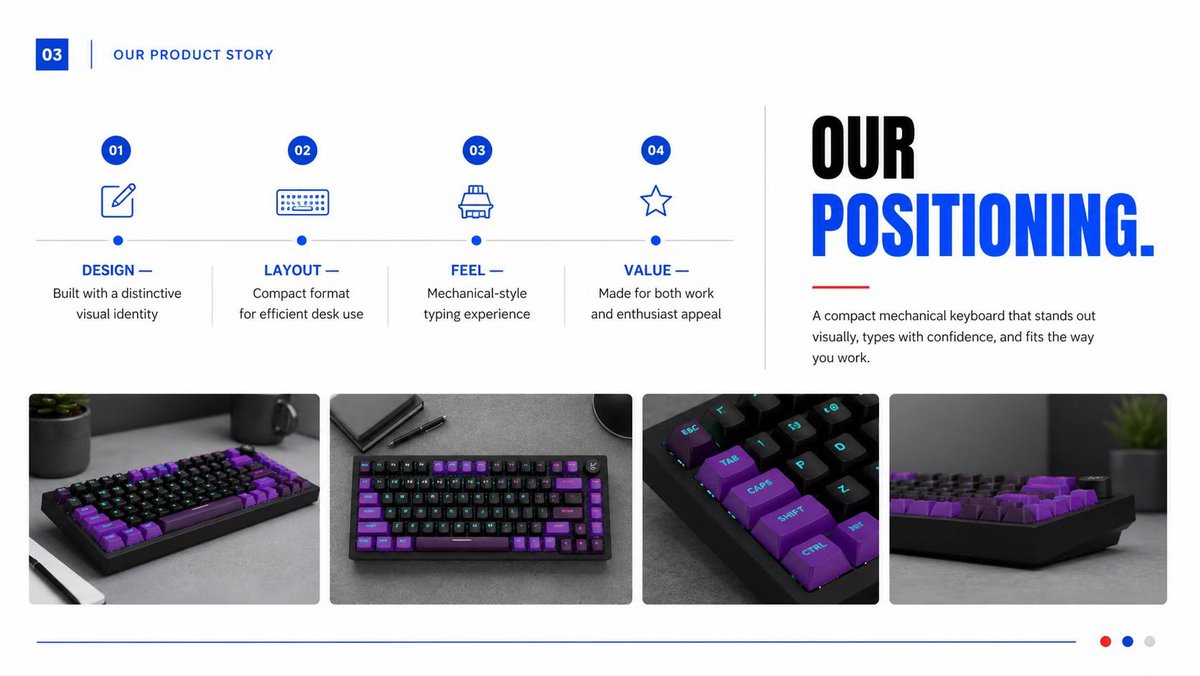
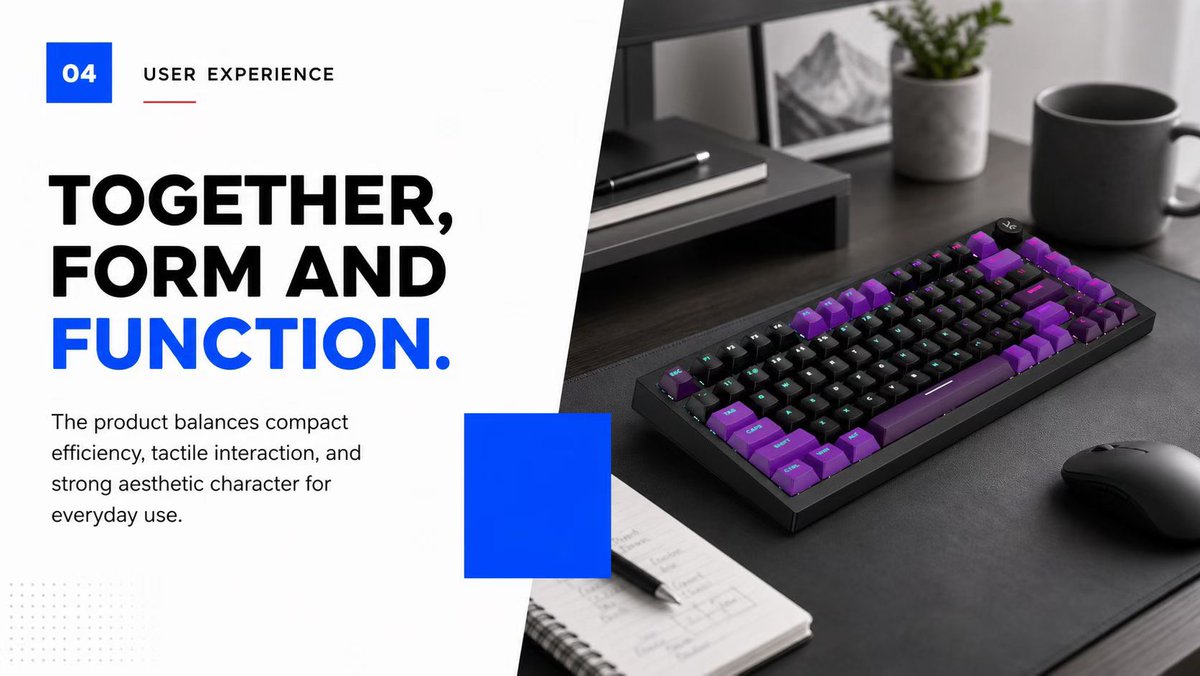
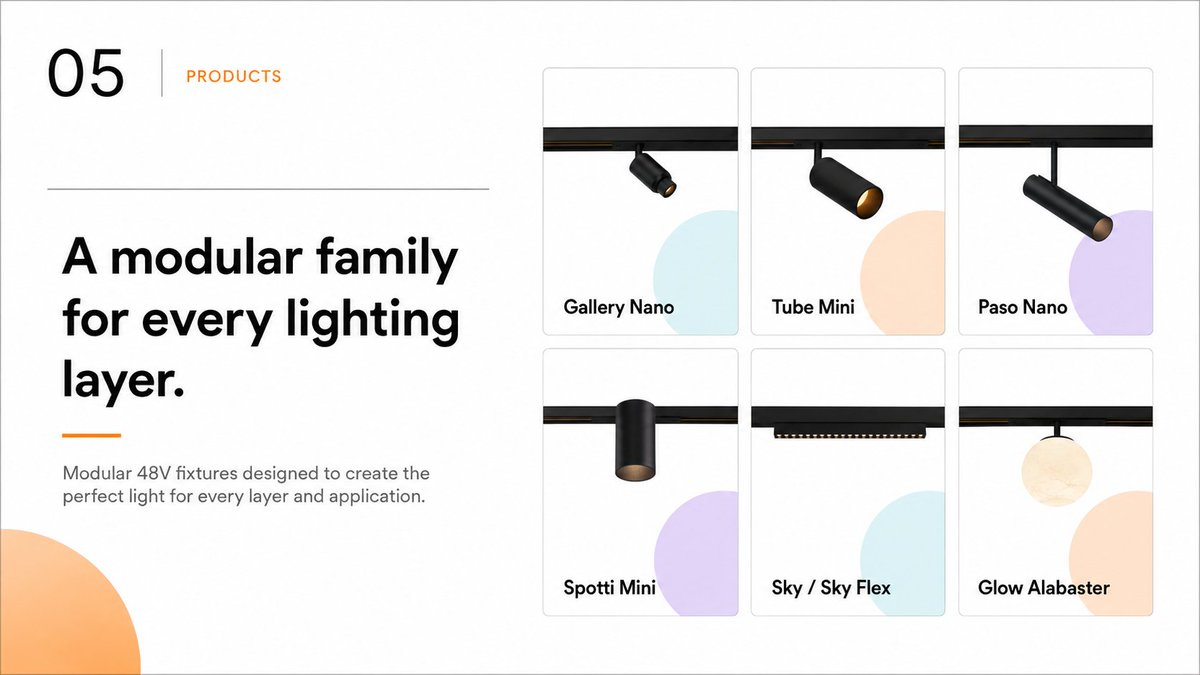
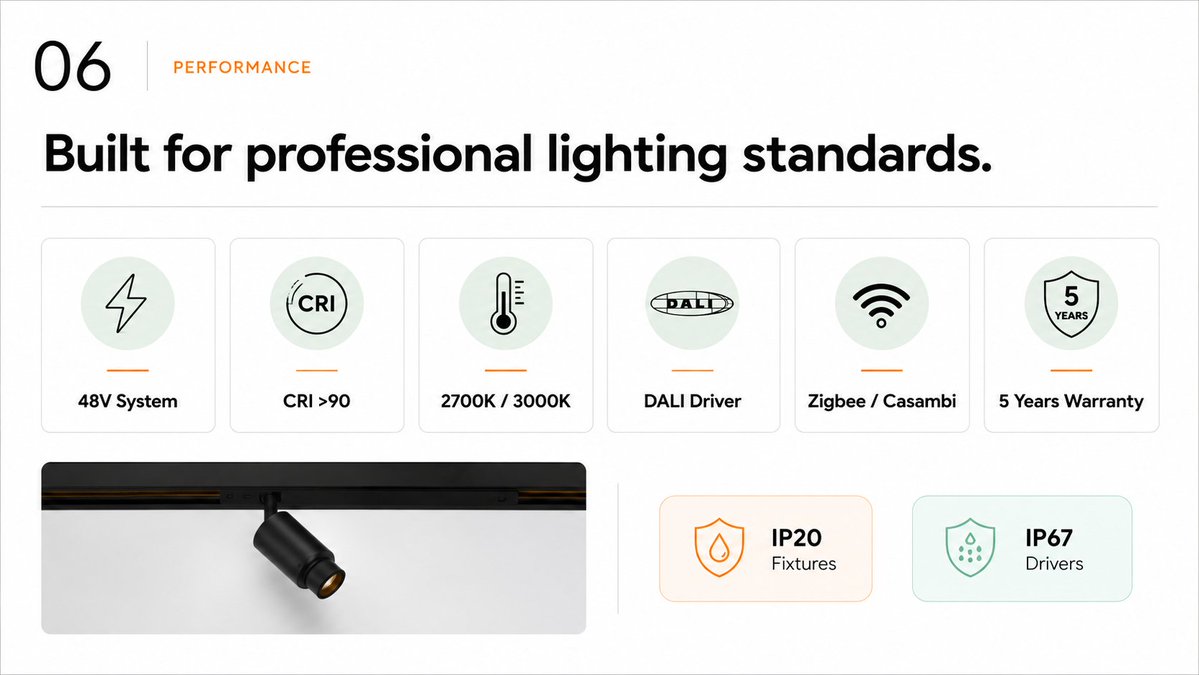
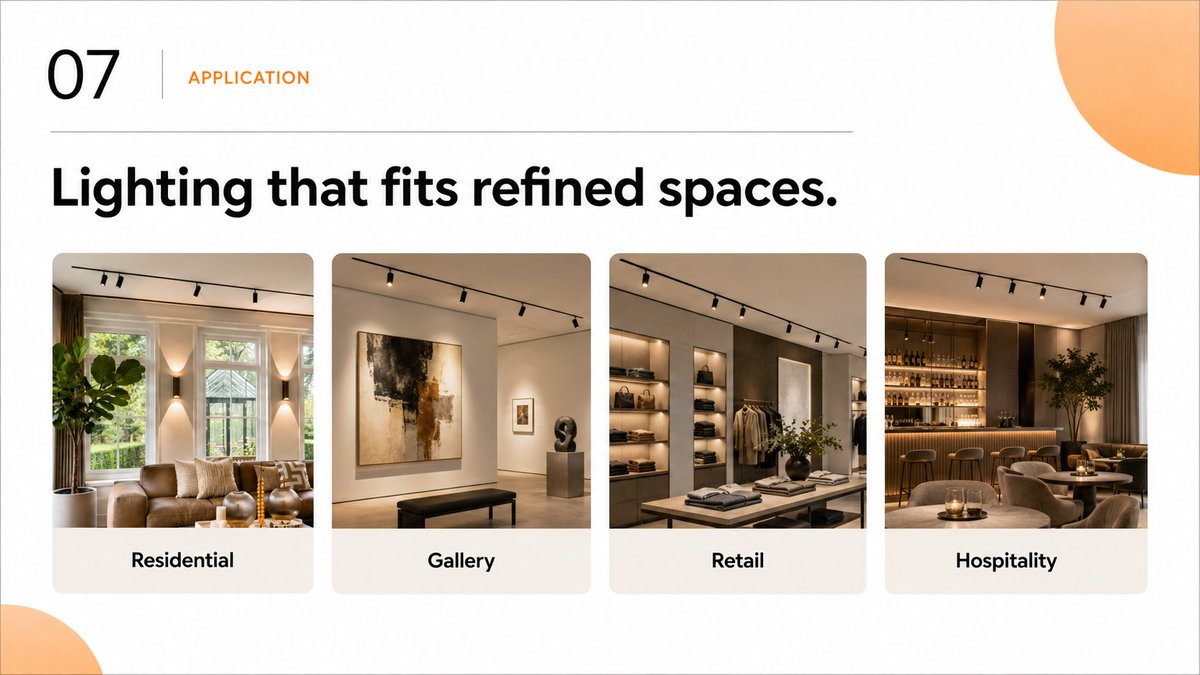
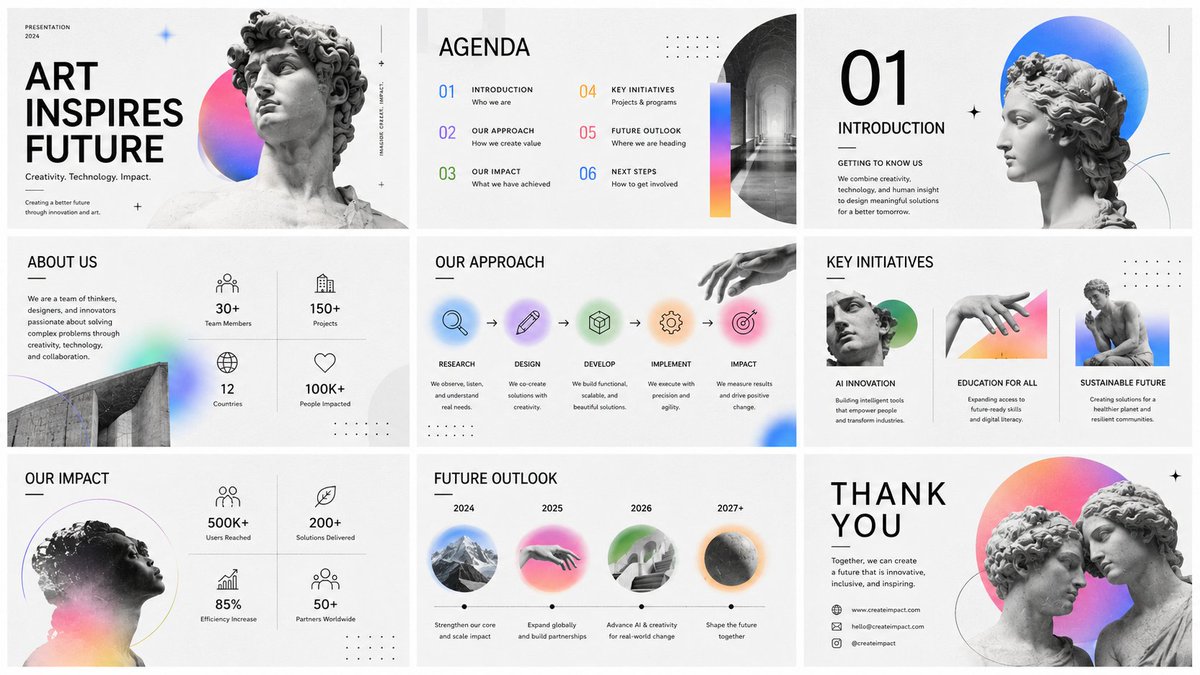
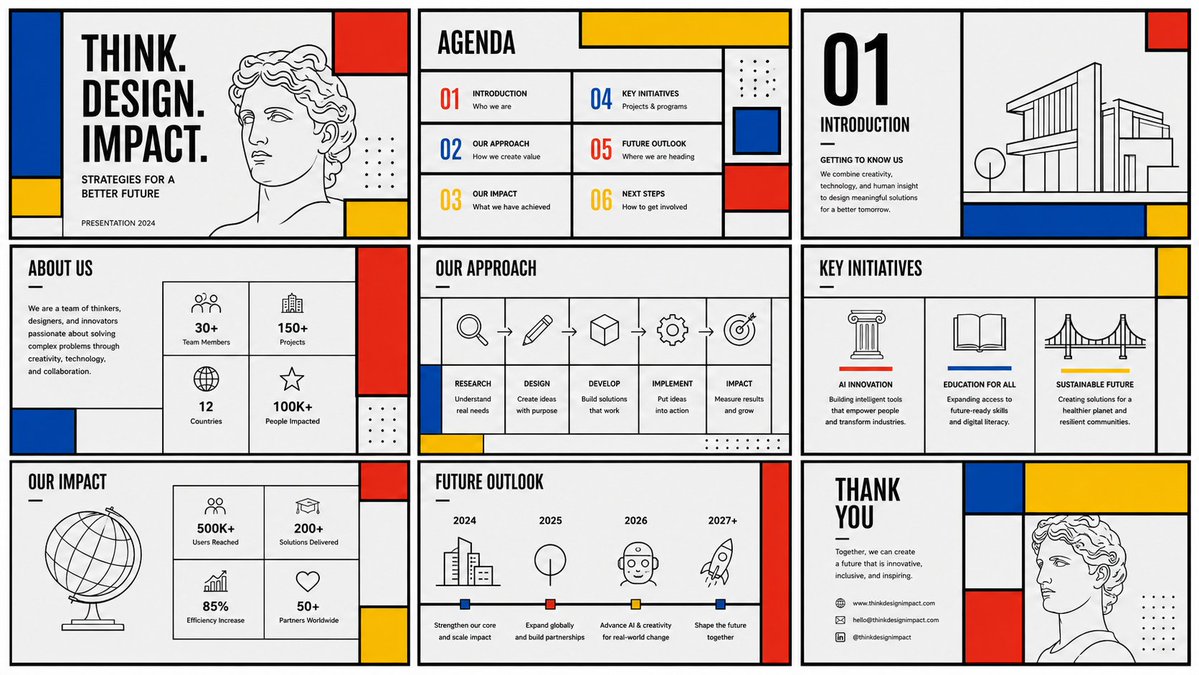
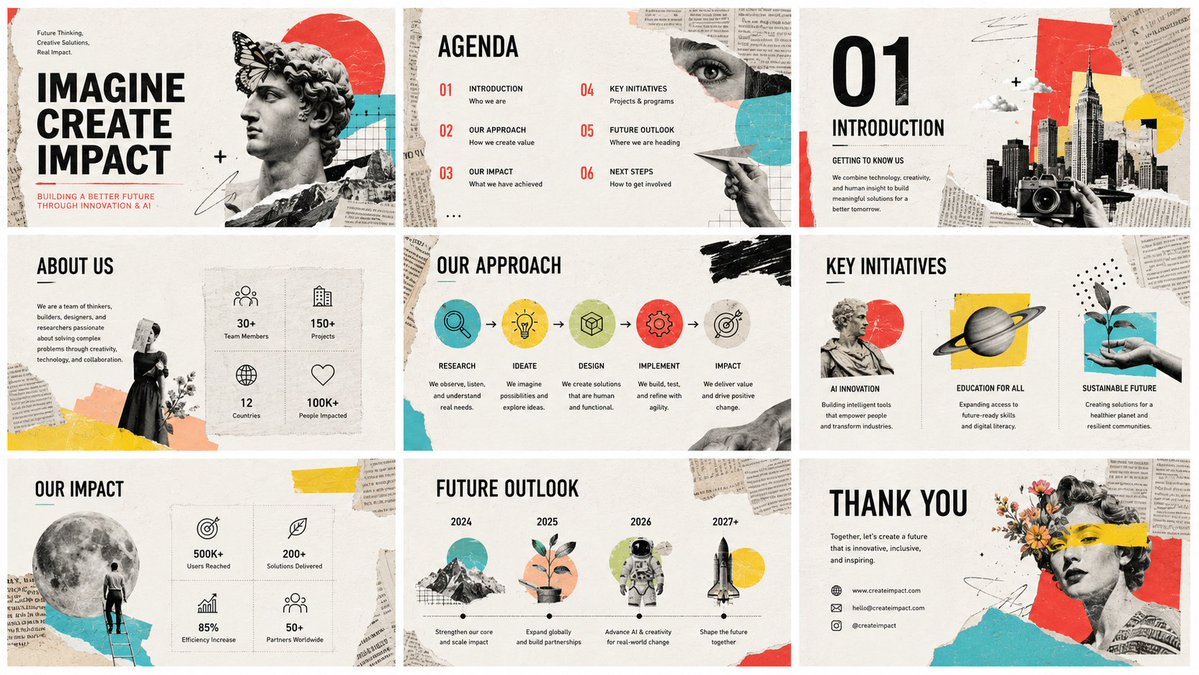
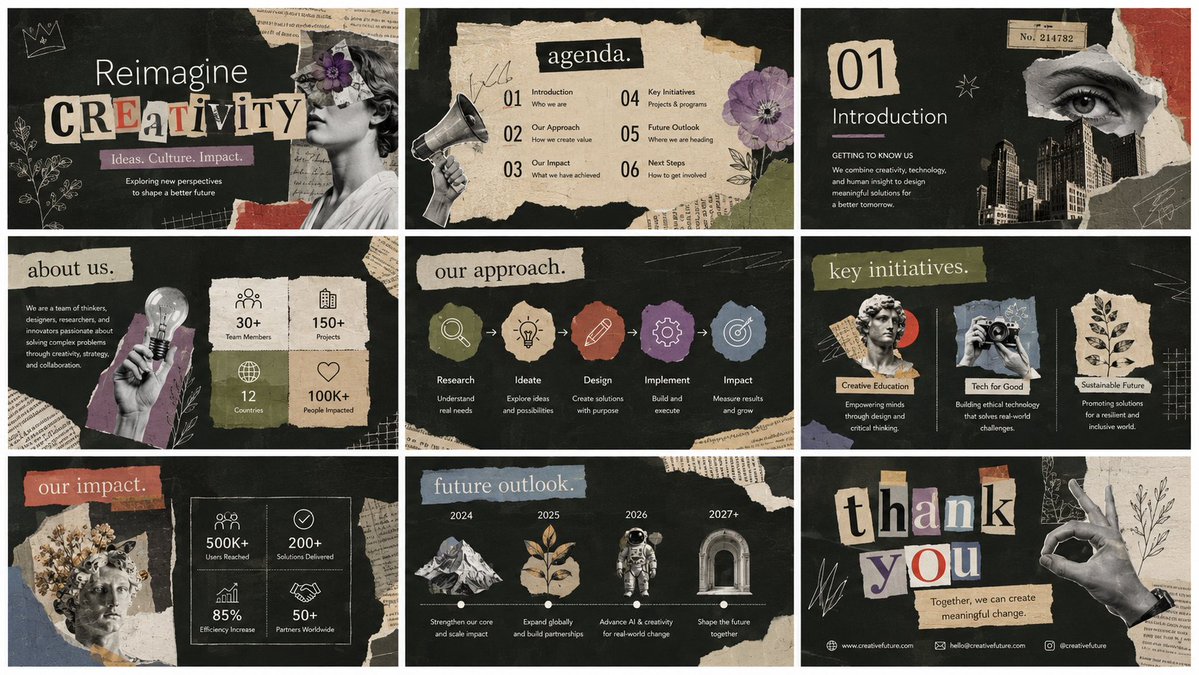
One more keyborad ppt.
Thanks @kumiko_shiraki idea.
If you wanna learn how to do Slide Deck.
You should follow her.
1
8
2,566
Jun 14
Brunson’s legacy. Towns’ breakthrough. Anunoby’s resilience. The Villanova standard.
Every path began with raw potential, followed by years of refinement—until excellence became something they could deliver consistently.
Greatness is never accidental. It’s built over time.
2
43
Jun 14
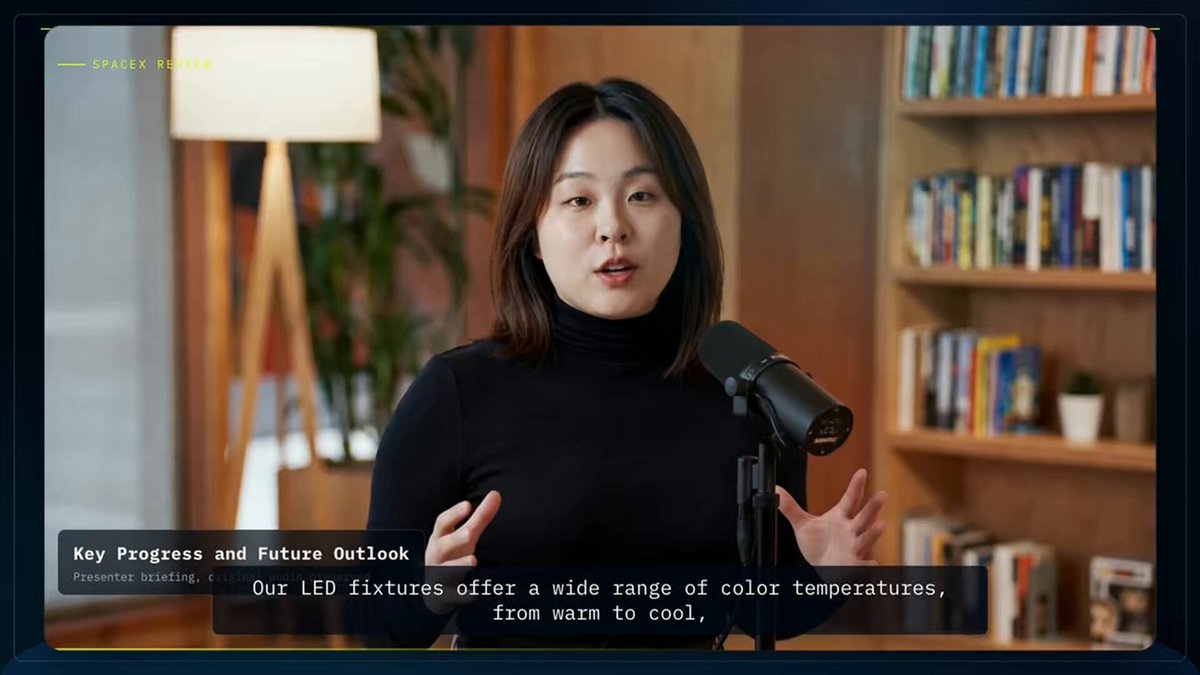
I used HyperFrames to create a product explainer video, and honestly, the result turned out pretty good.
I’m still exploring what else I can do with it, especially since most of my students work in B2B companies and need practical ways to explain products and solutions.
Big thanks again to the @HeyGen and @HyperFrames_ teams.
The only problem is… the tokens disappear way too fast 😂
4
371

Some AI filmmaking tips from an observer.
- You don't have to generate only 15 second clips.
- A good video usually comes from a good idea, not a good prompt.
- Not every scene has to be one continuous shot. You don't need long unbroken takes to make a good video. Open a random movie and count how often it cuts.
- Build the story in the edit. Don't expect the model to solve everything in a single generation.
- If you can't clearly describe a scene in words, you probably won't communicate it clearly on screen either.
- Just because you learned a new technique and it looks cool doesn't mean you should use it in every scene.
- Just because you can add camera movement doesn't mean every shot needs it. Sometimes a locked camera is more powerful.
- Viewers see the final video, not your prompt. Technically impressive is not always interesting.
- Character consistency doesn't have to be perfect. Strong motion, pacing and composition can hide small inconsistencies.
- Don't use a technique because it's trendy. Use it because the scene needs it.
- You don't have to keep regenerating until you get one perfect output. Even flawed generations often contain useful moments. Put your editing skills to work. A failed generation is not necessarily wasted. Sometimes the best two seconds come from the worst clip. One of the most valuable AI filmmaking skills is not prompting. It's knowing what to keep and what to throw away.
- There is no single perfect way to make AI videos. There are dozens of different workflows. Use the one that works best for you.
91
56
529
24,834
Curry Amber retweeted

Jun 12
Mr Whiskers.
S01E05; the one with the nurses 😁
39
109
818
65,161
Jun 12
$hyperframes $lottie
Create a 35s, 16:9, 30fps HyperFrames video, 1920x1080, 1050 frames, based on the uploaded reference image.
Theme: “切肉机 B2B 方案报价 / Commercial Meat Slicer Solution Proposal”. Make it a clean B2B proposal video, not a food ad. Style: white/light gray/lavender background, purple accents, rounded cards, soft shadows, SaaS-style business deck, clear Chinese text, charts, icons, pricing cards.
Build 9 sections:
0–4s cover: title, subtitle, meat slicer image, 3 value cards.
4–8s procurement priorities: efficiency, thickness control, food safety, maintenance cost line chart.
8–12s customer scenarios: donut chart segment bars.
12–16s project process: 5-step timeline.
16–21s product solution: product image, 4 feature cards, fit bar chart.
21–25s SWOT 2x2 grid.
25–29s service support cards.
29–33s pricing: ¥8,800 standard, ¥12,800 recommended premium, custom quote.
33–35s results: 94% satisfaction, XXX clients, CTA.
Motion: ease-out card reveals, smooth chart drawing, count-up numbers, process-node highlights, subtle zoom/pan, clean slide/fade transitions. Use Lottie for icons, donut/line/bar charts, price count-up, CTA arrow, and subtle purple glow. Expose editable controls for colors, text, prices, chart values, durations, logo, and CTA.
5
234

Lots of people asked how I used Fable to edit its own launch video so I made a video about that!
TLDR it wrote a lot of code & tool calls to use transcription services, ffmpeg, do colorgrading, use the figma mcp, make remotion UI and render it.
I didn't touch a video editor.
293
620
9,262
992,468

Jun 11
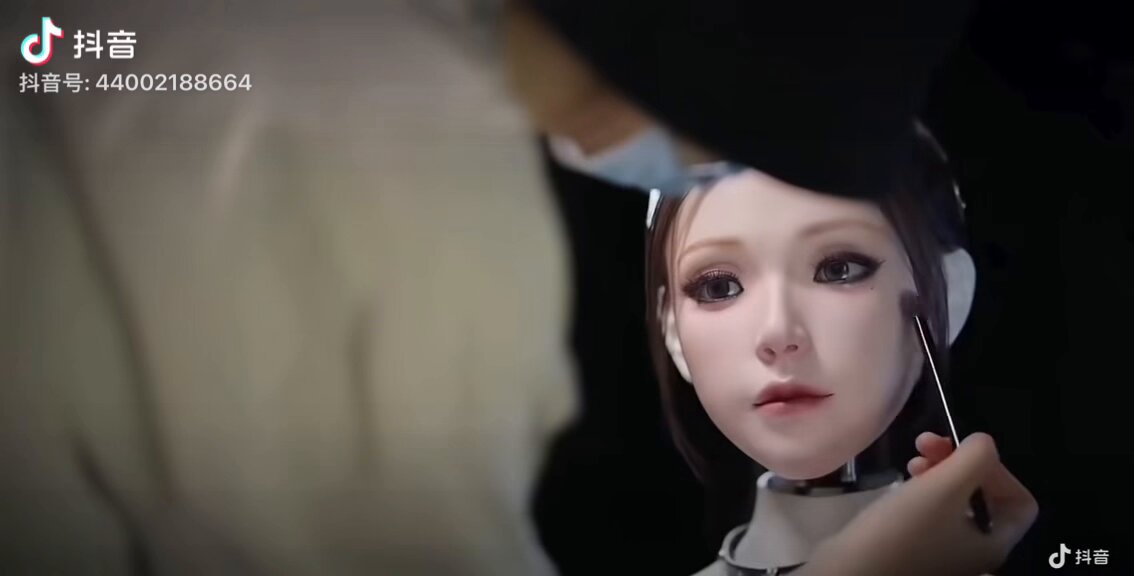
First time I’ve ever seen this kind of look on a robot.
Video from Douyin: 悲伤炸鸡蛋
3
58