
Joined July 2024
- Tweets 254
- Following 289
- Followers 53
- Likes 138
46 Photos and videos
Pinned Tweet

12 Dec 2025
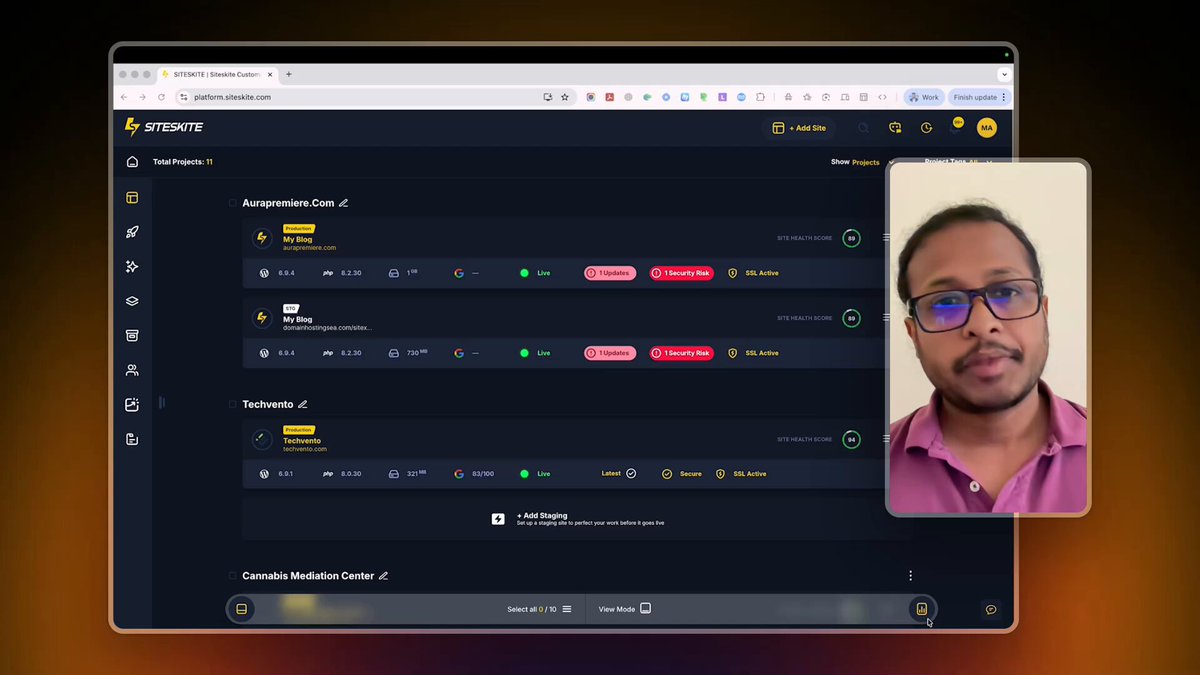
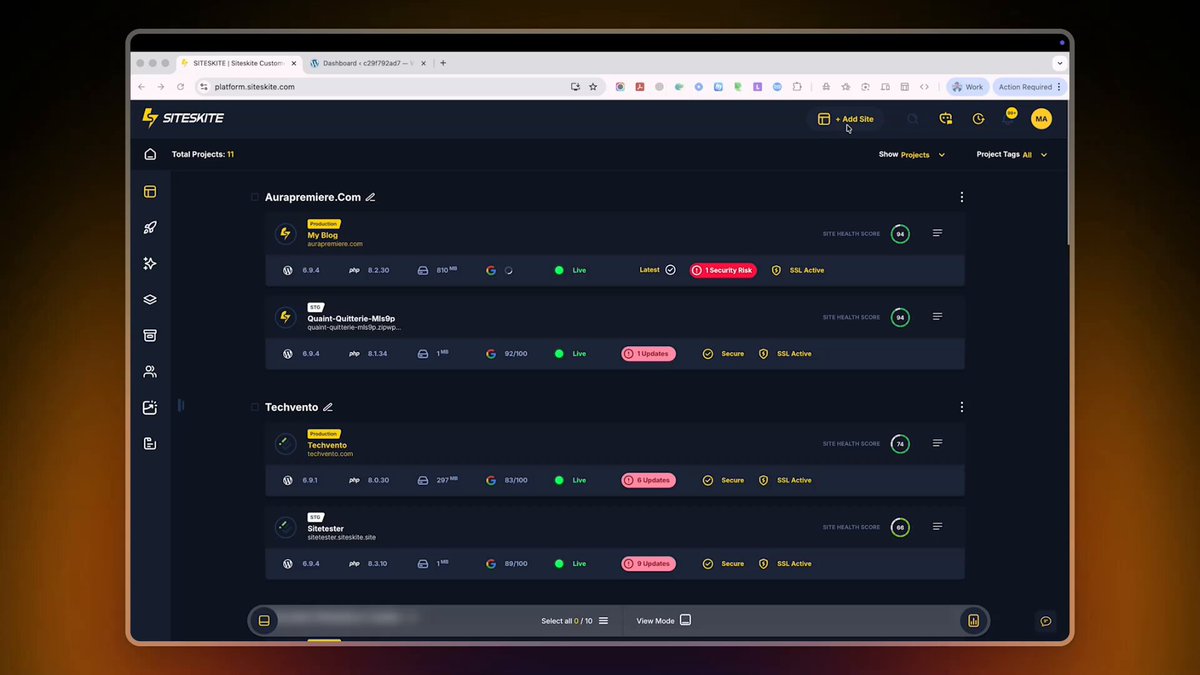
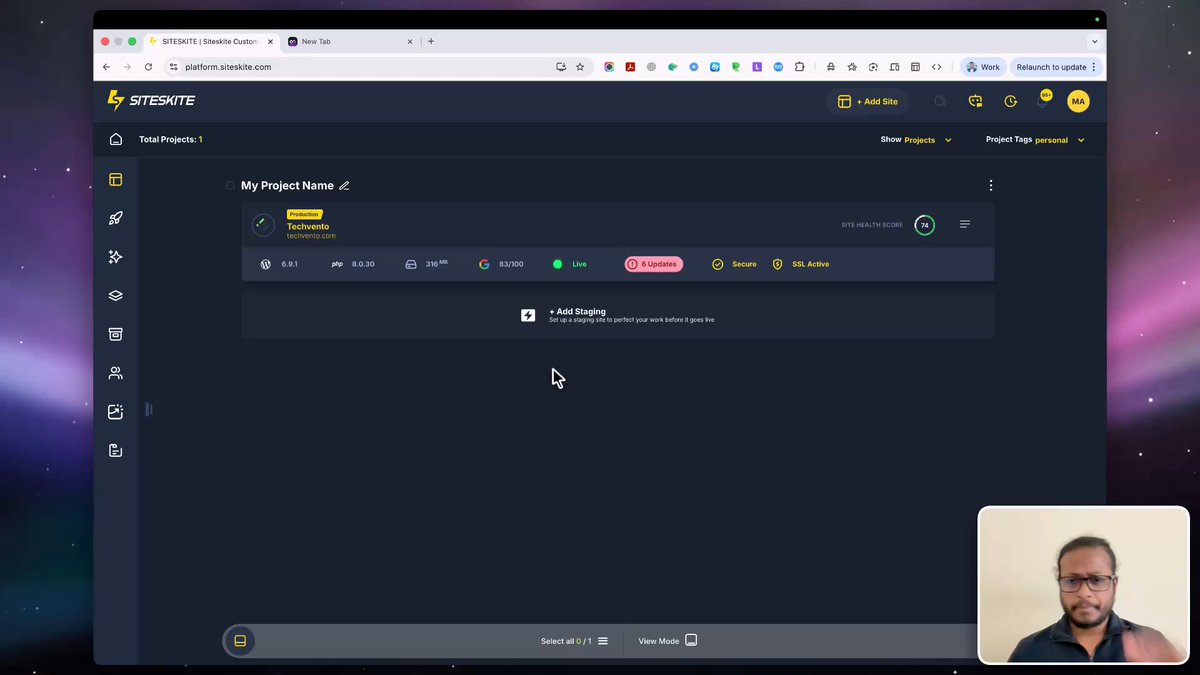
@SiteSkite WordPress modern site maintenance platform for freelancers & agencies.
Core Features:
#Backups • #Sandbox • #Maintenance • #Security • #Reports • #BulkOperations, and much more.
👉 siteskite.com
3
439
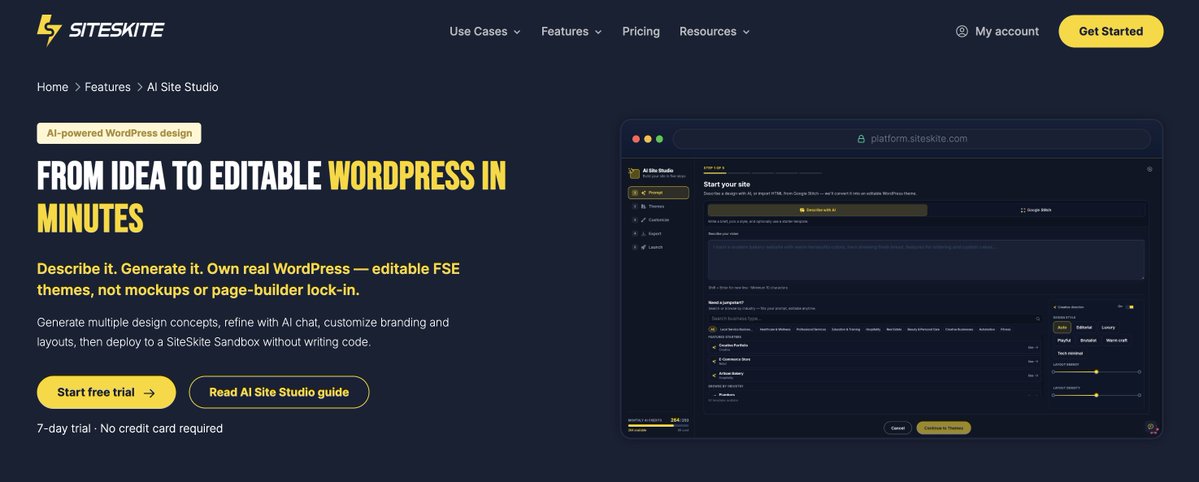
What if building a WordPress website was as simple as sending a message?
"Create a modern bakery website with online ordering."
That's it.
@SiteSkite AI Site Studio takes your prompt, generates the design using Google Stitch, and transforms it into a WordPress website ready for customization and publishing.
Perfect for agencies, freelancers, startups, and small businesses.
Get your free access, comment below!
#SiteSkite #AI #WordPress #WebDesign #GoogleStitch #buildinpublic
2
121
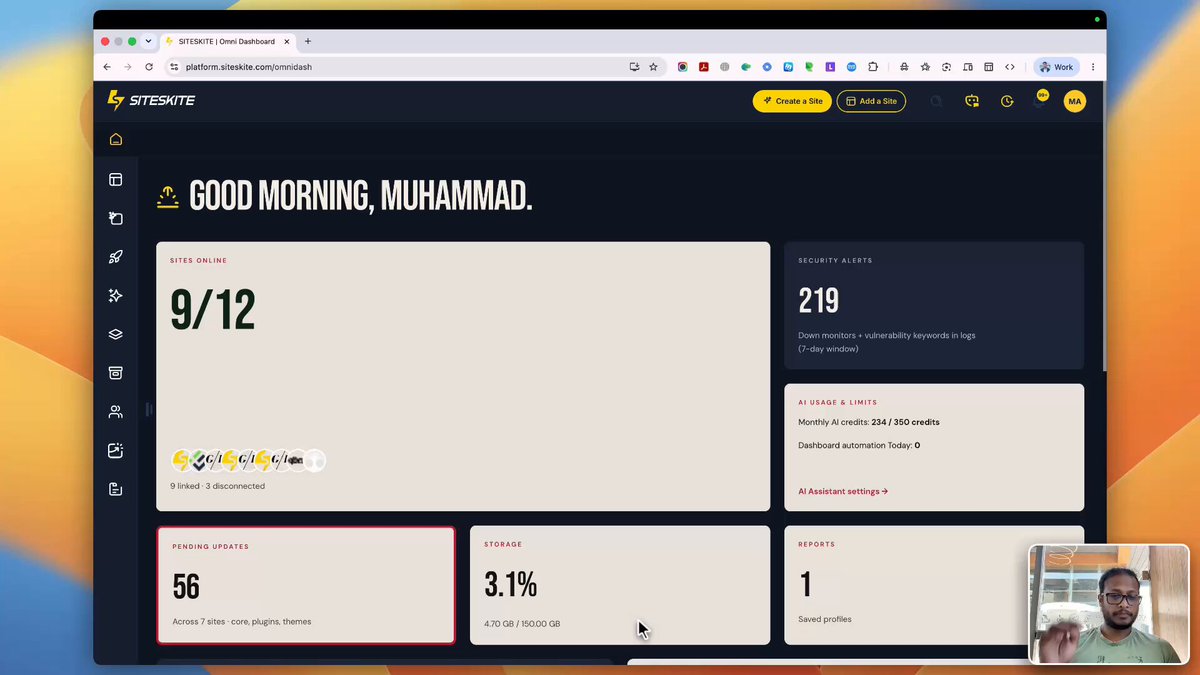
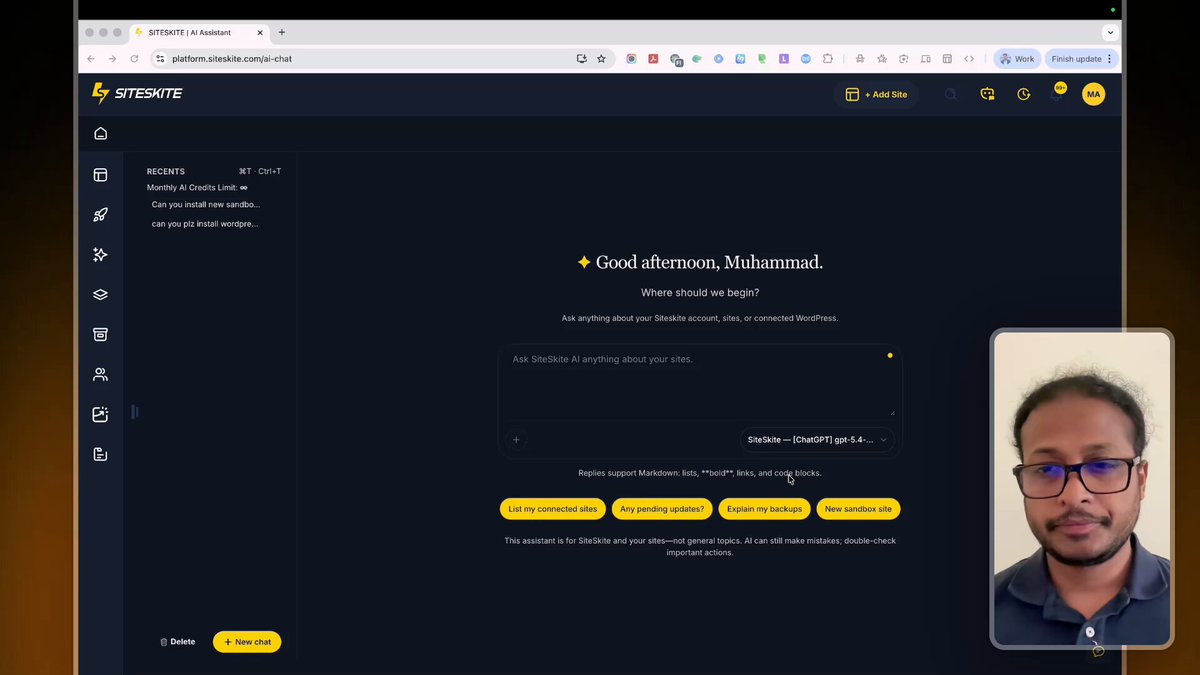
SiteSkite AI got smarter. Here is the walkthrough.
Tested with one of my favourite plugin: @Barn2Plugins
17
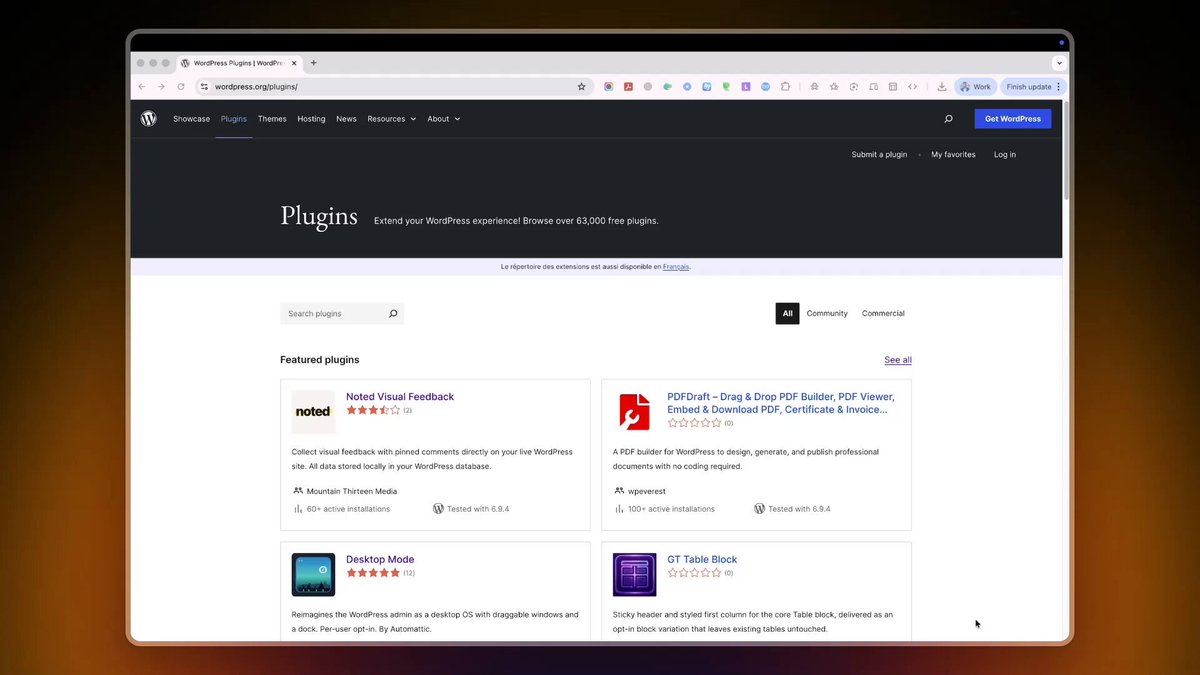
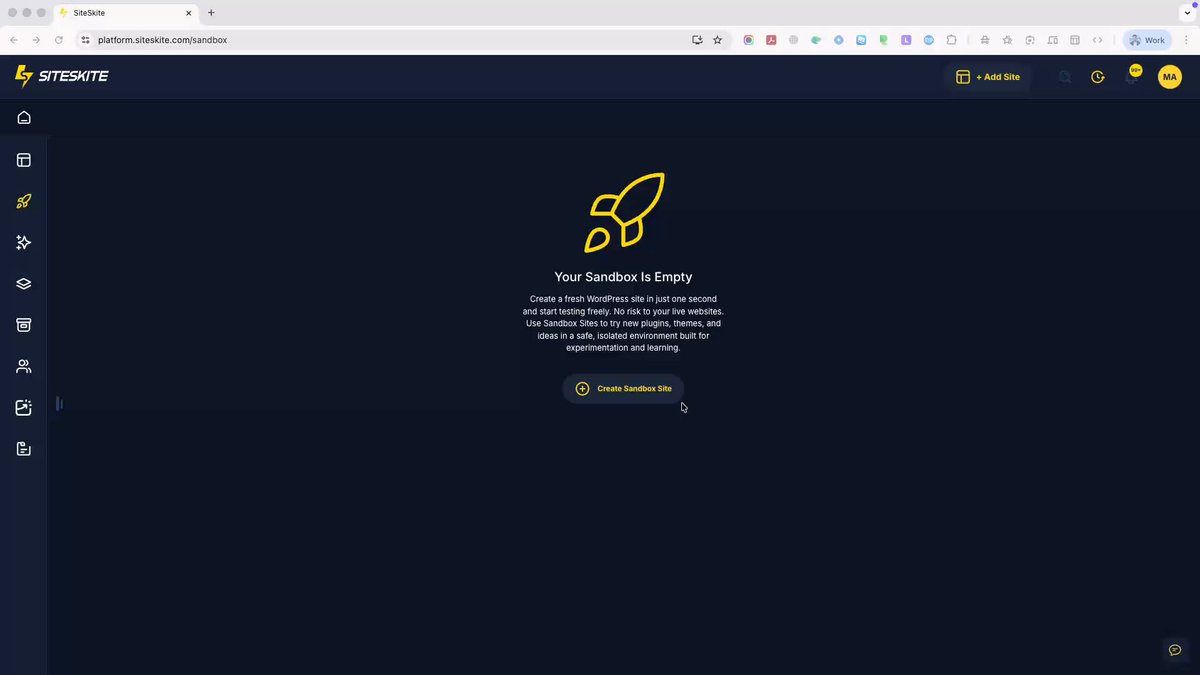
Try Any WordPress Plugin Instantly Without Installing WordPress
try: wp.show/plugins/elementor
#WordPress #SiteSkite #WPShow #WebDevelopment #WordPressPlugins #SaaS #sandbox #DeveloperTools
29
When my dream comes true. :|

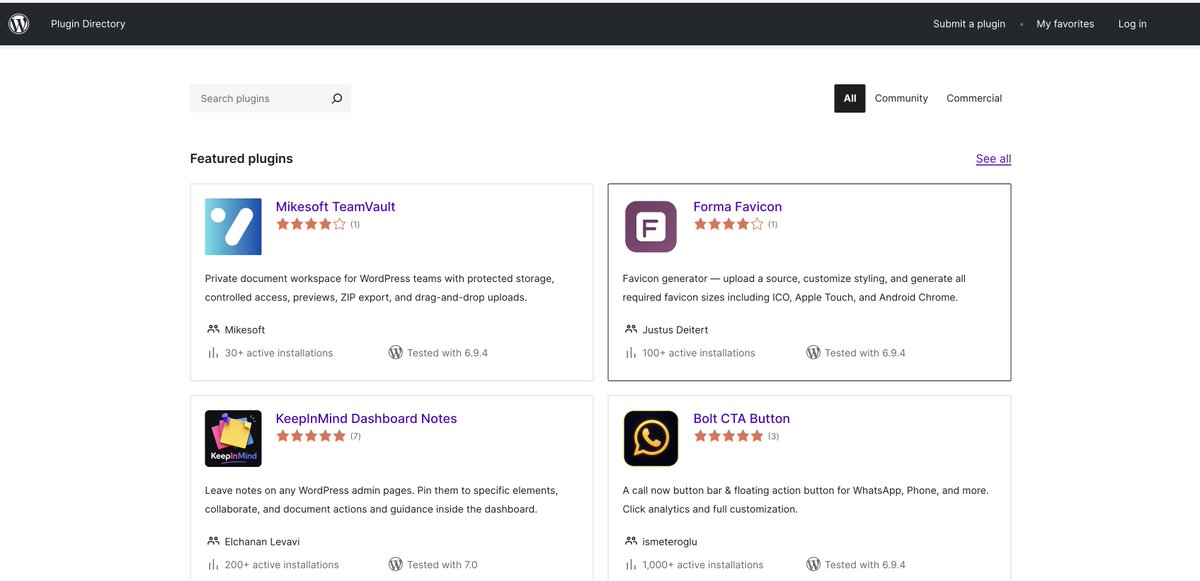
Every day, I dream of seeing the @SiteSkite plugin featured on the @WordPress Plugin Repository :|
17
We’ve been experimenting with something wild lately…
What if your favorite SaaS apps had a full Desktop OS mode instead of another boring sidebar dashboard?
#desktopos #webos
26
It’s the end of an era.
@stellarwp is no more.
Some of the most recognized brands in the WordPress ecosystem, including @LearnDashLMS , The Events Calendar, Kadence, Iconic, @GiveWP and others, have now been redirected into the larger @LiquidWeb ecosystem.
For many users, this creates an uncomfortable feeling.
But, what I am seeing. The @WordPress ecosystem is evolving again.
With StellarWP products now moving under the Liquid Web umbrella, many users of @Solid_WP, Solid Backups, and Solid Security are naturally asking:
“What changes next for us?”
Transitions like these can create uncertainty.
New dashboards.
New workflows.
New support structures.
New direction.
At @SiteSkite, we see this moment differently.
Not as a disruption.
As an opportunity to build something even more connected, automated, and developer-focused.
We’ve been quietly evolving into a complete WordPress operations platform designed for modern agencies, freelancers, and hosting teams managing websites at scale.
From backups, migrations, monitoring, security, staging, sandbox environments, maintenance automation, bulk management, uptime tracking, team collaboration, white-label workflows, and infrastructure flexibility... everything is designed to work together inside one experience.
And for users coming from the SolidWP ecosystem:
We’re ready to help personally.
Our team is offering white-glove onboarding and migration assistance for agencies and professionals.
Because switching platforms shouldn’t feel like rebuilding your cockpit mid-flight. ✈️
The future of WordPress management is no longer just about plugins.
It’s about operational control, automation, scalability, and peace of mind.
We’re building toward that future every single day at SiteSkite.
1
78
With the @SiteSkite Plugin, website migration becomes faster and far less stressful.
Move sites, sync environments, and keep everything under control from one place.
#WordPress #WebsiteMigration #SiteSkite #WebDevelopment #SaaS #Automation #wpbackup #wpclone #siteclone #buildinpublic
1
29
Its a free service, try now: siteskite.com
16
Every day, I dream of seeing the @SiteSkite plugin featured on the @WordPress Plugin Repository :|
50
The most stressful button in WordPress?
It’s not “Delete.”
It’s “Migrate.”
Because behind that one action is a silent checklist:
Will the database break?
Will files go missing?
Will the site go down?
We built @SiteSkite's migration feature to remove that internal noise.
So instead of anxiety… you get certainty.
Move full websites between servers without babysitting the process, without patching things after, without second-guessing every step.
It just works.
And that changes how often you’re willing to grow.
Do you need access? Comment below.
#backup #migrate #WordPress #clone #servers
1
366
ScreenKite is the best free alternative to ScreenStudio. Can't imagine that great product is free. I use many other open-source screen recording tools, such as the famous Recordly, but ScreenKite works really well and has tons of features.
Huge respect for the team behind: @screenkite_com
1
165
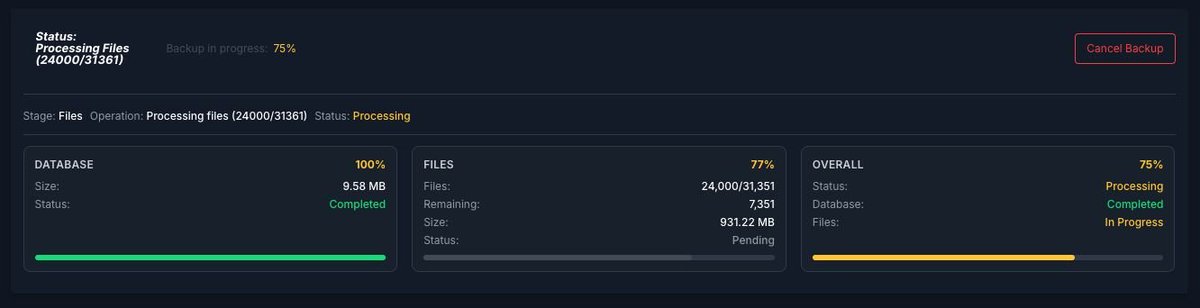
Today I had a great experience running a full WordPress website backup using SiteSkite:
- 31,000 files
- Shared hosting (very low PHP memory and execution limits)
- Final backup size: 1GB
And it worked smoothly. No issues and the beauty. It comes with real-time experience.
This is exactly where most tools struggle.
When a website grows over time, backups stop being “simple.”
You start dealing with:
Memory limits
Timeouts
Storage costs
Unreliable backup systems
And the bigger your site gets, the more expensive and complex it becomes to manage.
That’s the problem I wanted to solve with SiteSkite.
Backup, restore, and migration should not feel heavy.
It should just work… no matter the size, no matter the hosting limits.
One important thing:
If your hosting or even cPanel/Plesk got hacked, your backup is still safe on @SiteSkite cloud.
You can simply:
Spin up a fresh WordPress site
Restore your backup
Go live again, even on a new domain
No panic. No downtime stress.
Sometimes even I get surprised…
“I can do this from SiteSkite as well?”
That happens because I’ve tried to cover every real problem I faced over the last 15 years working with websites.
Not just features.
Real use cases.
If you’re managing growing websites, you’ll understand this pain.
SiteSkite is built to make that easier.
You can start for free and see how it works for your own projects.
Try: siteskite.com
Would love to hear your experience.
32
Just Happened:
support.cpanel.net/hc/en-us/…
WatchTower Labs released a write-up and detection script on the cPanel/WHM vulnerability.
GitHub: https://
github.com/watchtowrlabs/wat…
Write-up:
labs.watchtowr.com/the-inter…
Over the years, working with websites, I’ve learned one hard truth:
Self-hosted maintenance setups are not always the safest choice.
At first, they look great. You host your own dashboard, manage all your sites from one place, and feel in control. Those self-hosted tools follow this model.
But there’s a hidden risk.
The moment your main hosting account is compromised, everything connected to it is at risk.
If your central dashboard is hacked, all the websites it manages can be affected.
Even if you don’t use a tool and just rely on your hosting provider for backups, the same problem exists. If the hosting layer is breached, your backups and your sites are both exposed.
We recently saw a good example of this with the CVE-2026-41940 issue in @cPanel & WHM.
Many people blame WordPress when something goes wrong. But in many cases, it’s not WordPress.
WordPress is just running on top of the server. If the server itself has a problem, everything on it is affected.
That’s why I strongly believe in using external (SaaS) solutions.
They:
Run outside your main hosting
Keep your backups and management separate
Are maintained by dedicated teams
Reduce the risk of a single point of failure
Think of it like this:
If everything is inside one house, and that house has a problem, you lose everything.
If some of your systems are outside, you still have control.
This is one of the core ideas behind what I built @SiteSkite
It’s not just about managing websites.
It’s about managing them safely.
If you’re managing multiple sites, it’s worth thinking about where your control layer lives.
And I’d always suggest: don’t keep everything in one place.
103
I’ve been self-employed for the last 6 years, and it’s been a journey of learning, building, and constantly evolving.
Back in 2010–2011, I used to search for projects on @ThemeForest marketplace and different forums. One thing that always stood out to me was how many of those projects were built on WordPress. That’s where I really started learning customization and development. Over time, I realized something important. Most of the work I was getting was because of my WordPress skills.
@WordPress wasn’t just popular, it was leading the market & still. I knew that one day, I wanted to contribute to this space in my own way.
As I kept working with clients, managing websites, and doing the same recurring tasks again and again, I started noticing the gaps. Whether you’re a freelancer, self-employed, or running an agency, managing multiple websites isn’t simple. There was clearly a need for a better structured way to handle everything.
That’s how @SiteSkite started.
Today, I’m sharing it across different platforms, and honestly, the response has been very encouraging. People are connecting with it, using it in their own ways. Just today, I saw someone automate website maintenance using SiteSkite with WhatsApp integration. That really shows how far people can take things when the foundation is solid.
One thing I strongly believe. The AI tools can help you move faster, but understanding what you’re building is what really matters. For example If you're not a content writing guy, you can take help for writing content, but if you're a professional in your field, you can better orchestrate your workflow by using AI behind the scenes, how it scales, and how it performs over time.
The main point is to keep grinding. Solve real problems, and innovation will come naturally.
#founderled #founderstory #buildinpublic @buildinpublic
1
31
Just to highlight for people who are using WordPress websites on @cPanel based hosting, please make sure that your hosting server has the latest version of cPanel installed. Or, if you have your own custom VPS cPanel license, make sure that it has the latest update. That saves you from different vulnerabilities.
Thank you.
#publicinfo

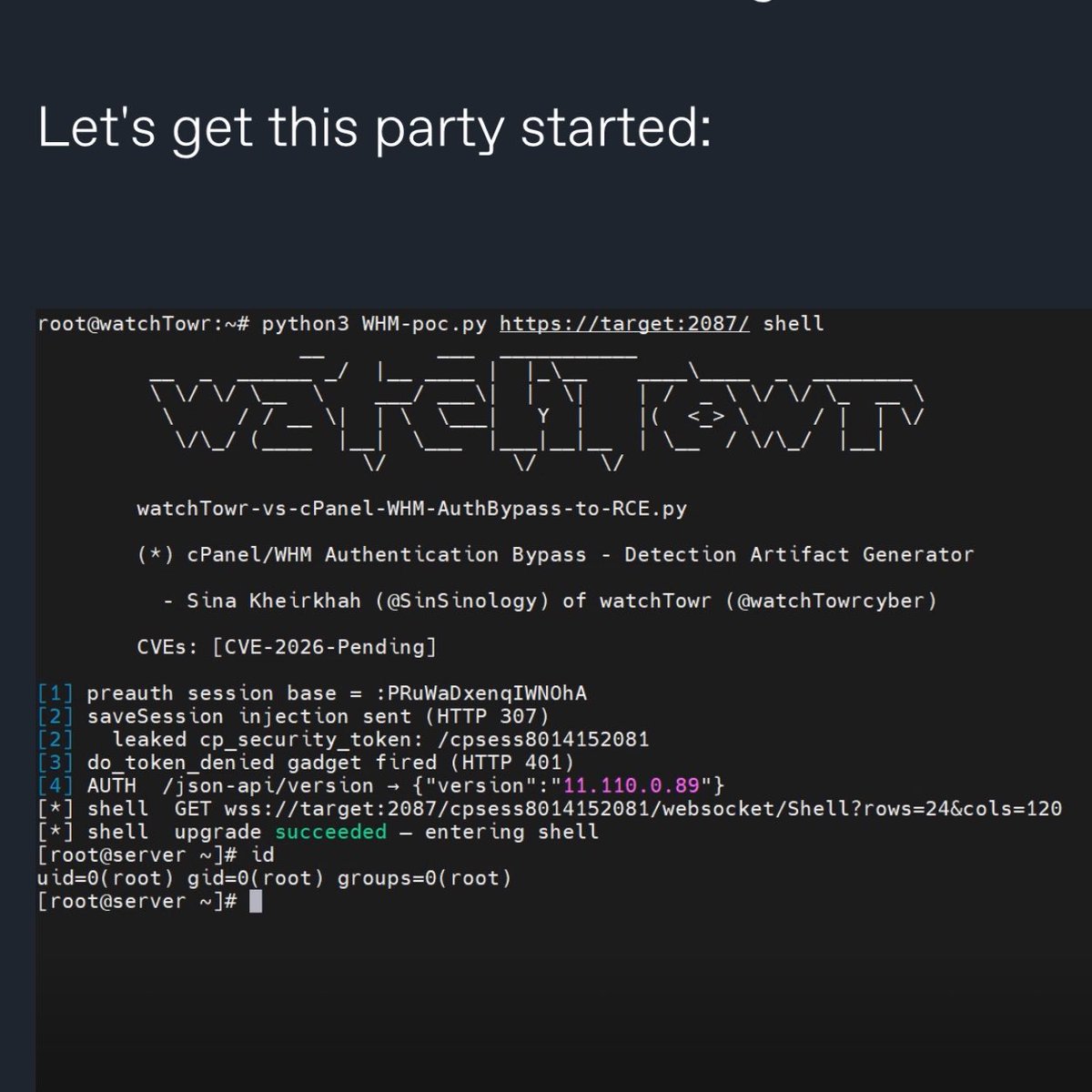
🚨 BREAKING: cPanel and WHM, the control panels behind an estimated 70 million websites, have a critical security flaw that lets anyone become root admin without a password. CVE-2026-41940 affects every supported version. It’s already being exploited in the wild.
watchTowr Labs published the full attack today, after the hosting company KnownHost confirmed the bug was already being used to break into a significant chunk of the internet.
If you've never heard of cPanel: it's the dashboard that hosting providers and millions of website owners use to manage their servers, domains, email accounts, databases, and SSL certificates. WHM is the admin version that controls the entire server. If someone gets root access to WHM, they get the keys to the kingdom and to every apartment inside it.
How the attack works, in plain English:
🔴 Step 1: The attacker sends a deliberately wrong login. cPanel still creates a temporary "you tried to log in" record on disk and gives the attacker a cookie tied to it.
🔴 Step 2: The attacker tweaks the cookie to disable cPanel's password encryption. Normally cPanel encrypts the password field on disk. With one small change to the cookie, cPanel just stores it as plain text instead.
🔴 Step 3: The attacker sends a fake login attempt where the password field secretly contains hidden line breaks. cPanel does not strip these line breaks out, so they get written straight to the session file. Each line break creates a brand new fake record. The attacker uses this to inject lines that say "this user is root" and "this user already authenticated successfully."
🔴 Step 4: The attacker visits one more random page on the site to nudge cPanel into re-reading the file. cPanel then promotes the injected fake lines into its main session memory.
🔴 Step 5: On the next request, cPanel sees a flag that says "this user already passed the password check." cPanel trusts that flag, skips checking the actual password, and lets the attacker in as root.
From start to finish, the attack takes a handful of HTTP requests.
If you run cPanel or WHM, the patched versions are:
🔴 cPanel/WHM 110.0.x → 11.110.0.97
🔴 cPanel/WHM 118.0.x → 11.118.0.63
🔴 cPanel/WHM 126.0.x → 11.126.0.54
🔴 cPanel/WHM 132.0.x → 11.132.0.29
🔴 cPanel/WHM 134.0.x → 11.134.0.20
🔴 cPanel/WHM 136.0.x → 11.136.0.5
If your version is older than these, assume someone has already broken in and act accordingly. Patch right now, then rotate every password and key the server touched: root passwords, API tokens, SSL private keys, SSH keys, mail passwords, and database passwords.

1
106
I spent 4 years building @SiteSkite
At first, it was about managing WordPress sites better.
Cleaner workflows. Less chaos. More control.
Then AI happened.
Like everyone else, we could’ve just added a chat box and called it “AI-powered.”
But that felt… shallow.
Because the real problem isn’t using AI.
It’s orchestrating it.
Running the same prompt in 5 tools.
Switching tabs.
Paying for overlapping capabilities.
Getting outputs… but no real execution.
So we went deeper.
We built:
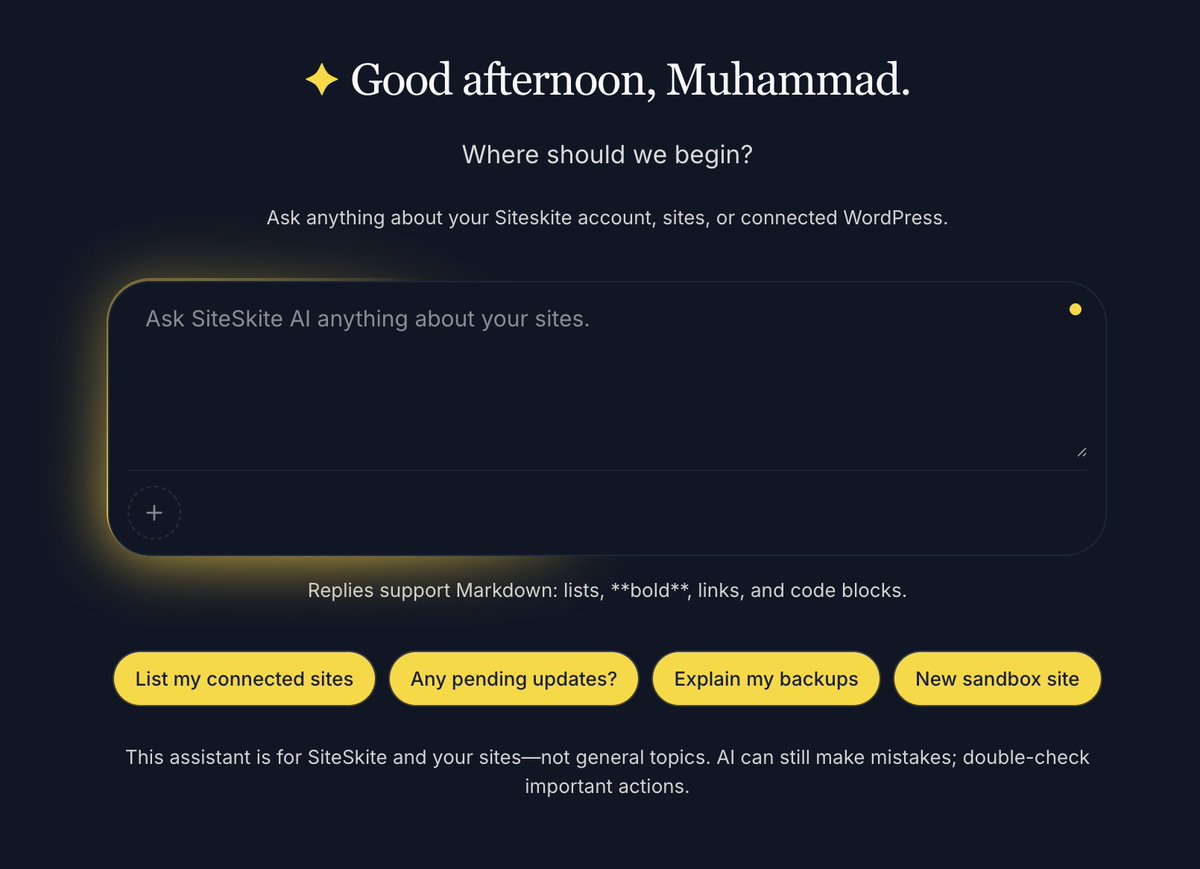
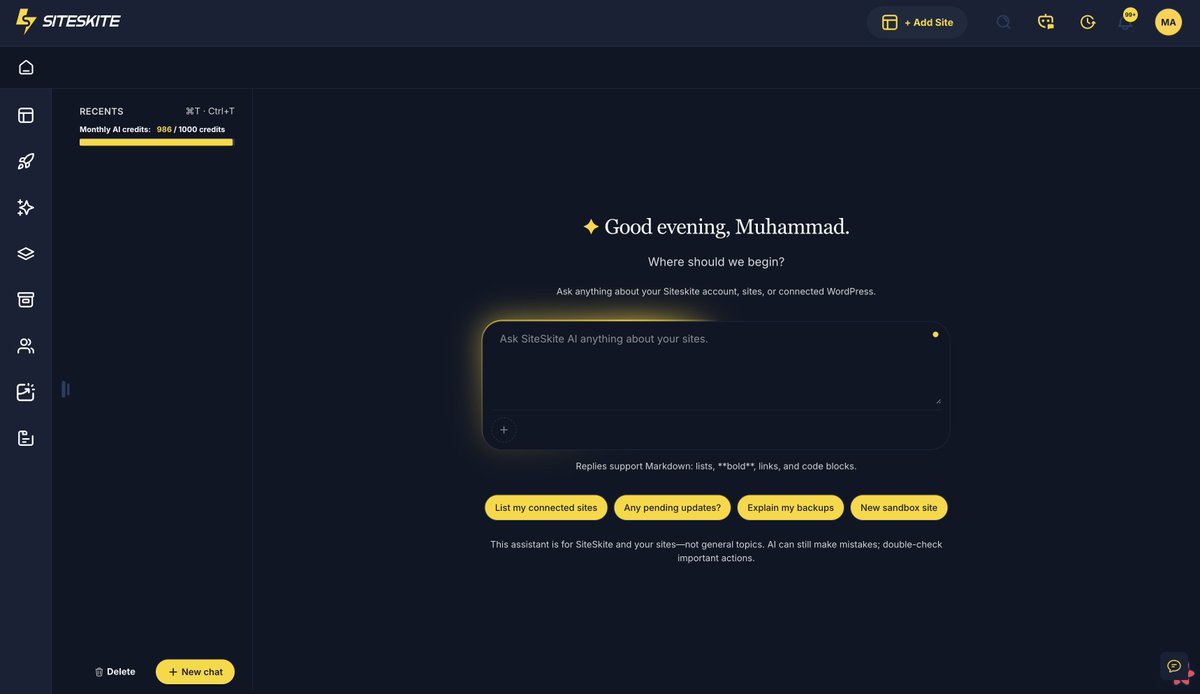
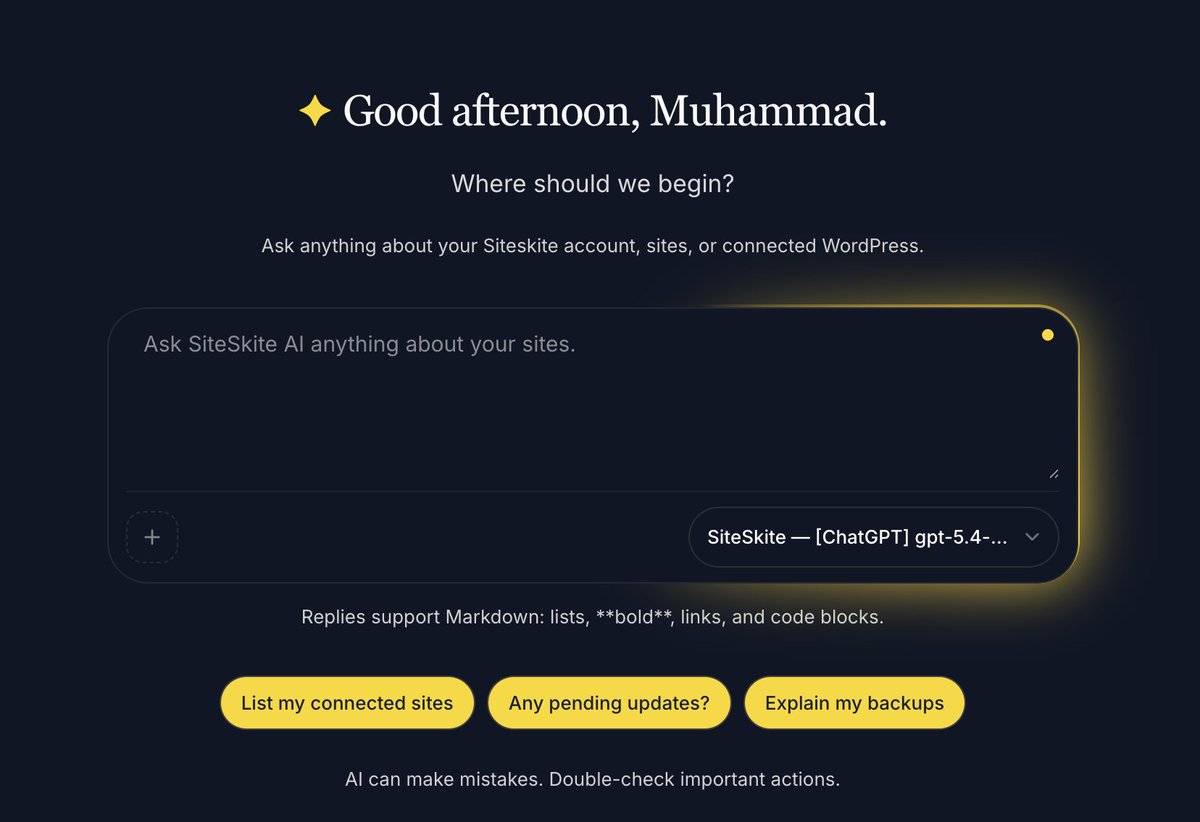
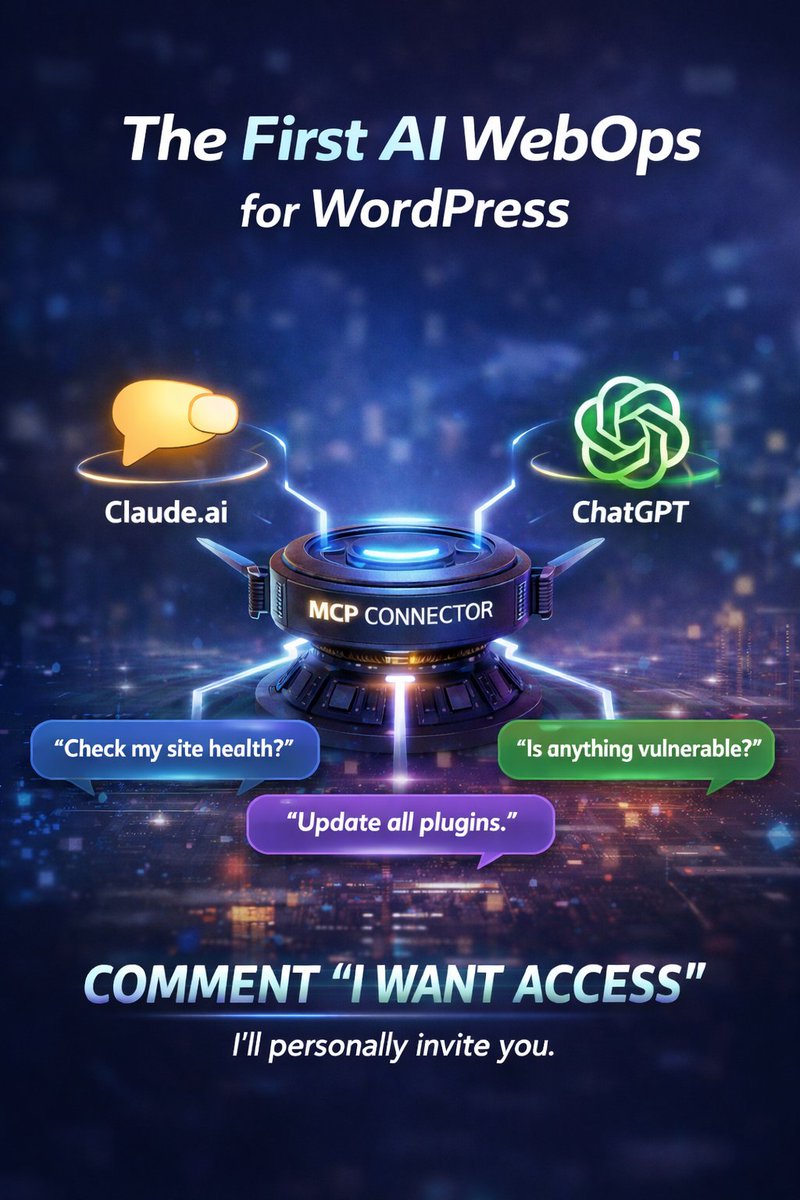
→ SiteSkite AI
→ MCP (Multi-Channel Processing)
→ BYO AI Models
Now one command doesn’t just manage the site.
It actually does the work across your stack.
Update themes & plugins.
Share insight about overall site health.
Handle all SiteSkite Core operations.
Detailed reports.
and much more.
And if you don’t like being locked into one model?
Bring your own.
This is the shift we’re betting on:
AI won’t be a feature.
It will be the infrastructure layer behind everything.
#BuildInPublic #AI #SaaS #WordPress #FounderJourney #SiteSkite
Apr 28

Most AI tools = one box, one prompt, one output.
We built something different.
→ SiteSkite AI
→ MCP (run actions across your entire stack)
→ BYO AI models (your model, your rules)
Command → content data
This isn’t AI as a feature.
It’s AI as infrastructure.
47
I compiled a list of 40 high-DR websites where you can submit your startup for backlinks, traffic, and early users.
Directories.
Communities.
AI listings.
Took hours to find and verify.
notion.so/Save-it-Use-it-Lau…
31