
It is like @caniuse but for the browser devtools, created by @pankajparashar. Subscribe to the newsletter: canidevtools.substack.com
Joined February 2022
- Tweets 334
- Following 21
- Followers 176
- Likes 67
178 Photos and videos

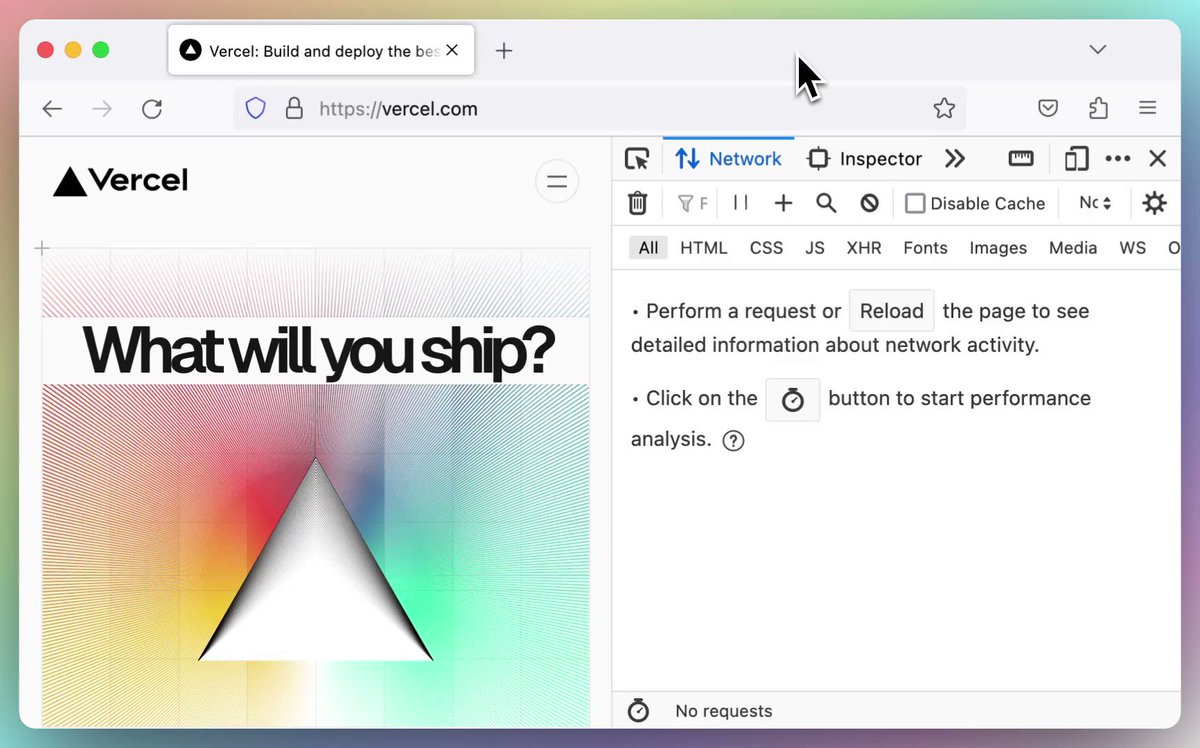
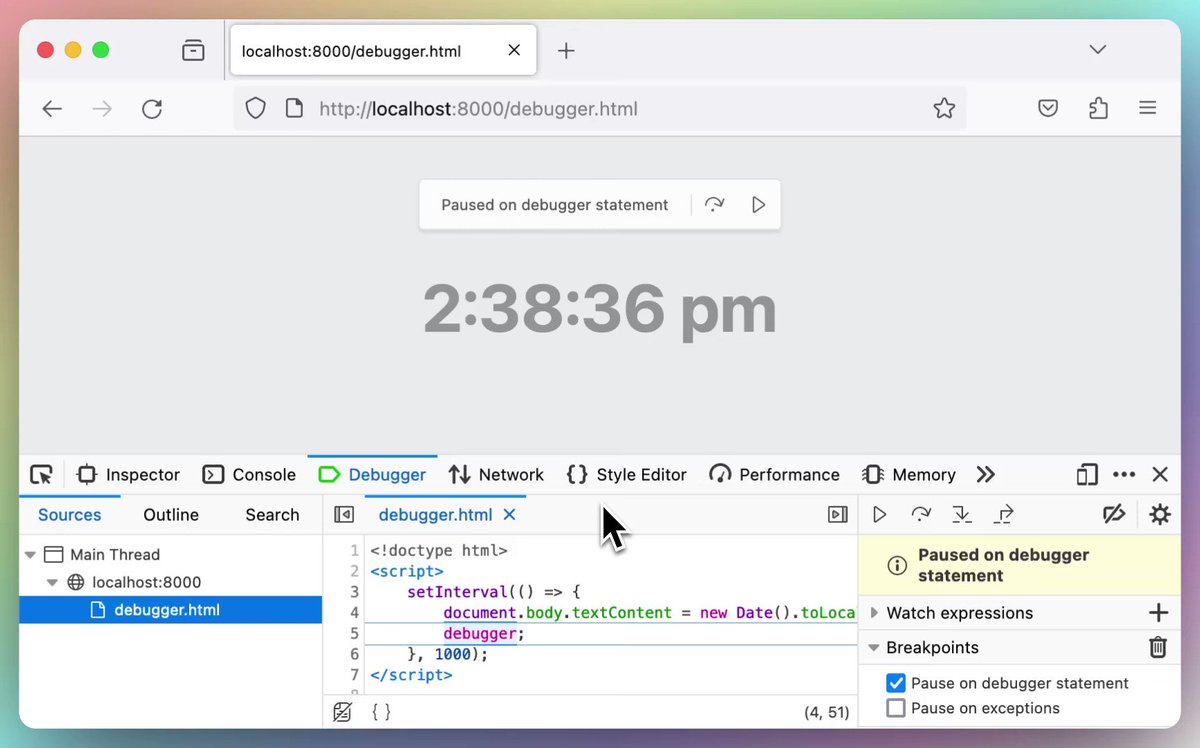
Can I DevTools? retweeted

12 Dec 2024
Inflation strikes again, but this time you might actually like it! The console already had $() and $$(), @FirefoxNightly, now has $$$(), which returns an array of nodes matching the selector, including those in the ShadowDOM. This should make working with Web Components easier 🙂
2
14
39
2,896

Can I DevTools? retweeted
3 Oct 2024
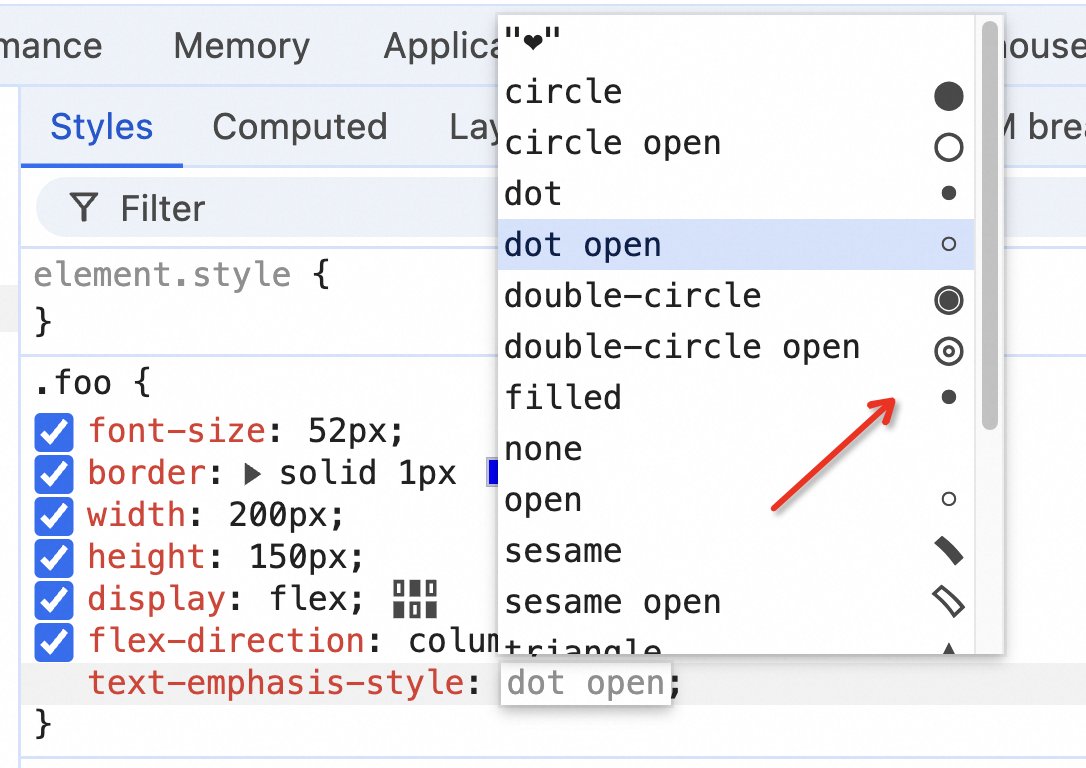
Firefox 131 was released this weeks and we're really excited because it comes with new superpowers for debugging CSS variables and other Inspector improvements:
fxdx.dev/firefox-devtools-ne…
#css #webdev
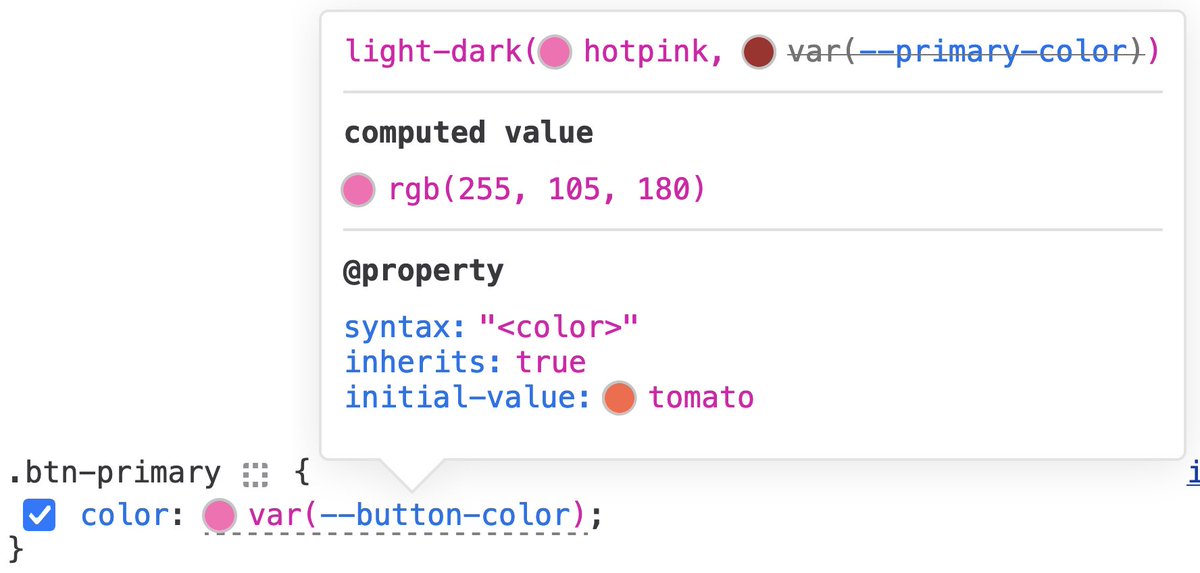
ALT Firefox DevTools Inspector rules view, showing a variable tooltip whose declaration value is `light-dark(hotpink, var(--primary-color))`. A computed value section has the following text in it `rgb(255, 105, 180)`. Below it is a `@property` section, describing the variable registered property information.
2
39
160
12,579

Can I DevTools? retweeted

24 Jan 2024
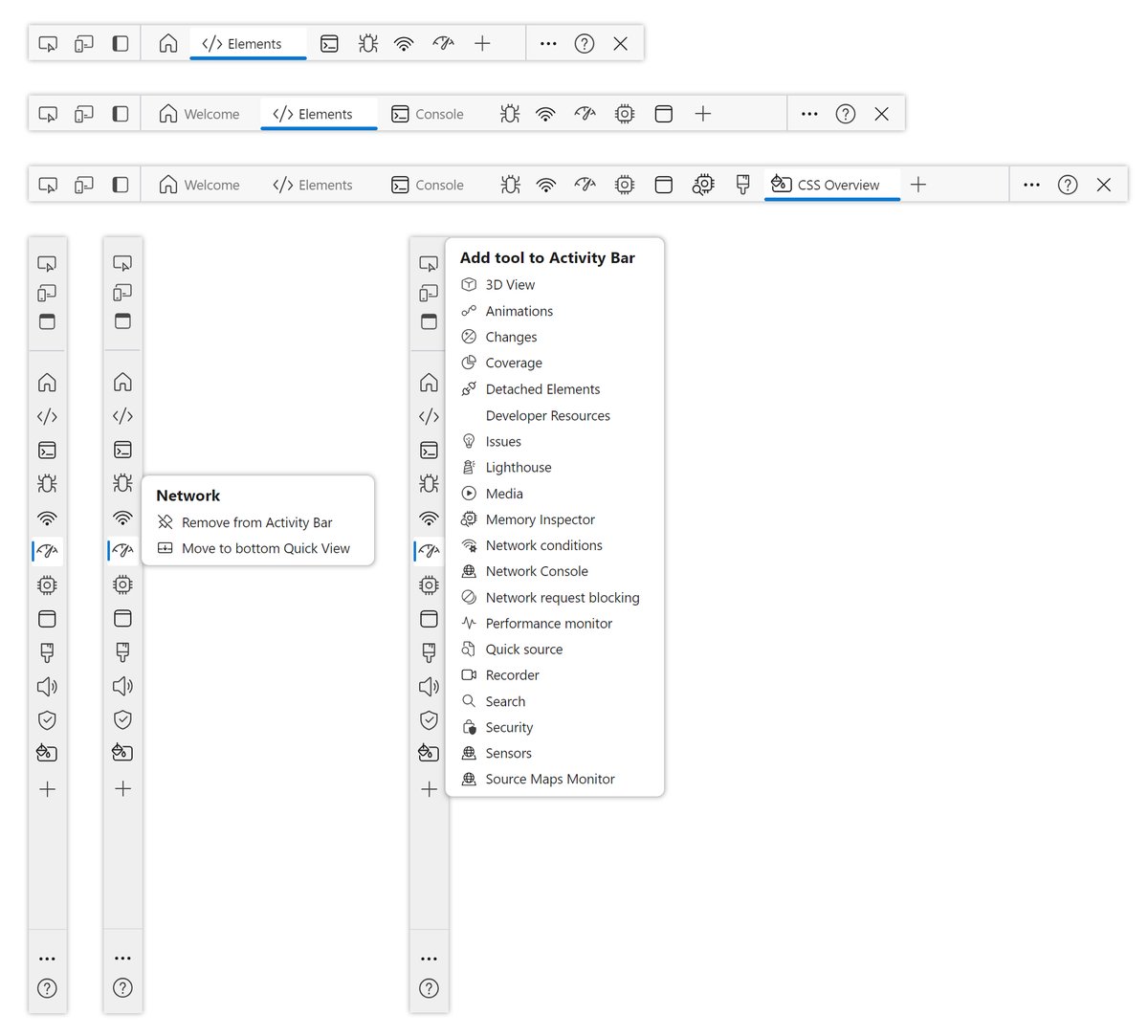
We recently introduced a new Activity Bar that makes it easier to recognize and discover the available Edge DevTools ⭐
Learn more about the all-new Activity Bar, and its icons:
msft.it/6010ivcvy
1
6
34
3,474

20 Jan 2024
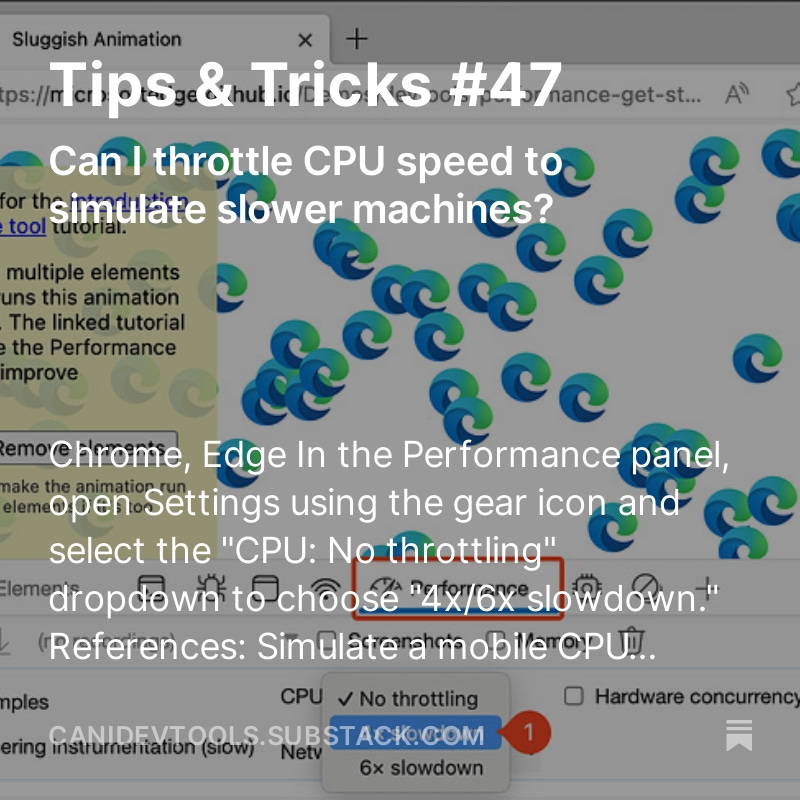
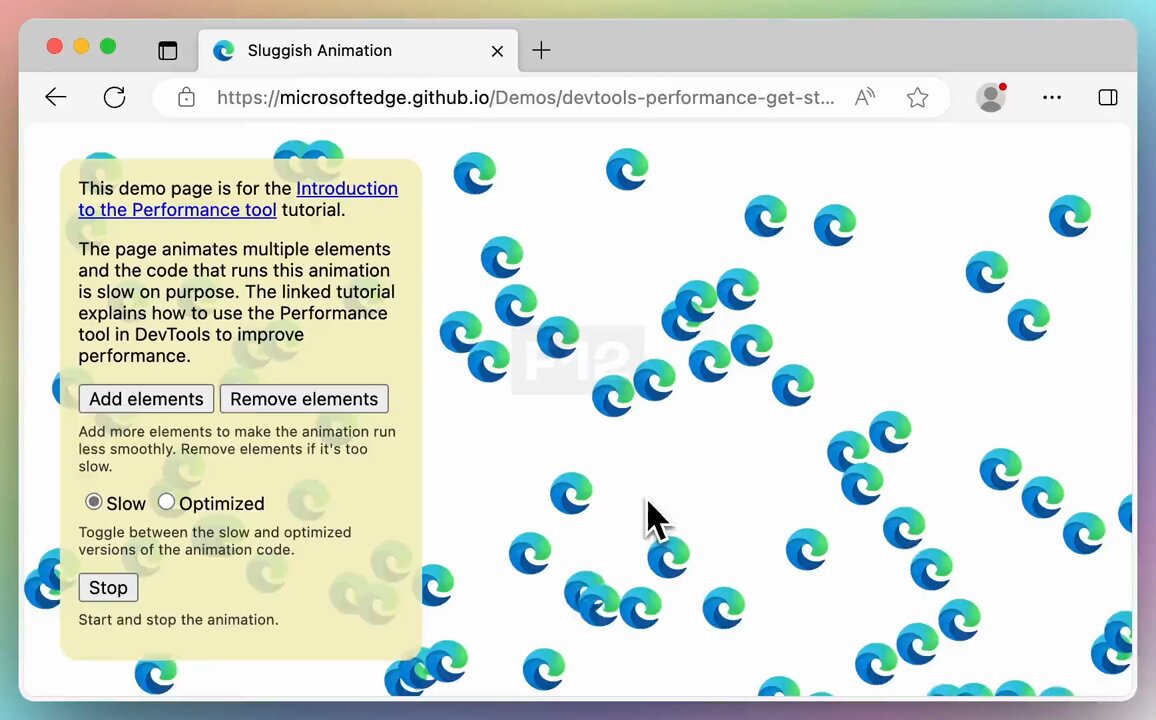
"Throttle CPU speed"
Can I throttle CPU speed to simulate slower machines?
✅@EdgeDevTools
✅@ChromeDevTools
1⃣Open DevTools > Goto the Performance tab, open Settings using the gear icon and select the "CPU: No throttling" dropdown & choose "4x/6x slowdown."
⬇️ link below
1
1
105
Can I DevTools? retweeted

18 Jan 2024
Polypane 17.1 is out! ✨
Smaller release, mostly bug fixes. Get it today!
polypane.app/blog/polypane-1…
5
15
950
14 Jan 2024
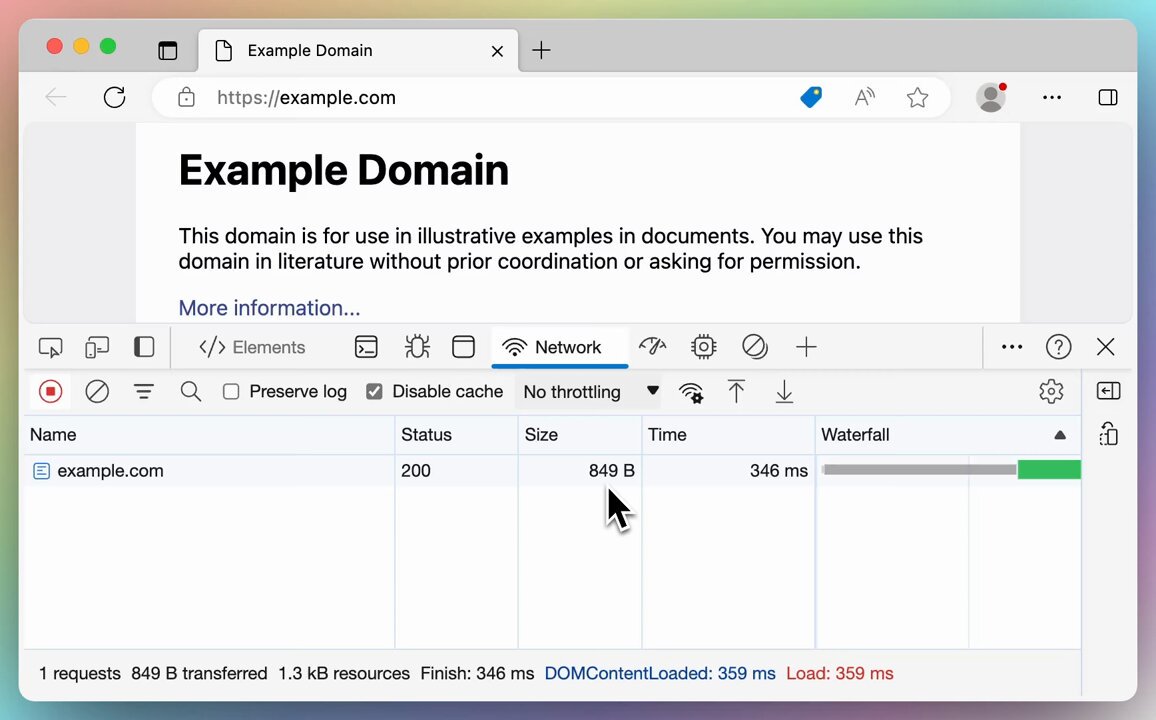
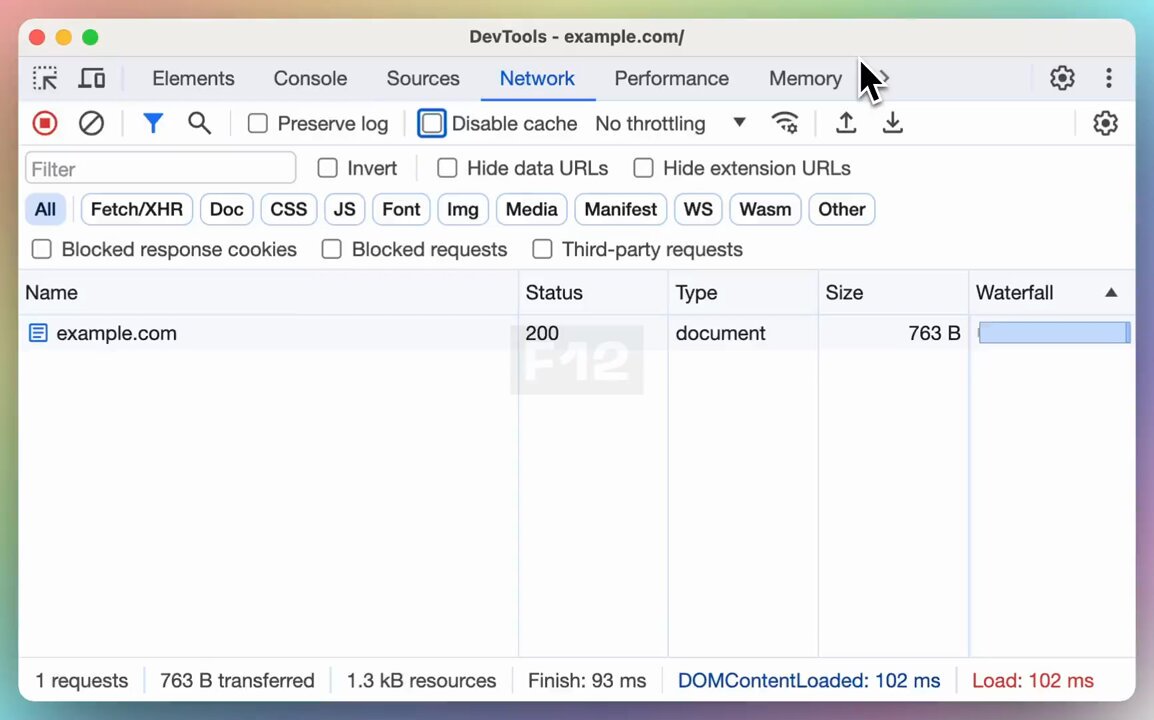
Clear network log
➡️ @ChromeDevTools @EdgeDevTools
1⃣In the "Network" panel, click the "Clear network log" button in the toolbar.
2⃣Or Press "Cmd K" (Windows/Linux) or "Ctrl L" (macOS) to clear all the network requests in the table.
⬇️ Link
1
95
Can I DevTools? retweeted
11 Jan 2024
Microsoft Edge DevTools has a brand-new look! 🥸
Learn more: msft.it/6018iWemA
2
18
71
7,047
6 Jan 2024
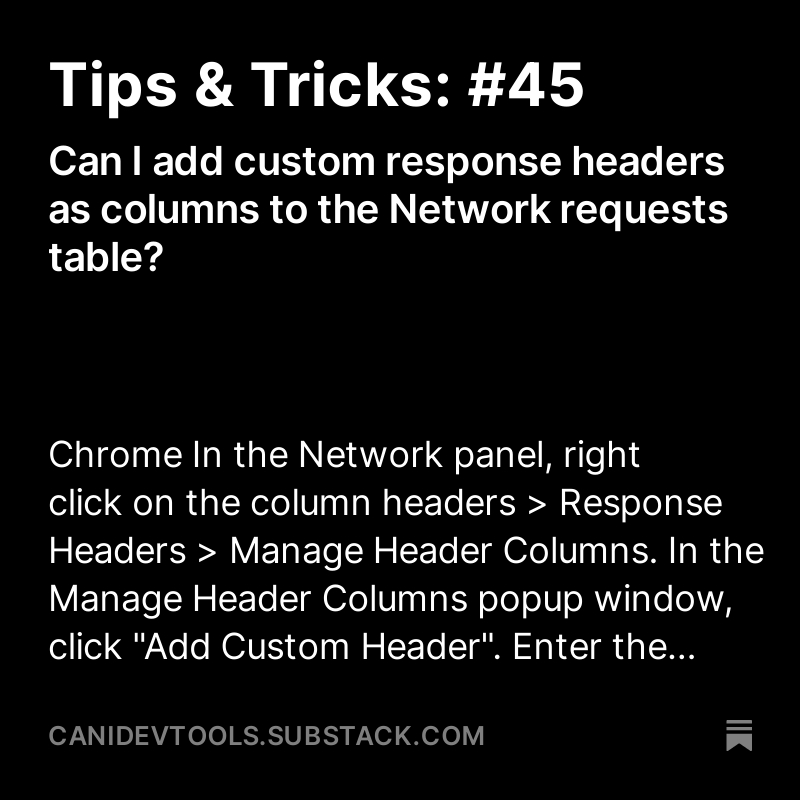
Add custom header columns
@ChromeDevTools
@EdgeDevTools
1⃣In the Network panel, right click on the column headers > Response Headers > Manage Header Columns.
2⃣In the Manage Header Columns popup window, click "Add Custom Header". Enter the custom header name, ..
⬇️ more
1
3
163
6 Jan 2024
⬇️ continue
3⃣ Enter the custom header name, and click Add to add a new column to the Network requests table.
🌐 canidev.tools/add-custom-hea…
1
79
25 Dec 2023
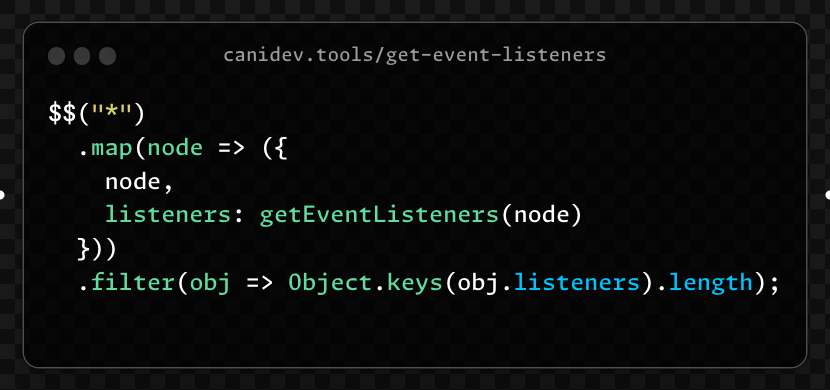
Get Event Listeners:
Can I get all the event listeners on the page?
✅Chrome ✅Edge ✅Safari
🌐canidev.tools/get-event-list…
88
25 Dec 2023
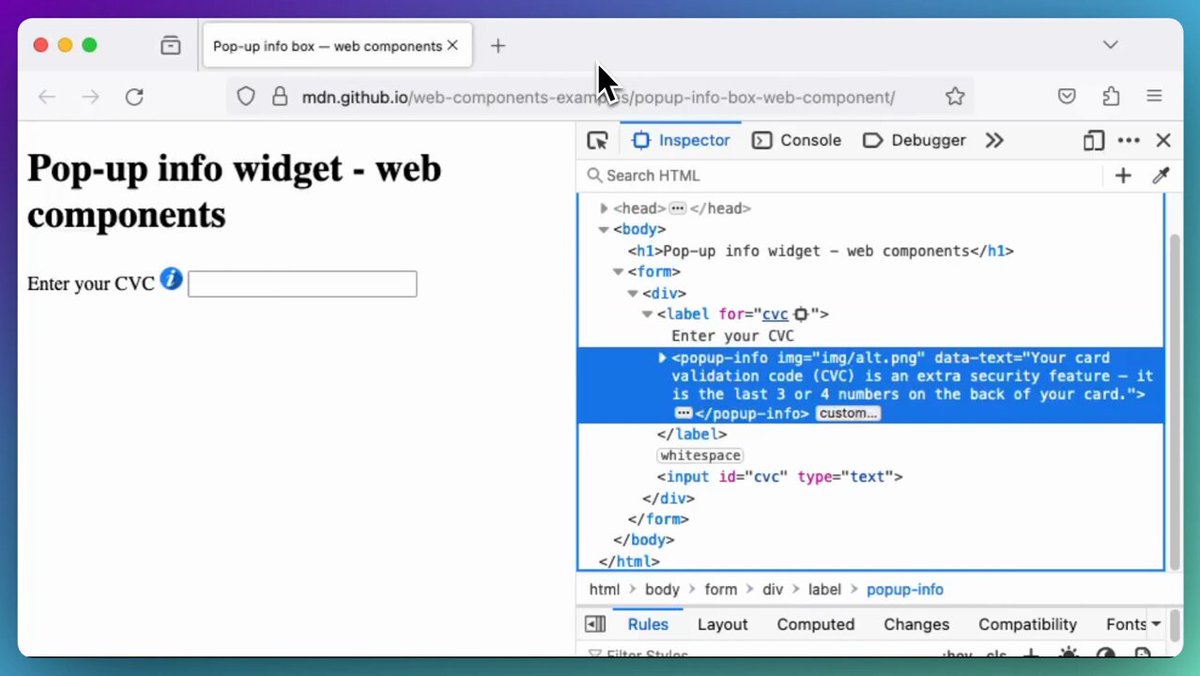
Inspect custom element
@FirefoxDevTools
◆ Open the Inspector panel. Custom elements are decorated with the custom badge to make them easier to identify them in the Element tree.
◆ Click the badge to directly jump to the JavaScript source code in the Debugger panel.
⬇️ more
1
2
125
24 Dec 2023
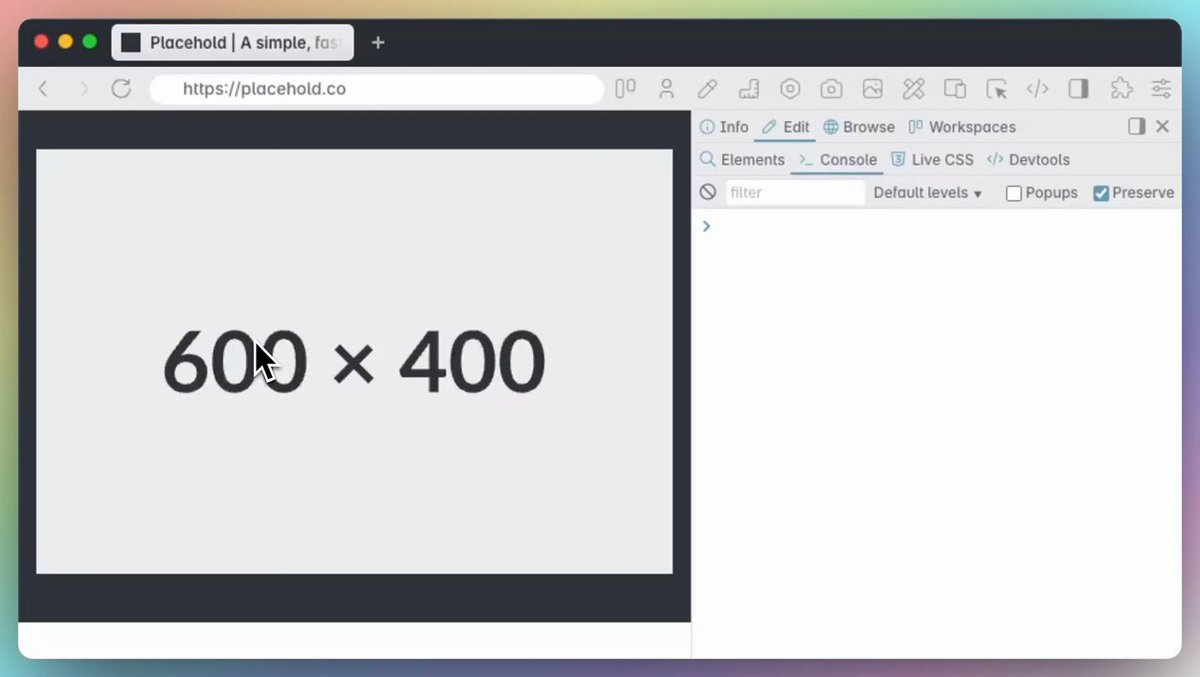
Copy Image as background-image
↳@polypane (v17 )
◆ Right-click on the image, select Copy > Copy as background-image.
→ Link
(see post below)
1
1
4
1,271