
UI/UX Designer • Open to remote roles
Joined February 2022
- Tweets 513
- Following 349
- Followers 50
- Likes 11,566
60 Photos and videos

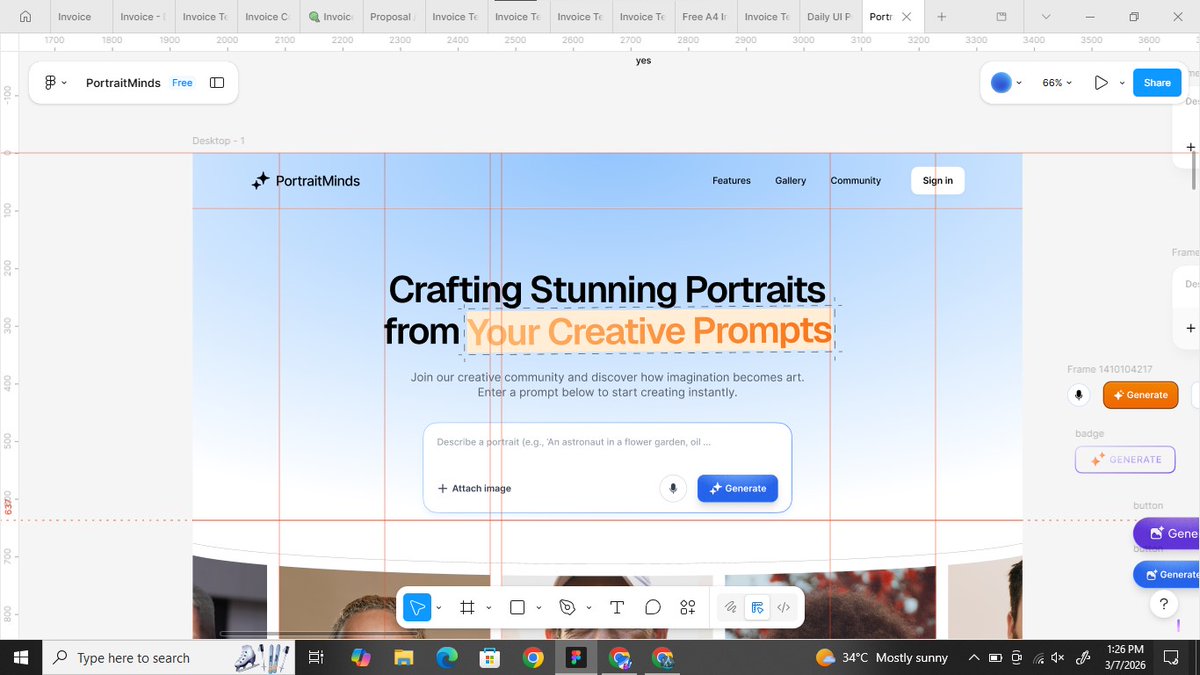
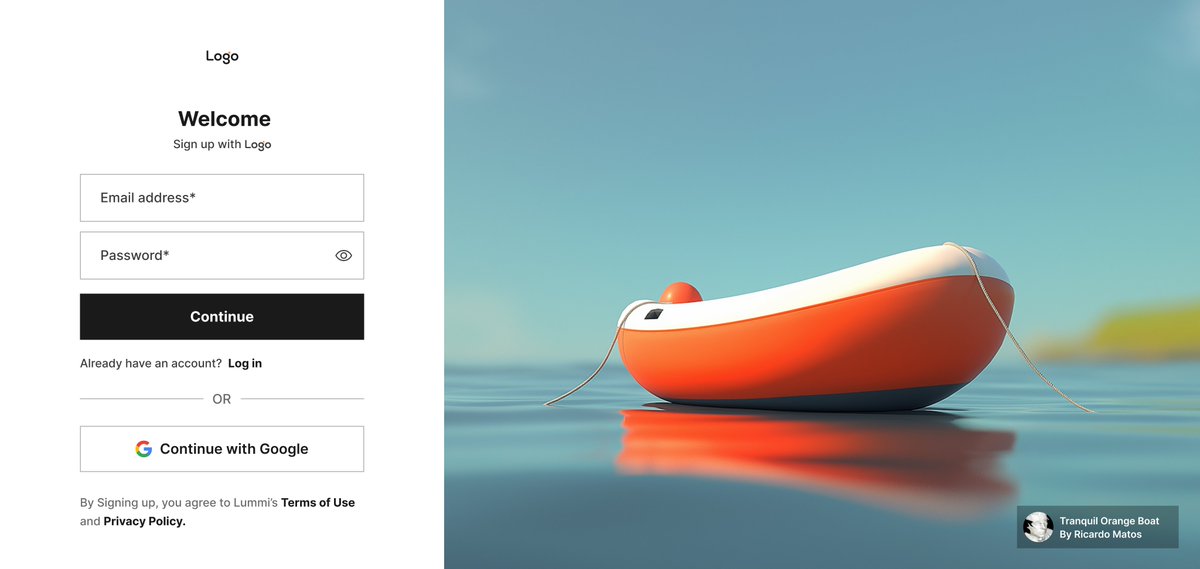
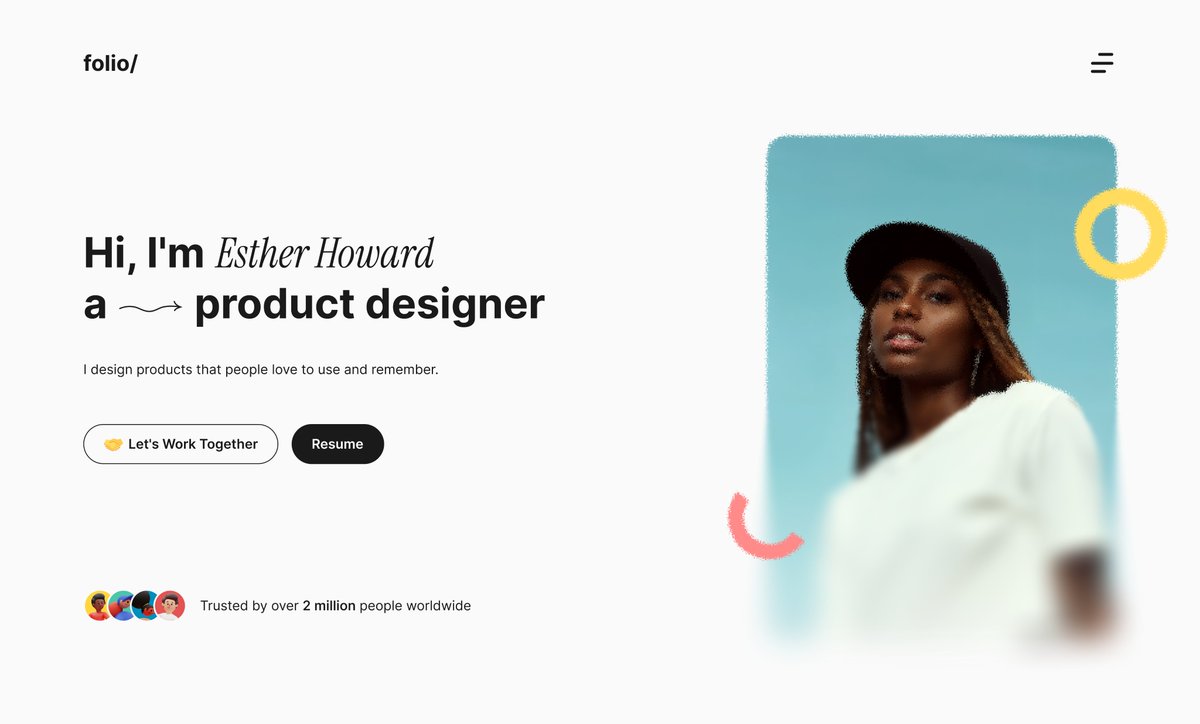

2024 → 2026
The difference? Time, practice, and persistence.
1
36
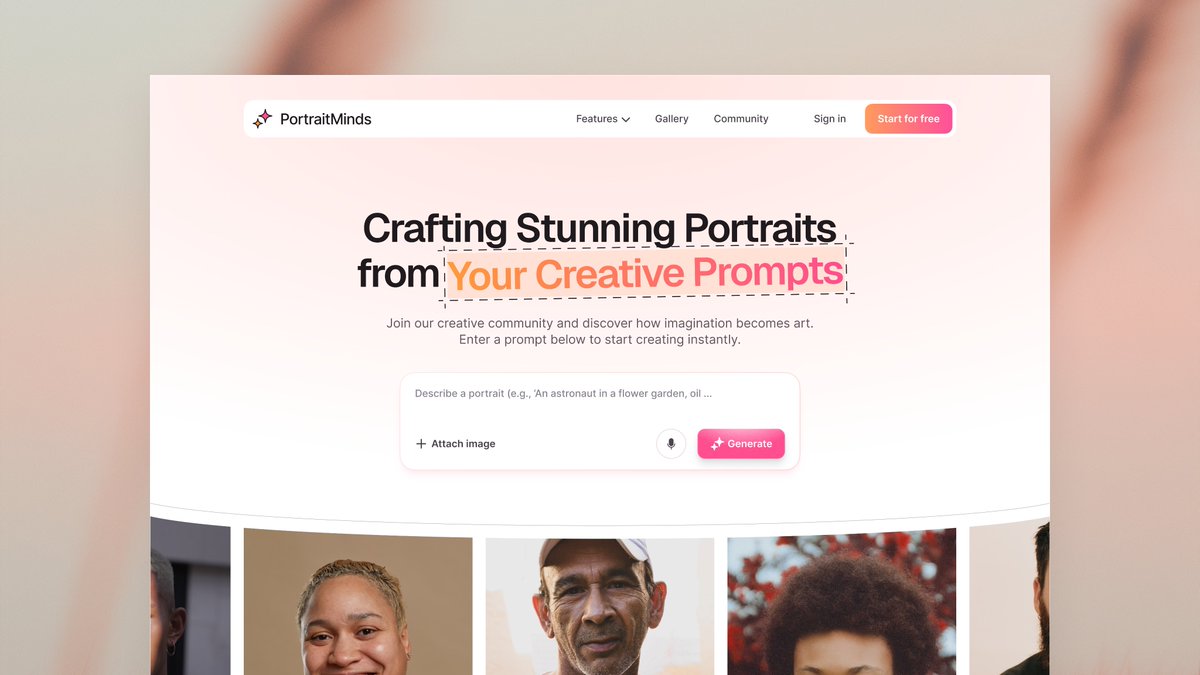
This week I'm working on this, starting from likeee right now
Will drop updates on my progress soon
May 28

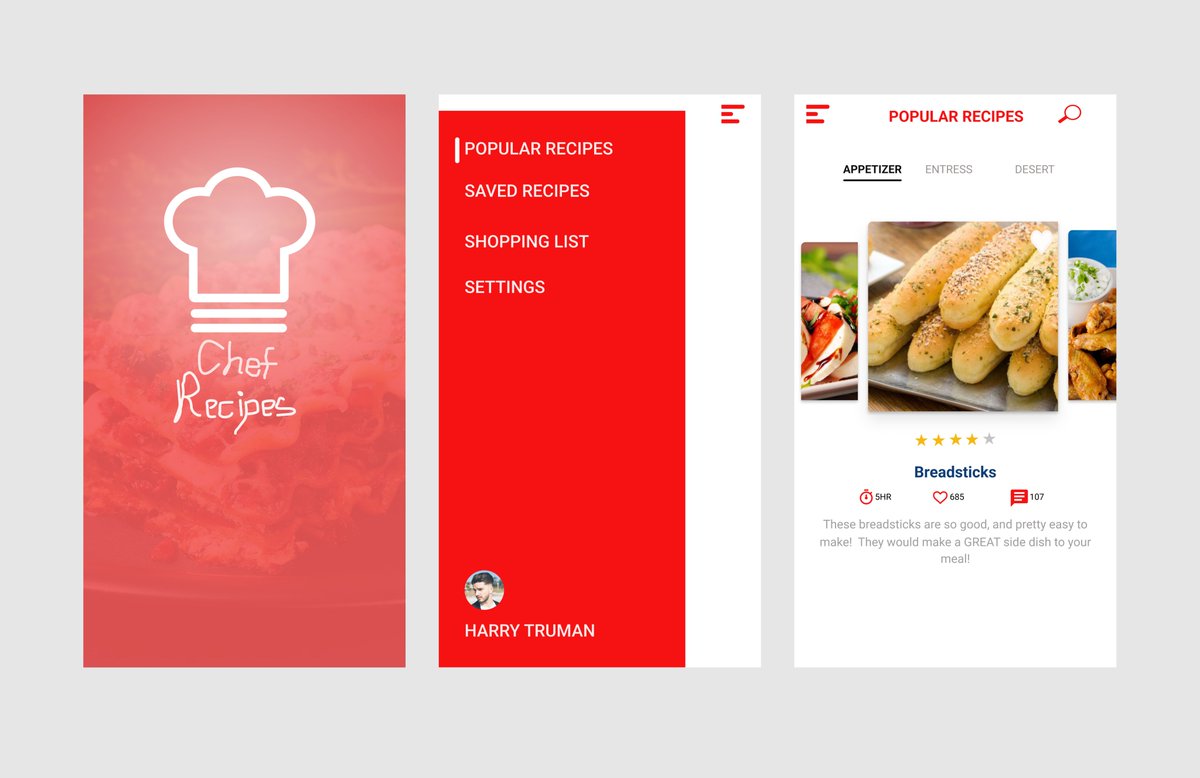
POV: My very first mobile app design on Figma 🌚 I made this while learning through a course back then.
Thinking of redesigning it for fun, who wants to join me? 👀
It's a recipe discovery app where users can browse, save, and explore cooking recipes, plus manage shopping lists for ingredients
52
Load in 4k

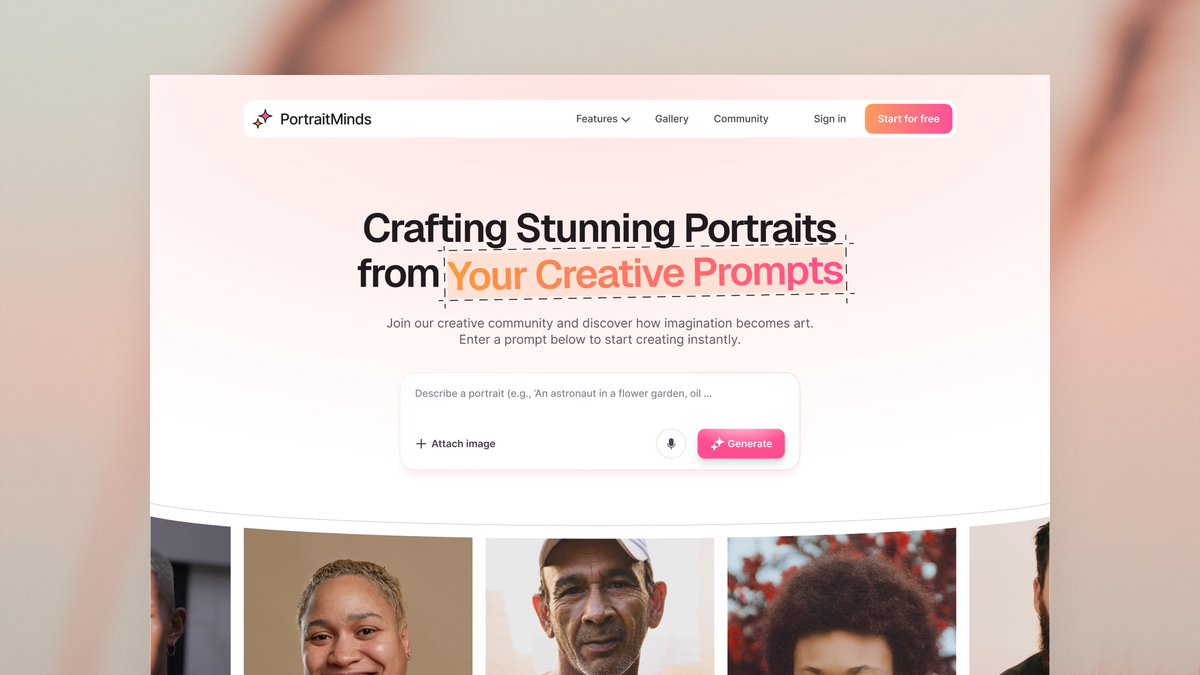
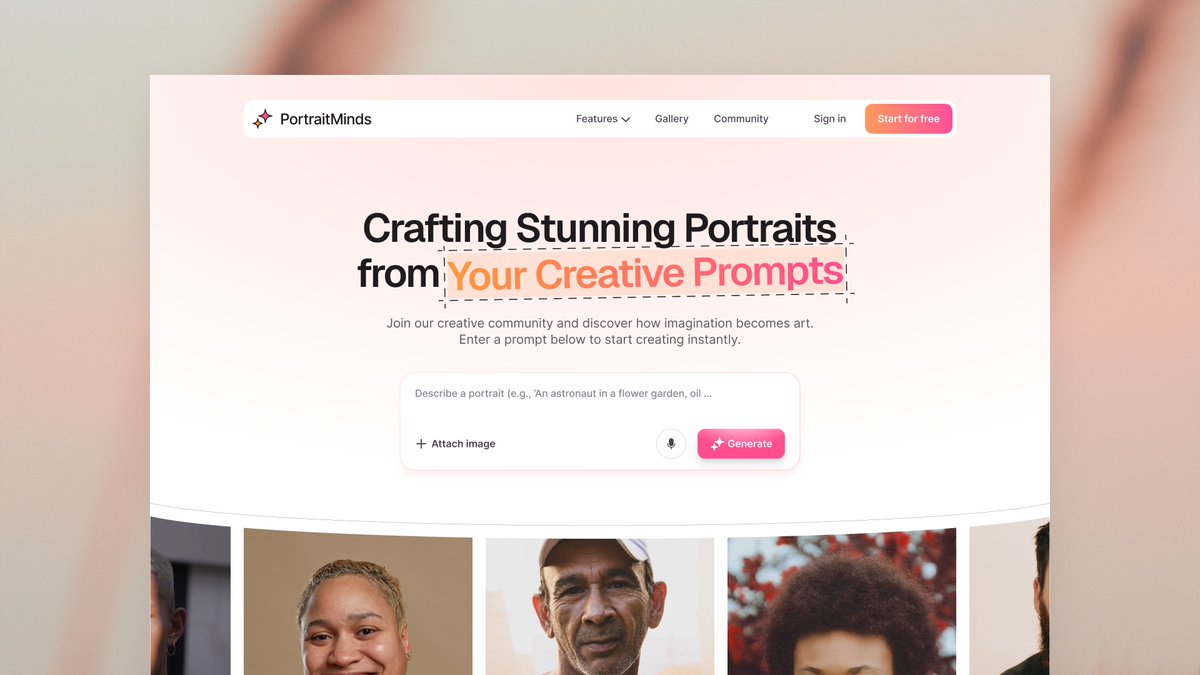
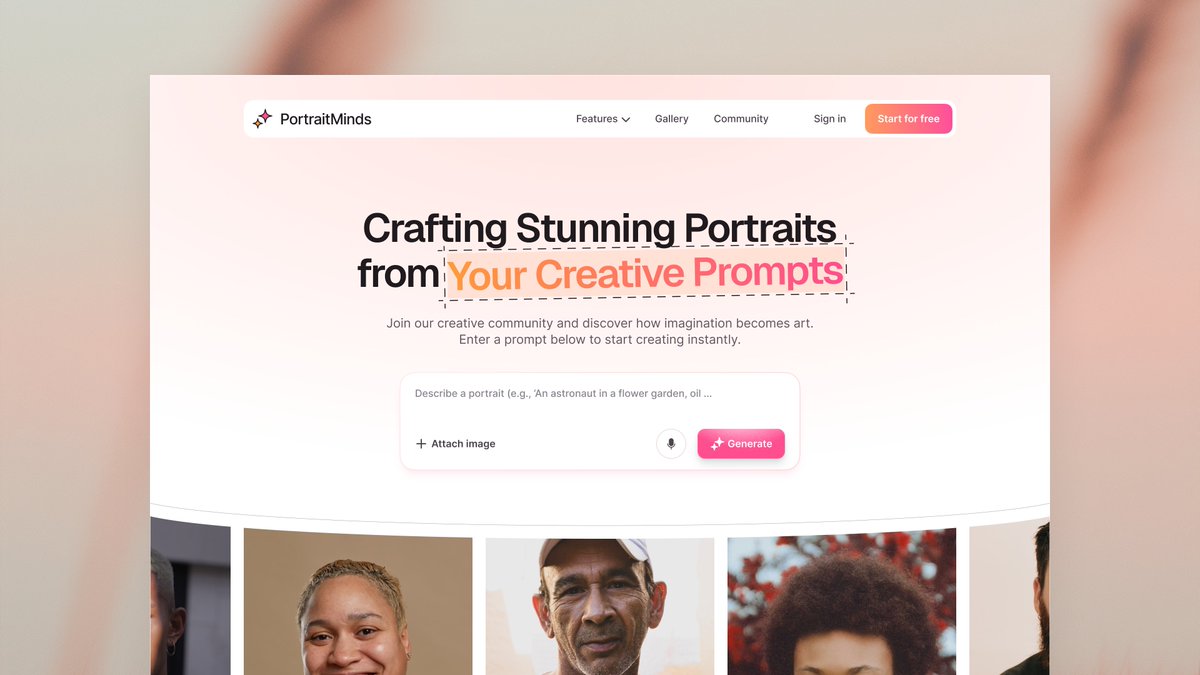
From “work in progress” to finished hero section.
@IwuezeAmarachi I saw a comment that you like pink buttons. What do you think about mine?
If you would like to read more of the stories attached to this design, it's a thread post. More below👇
245
From “work in progress” to finished hero section.
@IwuezeAmarachi I saw a comment that you like pink buttons. What do you think about mine?
If you would like to read more of the stories attached to this design, it's a thread post. More below👇
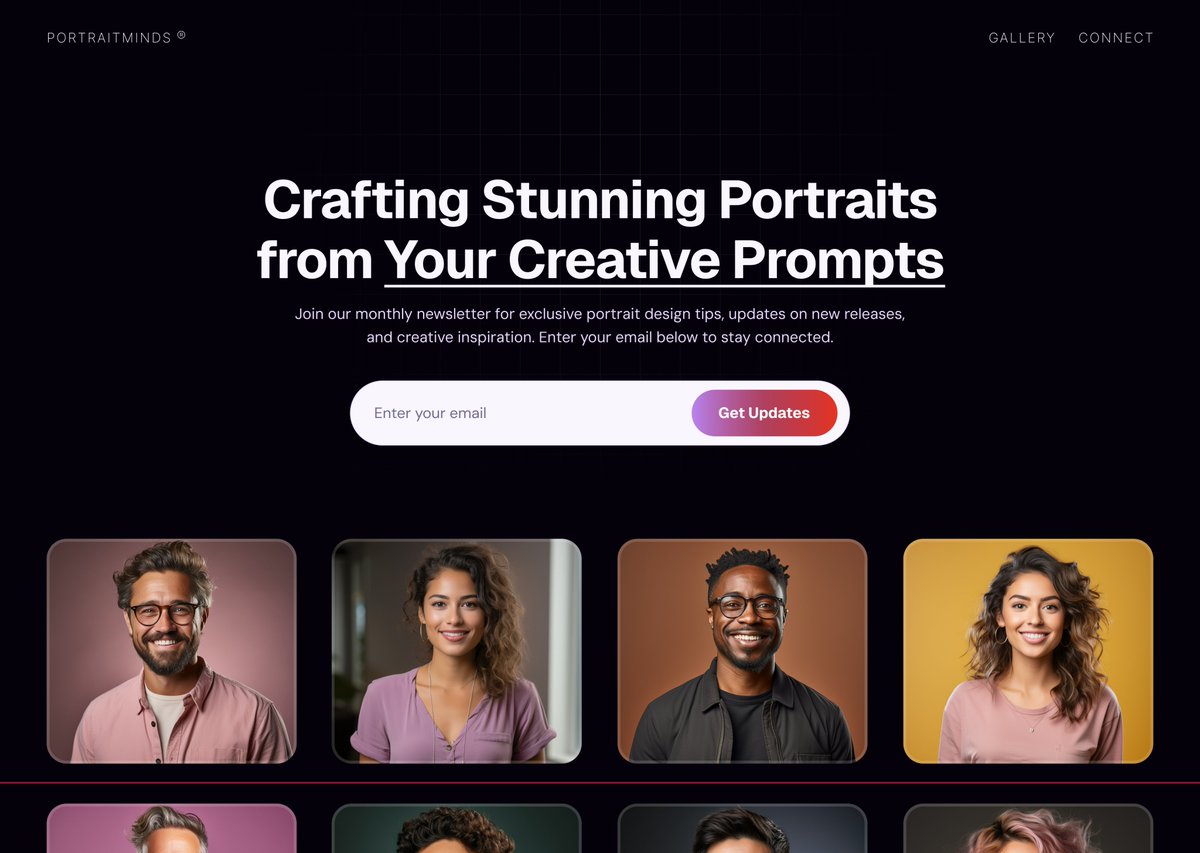
Sharing a quick work in progress
This is a landing page design I'm working on in Figma for PortraitMinds, a platform that transforms creative prompts into portraits.
It’s still evolving
I enjoy the process of turning ideas into clean, user friendly layouts.
#Design #Figma
3
7
1,433
The image carousel actually moves. I designed and prototyped it in Figma, but you won't see that movement in the image.
I will embed the prototype link in my case study
Or if anyone can help me with Screen Studio quality recordings, that would be cool.
The last tweet 👇
1
81
I’ve tried alternatives, but it's not coming out crispy enough, (I got a Mac around but the subscription price is crazy 🤣 can't afford that at the moment)
Thanks so much for going through my post until this last one. I would love to hear your thoughts on my design
51
Dark mode
53
Light mode
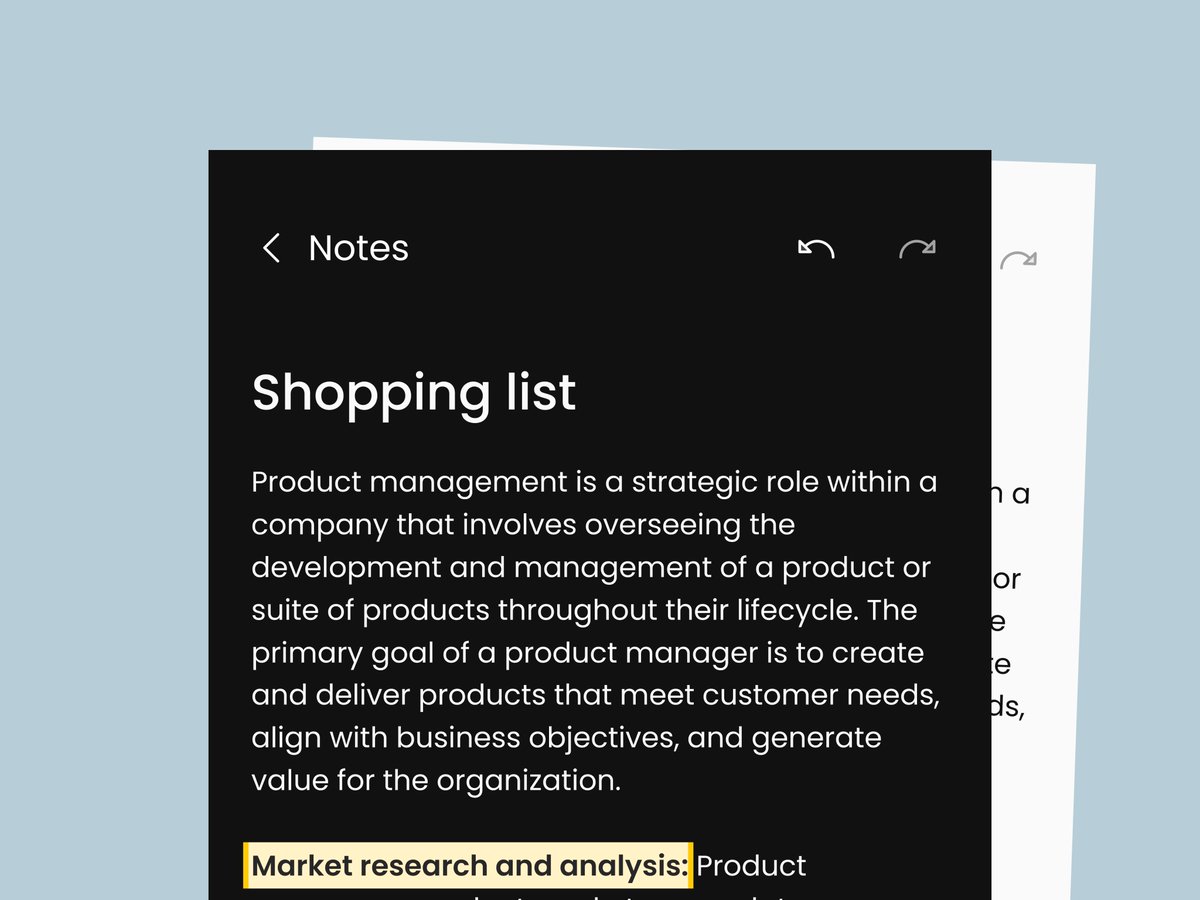
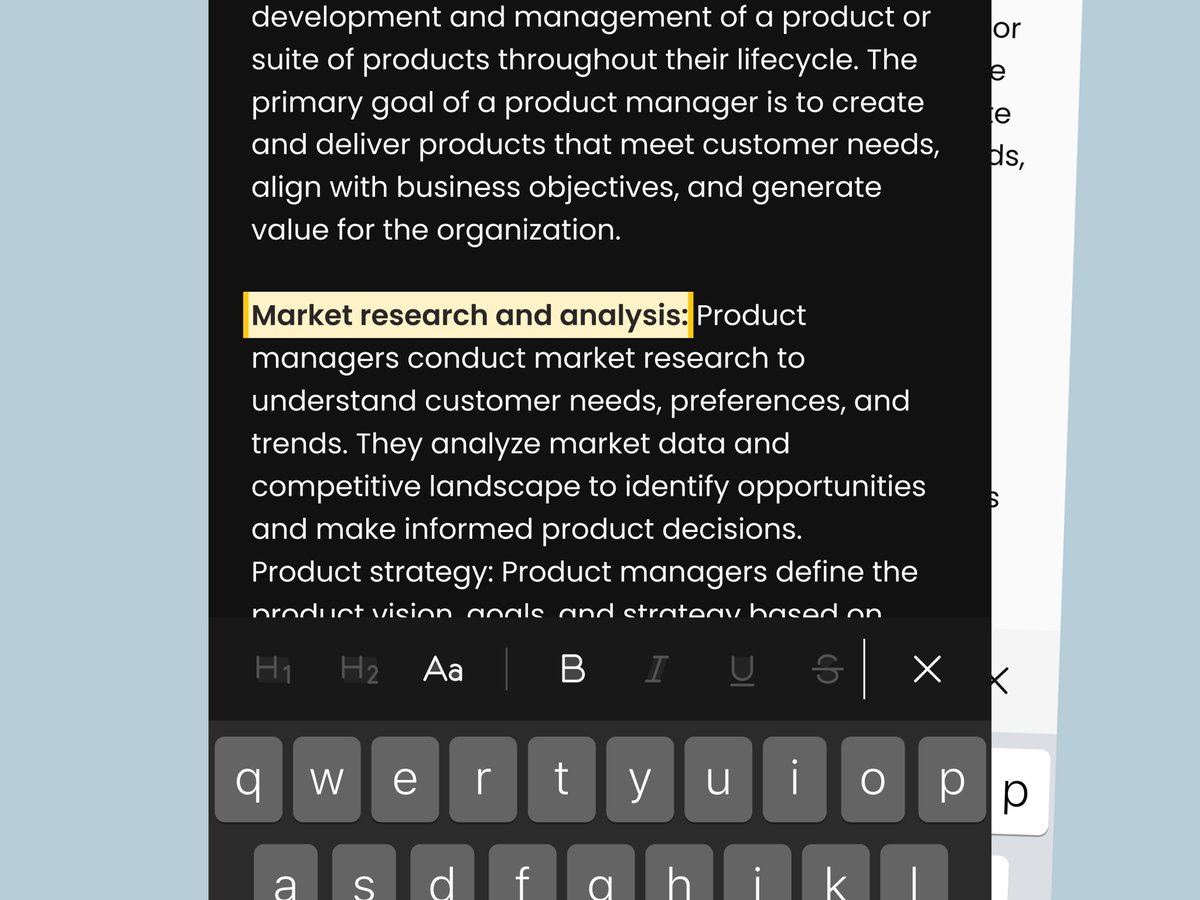
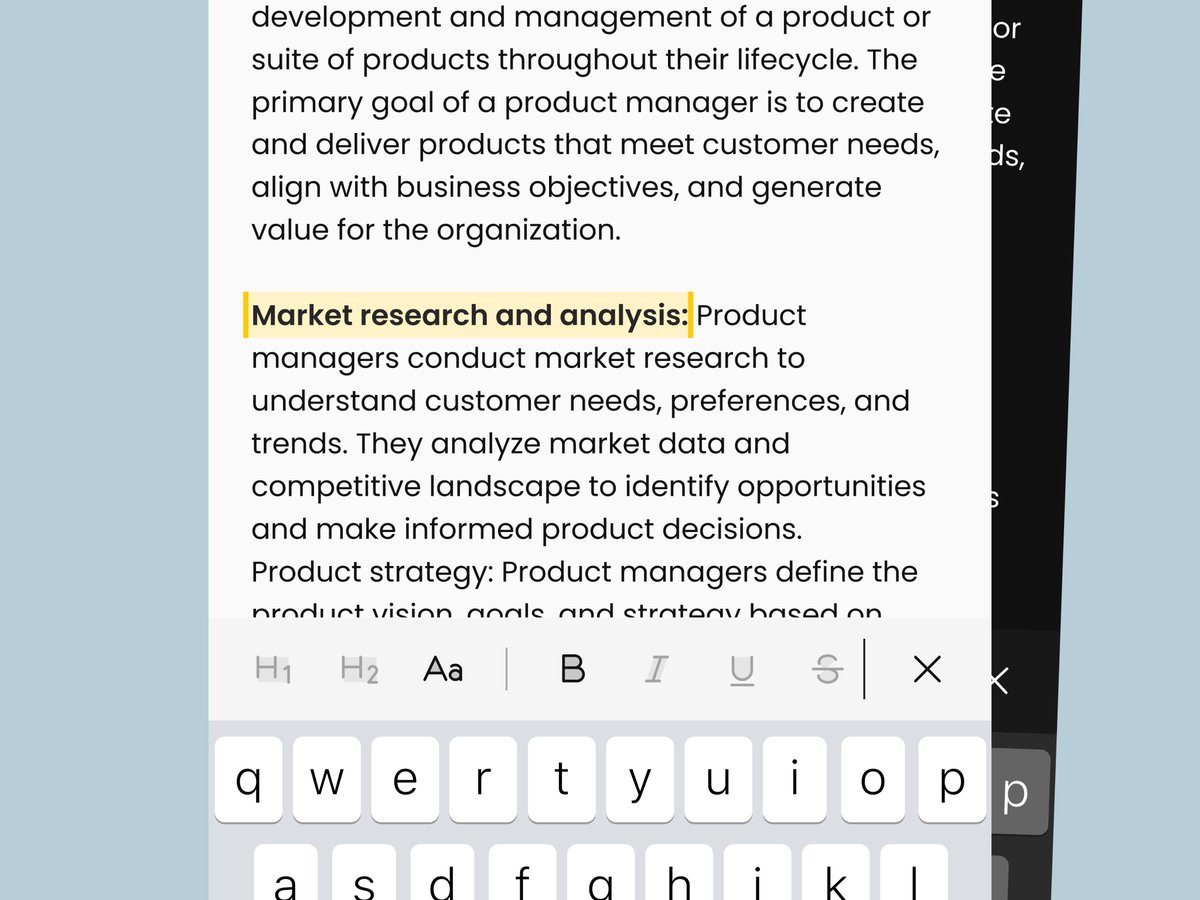
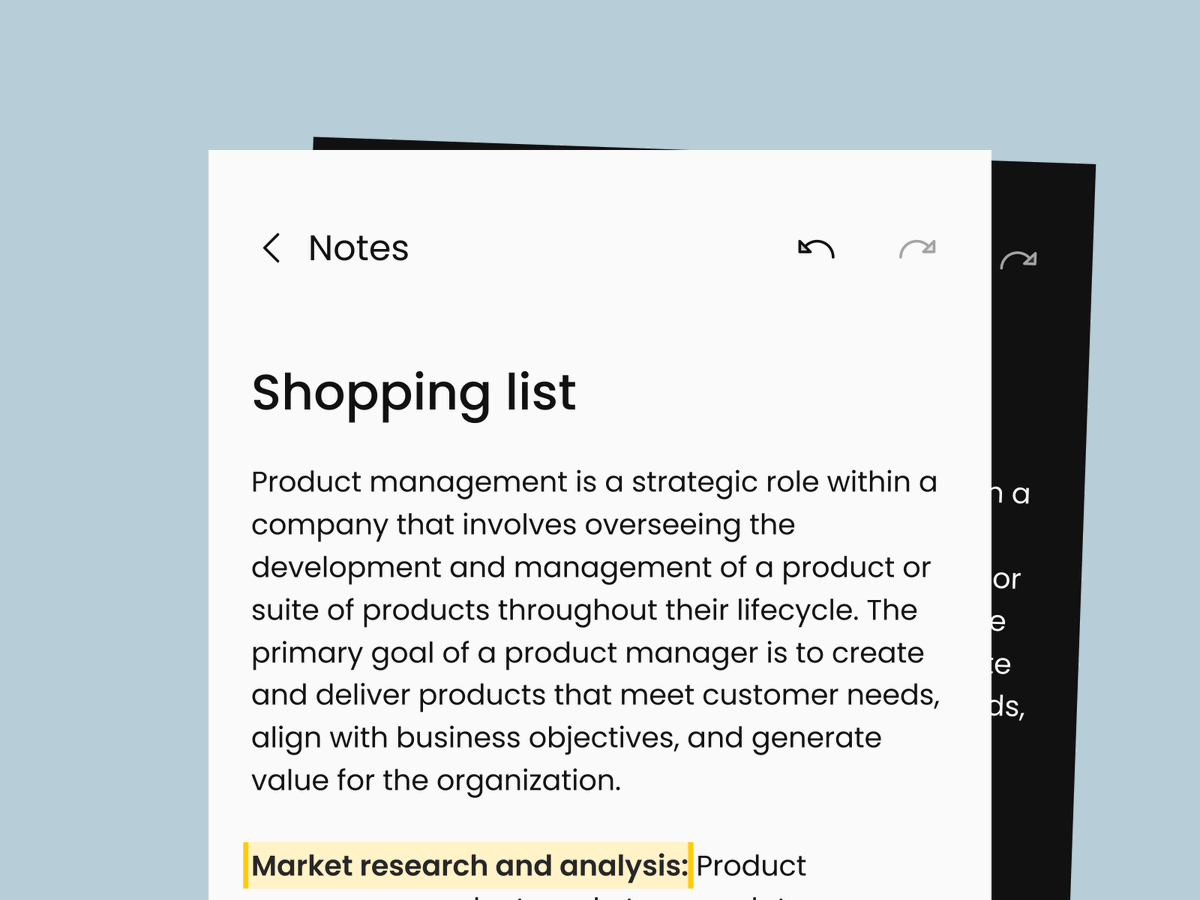
I designed this highlight state for a Note App to make text editable once selected.
The highlight visually marks the chosen text with a subtle background color, signaling to users that the content is active and ready for editing
Design done in Figma. The image shows dark mode
145
I designed this highlight state for a Note App to make text editable once selected.
The highlight visually marks the chosen text with a subtle background color, signaling to users that the content is active and ready for editing
Design done in Figma. The image shows dark mode
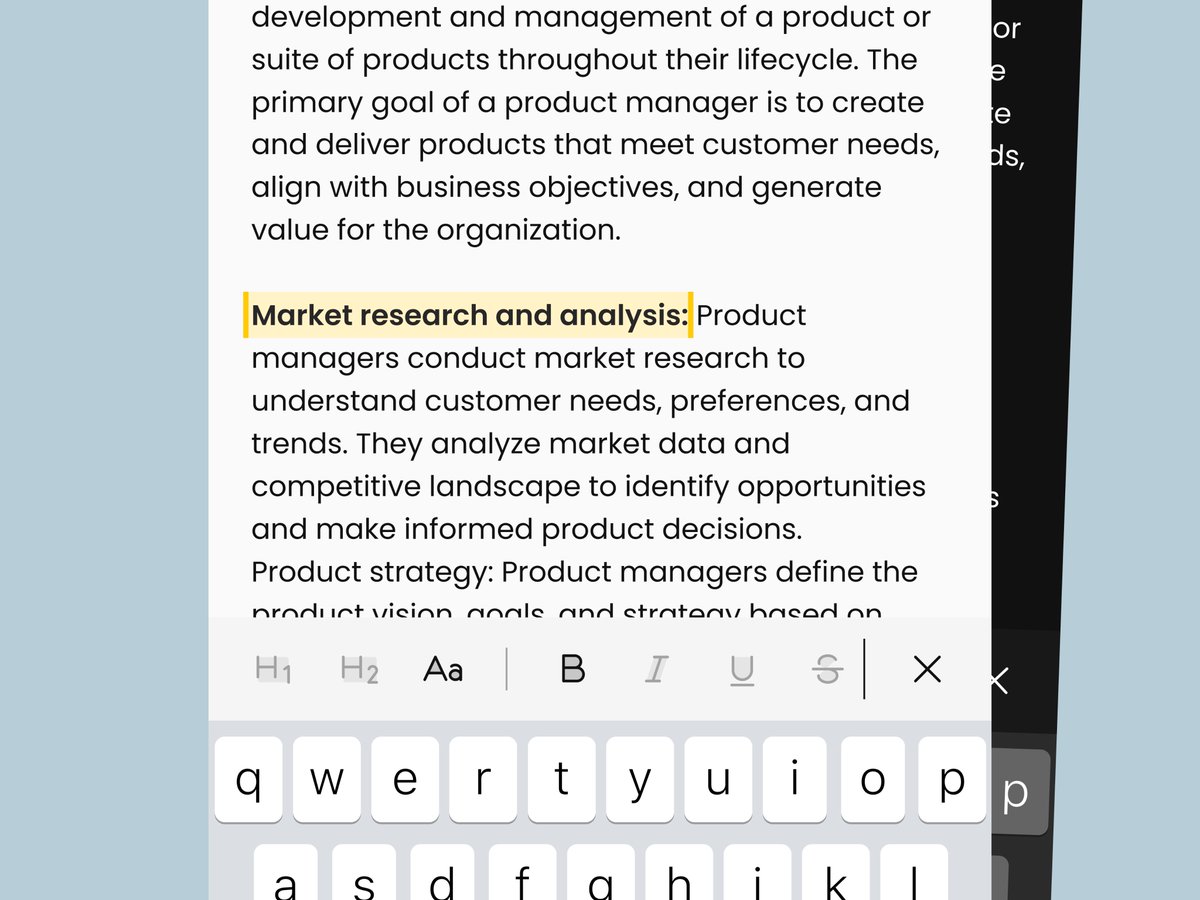
I designed this highlight state for a Note App to make text editable once selected.
The highlight visually marks the chosen text with a subtle background color, signaling to users that the content is active and ready for editing
Design done in Figma. The image shows light mode
180
I designed this highlight state for a Note App to make text editable once selected.
The highlight visually marks the chosen text with a subtle background color, signaling to users that the content is active and ready for editing
Design done in Figma. The image shows light mode
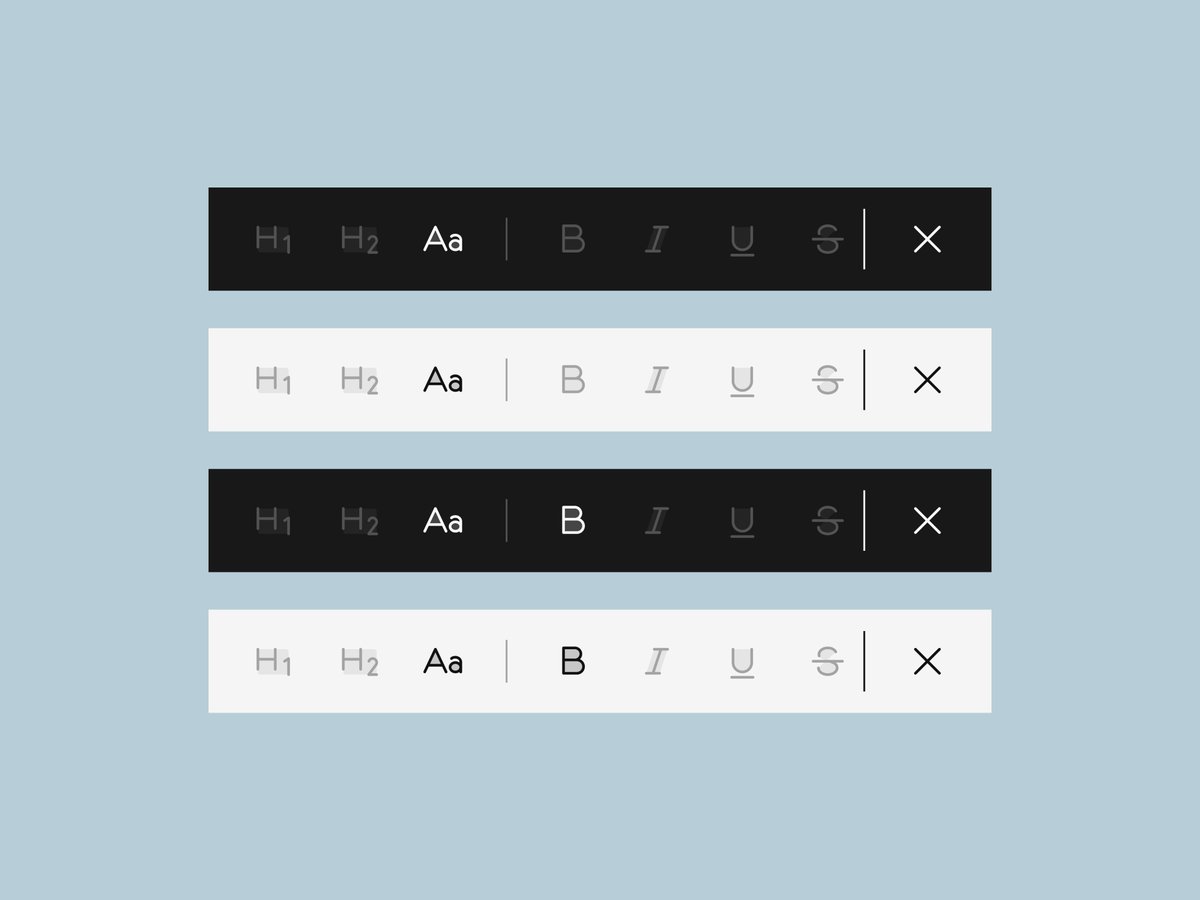
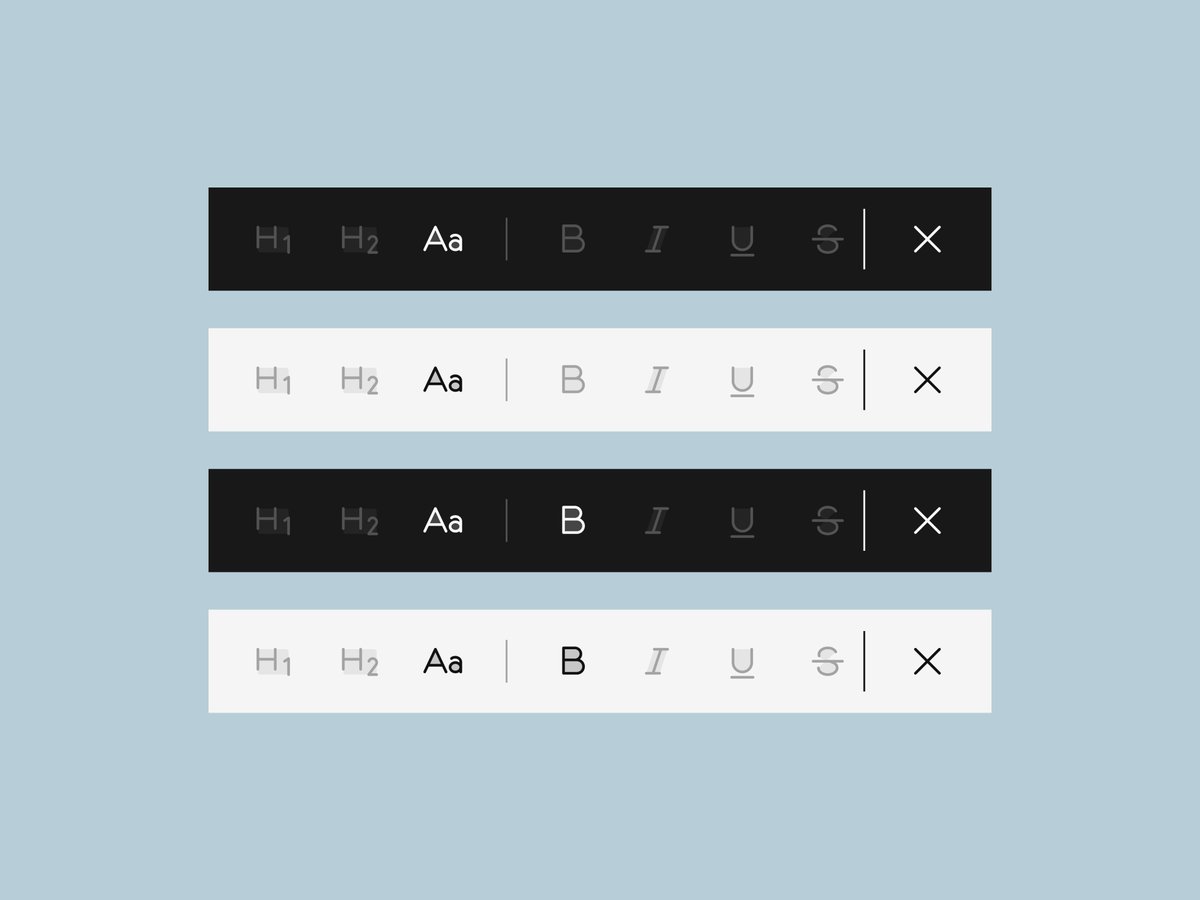
I designed this text formatting toolbar for a note-taking app to help users write, organize, and style their notes.
My idea was to create a lightweight editing experience that feels simple on mobile.
Design done in Figma. Images display dark and light modes.
151
I designed this text formatting toolbar for a note-taking app to help users write, organize, and style their notes.
My idea was to create a lightweight editing experience that feels simple on mobile.
Design done in Figma. Images display dark and light modes.
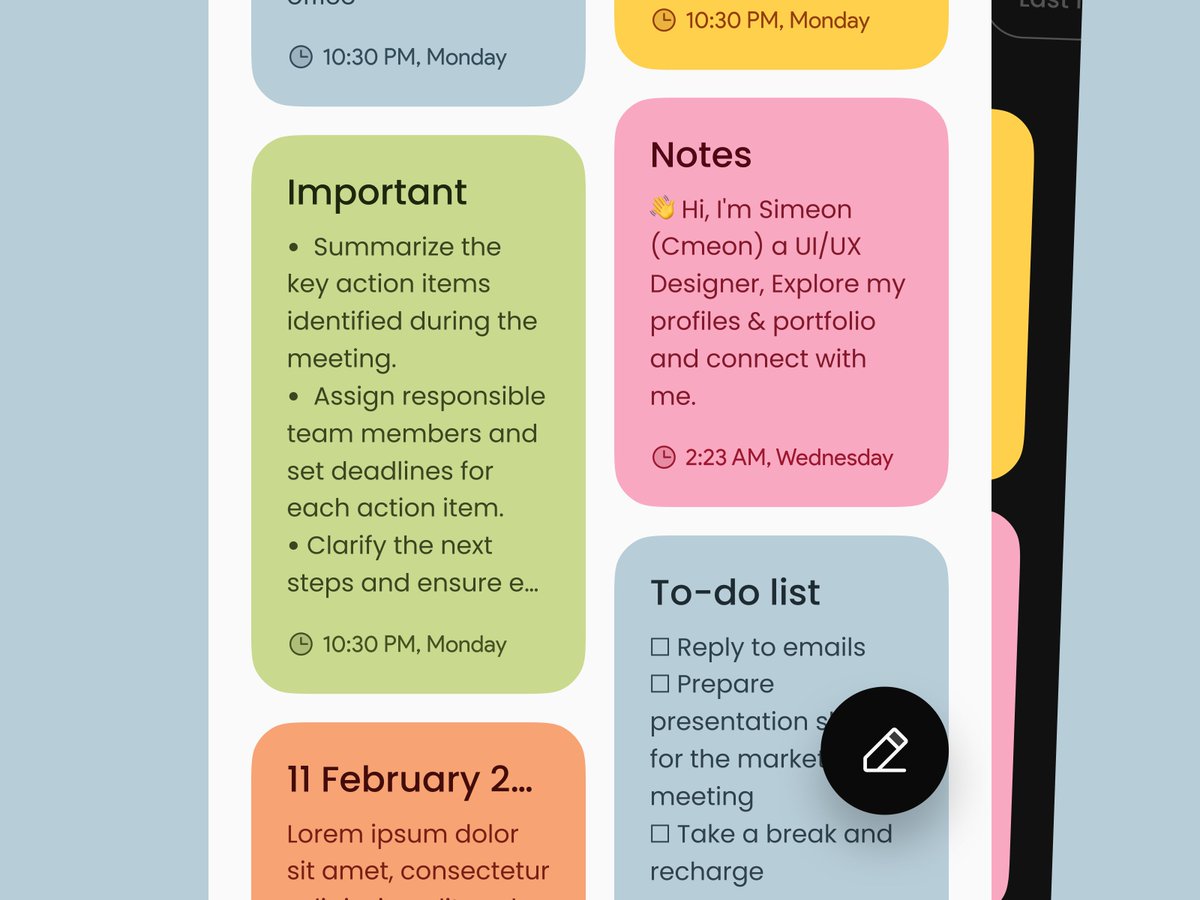
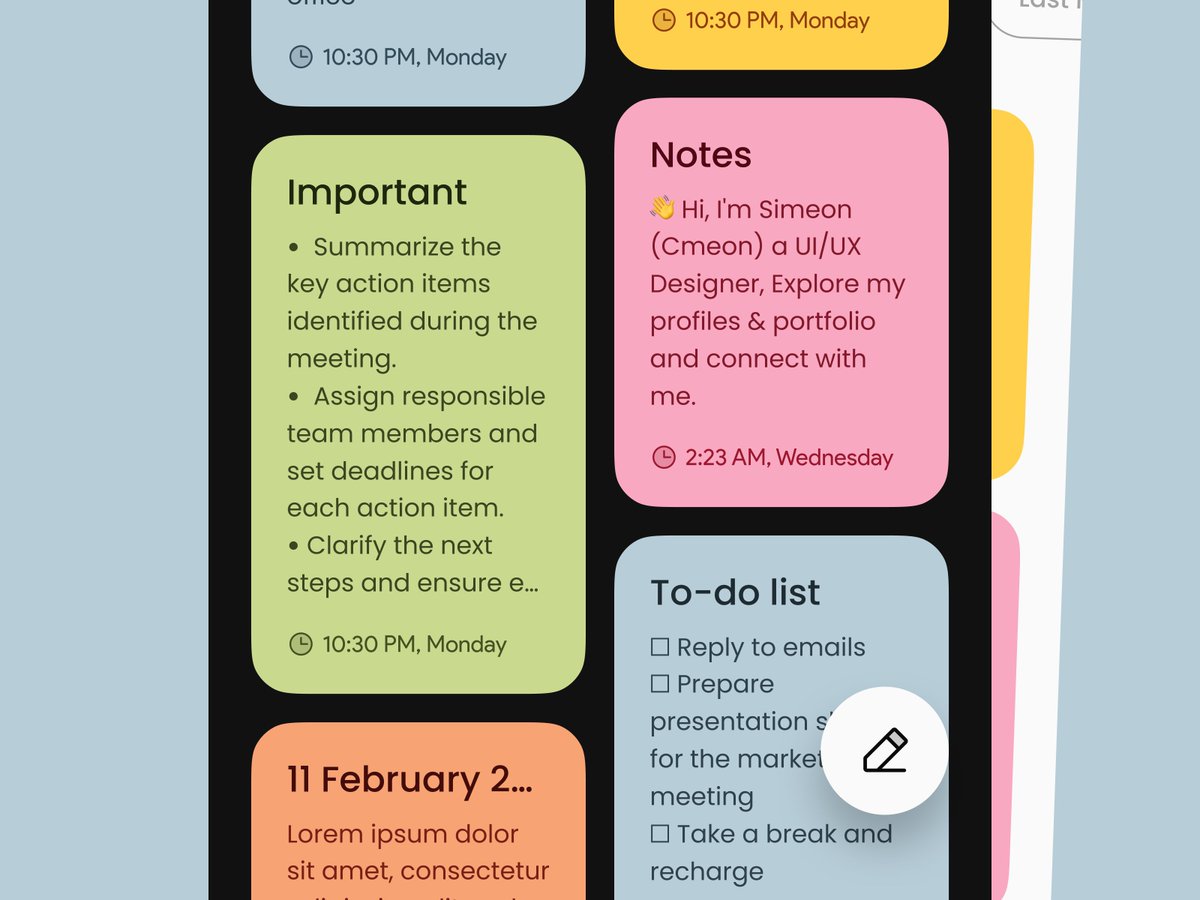
I designed these colorful note cards for a Note App to make each note more organized and visually engaging.
The cards display the note title, the notes, and the last edit date.
This helps users stay organized at a glance.
Design done in Figma. Image in dark and light modes.
124
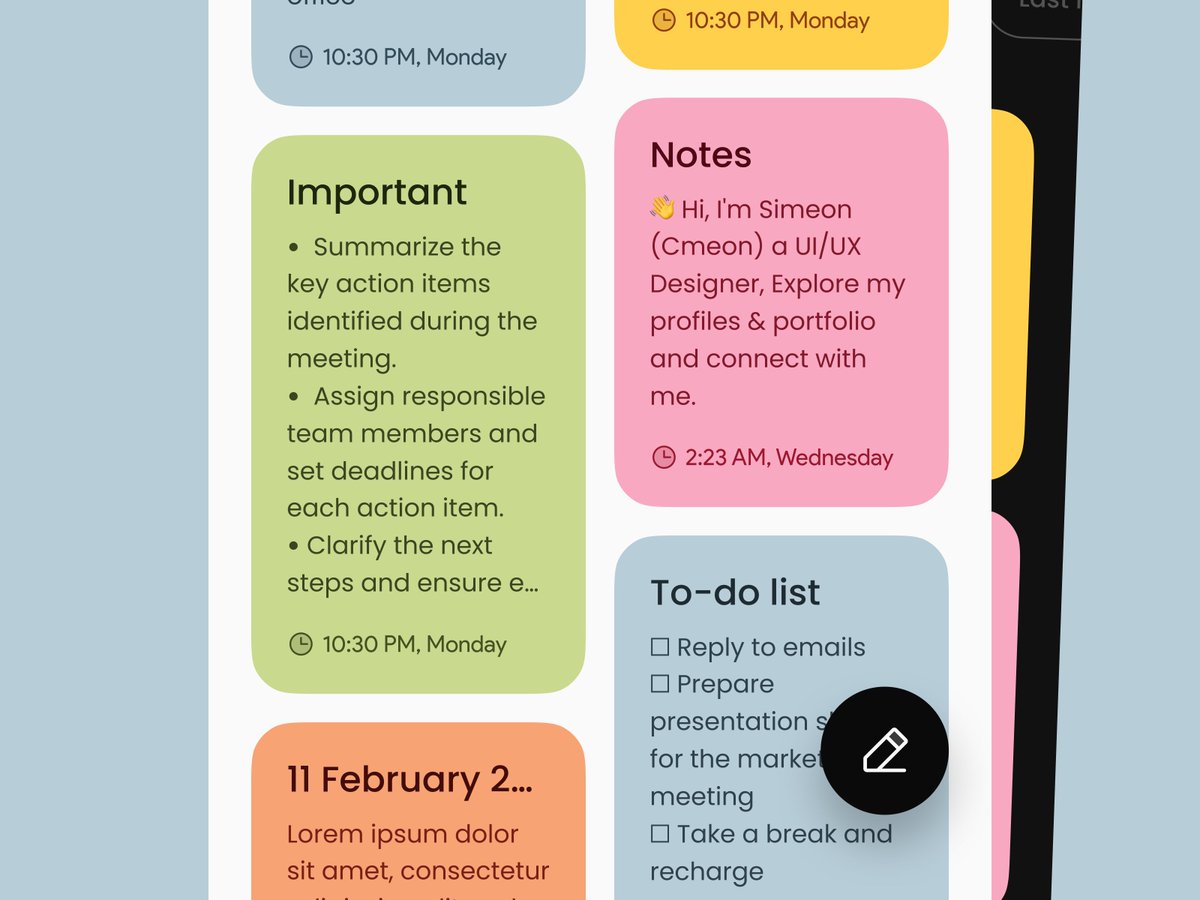
I designed these colorful note cards for a Note App to make each note more organized and visually engaging.
The cards display the note title, the notes, and the last edit date.
This helps users stay organized at a glance.
Design done in Figma. Image in dark and light modes.
I designed a Note App interface in Figma to make writing and editing notes simple and clean.
I designed it in both light and dark modes for user preference.
The image mockup below highlights some UI details like: Note Cards, Text Formatting Toolbar, Highlight State, and more.
123
I designed a Note App interface in Figma to make writing and editing notes simple and clean.
I designed it in both light and dark modes for user preference.
The image mockup below highlights some UI details like: Note Cards, Text Formatting Toolbar, Highlight State, and more.
1
115
97