
We develop and provide handy and professional add-ins for Microsoft Office applications, update tips and tricks about MS Office.
Joined December 2010
- Tweets 1,752
- Following 36
- Followers 402
- Likes 9
1,076 Photos and videos
Pinned Tweet

Jun 11
Kutools for Excel — 300 powerful features for Excel.
See how it helps simplify repetitive tasks and save time.
Watch the full video here: youtube.com/shorts/3czzLzsEn… Via @YouTube @msexcel @Microsoft365 @Microsoft @Office
3
87
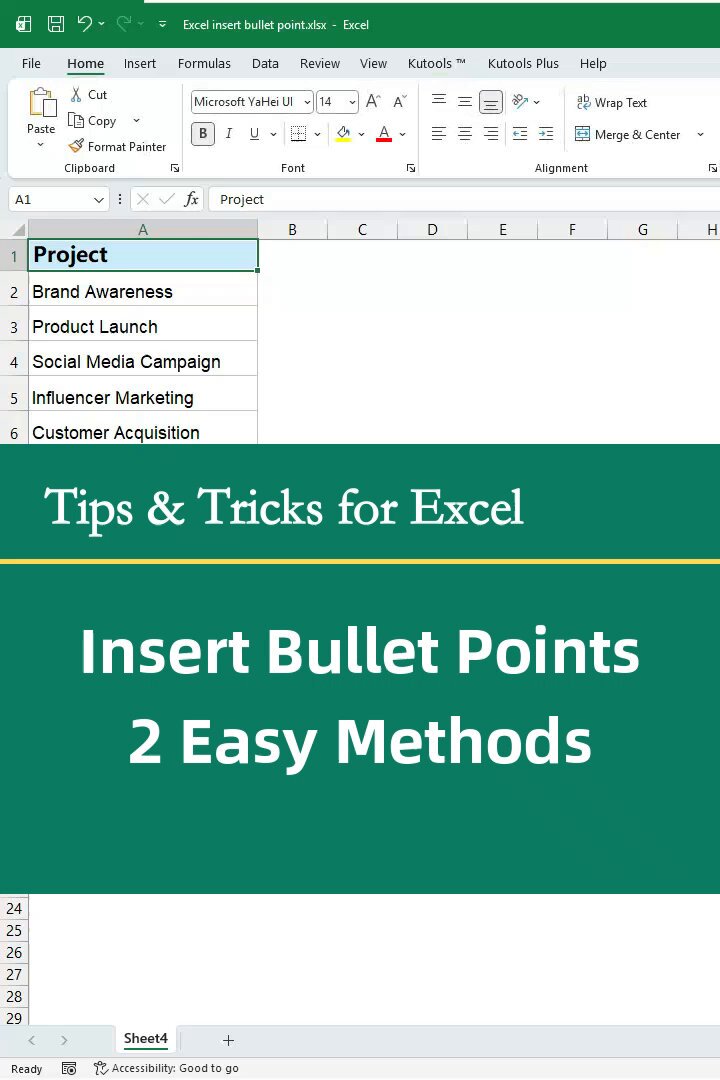
Need to insert bullet points in Excel?
This video shows 2 easy methods to add bullets, triangles, or symbols in cells for cleaner lists and checklists.
@msexcel @Microsoft365 @Microsoft @Office
1
12
271
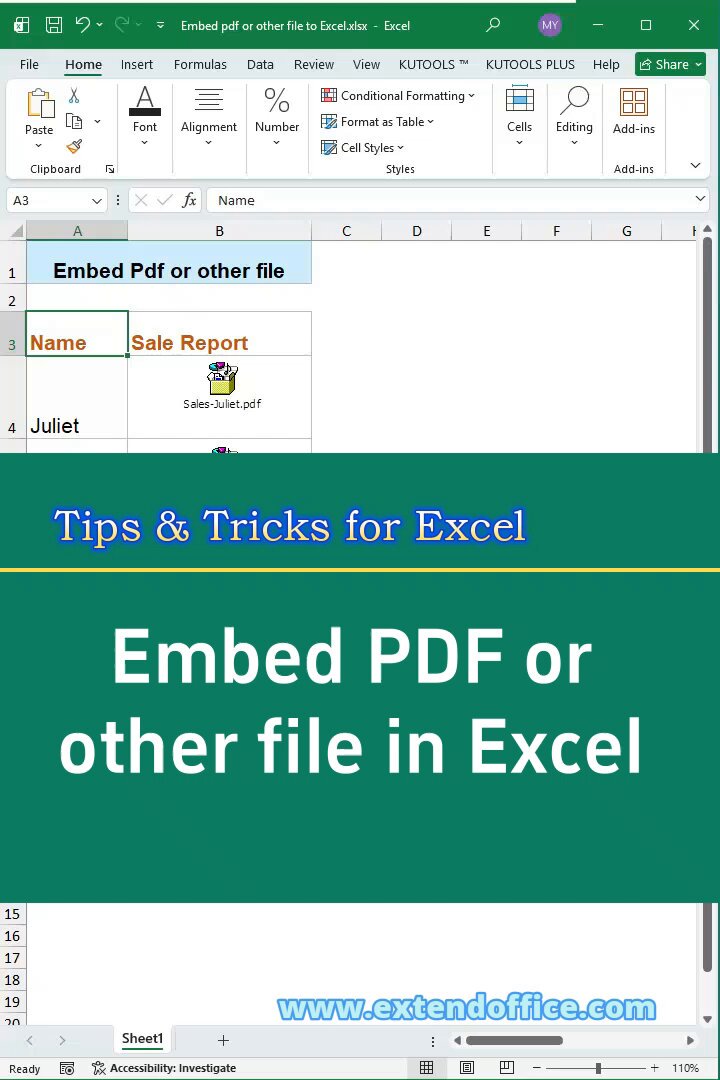
Need to embed a PDF or other file in an Excel cell?
This video shows how to attach files like PDFs, images, or reports directly in a worksheet for easier record management.
@msexcel @Microsoft365 @Microsoft @Office
41
Need to save Outlook emails as PDF files?
This video shows practical ways to export emails as PDFs, so you can archive, share, or keep important messages more easily.
@Microsoft365 @Microsoft @Office @Outlook
2
11
229
Jun 12
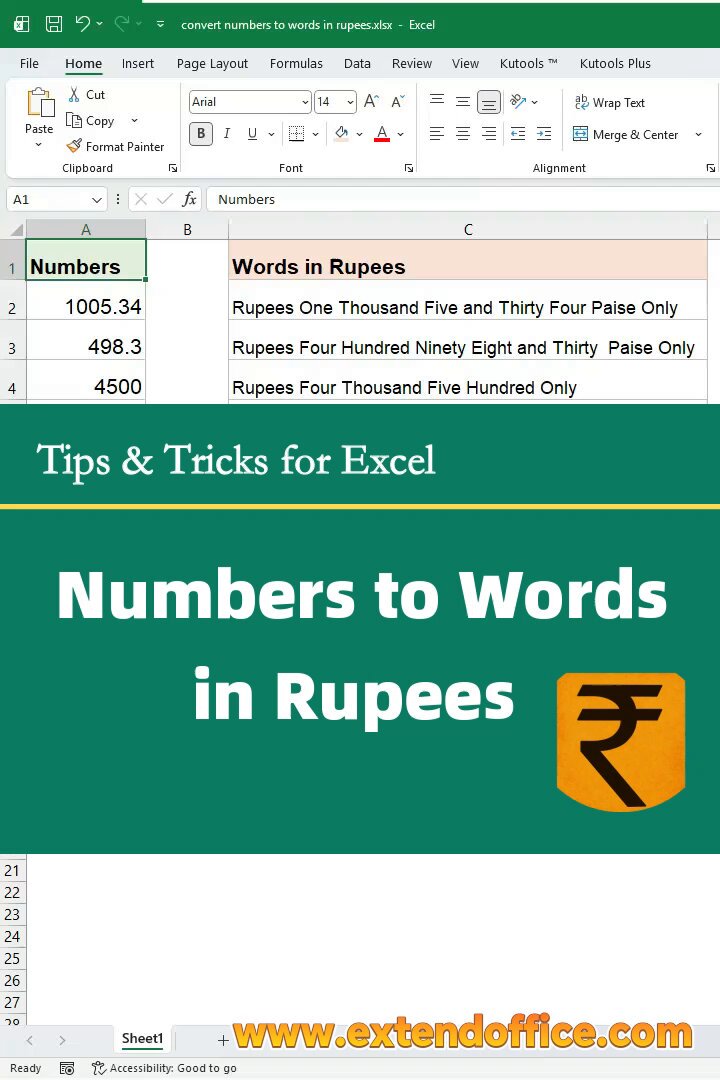
Need to convert numbers to words in Indian Rupees in Excel?
This video shows 2 easy ways to turn amounts into words for invoices, bills, and payment records.
@YouTube @msexcel @Microsoft365 @Microsoft @Office
1
1
82
Jun 12
If you want to copy the formula or VBA code used in the video, here it is 👇
Formula:
=LAMBDA(n, LET(units, {"","One","Two","Three","Four","Five","Six","Seven","Eight","Nine"}, teens, {"Ten","Eleven","Twelve","Thirteen","Fourteen","Fifteen","Sixteen","Seventeen","Eighteen","Nineteen"}, tens, {"","","Twenty","Thirty","Forty","Fifty","Sixty","Seventy","Eighty","Ninety"}, num, INT(n), paise, ROUND((n - INT(n)) * 100, 0), ConvertTwo, LAMBDA(x, IF(x<10, INDEX(units, x 1), IF(x<20, INDEX(teens, x-9), INDEX(tens, INT(x/10) 1) & IF(MOD(x,10)>0, " " & INDEX(units, MOD(x,10) 1), "")))), ConvertThree, LAMBDA(x, IF(x=0, "", IF(x<100, ConvertTwo(x), INDEX(units, INT(x/100) 1) & " Hundred" & IF(MOD(x,100)>0, " " & ConvertTwo(MOD(x,100)), "")))), words, IF(num=0, "Zero", TEXTJOIN(" ", TRUE, IF(INT(num/10000000)>0, ConvertTwo(INT(num/10000000)) & " Crore", ""), IF(MOD(INT(num/100000),100)>0, ConvertTwo(INT(MOD(num,10000000)/100000)) & " Lakh", ""), IF(MOD(INT(num/1000),100)>0, ConvertTwo(INT(MOD(num,100000)/1000)) & " Thousand", ""), IF(MOD(INT(num/100),10)>0, INDEX(units, INT(MOD(num,1000)/100) 1) & " Hundred", ""), IF(MOD(num,100)>0, ConvertTwo(MOD(num,100)), ""))), result, "Rupees " & words & IF(paise>0, " and " & ConvertTwo(paise) & " Paise", "") & " Only", result))
1
111
Jun 12
VBA method
If you prefer a reusable custom function, you can use the VBA code below. After adding it to a module, use:
=ConvertToRupees(A2)
VBA code used in the video 👇
Function ConvertToRupees(ByVal MyNumber)
'Update by ExtendOffice
Dim Units As String, SubUnits As String, TempStr As String
Dim DecimalPlace As Integer, Count As Integer
Dim Place(9) As String
Place(2) = " Thousand "
Place(3) = " Lakh "
Place(4) = " Crore "
MyNumber = Trim(Str(MyNumber))
DecimalPlace = InStr(MyNumber, ".")
If DecimalPlace > 0 Then
SubUnits = GetTens(Left(Mid(MyNumber, DecimalPlace 1) & "00", 2))
MyNumber = Trim(Left(MyNumber, DecimalPlace - 1))
End If
Count = 1
Do While MyNumber <> ""
TempStr = GetHundreds(Right(MyNumber, 3))
If TempStr <> "" Then Units = TempStr & Place(Count) & Units
If Len(MyNumber) > 3 Then
MyNumber = Left(MyNumber, Len(MyNumber) - 3)
Else
MyNumber = ""
End If
Count = Count 1
Loop
ConvertToRupees = "Rupees " & Application.WorksheetFunction.Trim(Units)
If SubUnits <> "" Then
ConvertToRupees = ConvertToRupees & " and " & SubUnits & " Paise"
End If
ConvertToRupees = ConvertToRupees & " Only"
End Function
Private Function GetHundreds(ByVal MyNumber)
Dim Result As String
If Val(MyNumber) = 0 Then Exit Function
MyNumber = Right("000" & MyNumber, 3)
If Mid(MyNumber, 1, 1) <> "0" Then
Result = GetDigit(Mid(MyNumber, 1, 1)) & " Hundred "
End If
If Mid(MyNumber, 2, 1) <> "0" Then
Result = Result & GetTens(Mid(MyNumber, 2))
Else
Result = Result & GetDigit(Mid(MyNumber, 3))
End If
GetHundreds = Result
End Function
Private Function GetTens(ByVal TensText)
Dim Result As String
If Val(Left(TensText, 1)) = 1 Then
Select Case Val(TensText)
Case 10: Result = "Ten"
Case 11: Result = "Eleven"
Case 12: Result = "Twelve"
Case 13: Result = "Thirteen"
Case 14: Result = "Fourteen"
Case 15: Result = "Fifteen"
Case 16: Result = "Sixteen"
Case 17: Result = "Seventeen"
Case 18: Result = "Eighteen"
Case 19: Result = "Nineteen"
End Select
Else
Select Case Val(Left(TensText, 1))
Case 2: Result = "Twenty "
Case 3: Result = "Thirty "
Case 4: Result = "Forty "
Case 5: Result = "Fifty "
Case 6: Result = "Sixty "
Case 7: Result = "Seventy "
Case 8: Result = "Eighty "
Case 9: Result = "Ninety "
End Select
Result = Result & GetDigit(Right(TensText, 1))
End If
GetTens = Result
End Function
Private Function GetDigit(ByVal Digit)
Select Case Val(Digit)
Case 1: GetDigit = "One"
Case 2: GetDigit = "Two"
Case 3: GetDigit = "Three"
Case 4: GetDigit = "Four"
Case 5: GetDigit = "Five"
Case 6: GetDigit = "Six"
Case 7: GetDigit = "Seven"
Case 8: GetDigit = "Eight"
Case 9: GetDigit = "Nine"
Case Else: GetDigit = ""
End Select
End Function
1
77
Jun 12
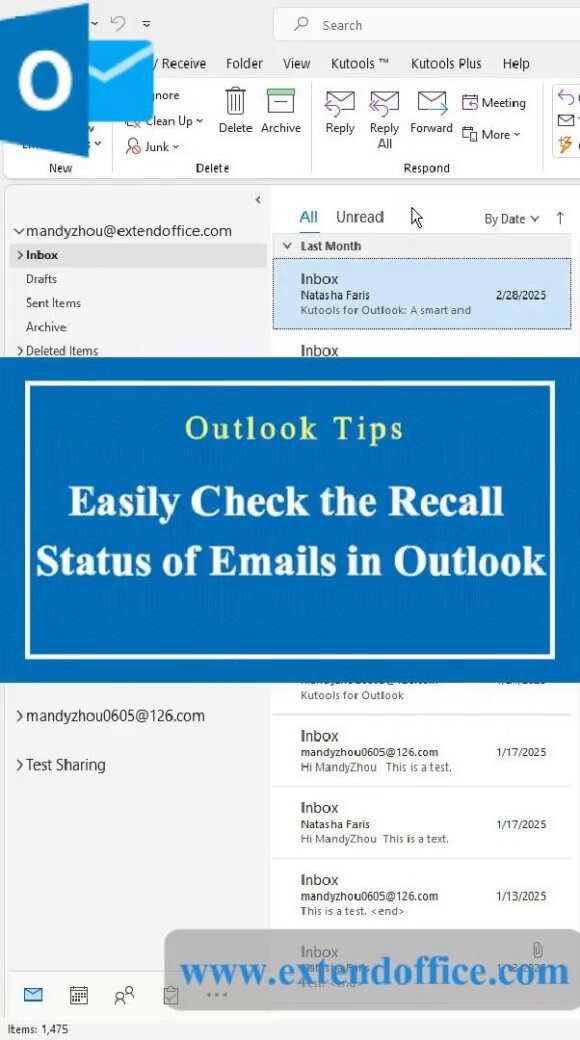
Wondering if your Outlook email recall actually worked?
This video shows how to check the recall status for each recipient, so you can see whether the recall succeeded, failed, or is still pending.
Great for those “Oops, wrong attachment” moments.
Try Kutools for Outlook free:
extendoffice.com/download/ku…
@YouTube @msexcel @Microsoft365 @Microsoft @Office
1
8
176
Jun 12
Need to remove footnotes in Word fast?
This video shows 3 easy ways:
• Delete one footnote manually
• Remove all footnotes with Find and Replace
• Remove all footnotes in one click with Kutools for Word
A quick way to clean up your document without deleting them one by one.
@YouTube @msexcel @Microsoft365 @Microsoft @Office
1
39
Jun 11
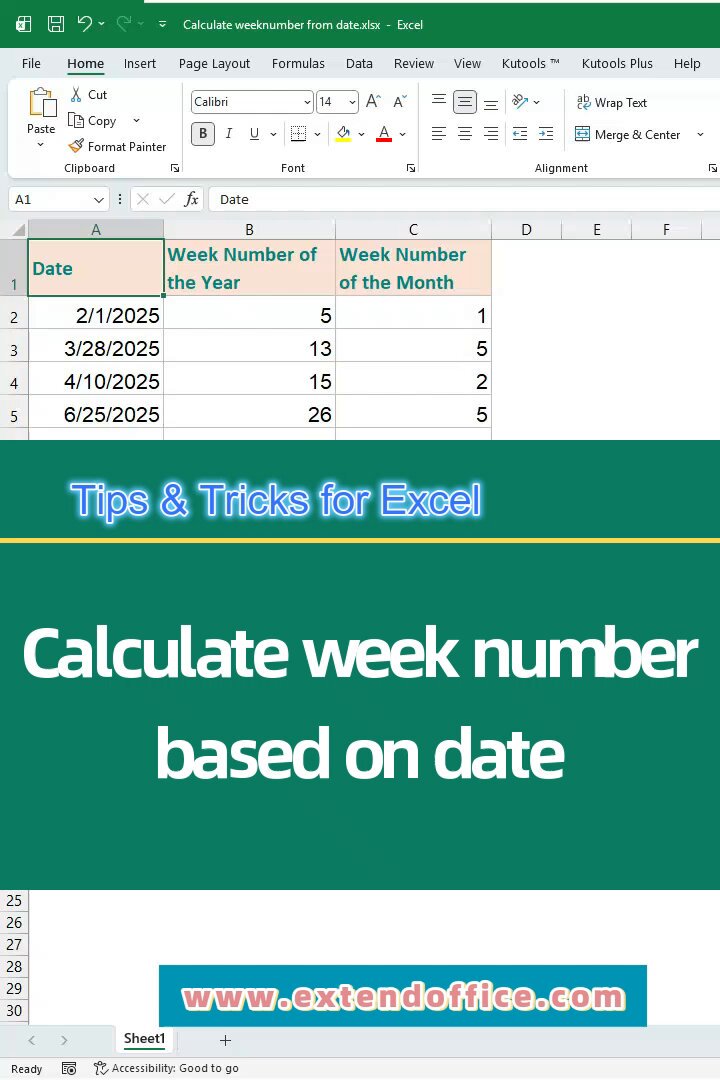
Need to calculate the week number from a date in Excel?
This video shows 2 simple formulas to return the week of the year or the week of the month instantly.
Watch the full video here: youtube.com/shorts/VWW55TjUX… Via @YouTube @msexcel @Microsoft365 @Microsoft @Office
6
37
839
Jun 11
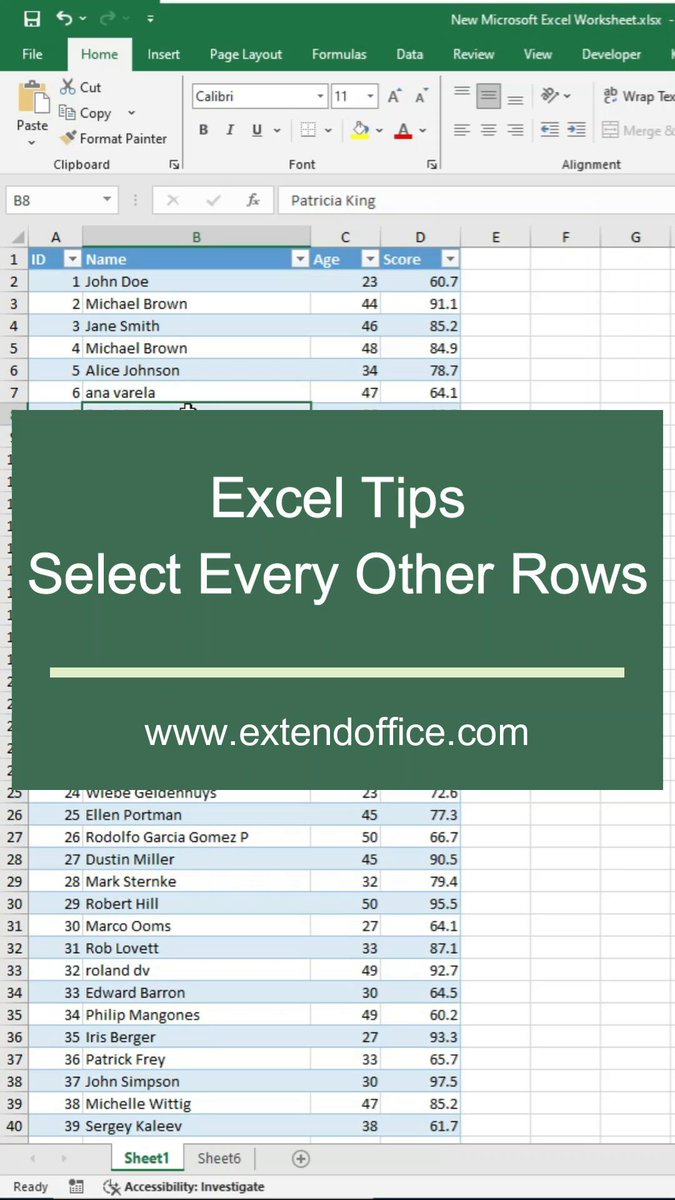
Need to select every other row in Excel?
This video shows how to do it with a helper column and a quicker Kutools option.
Watch the full video here: youtube.com/shorts/pnk5_U3OU… Via @YouTube @msexcel @Microsoft365 @Microsoft @Office
2
57
Jun 10
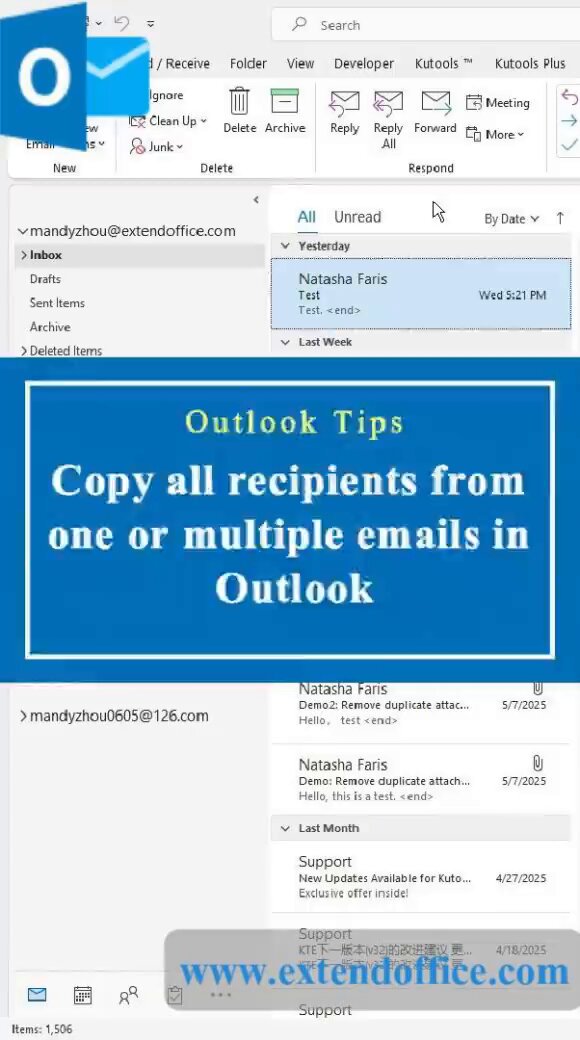
Need to copy all recipients from one or multiple emails in Outlook?
This Short shows how to copy To, CC, and BCC recipients so you can reuse the list without retyping.
Watch the full video here: youtube.com/shorts/_TfT45q-u… Via @YouTube @msexcel @Microsoft365 @Microsoft
2
75
Jun 10
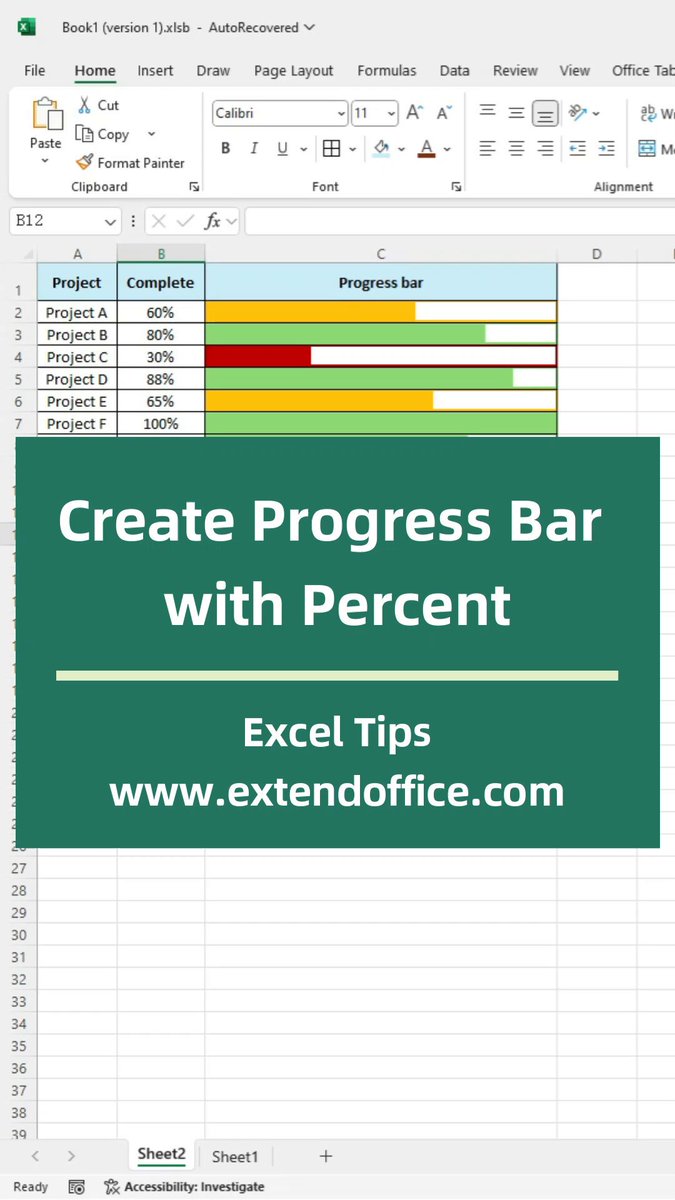
Need to create a progress bar with a percentage in Excel?
This tutorial shows 2 easy ways:
Method 1: Use Conditional Formatting
Method 2: Use a single REPT formula
Watch the full video here: youtube.com/shorts/mKAo8pBOx… Via @YouTube @msexcel @Microsoft365 @Microsoft
1
60
Jun 10
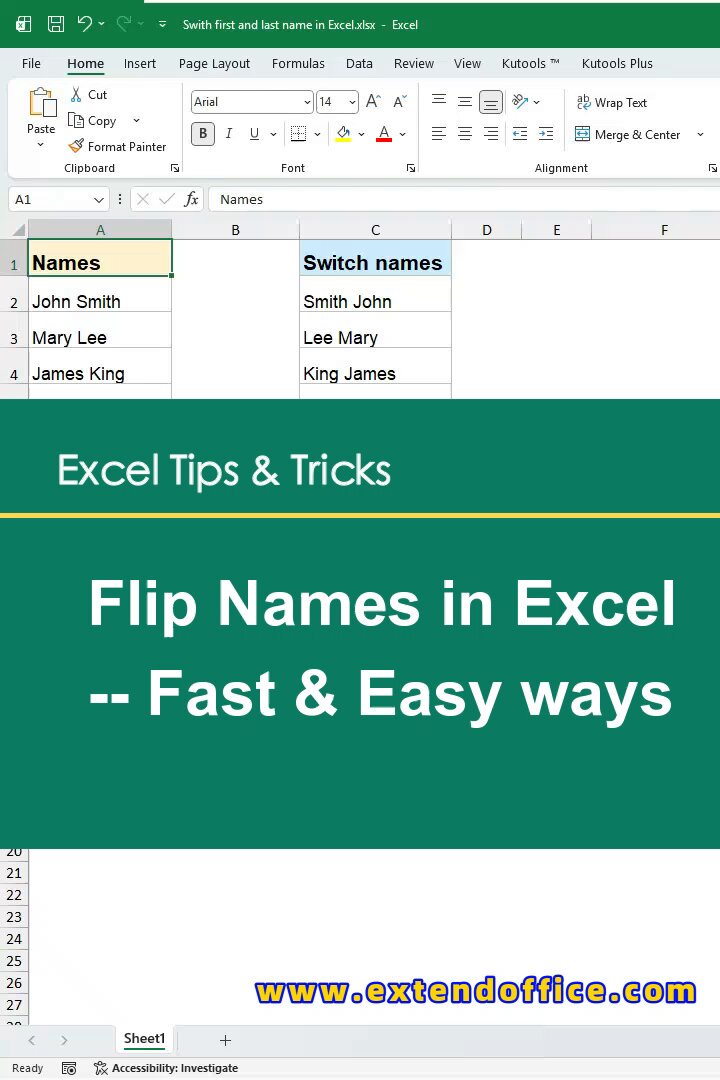
Need to switch first and last names in Excel?
This video shows quick and easy ways to flip names like John Smith to Smith John.
Watch the full video here: youtube.com/shorts/Mm7I-ww8X… Via @YouTube @msexcel @Microsoft365 @Microsoft
2
42
Jun 9
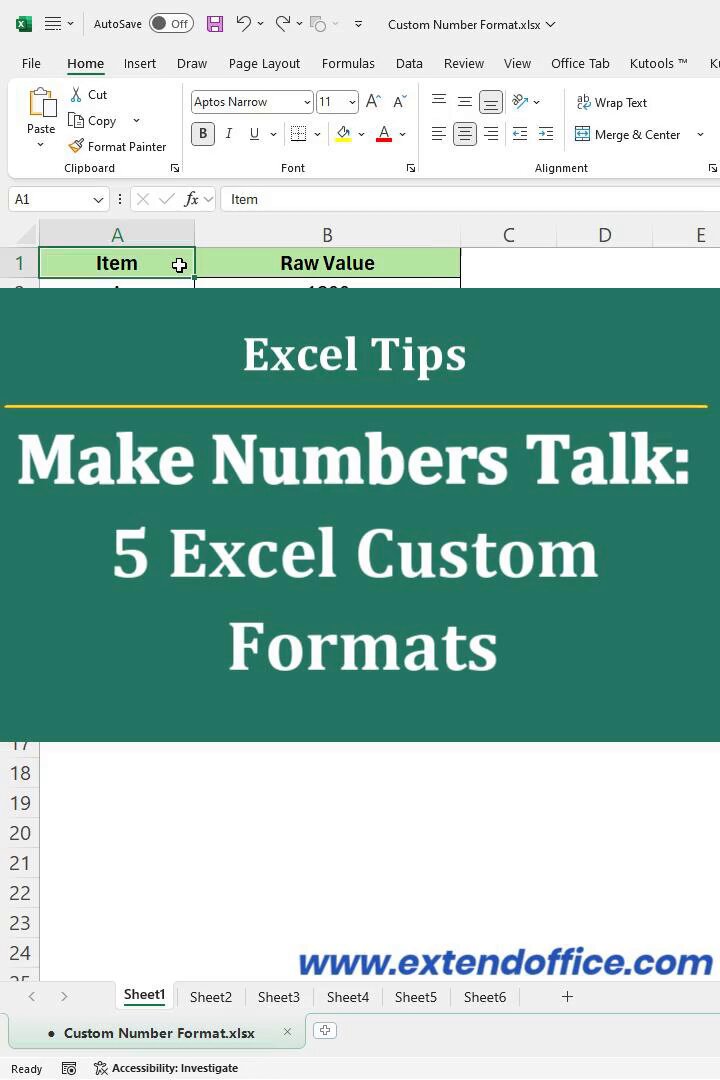
Need better Excel number formats?
This video shows 5 custom number formats you can use every week to make data cleaner, clearer, and easier to read.
Watch the full video here: youtube.com/shorts/TtIhCxCzD… Via @YouTube @msexcel @Microsoft365 @Microsoft
5
73
Jun 9
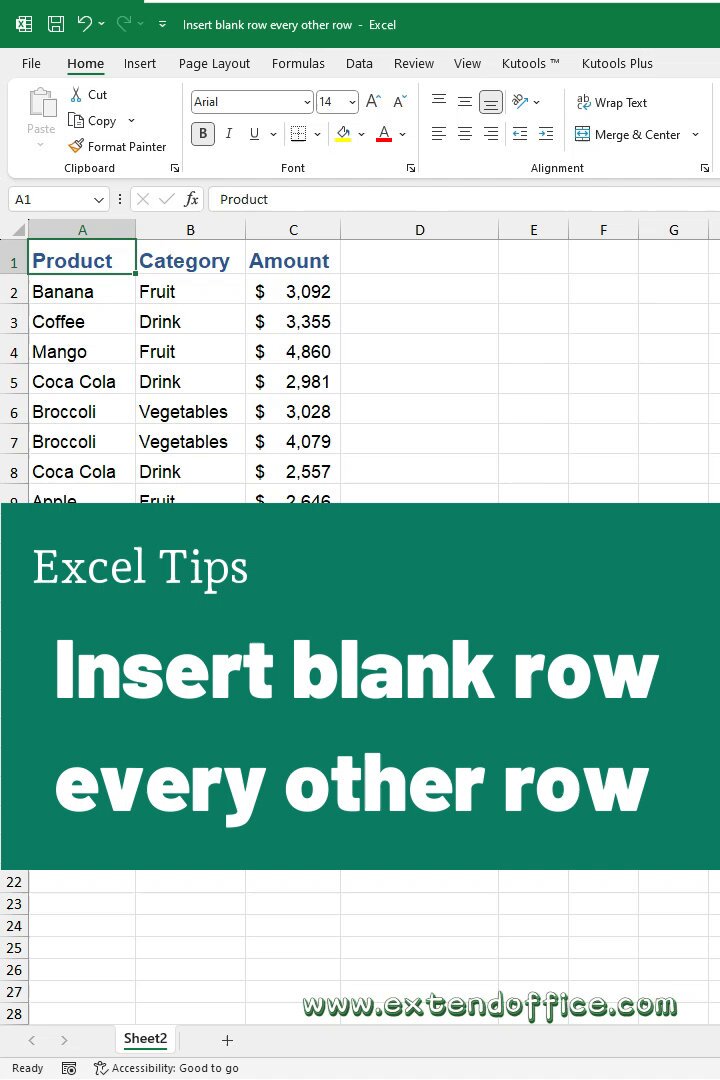
Need to insert a blank row after every other row in Excel?
This video shows 2 easy ways:
Method 1: Use a helper column and Sort
Method 2: Use Kutools for Excel
Watch the full video here: youtube.com/shorts/Uoch-eh3D… Via @YouTube @msexcel @Microsoft365 @Microsoft
1
20
467
Jun 9
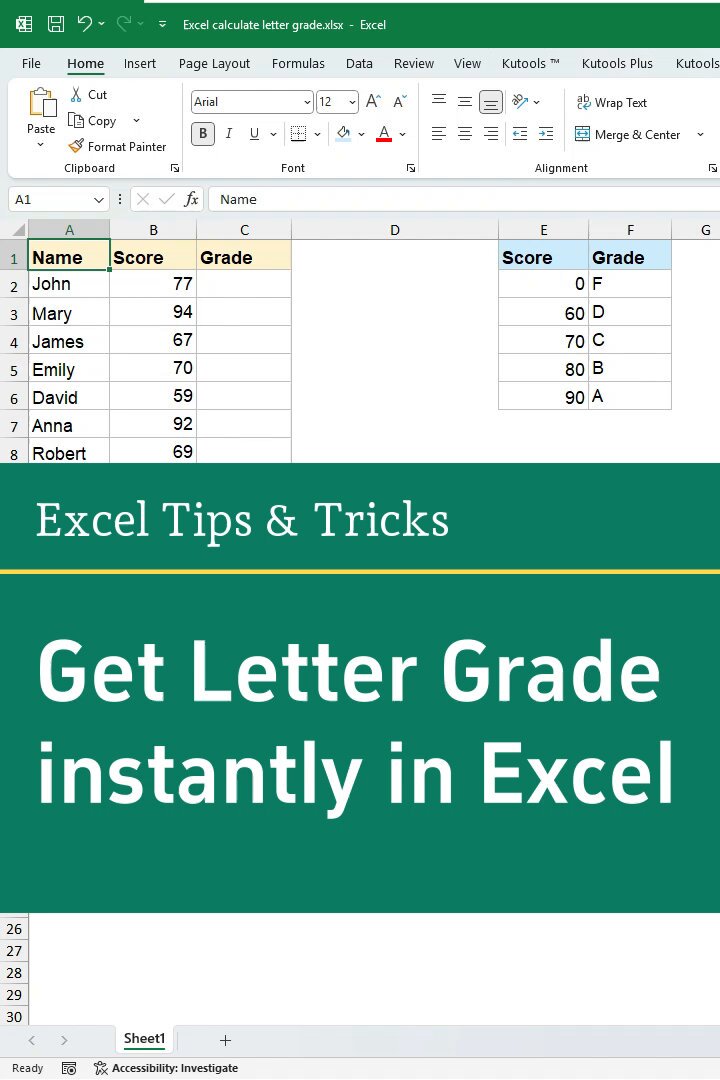
Need to calculate or assign letter grades in Excel?
This video shows how to use VLOOKUP to return letter grades automatically and save time on grading.
Watch the full video here: youtube.com/shorts/luQcQ9skE… Via @YouTube @msexcel @Microsoft365 @Microsoft
5
22
714
Jun 8
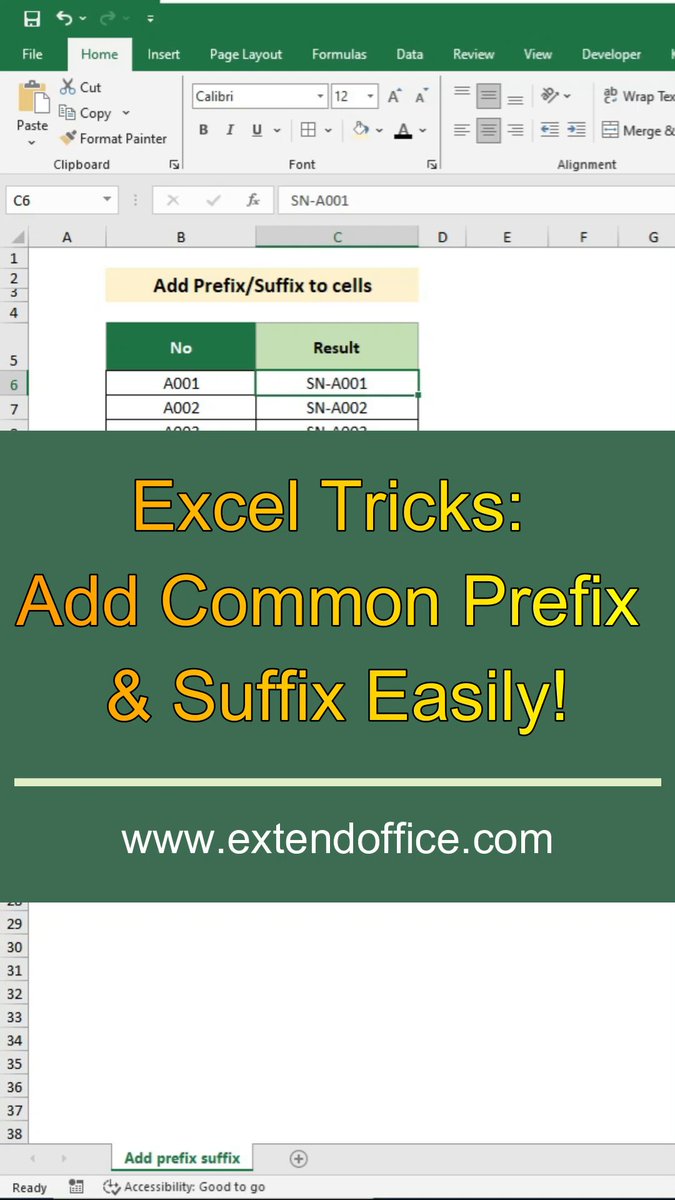
Need to add common prefixes or suffixes in Excel?
This quick tip shows the formula way and an easier Kutools method to update a list faster.
Watch the full video here: youtube.com/shorts/4_Uur9eFt… Via @YouTube @msexcel @Microsoft365 @Microsoft
3
18
665
Jun 8
Need to extract images from hyperlinks in Excel?
This video shows 2 easy ways:
Method 1: Use the IMAGE function
Method 2: Use Kutools for Excel
Watch the full video here: youtube.com/shorts/tyw8l2V7a… Via @YouTube @msexcel @Microsoft365 @Microsoft
1
44
Jun 8
Need to prevent duplicate data entries in Excel?
This video shows how to use Data Validation and an easier Kutools tool to stop repeated entries in a column.
Watch the full video here: youtube.com/shorts/zIpYr_9hp… Via @YouTube @msexcel @Microsoft365 @Microsoft
1
2
79