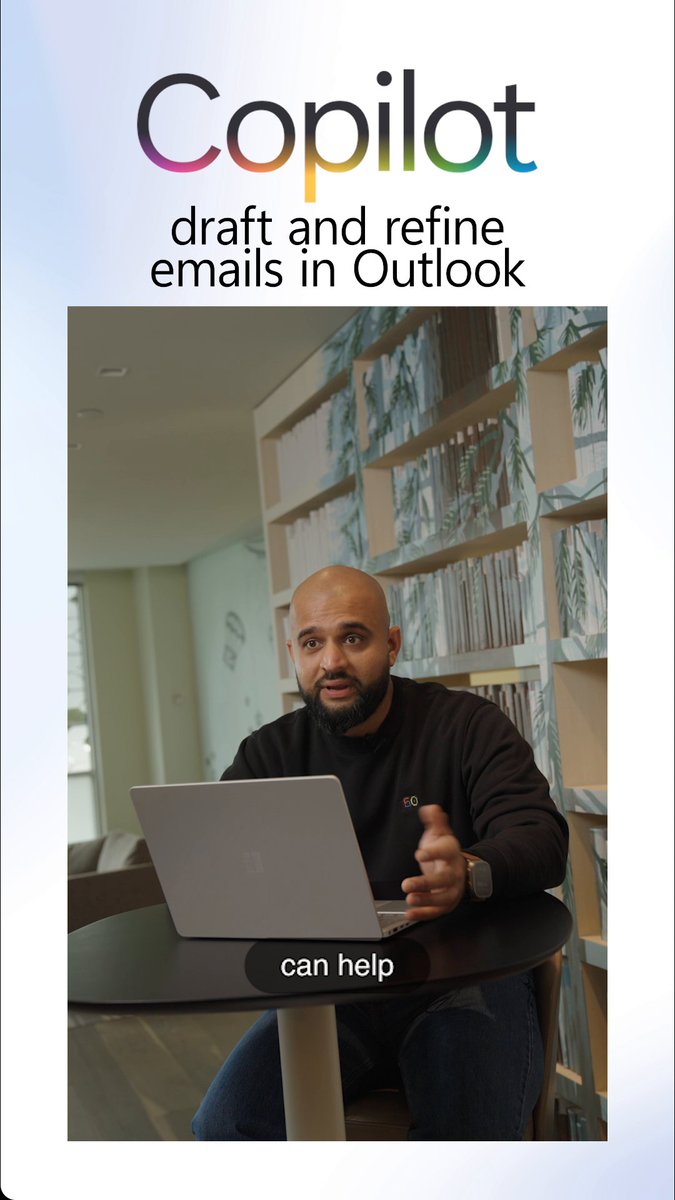
Inbox overload? Calendar conflicts? Copilot keeps everything on track with new agentic capabilities in Outlook. Available via the Frontier program.
Read the blog: msft.it/6012vGYpK
Microsoft 365 Copilot will proactively accept and decline meetings with your input, so you can spend the extra time preparing for your meetings instead of managing them on your calendar.
The follow-up you keep meaning to send. The report that’s been on the list since last week. Tomorrow’s meeting prep you’re doing today… at 6:07pm. Copilot Cowork handles it.
Coffee chat, anyone?
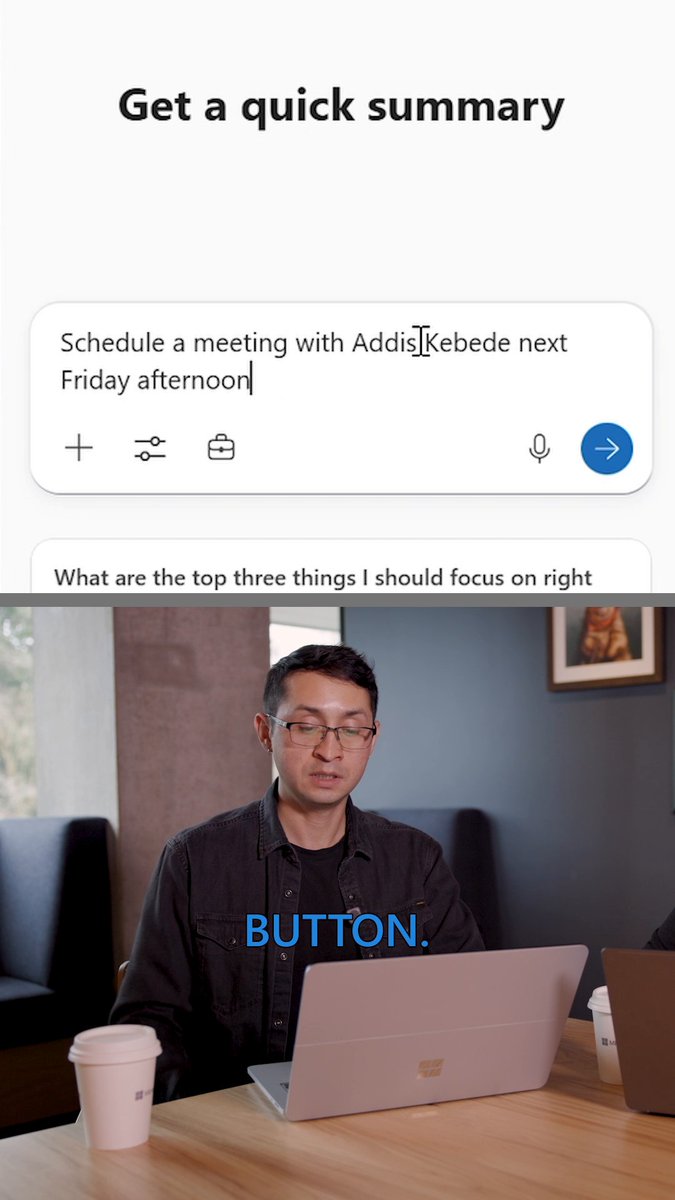
Microsoft 365 Copilot in Outlook takes care of the logistics from setting up a call to rescheduling, so you can get back to the real work.
Tune into our livestream at 8 AM PT to see the latest Frontier Transformation updates and how contextual AI is showing up across Microsoft 365 Copilot, built for real work: msft.it/6015QilHH
Watch Copilot in Outlook scan the last 48 hours of email, surface top action items, and draft a response for the most important follow-up, all while leveraging Work IQ.
But actually, is Circle Back Season even happening this year?
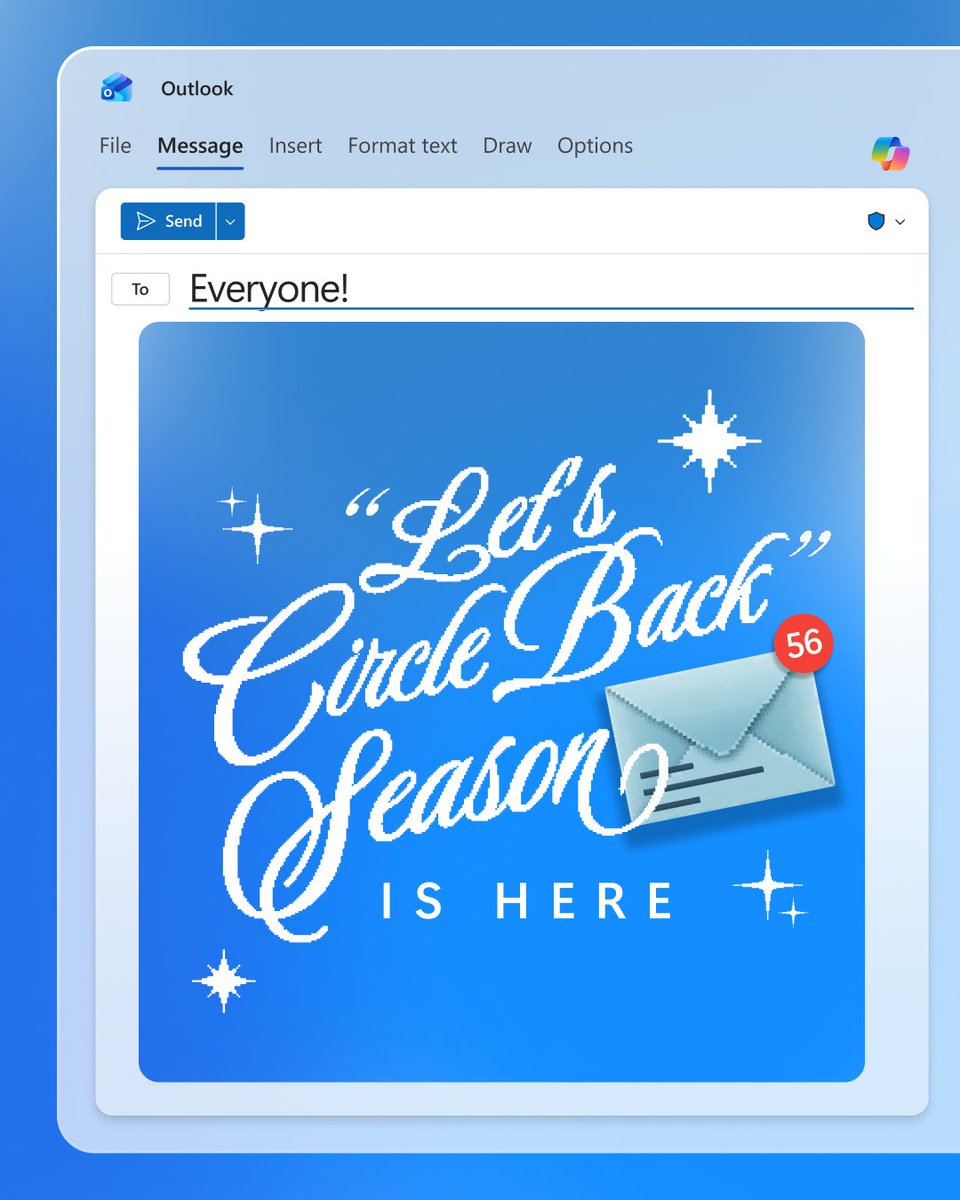
ALT Outlook email sent to everyone that reads, "'Let's Circle Back' season is here!"
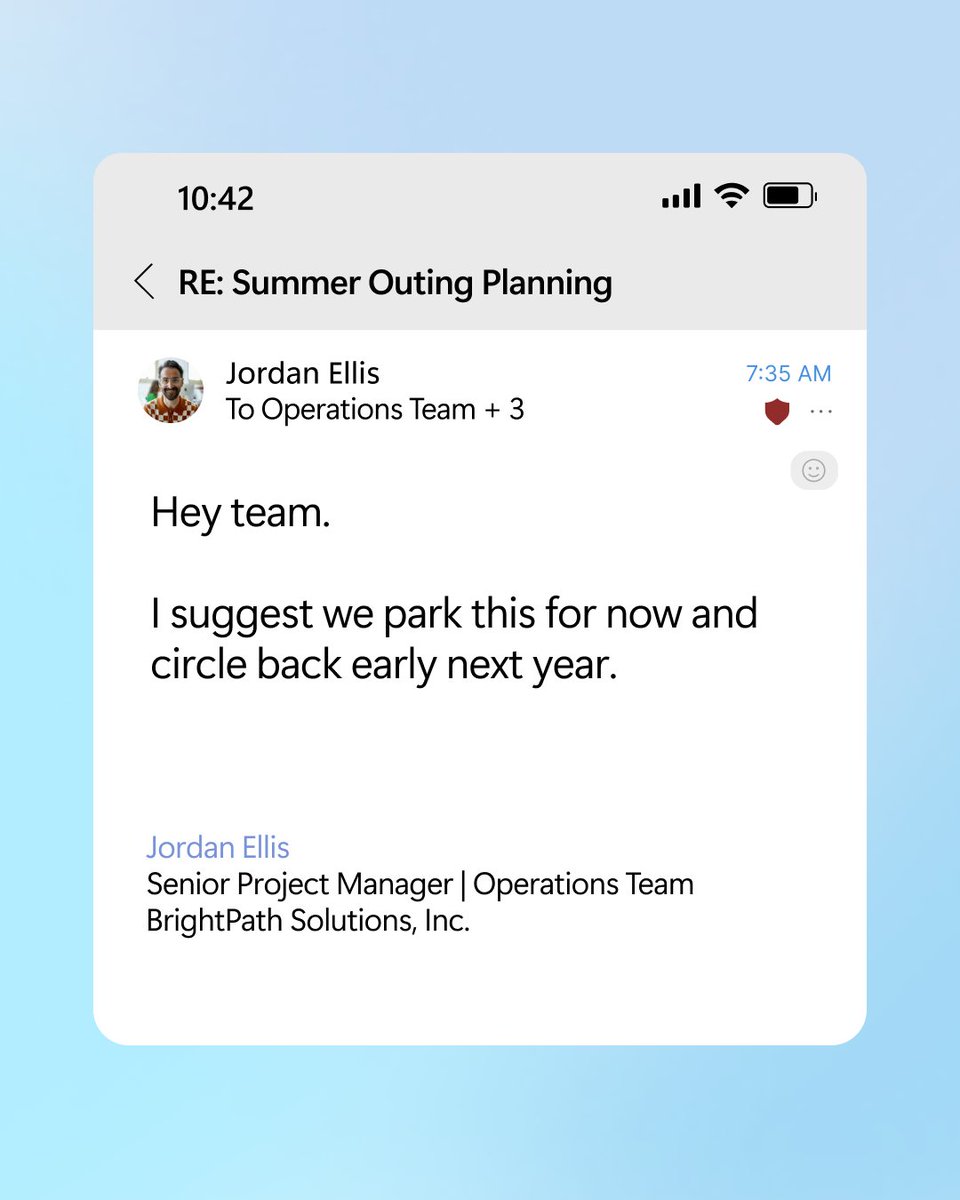
ALT Outlook email with subject line RE: Summer Outing Planning that reads, "Hey team, I suggest we park this for now and circle back early next year."
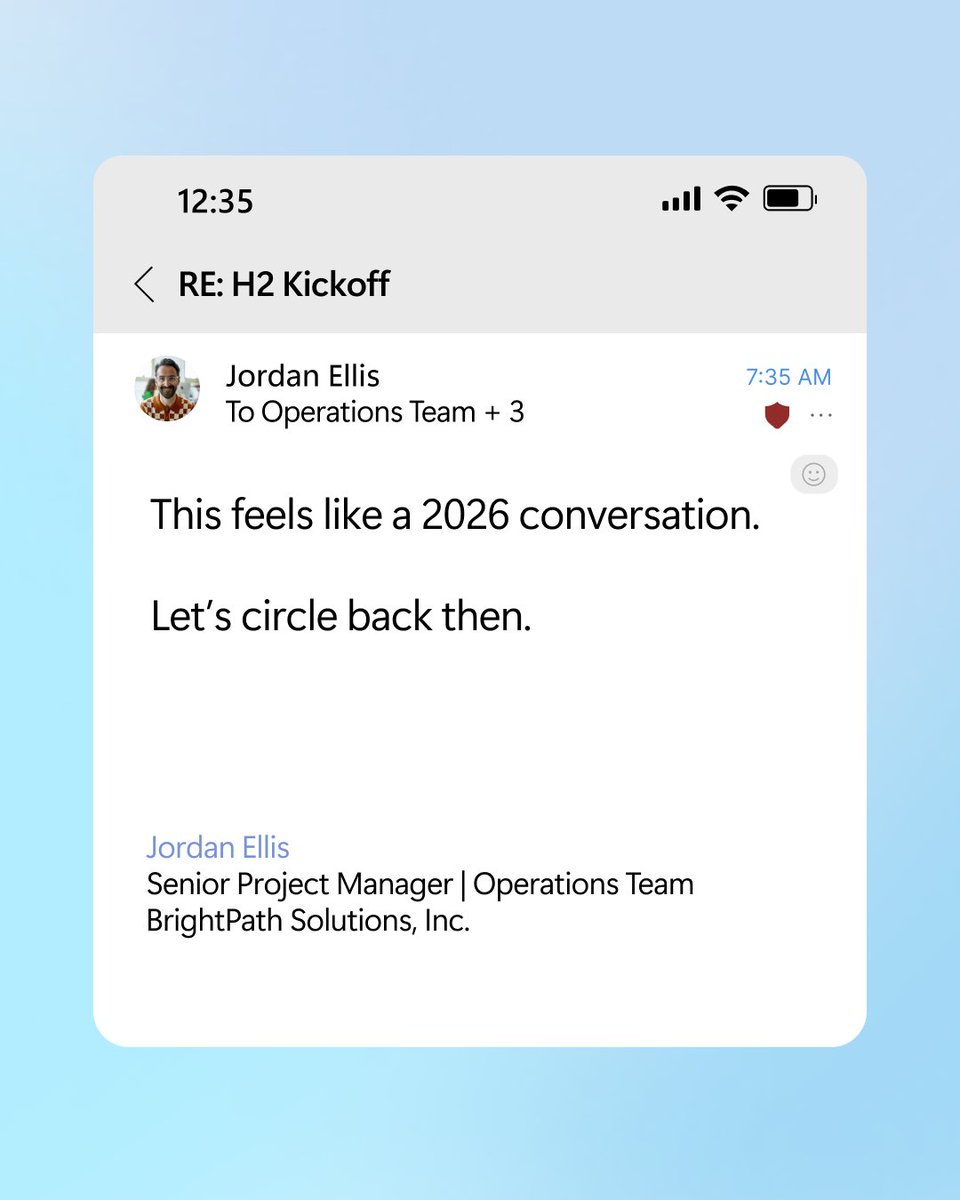
ALT Outlook email with subject line RE: H2 Kickoff that reads, "This feels like 2026 conversation. Let's circle back then."
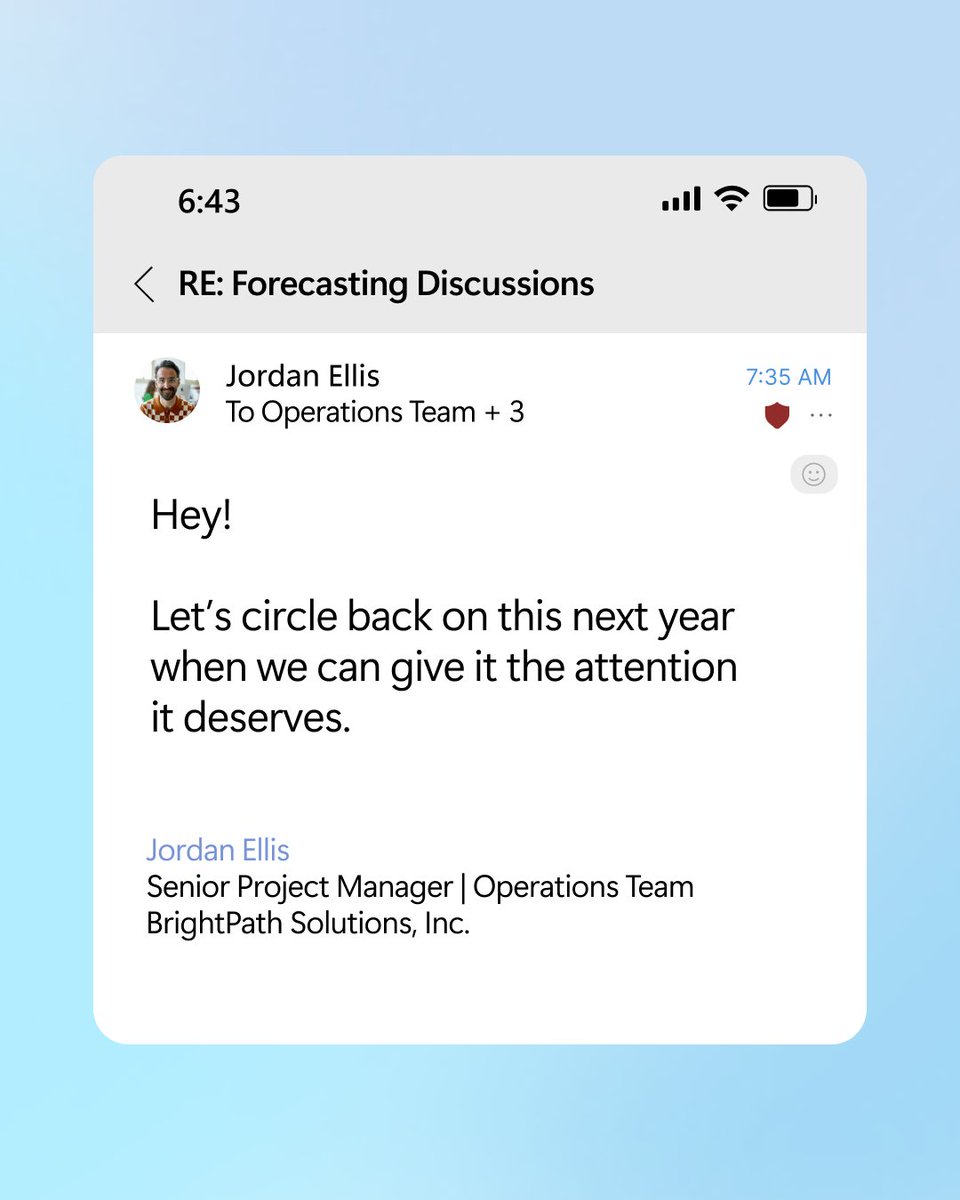
ALT Outlook email with subject line RE: Forecasting Discussions that reads, "Hey! Let's circle back on this next year when we can give it the attention it
deserves."
Trying to keep up with all the latest Microsoft 365 Copilot updates? We've got your back. Tap the link for a one-stop roundup of all the latest features and improvements from the past month: msft.it/6014sKXqw
ALT Text reads, "Missed the latest updates for Microsoft 365 Copilot? Don't worry, we've got you covered."
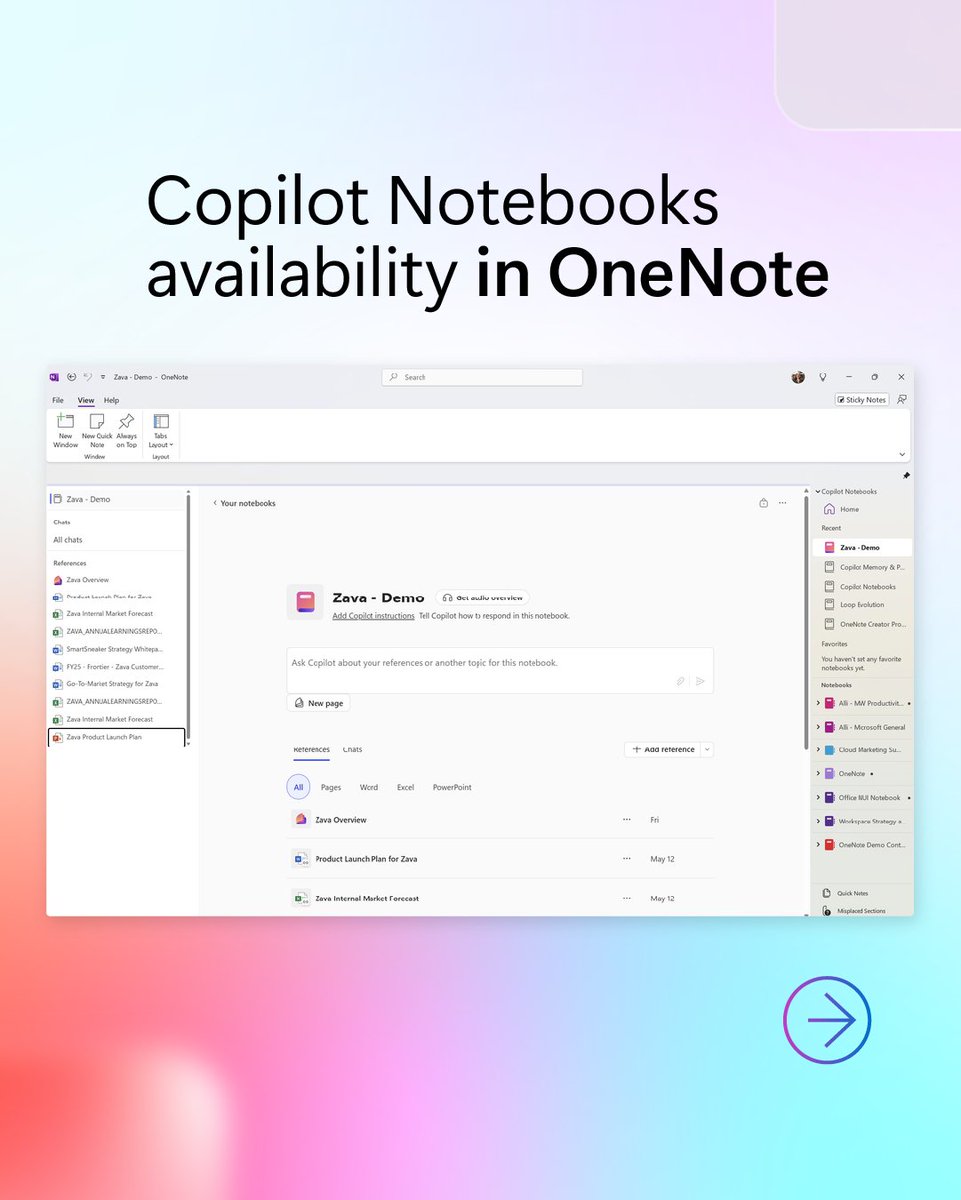
ALT Text reads, "Intelligent assistance with Context I Q in Copilot Chat." Screenshot of this function underneath text.
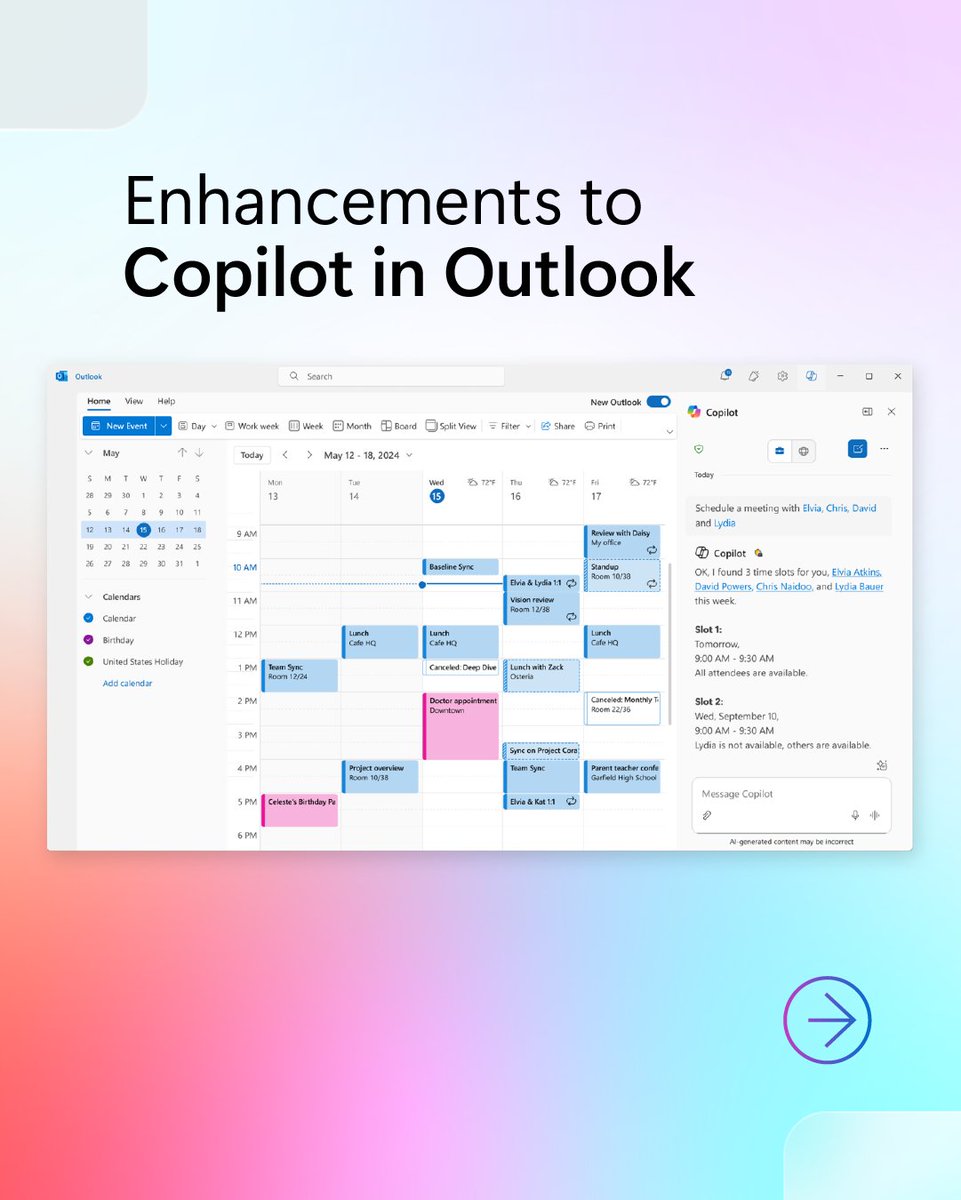
ALT Text reads, "Enhancements to Copilot in Outlook."
ALT Text reads, "Read the blog for all the updates."
Join us for a podcast-style demo where an AI expert will uncover all the ways Copilot in Outlook can help you clear that inbox and write emails!
🗓 Date: Wednesday, July 23, 2025
🕒 Time: 9:00 AM - 10:00 AM PDT
Register now: msft.it/6017s8HVd