Freedom Scientific, a Vispero company, is the largest worldwide manufacturer of assistive technology products for those who are #blind or have #lowvision. #A11Y
When Mitch Delaney retired after 50 years with the IRS, she didn't just leave her job behind. She lost access to the technology that helped her stay connected and get things done independently.
Through iCanConnect, Mitch received JAWS, a laptop, an iPhone, and the training to make them work for her. Today, she's back to coordinating workshops, connecting with family and friends, and staying active in her community.
Read Mitch's Story: hubs.li/Q04l1qRC0#ScreenReader#JAWS
Ever land on a web page and wonder where the important information is?
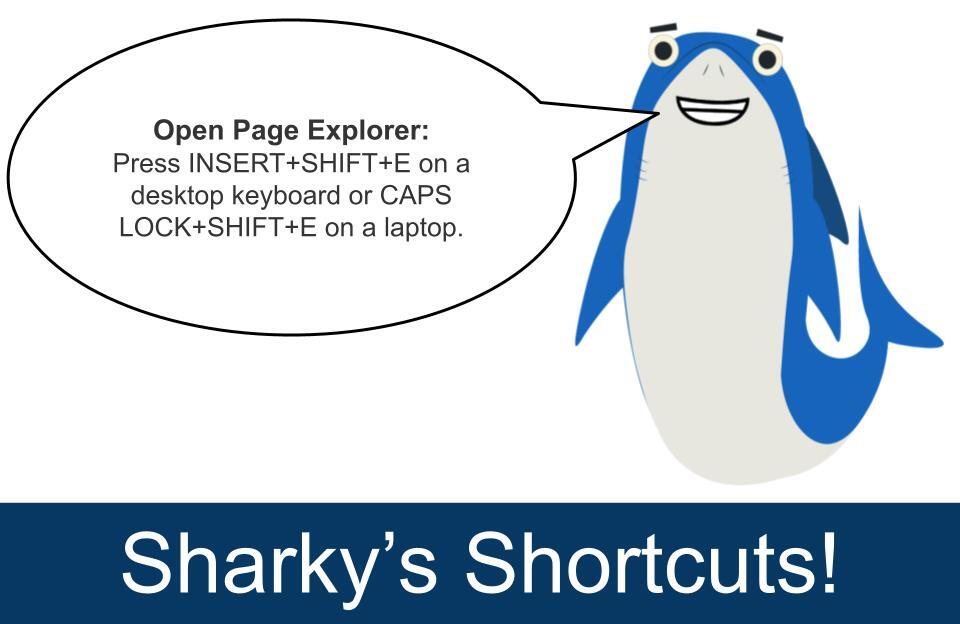
Using the JAWS shortcut INSERT SHIFT E, Page Explorer helps you quickly understand page structure, identify key links and content, and find the information you need without navigating through every heading and link.
Learn more in this short training video: hubs.li/Q04l50Xr0#ScreenReader#JAWS
ALT JAWS Feature Spotlight, Page Explorer. Along bottom of image; dark blue wavy line and shark fin.
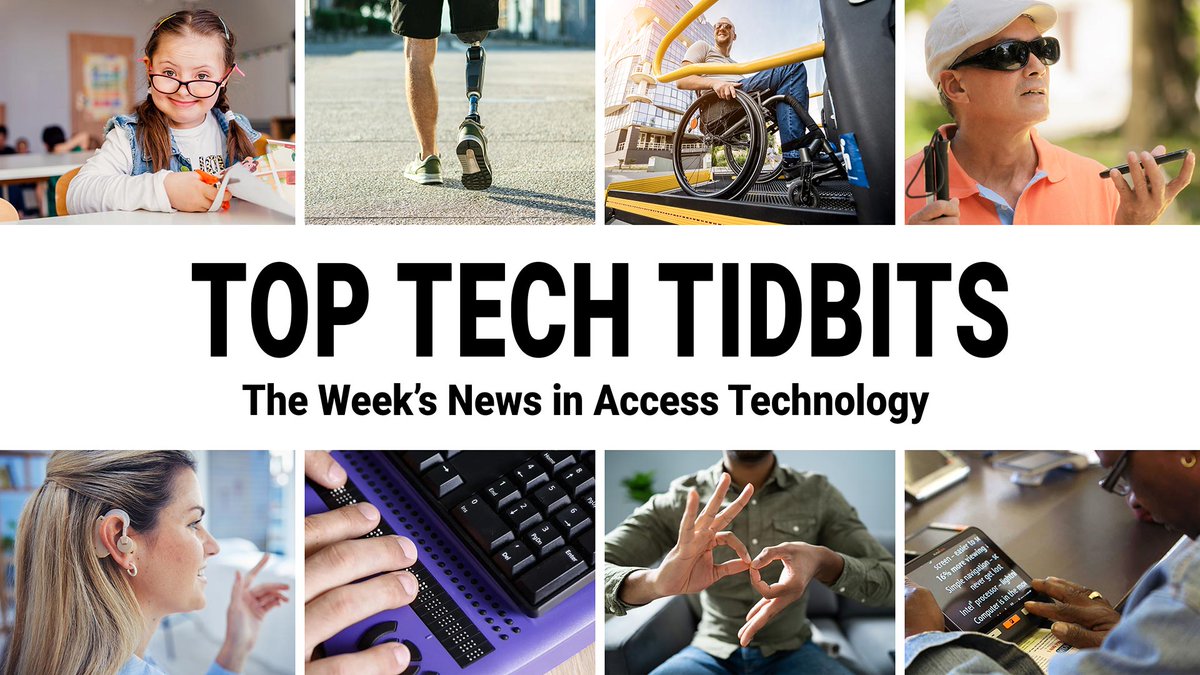
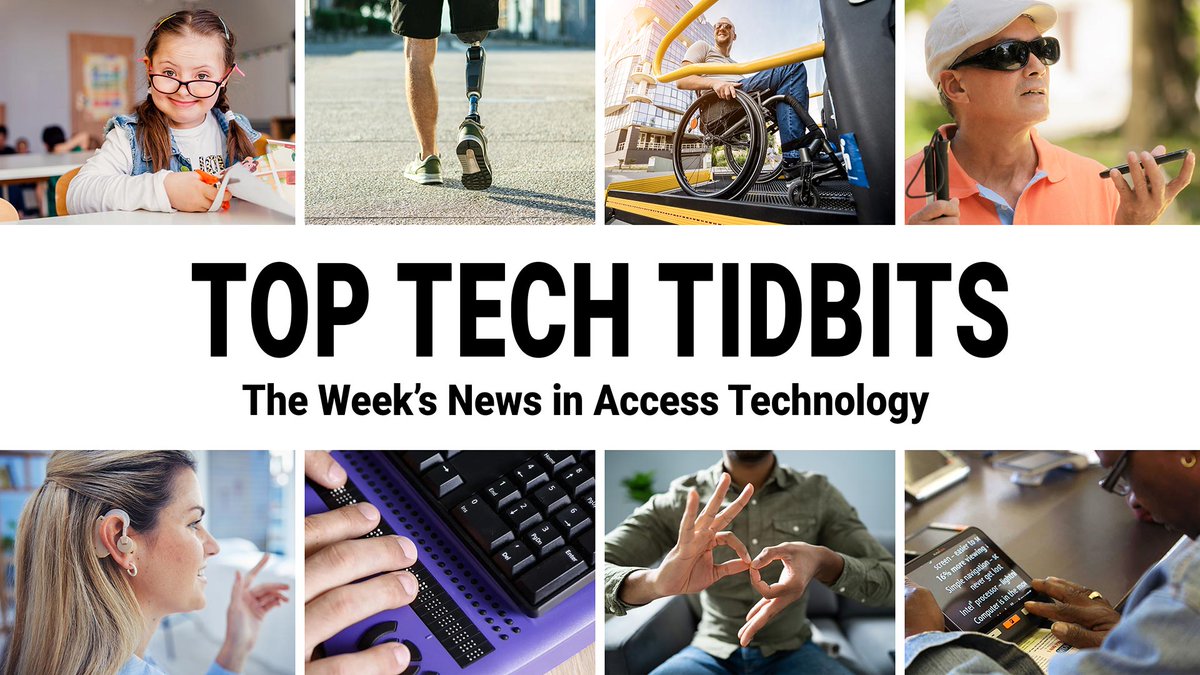
Top Tech Tidbits for Thursday, June 11, 2026 - Volume 1071 | By Aaron Di Blasi, Publisher | Courtesy of The PWD Media Co-Op
toptechtidbits.com/newslette…
♿️ The Week's News in Access Technology
A Mind Vault Solutions, Ltd. Publication
Did you request an ACVREP credit certificate for attending the live webinar: Use AI Features in JAWS, ZoomText, and Fusion to Better Understand and Navigate Digital Content? Please check your inbox; these have all been sent.
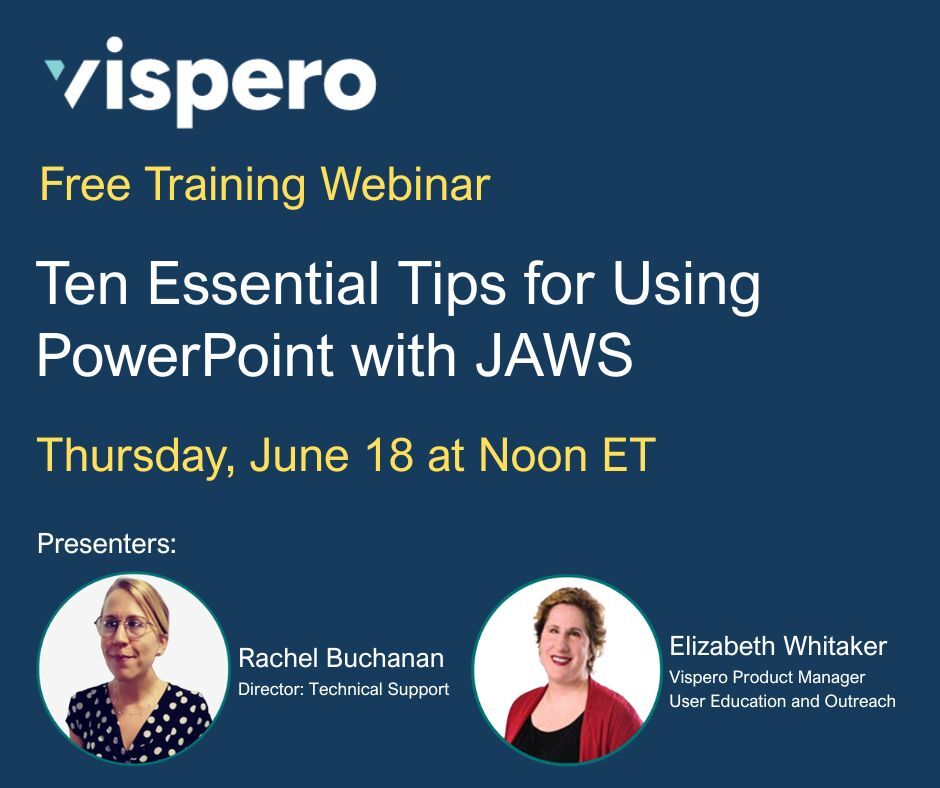
We hope you can join us on June 18 at Noon ET for our next live webinar: Ten Essential Tips for Using PowerPoint with JAWS. Register today: hubs.li/Q04kFM0b0#ACVREP#JAWS#VisperoTraining
Join us Thursday, June 18 at noon ET for Ten Essential Tips for Using PowerPoint with JAWS. ACVREP credits available during live presentation.
Register: hubs.li/Q04kKFYl0#VisperoTraining#ACVREP#JAWS
ALT Vispero, Free Training Webinar, Ten Essential Tips for Using PowerPoint with JAWS, Thursday, June 18 at Noon ET, Presenters: Rachel Buchanan and Elizabeth Whitaker (both pictured)
Looking for short training videos on specific topics? You’ll find them on the Freedom Scientific Training channel on YouTube.
hubs.li/Q04jNYtG0#VisperoTraining#JAWS
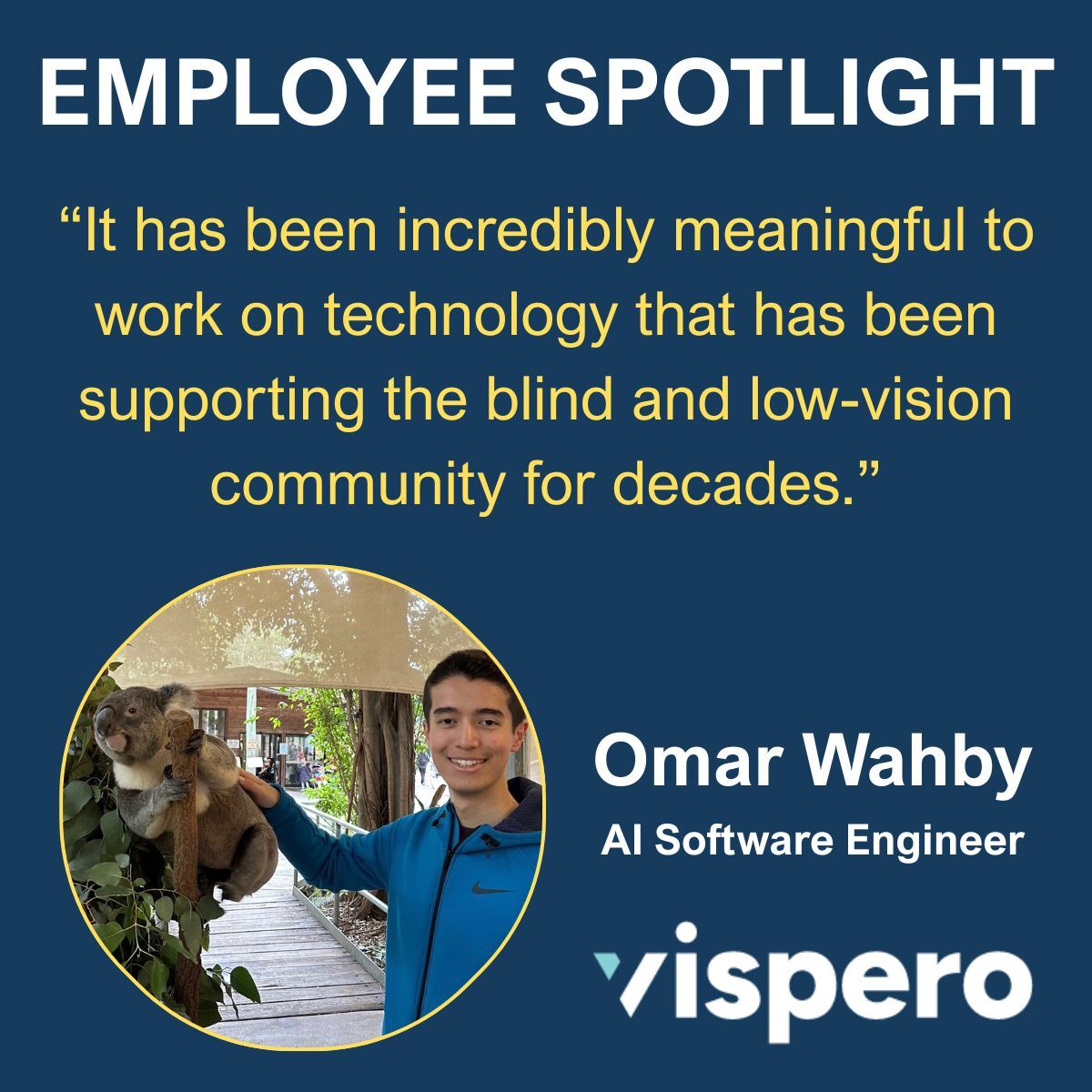
Have you ever wondered about the people helping build the AI features in JAWS?
In our latest Employee Spotlight, Omar shares how his interest in artificial intelligence led him to Vispero, what it's like working on AI-powered features for JAWS, and how engineering continues to evolve alongside new technology.
Read Omar's story: hubs.li/Q04k8QqT0#JAWS
ALT Employee Spotlight; Omar Wahby (pictured standing next to a Koala) AI Software Engineer. Quote from article: “It has been incredibly meaningful to work on technology that has been supporting the blind and low-vision community for decades.”
#Accessibility doesn't stop at the airport entrance.
Join Ryan Jones on Tuesday, June 16 at Noon ET to discuss common accessibility barriers and practical opportunities to improve accessibility across the travel journey.
Register today: hubs.li/Q04jYb9F0
ALT Vispero, Webinar, Beyond the Ramp: Why Airport ADA Compliance Must Include Digital Accessibility, Tuesday, June 16 at Noon ET, Presenter, Ryan Jones, SVP Global Accessibility Strategy and Advocacy.
Join us in one hour to learn how Picture Smart AI, Page Explorer, and the AI Labeler can help you provide insight into your digital environment.
hubs.li/Q04jNGh10#ACVREP#VisperoTraining#JAWS
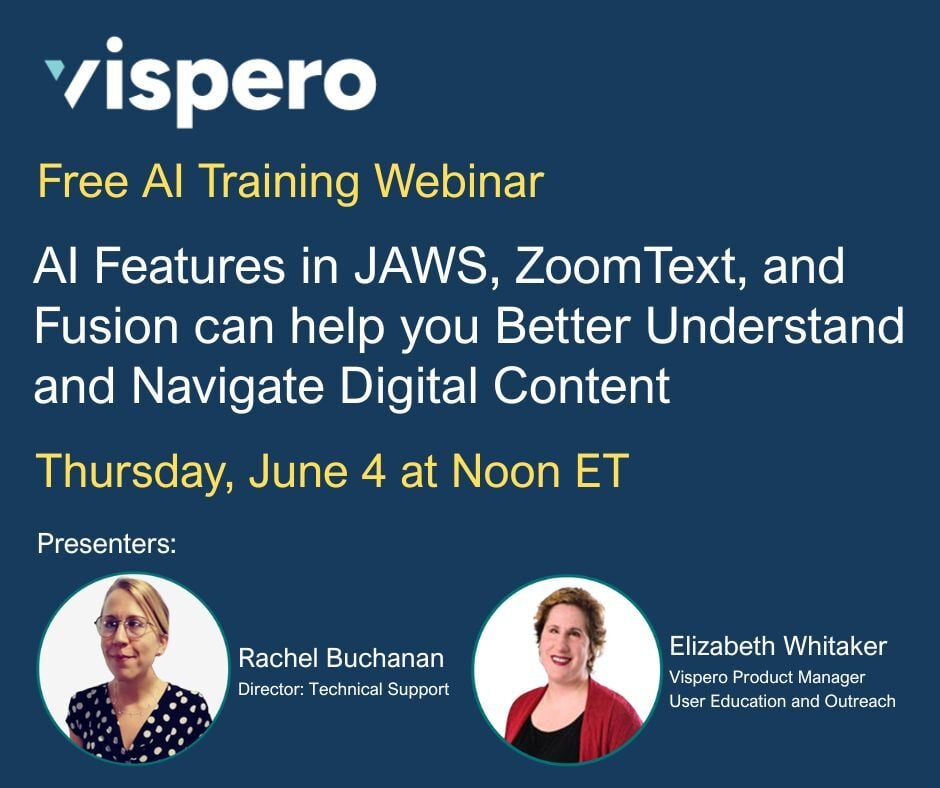
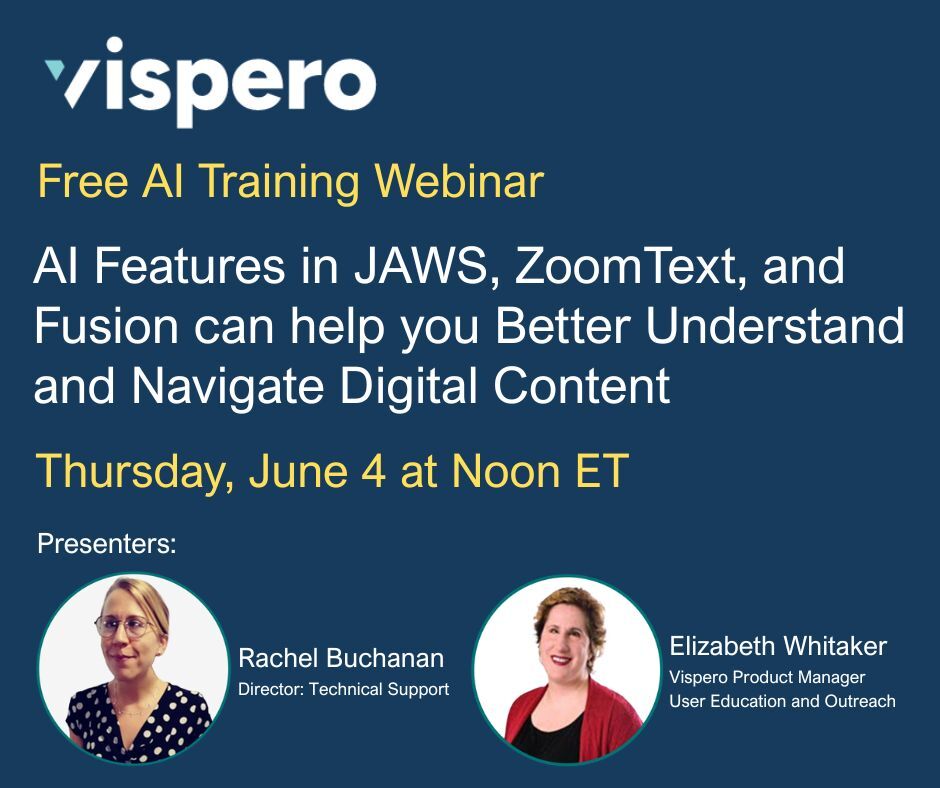
ALT Vispero, Free AI Training Webinar, AI Features in JAWS, ZoomText, and Fusion can help you Better Understand and Navigate Digital Content, Thursday, June 4 at Noon ET, Presenters: Rachel Buchanan and Elizabeth Whitaker (both pictured).
Top Tech Tidbits for Thursday, June 4, 2026 - Volume 1070 | By Aaron Di Blasi, Publisher | Courtesy of The PWD Media Co-Op
toptechtidbits.com/newslette…
The world's #1 online resource for current news and trends in access technology.
#TopTechTidbits#Accessibility#A11y
Did you know you can ask follow-up questions about an image after Picture Smart generates a description?
Once the description appears in the Results Viewer, activate the "Ask questions about this image" link near the bottom of the window. Type your question, press ENTER, and JAWS will provide additional details about the image.
Need to know more about a chart, graphic, or photo? Just ask.
Learn more in this short training video: hubs.li/Q04jYFrq0#JAWS#VisperoTraining
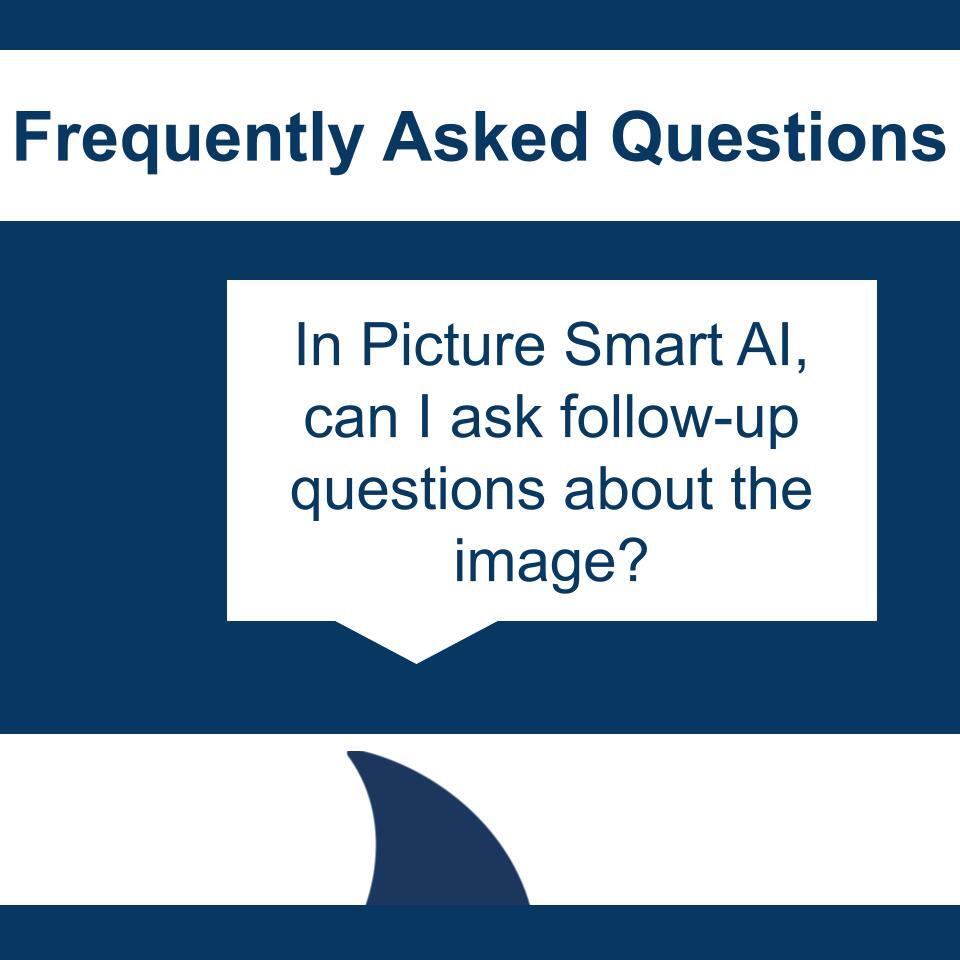
ALT Frequently Asked Questions; In Picture Smart AI, can I ask follow-up questions about the image?
Did you attend the May 7 AI Training Webinar, "Conduct In-depth Research and Solve Complex Problems Using AI?" In this session, Elizabeth and Rachel demonstrated how to ask better questions, evaluate AI responses, and use AI to support decisions at work and at home.
In case you missed it or want to review the information at your own pace, the archive is now available: hubs.li/Q04jVh600#AITraining#VisperoTraining#JAWS
ALT Vispero, Conduct In-depth Research and Solve Complex Problems Using AI, Archive Available Now!
Have you registered? Join us Thursday, June 4th at noon ET to learn how AI Features in JAWS, ZoomText, and Fusion can help you Better Understand and Navigate Digital Content. ACVREP credits available during the live presentation. There is still time; register today:
hubs.li/Q04jMcGv0#ACVREP#VisperoTraining#JAWS
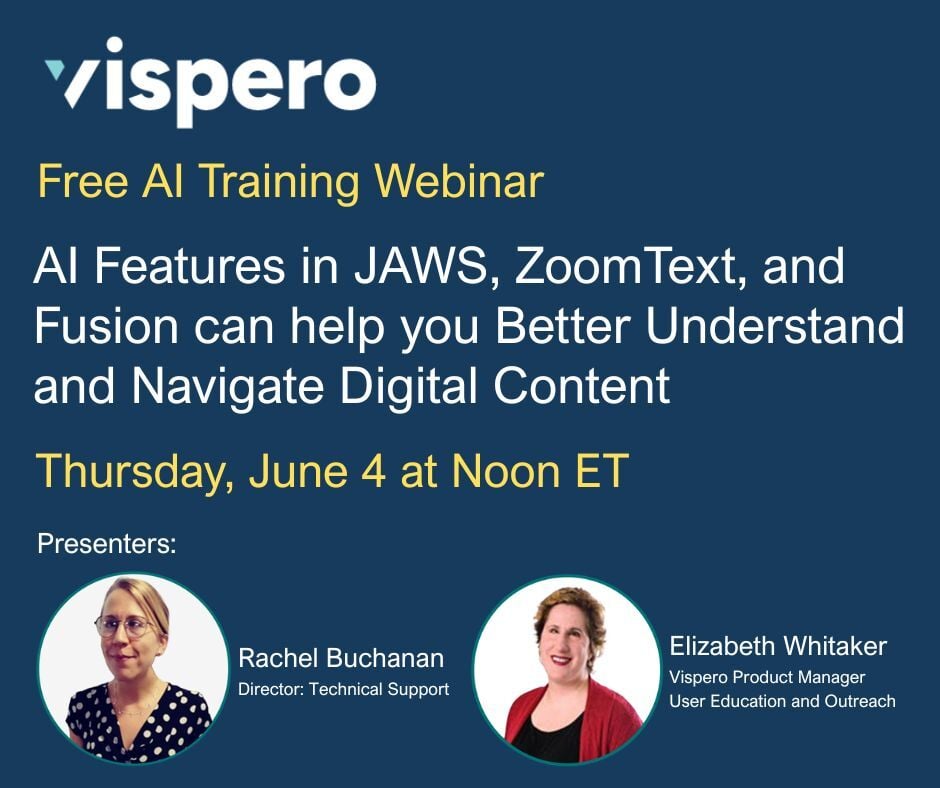
ALT Vispero, Free AI Training Webinar, AI Features in JAWS, ZoomText, and Fusion can help you Better Understand and Navigate Digital Content, Thursday, June 4 at Noon ET, Presenters: Rachel Buchanan and Elizabeth Whitaker (both pictured).
Subscribe to our Vispero Training blog to stay up to date on upcoming events and training webinars, new software features and releases, and company announcements. hubs.li/Q04jDl-N0
Working through complex web pages, PDFs, Word documents, or PowerPoint files? This webinar archive highlights six JAWS features that can help you navigate challenging layouts more efficiently and better understand the content you’re working with.
Explore features designed to make navigating tables, forms, images, and dense page structures easier across the web and documents.
Access the webinar: hubs.li/Q04jzN1J0#VisperoTraining#JAWS
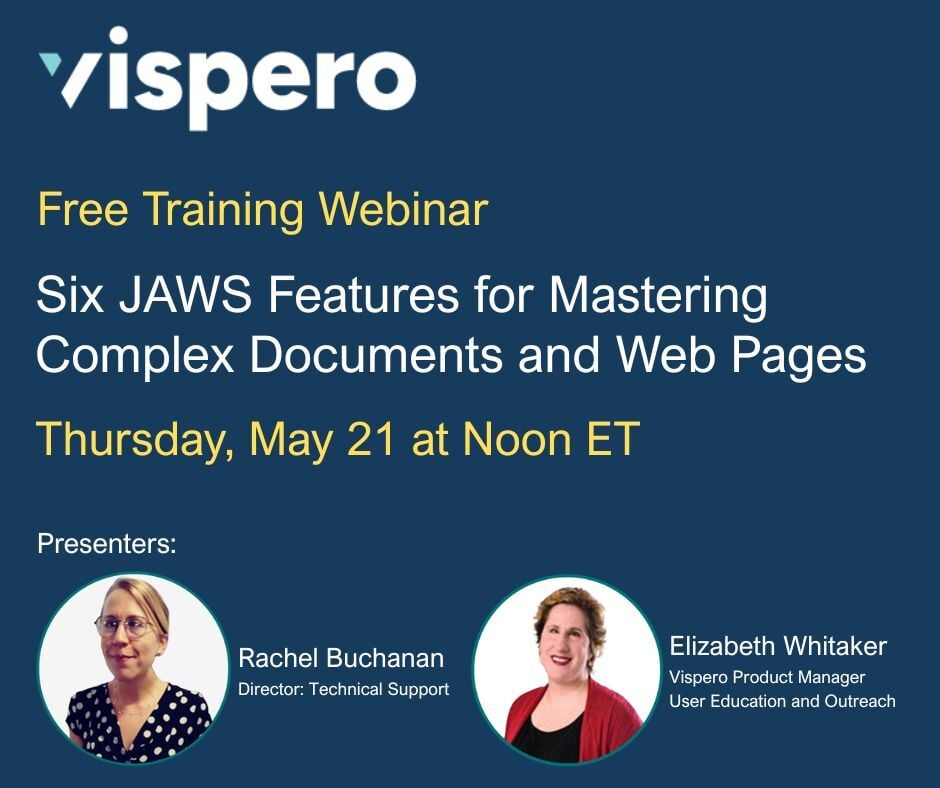
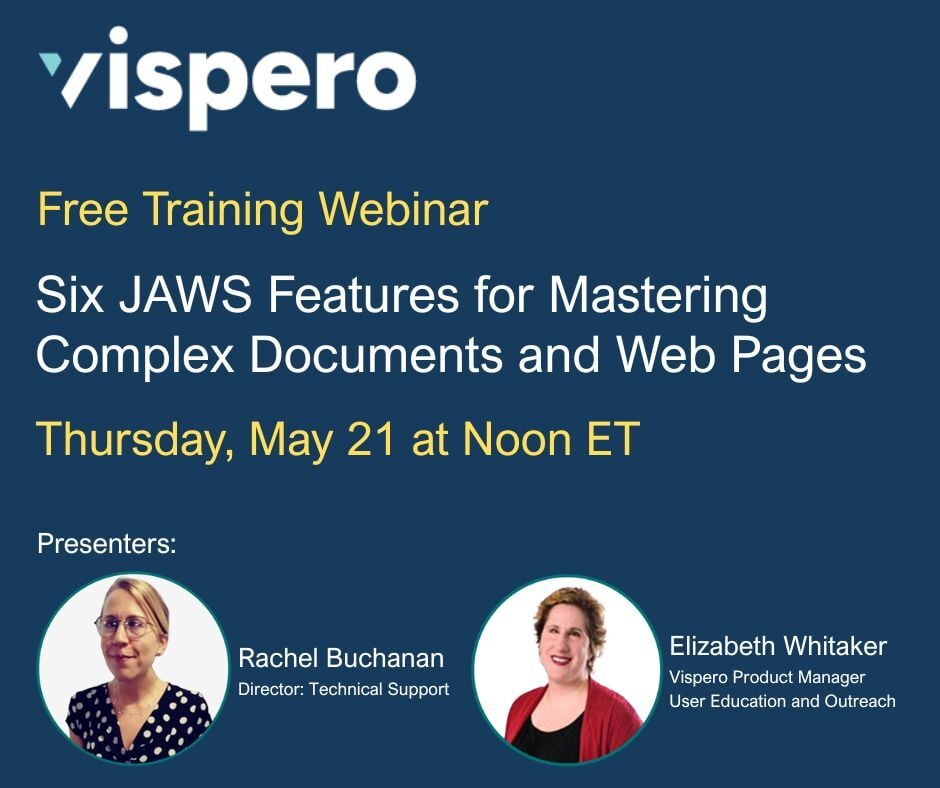
ALT Vispero, Six JAWS Features for Mastering Complex Documents and Web Pages, Archive Available Now!
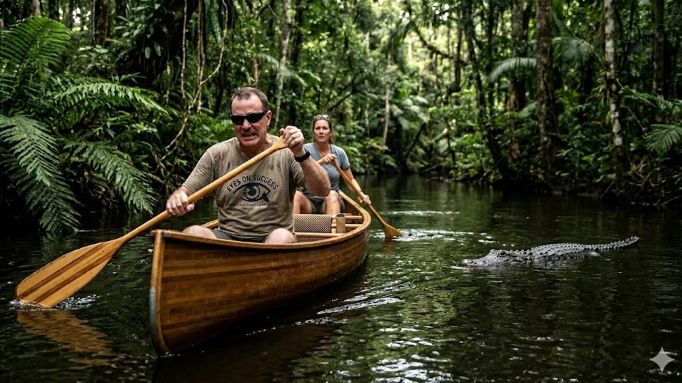
Check out this interview of Jose Tamayo, Training Specialist at Vispero, by @_EyesOnSuccess . Jose shares his experiences during a 65-mile canoe outing.
2620 Encore of 1221 Cracked Ribs and Alligator Scares in a Canoe (5/20/26)
eyesonsuccess.net/eos_2620_p…
with blind paddler Jose Tamayo about a 65-mile planned canoe outing that became a demanding test of endurance incl dry riverbeds, alligator encounters, painful cracked ribs, etc.
ALT AI generated image of a man and a woman paddling a wood canoe in a river. There is a large alligator approaching the canoe. The man is wearing dark glasses and a tee shirt that reads 'Eyes On Success'. Thanks to Gemini for the image.