Save cash on your phone plan and enjoy our memes. Who said you can’t have it all?
- Tweets 1,241
- Following 56
- Followers 699
- Likes 32


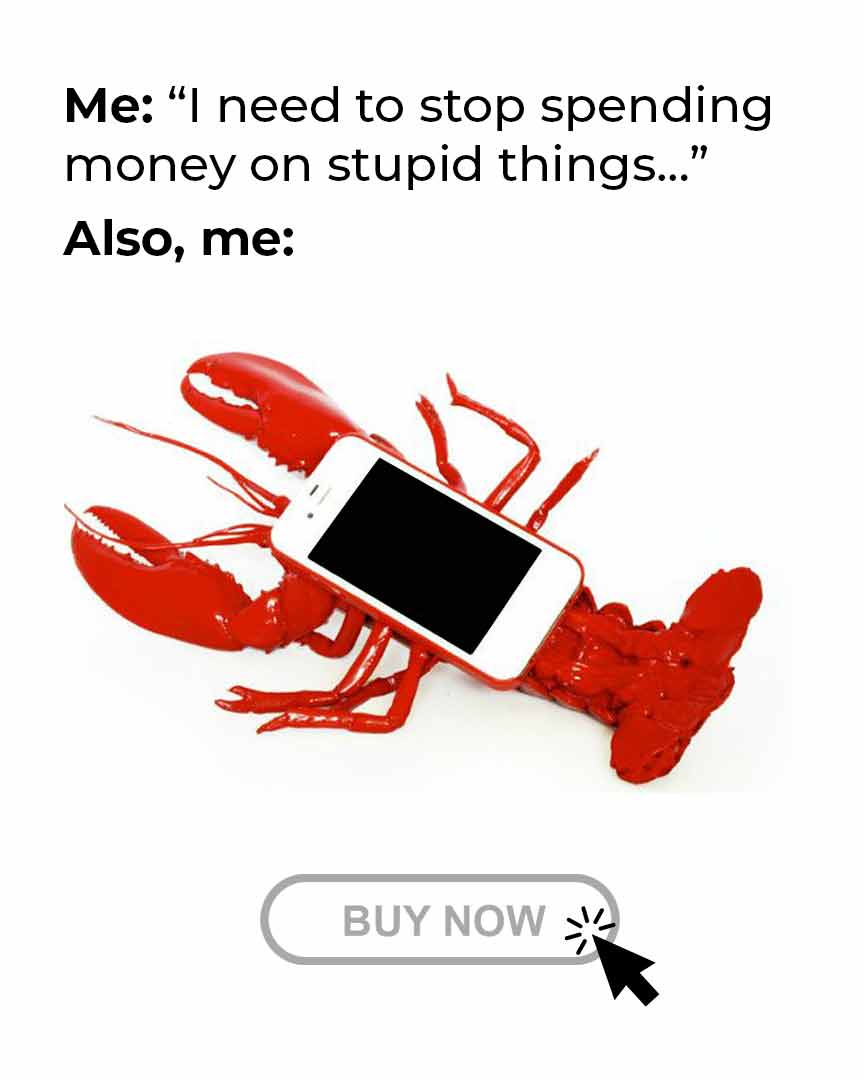








ALT A red lobster holding a smartphone with its claw, positioned above a "Buy Now" button. The text above reads, "Me: I need to stop spending things... Also, me:
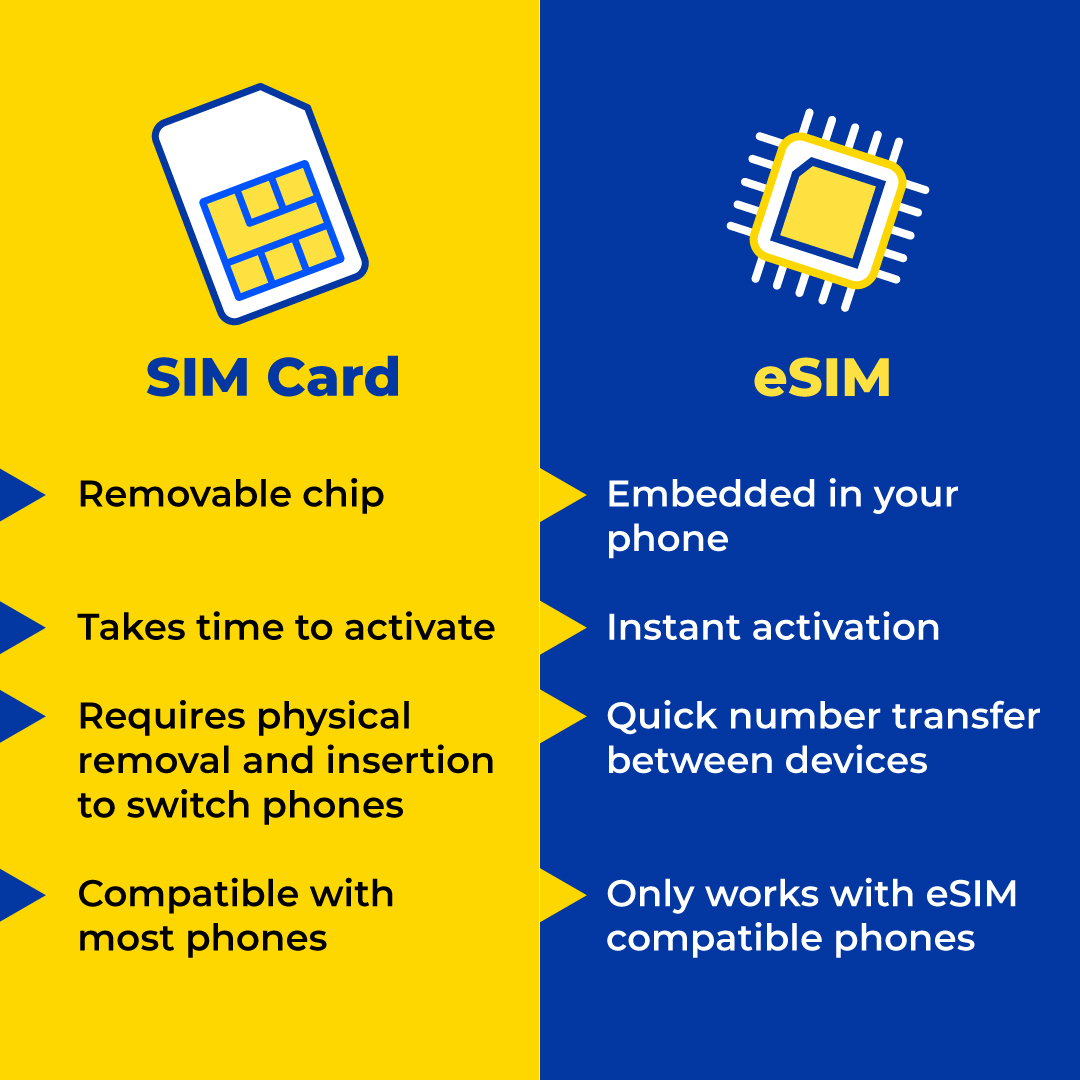
ALT Hello Mobile logo on a blue background with the text 'We've leveled UP!' and emojis of a muscle, a rocket, and a mobile phone.

ALT Promotional graphic featuring text "Now, you’ll get FASTER speed & improved RELIABILITY", accompanied by Wi-Fi, chart, and computer icons on a blue background.

ALT Text "Say Hello to our upgraded network." with lightning bolt, 100%, and high-five hand emojis on a blue background.
ALT A friendly welcome to our upgraded network, highlighting better connections and faster service for everyone.
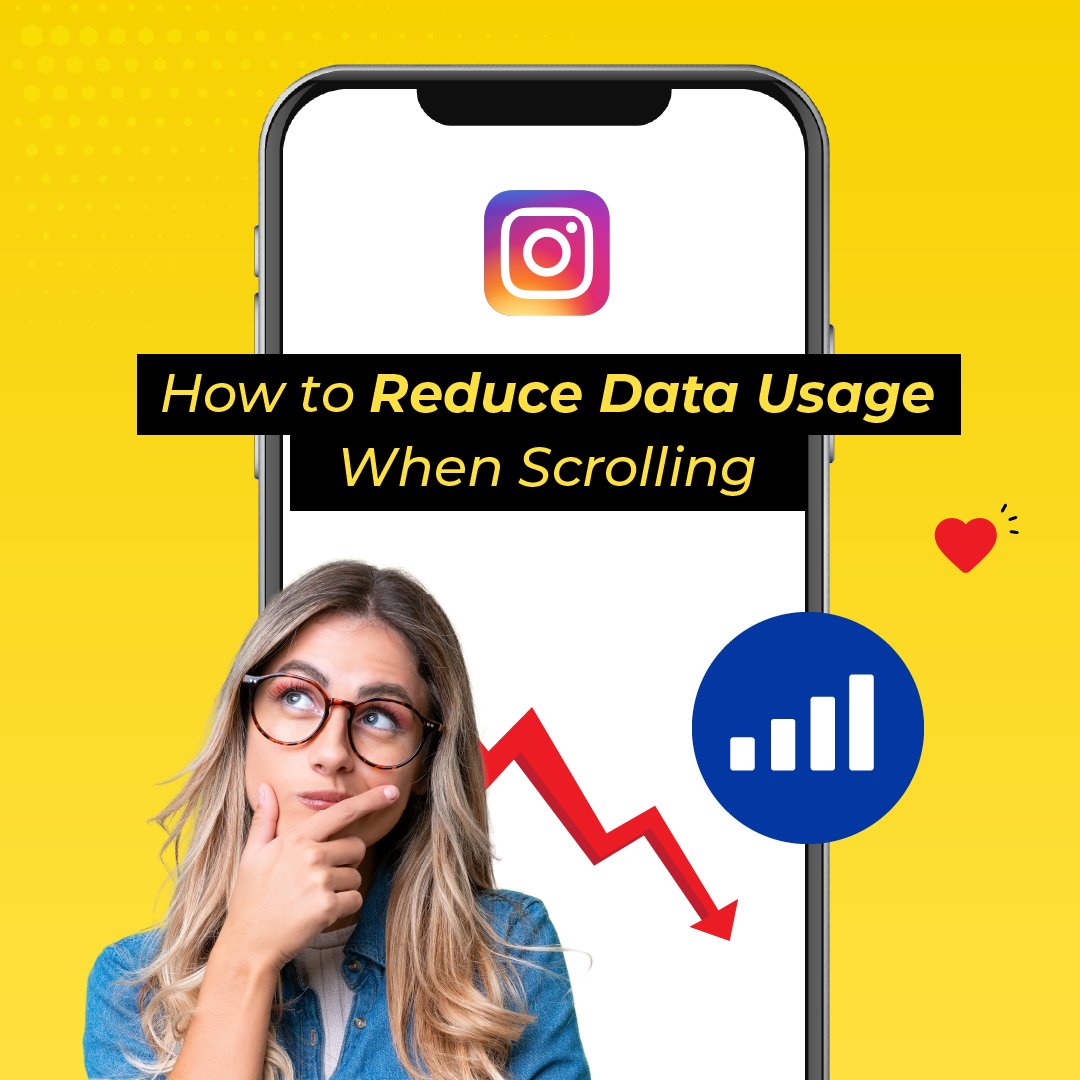
ALT A woman with glasses looks thoughtful; a smartphone screen behind her displays an Instagram logo and a falling data graph. Text reads "How to Reduce Data Usage When Scrolling.”
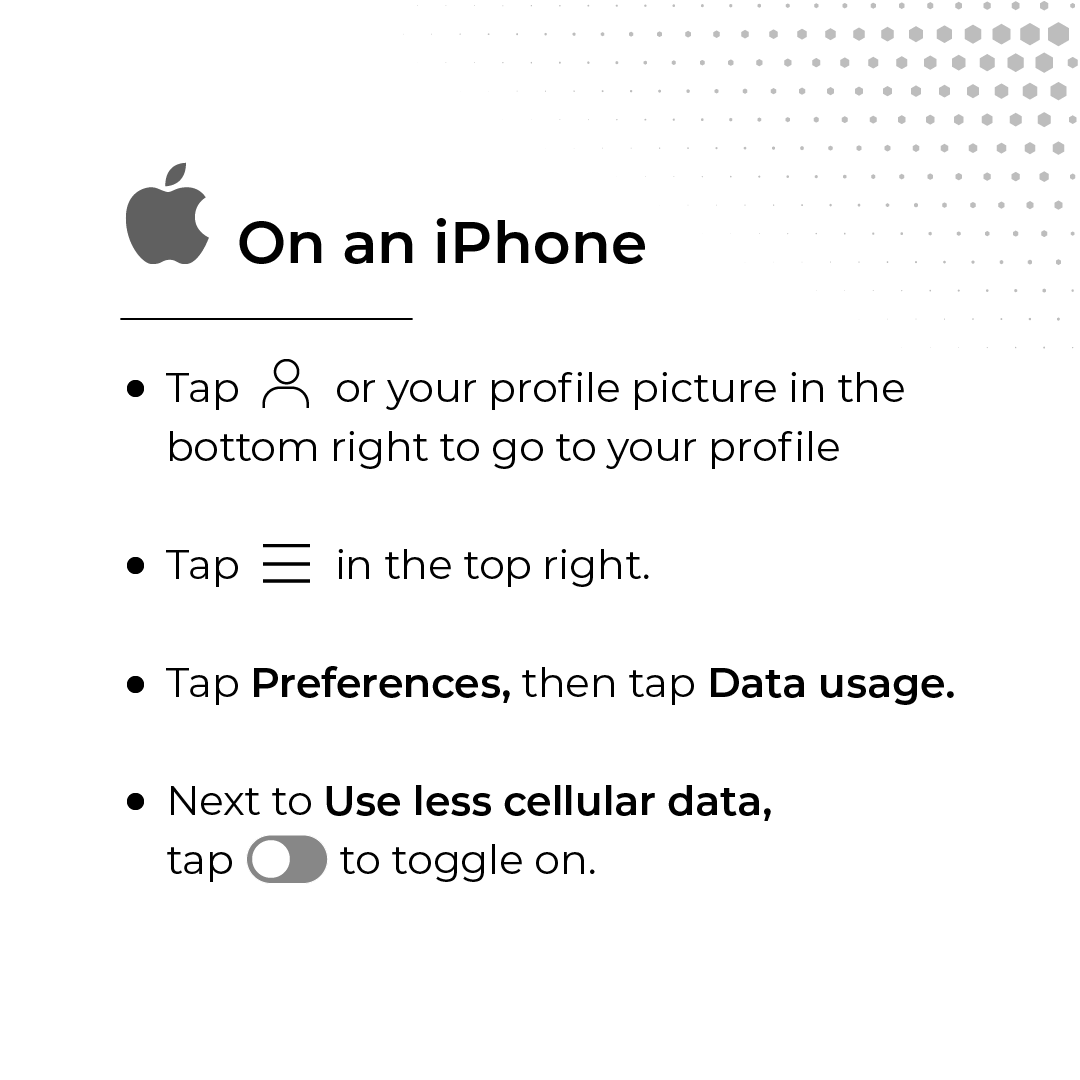
ALT Instructions on how to reduce data usage on an iPhone: Tap your profile icon, then the menu icon. Select “Preferences,” tap “Data usage,” and toggle on “Use less cellular data.”
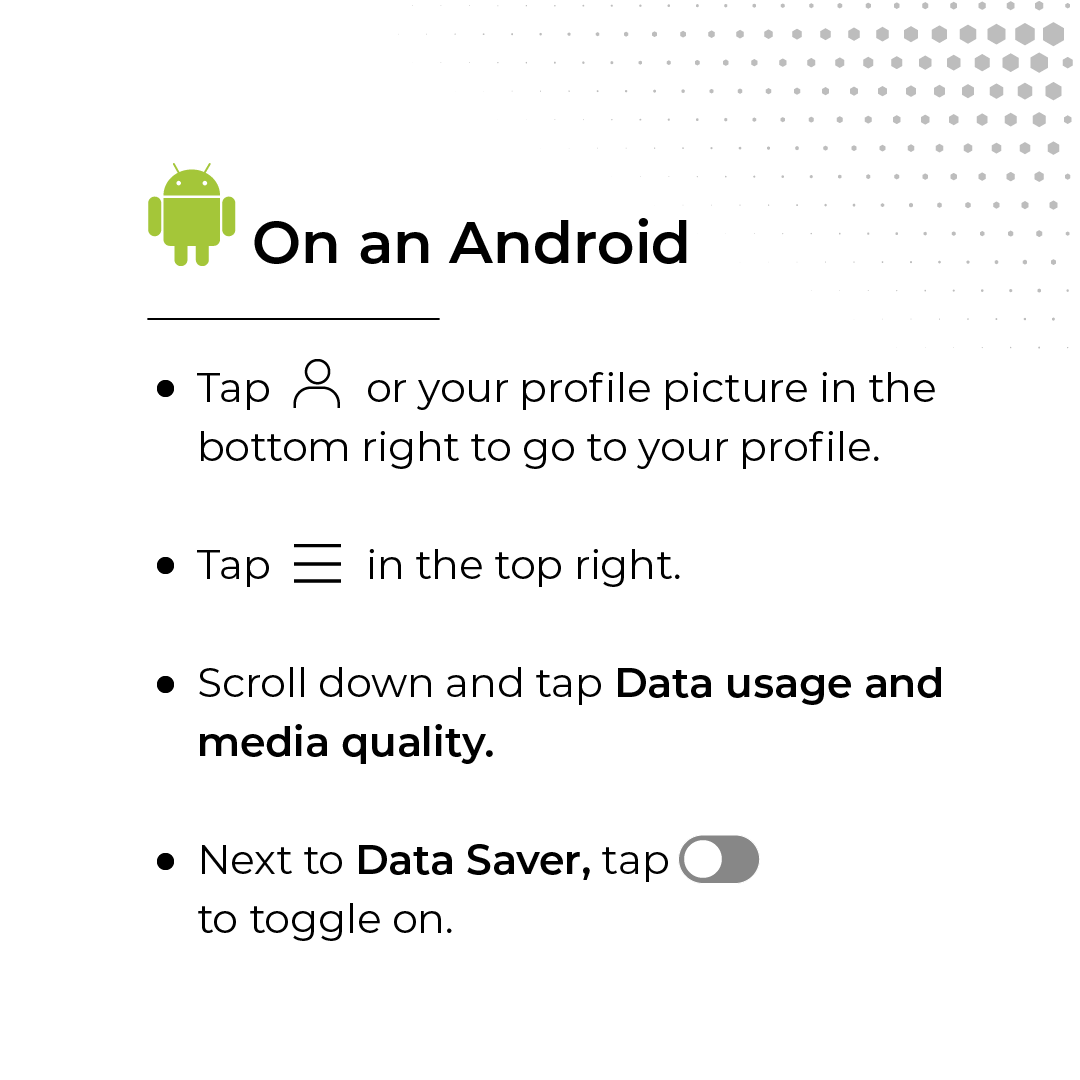
ALT Instructions on how to reduce data usage on an Android: Tap your profile icon, then the menu icon in the top right. Scroll down and tap “Data usage and media quality.” Next, tap “Data Saver” to toggle it on.
ALT Instructions on how to reduce data usage on an Android: Tap your profile icon, then the menu icon in the top right. Scroll down and tap “Data usage and media quality.” Next, tap “Data Saver” to toggle it on.