Envisioning a Brighter Tomorrow through the lends of technology!
- Tweets 1,854
- Following 33
- Followers 526
- Likes 451
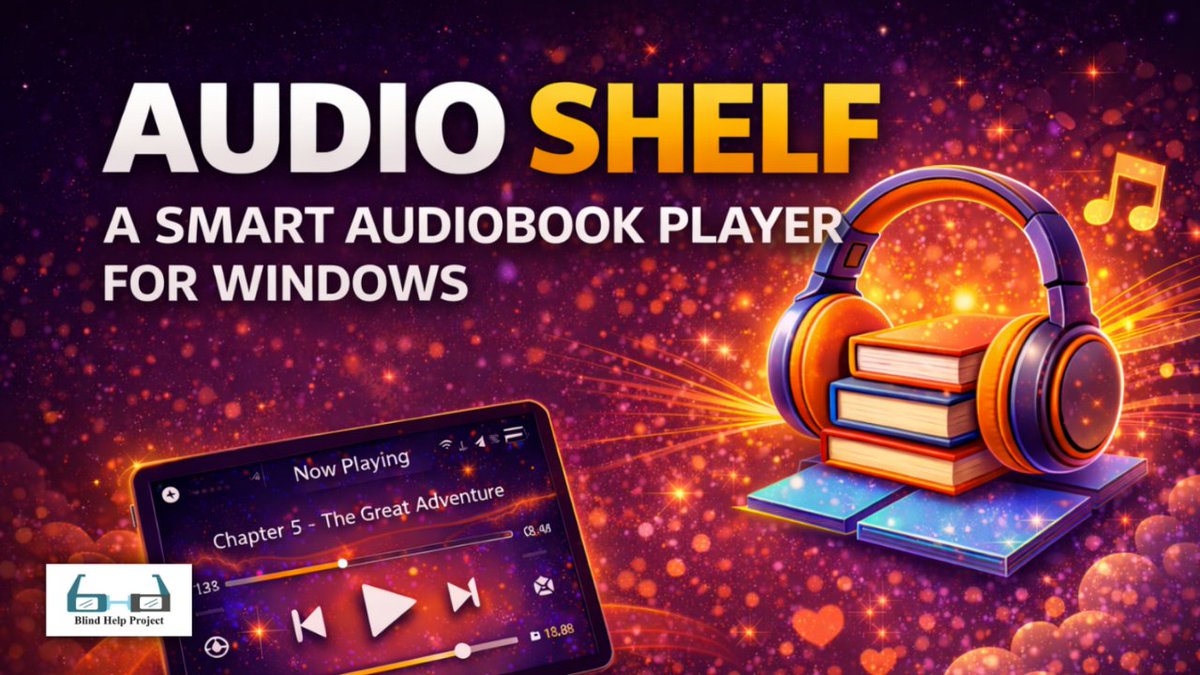



ALT Promotional banner for an audiobook app. Large text says “AUDIO SHELF – A SMART AUDIOBOOK PLAYER FOR WINDOWS.” On the right, a bright illustration shows a stack of colorful hardcover books resting on glowing digital tiles, with large orange-and-purple over-ear headphones wrapped over the books and golden sparkles and a music note around them. On the lower left, a tilted tablet screen displays an audiobook player interface with “Now Playing – Chapter 5: The Great Adventure,” a progress bar, and playback controls. In the bottom left corner is the “Blind Help Project” logo with stylized teal eyeglasses.
ALT Promotional poster for VLC Media Player with a colorful, glowing background. At the center is the VLC traffic-cone logo in orange and white, sitting on an orange base. Around it are stylized media-related icons: two movie clapperboard icons with play symbols, an orange play-button square, several golden musical notes, and scattered heart shapes, all on a purple starry, cloud-like backdrop. Near the top right corner, there is a small blue rectangle with text and a logo. The blue rectangle has the word: by Below it is a small white box with a logo and the text: Blind Help Project Large text in the middle reads: VLC Media Player Below that, larger white text says: Play Anything, Anytime Three feature lines are written underneath, each preceded by a green circle with a white check mark: Free & Open Source Plays Most Audio & Video Formats Works on Windows, macOS, Linux, Android & iOS
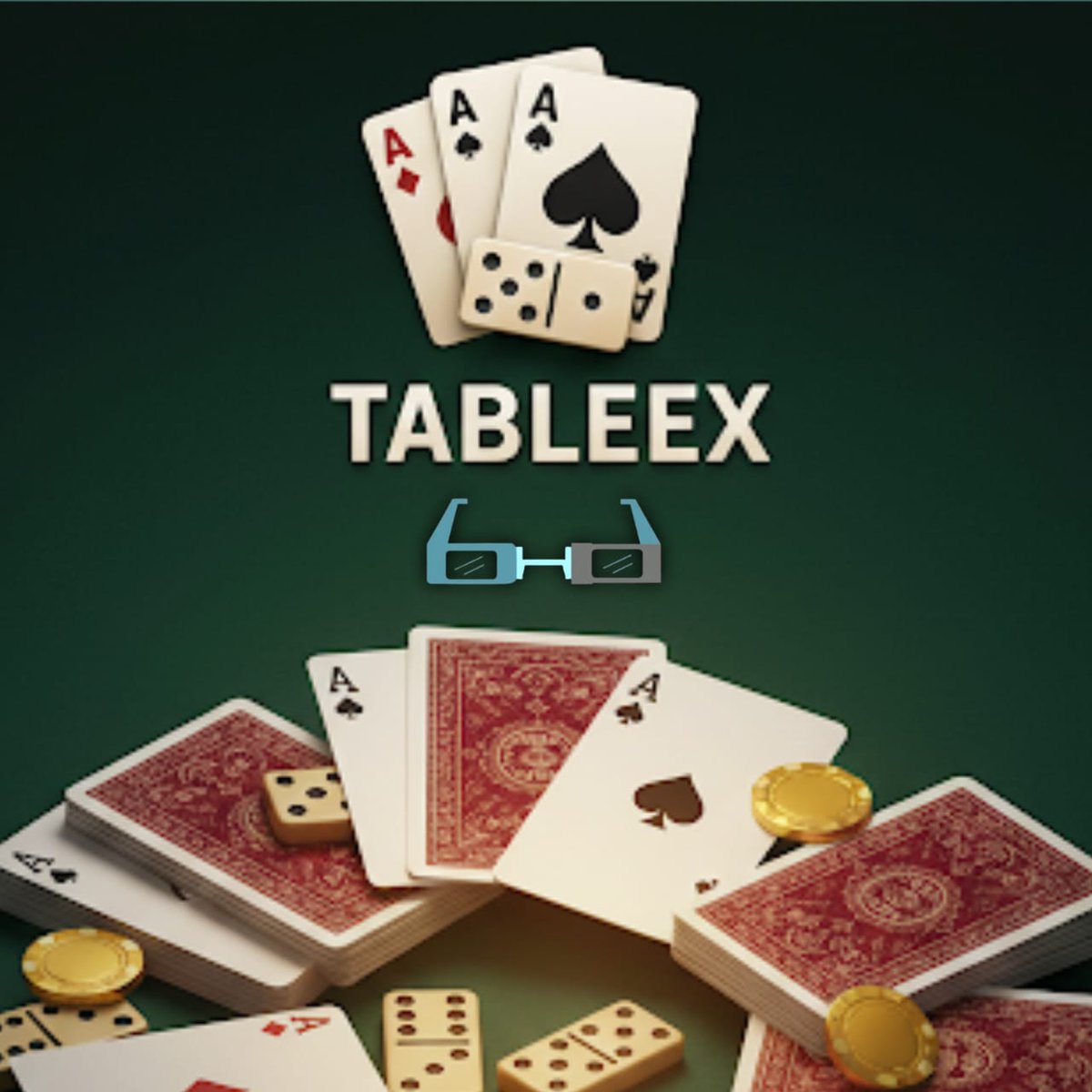
ALT A dark green felt gaming scene with the word TABLEEX centered in bold cream letters. Above the text are three fanned playing cards (two black spade aces and one red diamond ace) with a domino tile in front. Below the text is a small teal-and-gray eyeglasses icon. The lower area shows scattered stacks of red-backed playing cards, several face-up aces, ivory domino tiles with black pips, and gold poker chips.
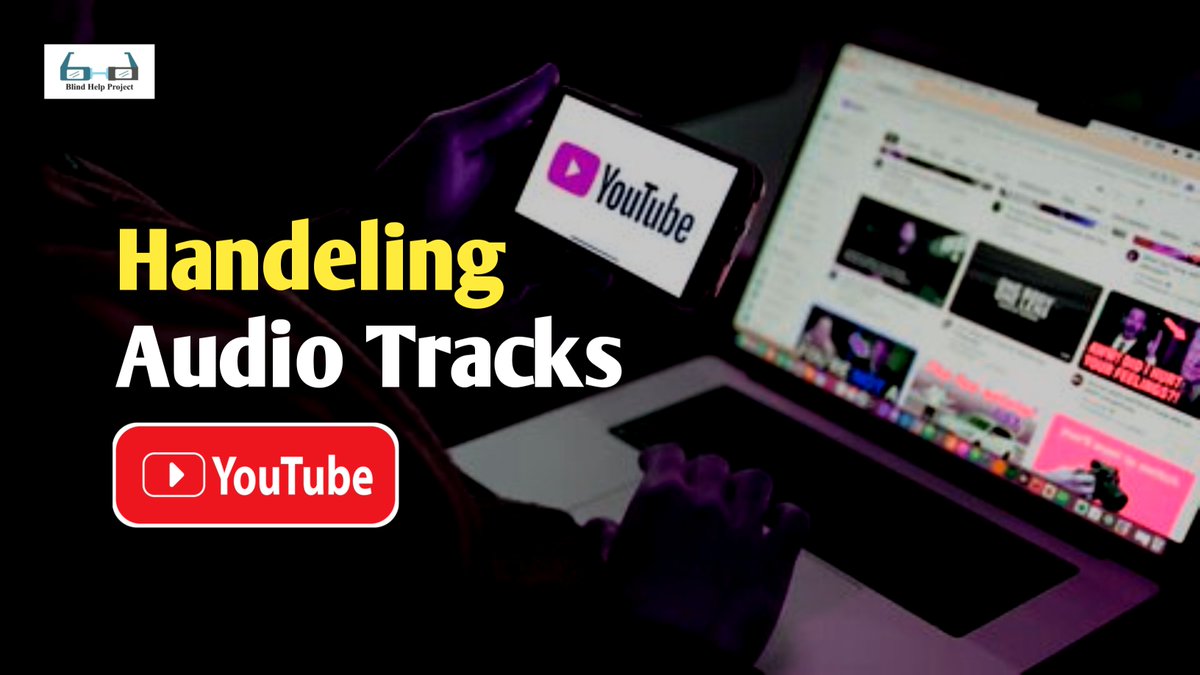
ALT A person sits at a desk using a laptop with the YouTube website open, while holding a smartphone displaying the YouTube logo. Overlayed on the image, large text reads "Handeling Audio Tracks"; "Handeling" is in bold yellow, and "Audio Tracks" is in bold white. Below, there is a prominent red YouTube button with the logo and text "YouTube." In the top left corner, a small "Blind Help Project" logo with an image of eyeglasses is visible. The image has a dark background with brightly colored text and icons for emphasis.
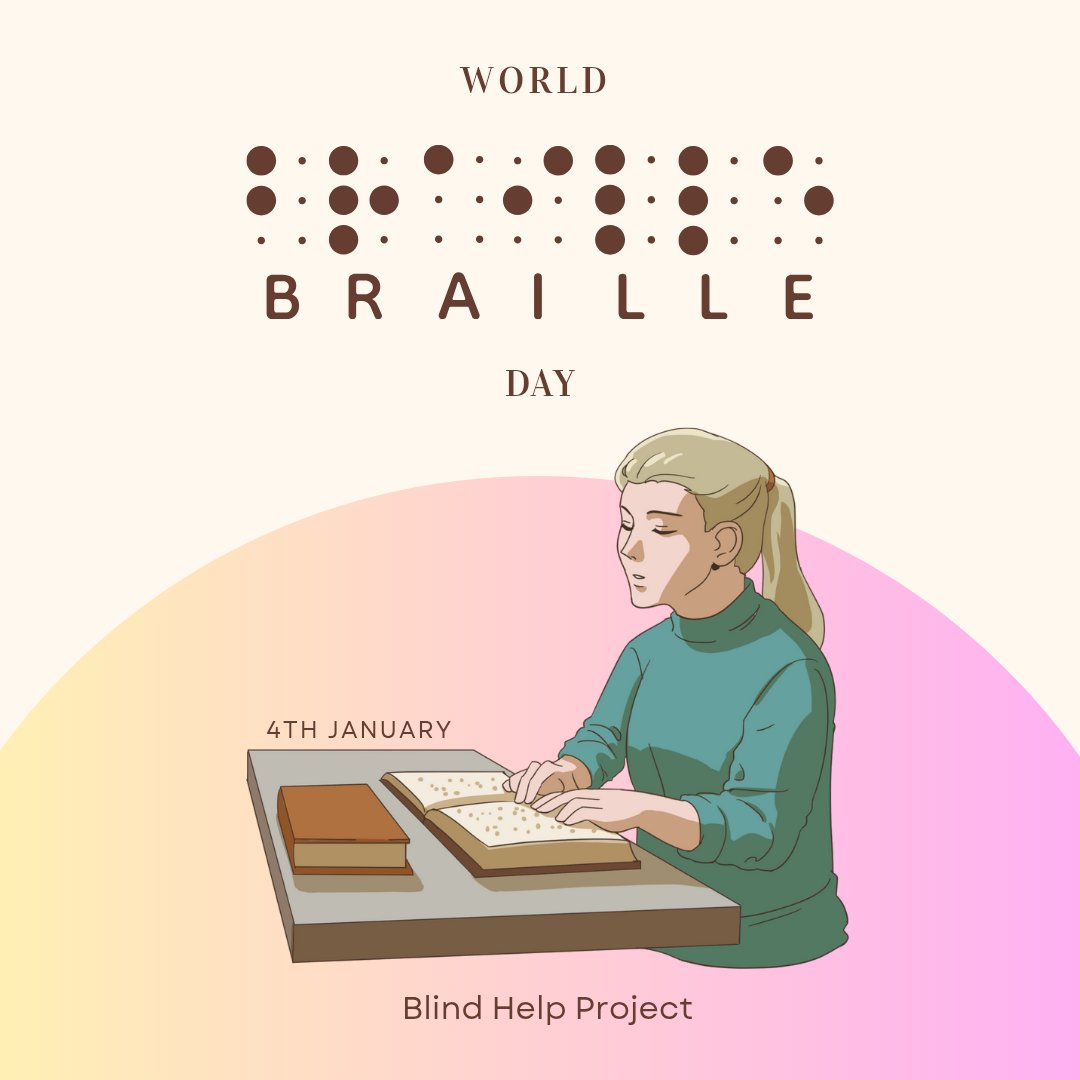
ALT Illustration celebrating World Braille Day. At the top, the words “WORLD BRAILLE DAY” are displayed, with the word "BRAILLE" represented in both large brown dots (mimicking braille cells) and plain text. Below, a young woman with light skin and blonde hair in a ponytail sits at a table, reading a braille book with both hands while another closed book rests beside it. The background features a soft arc of pastel yellow blending into pink and purple. Text near the books reads “4th January,” and at the bottom, it says “Blind Help Project.” The image emphasizes inclusion and the importance of braille for the blind and visually impaired.
ALT A colorful gradient background with shades of blue, purple, pink, and orange. In the center, there is a large white speaker icon with sound waves. Below the icon, bold yellow text reads: TYPING SFX. Underneath, in white italic text: MAKES TYPING WITH NVDA MORE COMFORTABLE, CLEAR, AND ENJOYABLE. At the bottom, there is a small logo featuring headset icons with the words "Blind Help Project."
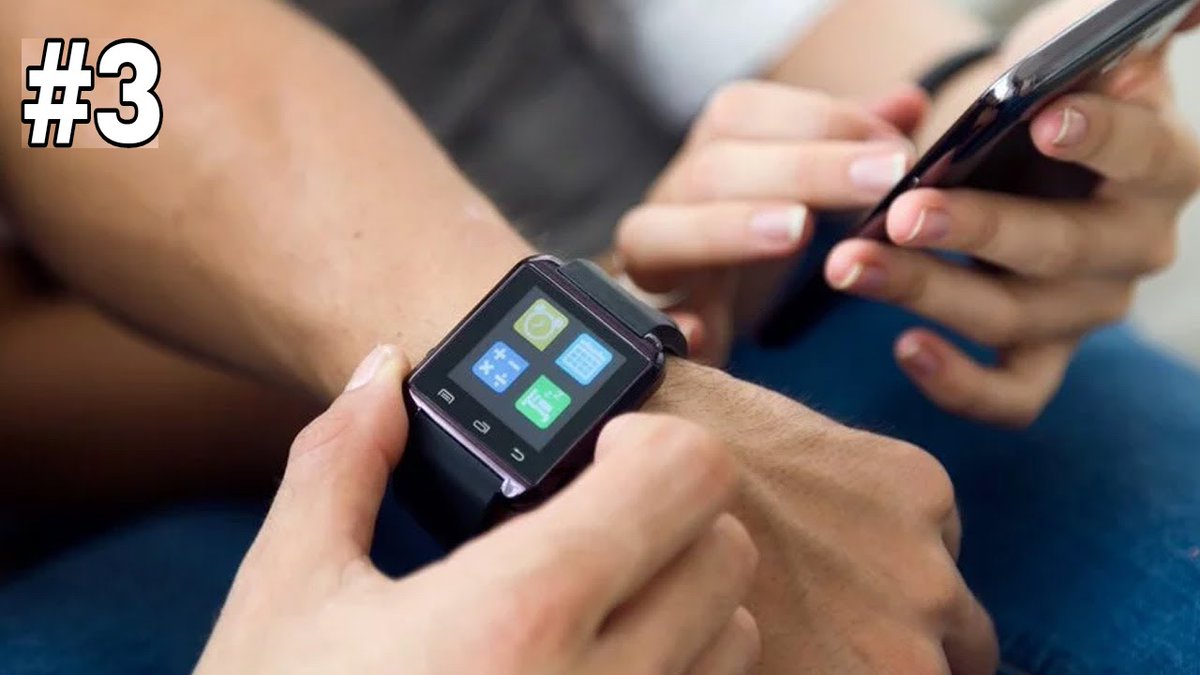
ALT The image shows a close-up of a person's wrist wearing a smartwatch. The smartwatch screen displays four app icons in a grid layout. The person is holding a smartphone in their other hand, and it appears they might be interacting with the smartwatch or the phone. The number "#3" is prominently displayed in the top left corner of the image.
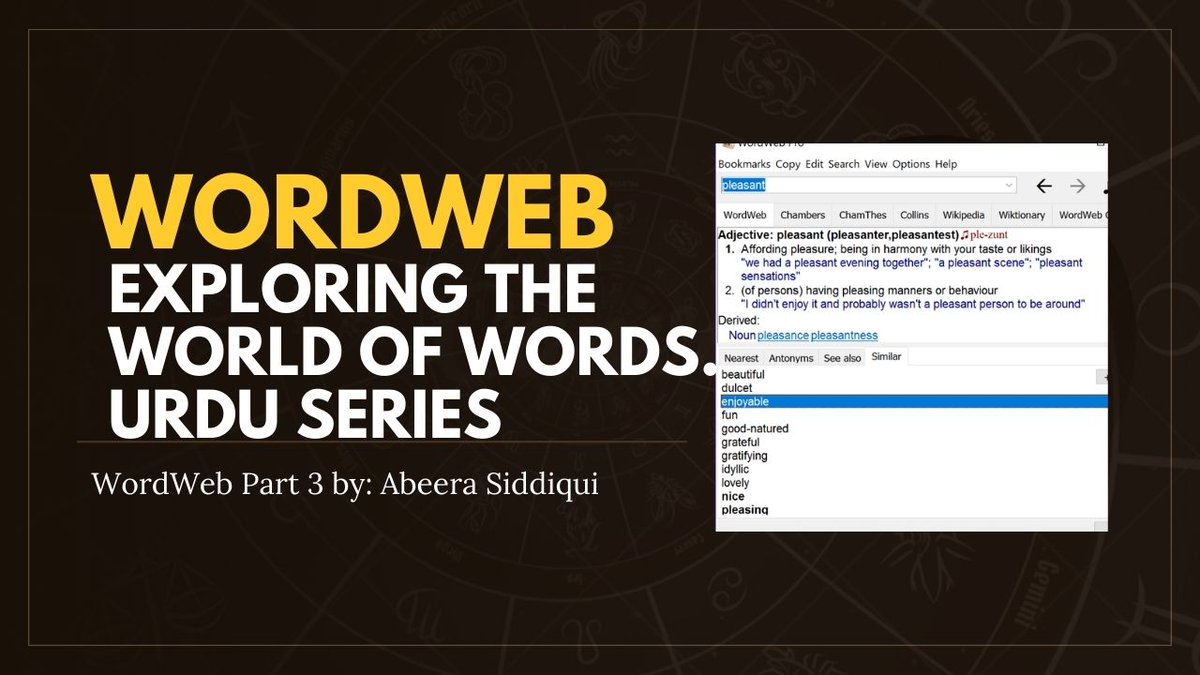
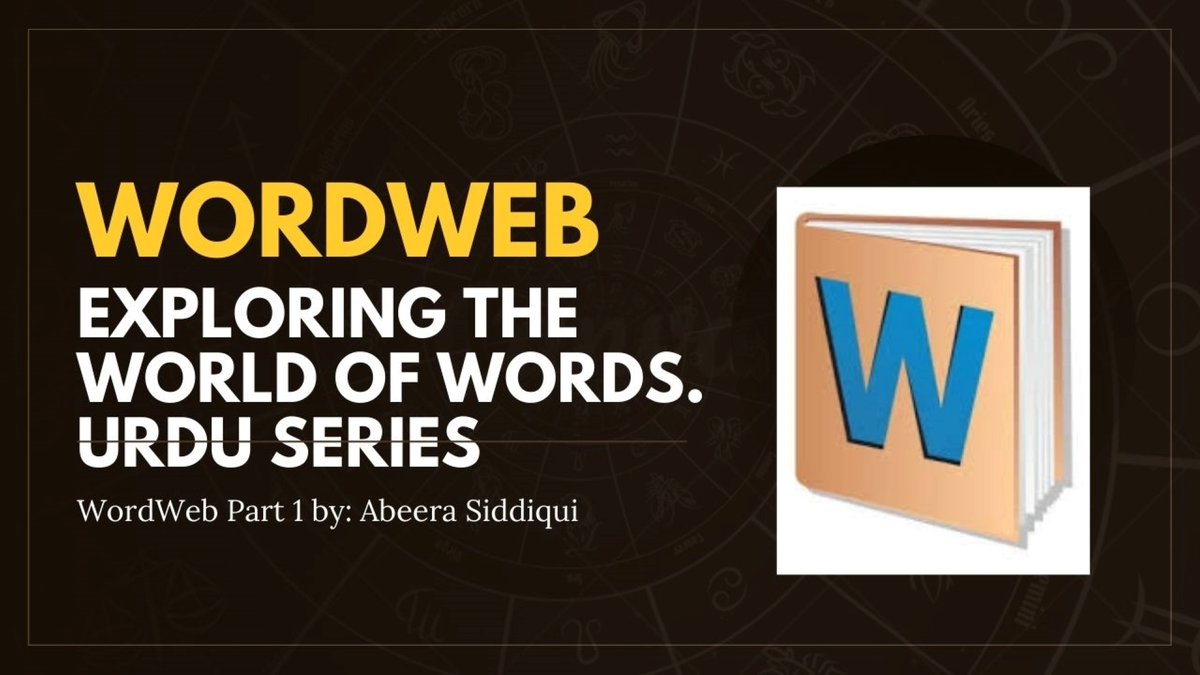
ALT The image is a promotional graphic for a series titled "WordWeb: Exploring the World of Words Urdu Series." The text is in bold yellow and white letters on a dark background. Below the title, it says "WordWeb Part 3 by: Abeera Siddiqui." On the right side of the image, there is a screenshot of a dictionary software interface showing the word "pleasant." It provides the definition of the adjective "pleasant," lists synonyms like "enjoyable," "fun," "good-natured," and others, and shows tabs for different dictionary sources like Cambridge and Wikipedia.
ALT The image shows a close-up of a person's wrist wearing a smartwatch. The smartwatch screen displays four app icons: a clock, a calendar, a calculator, and a messaging app. The person is interacting with the smartwatch using their other hand. In the background, another person is holding a smartphone. The number "#2" is visible in the top left corner of the image.
ALT A person wearing a smartwatch on their wrist, with the screen showing app icons for a clock, calculator, calendar, and messaging. They are interacting with the smartwatch while holding a smartphone. The number "#1" is in the top left corner.
ALT The image has a black background with small, faint, scattered light spots resembling stars. In the center, there is a logo with a blue square containing a white circle, which is divided into two halves with two small dots inside. Above the logo, the text reads "BLIND HELP PROJECT" in white, uppercase letters. Below the logo, the text "Envision Assistant" is written in larger white letters. On the left and right sides of the image, the text "www.blindhelp.net" is written vertically in white.
ALT The image is a dark-themed graphic with a circular design in the center that resembles a stylized sun with rays extending outward. Overlaid on this design is text that reads: "Take Full-Page Screenshots on an iPhone." In the bottom right corner, there is additional text that says: "www.blindhelp.net." The overall design is sleek and modern, with a focus on providing information about taking full-page screenshots on an iPhone.