
Founder and Lead Guitar: Let's Do Video. Writer, Analyst, Attorney (not practicing).
Joined October 2011
- Tweets 6,589
- Following 960
- Followers 2,511
- Likes 5,196
1,452 Photos and videos
Pinned Tweet

13 Nov 2018
Doing some testing on @discordapp feel free to join my server. discord.gg/CXGwwKt
1
2
2

Amazon Mandate, New Zoom Features, and Recent Acquisitions stream soon to start! #UCaaS @LetsDoVideo youtube.com/live/qWZ17RdeYnM… via @YouTube
1
4
145
6 Sep 2024
Tired of needing both Zoom and MS Teams systems in your meeting rooms? I spoke with @jf0wens, CTO of @Pexip, about how Pexip Connect solves this with a seamless solution to join any meeting from any room. Watch the full interview here: youtu.be/qVnwF93S_Hs #HybridWork #Pexip
2
3
288
David Maldow retweeted

5 Sep 2024
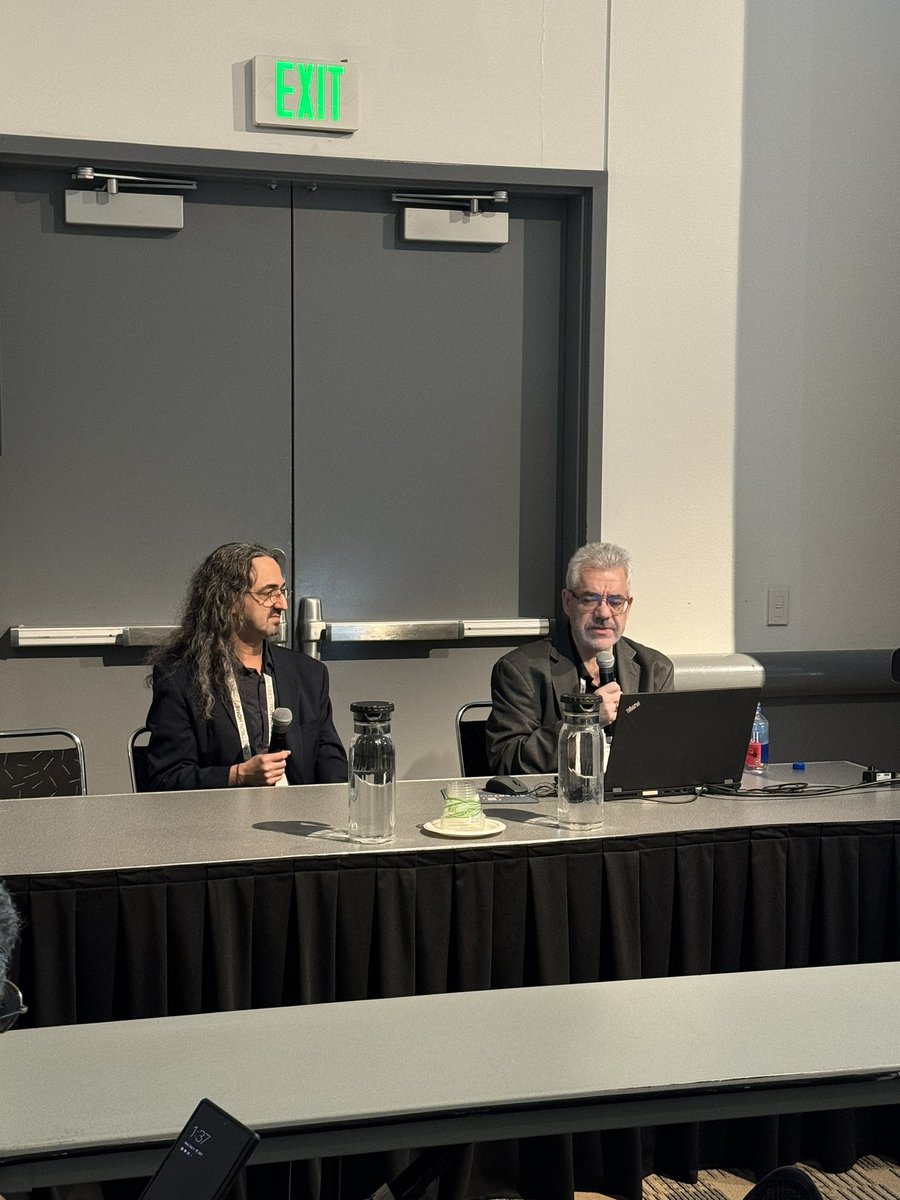
Final session of the day! 🏠 Smart Homes, Smart Home Offices with @kkieller and @LetsDoVideo.
Discover how consumer and professional tech are merging in the home.
#CIX24 #AVtweeps #SmartHome #UCC
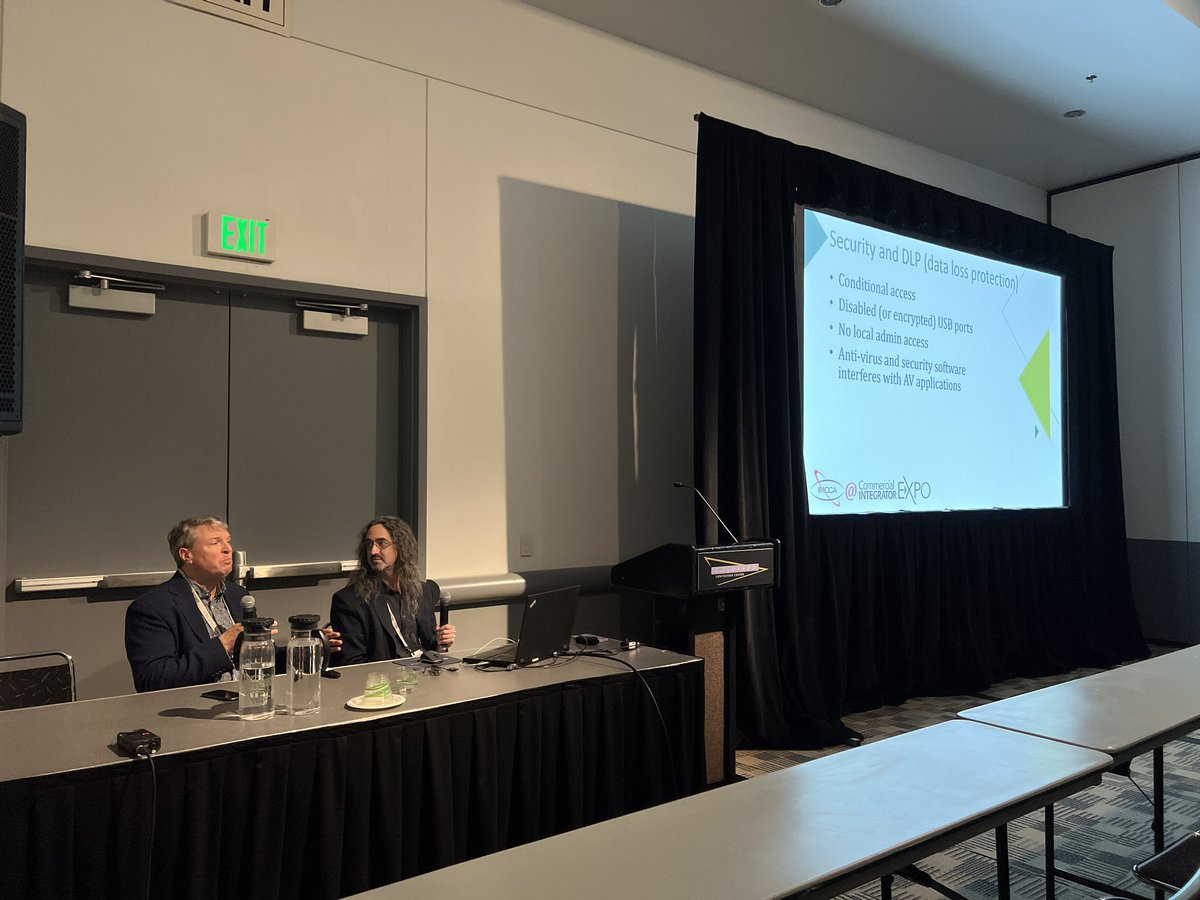
1
2
60
16 Aug 2024
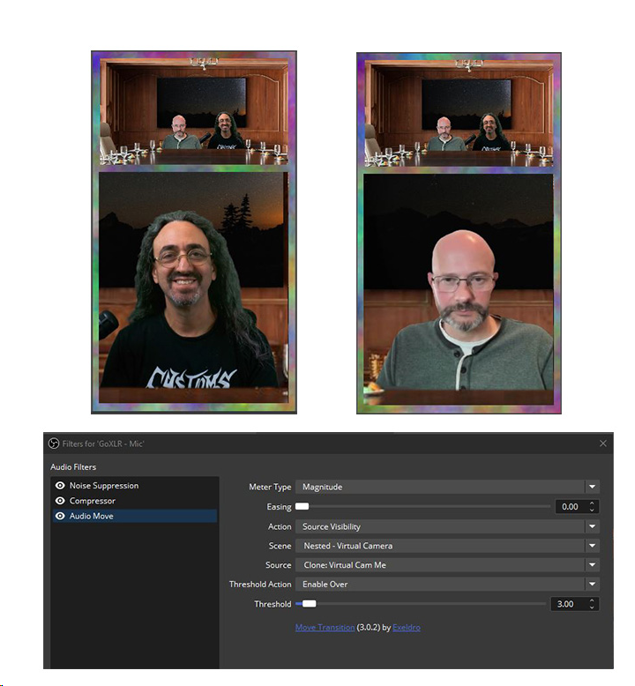
I just invented voice activated video switching in OBS!
My live stream with @tbanting sends a vertical stream to YouTube Shorts.
Not enough room for both of us in the vertical frame, so I configured a little known OBS plugin to detect our mics and make the switch.
1
81
13 Aug 2024
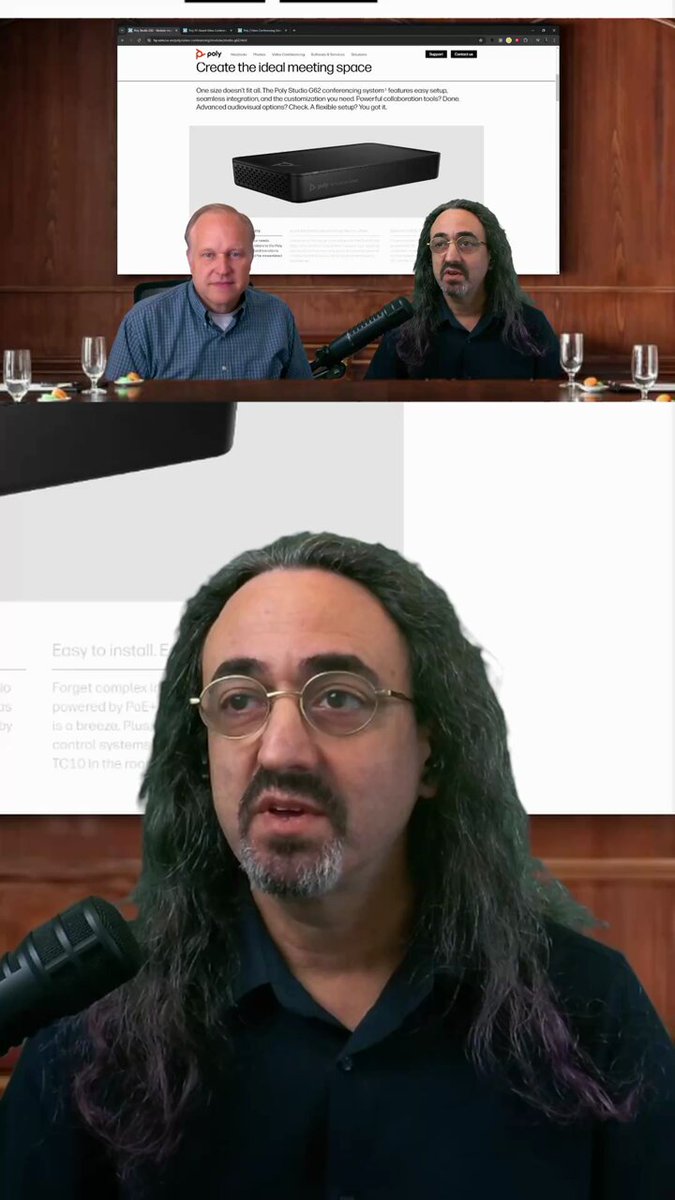
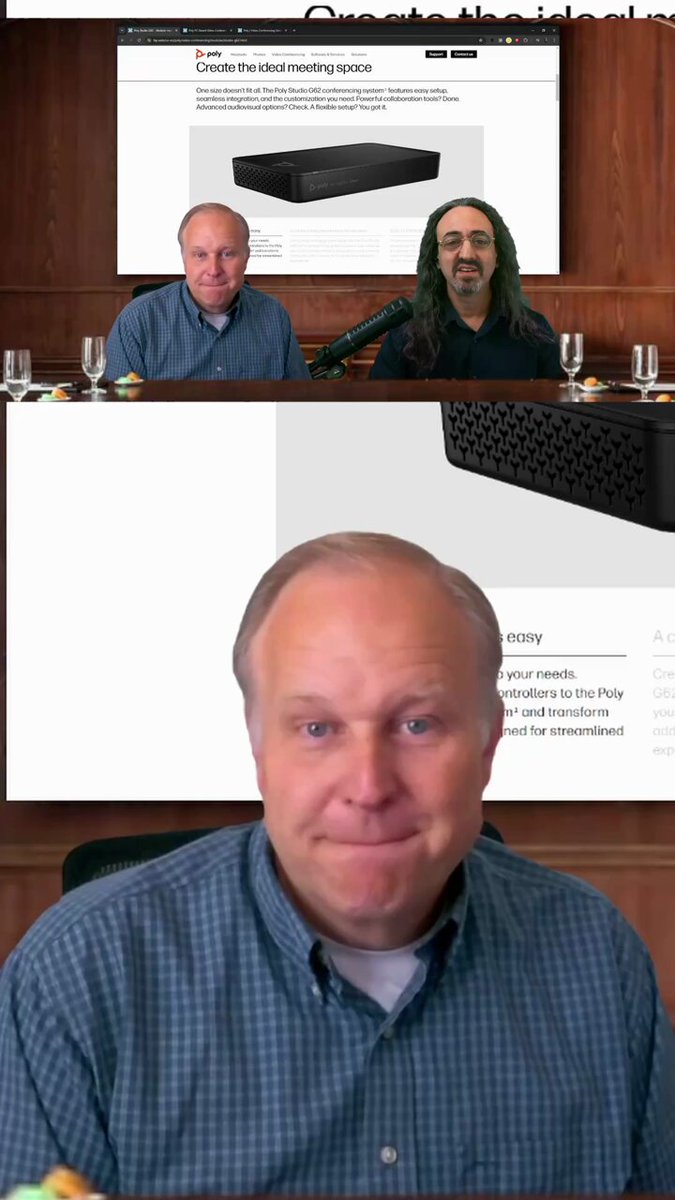
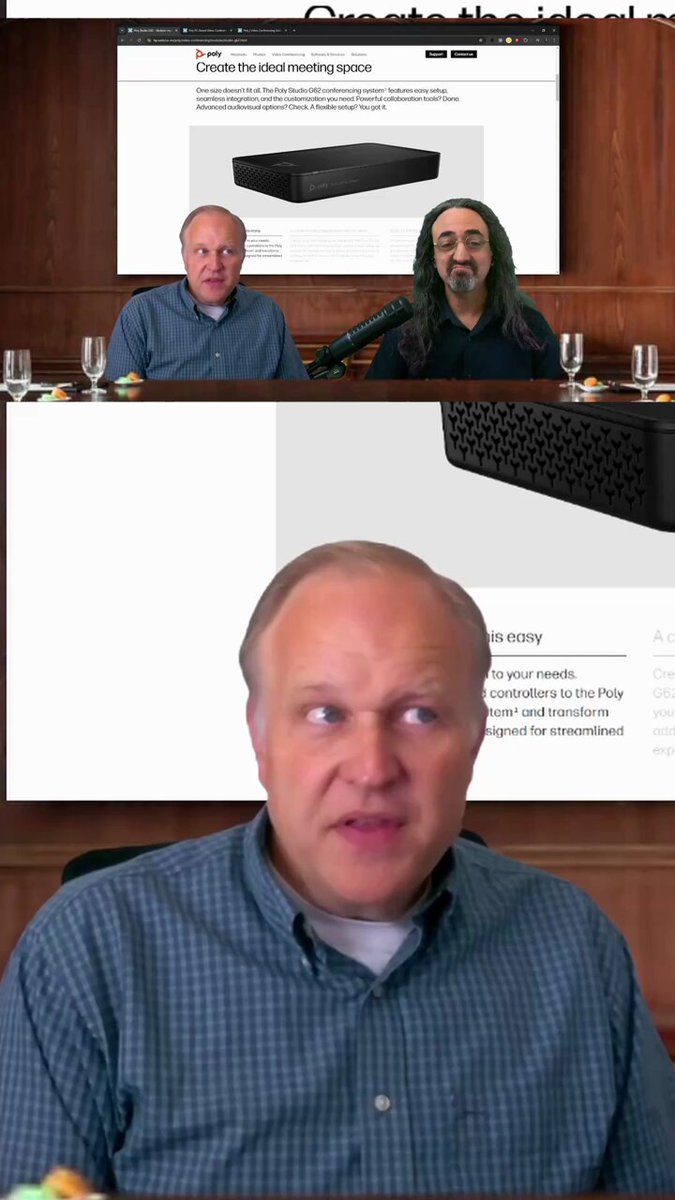
This clip is for the AV/IT folks out there. @Brian_Phillips7 and I discuss the benefits from a management perspective of using the @HP @PolyCompany G9 or G62 for a large MS Teams room.
1
101
13 Aug 2024
The @HP @PolyCompany G62 is an Android based version of their MS Teams meeting room system. Why make an Android model when they have a Windows based system? @Brian_Phillips7 explains in this clip.
1
62
13 Aug 2024
There's only so many ports on a MS Teams device. How do you scale up to support all the cameras and mics in bigger rooms? @Brian_Phillips7 explains how @HP @PolyCompany partnered with @NETGEAR to solve this problem.
1
49
12 Aug 2024
The @hp @PolyCompany G9 isn't just a typical Windows computer running MS Teams for your meeting room. It's a very specialized device, as @Brian_Phillips7 explains here.
1
4
4
414
12 Aug 2024
1
1
38
12 Aug 2024
Why can't we just use videobars for all of our MS Teams meetings? Why do @HP @PolyCompany's G9 and G62 products exist? Brian Phillips explains it here.
1
1
117
12 Aug 2024
What are HP Poly's mysterious black boxes? I had Brian Phillips in the LDV Boardroom to explain.
1
68