Twitch Partner & Host of Late Night Space Flight. Live space science. Simulated galaxy @EliteDangerous. Virtual copawlot. I fly the ship; the dog has opinions.
- Tweets 9,157
- Following 741
- Followers 1,473
- Likes 23,471

















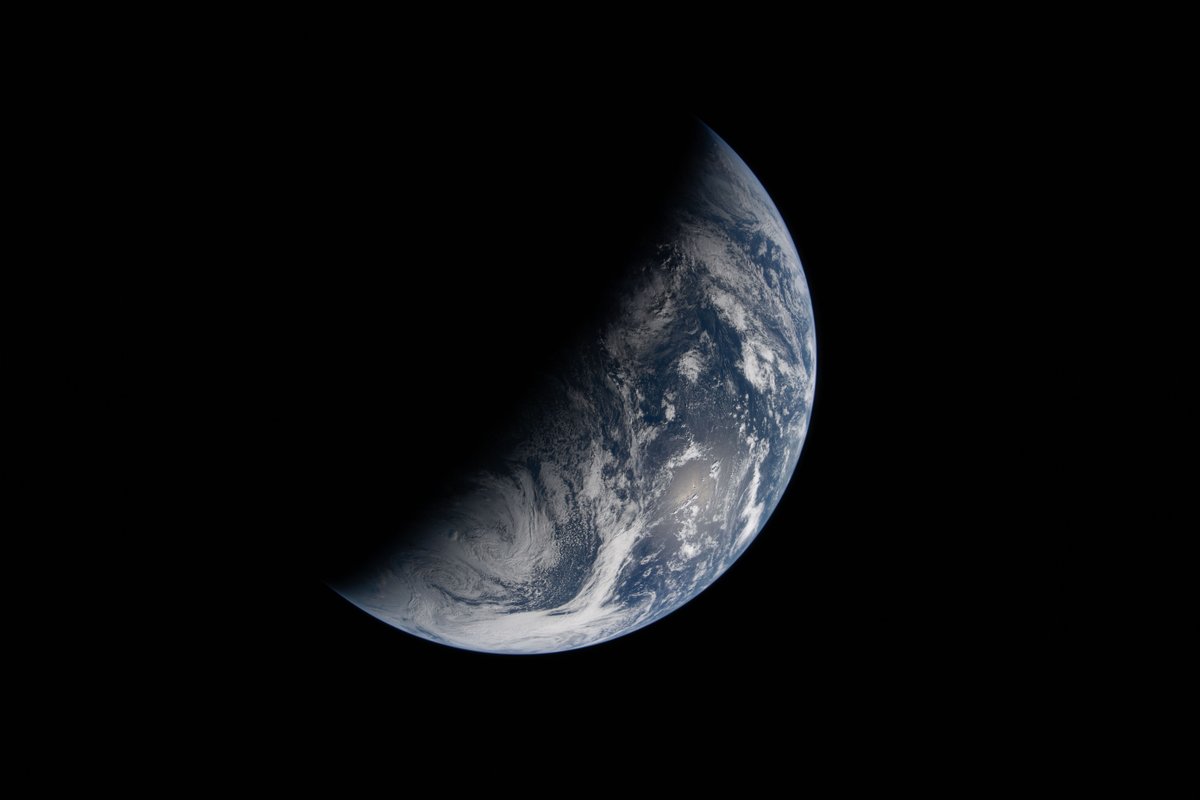
ALT Image of Earth bisected by the terminator line. The terminator divides Earth\u2019s surface diagonally, shrouding the top left half in darkness. Earth\u2019s illuminated surface is mostly blue and covered in swirling white clouds. Credit: NASA
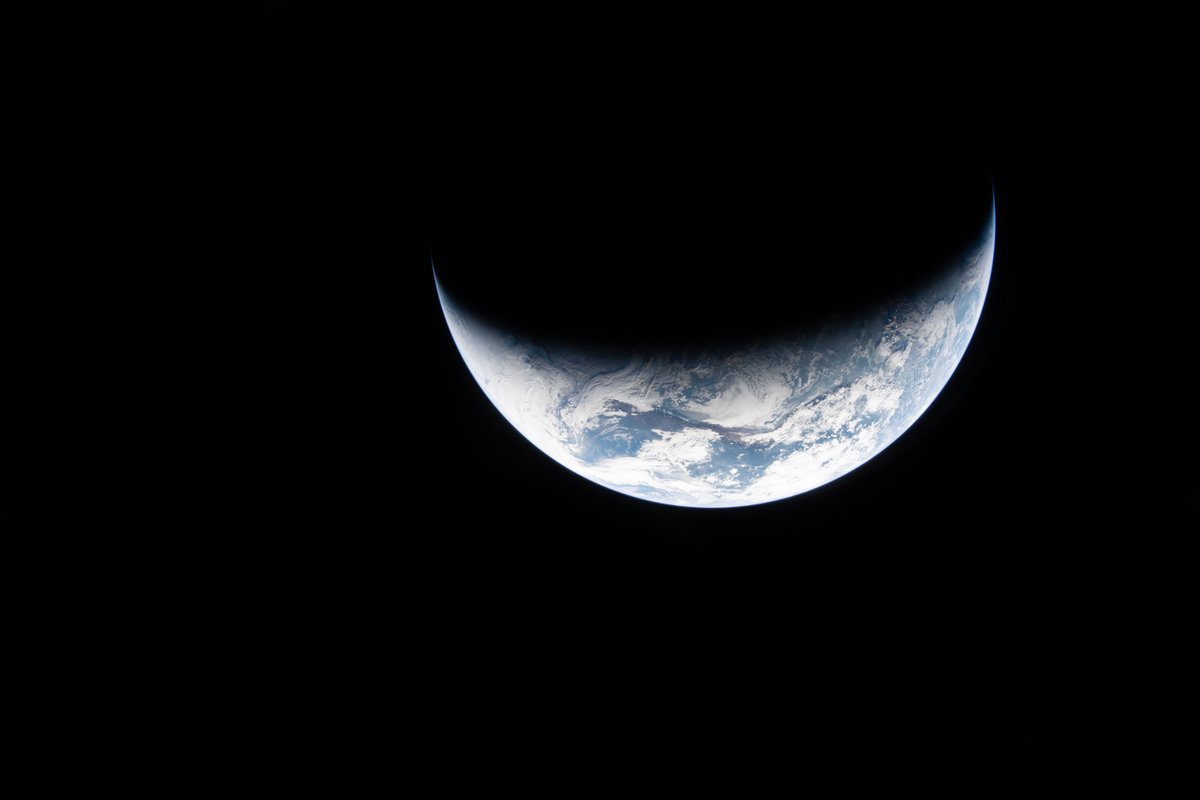
ALT Image of crescent Earth. Against the blackness of space, the shining blue and white of Earth appears like a smile. Credit: NASA
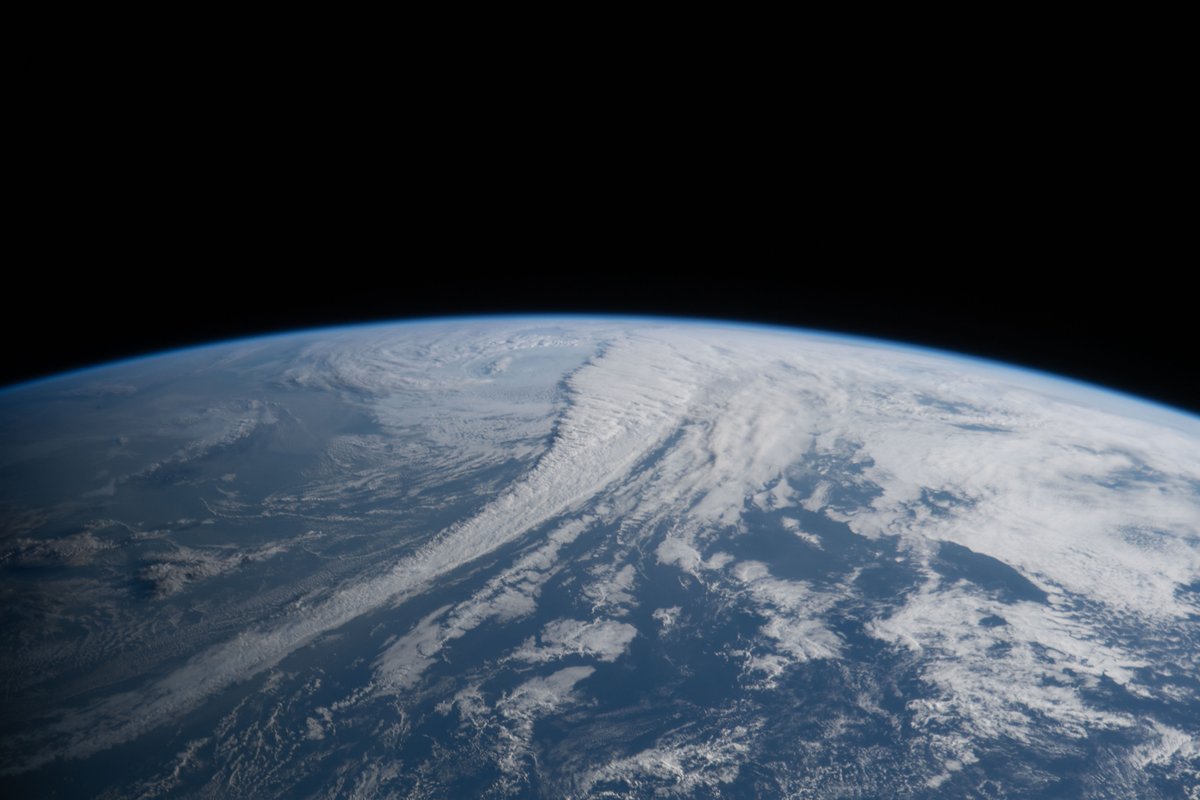
ALT Image of Earth from the Artemis II mission. Earth fills the bottom half of the image, its surface covered in blue water and swirling white clouds. Earth\u2019s limb is a blue glow against the curvature of Earth. Credit: NASA
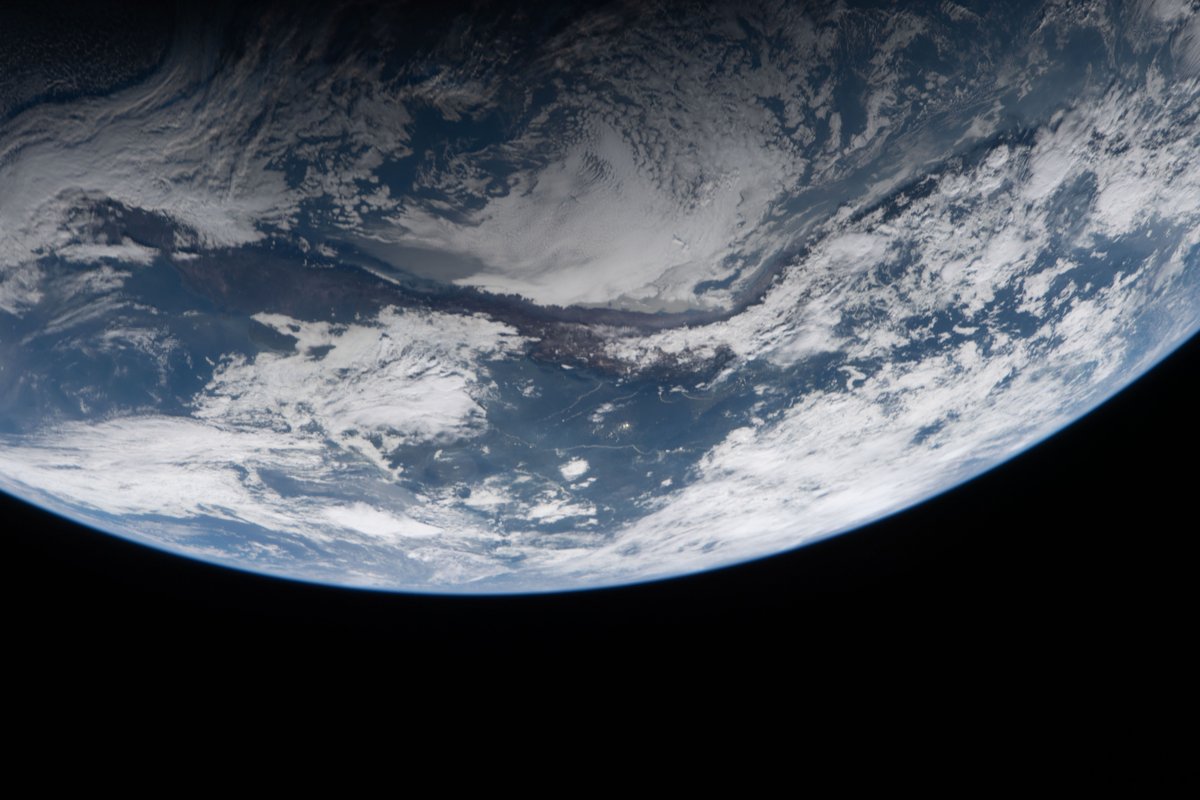
ALT Image of Earth from the Artemis II mission. Earth fills the top half of the image. Through the gaps in white cloud cover, green and brown land masses are visible, as is blue water. Credit: NASA



ALT Artemis II astronauts Reid Wiseman and Jeremy Hansen, wearing orange flight suits, sit on the edge of a helicopter, flanked by uniformed personnel. Both astronauts are grinning, and Reid is pointing at the camera. Credit: NASA/Bill Ingalls

ALT Artemis II astronauts Victor Glover and Christina Koch, wearing orange flight suits, sit on the edge of a helicopter, flanked by uniformed personnel. Both astronauts are grinning. Credit: NASA/Bill Ingalls
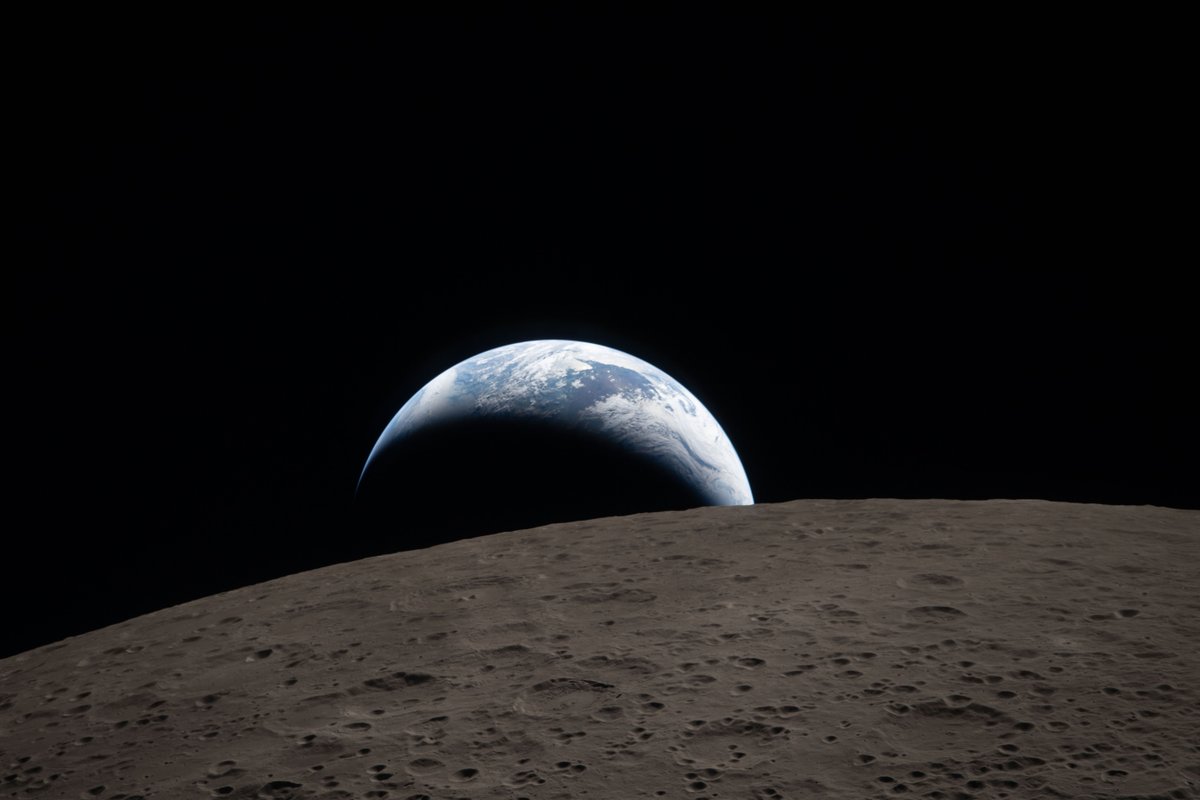
ALT A crescent Earth setting behind the Moon\u2019s horizon. Credit: NASA

ALT Earth setting behind the Moon as seen by the Artemis II crew. Over half the left side of the image is filled by the gray lunar surface, pocked with craters. Credit: NASA
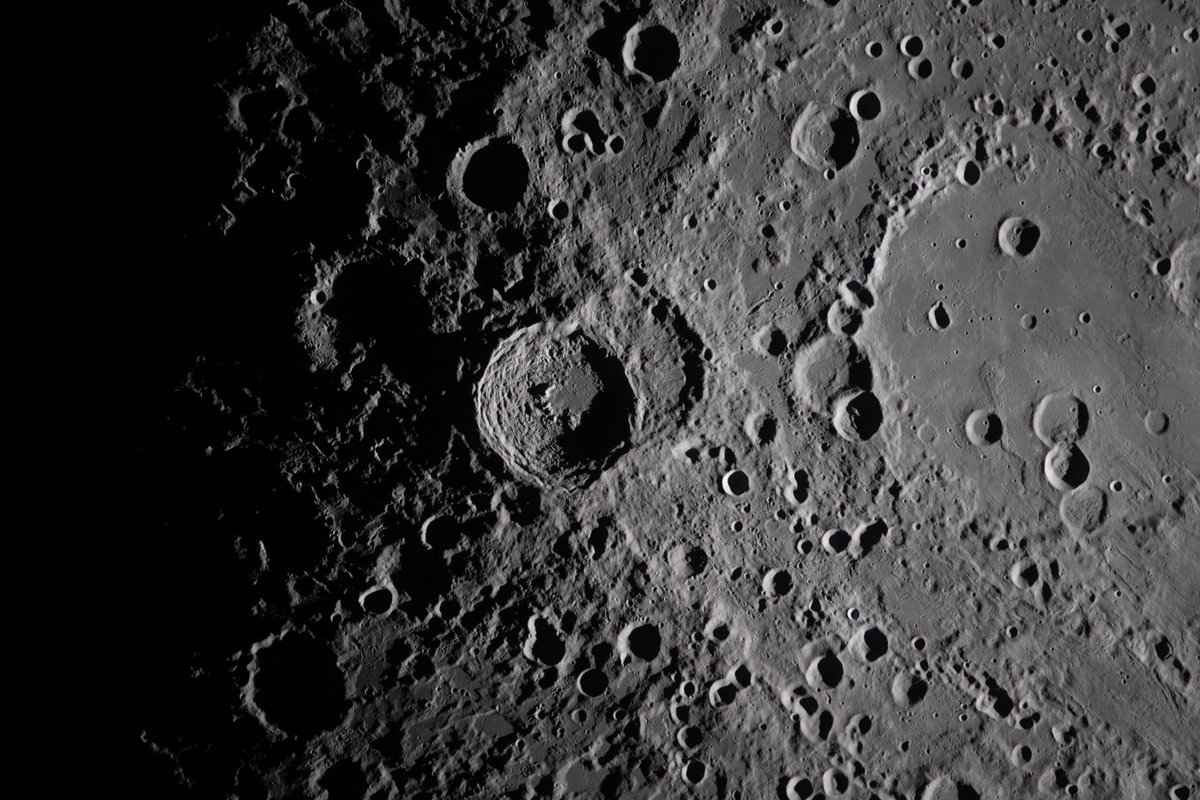
ALT A close view of the Moon. Jagged circles of craters dot the gray surface, fading to dark on the left side of the image. Credit: NASA
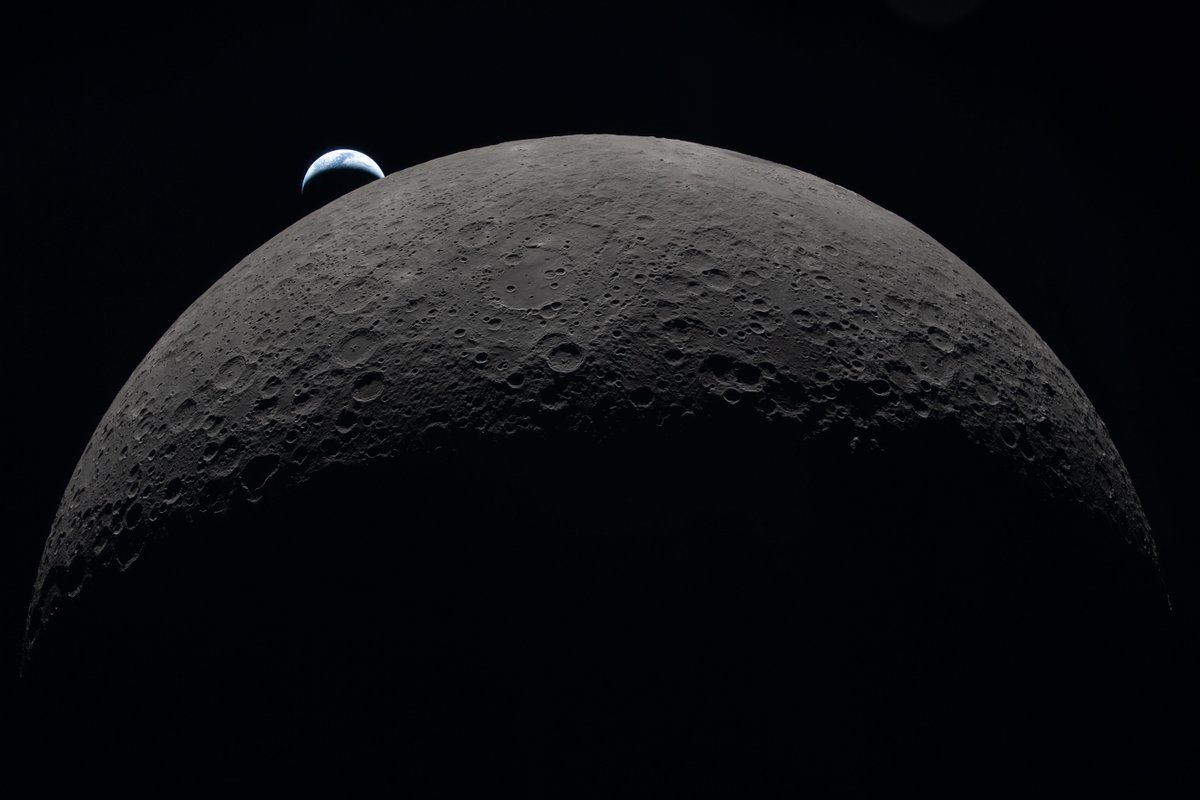
ALT A crescent Earth setting behind a hemisphere of the Moon. Credit: NASA






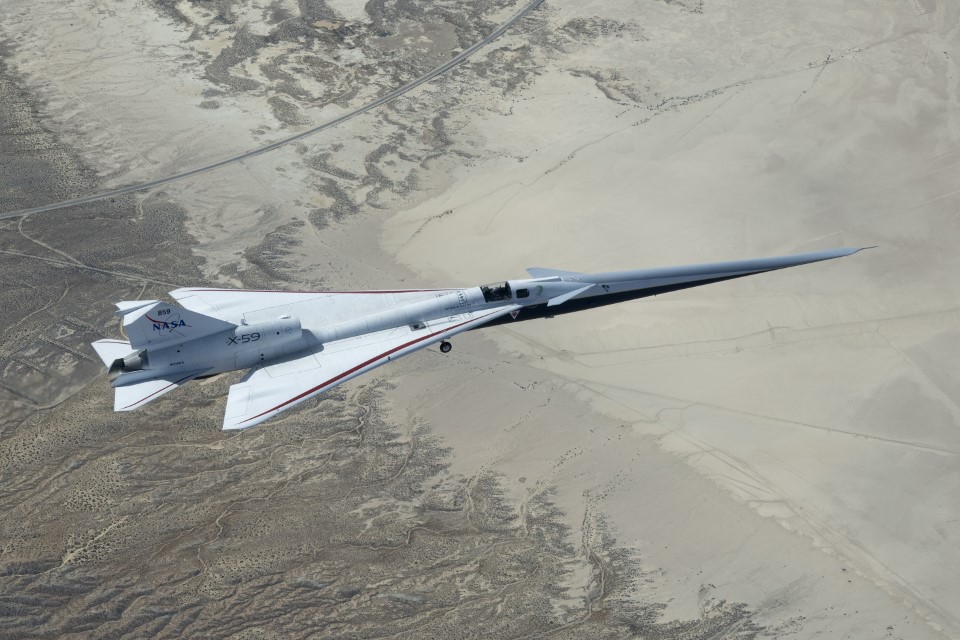
ALT NASA\u2019s white, blue, and red X-59 research aircraft flies over the Mojave Desert near NASA\u2019s Armstrong Flight Research Center in Edwards, California, during its third flight. The aircraft is centered in the frame, viewed from above with the canopy, both wings, NASA and X-59 logos visible, and the landing gear down with one wheel visible. Below, rugged terrain transitions into the smooth texture of a dry lakebed as the aircraft, nearly 100 feet long, flies toward the right side of the frame.