
Joined November 2021
- Tweets 2,008
- Following 11
- Followers 19,701
- Likes 1,281
477 Photos and videos









Pinned Tweet

22 May 2023
What is #MicrosoftLoop?
Hello new followers 👋 In case you're wondering, here's what Loop is all about:
28
66
311
87,514
Jun 10
👀 Just set up a few scheduling prompts in Microsoft Copilot today—and it already feels like I hired a tiny ops assistant.
😍 Daily standup reminders, follow-ups, and recurring updates now just… happen. Quietly obsessed with how much friction this removes.
Watch now: msft.it/6015vgIdV
#M365Copilot #Copilot
2
8
84
7,131
Jun 5
✨ Deep work starts with clarity.
Researcher connects the dots across your work content — meetings, chats, emails, files, and more — to help you uncover insights faster and move work forward with confidence.
A simple way to get started? Try the Daily Briefing prompt each morning to quickly catch up, prioritize what matters, and start your day with clarity. ☀️
Watch now: msft.it/6017vdfz1
#M365Copilot #Copilot #Researcher
5
5
56
4,049
Jun 3
✨ Make Copilot work your way.
Save time, stay consistent, and level up your workflows: try creating and saving your own prompts in the Microsoft 365 Copilot app today.
Your future self will thank you. 😉
Watch now: msft.it/6015vjUBN
6
59
4,089
May 26
😇 Coming back from OOO doesn’t have to mean digging through endless chats and meetings.
In the #M365Copilot app, just ask Copilot to summarize what you missed across key conversations and meetings, then turn it into an actionable task list with owners, follow-ups, and next steps. ✅
Watch now: msft.it/6014vXL00
4
3
64
6,547
May 15
⭐️ Earlier this week, we shared how to get started with the M365 Copilot app for your day-to-day work, from exploring prompts to navigating the experience.
In case you missed it, you can watch the full episode here: msft.it/6015vRAKH
2
4
31
3,724
May 13
😇 Getting started with the Microsoft 365 Copilot app?
This short video walks through how to begin using Copilot in your day-to-day work—from exploring prompts to navigating the experience
Watch the full episode here: msft.it/6016vuSxj
For more episodes and scenarios, explore the full Copilot learning here:msft.it/6017vuSxd
5
33
2,962
May 6
🧠 🎬 Looking for practical ways to stay on top of your workday?
This new Copilot video series walks through common scenarios like reviewing your day, previewing files without opening them, catching up on meetings with highlights, and bringing project context together in one place.
Watch here: msft.it/6044vzgaq
#Microsoft365 #Microsoft365Copilot #FutureOfWork
1
1
16
1,904
May 1
👀 Earlier this week, we shared how you can use Copilot Notebooks to empower your workflow.
Less catching up, more clarity.
In case you missed it, learn more about it now: msft.it/6012vJwVi
2
4
71
6,424
Apr 28
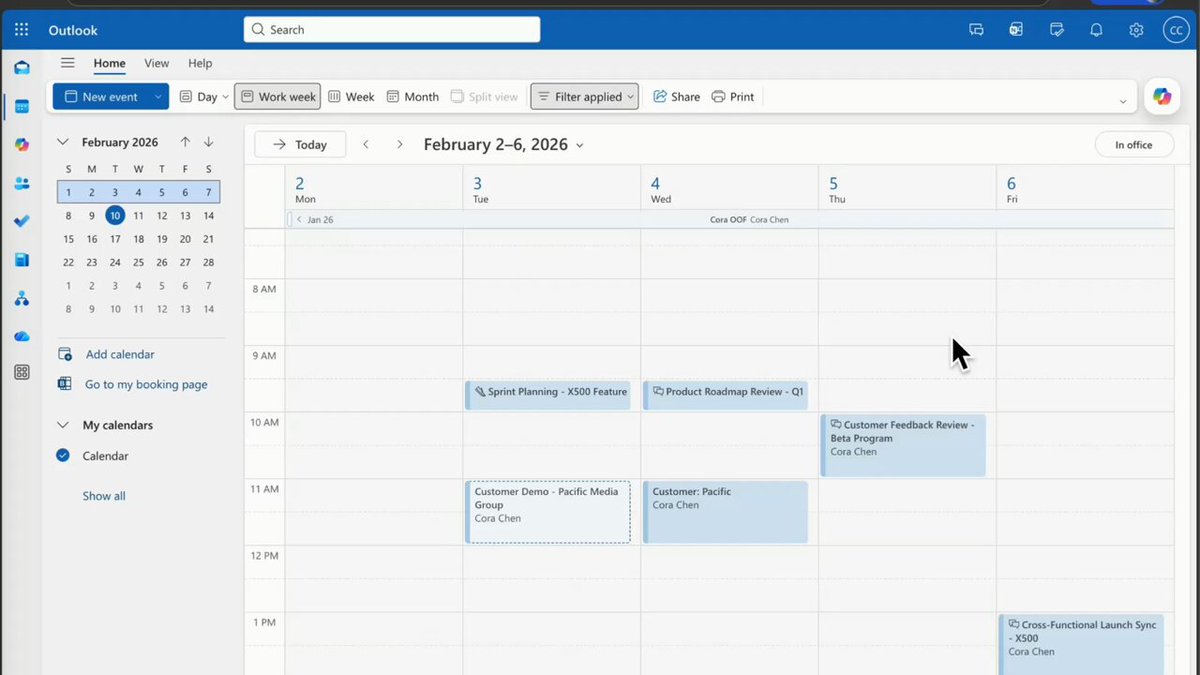
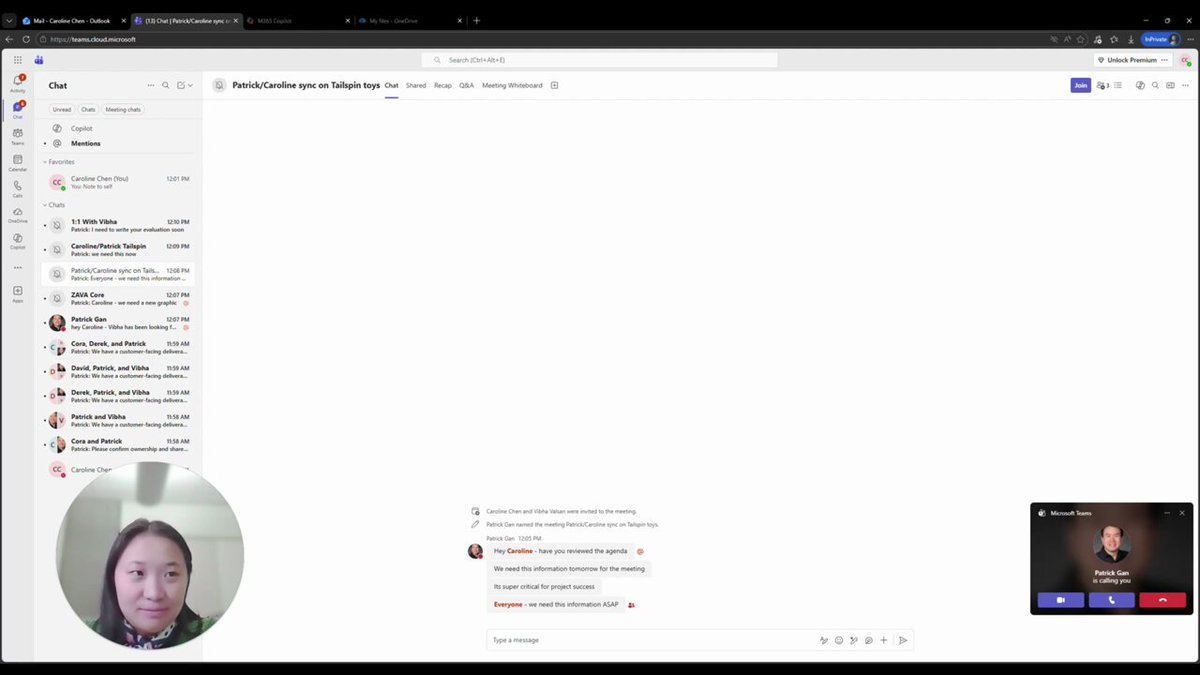
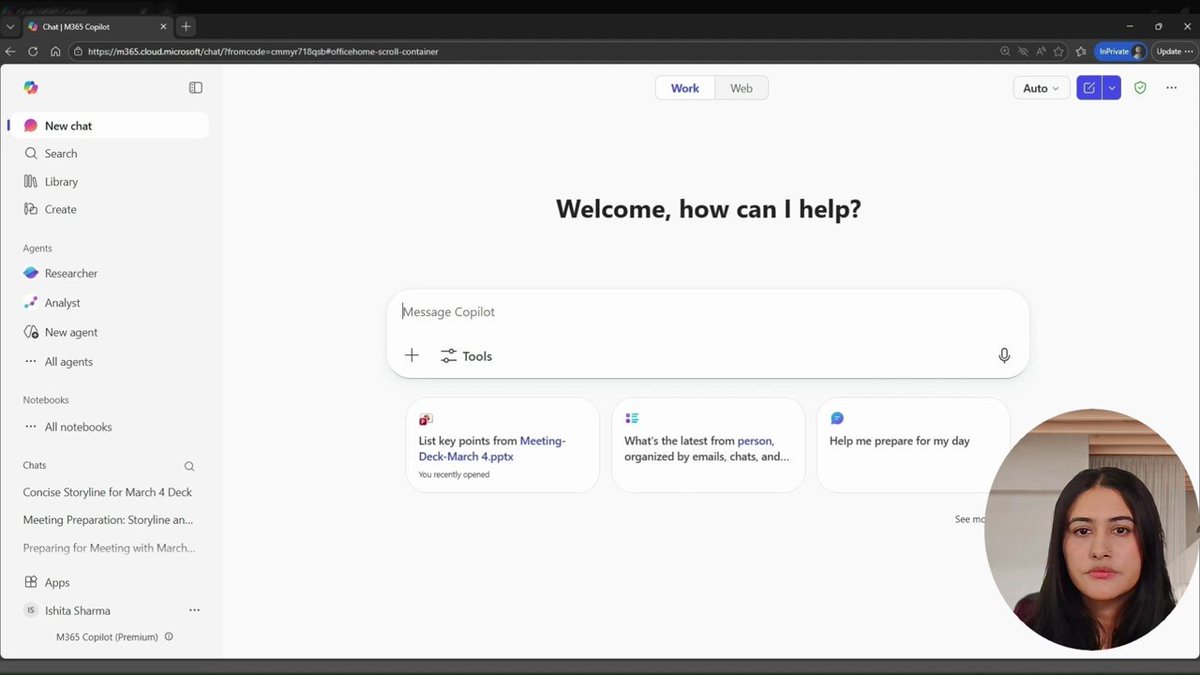
You join a project.
Docs everywhere. Meeting tomorrow. 😅
Go-to move: Copilot Notebooks.
Drop the files in one place and let Copilot summarize what matters, surface open questions, and connect the dots.
Less catching up, more clarity: msft.it/6019vHPab
Watch now: msft.it/6010vHPaj
#Microsoft365 #Copilot #FutureOfWork #CopilotNotebooks
2
7
77
6,508
Apr 24
Earlier this week, we shared how Copilot helps you stay on top of meetings.
Here's a simple way to stay in flow: msft.it/6013vE0XR
#Microsoft365 #Copilot #FutureOfWork
1
11
1,002
Apr 21
Missed a meeting?
🎥 Copilot can generate a short video recap and surface it directly in Copilot Chat. Helpful when you just need context and want to keep moving.
Watch now: msft.it/6018v8xzi
#Microsoft365 #Copilot #FutureOfWork
#Meetings
3
11
75
7,531
Apr 16
⚡ From chaos to coordination in minutes
Discover how Microsoft 365 Copilot helps you pull insights together, create with ease, and stay effortlessly on top of your work in our video series.
Check it out: msft.it/6012QfXtI
#Microsoft365 #Microsoft365Copilot
1
4
35
1,951
Apr 14
Not sure which file is the right one?
Preview cards in the Microsoft 365 Copilot app show:
📄 File preview
🧠 Copilot summary
💬 Quick Q&A
Find what you need—before opening it.
Try it today in the #Microsoft365Copilot app.
Watch now: msft.it/6010QC14E
2
1
15
1,702
Apr 10
Session 4 💼
See how Executive Admins use Microsoft 365 Copilot to stay organized, prep for meetings, and keep days on track..
Watch → msft.it/6019Qfj83
Sign up for the AMA: msft.it/6010Qfj8O
#Copilot #M365Copilot
5
44
3,214
Apr 9
Missed a meeting?
Session 3 shows how Microsoft 365 Copilot helps you catch up fast—key moments, summaries, and actionable outputs.
Watch → msft.it/6011Q4Fwt
Sign up for the AMA: msft.it/6012Q4FwQ
#Copilot #M365Copilot
4
30
2,826
Apr 8
Start the day by bringing updates into focus.
Copilot Chat in the #Microsoft365Copilot app can help you catch up across Outlook Teams, spot follow‑ups, and turn activity into shared priorities with next steps — all in one place.
Watch now: msft.it/6017QNfWl
1
3
48
5,328
Mar 31
We’re live right now for an AMA on the #M365Copilot app 🎤
Join us to ask questions and explore practical ways to get started.
Join here: msft.it/6017QtUqP
2
9
748
Mar 30
Session 4 💼
See how Executive Admins use Microsoft 365 Copilot to stay organized, prep for meetings, and keep days on track..
Watch → msft.it/6016QtUoj
Sign up for the AMA: msft.it/6015QtUob
#Copilot #M365Copilot
1
20
1,461
Mar 27
Missed a meeting?
Session 3 shows how Microsoft 365 Copilot helps you catch up fast—key moments, summaries, and actionable outputs.
Watch → msft.it/6017QtUox
Sign up for the AMA: msft.it/6016QtUoa
#Copilot #M365Copilot
15
1,094
Mar 26
Meetings, but more focused ✅
Session 2 shows how the Facilitator agent in Microsoft Teams helps track agendas, capture notes, and clarify next steps.
Watch → msft.it/6014QtUoQ
Sign up for the AMA: msft.it/6013QtUot
#Copilot #M365Copilot
2
14
875