
Visualize the world's motion with telematics – APIs and visual interfaces designed to power the most demanding applications
- Tweets 1,077
- Following 87
- Followers 515
- Likes 214
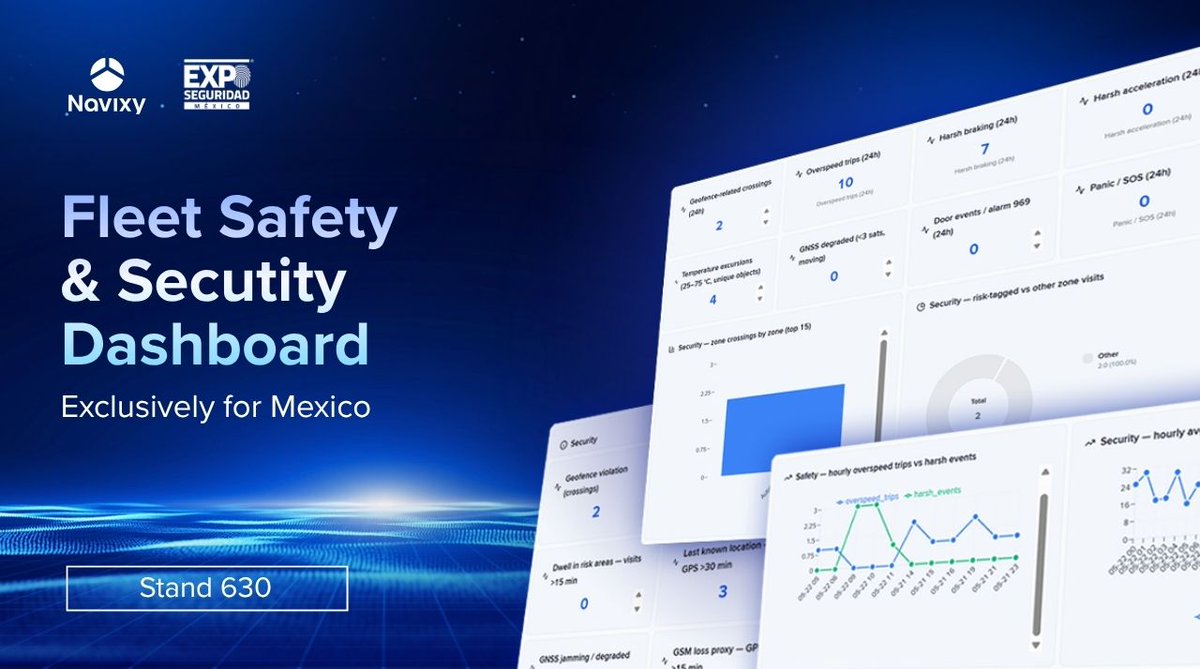
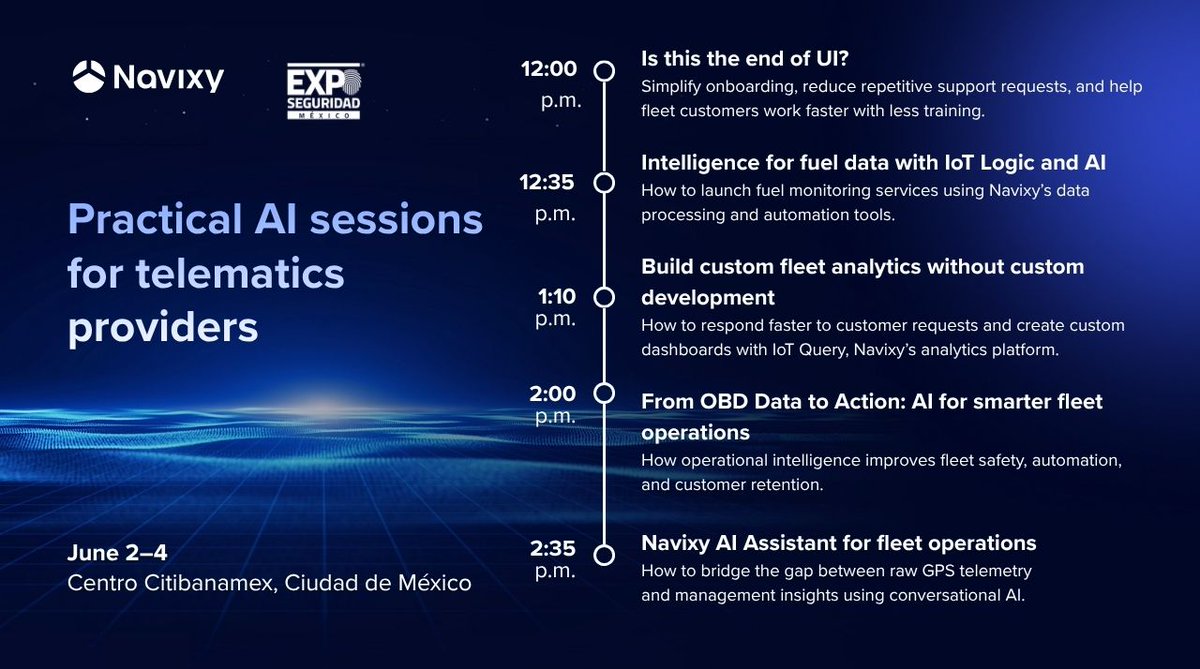





ALT A promo banner for Practical AI sessions for telematics providers at Expo Seguridad Mexico (June 2-4) at Navixy booth 630. On the right side of the pic a schedule of the event is placed: 12:00 p.m. — Is this the end of UI? How to simplify onboarding, reduce repetitive support requests, and help fleet customers work faster with less training. 12:35 p.m. — Intelligence for fuel data with IoT Logic and AI How to launch fuel monitoring services using Navixy’s data processing and automation tools. 01:10 p.m. — Build custom fleet analytics without custom development How to respond faster to customer requests and create custom dashboards with IoT Query, Navixy’s analytics platform. 02:00 p.m. — From OBD Data to Action: AI for smarter fleet operations How operational intelligence improves fleet safety, automation, and customer retention. 02:35 p.m. — Navixy AI Assistant for fleet operations How to bridge the gap between raw GPS telemetry and management insights using conversational AI.