Founder & CEO @WebBadge | Securing QR Codes & Digital Badges for Humans & AI | WIN:112549778531 | #Webπ #IoTπ #CollectiveAuthentication #AuthenticityCapitalism
- Tweets 1,756
- Following 4,256
- Followers 464
- Likes 4,842
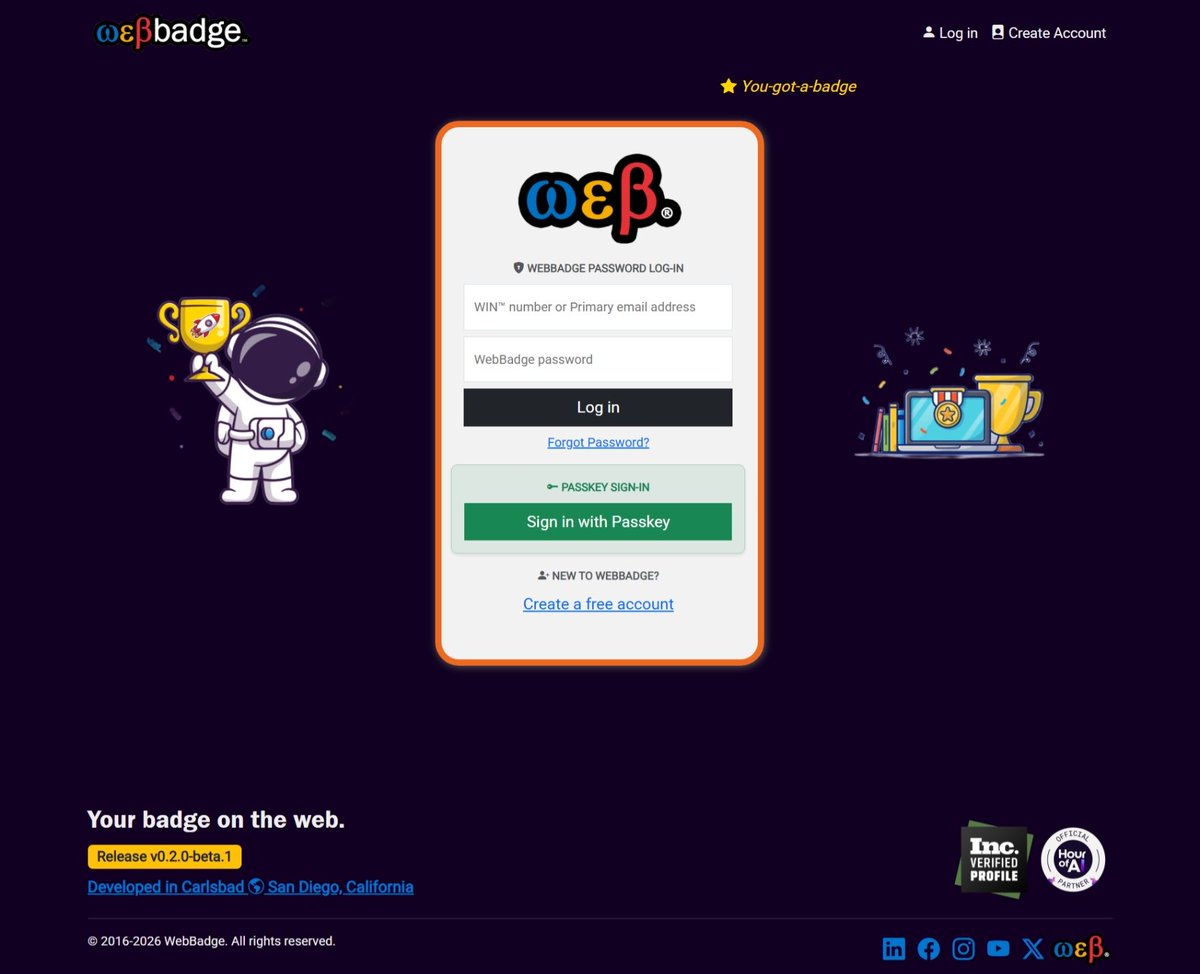
ALT Screenshot of WebBadge Log-in page showing support for PASSKEY SIGN-IN with a “Sign in with Passkey” button.
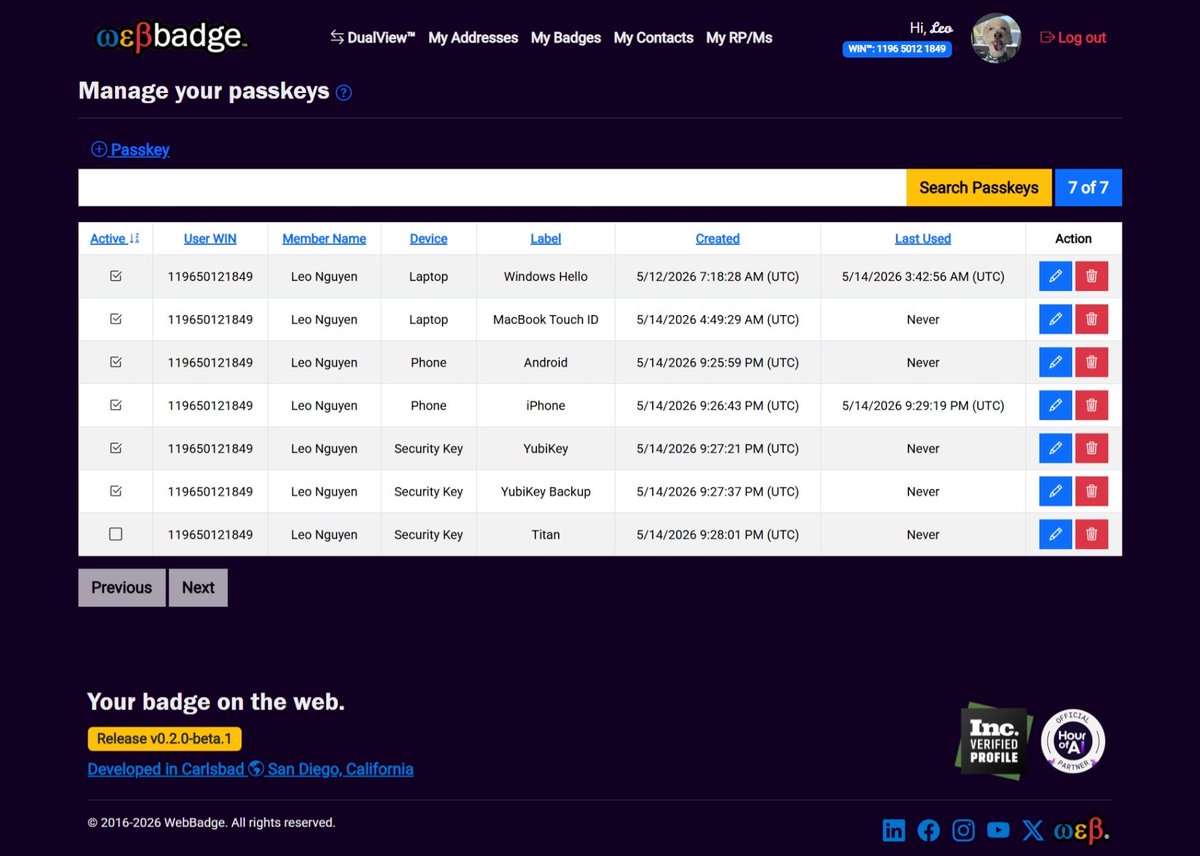
ALT Screenshot of the “Manage your passkeys” page displaying a list of passkey credentials for Leo 🐶. The table includes columns for Active (Checked/Unchecked), User WIN, Member Name, Device, Label, Created, Last Used, and Action (Edit and Delete). The list spans multiple device types, including laptops, phones, and hardware security keys. Examples include Windows Hello and MacBook Touch ID for laptop-based passkeys, iPhone and Android devices for mobile passkeys, and hardware keys such as a YubiKey, a backup YubiKey, and a Titan Security Key. Most entries are marked Active, with one entry set to Inactive. Some passkeys show a recent date and time of use, while others display “Never,” indicating they have not yet been used. The layout demonstrates multi-device support, platform authenticators, and backup strategies for secure account access.
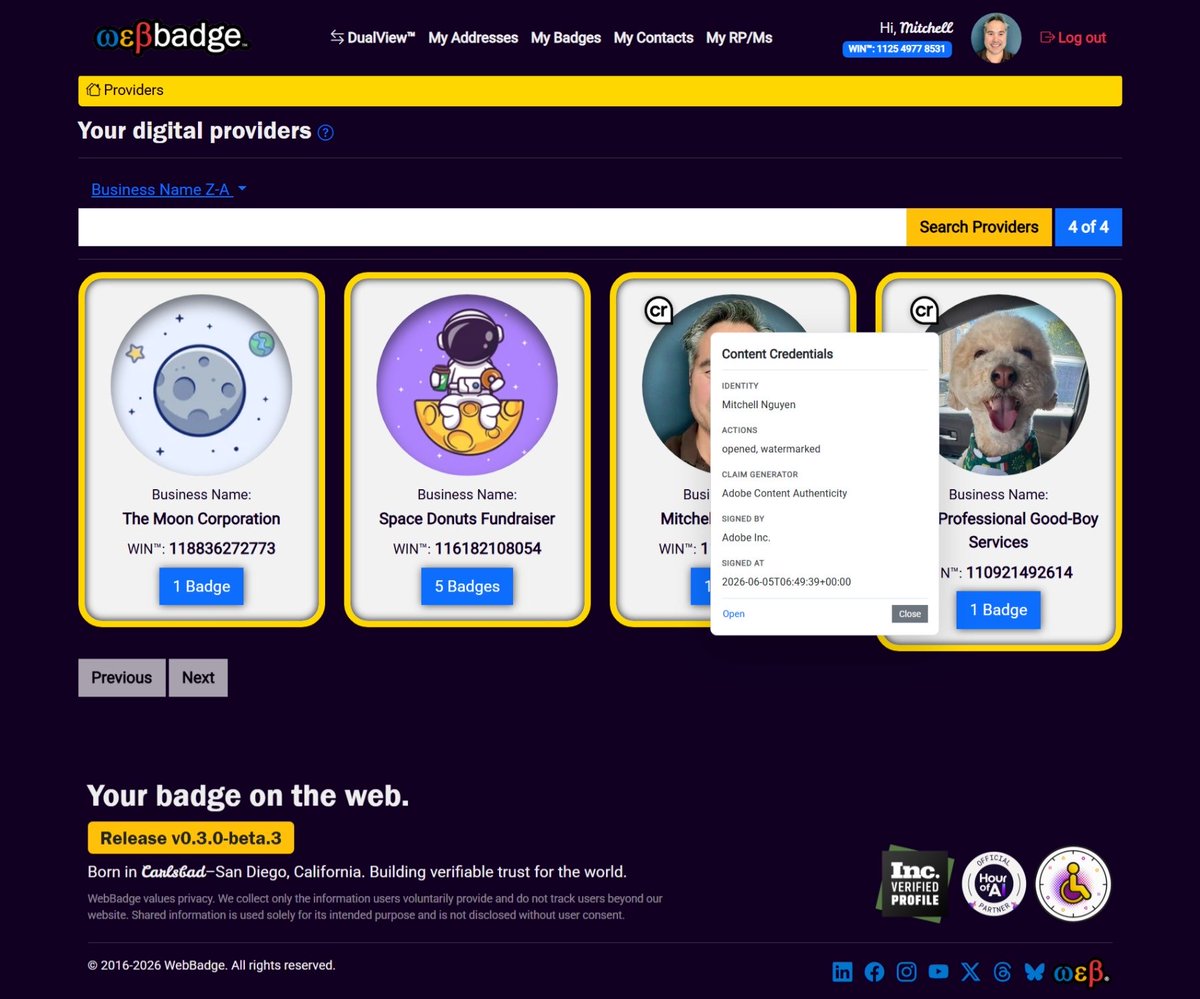
ALT A web application screenshot of the WebBadge dashboard titled "Your digital providers." Against a dark purple background, four business profile cards are displayed side-by-side with yellow borders, including "The Moon Corporation," "Space Donuts Fundraiser," and Leo's "Professional Good-Boy Services." The third card has an opened Content Credentials digital Nutrition Label popup showing provenance data: identity of Mitchell Nguyen, actions of opened and watermarked, and signed by Adobe Inc. The footer features the brand text "Born in Carlsbad–San Diego, California. Building verifiable trust for the world."
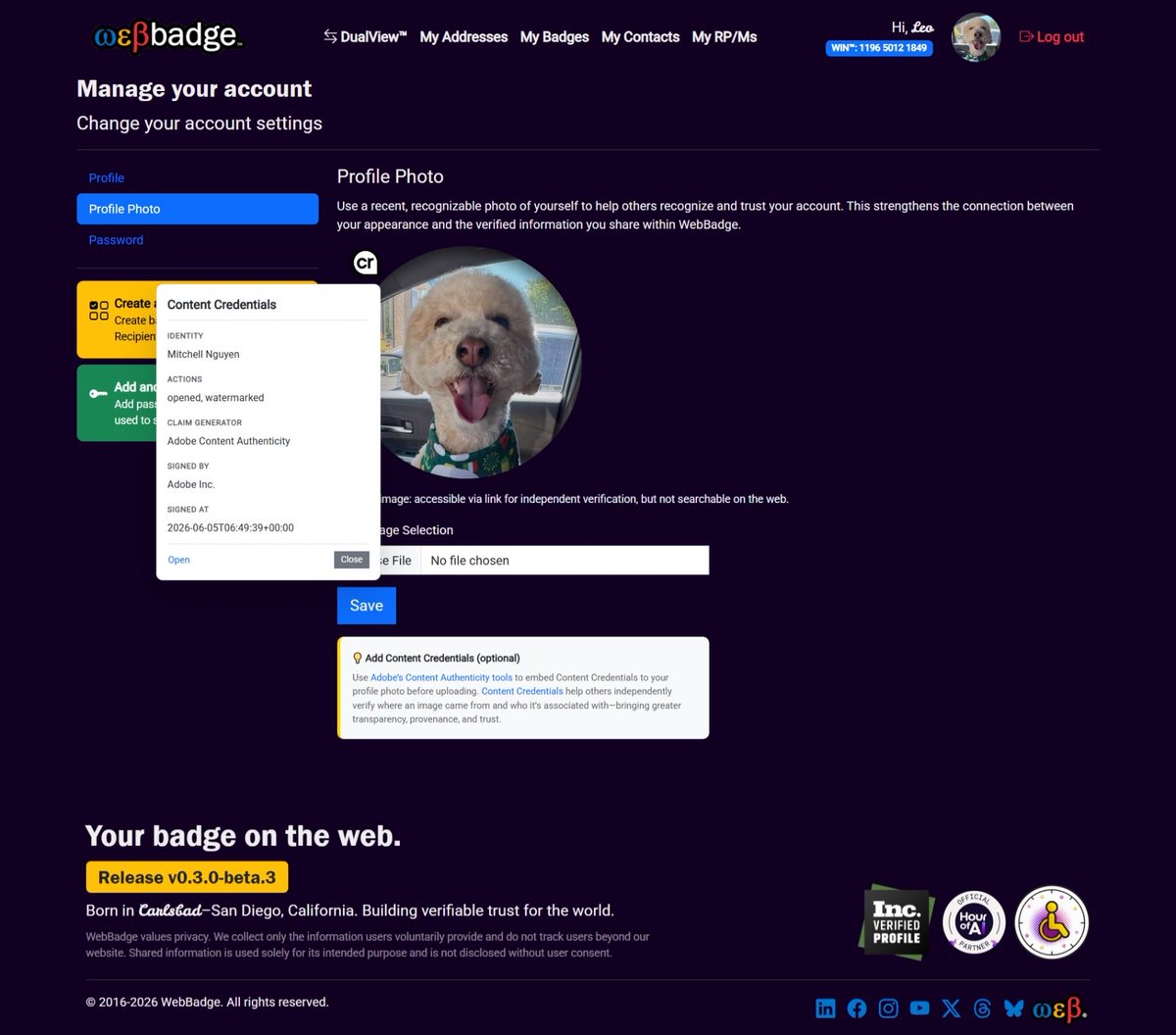
ALT A web application screenshot of the WebBadge "Manage your account" profile photo settings page. The interface features a dark purple background with a circular profile picture of a light brown dog. Overlapping the picture is an open digital Nutrition Label for Content Credentials detailing the image's asset provenance: signed by Adobe Inc. on June 5, 2026, with actions indicating it was opened and watermarked. The footer displays the text "Born in Carlsbad–San Diego, California. Building verifiable trust for the world." alongside regional trust badges.
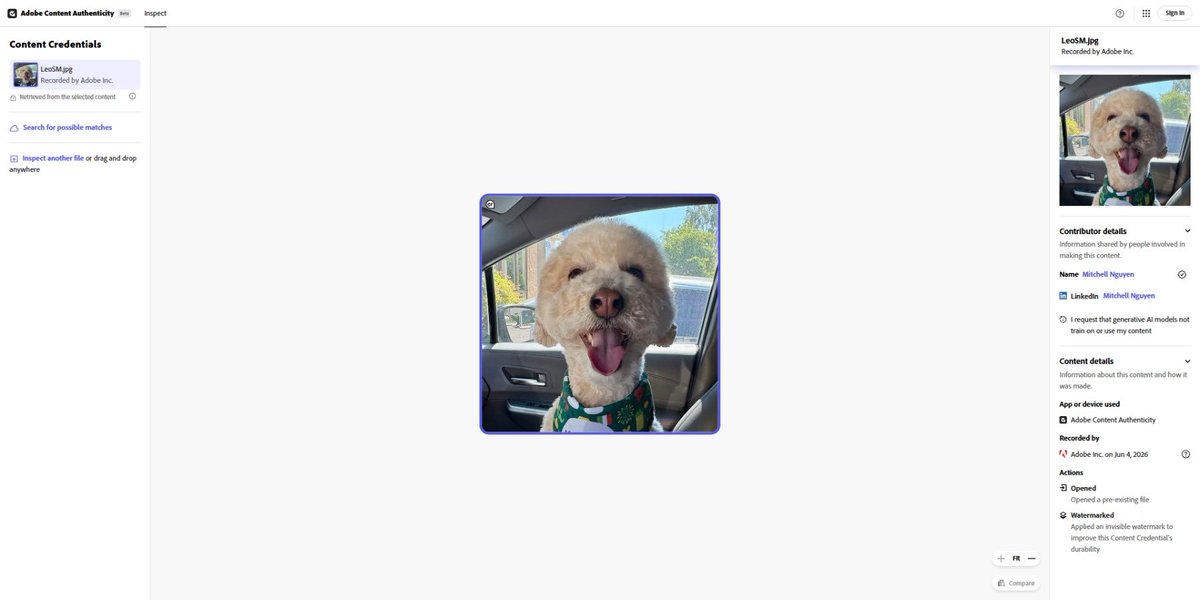
ALT A desktop screenshot of the Adobe Content Authenticity Inspect tool interface. The center panel displays a verified photograph of a light brown poodle-mix dog looking forward and panting happily in a car seat. The left and right sidebars display embedded C2PA metadata, including contributor details for Mitchell Nguyen, actions like watermarking, and recording confirmation by Adobe Inc.

ALT Circular accessibility badge with universal access symbol representing commitment to accessibility and inclusive design

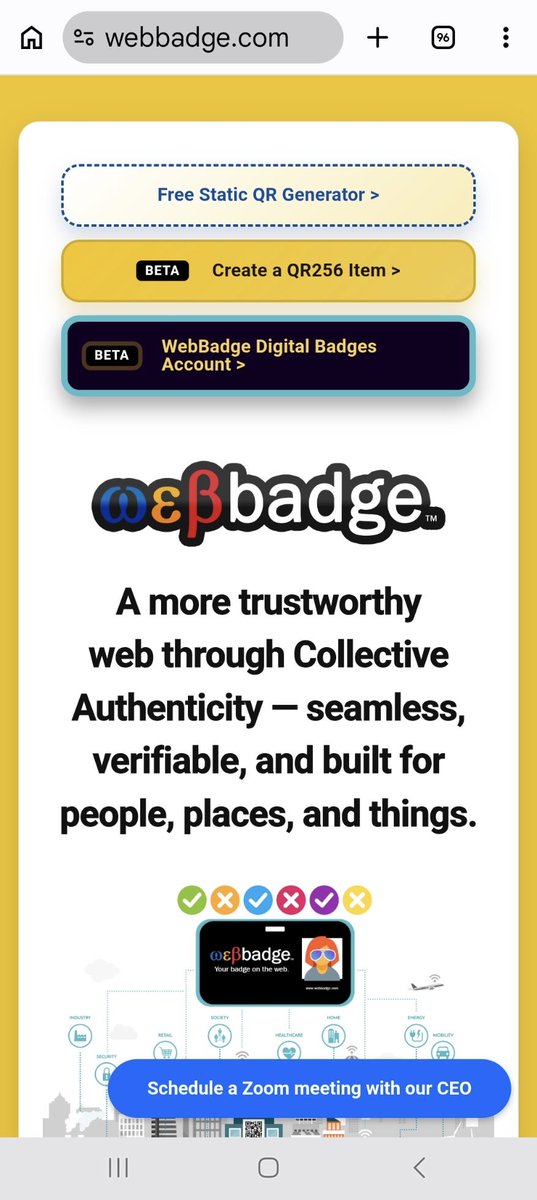
ALT 1️⃣ Open Chrome and go to: WebBadge.com 2️⃣ Tap the three dots (top right corner).
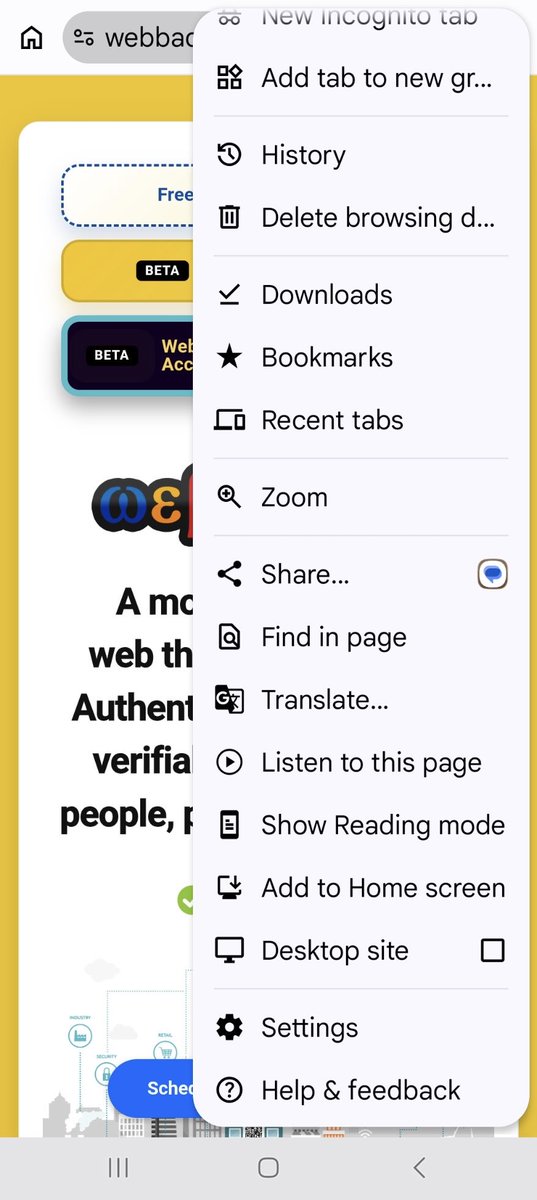
ALT 3️⃣ Tap "Add to Home screen" (or "Install app").
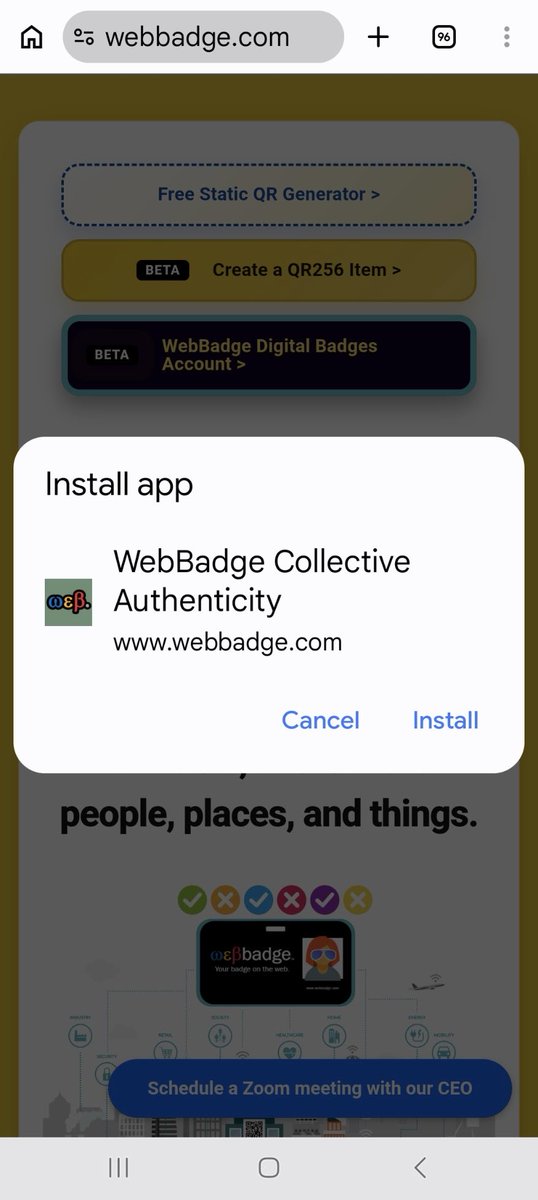
ALT 4️⃣ Tap "Install" to confirm.
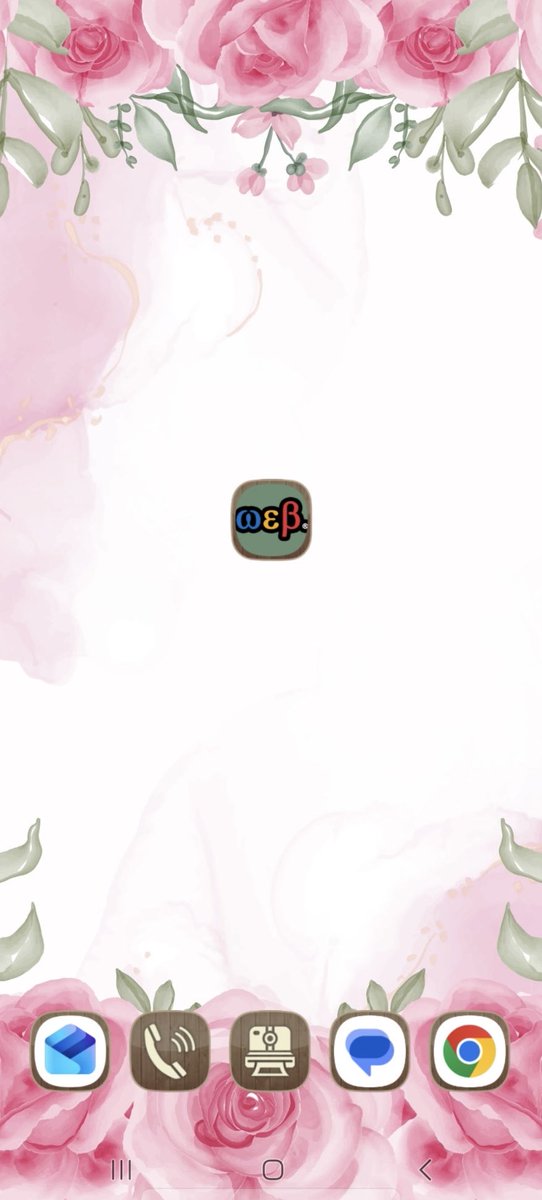
ALT You now have a clean, standalone WebBadge icon directly on your home screen!
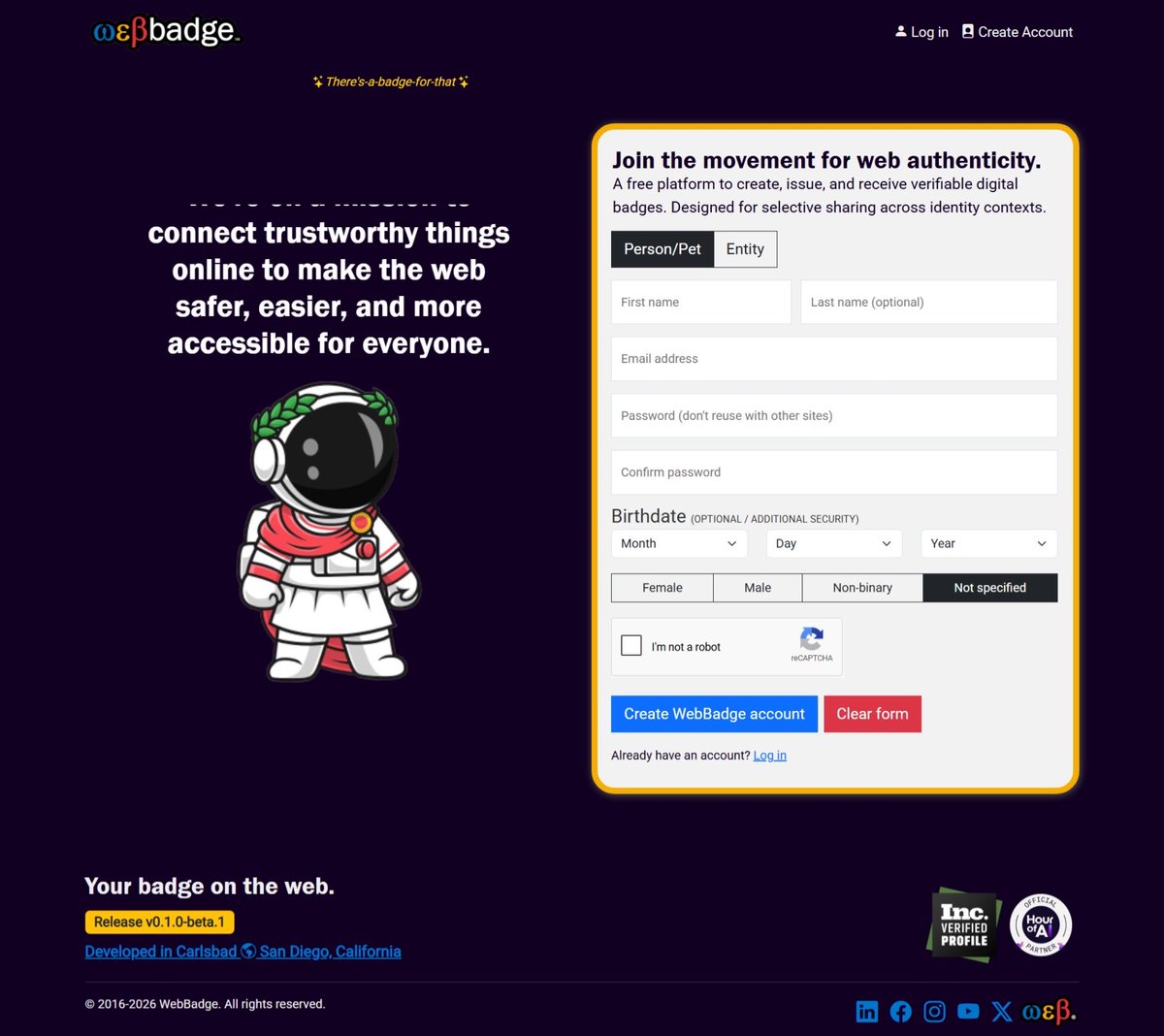
ALT A screenshot of the WebBadge registration page showing a sign‑up form for creating a WebBadge account. The interface includes radio buttons to select an account context, with “Person/Pet” selected and “Entity” as an alternative option. The page displays scrolling mission text stating “We’re on a mission to connect trustworthy things online to make the web safer, easier, and more accessible for everyone,” a flyby message reading “There’s a badge for that,” and form fields for first name, optional last name, email address, password, and optional birthdate. The form also includes an optional set of radio buttons labeled Female, Male, Non‑binary, and Not specified, along with a reCAPTCHA and a button to create a WebBadge account.
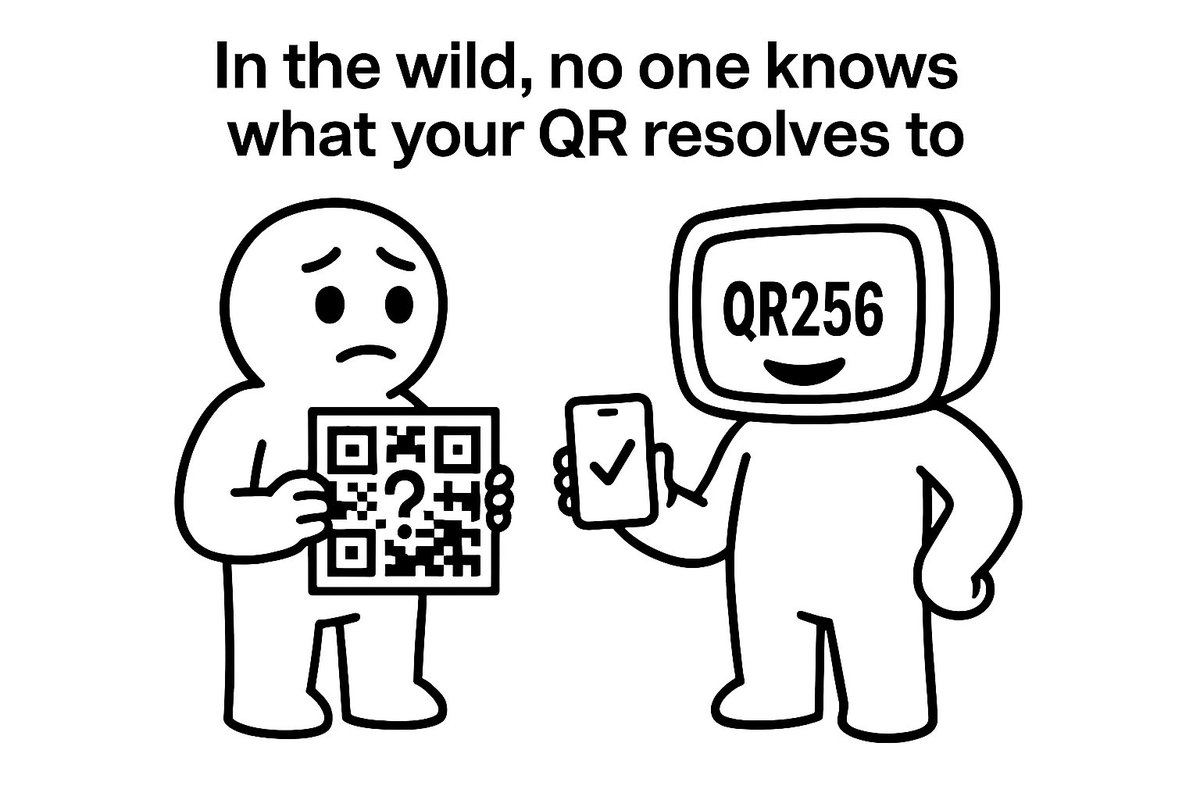
ALT A simple black‑and‑white cartoon meme. At the top, the text reads: “In the wild, no one knows what your QR resolves to”. On the left, a friendly humanoid character looks worried while holding a QR code that contains a large question mark. On the right, a smiling humanoid with a computer monitor for a head displays the text “QR256”. The right character holds up a mobile phone showing a checkmark, indicating a verified resolution. The two characters face each other in a friendly, humorous scene.
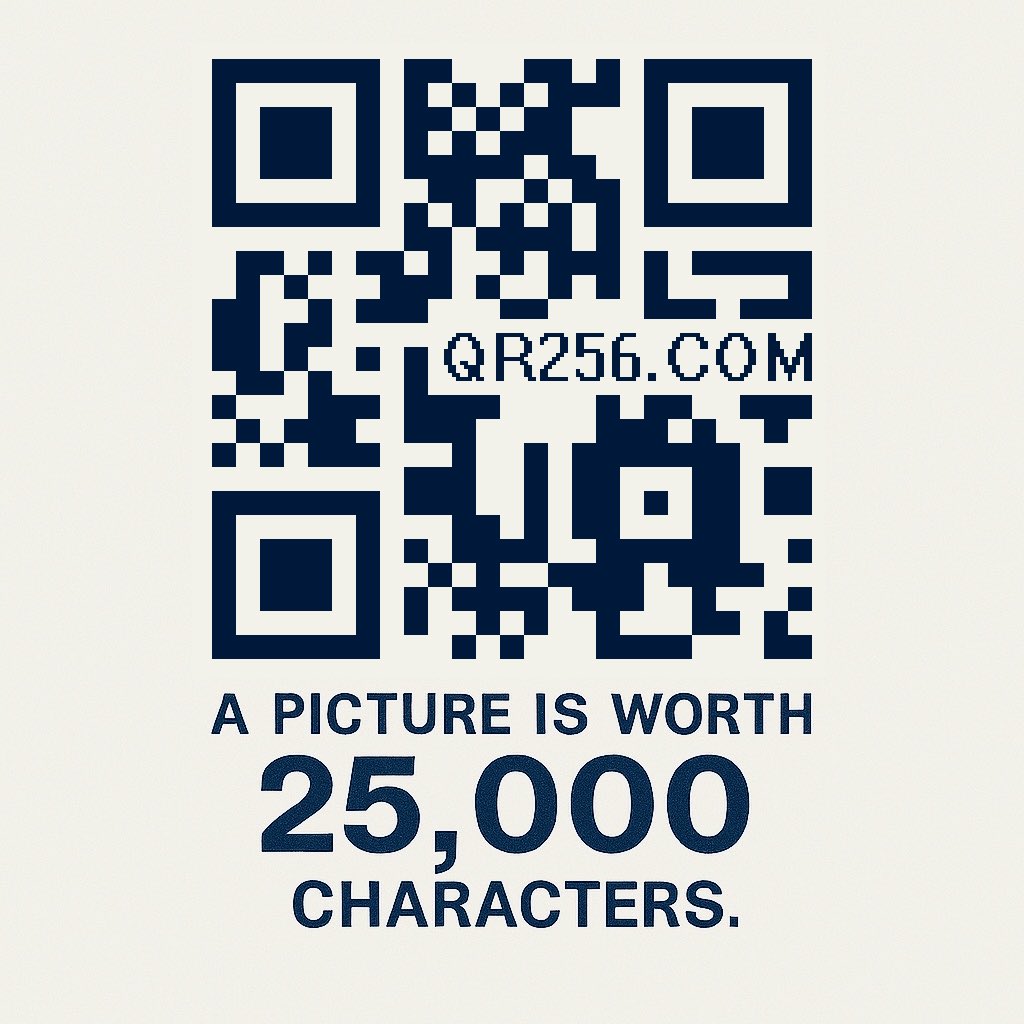
ALT A stylized QR code centered on a light background with the caption “A picture is worth 25,000 characters.” playing on the idea that this single QR image can resolve far more content than a traditional QR code. “QR256.COM” placed inside the QR block area.


ALT A serene landscape featuring snow-capped mountains partially covered by clouds in the background and a calm turquoise lake in the foreground. At the top center, the text reads "OFFICIAL MEMBER" above the WebBadge logo x the 1% for the Planet logo. Below the logos is a quote by Ralph Waldo Emerson: “The creation of a thousand forests is in one acorn.” At the bottom right corner, two website URLs are displayed: www.webbadge.com and www.onepercentfortheplanet.org
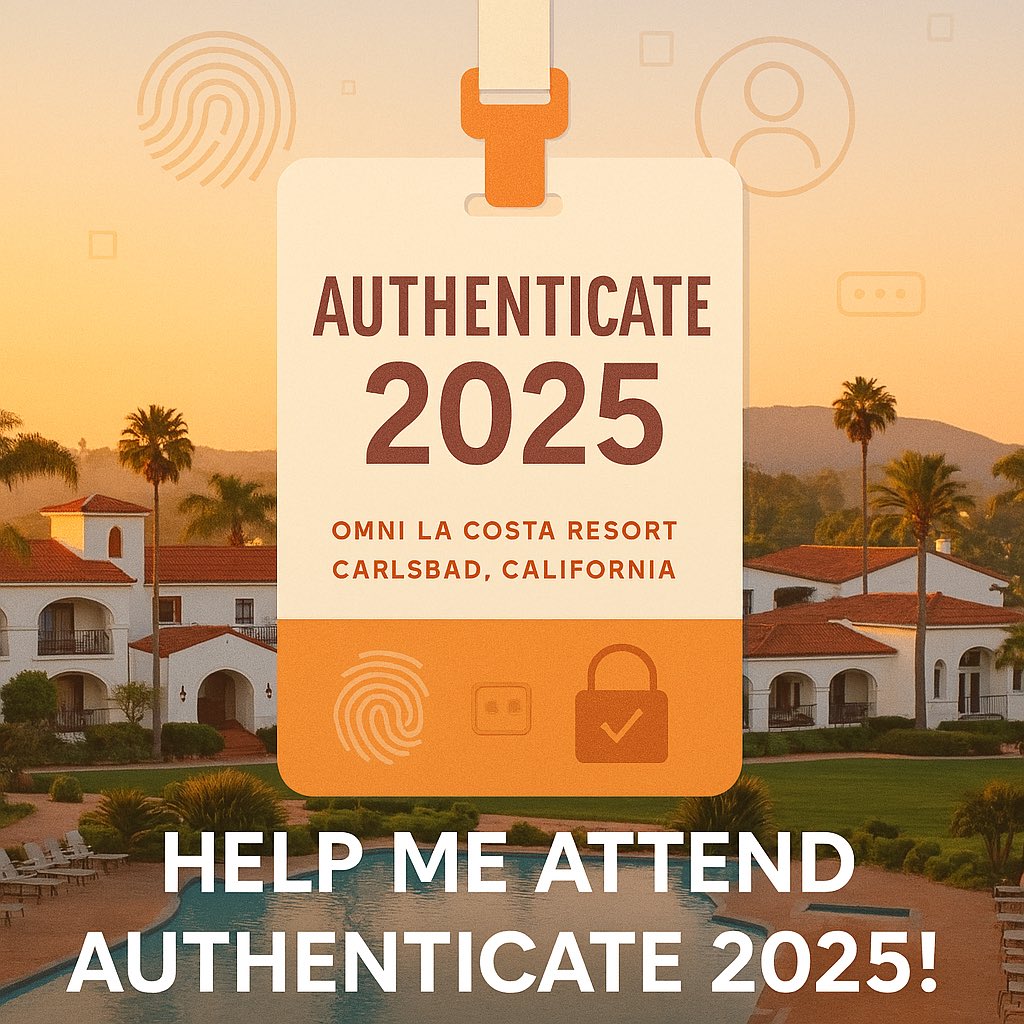
ALT A digital badge labeled “Authenticate 2025” is centered over a scenic view of the Omni La Costa Resort in Carlsbad, California. The design includes fingerprint patterns, biometric icons, and secure login symbols to represent digital identity. Warm tones and clean lines evoke a sense of optimism and community support. Text overlay reads: “Help Me Attend Authenticate 2025!
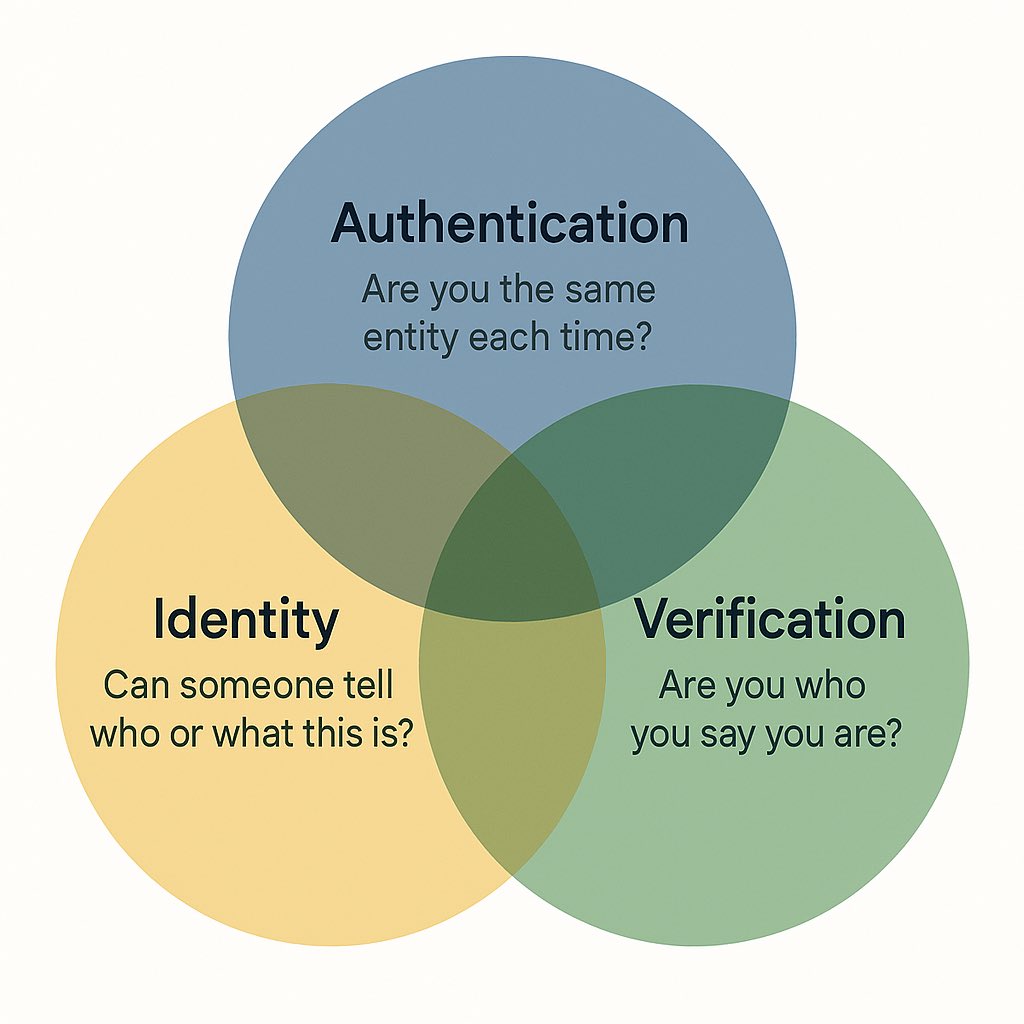
ALT A Venn diagram illustrating three overlapping components of digital identity architecture. Each circle is labeled with a guiding question and its corresponding system: Authentication – “Are you the same entity each time?”, Identity – “Can someone tell who or what this is?”, and Verification – “Are you who you say you are?”. The overlapping areas suggest interaction and shared responsibilities among these systems. The design emphasizes modularity and the potential for consistent application across legacy and modern digital identity standards and systems.