Technical artist ; Blender Character TD / rigging | Rigger Supervisor on @Bwater_Studios | Founder of @PCM_Games
Joined December 2010
- Tweets 6,039
- Following 278
- Followers 219
- Likes 7,029
85 Photos and videos





Pinned Tweet

1 Sep 2019
Cori the dreamer FREE rig for #b3d #blender
youtube.com/watch?v=j1oaA6A7…
She is a dreamy and vivacious girl who loves to live adventures in pajamas since in her head pajamas are the best prepared costumes to live dream adventures.
Download:
gumroad.com/l/CoriRig
#animation
2
7
32
Poll retweeted

Jun 15
眼睛的Shader
以前是想到什麼疊什麼,
現在更系統化了
也做了Group可以方便我汲取需要的參數。
風格也更二次元了
應該是有觀察到對的方向的關係吧
個人蠻喜歡十字星的
#blender

3
102
1,132
68,651
Poll retweeted

Jun 15
ワンクリックでオブジェクトに指を沿わせることが出来るアドオン!
cgbox.jp/2026/06/15/news-add…
【主な特徴】
・指ボーンにメッシュ接触を検知する挙動を追加できる
・指がオブジェクトを突き抜けるのを防ぎやすい
・手をプロップに沿わせるポージングを効率化できる
#b3d
169
1,418
41,027

Weight painting for hours just to get clean rig deformations?
There's now a 3-click fix for that in Blender — powered entirely by Geometry Nodes, no Shape Keys, no drivers.
Huge time-saver from @Xeofrios
👏 Have you tried fixing rig deformations this way yet? Drop your method below 👇
#Blender3D #B3D #3DAnimation #GeometryNodes #RiggingTips #BlenderTutorial
11
143
2,027
85,796
Poll retweeted

Jun 10
3
52
619
18,080
Poll retweeted

WIP for water spell "Hydro-Megia." We captured water particles from Blender in combination of a customized Mesh distortion in unreal to make it! We'll show you more when other spells are done!
#VFX #Blender #unrealengine #indiedev #indiegame #stormcorebringer
53
457
20,751
Poll retweeted

Jun 5
FPSゲームやガンアクションシーンにぴったり!
BlenderのGeometry Nodesを使って、ランダムに形状が変化する
『アニメ風マズルフラッシュ💥』
(※発砲時に一瞬だけ銃口から出る炎)
エフェクトの作り方を解説したKhamuraiさん(@Khamurai3D)のチュートリアル動画をご紹介👀
FPSゲームやガンアクションシーンを作る際に、どうしても欲しくなるエフェクトの代表が「マズルフラッシュ」です!
ですが実際に作ってみると、毎回同じ形になって連射時に違和感が出る
など、意外と難しいエフェクトでもあります…
Khamuraiさんの場合、Random Value や Noise Texture を組み合わせることで、毎フレーム微妙に異なる形状へ変化するランダム感をうまく作り出しています。
特にGeometry Nodes初心者の方にぜひ注目して欲しいのが「Scene Time → Seed」への接続です。
これを行うことで、毎フレームごとに異なる乱数が生成され、同じノード構成でも全く違う表情のフラッシュになります。
この「時間を乱数に利用する」方法は、炎・煙・魔法・パーティクルなど、他のVFX制作にも応用できる超重要テクニックですので、ぜひ覚えておきたいポイントですね👍
【チュートリアル動画の詳細📝】
タイトル:Muzzle Flare Generator | Blender 3.3 Geometry Nodes Tutorial
制作者:Khamurai様(@Khamurai)
動画本編:youtube.com/watch?v=jb-2FotA…
よろしければ上記URLより、チュートリアル動画本編への「高評価」「チャンネル登録」もよろしくお願いします。
【お問い合わせ / Contact Form】
こちらの投稿に関するお問い合わせは、アカルカネの「プロフィール」→「さらに表示」→「お問い合わせフォーム」より受け付けております。
内容を確認の上、迅速に対応いたします。
If you have any inquiries of this post, please contact us via the "Contact Form" by navigating to Acarcane profile -> View more -> Contact Form.
We will review your request internally and respond promptly.
#blender #b3d
2
37
303
11,368
Poll retweeted

Jun 6
13
101
1,494
95,500
Poll retweeted
Jun 6
【note更新しました📢】
本日は「Blenderチュートリアル動画まとめ」から
『キラキラ輝く魔法のクリスタルシェーダの作り方』
(原題:This Blender Shader is the Secret to Magical 3D Art)
をご紹介します👀
紹介記事:note.com/acarcane/n/n9374a6c…
著者:Levi Magony様(@levimagony)
動画:youtu.be/mQPFjzAgGQo?si=B5aF…
noteでは過去にXの方でご紹介した記事に加筆・修正を行いながら、より「読みやすい・探しやすい」形に整えて公開しています。
他の過去記事も順次公開予定!気に入っていただけたら、フォローしてもらえるとうれしいです🤗
1
367
3,195
72,527

Poll retweeted

Jun 3
Acabo de hacer un shader de vidrio rompiendose, es mucho mas sencillo de hacer de como se ve. Todo está en los "Voronoi Texture". ✨🧙♂️
#b3d #blender #shader #animation
10
133
1,567
44,952
Poll retweeted

Jun 1
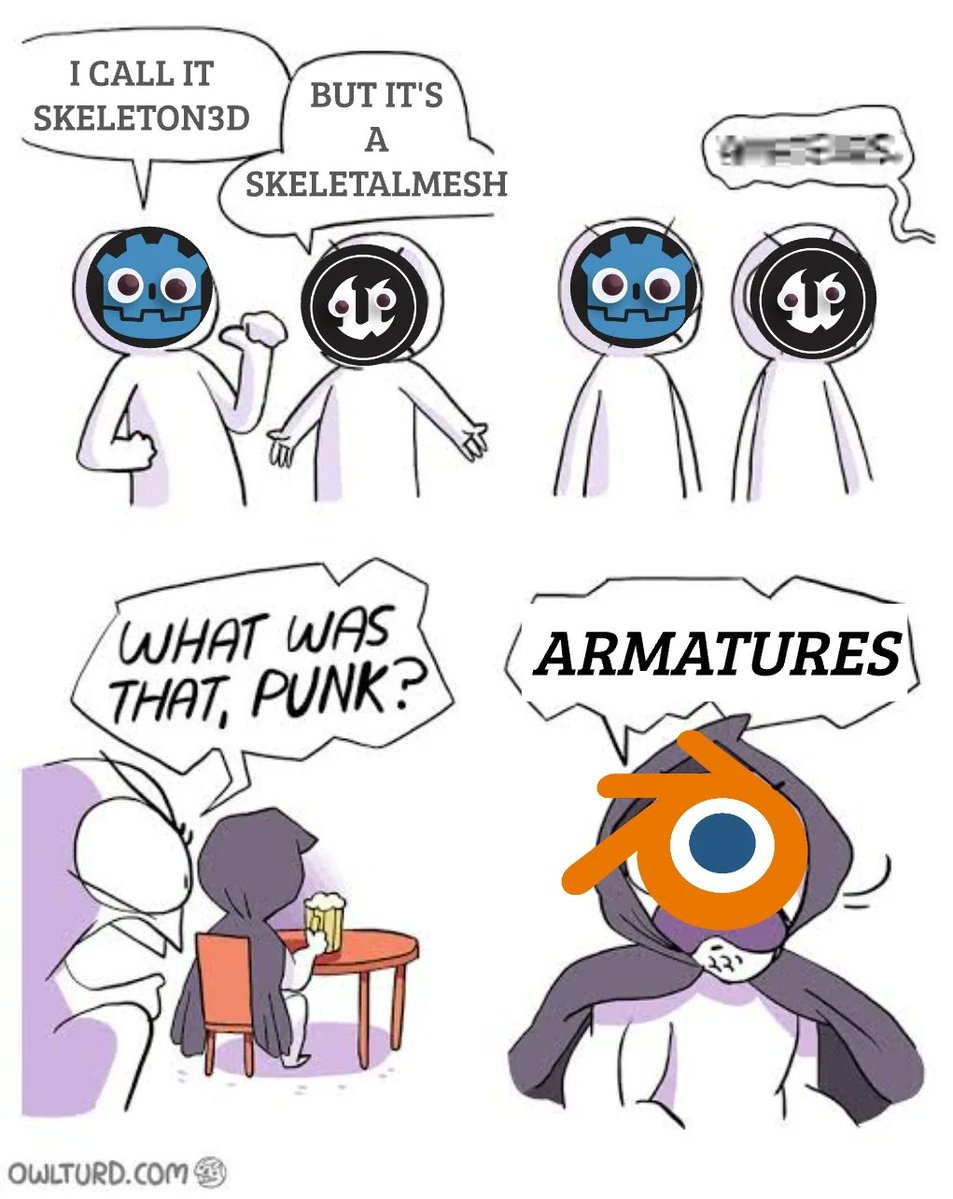
An armature in 3D modeling refers to a digital skeleton used for character animation.
26
246
4,859
72,398
Poll retweeted

May 30
11
177
2,896
96,606
Poll retweeted

Storm in action: that's how animating with a Blender 5.0 advanced rig feels like. Curious to see the end result? Head over to Blender Studio channel: youtu.be/vVowghWXyzc
#b3d #training #BlenderStudio
2
31
319
13,493
Poll retweeted

May 28
Blender Dynamic Paint Feature
Save this one for future
2
50
801
24,990
Poll retweeted
May 28
小さな点であるパーティクルも集まれば映画のような大迫力エフェクトに!
Blender 4.x以降でさらに強化されたSimulation Zoneを使ってKrakatoaやHoudiniのように
『数百万のパーティクルを自由自在に扱う方法🫴🔥』
を解説したGraphical Ninjaさんのチュートリアル動画をご紹介👀
今回のチュートリアルの見どころは、ずばりGeometry Nodesで「数百万単位のパーティクル」を効率よく扱うためのプロセスを解説している点です。
しかも見た目の派手さに比べて、内容はかなり初心者向けなのも嬉しいポイント。
具体的には、Simulation Zoneを使った時間経過による…
・パーティクルの寿命管理
・法線方向への放射
・ノイズによる有機的な揺らぎ
など、どのノードを加えたらどう変化するかを丁寧に説明してくれています👍
さらに後半では、疑似モーションブラーによる高速化テクニックまで紹介されています。
今までパーティクル機能を触った事のない方は、この機会にぜひGeometry NodesとSimulation Zoneの凄さに触れてみてくださいね!
【チュートリアル動画の詳細📝】
タイトル:Magical Particle Simulation | Blender 4.0 Quick Tutorial
制作者:Graphical Ninja様
Youtube:youtube.com/@Graphicalninja
動画本編:youtube.com/watch?v=UEeramTj…
よろしければ上記URLより、チュートリアル動画本編への「高評価」「チャンネル登録」もよろしくお願いします。
【お問い合わせ / Contact Form】
こちらの投稿に関するお問い合わせは、アカルカネの「プロフィール」→「さらに表示」→「お問い合わせフォーム」より受け付けております。
内容を確認の上、迅速に対応いたします。
If you have any inquiries of this post, please contact us via the "Contact Form" by navigating to Acarcane profile -> View more -> Contact Form.
We will review your request internally and respond promptly.
#Blender #b3d
1
56
538
19,493
Poll retweeted

Saw recently an interesting Bike and had to recreate its suspension and add it into to the mix.
The front one surprisingly gave me a headache though 😅
#b3d #blender #blender3d #rigging #tutorial #satisfying #cgi
15
136
1,680
49,796
Poll retweeted
May 26
Blenderのクロスシミュレーションの基礎「ピン🪡」固定をジオメトリノードで動的に制御できると表現の幅がぐっと広がります👍
本日はピンをアニメーションさせる革新的テクニックを駆使して
『地面が布みたい破れるエフェクト✂️』
を解説したCGMatterさん(@MatterCg)のチュートリアル動画をご紹介👀
今回のエフェクト作成の核心となるのが「ピンをGeometry Nodesで制御する」という発想です。
通常のクロスシミュレーションでは、頂点グループ(Vertex Group)で固定位置を決めてしまうため、一度設定したらシミュレーション中は変更できません。
しかしCGMatterさん動画では、そのピンの値をノードで制御し、時間(Scene Time)に応じて固定・解除を切り替えています。
これにより、布を引っ張る・離す(破れる)といった自然な動きをプロシージャルで再現できるのが大きなポイントです。
ここで重要になるのが内積(Dot Product)を使った固定/リリース判定です。
内積とはベクトル同士の向きの一致度を示す値で、これを使うことで布の任意の場所がオブジェクトの「内側にあるかどうか」を正確に判定できるんですね👍
この内積を用いたマスク処理は、クロスシミュレーションだけでなく、衝突判定など幅広く応用できるため、ぜひ理解しておきたい重要なテクニックです。
【チュートリアル動画の詳細📝】
タイトル:Let's tear, shred, rip, and annihilate this cloth (as a family)
制作者:CGMatter様(@MatterCg)
Youtube:youtube.com/@CGMatter
動画本編:youtube.com/watch?v=nEI3fGh0…
よろしければ上記URLより、チュートリアル動画本編への「高評価」「チャンネル登録」もよろしくお願いします。
【お問い合わせ / Contact Form】
こちらの投稿に関するお問い合わせは、アカルカネの「プロフィール」→「さらに表示」→「お問い合わせフォーム」より受け付けております。
内容を確認の上、迅速に対応いたします。
If you have any inquiries of this post, please contact us via the "Contact Form" by navigating to Acarcane profile -> View more -> Contact Form.
We will review your request internally and respond promptly.
#Blender #b3d
1
96
969
46,738
Poll retweeted

Miles Morales model for Blender now available
16
255
2,862
69,599
Poll retweeted

May 26
sin instalador de 20 GB, sin precompilar shaders, un solo ejecutable de 200 mb, totalmente open source, 60 fps sin inmutarse en una macbook M1. godot señoras y señores. un invento ARGENTINO.
118
402
9,410
901,535
Poll retweeted
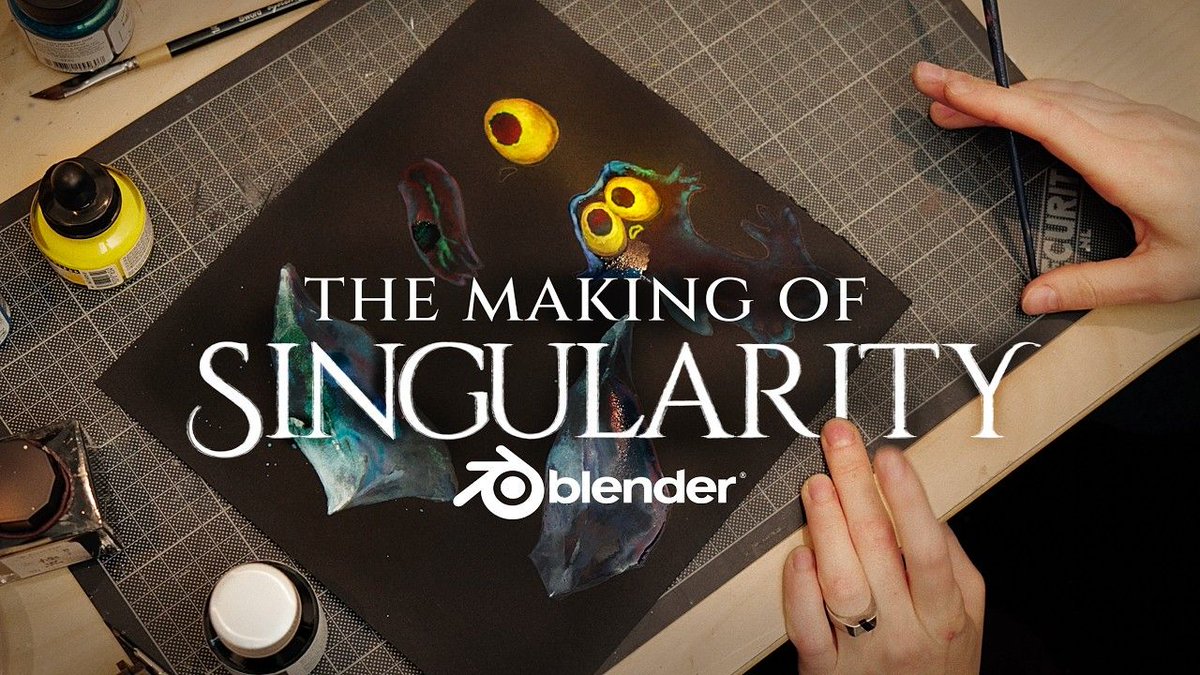
The making-of for SINGULARITY is out! Watch a final walkthrough of the production with Blender Studio team: youtube.com/watch?v=6qKZw8oP…
#b3d #OpenMovie #BlenderStudio #Singularity
2
36
214
18,274