
Joined August 2020
- Tweets 945
- Following 2,804
- Followers 621
- Likes 378
430 Photos and videos









Pinned Tweet

4 Dec 2023
We are extremely proud and excited to announce that we have been awarded Business Software Consultancy of the year 2023 by the Scottish Enterprise Awards!
To read our full article on page 54, click here - sme-news.co.uk/issues/scotti…
#Microsoft #Experts
@SME__News
1
7
368
Proximo 3 retweeted

8 Jan 2025
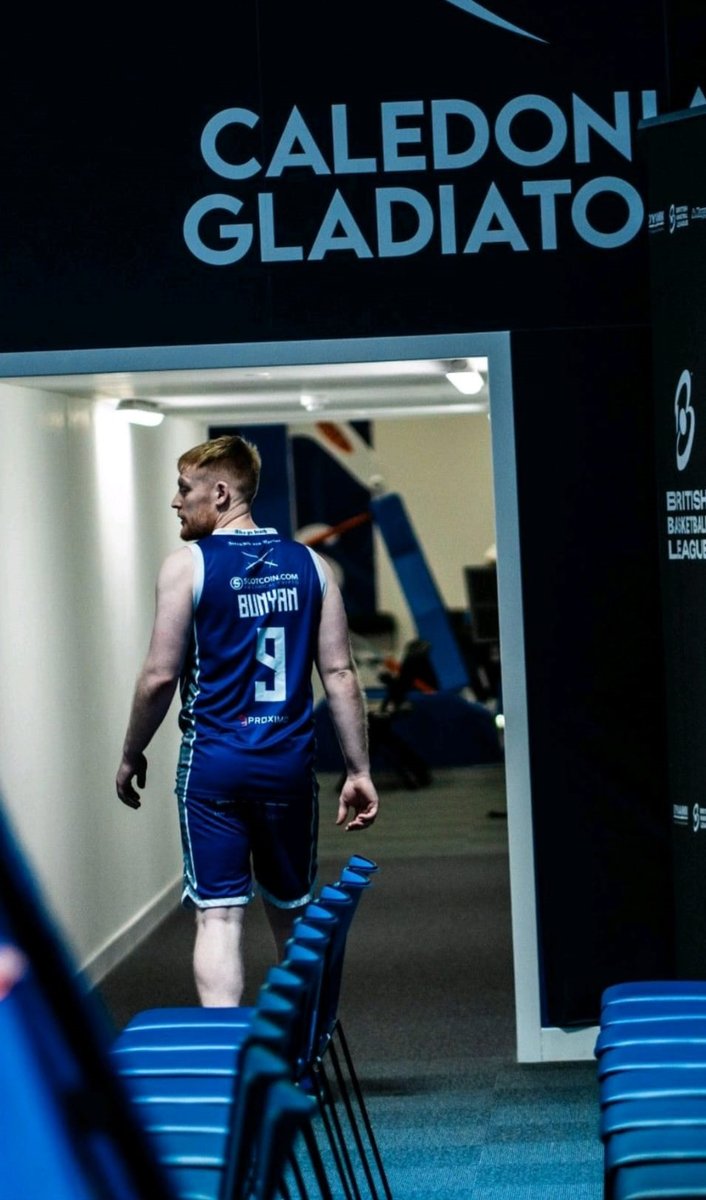
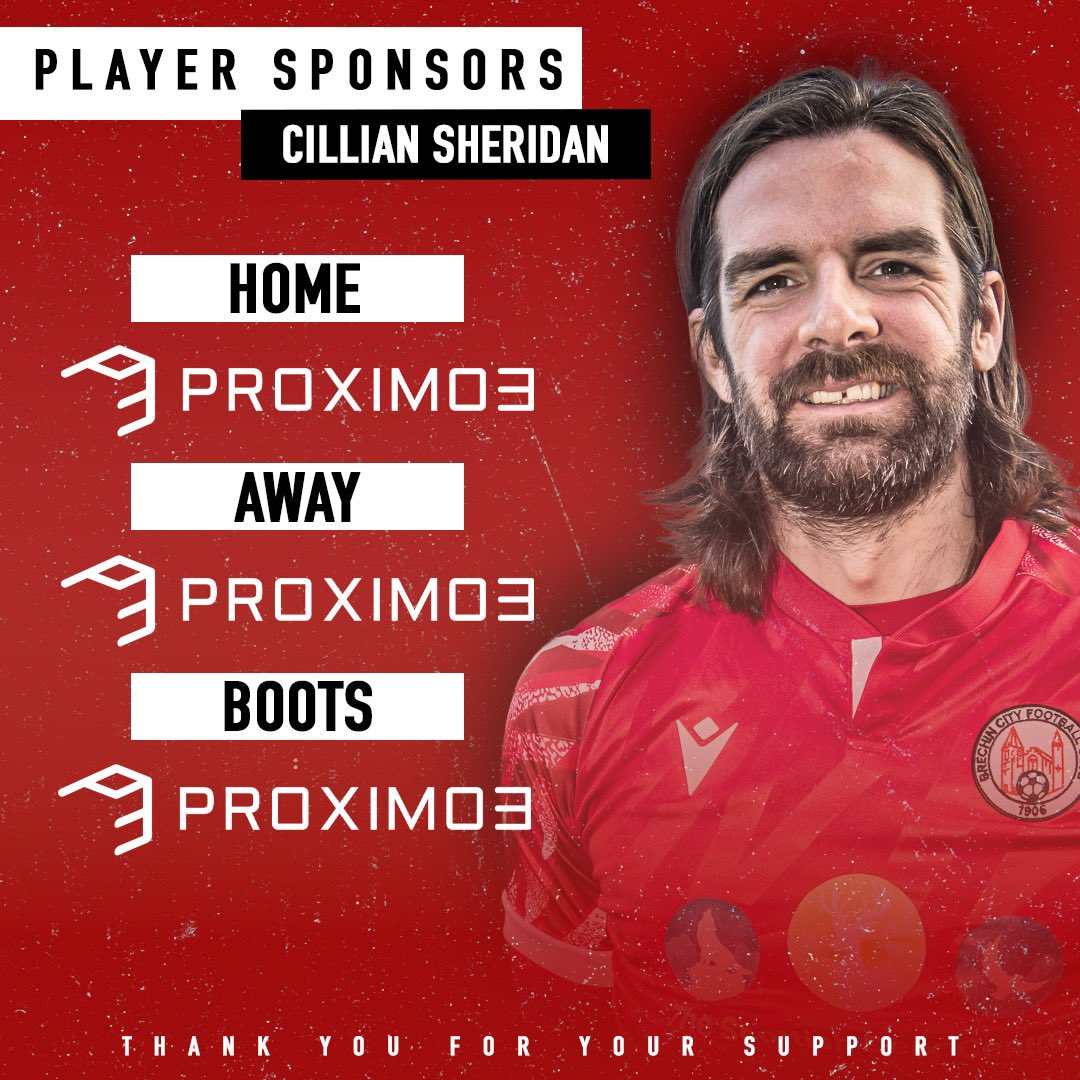
🔴⚪️ 𝙋𝙇𝘼𝙔𝙀𝙍 𝙎𝙋𝙊𝙉𝙎𝙊𝙍𝙎𝙃𝙄𝙋 ⚪️🔴
A big thank you to all at @Proximo_3 who have kindly sponsored Cillian Sheridan’s full kit for the remainder of the season! 👏🏽
2
9
5,512
Proximo 3 retweeted

16 Oct 2024
A message from our Digital Sponsor, @Proximo_3 💫
Introducing Proximo 3 as a Digital Sponsor at this year's Scottish Summit!
Proximo 3 are experts in Power Platform and Dynamics 365 led by a team of trusted Microsoft MVPs with over 40 years combined industry experience and strong connections within Microsoft and its community. Their consultancy practice helps customers maximise any Microsoft project investment by optimising resources, empowering teams, analysing business insights, and accelerating project delivery.
Don't miss Proximo 3 Director, @AndrewBibby, as he provides a vision for 'Navigating the shift from the Dynamics 365 app for Outlook to Copilot for Sales' on Friday 18th October at 11:20am. This session will showcase how Copilot for Sales is the new AI-powered engine to maximise productivity and elevate customer relationships - you won't want to miss it!
Find out more - scottishsummit.com/agenda/se…
#DigitalSponsorship #Proximo3 #Sponsorship #MicrosoftTech #PowerPlatform #Technology #Dynamics365 #CRMSystems

ALT Static advert social tile with red background and white text with QR code with pictures of people sitting around a table. Proximo 3 specialists in Microsoft CRM solutions and custom solutions with linking to their website.
1
3
238
Proximo 3 retweeted

2 May 2024
🔵We were hugely grateful to Proximo3, who are our highlights sponsors, extending that support of the club to be last night's match sponsor.
Their player of the match was @eirinnmccaffert and here she is giving her thoughts on the match:

2 May 2024

💬 “Inspiring the younger generation is a really big thing. The support means a lot.”
🎙 Eirinn McCafferty, who was game sponsor Proximo3's player of the match, spoke to #SaintsTV following last night's fixture against Queen's Park.
@stjwfc | @SWPL
3
16
2,676
16 Feb 2024
We can't wait to welcome everyone to our Perth office for the 1st birthday party of the @ScottishPPUG!
Grab your tickets via the link below⬇️

Join us at the @ScottishPPUG Birthday Party in Perth next week! 🎂
Register here: eventbrite.com/e/scottish-po…
We're going to have awesome sessions from @AzureRory, Aidan Maloney and @MalinMartnes.
Thank you to our hosts @Proximo_3 and our sponsors @CatchResource and @dynamicsminds!
#ScottishPowerPlatformUserGroup #SPPUG #PowerPlatform #CommunityRocks

1
1
162
13 Feb 2024
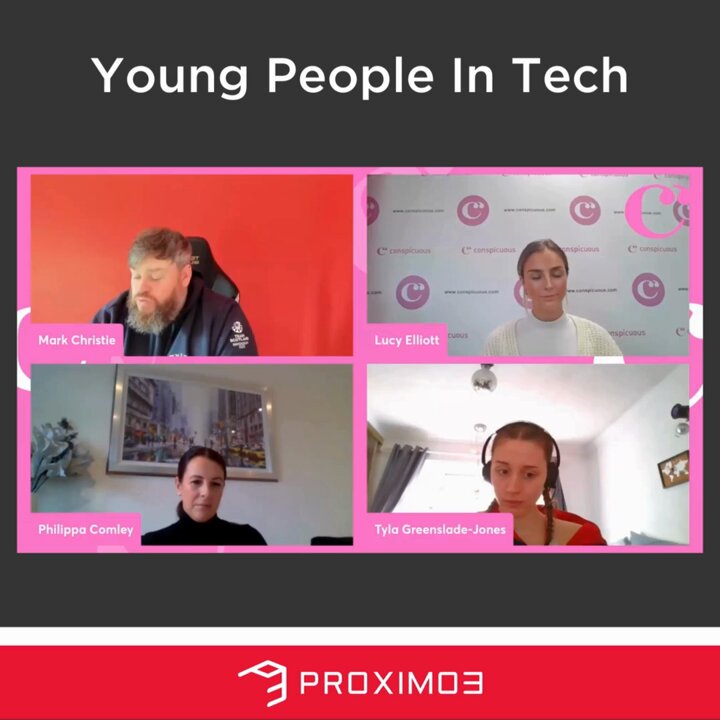
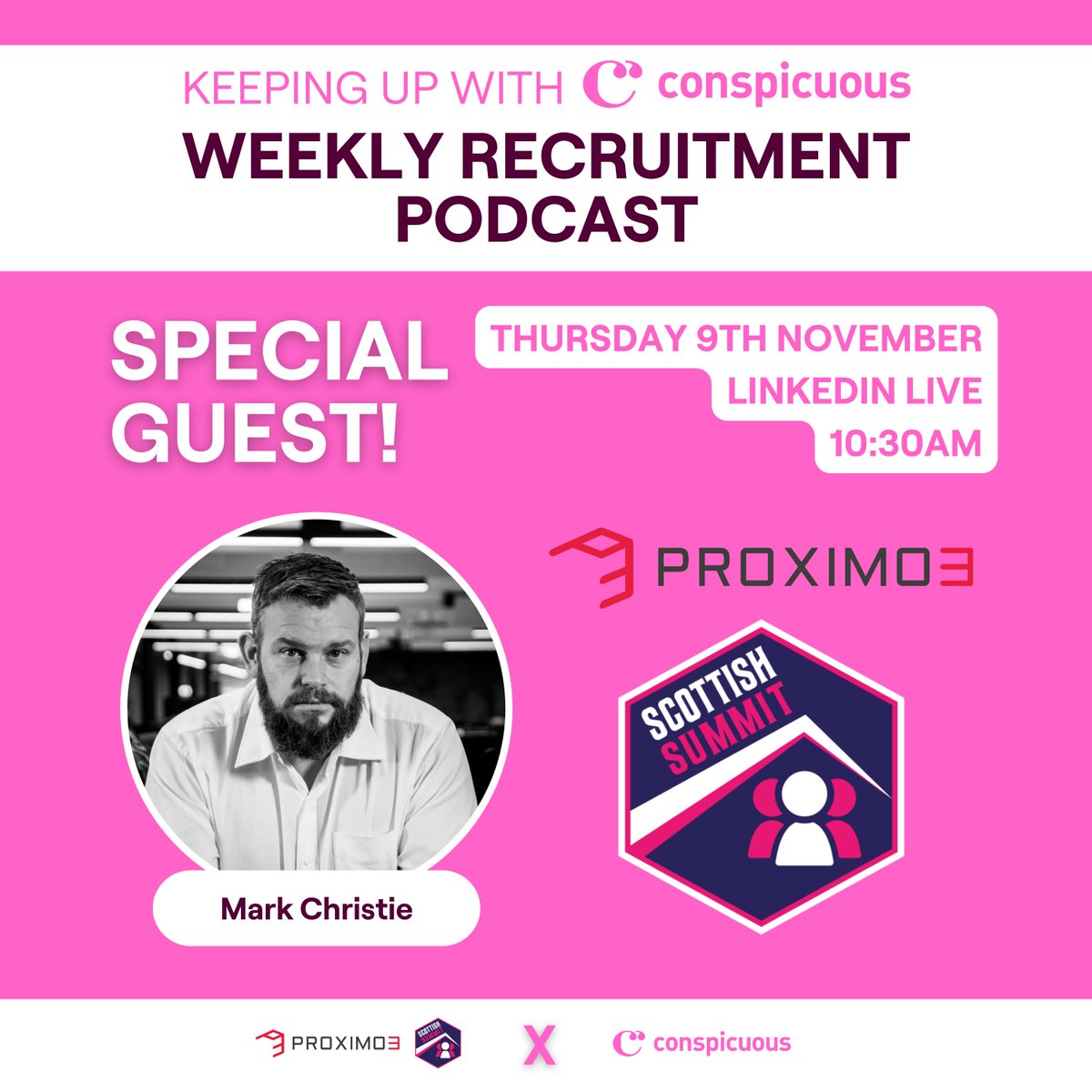
Check out Mark Christie discussing how getting young people into tech is the way forward in last week's @conspicuousltd podcast. What are your thoughts on this? Comment below! ⬇️
#Tech #Microsoft #PowerPlatform #Dynamcis365
1
88
Proximo 3 retweeted

1 Feb 2024
The Old Men Yell At Cloud session was actually super useful at #CTTT24 on all things Copilot🤣
Some 💎 s from @themarkchristie @YannickReekmans @anttipajunen @ThatPlatformGuy and @lauriepottmeyer:
-Pick your battles! Don’t try to keep up with EVERY Copilot product and instead choose things you can use NOW with current customers
-Build a network of community people who know things different than you and call on them when you need expertise out of your depth. Find them via blogs, and the MS Tech Communities and the Power Platform Community Forum. Secret WhatsApp groups. Speakers at confs WANT you to talk to them and can connect you to people!
-Don’t worry about asking “stupid” questions. There is at least one other person who will have the same question!
-Cloud is “generally” cheaper than on-prem, it’s also much more secure and reliable. On-prem is also easier to hack. Cold storage is sometimes an exception
-(Bing) Copilot creates responses from the AI model (GPTx) and also weaves in responses from the web so you can up-to-date info. ChatGPT also does this now with Bing in the background
- GitHub Copilot is the best tool for code generation. Devs who have it for a week refuse to give it up. GH Copilot Enterprise is going
-How to roll out M365 Copilot:
Guardrail your data with Microsoft Purview, figure out where is your structured data and unstructured data, build an adoption plan via the rings of release strategy with an internal community of champs (Insider program style!). You should set all this up ANYWAY because it will protect your org and help you adopt things faster and better. Have your champs create good prompts for Copilots and send your people to Prompt Training!
- For knowledge management, very few people actually do it well. Lots of DevOps usage. One idea is to create markdown files in GitHub and generating webpages a la Patterns & Practices
- How to add stuff to your M365 Copilot: graph connectors, Copilot Studio, and plug-ins to M365 Copilot.
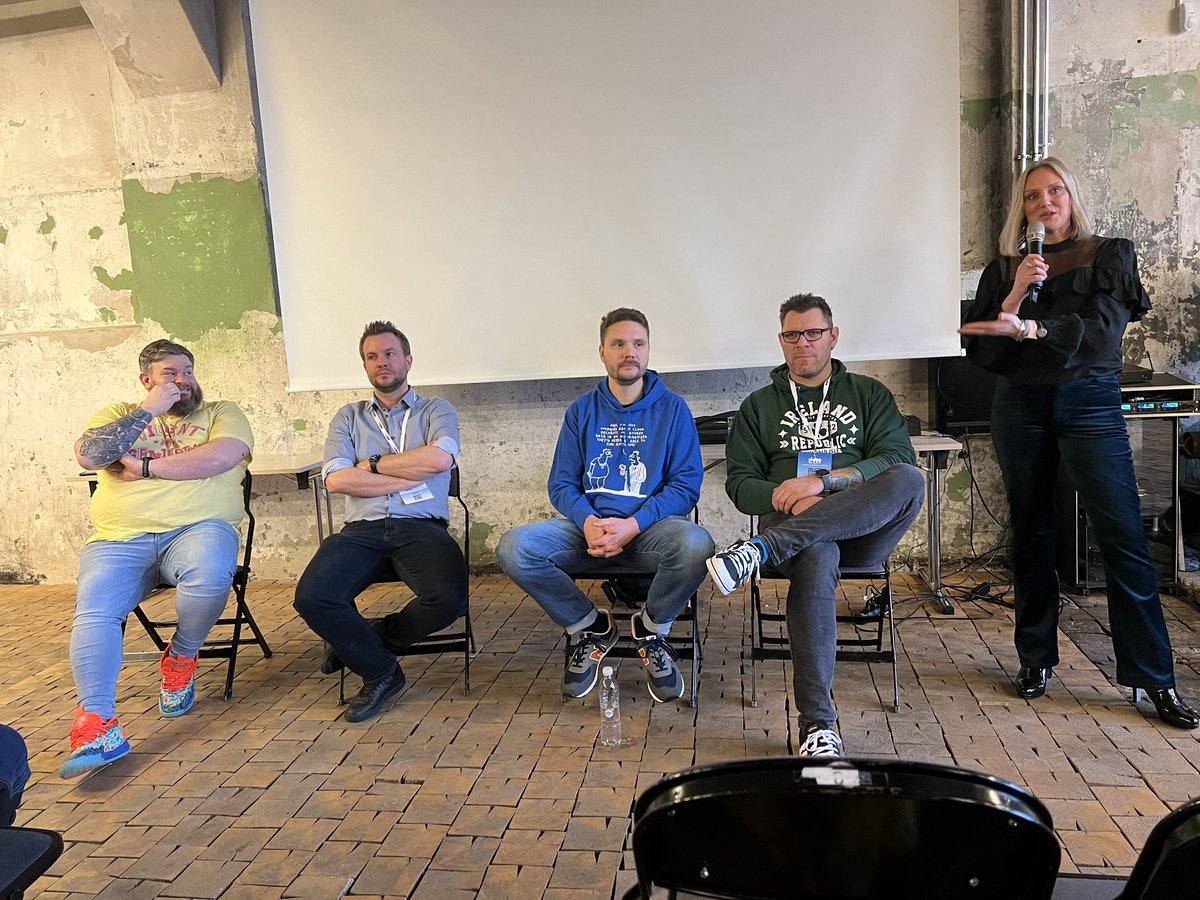
ALT Mark, Yannick, Antti, Chris, Laurie looking ferocious
3
7
54
5,003
1 Feb 2024
Our experts used #Dynamics365 to improve the security of @GoldenCharter and help them remain GDPR & FCA compliant. To find out more, click here proximo3.com/golden-charter-…
Or, to get a free, no-obligation estimate in under 10 minutes, follow this link - proximo3.com/solution-estima…
64
23 Jan 2024
Using #Dynamics365Sales, our experts worked with Club Vita to analyse requirements, design a combined CRM system and educate the team on how to operate the new system. For more info on this project, read here- proximo3.com/club-vita-case-…
#Microsoft #Dynamics365 #D365Sales
1
78
8 Jan 2024
In 2022, our #MCT, Mark Christie delivered training for 6 weeks at Glasspaper's #Microsoft University! Find out more about this here- proximo3.com/glasspaper-case… or to book a free, no-obligation estimate in under 10 minutes, click here - proximo3.com/solution-estima…
69
Proximo 3 retweeted
3 Jan 2024
A great game of Hockey this evening with the @DundeeStars
We love seeing the logo on merchandise
💙❤️🤍💙❤️🤍
2
2
306
25 Dec 2023
Merry Christmas from the team at Proximo 3! See you in 2024 for an exciting year ahead 🎉🎄🌟
3
92
6 Dec 2023
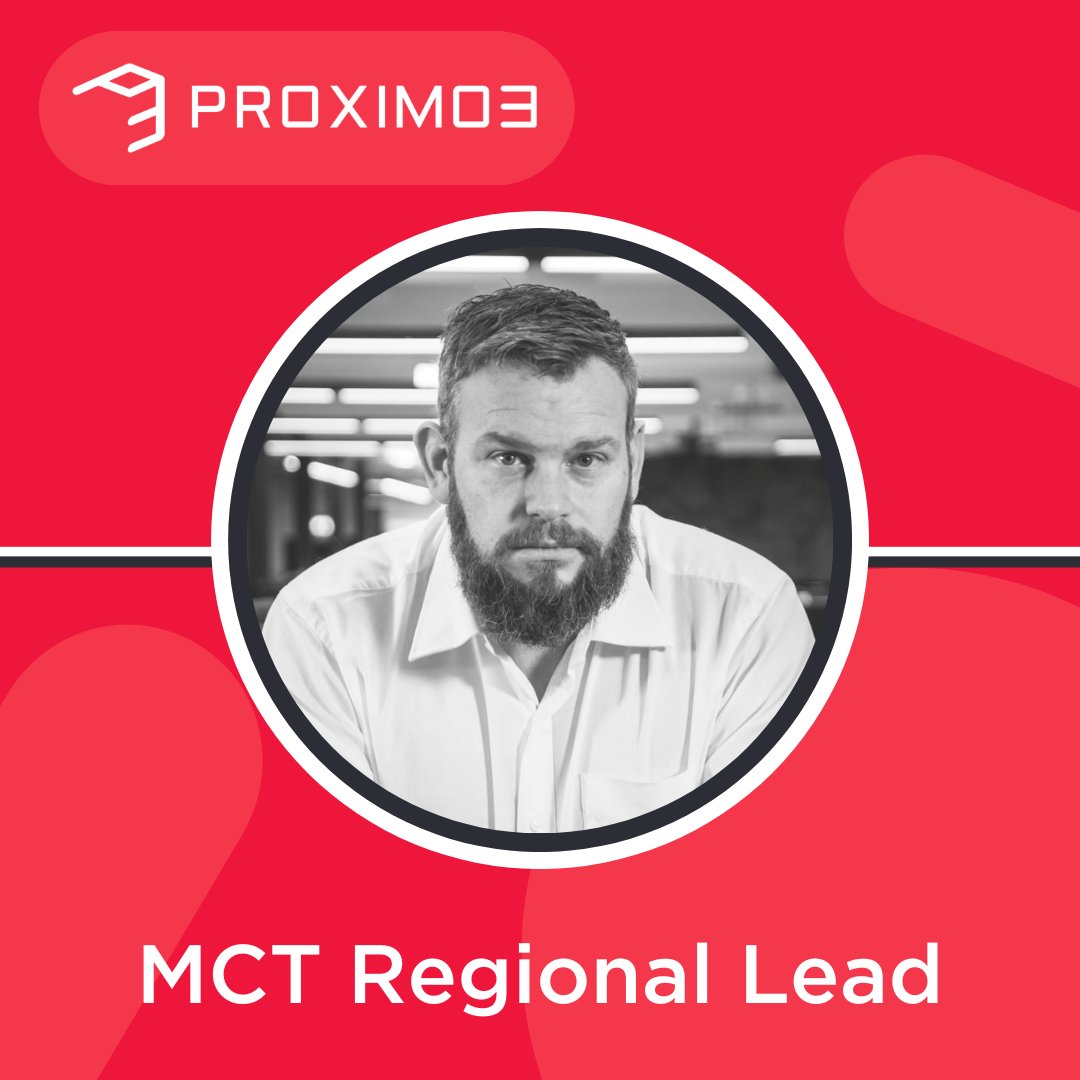
Proximo 3 expert, Mark Christie, has been awarded as MCT Regional Lead! After holding the #MCT award for 4 years, he is looking forward to helping other MCTs as part of his new role. To find out more about, check out our latest blog - proximo3.com/mct-regional-le…
#Microsoft
4
157
5 Dec 2023
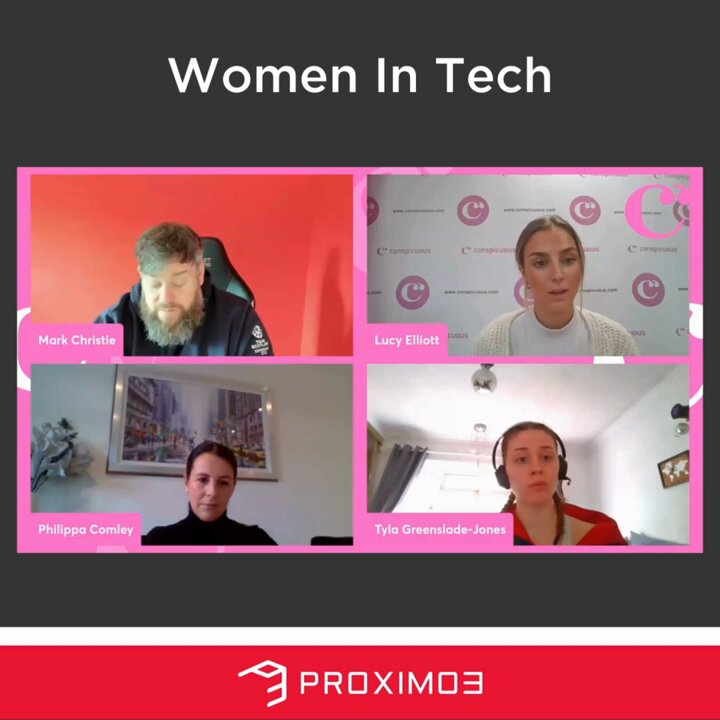
The #Tech industry has been male-dominated for years, but Mark Christie is keen to prove that the tech industry should not be and is not a male-only industry.
Check out this clip from last week's @conspicuousltd podcast to find out more⬇️
#Microsoft #Dynamics365 #PowerPlatform
3
6
299
Proximo 3 retweeted

1 Dec 2023
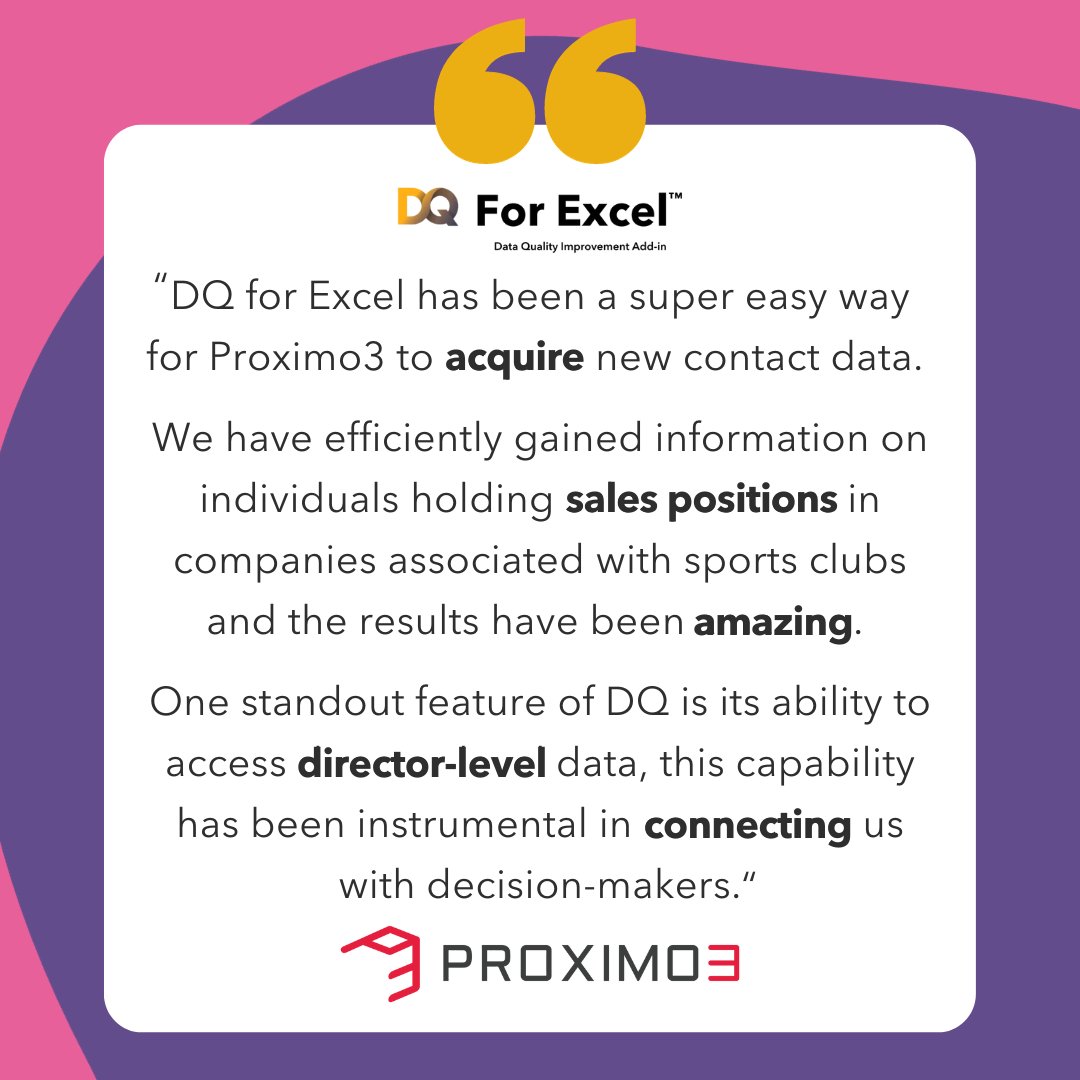
Unlocking success with DQ for Excel! 🤝 Mark Christie, Managing Director from @Proximo_3, shares how effortlessly they have obtained crucial sales contacts within sports-related companies while using Microsoft Excel.
#DQforExcel #DataForSuccess #B2BData #ExperianData
1
1
93
28 Nov 2023
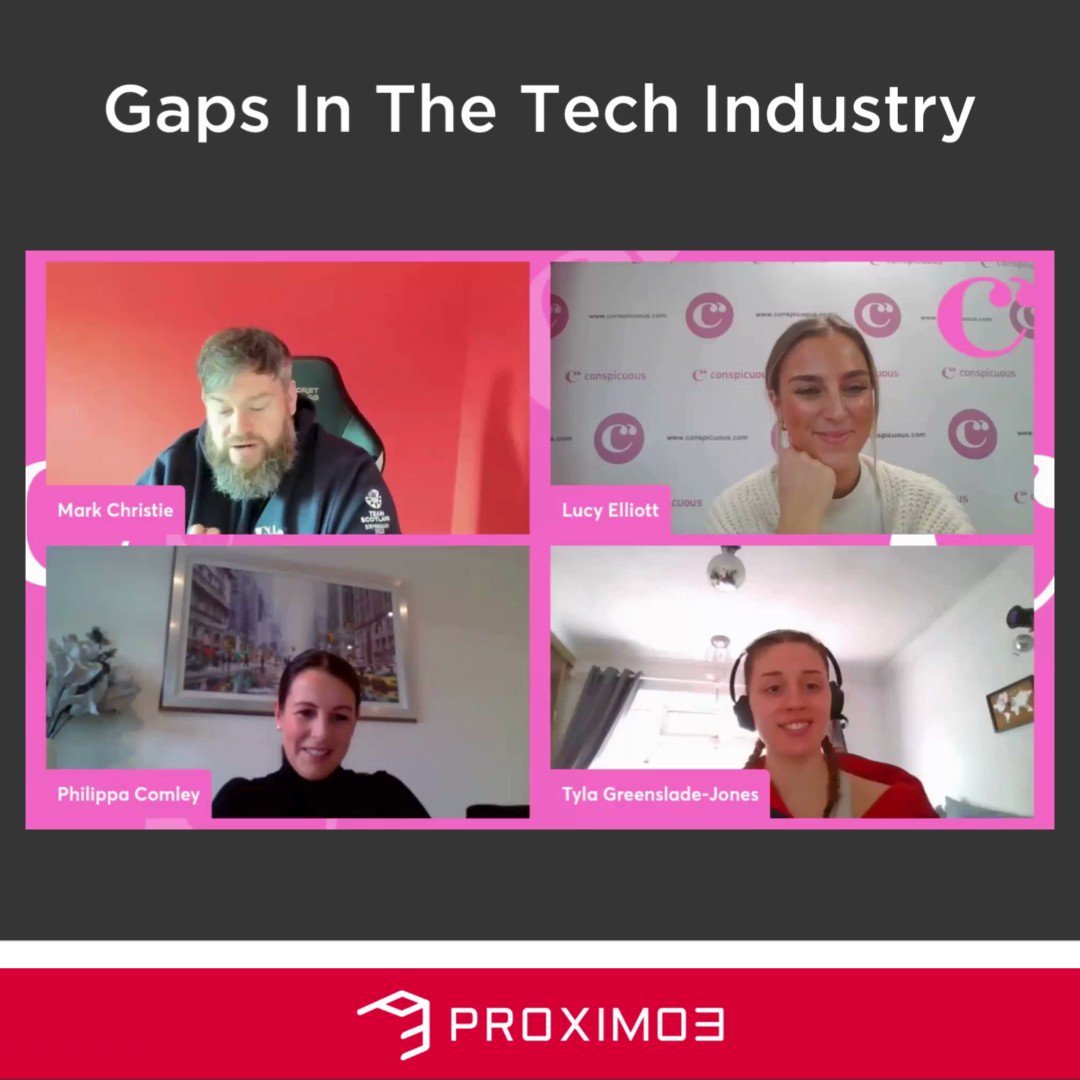
Exciting clip from last week's @conspicuousltd podcast featuring our expert, Mark Christie, discussing the gaps in the tech industry! Check out what he has to say below ⬇️
#Tech #Microsoft #PowerPlatform #Dynamics365
104
17 Nov 2023
Do you want to boost customer satisfaction with efficient field service jobs?
Check out Mark's blog on how #MicrosoftDynamics365 #FieldService warranties will transform support levels and boost customer satisfaction in field service jobs!
Read now- proximo3.com/field-service-w…
75