
🐍 Unraveling Python's power, one line at a time! | Tips, tricks & tutorials for coders | Join the #Python journey! 🚀 #CodeWithPython
Joined December 2024
- Tweets 27
- Following 3
- Followers 1
- Likes 101
5 Photos and videos
Pinned Tweet

3 Jun 2025
🐍 Day 1 of my Python journey! 🚀 Sharing my first tutorial as I learn: Let's print 'Hello, World!' in Python! Code: print('Hello, World!') Try it & share your output! 💻 #Python #LearnToCode #CodingJourney
2
36
Python Bites🐍💻 retweeted

Feb 19
If you have ever spent an hour between kahawa wendeni and githurai service lane you won't been pulling emotional and political stans on Kenya National Highways Authority demolishing those vibanda.
Those traders have occupied a full lane yet few meters away lies empty githurai market.
We must follow orders and KENHA please don't stop at Githurai let it cut across the country.




163
456
2,321
148,810
3 Jun 2025
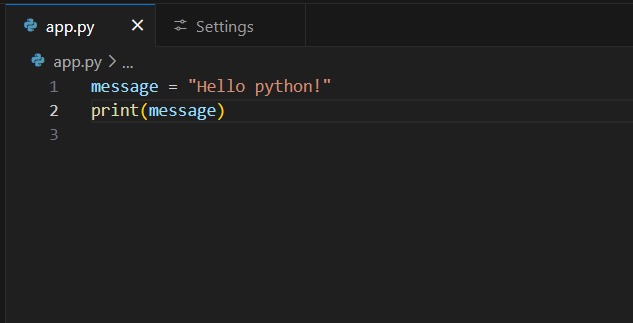
🅥🅐🅡🅘🅐🅑🅛🅔🅢 🅐🅝🅓 🅓🅐🅣🅐 🅣🅨🅟🅔🅢
Variable store data in your Python programs like labels for values.
E.g., message = "Hello Python!" Assigns "Hello Python!" to message.
Use print(message) to see: Hello Python!
🧵
#pythonlearning #LearnToCode
1
1
33
3 Jun 2025
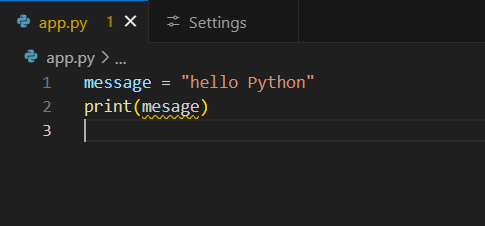
DEBUGGING TIPS
Errors are normal! If you see:
NameError: name 'mesage' is not defined
✅Check spelling or if the variable was set.
E.g.,
message = "Hi!" before print(message).
✅Practice makes perfect!

1
1
21
3 Jun 2025
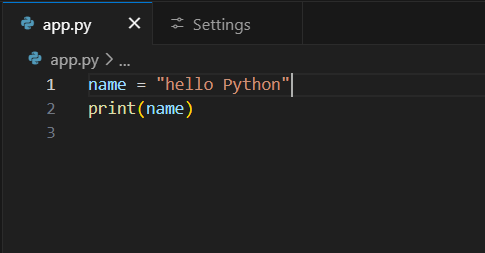
FINAL THOUGHTS
Variables are your first step to coding in Python! ✅Store data with clear names.
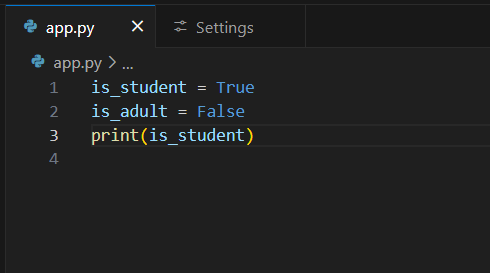
✅Use types: strings, integers, floats, booleans. ✅Watch for typos and avoid error
Try this code
name = "Yourname"
print(name)
Share your progress!
#Python #LearnCoding
1
13
3 Jun 2025
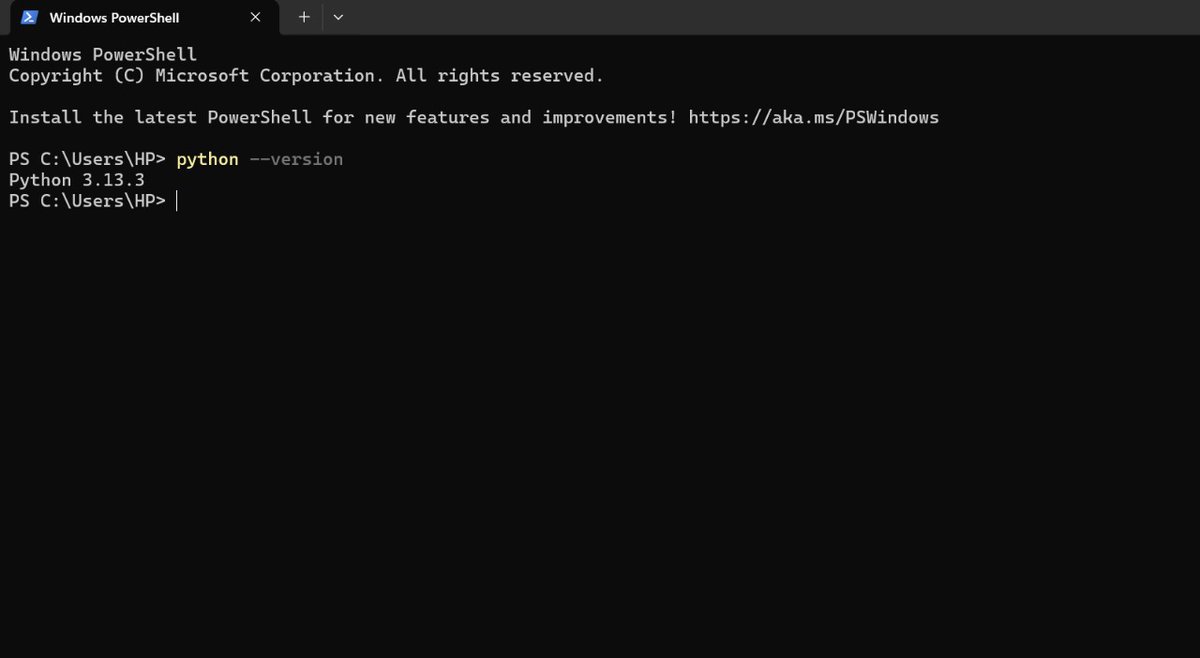
🐍Set up VS Code & Python 3 on my PC! 🚀 Tutorial:
1️⃣ Download Python 3 from python.org
2️⃣ Install & verify: python --version in terminal
3️⃣ Get VS Code at code.visualstudio.com
4️⃣ Add Python extension in VS Code
Try it & share your setup! 💻 #LearnToCoded
2
28


Python Bites🐍💻 retweeted

28 Feb 2025
Tweet into existence
The money you must make in 2025
I'll start
$100K
1,880
416
4,854
289,773

BRO to BRO: When the zip of bro is open, just whisper to bro,
"Bro, your zip."
When bro tells you a secret. Don't tell others.
Be a bro's keeper.
#ThursdayBro
63
1,212
7,517
154,942