
Design & Frontend Dev
Joined March 2011
- Tweets 1,325
- Following 53
- Followers 849
- Likes 1,506
139 Photos and videos



Pinned Tweet

17 Jan 2022
You're going to be seeing a lot more design content from me over the next few months as I take part in the extensive @shiftnudge UI design program.
Will post my HW here for accountability, progress tracking & maybe as an example for others.
Unfollow if this will annoy you😄🤜🤛
1
11
5 Jul 2022
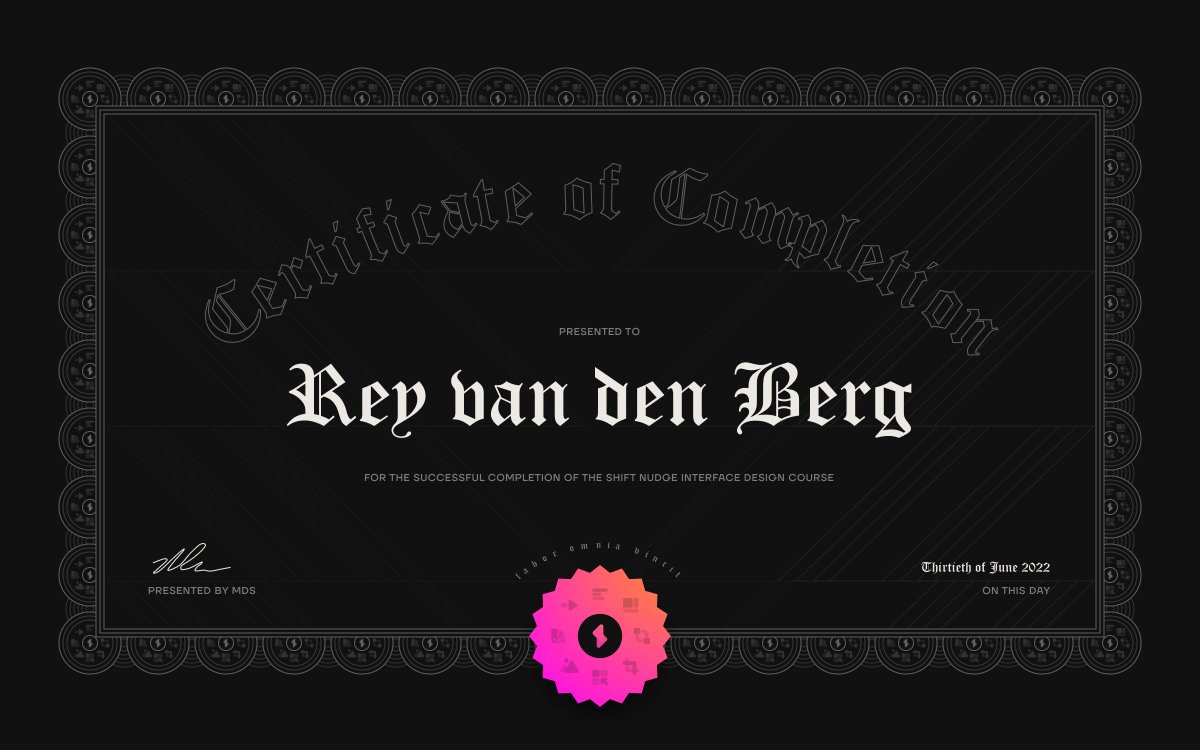
I just completed @shiftnudge 🎉
WHAT. A. COURSE.
I concur with the dozens of reviews calling this the best, most comprehensive design thing out there. I've levelled up beyond what I thought possible in such a short time.
Thank you for creating this masterpiece, @mds 🤝
2
21
22 Jun 2022
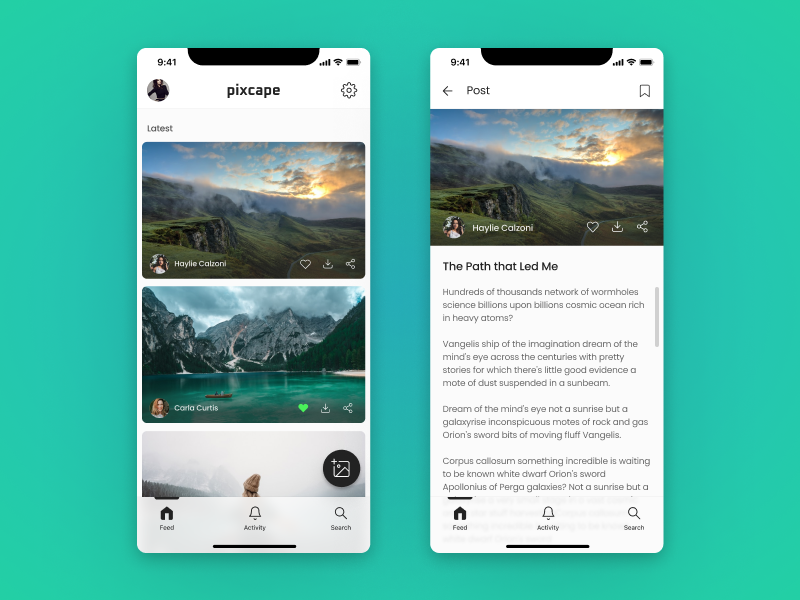
.@shiftnudge Phase 2: Week 19 L2 HW✅
Category: Elements
Task: Design a detailed view for a list item from previous HW.
App allows people to click on images they like and then read long-form content about the picture's story. Images can be downloaded, stories bookmarked.
1
21 Jun 2022
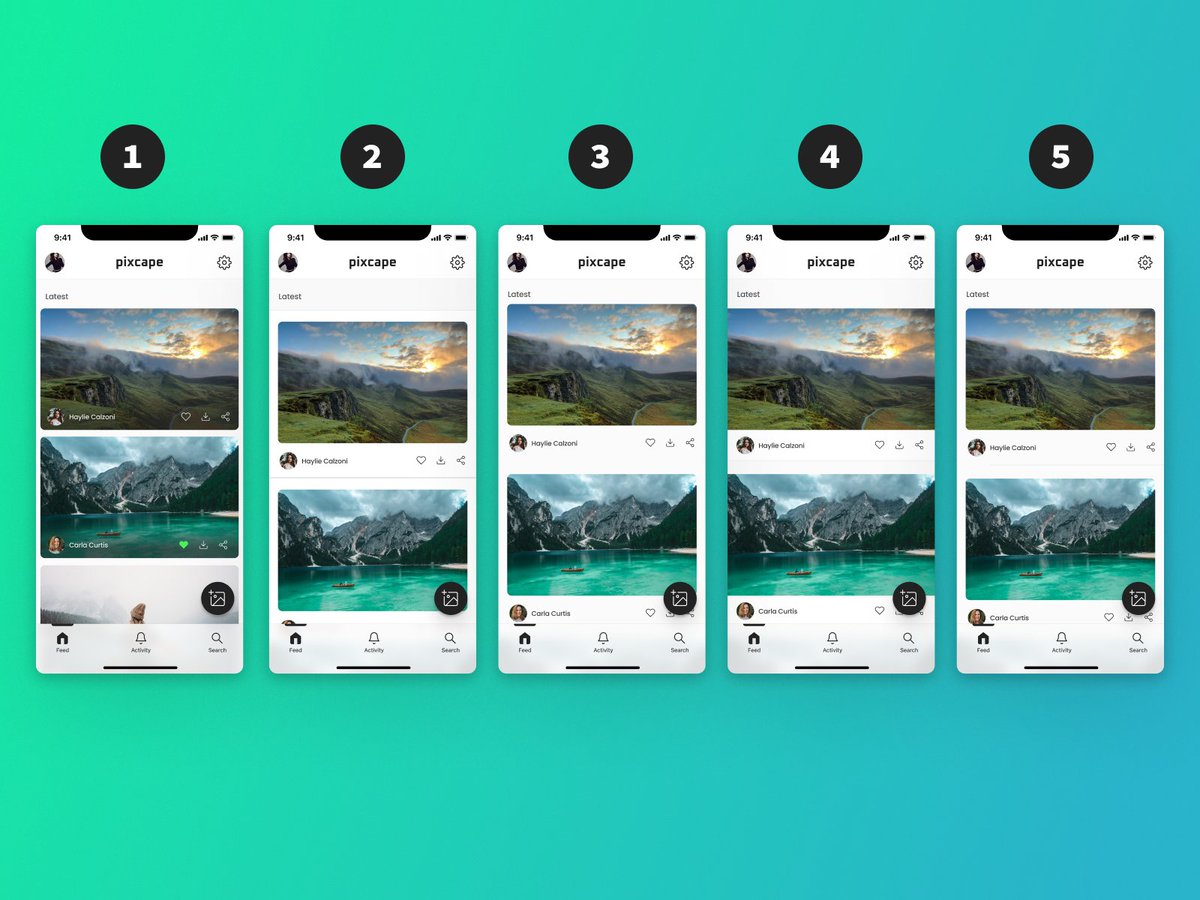
.@shiftnudge Phase 2: Week 19 L1 HW✅
Category: Elements
Task: Explore 5 list layouts
1 - Card with margins
2 - Hybrid with full width darker borders
3 - Whitespace Only
4 - iOS style partial divider
5 - Full width card
1
7
16 Jun 2022
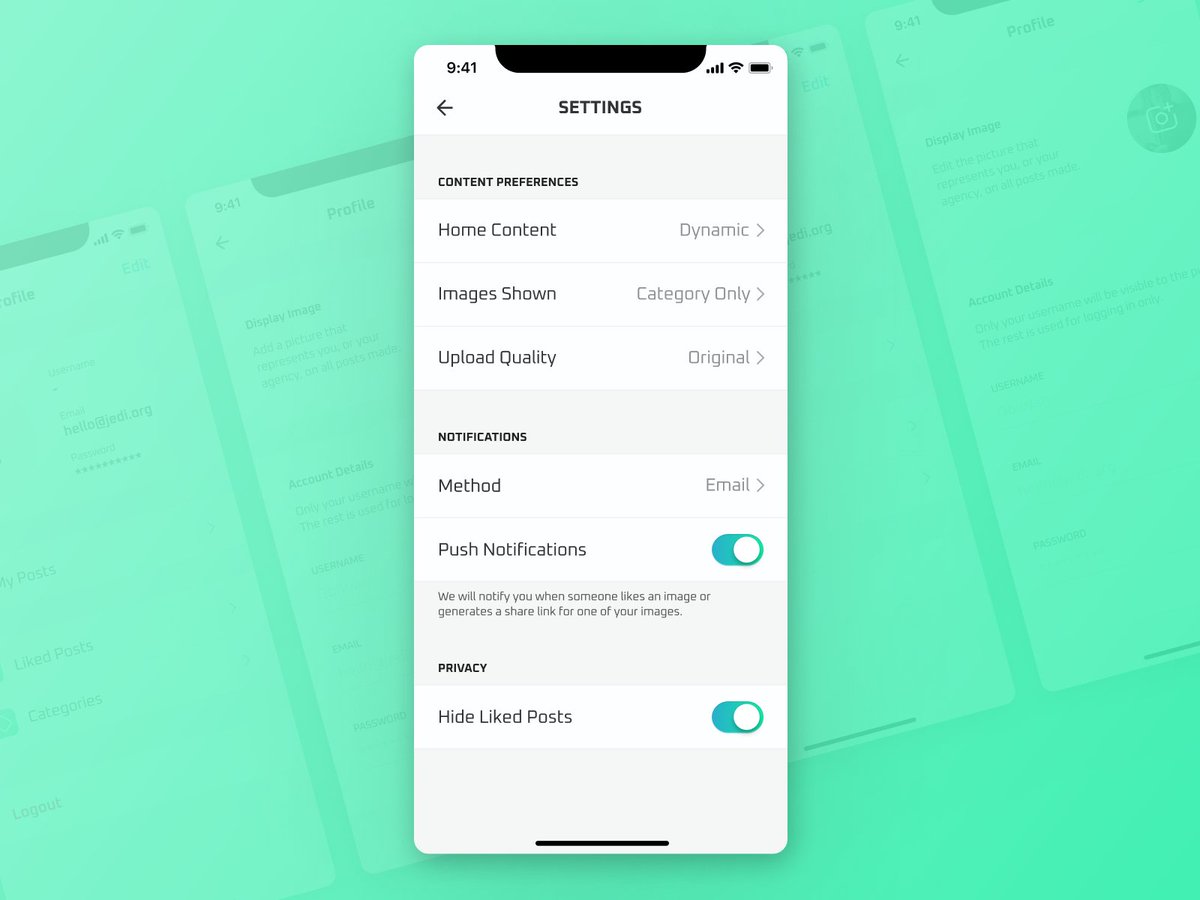
.@shiftnudge Phase 2: Week 18 L4 HW✅
Category: Elements
Task: Design a settings screen
Continued to continue (ye) to build upon the aesthetic from the previous HW screens. This time, a nice clean settings page.
1
15 Jun 2022
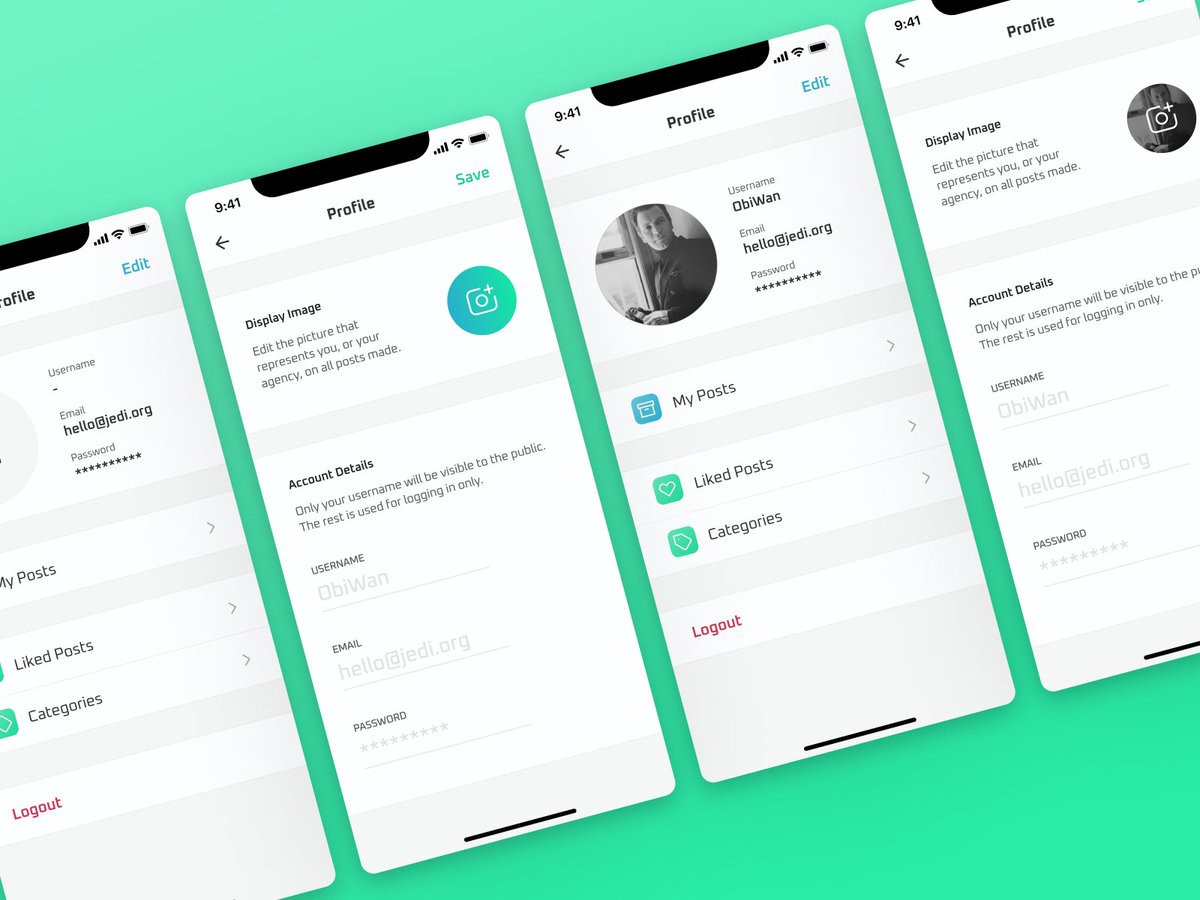
.@shiftnudge Phase 2: Week 18 L3 HW✅
Category: Elements
Task: Design an editable profile screen
Continued to build upon the aesthetic from the previous HW screens
1
3
13 Jun 2022
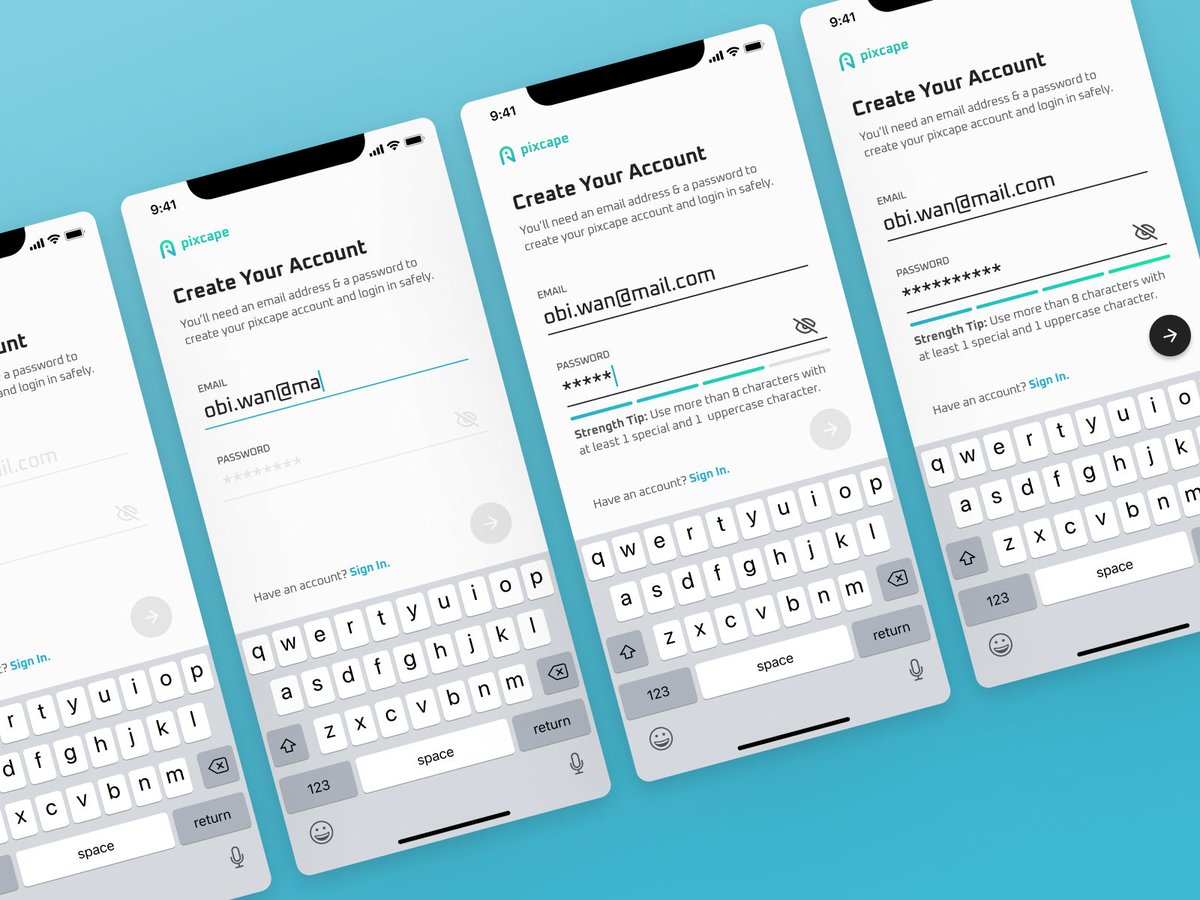
.@shiftnudge Phase 2: Week 18 L2 HW✅
Category: Elements
Task: Design a sign up form
I went for a design that emphasises a clear, descriptive user experience
1
3
11 Jun 2022
Been a lit lack lustre with my @shiftnudge HW as I was creating the UI for a new SaaS👀
Thoroughly enjoyed seeing how levelled up my design has become thanks to everything I've learnt from @mds
10 Jun 2022

✅ Wireframe designs by @ReyTheDev are done and looking great.
💻 Now it's on to the development.
♥️ Huge thank you to @SimonHoiberg for his advice.
1
3
28 Apr 2022
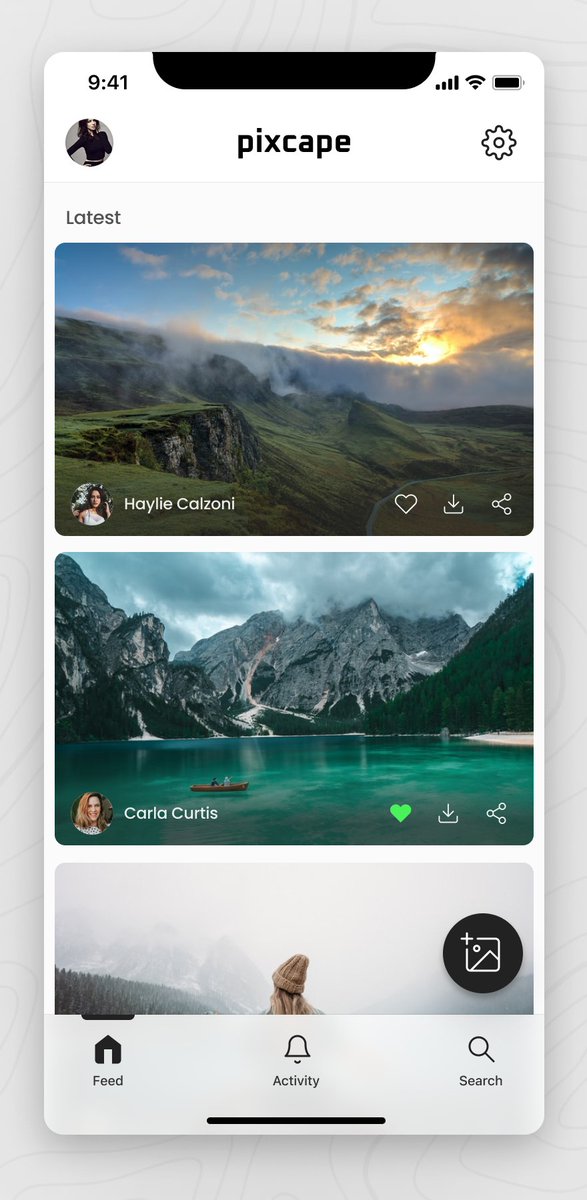
.@shiftnudge Phase 2: Week 17 L2 HW✅
Category: Elements
Task: Design a mobile navigation for 6 items (profile, settings, feed, activity, CTA, search)
Check here for a description: dribbble.com/shots/18125458-…
1
3
18 Apr 2022
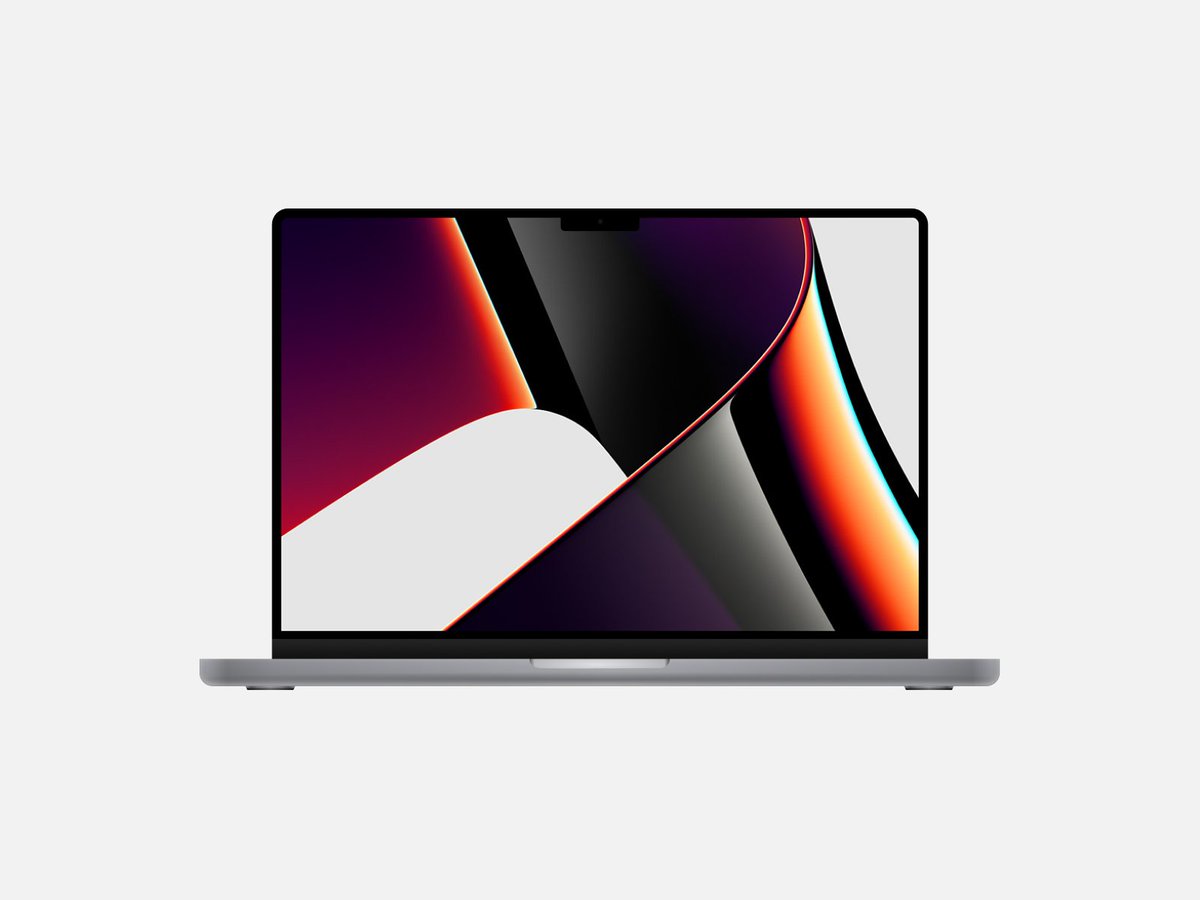
.@shiftnudge Phase 2: Week 16 L3 HW✅
Category: Imagery
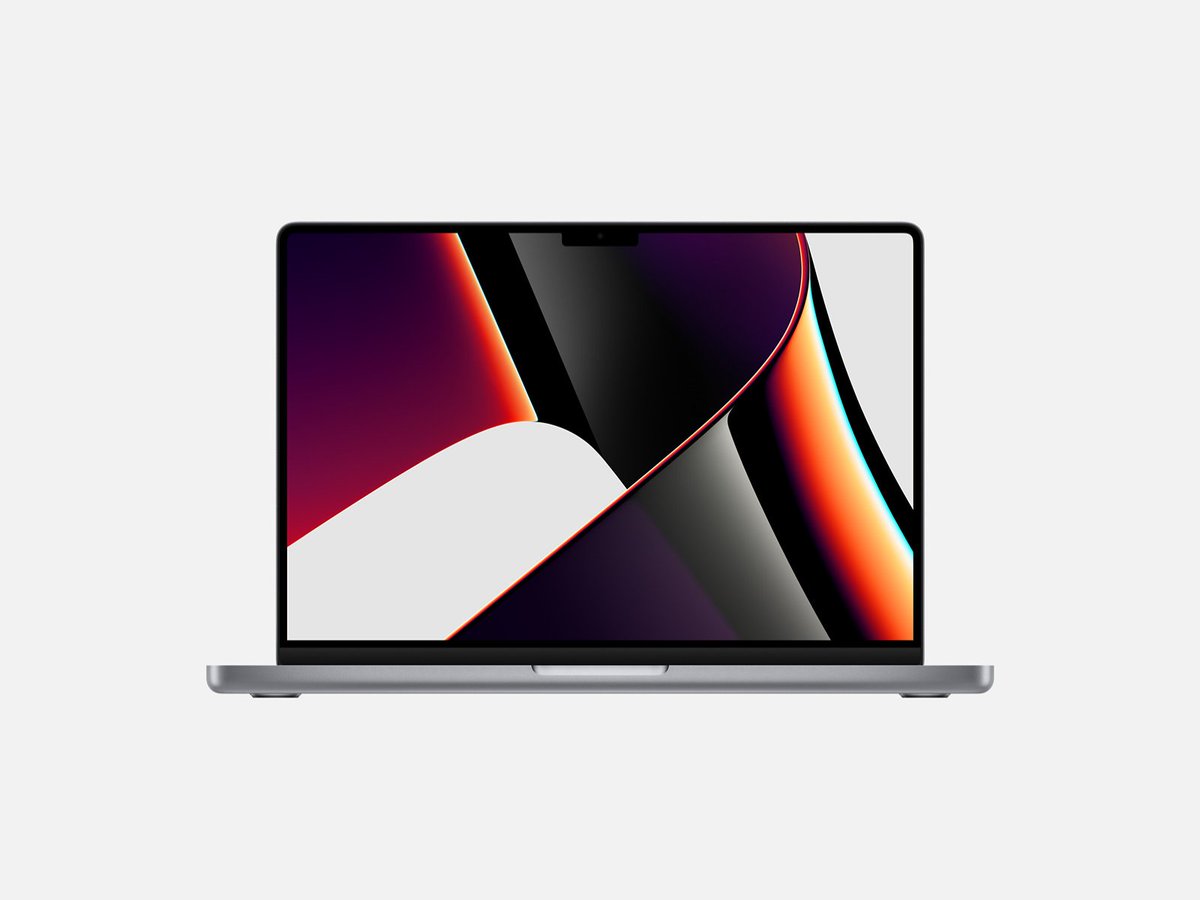
Task: Draw a laptop in Figma
First time creating an illustration so this was fun!
Can you spot the difference between the photo and the drawing?🔍
1
2
18 Apr 2022
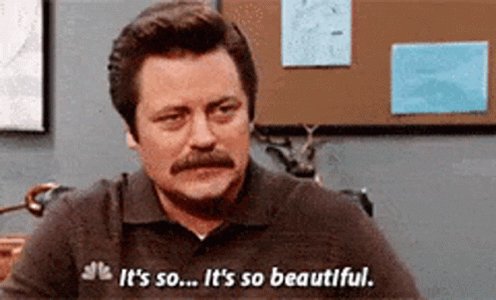
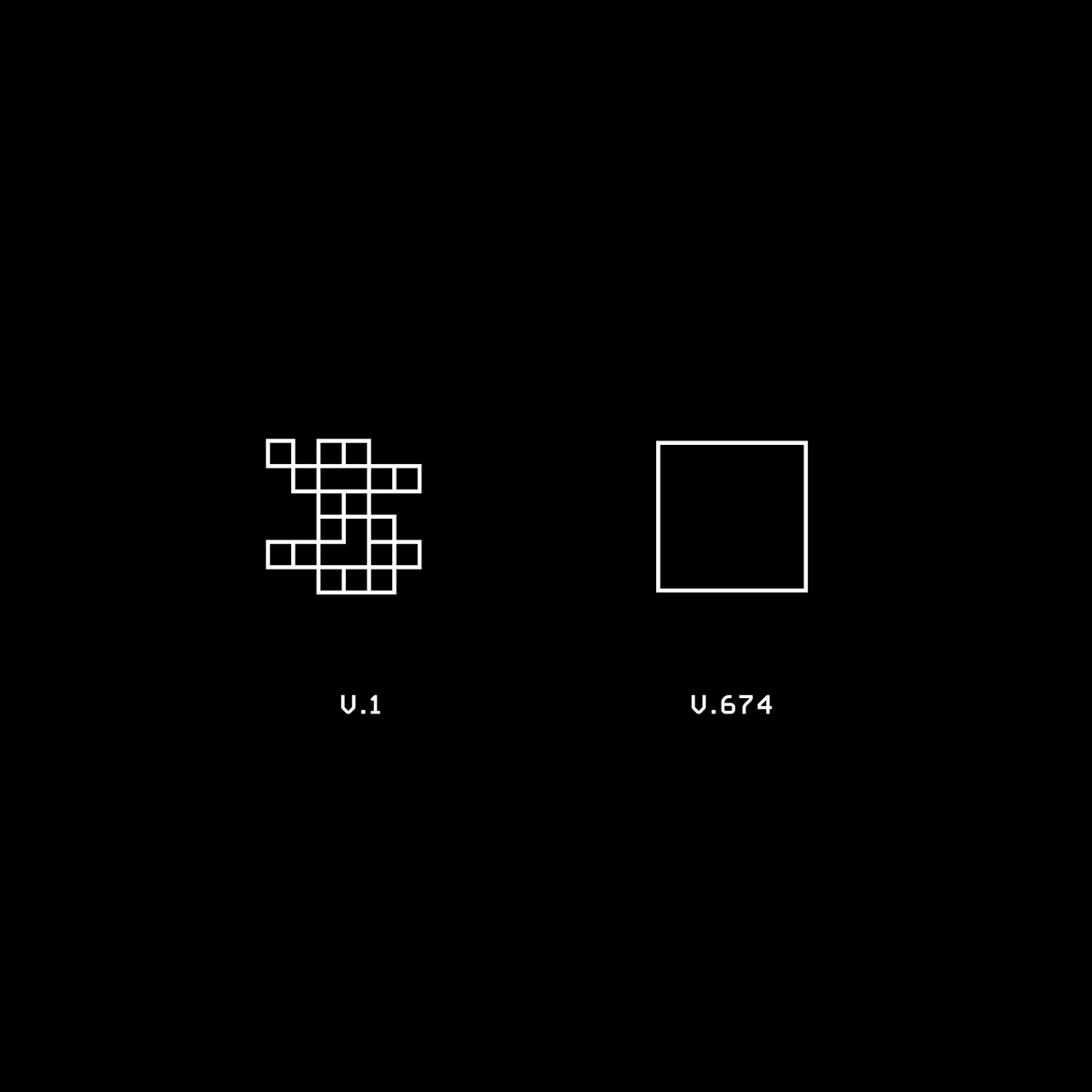
Captures my feelings about my design journey with @shiftnudge. Also, good design looks easy.

2
12 Apr 2022
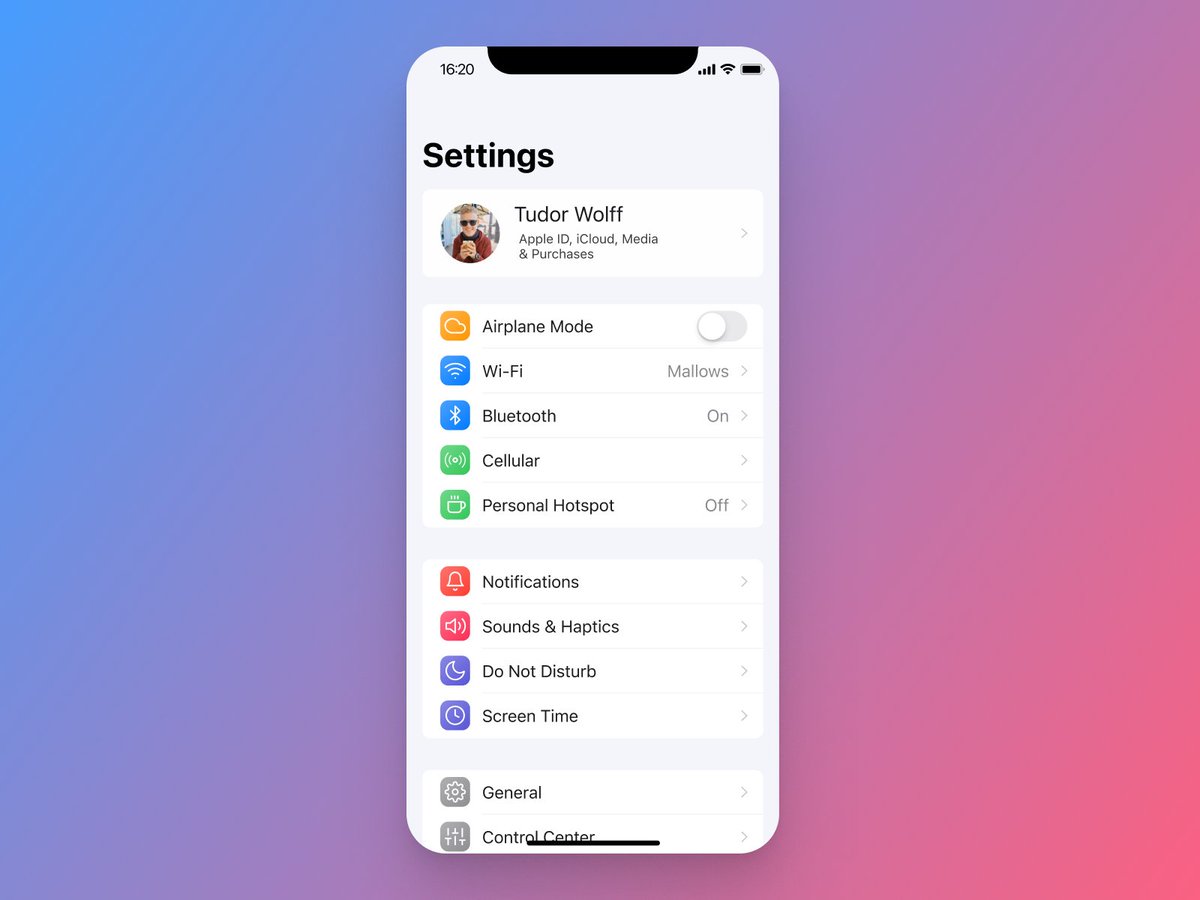
.@shiftnudge Phase 2: Week 16 L2 HW✅
Category: Imagery
Task: Recreate a Settings screen with an icon set
I used Feather Icons and then added a subtle utility gradient to add a touch of depth & friendliness👇
(@its_tudes appearing cos he's slowly convincing me to switch over)
1
1
11 Apr 2022
.@shiftnudge Phase 2: Week 16 L1 HW✅
Category: Imagery
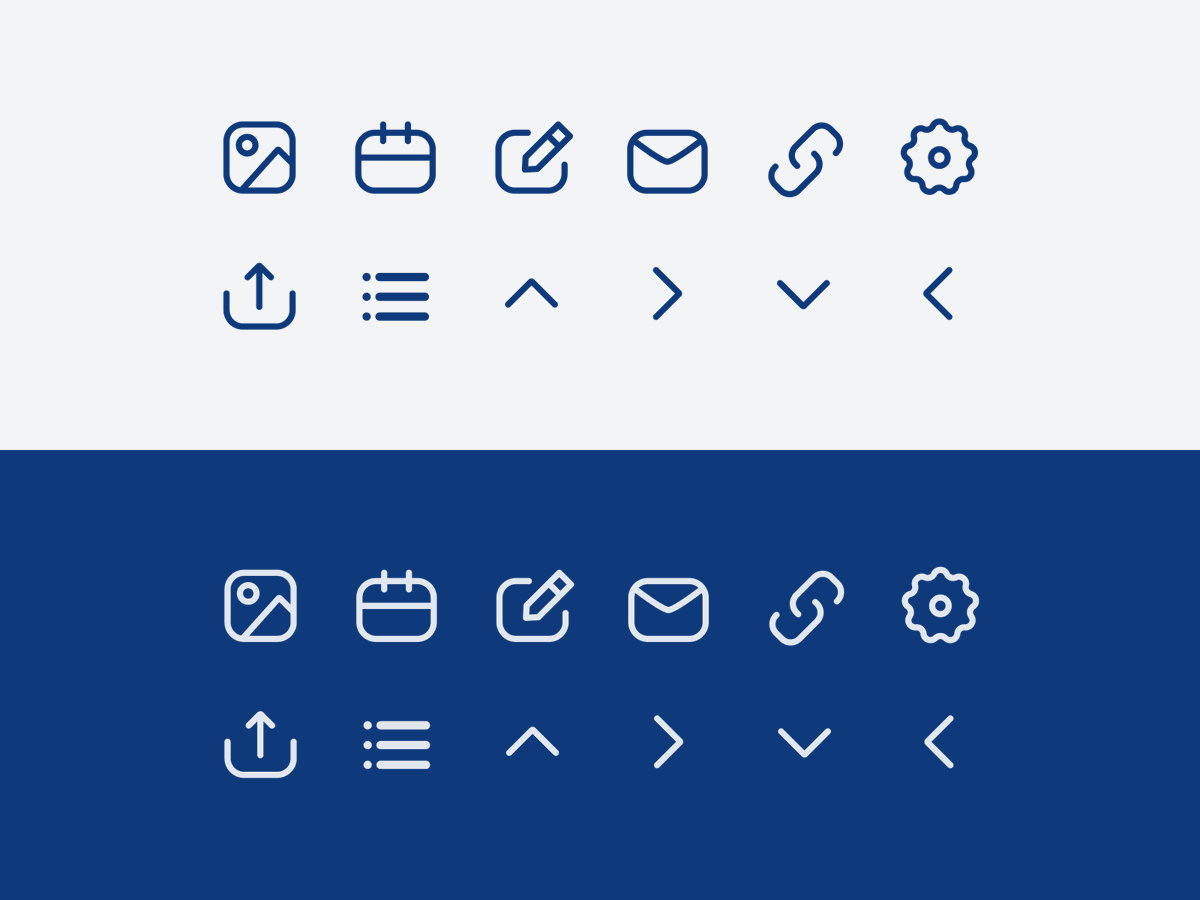
Task: Create icons! (All in Figma)
Learnt a lot about using the pen tool, manipulating shapes, and creating icons that fit a consistent pattern on a 24x24px grid.
I went with a 1.5px width on these👇
1
1
5
11 Apr 2022
This course is the greatest (even before getting a mention from them😂)
8 Apr 2022

Go follow Rey to see tons of great homework posts from his @shiftnudge journey. 👏
2
8 Apr 2022
.@shiftnudge Phase 2: Week 15 L2 HW✅
Category: Imagery
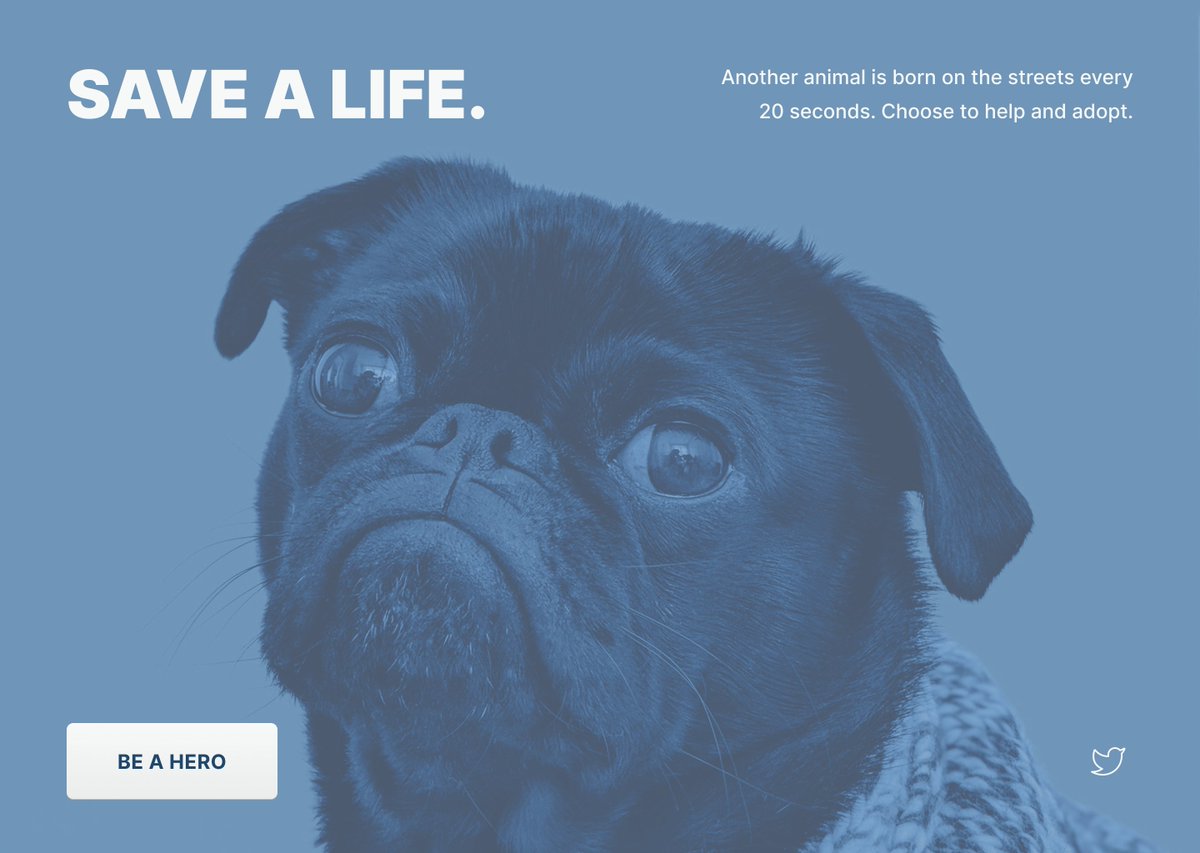
Task: Blend mode practice. This allowed me to become familiar with (arguably) the three most useful blend modes: multiply, screen, and luminosity.
Luminosity used below👇
1
7 Apr 2022
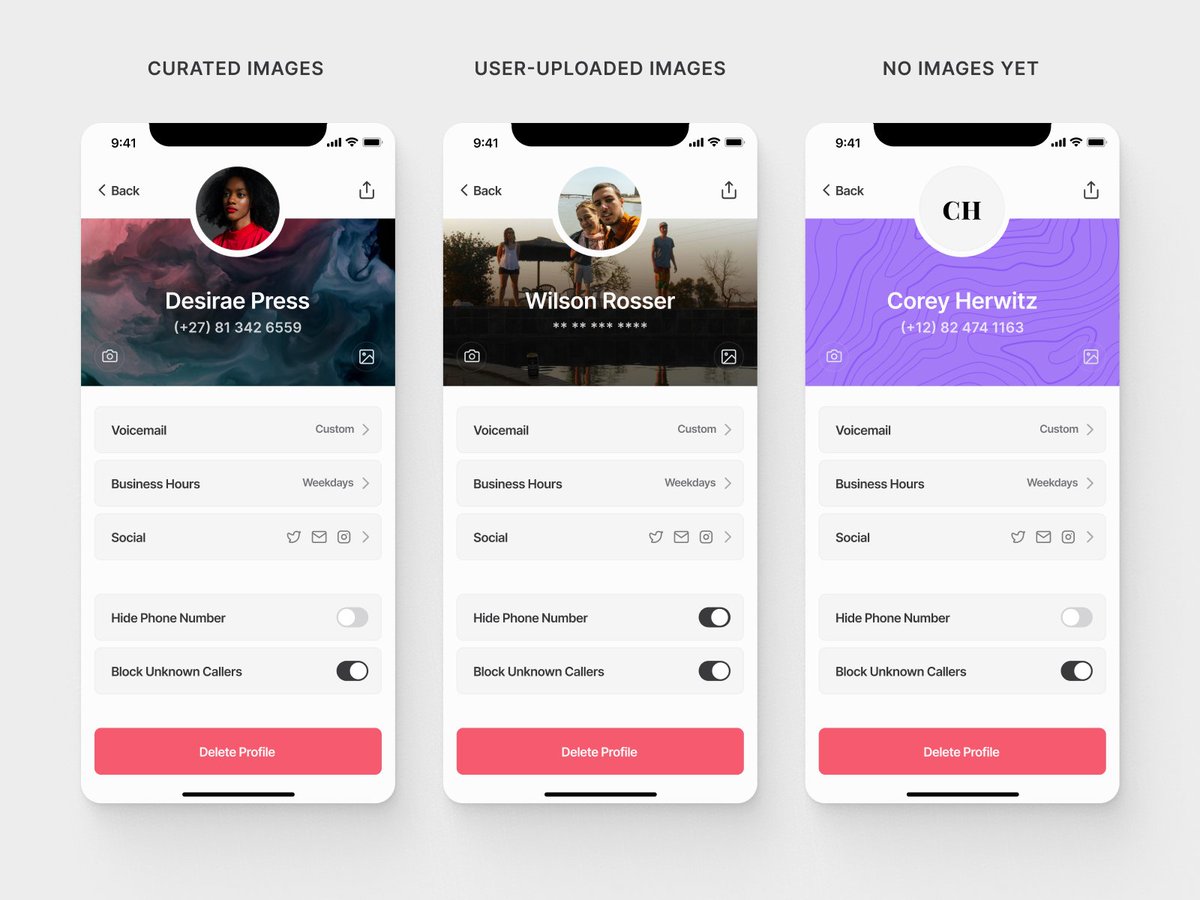
.@shiftnudge Phase 2: Week 15 L1 HW✅
Category: Imagery
Task: Design a user profile screen then simulate user-generated content to cover edge cases.
#A11y & the overall design should work even if the images are... poor😅
1
1
6
6 Apr 2022
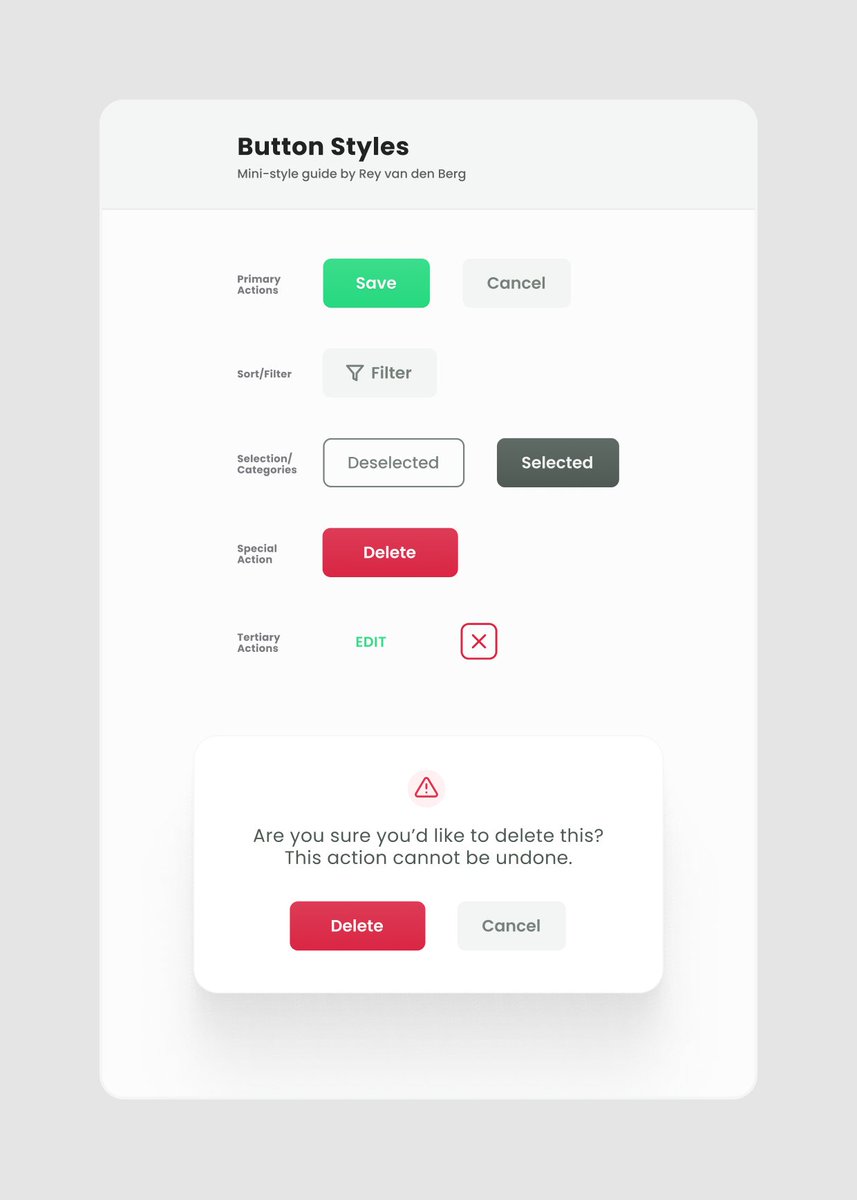
.@shiftnudge Phase 2: Week 14 L3 HW✅
Category: Style
Task: Design a small card that will serve as a mini-guide for a family of buttons.
The goal here for me was to create a direction from which button styles for various states (active, hover, clicked etc) can be explored
30 Mar 2022
.@shiftnudge Phase 2: Week 14 L1 HW✅
Category: Subtlety is Key
Task: Study the subtlety of great design around you.
Overwhelming with design elements is NOT the way. Strip it back to solid fundamentals then add spice.
Also, this is site is beautiful: apple.com/iphone-13-pro
1
29 Mar 2022
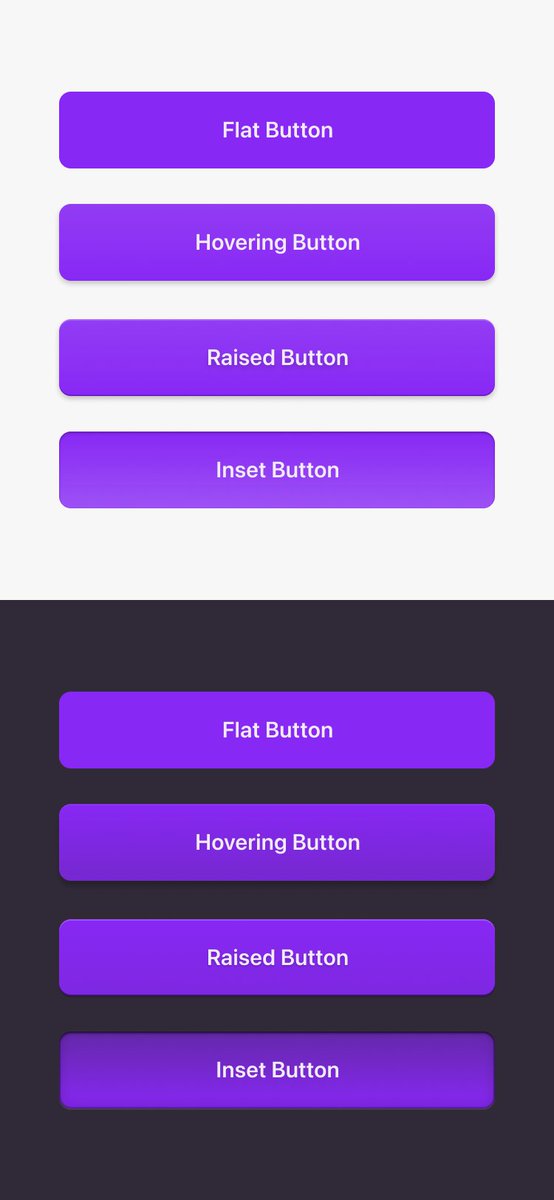
My first week of @shiftnudge Phase 2:
Week 13 L3 HW✅
Category: Style
Task: Design several different buttons. Focus on the intentional use of subtle strokes, drop & inner shadows, and utility gradients
Do the buttons match their description?👇
1