
I'll Teach You how to Program ABB Robot fast.
Joined August 2020
- Tweets 30
- Following 32
- Followers 10
- Likes 23
20 Photos and videos
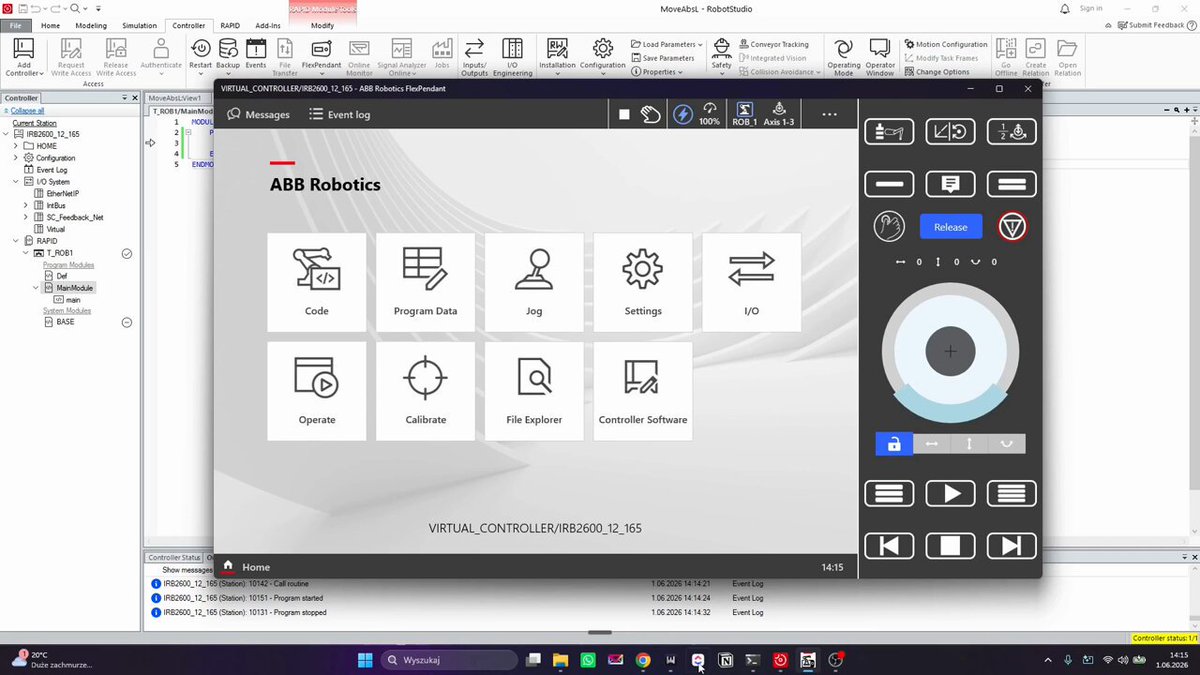
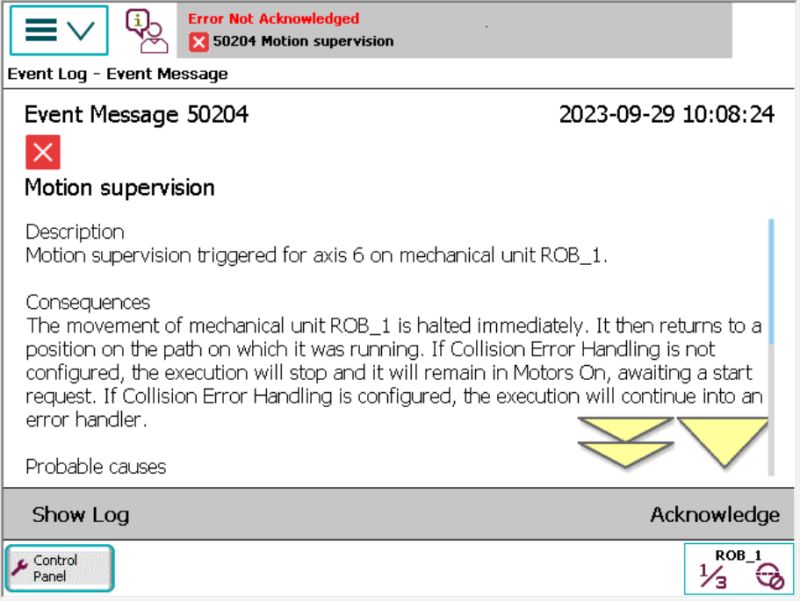
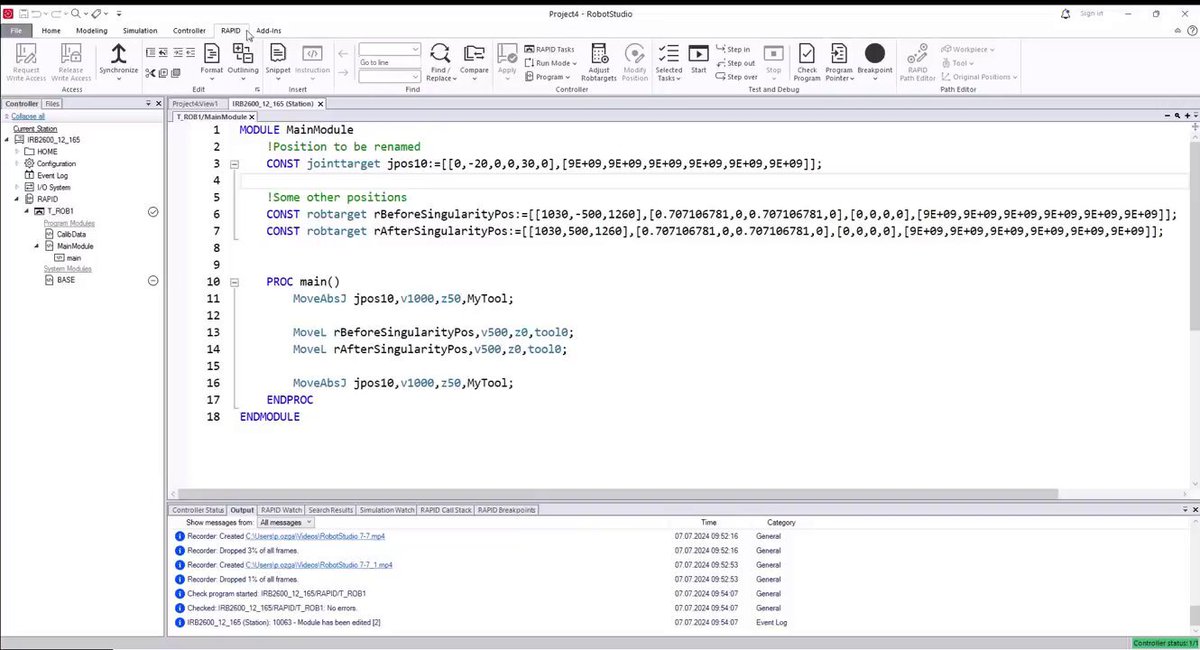
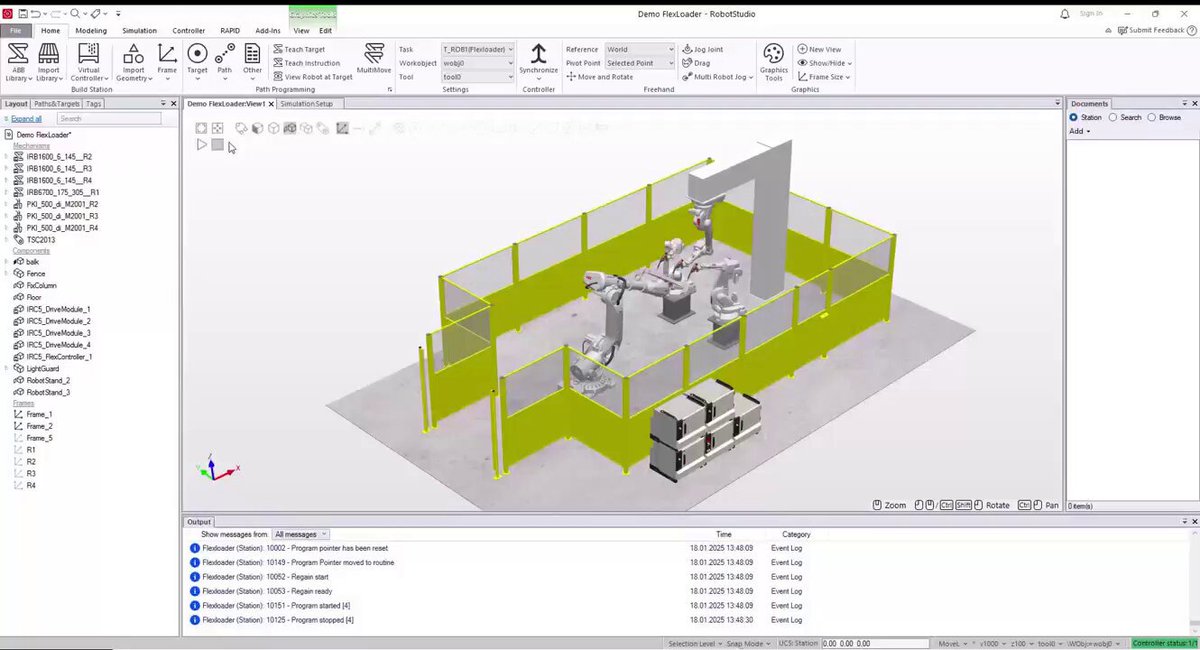

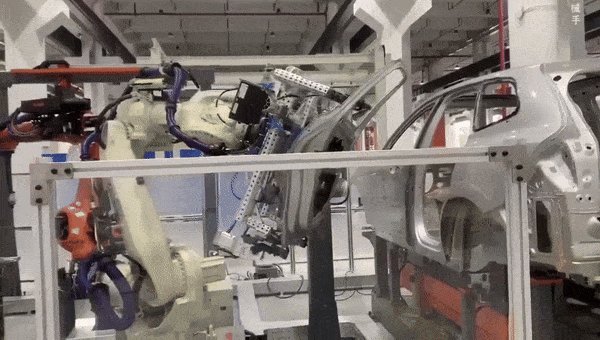
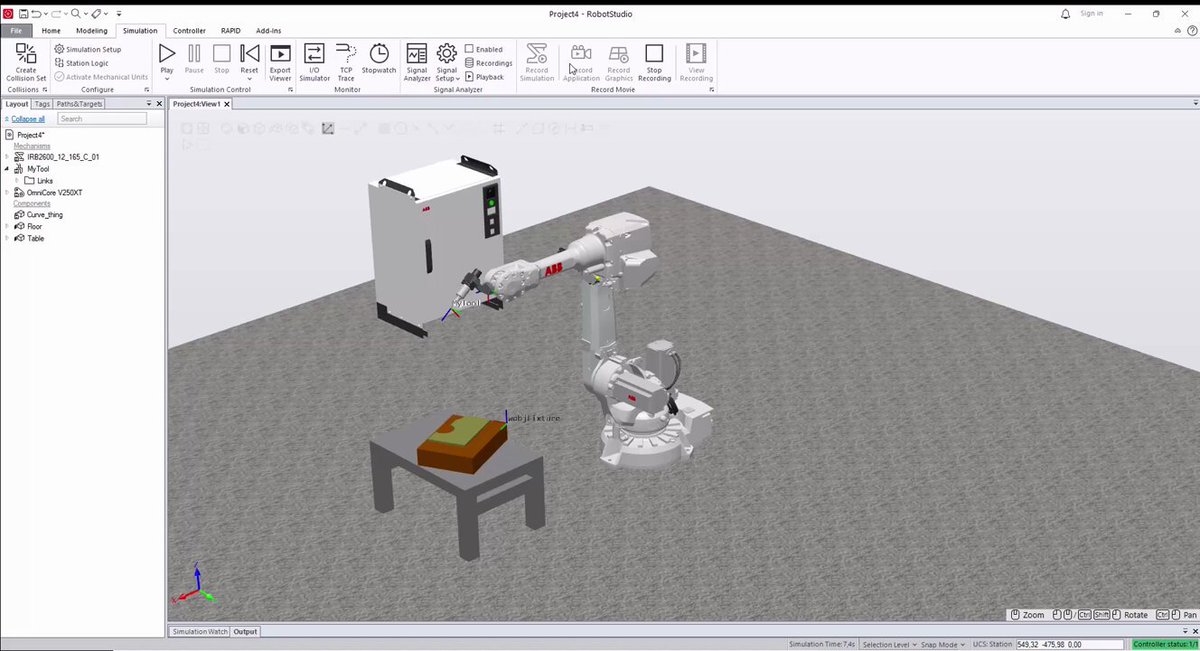
Robot passed every test.
FAT signed off. Packed and shipped.
3 weeks later - first power-up at client's site:
SMB battery error.
The battery ran the whole time in transit.
ABB has a dedicated routine to shut it down before packing.
Most integrators don't know it exists.
12

May 25
False collision stop on ABB robot?
Most go to motion supervision settings.
Wrong.
Motion supervision compares actual torque vs what controller expects - from your loaddata.
-Wrong tool mass - false trips
-Fix: LoadId Routine
Fix the load data. Supervision fixes itself.
8
May 18
You name it "Flag1" when testing.
247 references later - you're afraid to touch it.
Fix:
→ RAPID tab → RAPID Data Editor
→ Find variable → Change Name
→ All references update. Automatically.
2 clicks.
No broken programs.
9
May 13
Your client won't remember the cycle time. They'll remember the demo.
RobotStudio Viewpoints:
- Define camera angle per phase
- Set timing between cuts
- Record once → professional every time
One setup = every simulation run looks presentation-ready.
8
May 12
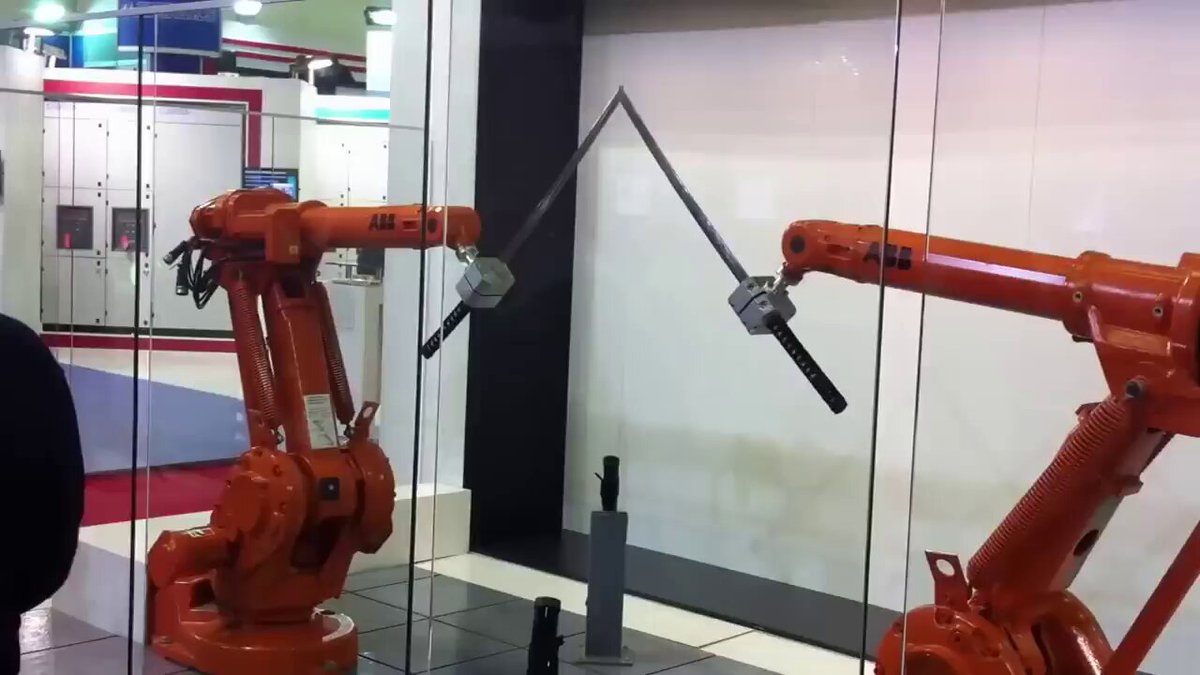
MultiMove - Mechanism behind Sword fight:
- 1 controller - each robot runs its own task
- Sync point: both robots wait before the coupled move starts
- SyncMoveOn same \ID on both robots = identical start and end time
- SyncMoveOff: back to independent paths
15
May 12
Robot stops.
Code looks correct.
No idea why. 🔧
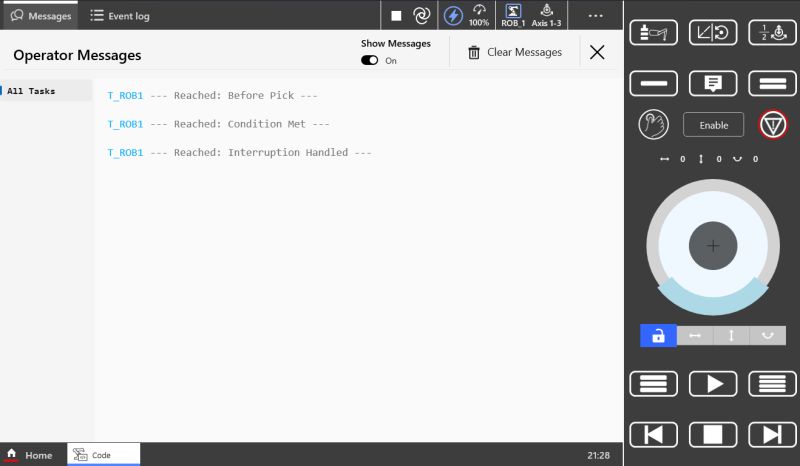
Add #TPWrite at key checkpoints - last message on screen = last executed step.
Zero overhead. Leave in during testing, comment out after.
Debugging made simple.
7
May 11
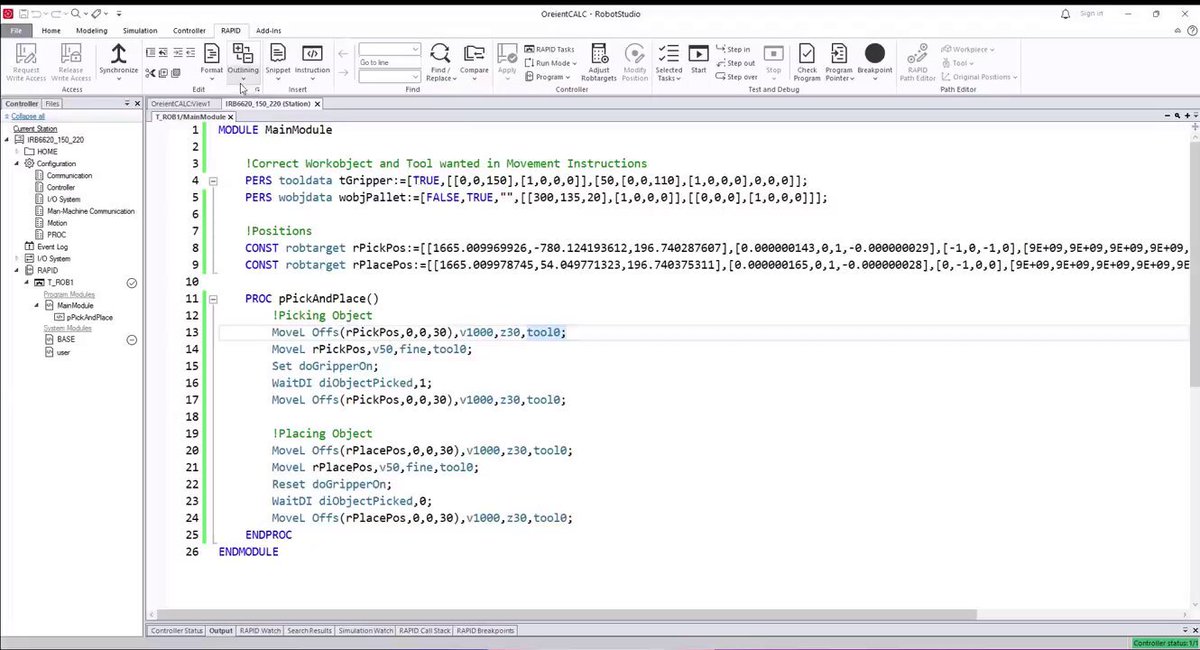
Programmed Robtargets with wrong Tool or WorkObject?
Use Adjust Robtargets.
- Select Module
- Pick correct Tool WObj
- Function recalculates positions automatically
Path stays the same. No reprogramming. 🤖
7
May 10
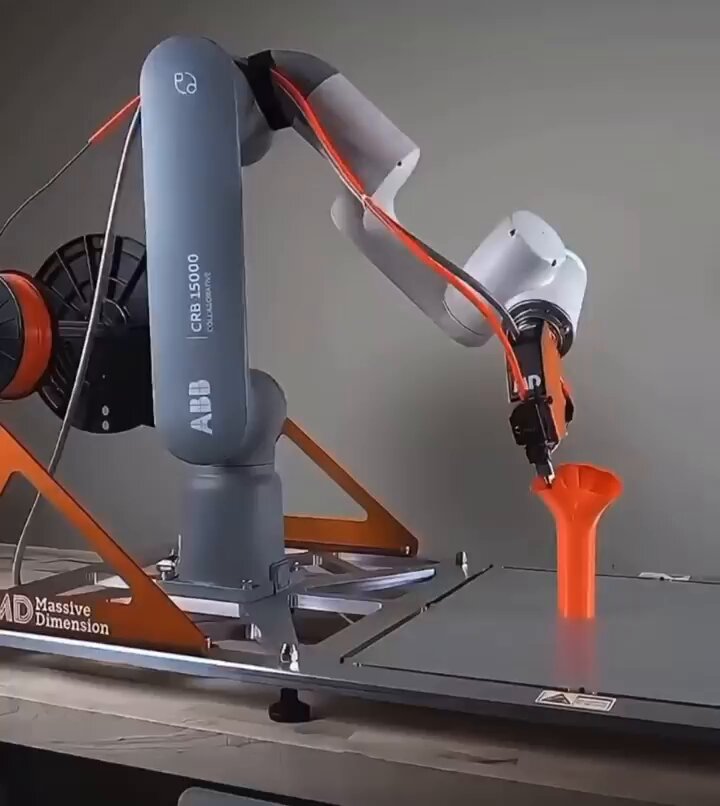
GoFa printing a 3D object.
Programmer's take:
This is basically a dispensing application.
Same path logic. Same tooldata. Same speed control.
Extruder = end effector.
6-axis adds: non-planar layers, curved surfaces, reach = build volume.
1
13
"Just move this point 50mm to the left."
- Singularity warning
- PLC needs adjustment
- Safety zone triggers
- "While you're at it..."
3 hours later, You're still there.
What's the worst "small change" you ever dealt with?
9
ABB calls it 100% compatible.
IRC5 → OmniCore.
Here's what still breaks:
- StopMove \Quick switch is gone in RW7
- UIShow removed
- .mod files must be converted to .modx
Still, #RAPID is the easiest part...
24
"This should take 10 minutes."
3 hours later, you're still staring at the same error.
Robotics teaches you patience the hard way.
13
Not a simulation. Not a replay.
Actual Robot - live - on your screen.
Online Monitor streams:
→ Real joint positions
→ Real path
→ Real timing
Alarm at other end of hall?
Open RobotStudio. Watch what happened.
Then decide if it's worth walking over.
19
Full ABB controller. Running on your laptop. No robot needed.
Virtual Controller = same RobotWare, same RAPID, same I/O logic.
Test program changes on a live system backup - before you touch the real machine.
23
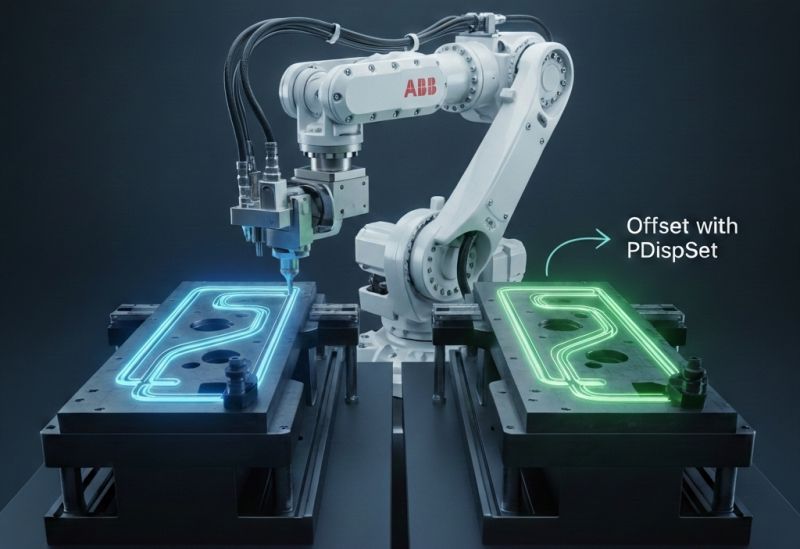
Shift entire robot path without reprogramming a single point.
PDispSet = one instruction, every position offset.
4-station welding line:
program once, displace 3 times.
Fixture moves?
Adjust one value.
13
🤖Less than 60 days left to order a new IRC5.
On June 30 - OmniCore only. No exceptions.
The hardware swap is easy.
The programming mindset shift is not.
Start now.
Not in May.
19
10 Aug 2024
10 Steps to add Functionality to Robot
1. Create 3 Backups
2. Make coffee
3. Think through Solution
4. Draw Algorithm on Paper
5. Think how Smart You are
6. Explain drawing to Robot with Code
7. Notice You missed sth…
8. Think You’re not so Smart
9. Restore BP
10. Start over
69
10 Aug 2024
#RobotStudio Tip
Avoid Collisions on Robot Path
In 5 steps:
✅ Create and Configure 'Collision Set'
✅ Play Program
✅ Look for highlighted collisions
✅ Once tracked change target with 'Offset Position'
✅ Synchronize changes to #RAPID
@OpenRoboticsOrg @lukas_m_ziegler
63
8 Aug 2024
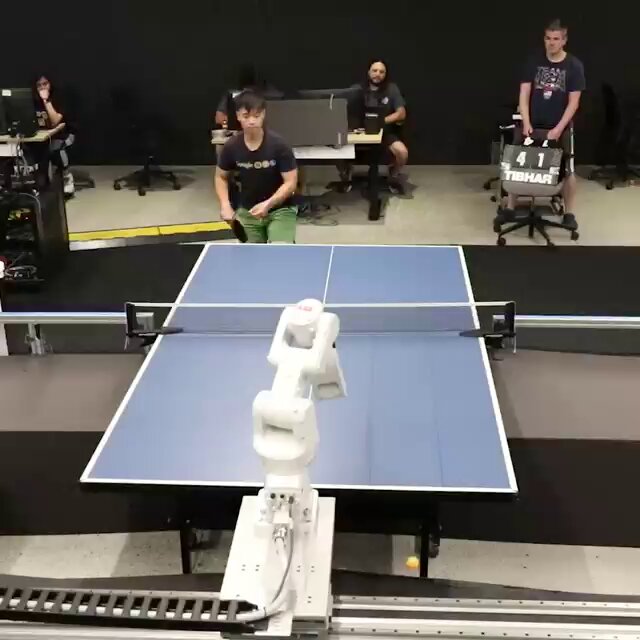
🤖 AI-Power Robot plays Ping-Pong 🏓
Results:
Played against 29 People
Among 4 Different Skill Levels
Won 13 games
Success rate: 45%
You think you can beat it? 🤔
****
Credit: @GoogleDeepMind
37
7 Aug 2024
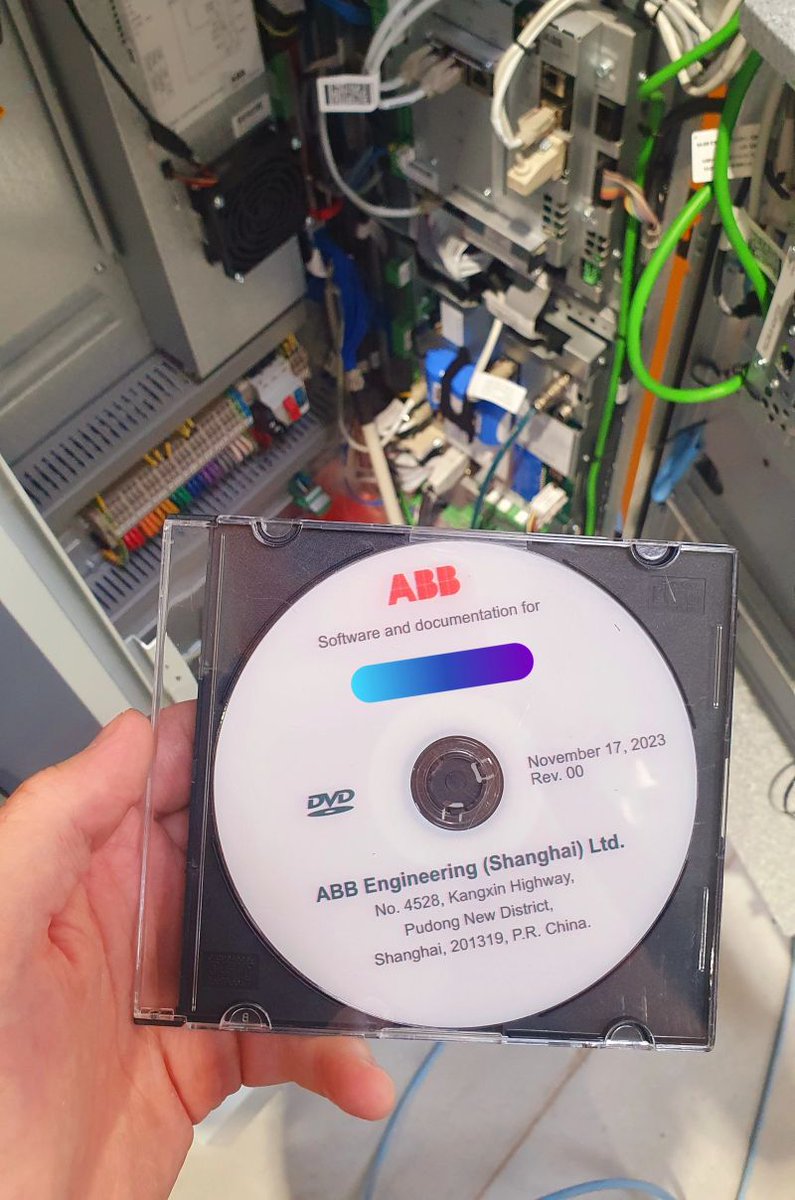
Hey @ABBgroupnews 👋
Don't You think it's about time to start sharing Documentation via USB sticks?
Took me a day to find somebody DVD drive 😅
@lukas_m_ziegler @OpenRoboticsOrg @SciRobotics
#abb #Robotics #robots
1
95