
Joined February 2020
- Tweets 7,092
- Following 173
- Followers 227
- Likes 6,354
448 Photos and videos

Pinned Tweet

4 Nov 2024
youtube.com/watch?v=FFINynRc…
Now I probably have to worry about the future of the Age of Empires: The Rise of Rome, which still has a scene in Vietnam and mainland China. There are even tournaments in both countries.
In Vietnam, this title is hosted on services such as GameTV.
6
555
(@ThatRandomToast@masto.ai) retweeted

30 Mar 2025
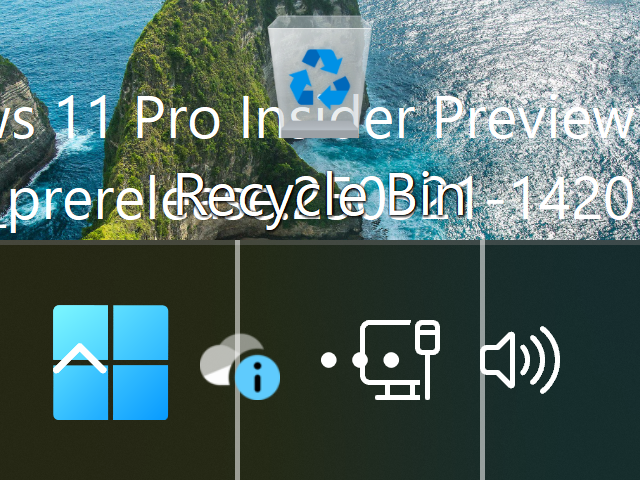
Windows 11 at 640x480 with 500% DPI
Good luck
27
115
2,225
42,007
(@ThatRandomToast@masto.ai) retweeted

30 Mar 2025
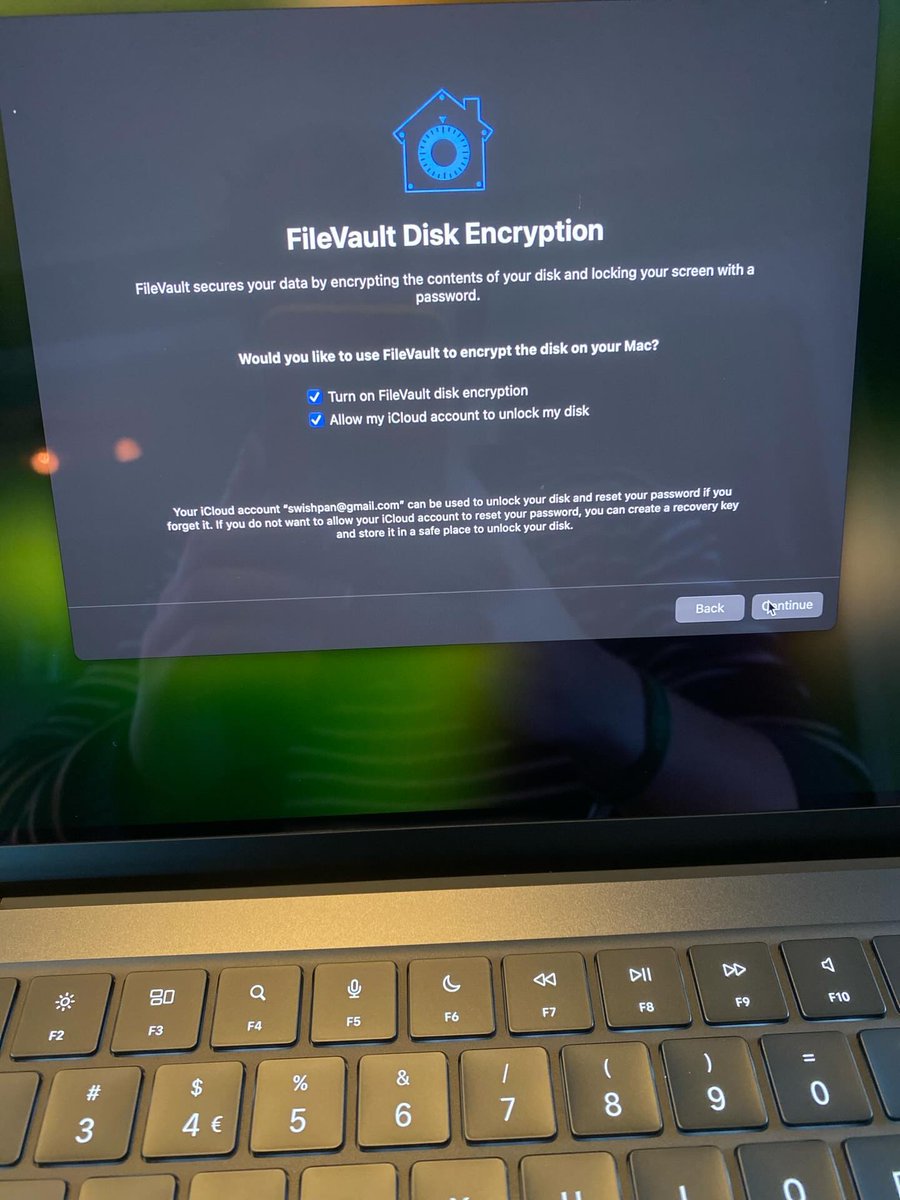
This should be illegal they should not be able to force people into creating accounts in order for their computer to work at its basic functions. I know you can get another OS but theyre stopping win10 support and windows is standard we shouldnt need a microsoft acct to use a PC
1
2
112
(@ThatRandomToast@masto.ai) retweeted

31 Mar 2025
Just a PSA:
Digital art is art, but AI art isn’t. The latter is bad, it’s evil. Support human artists!
8
47
1,614
(@ThatRandomToast@masto.ai) retweeted

30 Mar 2025
dumbing down and infantilization.
just gonna leave this classic here

1
7
167
1,885

This has been a problem for over a decade. When something breaks you only get a big button saying “oops something went wrong press here to send the error code, fail log, and all your user data to Adobe/Microsoft/Apple/US Government”
2
10
345
3,459
Why are SW companies so afraid of giving any sort of debug information to end users
28 Mar 2025

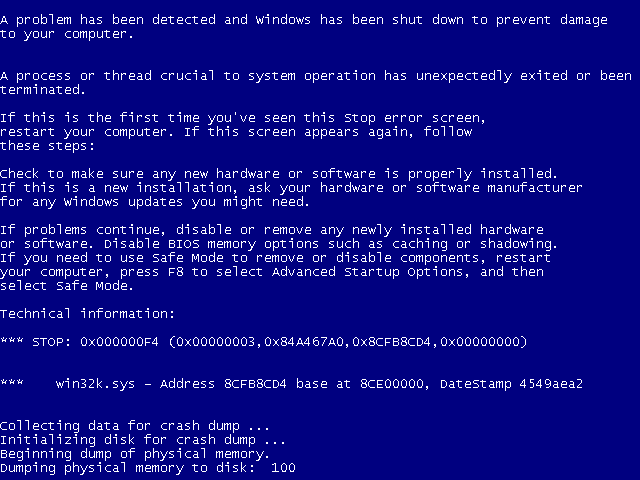
Microsoft are redesigning the BSOD to show less information and removing oobe\bypassnro «to enhance security and user experience of Windows 11»
go.enderman.ch/mZ4nu
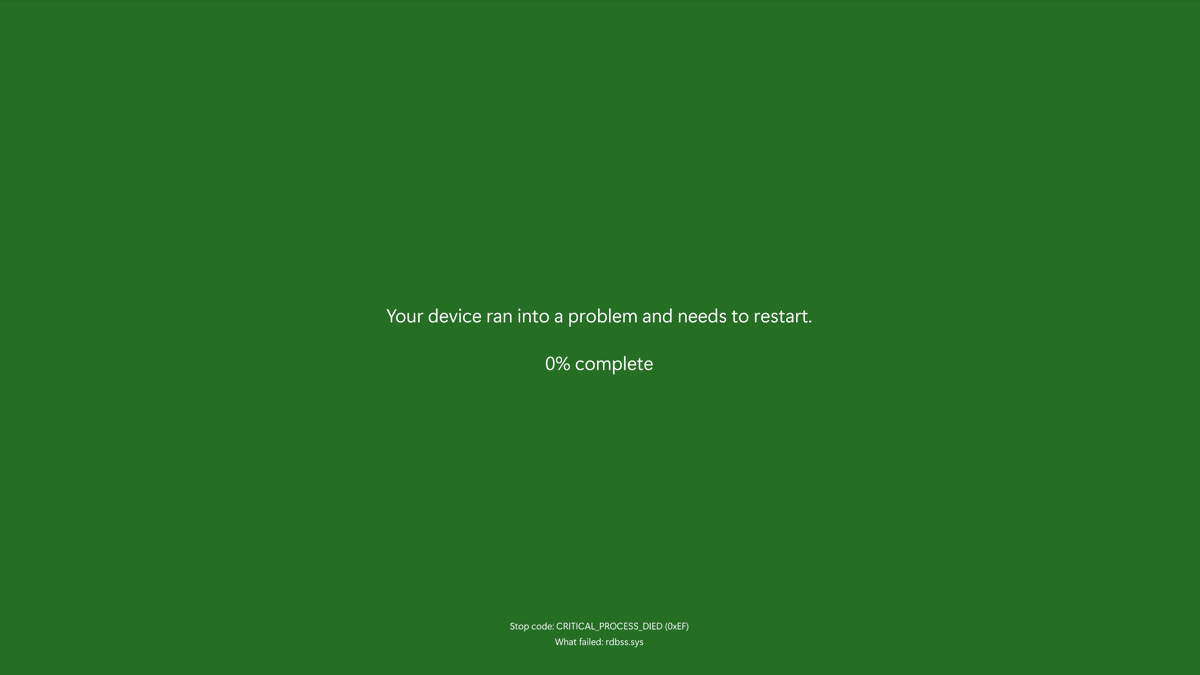
ALT Your device ran into a problem and needs a restart. 0% complete
47
113
2,167
55,068
(@ThatRandomToast@masto.ai) retweeted

29 Mar 2025
Windows 7 was peak Windows.
4
4
254
10,572

(@ThatRandomToast@masto.ai) retweeted

29 Mar 2025
Microsoft is NOT killing off the hack that lets you bypass Microsoft account requirement during Windows 11 setup, but it's making it slightly more complicated because you now need to create a Registry entry: windowslatest.com/2025/03/29…
Earlier, people used simple tricks to skip signing in with a Microsoft account while setting up Windows 11. One popular way was typing a fake email like no@thankyou.com, which would fail and let you create a local account instead.
Another easy method was using the command oobe\bypassnro in Command Prompt. But now, in the newer Windows 11 preview builds, these tricks no longer work because Microsoft removed the bypass script to improve security.
Even though the shortcut script is gone, you can still manually bypass the Microsoft account requirement by editing the registry. When you reach the network connection screen during setup, press Shift F10 to open Command Prompt.
Type regedit to open Registry Editor, go to HKEY_LOCAL_MACHINE\SOFTWARE\Microsoft\Windows\CurrentVersion\OOBE, and create a new DWORD (32-bit) Value named BypassNRO. Set its value to 1. Then close everything and restart your PC.
After restarting, the setup screen will now show the option “I don’t have internet.” Selecting this will allow you to continue without signing in online and create a local account. So even though the easy tricks are gone, the registry method still works and is currently the best way to bypass Microsoft account login in the latest Windows 11 versions.
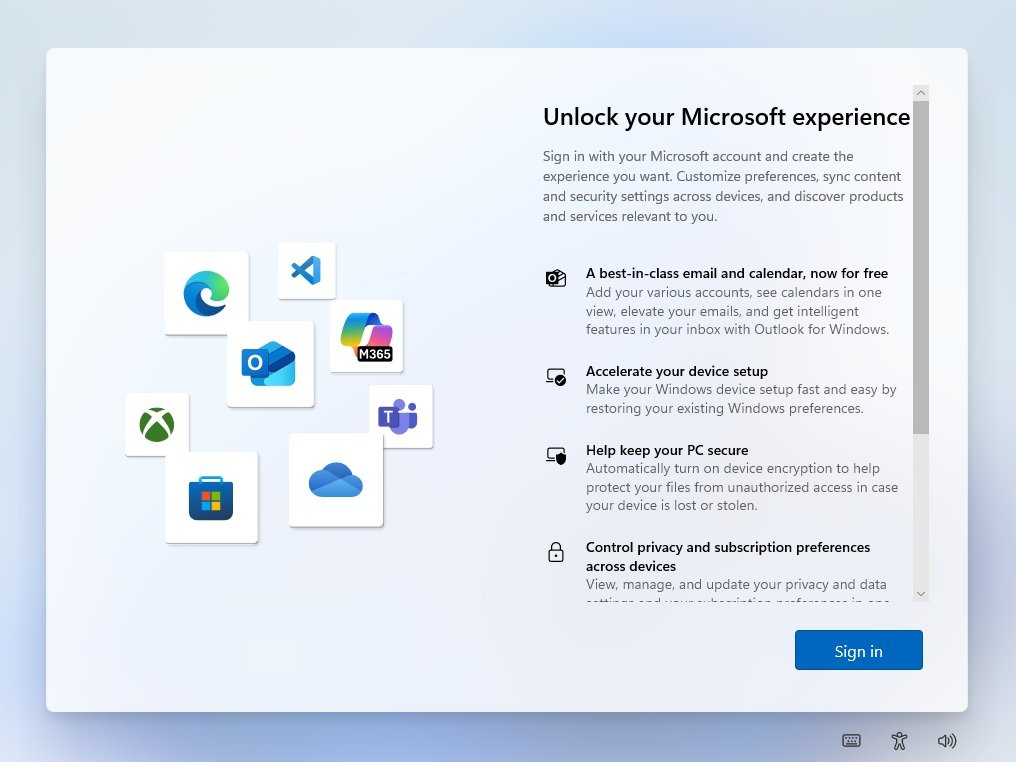
ALT MSA during login
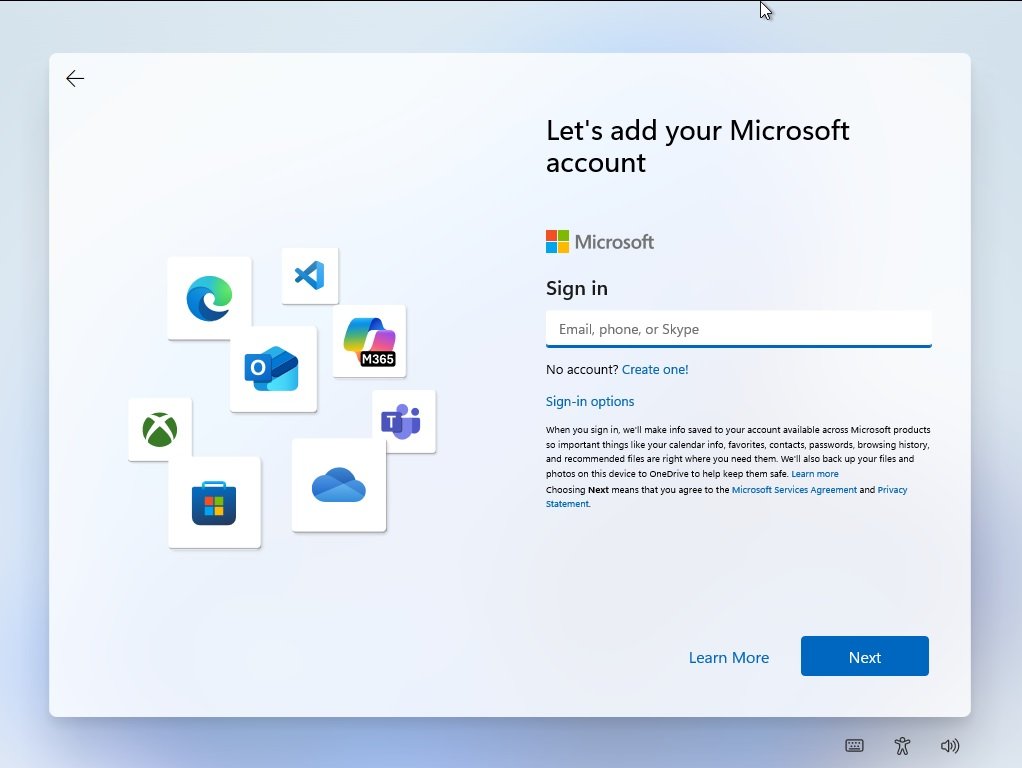
ALT MSA during login
9
37
172
13,138
(@ThatRandomToast@masto.ai) retweeted

29 Mar 2025
Improved bypass for Windows 11 OOBE:
1. Shift-F10
2. start ms-cxh:localonly
Only required on Home and Pro editions.
110
1,500
8,550
729,634

(@ThatRandomToast@masto.ai) retweeted
28 Mar 2025
Wait wait wait. This is the new bugcheck introduced in the Dev channel?
They removed the smiley face first introduced in Windows 8
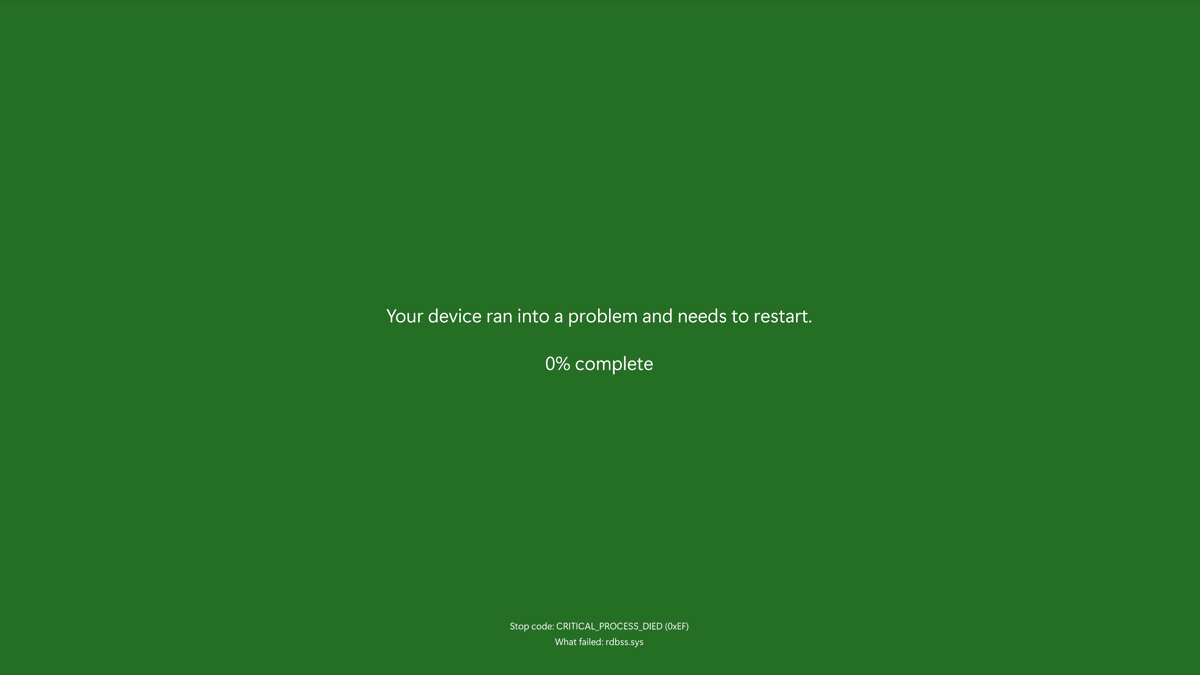
20
21
445
27,553
(@ThatRandomToast@masto.ai) retweeted
28 Mar 2025
It'll take some getting used to the new BSOD. But it fits in with the "trend" of MS updating it every ~12 years (Stable builds)
Windows 2000's style was from 1999 to 2012
Windows 8's style from 2012 to 2025
Windows 11 new style from 2025 to 20xx
1
2
34
1,499
(@ThatRandomToast@masto.ai) retweeted
28 Mar 2025
Thankfully they kept the additional info that you can enable in the top left
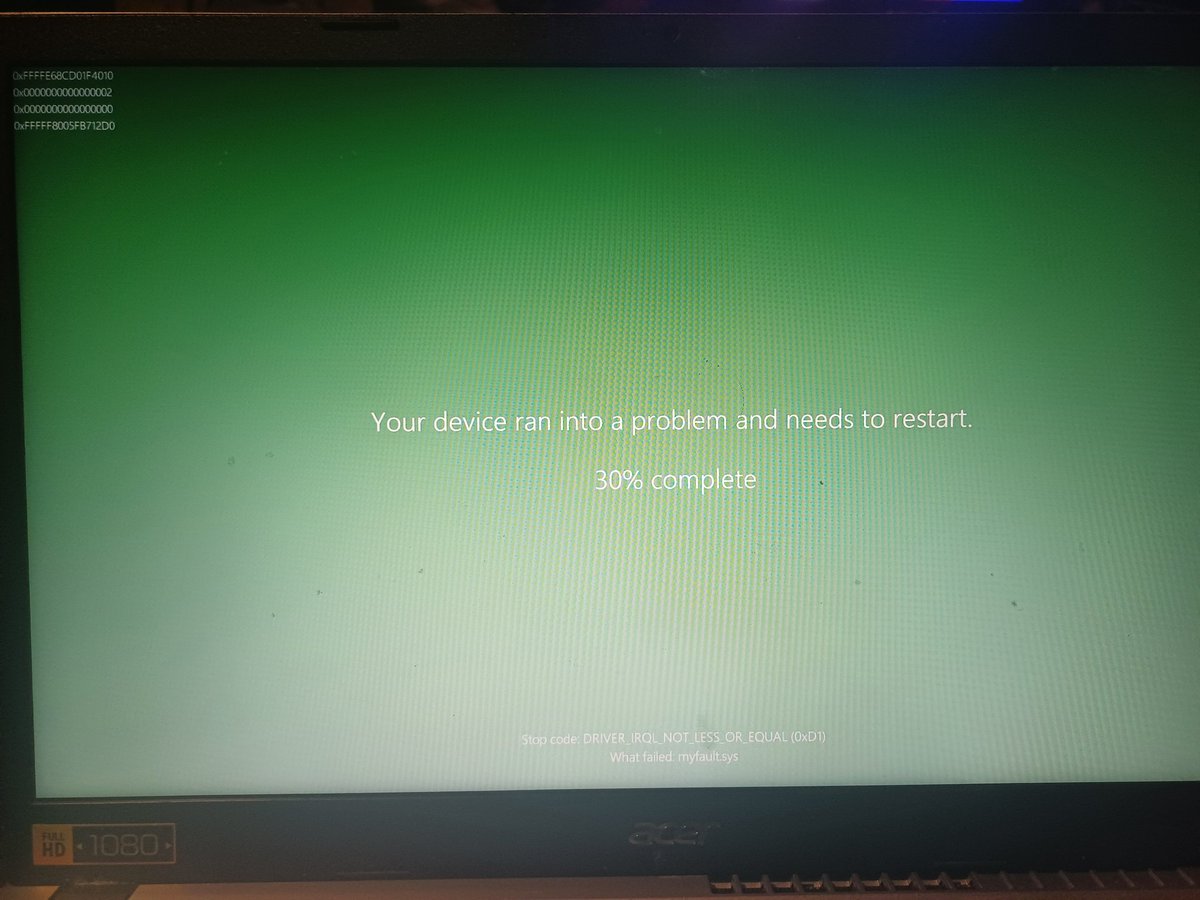
4
3
73
2,837
(@ThatRandomToast@masto.ai) retweeted

28 Mar 2025
Here's the rejuvenated bugcheck/BSOD in the latest Insider builds (feature ID 50070238) in both colors. The QR code and frown say bye bye, and the screen is going back to black for production PCs just as it was in the early 22000 days.
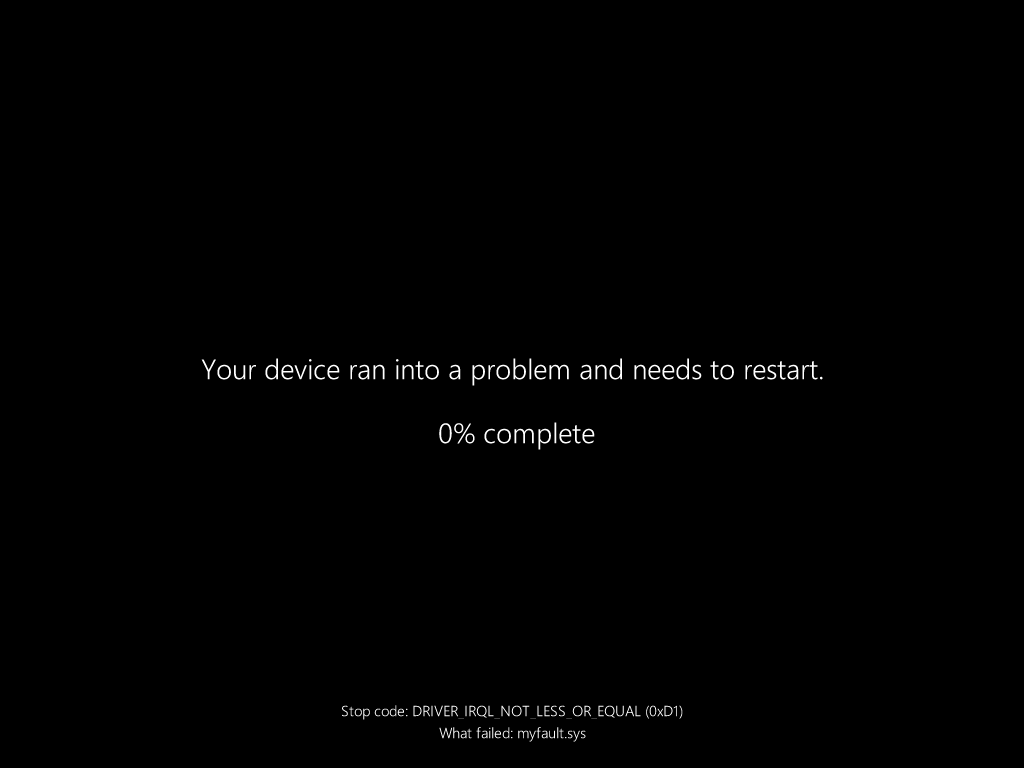
ALT Rejuvenated bugcheck screen/BSOD in Windows 11. It is a black screen with some text saying that the user's device ran into a problem and needs to restart, with a percentage indicator. The stop code and what failed are shown at the bottom.
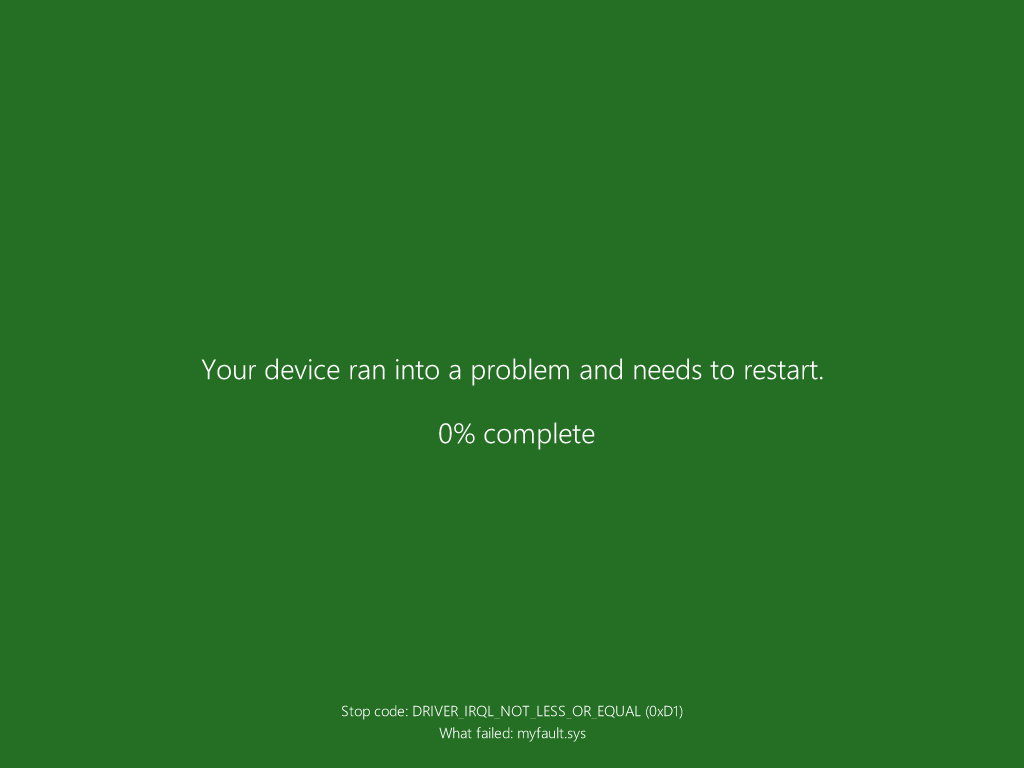
ALT Rejuvenated bugcheck screen/BSOD for Insiders in Windows 11. It is a green screen with some text saying that the user's device ran into a problem and needs to restart, with a percentage indicator. The stop code and what failed are shown at the bottom.
12
12
152
39,141
(@ThatRandomToast@masto.ai) retweeted

19 Mar 2025
If you think C is outdated, enjoy your bloated Electron apps running on 8GB RAM.
103
154
3,734
135,517
21 Mar 2025
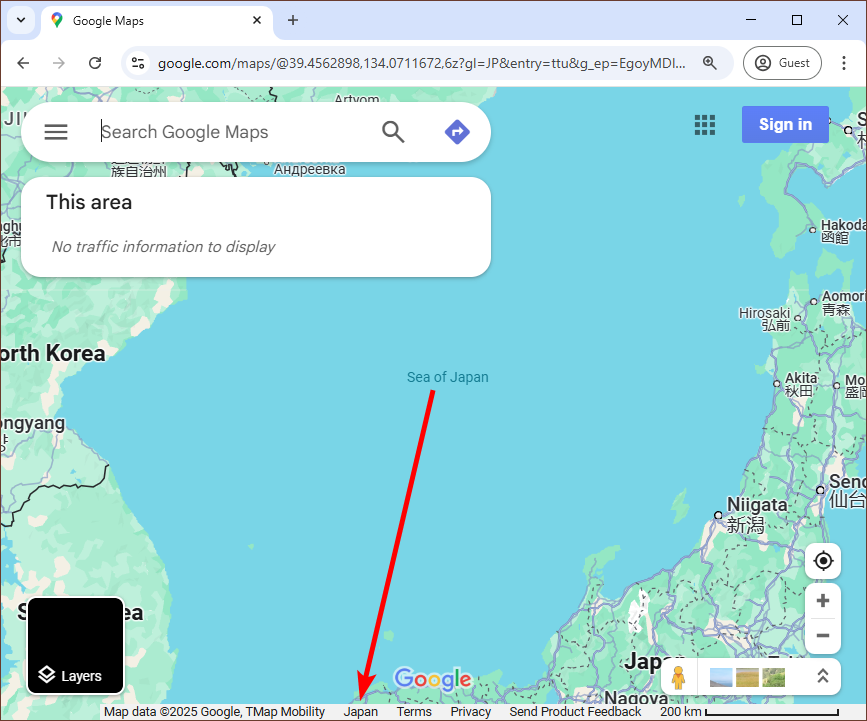
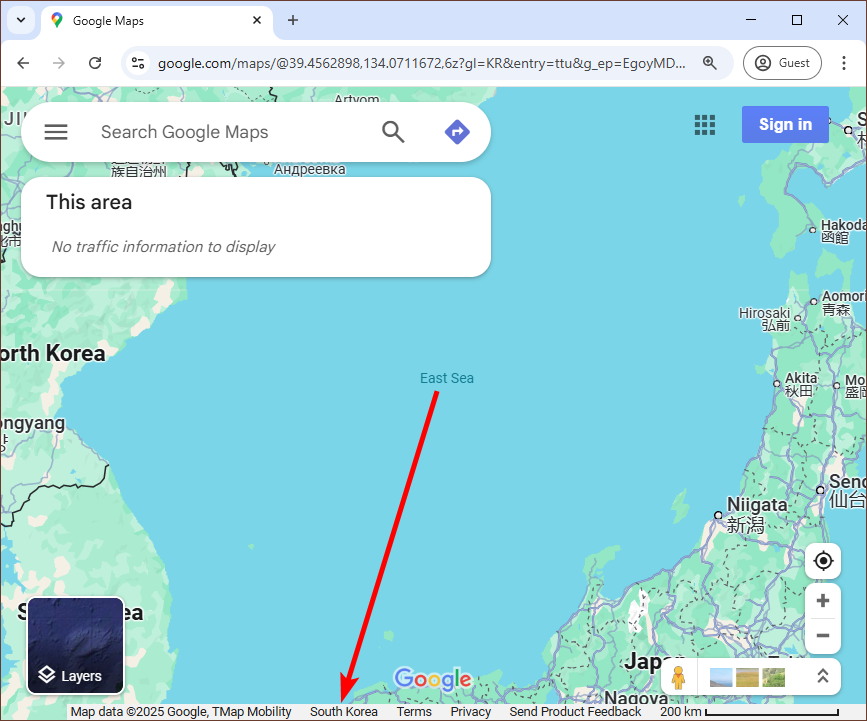
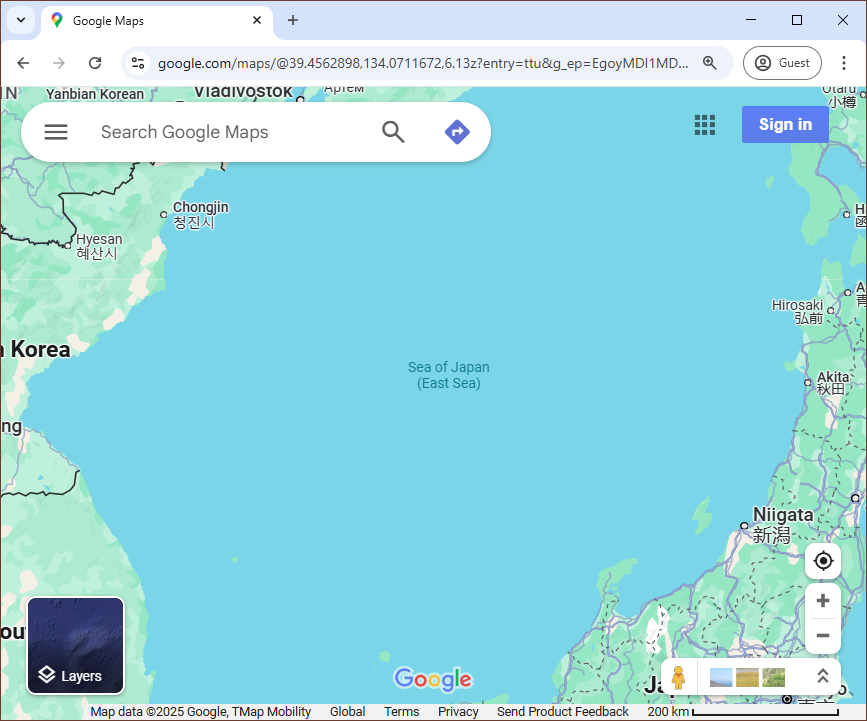
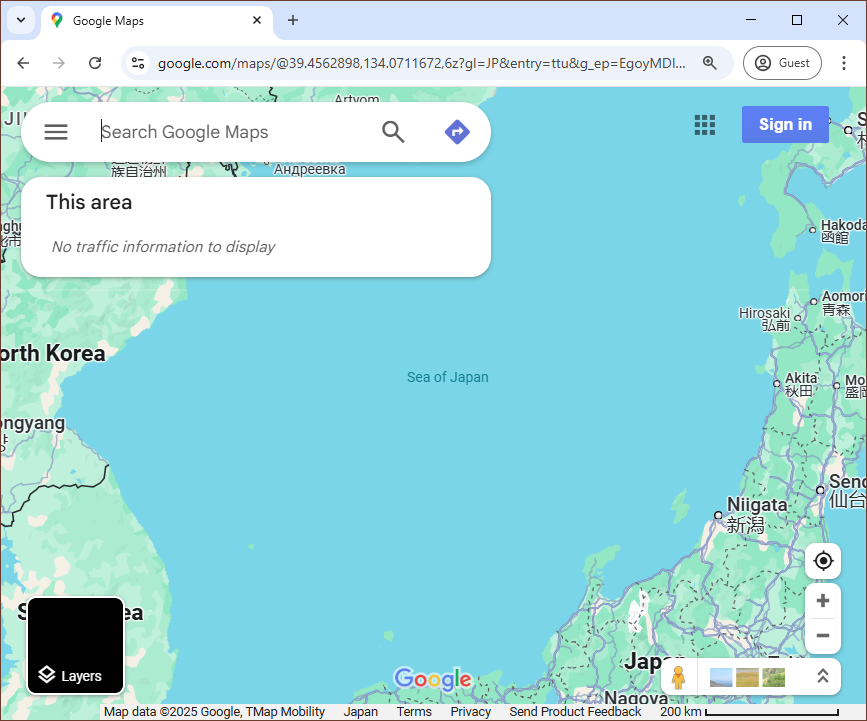
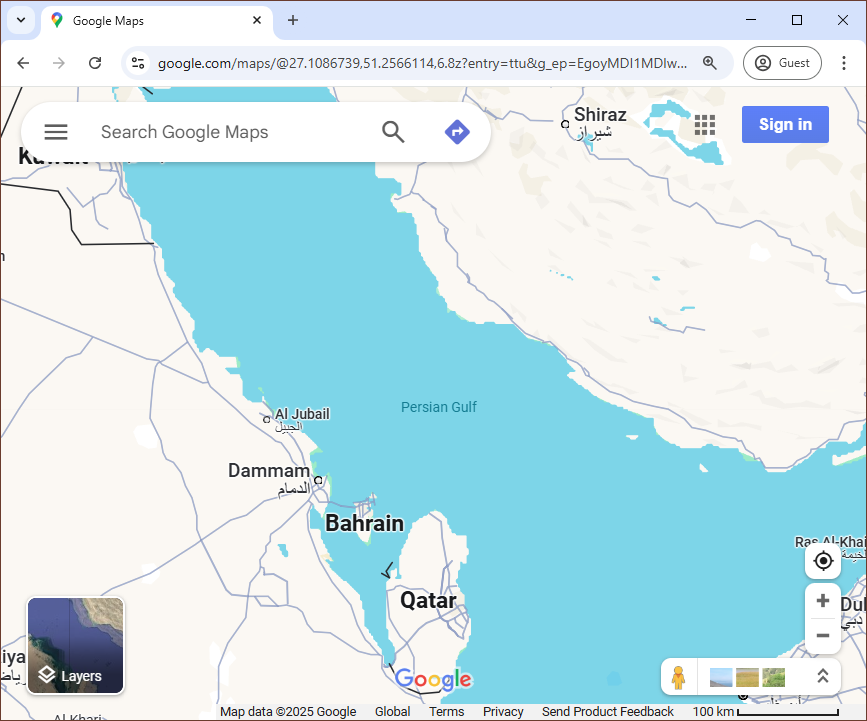
Imagine this wasn't Chagee, but Microsoft using the 9 dash line map GLOBALLY.
Would Microsoft get away with it? Will tech bros defend it?
amp.scmp.com/week-asia/econo…
1
96
(@ThatRandomToast@masto.ai) retweeted

3 Mar 2025
This Aero Peek bug has been present since Windows 10 Build 17063 and it has never been fixed. 😭
9
13
160
5,045