Test #hifi ET #VR #MetaQuest #Quest3 mail pro : androgamesfr@gmail.com
Joined August 2013
- Tweets 60,241
- Following 1,037
- Followers 5,993
- Likes 18,817
11,083 Photos and videos




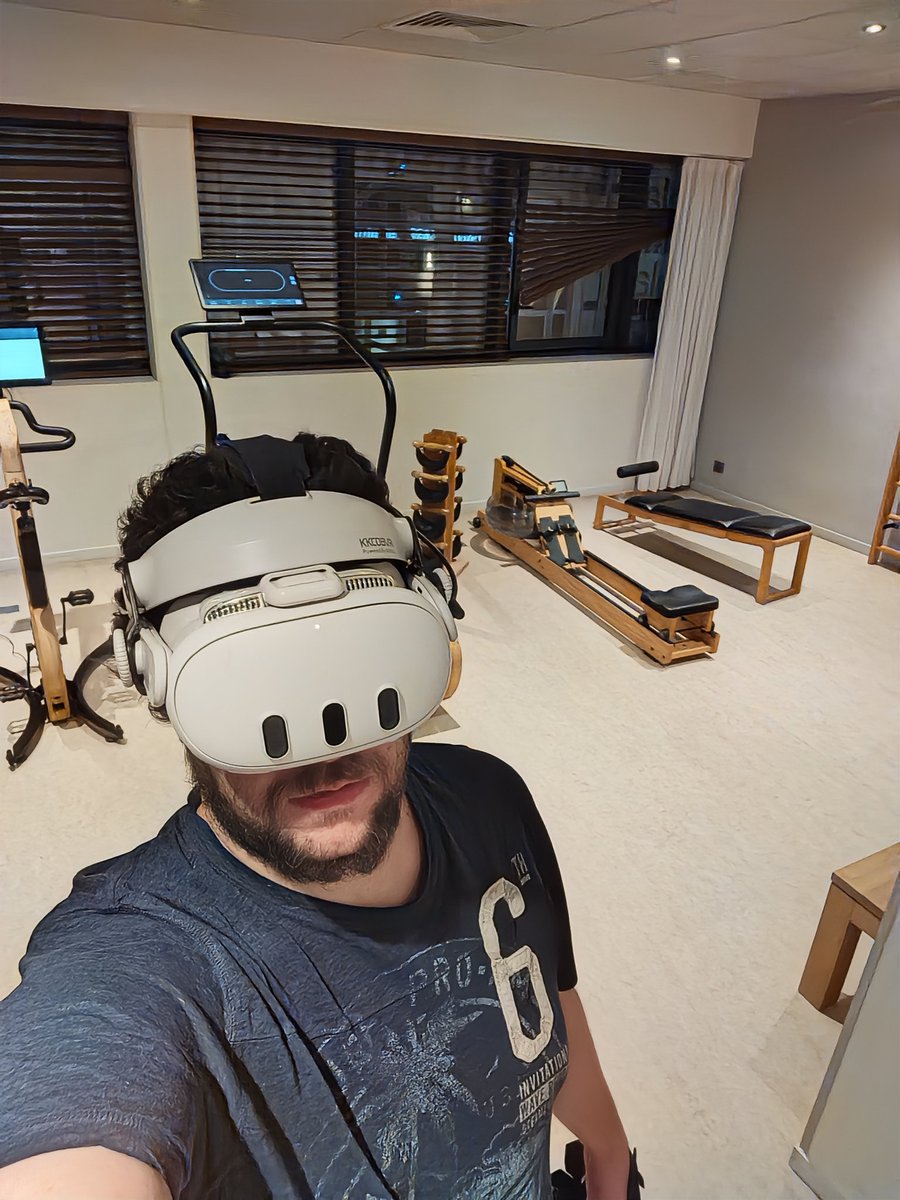
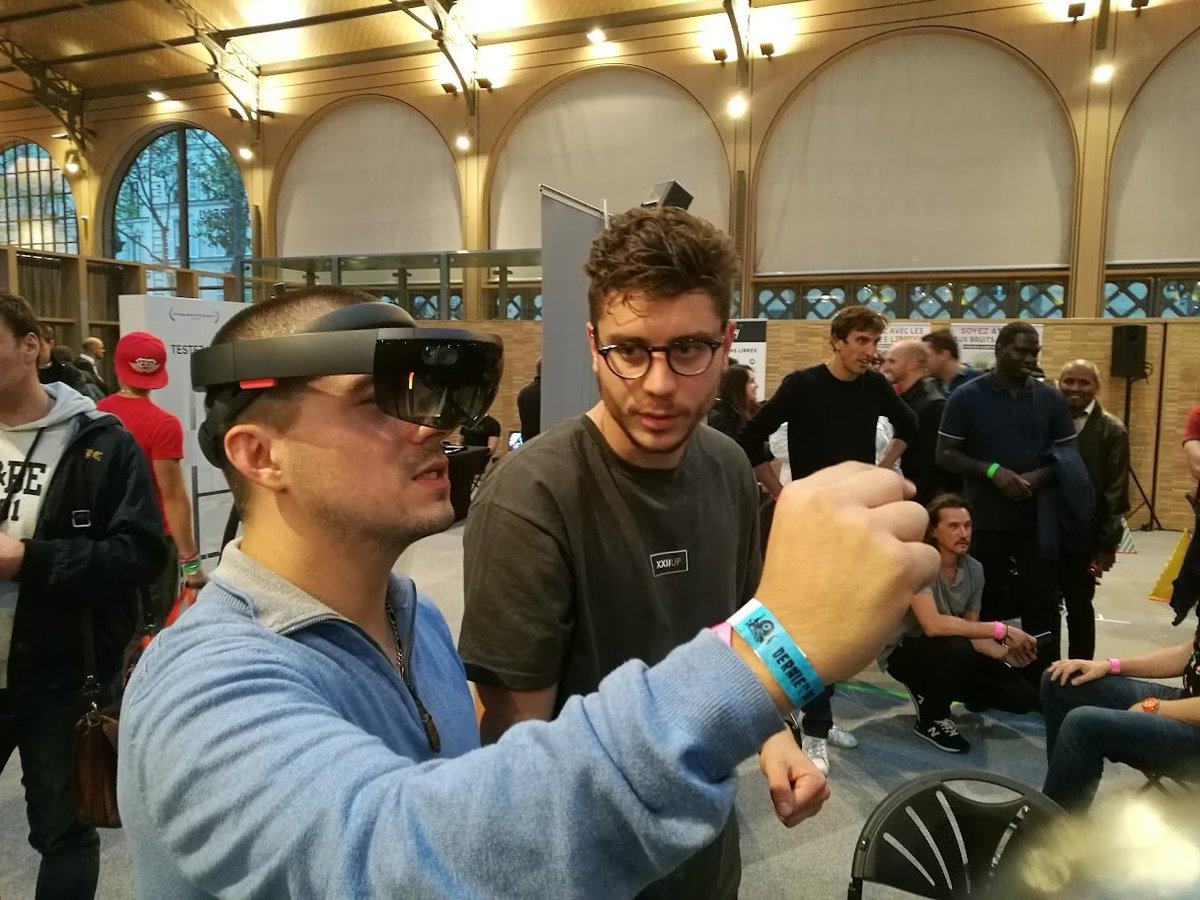
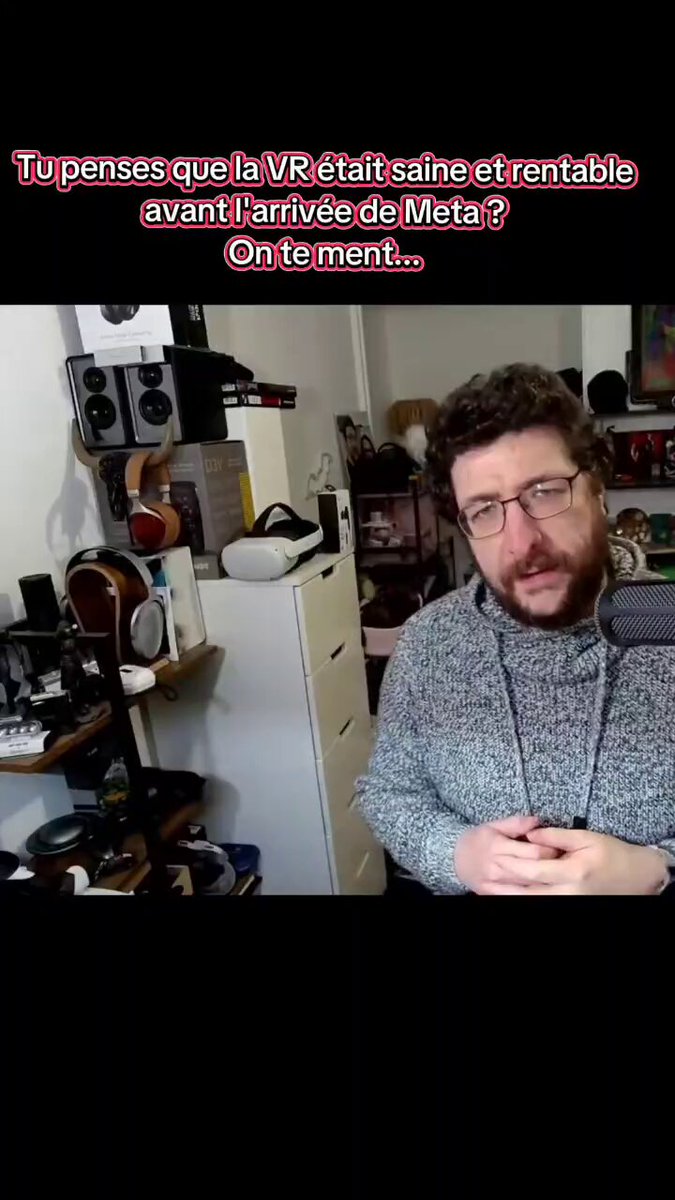

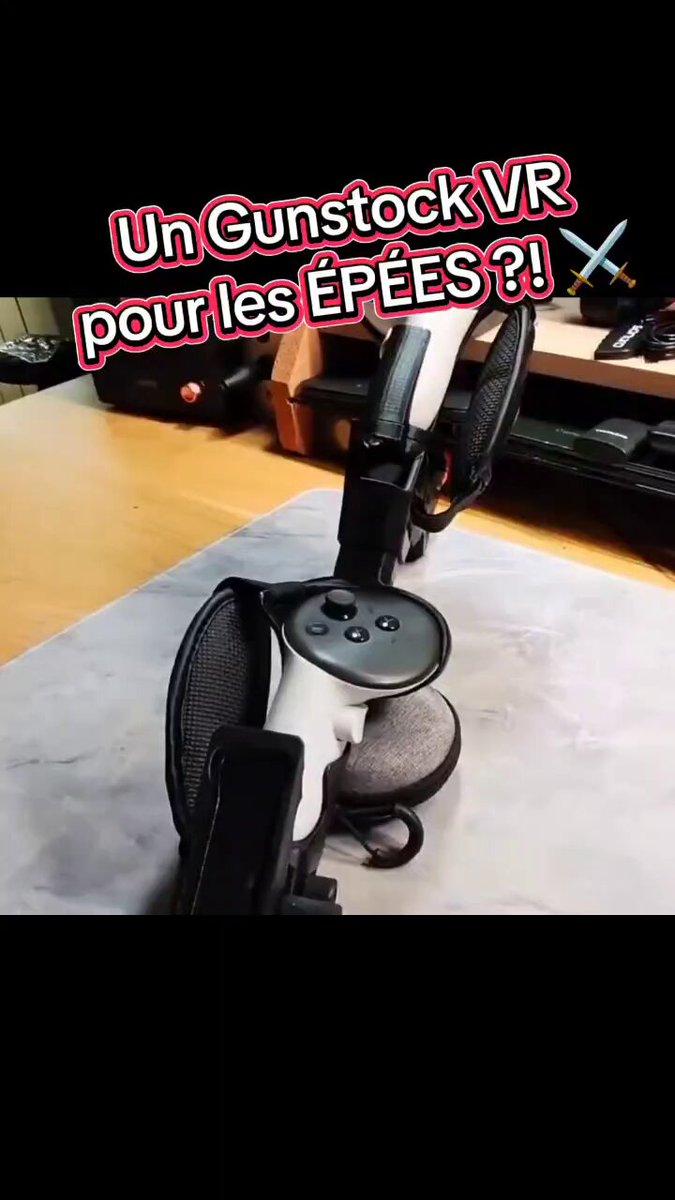

On est très proche de ça quand même, très très proche

1
43
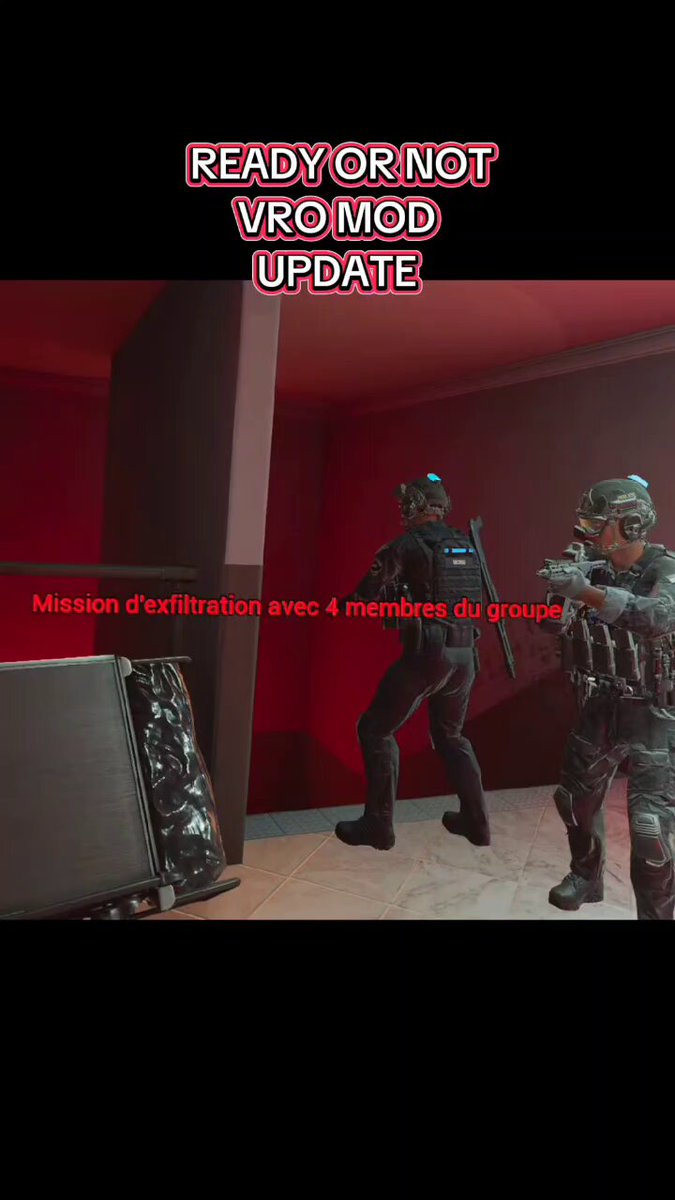
Une nouvelle mise à jour de Ready Or Not sur son mod VR de @vr_oasis est sorti et il y a eu beaucoup de travail !!
1
1
57
Vertigo Games sort un jeu FLAT et Skydance aussi ? Encore un signe de la fin de la VR ?
Est ce grave ? Pourquoi ? Comment ?
youtu.be/6c0DQm5mfh4
1
2
76
TechnoidFR #Audio et TechnoidVR #VR retweeted

22h
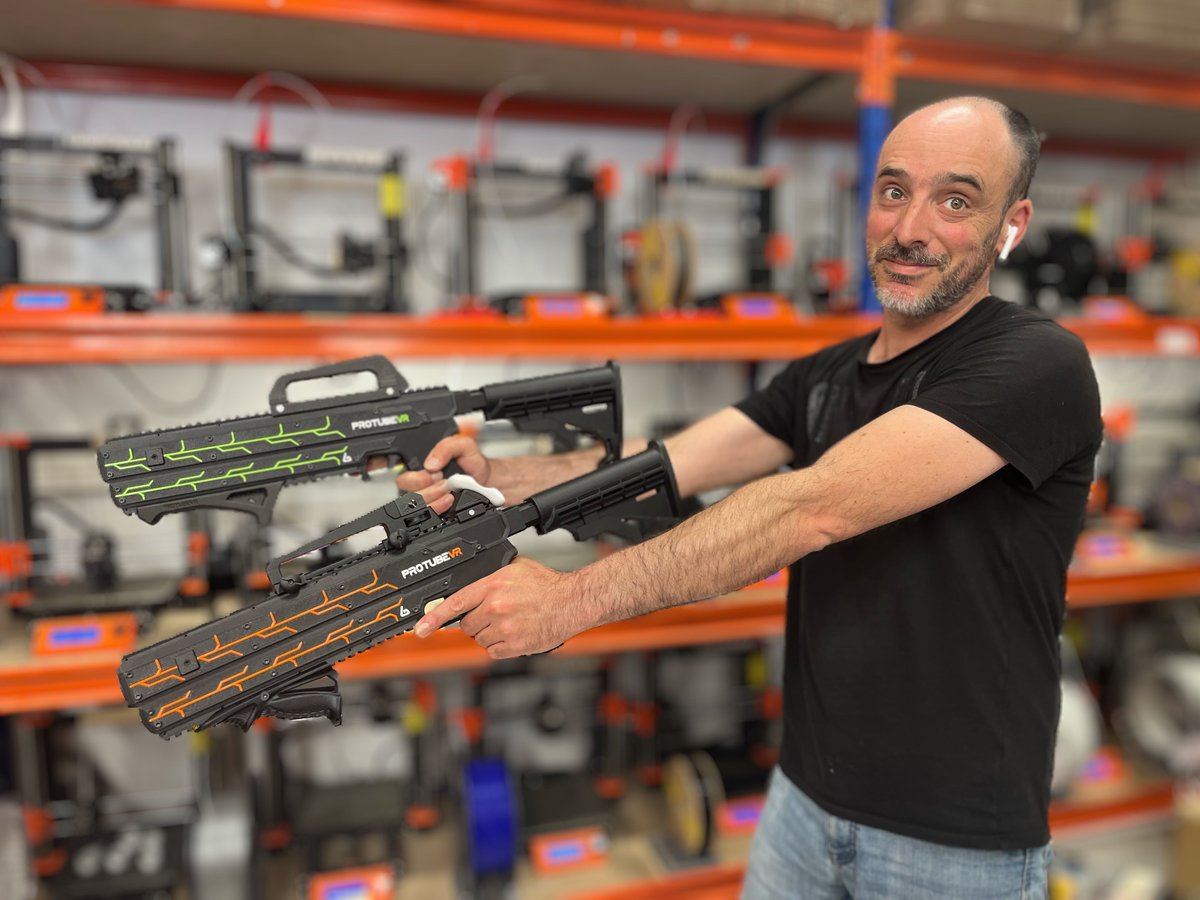
ProBolter Arcade line series.
Big toys for big boys.
Message us at business@protubevr.com for more info!
3
5
279
Le plus gros braquage de l'histoire de la VR 💸
101
TechnoidFR #Audio et TechnoidVR #VR retweeted
Jun 12
3
3
277
TechnoidFR #Audio et TechnoidVR #VR retweeted

Jun 12
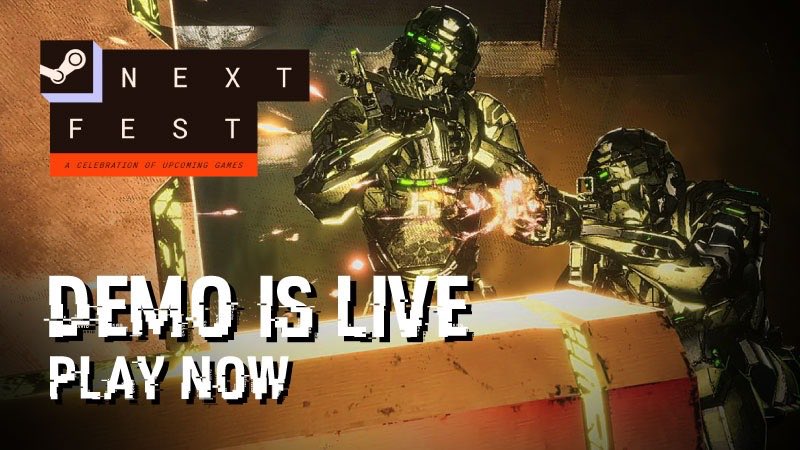
Exoshock Demo is now live as part of Steam Next Fest👉store.steampowered.com/app/3…
Demo Includes:
- 1 Large Ship **Alpha Breaker**
- Resistance levels 1 to 4
- 2 Mutations: **Faction Warfare** **Droid Horde** these can appear on Resistance 2, 3, and 4!
- Progression to Level 7: Unlock half of all available weapons and items by playing and leveling up
- Shooting Range to test out different guns and items!
- All player skins, colors, and patches available
1
6
54
1,889

Narrative investigation game Detective VR is coming to PlayStation VR2 and SteamVR on September 9.
Details here: uploadvr.com/detective-vr-co…
2
6
54
3,400
TechnoidFR #Audio et TechnoidVR #VR retweeted

Jun 12
It's time to detour from all the bad VR news and focus on 15 awesome VR games that are still releasing in the near future.
Click here - youtu.be/i7TsFETwPyc

1
12
538
Je teste ça ce soir

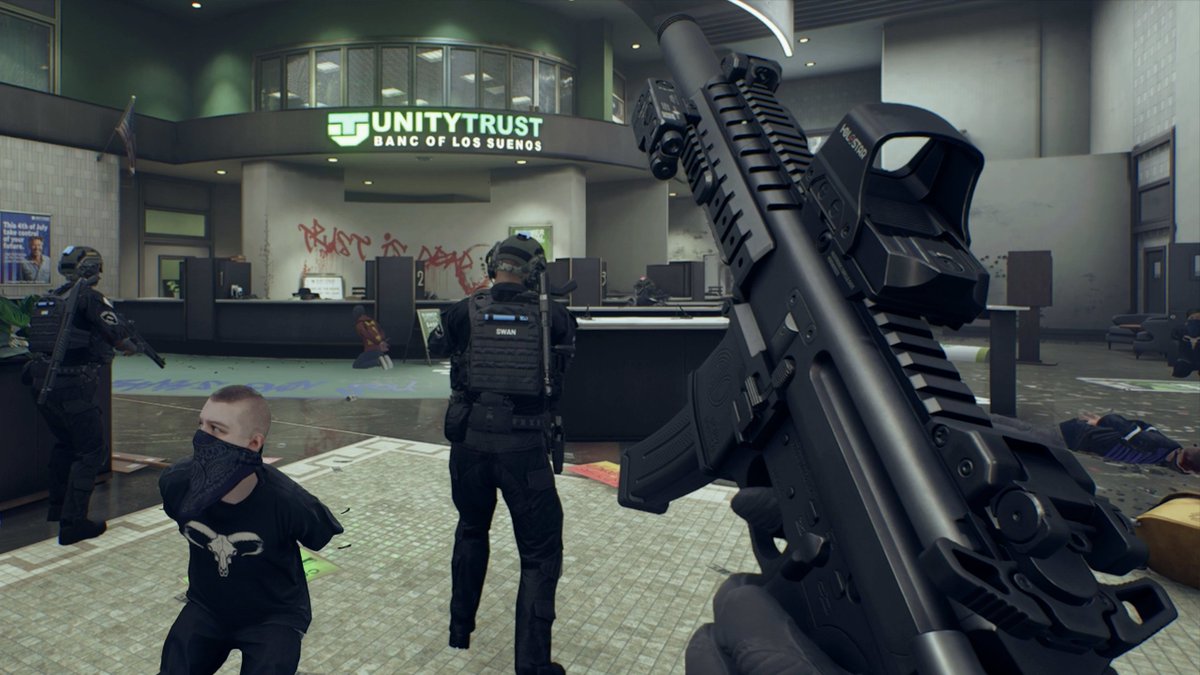
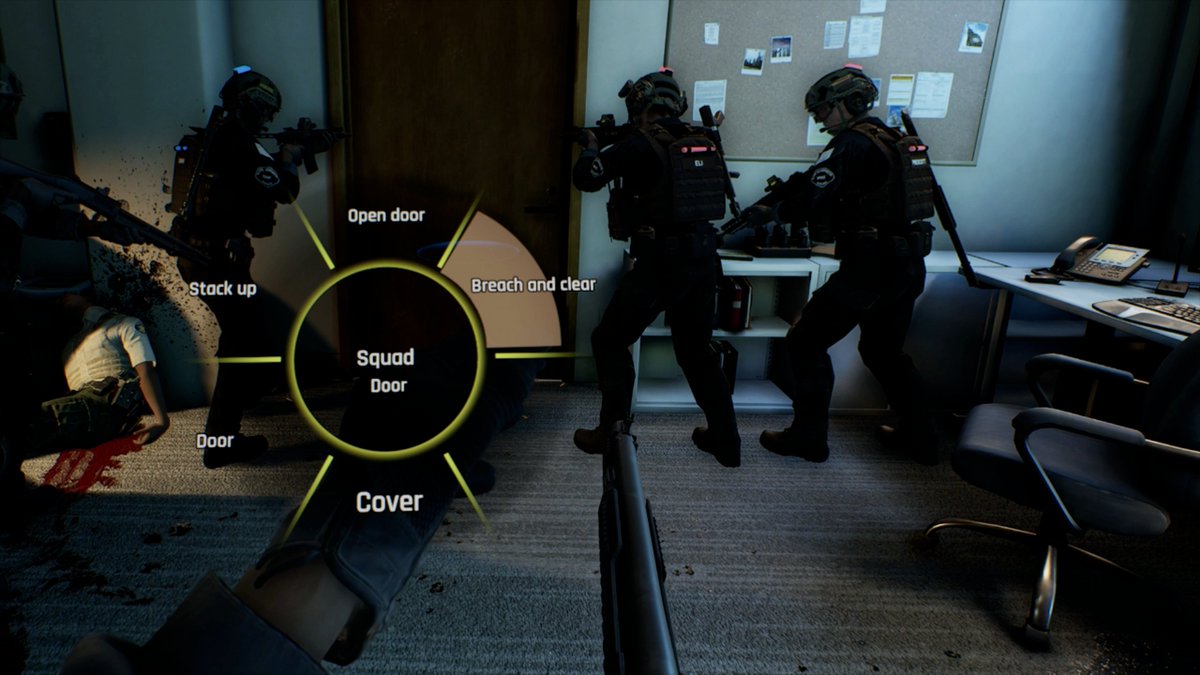
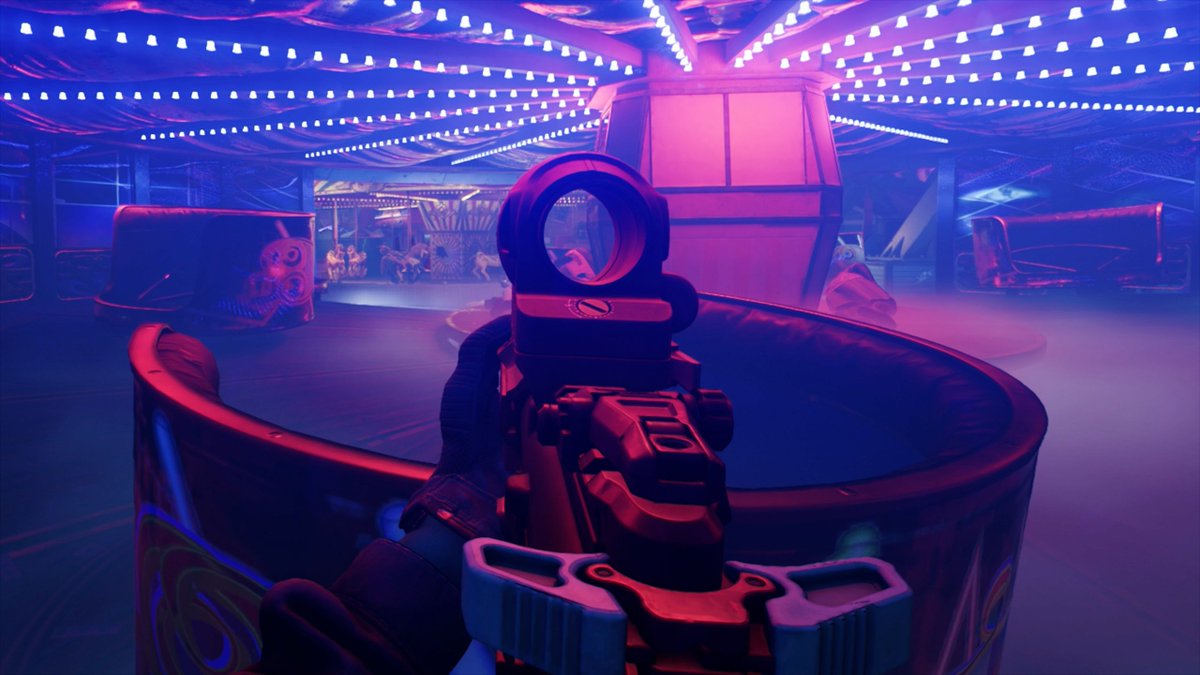
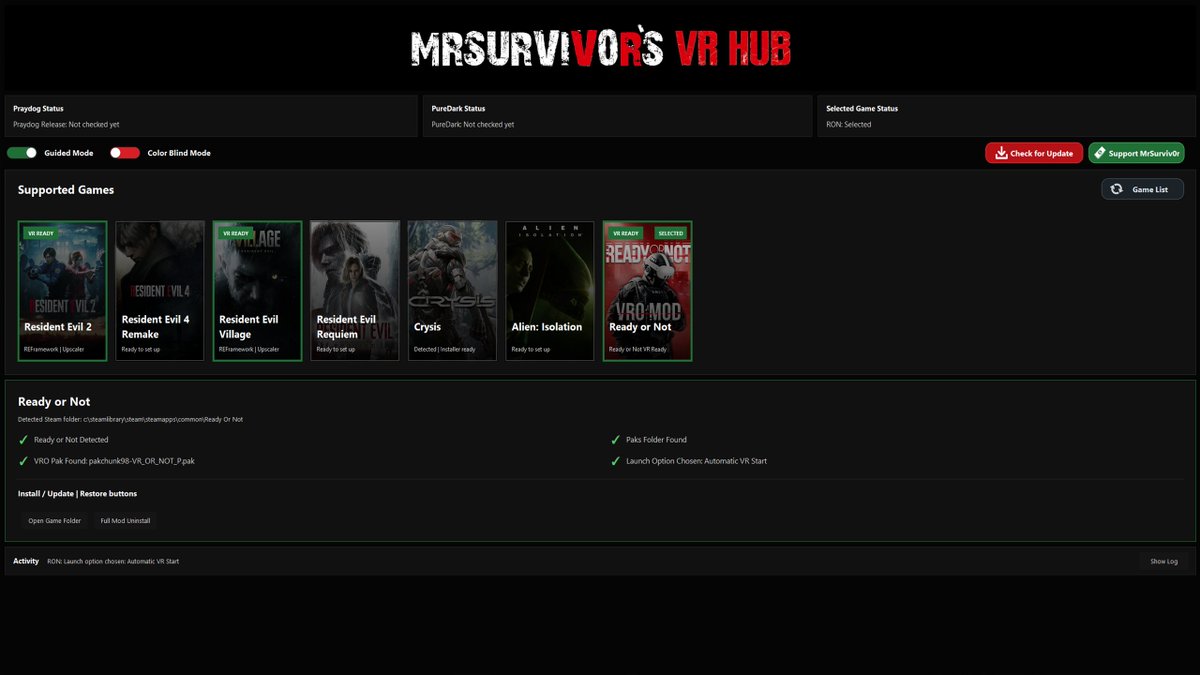
KITT and I are still cooking on the Ready Or Not VRO Mod. Big update out now;
- Boiling Point DLC working
- New command wheel
- Left handed support
- New torch / laser system
- New super easy installer thanks to @MrSurviv0r
Discord - discord.gg/7wHGztfgjM
118
Très très curieux

A new trailer has provided a closer look at Guardians Planetfall, an upcoming squad-based VR shooter that's been described as "VR's answer to Helldivers 2."
Details here: uploadvr.com/new-guardians-p…
63
Oh ça a l'air génial!
Rustmourne, a Half-Life: Alyx inspired sci-fi horror FPS, is coming to SteamVR.
Details here: uploadvr.com/rustmourne-is-a…
1
2
85
Hâte de voir
Jun 10

Here's a quick look at the gameplay loop of our Helldivers-inspired VR co-op shooter Guardians Planetfall
Wishlist NOW:
virtualage.io/planetfall?utm…
Join the Discord community: discord.gg/EmWCYYbm6Y
#VR #VRGaming #MetaQuest #SteamVR #IndieGame #SciFi #Gaming
1
75
Bon

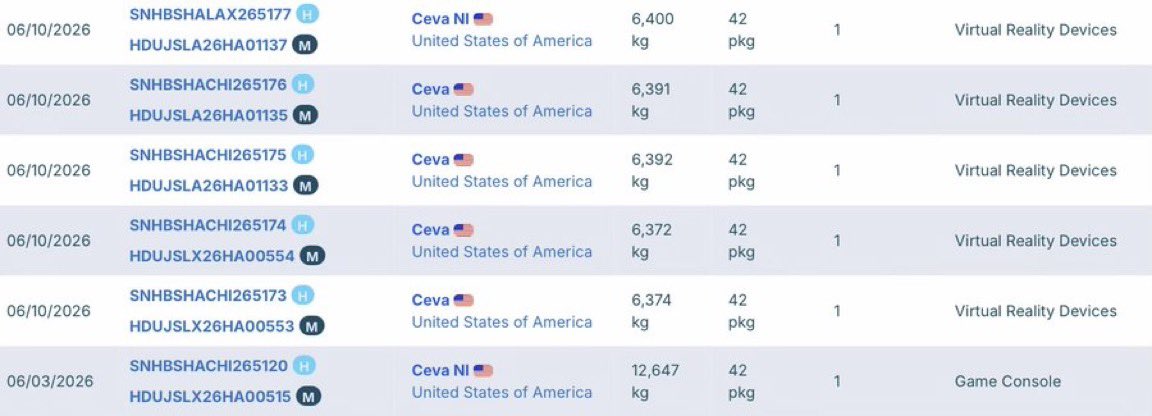
STEAM FRAME UPDATE
The first Steam Frame imports are arriving in Valve’s USA warehouses!
73
C ce jeu a beaucoup de potentiel !
Jun 11

Finally got the controller / gunstock / aim calibration working properly 🙌
It’s making weapon alignment feel a lot cleaner in-game.
DMR with gunstock = OP
1
113
J'ai testé
C'est ouf
En autonome ET PCVR
C'est vraiment DINGUE

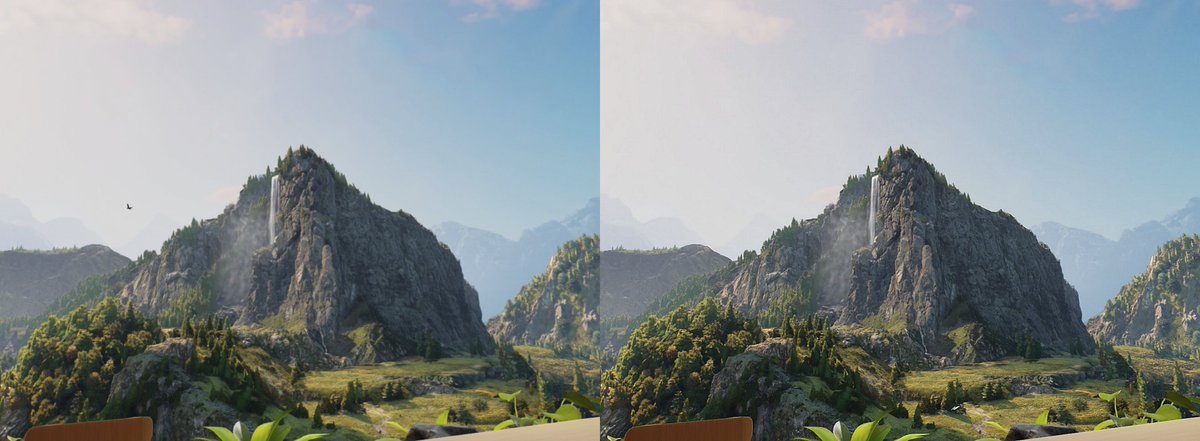
🎮 QGO v14.0.0 is here! FidelityFX CAS & Meta Quest Super Resolution 👌
The wait is over — and trust me, this one is worth it! 😎
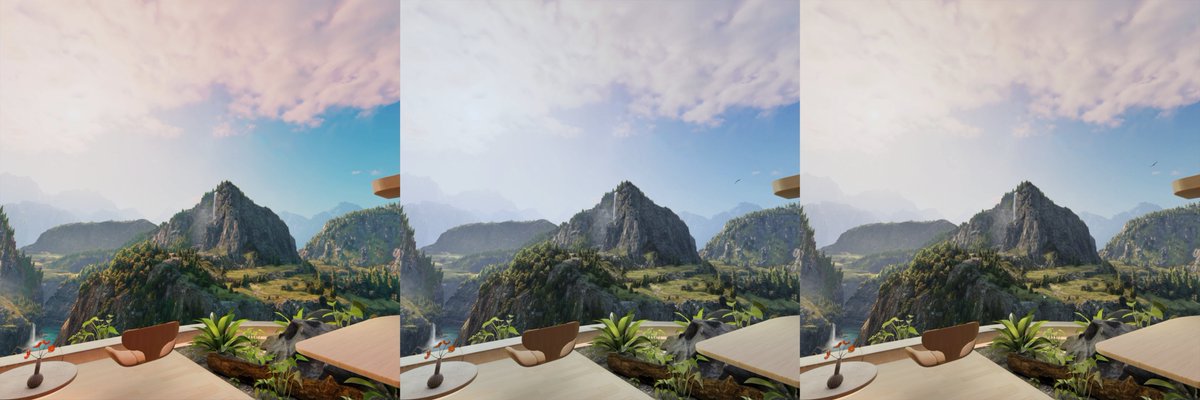
QGO v14 introduces two powerful sharpening algorithms: FidelityFX CAS and Meta Quest Super Resolution (you must be on firmware v204 of higher). These don't just improve standalone VR games — they now work on PCVR games and many video players too.
Yes, you read that right. Half-Life: Alyx will look better with QGO and your videos will look better! 🤘
Both modes are OFF by default — choose the one that suits you best:
- FidelityFX CAS — stronger sharpening, better color contrast and details, compatible with more video players
- Meta Quest Super Resolution — smoother, more natural sharpening
These algorithms work on top of the existing QGO profiles, independently — just set it once and forget it🤘
🎨 Choose Color space — Choose between 9 different color space modes for more realistic or more vivid colors depending on your taste.
🖥️ Old Meta Quest UI — Now persists across reboots when enabled.
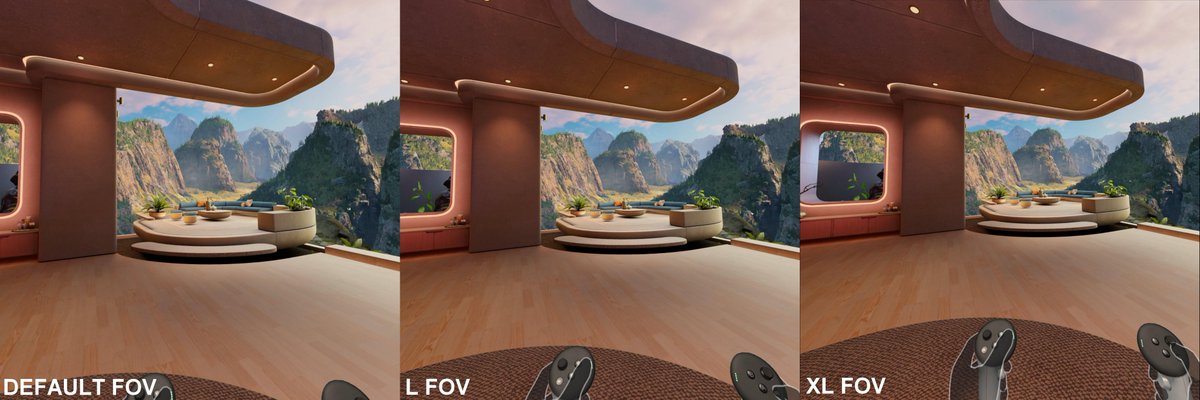
📸 Reminder: the previous update introduced extended FOV for screenshots and videos — a must-have for content creators!
🎉 To celebrate, QGO is 20% off for 5 days!
🏷️ Use code QGO on the Meta Quest Store #MetaQuestAffiliate.
🎁 Enjoy exclusive discounts (bHaptics, ProTube VR, BoboVR, AMVR, Kiwi Design, etc) quest-games-optimizer.com/af…
📱 Check my other apps (PlayTimeVR, Battery Level Notifier, Quest APK Installer, etc) anagan79.itch.io/ (50% off for 5 days)
Oh, and we just hit 1,800 optimized games (quest-games-optimizer.com/op…) — a huge thank you to the QGO team who work alongside me every day to improve your favorite games. They really go above and beyond🙏
If you like QGO, spread the word! 🚀
quest-games-optimizer.com/
#VR #metaquest #qgo #quest3

1
3
466

KITT and I are still cooking on the Ready Or Not VRO Mod. Big update out now;
- Boiling Point DLC working
- New command wheel
- Left handed support
- New torch / laser system
- New super easy installer thanks to @MrSurviv0r
Discord - discord.gg/7wHGztfgjM
8
18
94
5,400
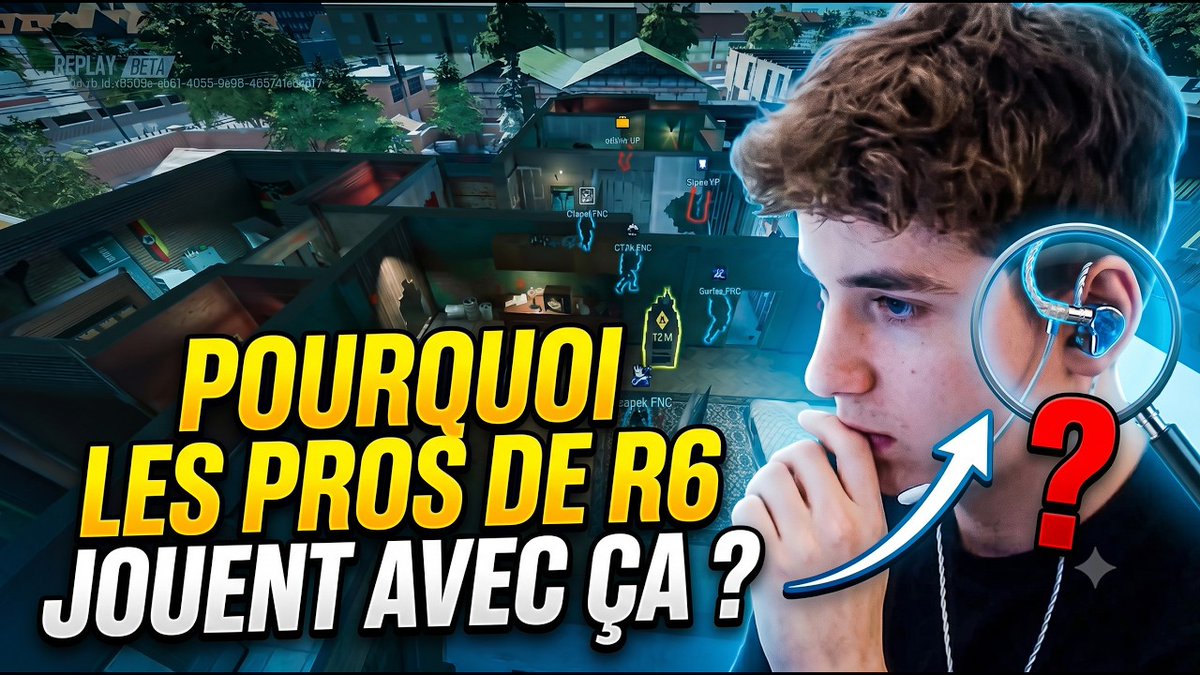
Aujourd'hui vidéo un peu à part
Pourquoi les joueurs E-sport ( notamment Rainbow Six Siege) utilisent tous des intras ?
youtu.be/J7Xez4M-c_c
1
1
1
105

Grosse news pour QGO ! FidelityFX CAS & Meta Quest Super Resolution activés ET, ça marche sur PCVR ! En gros l'image est décompressée par le casque puis le MQSSR et le CAS s'appliquent pour embellir l'image.
🎮 QGO v14.0.0 is here! FidelityFX CAS & Meta Quest Super Resolution 👌
The wait is over — and trust me, this one is worth it! 😎
QGO v14 introduces two powerful sharpening algorithms: FidelityFX CAS and Meta Quest Super Resolution (you must be on firmware v204 of higher). These don't just improve standalone VR games — they now work on PCVR games and many video players too.
Yes, you read that right. Half-Life: Alyx will look better with QGO and your videos will look better! 🤘
Both modes are OFF by default — choose the one that suits you best:
- FidelityFX CAS — stronger sharpening, better color contrast and details, compatible with more video players
- Meta Quest Super Resolution — smoother, more natural sharpening
These algorithms work on top of the existing QGO profiles, independently — just set it once and forget it🤘
🎨 Choose Color space — Choose between 9 different color space modes for more realistic or more vivid colors depending on your taste.
🖥️ Old Meta Quest UI — Now persists across reboots when enabled.
📸 Reminder: the previous update introduced extended FOV for screenshots and videos — a must-have for content creators!
🎉 To celebrate, QGO is 20% off for 5 days!
🏷️ Use code QGO on the Meta Quest Store #MetaQuestAffiliate.
🎁 Enjoy exclusive discounts (bHaptics, ProTube VR, BoboVR, AMVR, Kiwi Design, etc) quest-games-optimizer.com/af…
📱 Check my other apps (PlayTimeVR, Battery Level Notifier, Quest APK Installer, etc) anagan79.itch.io/ (50% off for 5 days)
Oh, and we just hit 1,800 optimized games (quest-games-optimizer.com/op…) — a huge thank you to the QGO team who work alongside me every day to improve your favorite games. They really go above and beyond🙏
If you like QGO, spread the word! 🚀
quest-games-optimizer.com/
#VR #metaquest #qgo #quest3
1
1
8
833
Alors ça les gars FAUT TESTER
🎮 QGO v14.0.0 is here! FidelityFX CAS & Meta Quest Super Resolution 👌
The wait is over — and trust me, this one is worth it! 😎
QGO v14 introduces two powerful sharpening algorithms: FidelityFX CAS and Meta Quest Super Resolution (you must be on firmware v204 of higher). These don't just improve standalone VR games — they now work on PCVR games and many video players too.
Yes, you read that right. Half-Life: Alyx will look better with QGO and your videos will look better! 🤘
Both modes are OFF by default — choose the one that suits you best:
- FidelityFX CAS — stronger sharpening, better color contrast and details, compatible with more video players
- Meta Quest Super Resolution — smoother, more natural sharpening
These algorithms work on top of the existing QGO profiles, independently — just set it once and forget it🤘
🎨 Choose Color space — Choose between 9 different color space modes for more realistic or more vivid colors depending on your taste.
🖥️ Old Meta Quest UI — Now persists across reboots when enabled.
📸 Reminder: the previous update introduced extended FOV for screenshots and videos — a must-have for content creators!
🎉 To celebrate, QGO is 20% off for 5 days!
🏷️ Use code QGO on the Meta Quest Store #MetaQuestAffiliate.
🎁 Enjoy exclusive discounts (bHaptics, ProTube VR, BoboVR, AMVR, Kiwi Design, etc) quest-games-optimizer.com/af…
📱 Check my other apps (PlayTimeVR, Battery Level Notifier, Quest APK Installer, etc) anagan79.itch.io/ (50% off for 5 days)
Oh, and we just hit 1,800 optimized games (quest-games-optimizer.com/op…) — a huge thank you to the QGO team who work alongside me every day to improve your favorite games. They really go above and beyond🙏
If you like QGO, spread the word! 🚀
quest-games-optimizer.com/
#VR #metaquest #qgo #quest3
1
69