
642 Photos and videos



Pinned Tweet

30 Oct 2024
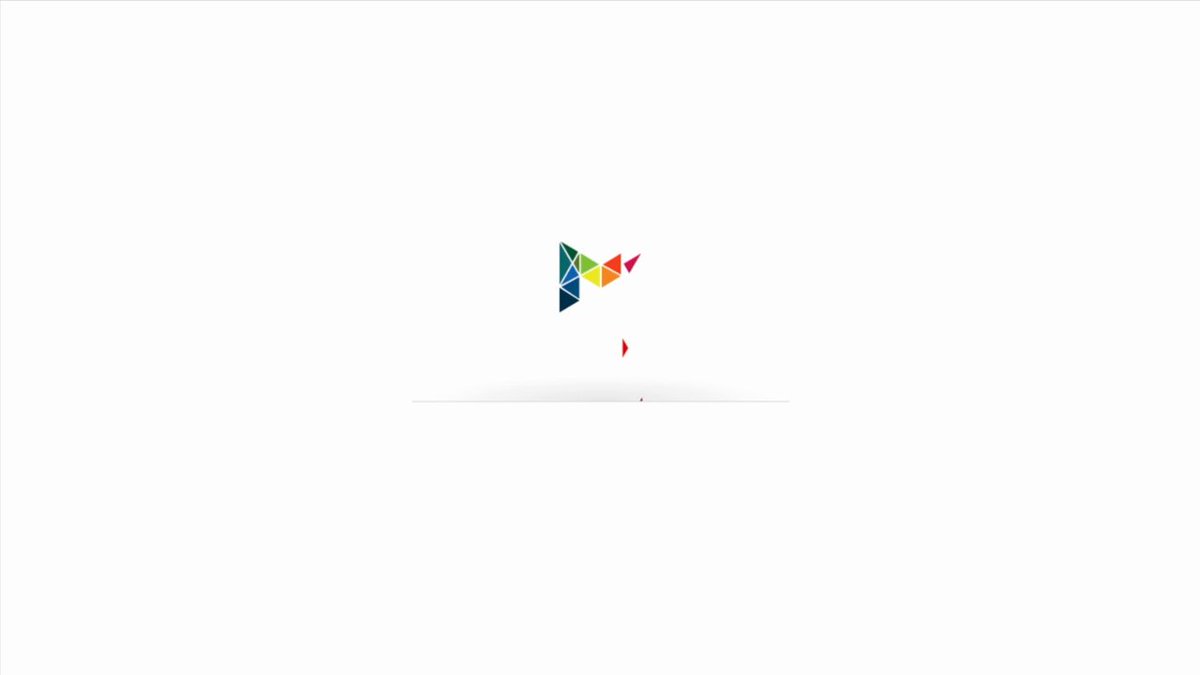
Progress bar animation I did for a golf course's onboarding flow.
3
1
23
2,559
Designers want ‘UX’ to have a seat at the table. Yet, all we do is fight about what tool is best.
Canvas vs. code, Webflow vs. Framer. Figma vs. whatever. If we as a profession want to be taken more seriously, we have to zoom out and discuss the bigger picture.
Real UX talk about how it works and where it needs to change in today’s AI wave, for example. But also;
- How to think through edge cases in our work (if you want to keep with tools, but better);
- figure out to what degree designers should touch code (if at all);
- and what else we can do to stand out when each tool does more or less the same thing.
If you want to stand out as a designer, talk about what you have to offer outside of the tools you use. No more ‘Figma is [clickbait-y thing]’.
1
3
159
@mrtylerwhite and I share what work outside of Figma looks like for us in the latest episode of Design Table Podcast.
Take a look here - youtube.com/watch?v=19j9zzqC…
1
1
133
Apr 23
The tools you use to build a product design portfolio don’t matter as much as some make you believe.
We designers fight way too much about what the ‘best’ portfolio tool is. We talk about Framer vs. Webflow, Codex vs. Claude, and no-code vs. code. Discusions like these are almost always a waste of time.
I’ve had conversations with designers who were insecure about their WordPress or Squarespace portfolio. They always mention social media discussions as the main reason for their insecurity.
“Shouldn’t I use Framer? Or Claude? I’ve read that it is better to use those tools…”
This literally happened on a coaching call just last week.
Here are two better questions to ask yourself.
First up; can you design the portfolio you have in mind using the tools you already know?
Answering ‘yes’ here means it is perfectly fine to keep using the same tools. It doesn’t matter if it is WordPress, Framer, or something else. Just go and build that portfolio.
Next; do you want to sell design projects using a specific (no code) tool?
For example, I’m a Webflow certified partner and maintain Webflow websites for multiple clients. Because of that, it makes sense for me to have a portfolio website built on Webflow. It is my ‘first project’ and a great showcase for potential clients.
But that doesn’t mean one’s better than the other. Choosing the ‘right’ tool here is just a good business practice. You could do the same for WordPress or Framer templates.
1
1
3
261
Apr 23
@mrtylerwhite and I discuss the above and more in this week’s Design Table Podcast episode. Super useful for people who feel stuck or insecure in their portfolio building journey.
Take a look here: youtube.com/watch?v=Cua5FYNO…
1
2
69
Feb 14
Some of the best I’ve worked with do not have an online portfolio or a following.
Only way we know they’re great is because we see it happen in real time and we tell others.

1
184
Nick Groeneveld retweeted

Jan 21
Most teams don’t have a design problem.
They have a translation problem.
Designer designs the dream.
Dev ships the compromise.
PM plays referee.
Then everyone wastes two sprints “aligning.”
Builder-type designers are getting prioritized because they close that gap. Less rework. Fewer meetings. Faster shipping.
This clip explains it perfectly. @ToolboxOfDesign
1
1
129
Jan 12
Whenever a new (design) tool comes along, we tend to think it will be the new standard for everything we do all the time.
In reality, it is far more likely to be another tool in our toolbox.
Cursor’s visual editor is a great example.
I tried it for two projects this week and it works quite well, but not every time. Not because the tool is bad, but because different situations require different tools.
- Redesigning a hero section component used for all blog posts on a marketing website. Works well. It understands that changes needed to be made to the component and not the page itself.
- Refactoring how colors are set up in a codebase; this is a lot of under-the-hood work that happens inside and outside of code. I set up a demo page where I could see examples of the colors in action, but this felt like a workaround.
- Building an ‘invite and earn‘ flow for a medical SaaS. There’s too much going on to just drag and drop in the visual editor.
Those final two items still where AI-assisted where it made sense, but just not in a visual code editor.
1
77
If you've sent out 100 job applications and haven't heard back, something's broken.
Stop applying and double-check the fundamentals:
- Are you looking at the ‘right’ jobs? (Type, location, industry, experience)
- Is your resume ATS-proof and human-friendly?
- Does your portfolio focus on the reasons people would hire you?
There’s more, but the above should help you get more interviews already.
63
Scheduled four weeks of Design Table Podcast episodes so I can enjoy the holidays and my Christmas break offline. Some cool episodes coming up!
- Something on how recruiters and designers can become friends
- How to succeed in 2026
- How 2025 wasn't that different
...and more!
1
52
Three actionable takeaways from a recent UX coaching call with a mid-level visual designer looking to move into UX.
1. Building a strong UX case study starts with a one‑sentence story: who you worked for, what you did, and what changed (“as a result…”).
2. Always translate design work into outcomes non‑designers care about: time saved, fewer errors, faster delivery, better consistency, or lower risk.
3. Job interview performance improves a lot when you have systems in place to analyse how you did. Start with transcribing remote interviews.
1
97
Built a consultancy firm's logo as a website page loader, both the design and code.
Lots of websites use generic spinners without any connection. This loader makes the website feel premium from the start.
My favorite bit? The subtle details when the logo moves away. It makes all the difference.
1
120
31 Dec 2025
“We did [fill in] without Figma” isn’t the achievement you think it is.
At the same time, "I can do anything imaginable ever in Figma" also isn't the achievement you think it is.
1
69
29 Dec 2025
Started onboarding design projects for three large software products in the last few weeks.
The issues are clear:
- Wanting to show off too much at once
- Selling the product inside the product
- Rough dashboard landings
The fix? Get users to their quickest win. The rest comes later.
1
1
118
26 Dec 2025
To designers feeling overwhelmed by the 2025 chaos... don't. Most of it is just social media talking.
Just like the start of 2025, Figma’s still the go-to design tool. They’ve added some useful (AI) features you can do most of your work with.
Add a LLM of your choice, perhaps an image generator , and a ton of curiosity.
You’re set for 2026.
89
24 Dec 2025
Things not to do as a designer in 2026:
- Share ‘A or B’ engagement bait posts
- Resist the fact that designers ‘can’ code
- Ask for feedback without providing context
- Get stuck on ‘which tool is best’ discussions
Things to do instead:
- Ask a designer you look up to for a meeting. Do this once a week. You’ll learn a ton.
- Aim your content at hiring managers and potential clients instead of designers.
- Pick one design tool, one website builder, and stick to it.
- Make your case studies 30% shorter.
This will make a big difference.
1
3
127
22 Dec 2025
Just wrapped up a UX coaching program for a product designer looking to get a better job in 2026. Here's what we did and why.
1️⃣ Creating single sentence summaries for all case studies. This helps to get to the core of your work and to better memorize for interviews. It will also be the start of rewriting the case studies.
2️⃣ Job interview roleplay to see how the summaries helped and discover gaps in the designer’s presentation and interview strategy.
3️⃣ Website structure and case study improvements. We’re not removing anything but rather highlight the relevant parts of the portfolio. Those single sentence summaries from session 1 helped massively.
All of the above helps the designer present himself way better, both online and during interviews. He’ll be set up very well for 2026.
1
181
19 Dec 2025
Custom icon set. Hand-drawn, on-brand, and delightful.
1
87
17 Dec 2025
The best design books aren’t about design.
Every list mentions the classics (The Design of Everyday Things, Don’t Make me Think), but for me, the biggest recommendations are non-design books.
I just finished Oversubscribed by Daniel Priestley and it is full of useful takeaways. One example are the four reasons someone buys something.
- To make money
- To save money
- To reduce risk
- To save time
This insight makes writing a design case study, stakeholder presentation, or project pitch way easier.
Less ‘creating delightful experiences’. More ‘this UX research project saved the business 50 hours of wasted time each year’.
Currently reading 'Never Split The Difference' by Chris Voss. Another gem!
2
95
15 Dec 2025
Cursor’s new visual editor makes me think of… old school Dreamweaver, the first tool I learned back in the early 2000s.
It had a design view, code view, and split view where you had a WYSIWYG editor and the code it generated side by side. It was used by both designers and developers.
We’re going full circle.
1
4
197