
Expert in KVM & Remote Access solutions. BIOS-to-Text via SSH, data snapshots, and enterprise-grade remote management. Total control over your infrastructure.
Joined April 2026
- Tweets 22
- Following 171
- Followers 11
- Likes 6
15 Photos and videos
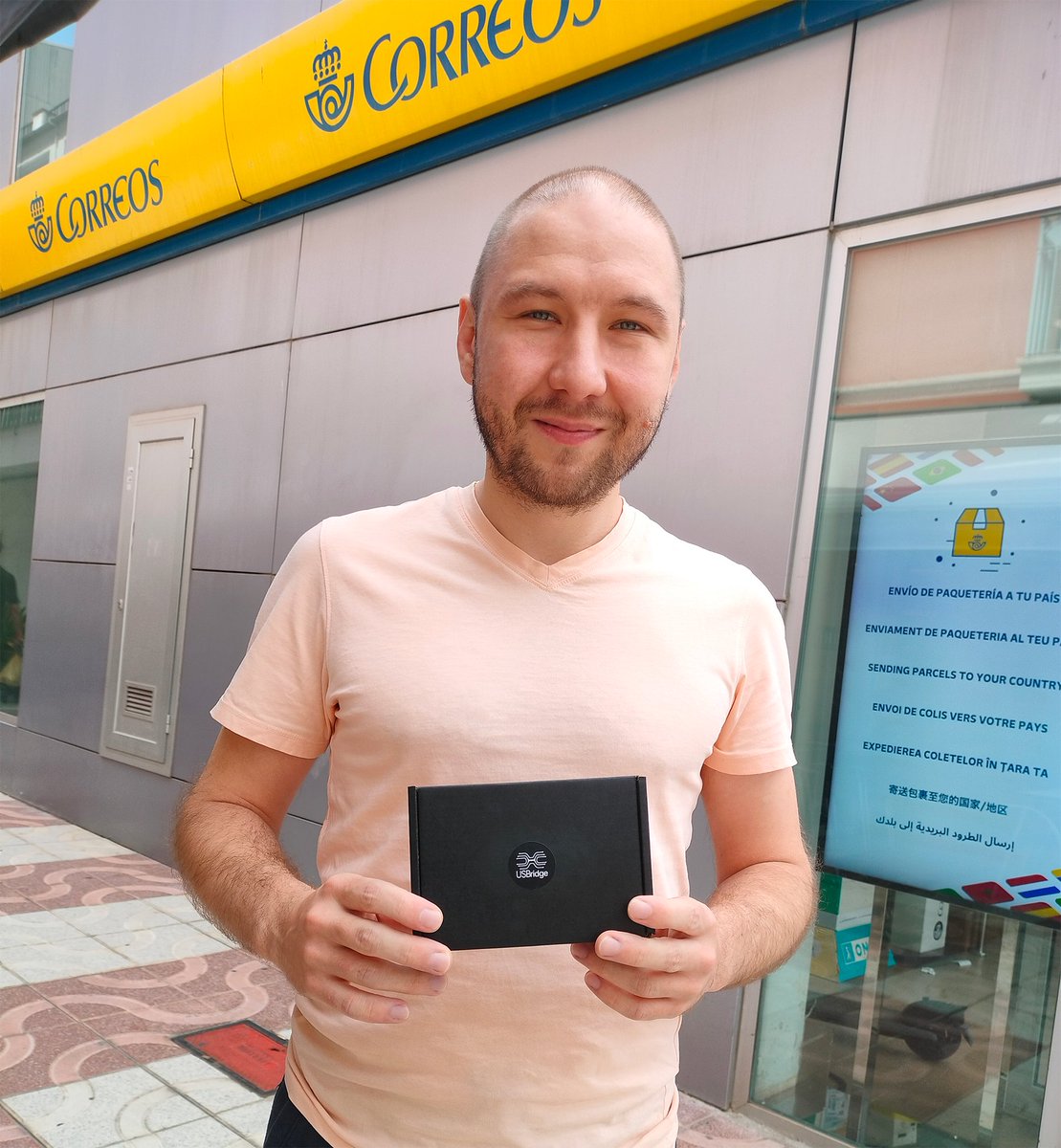
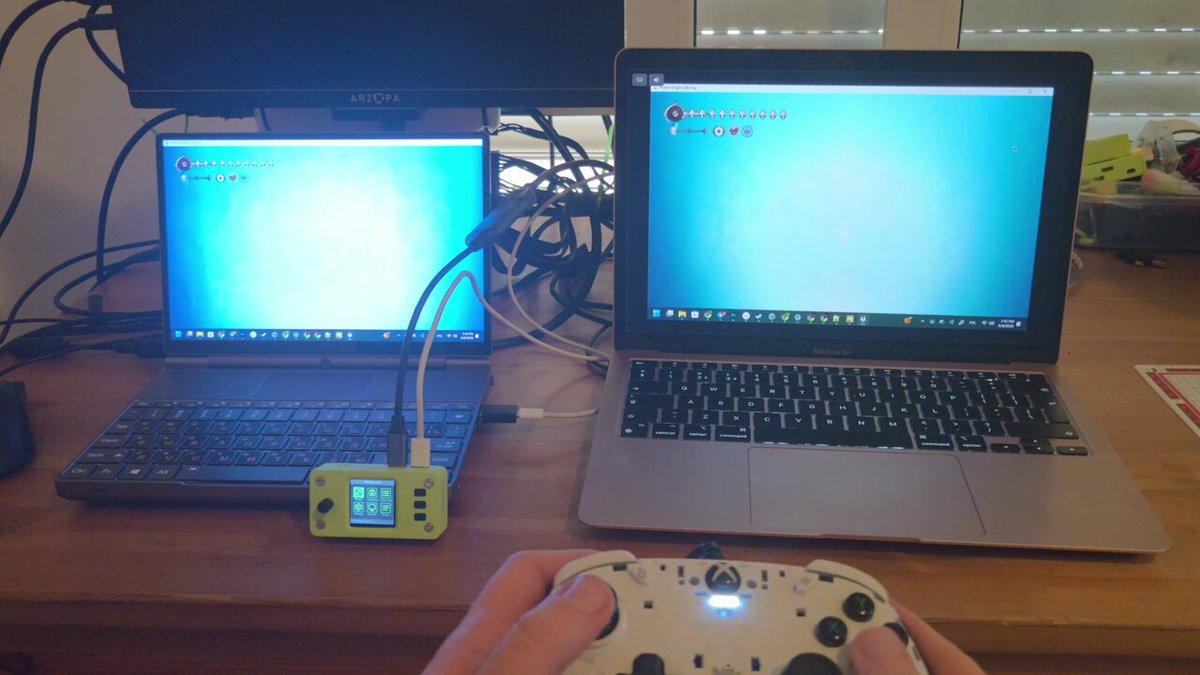
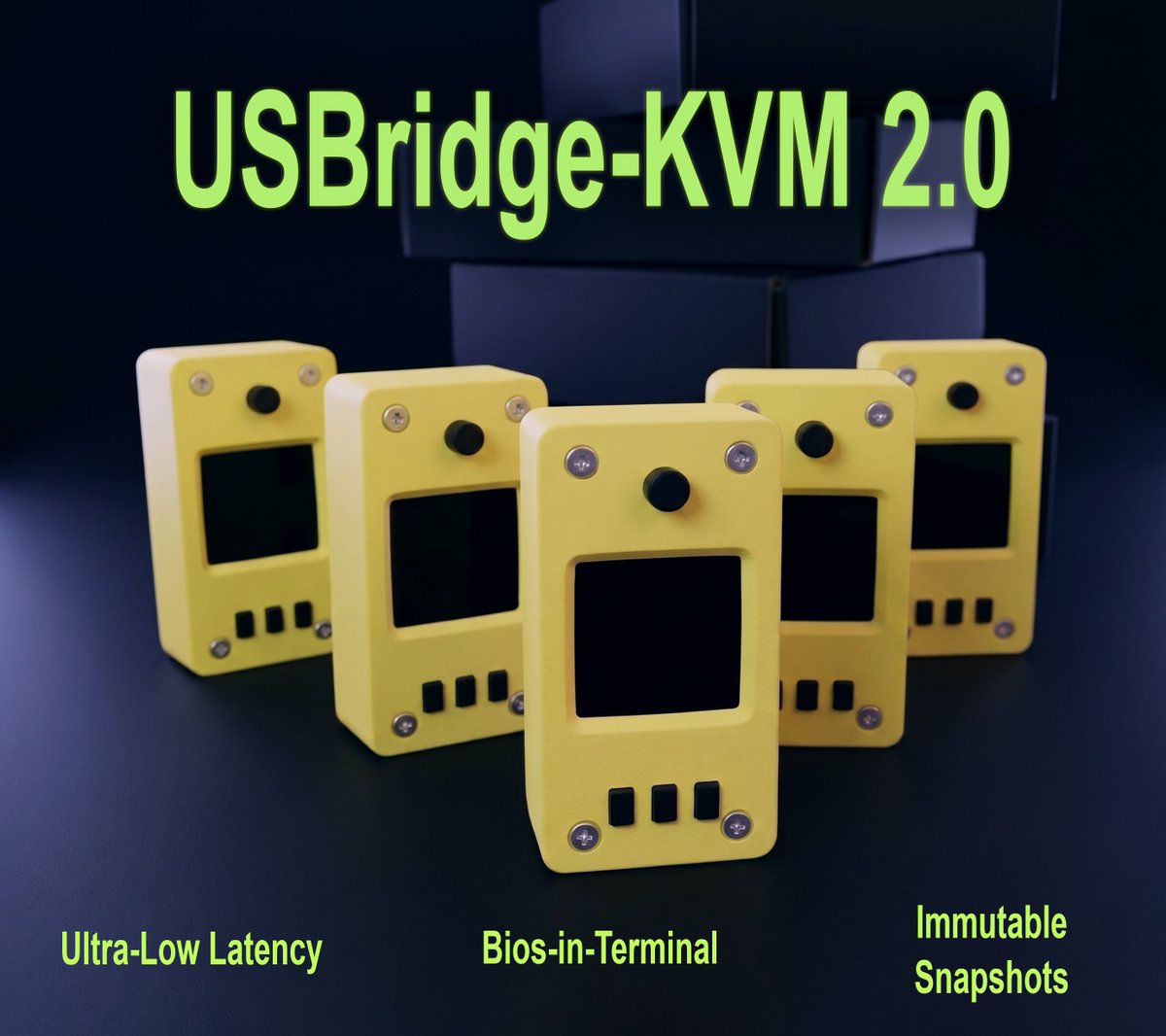
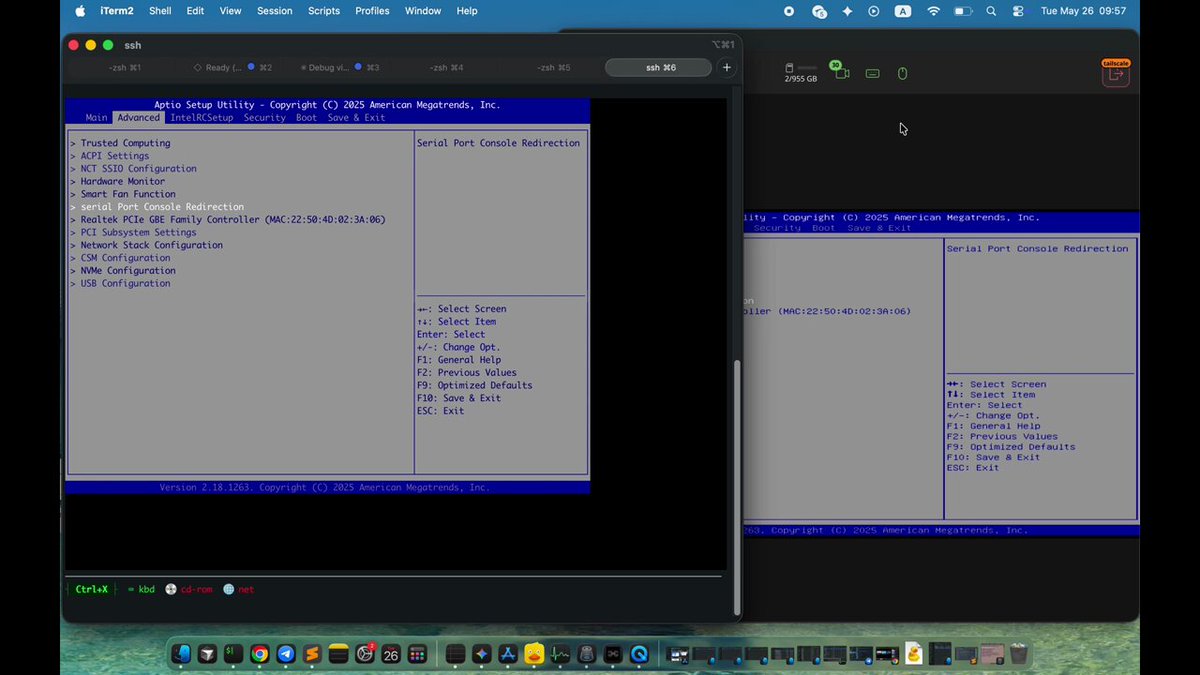
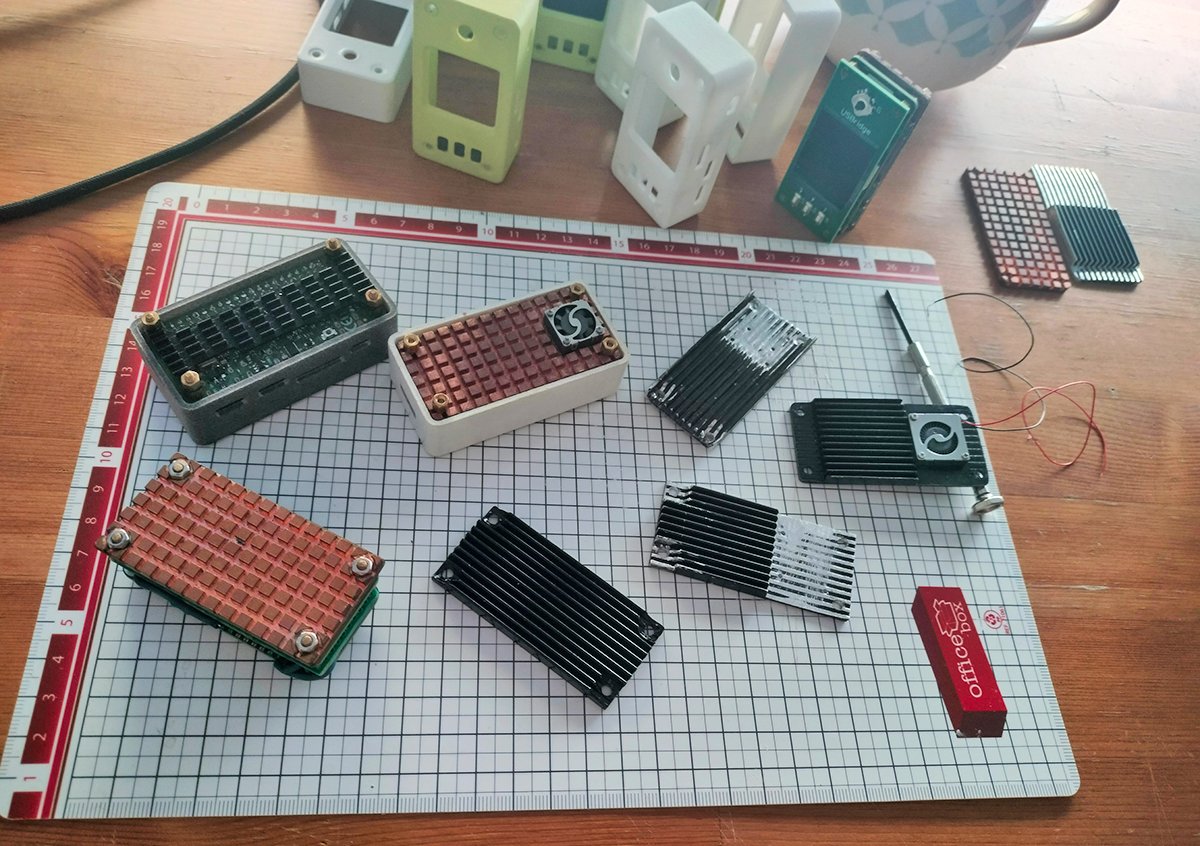
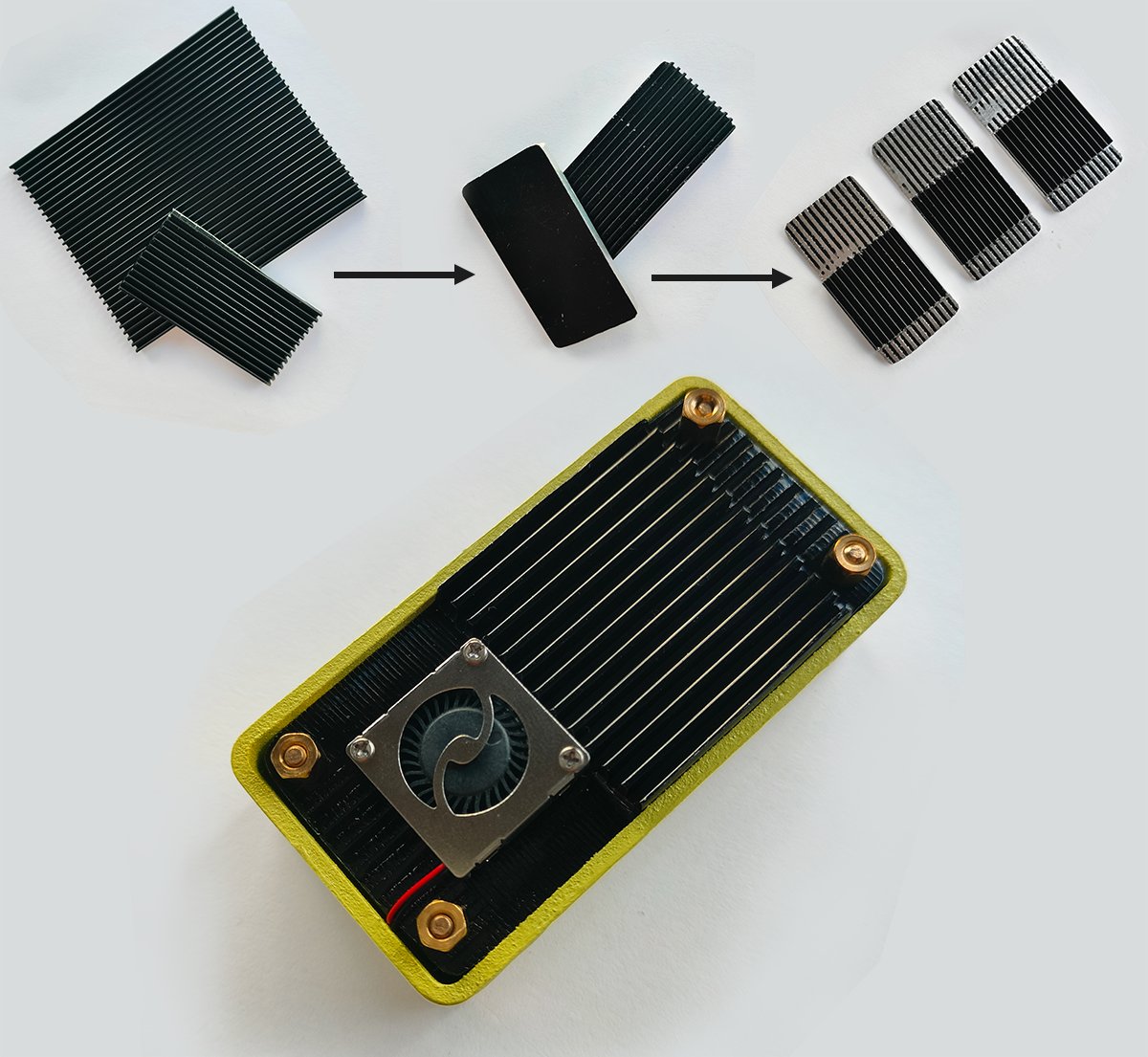
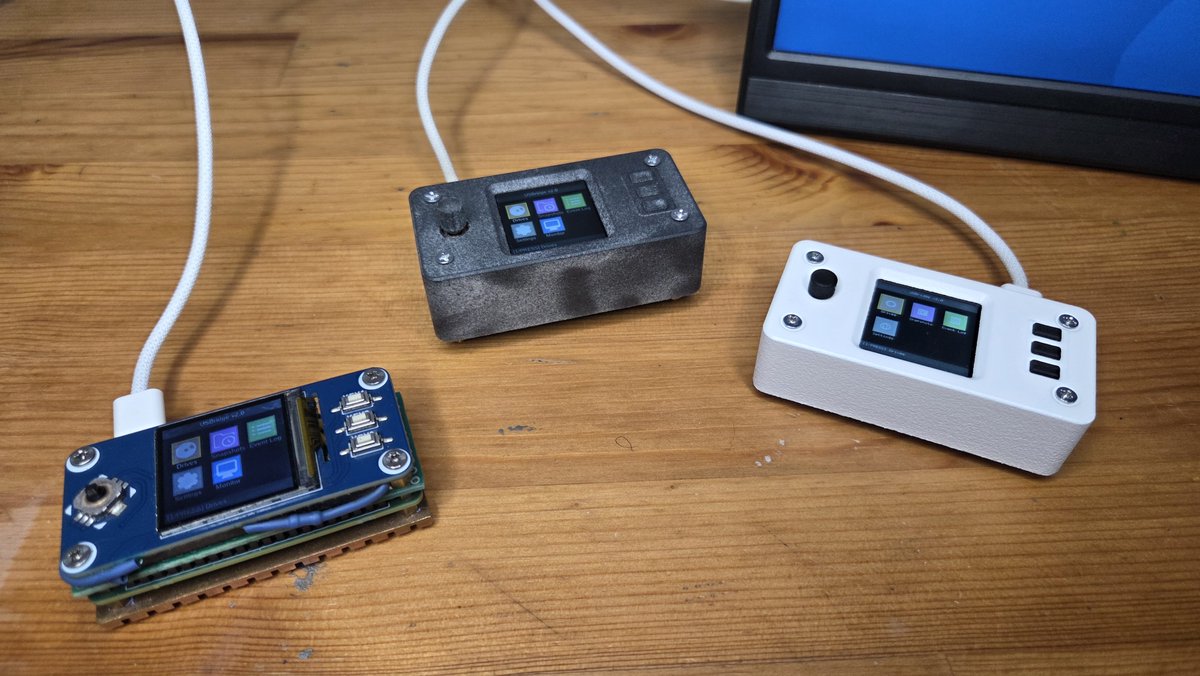
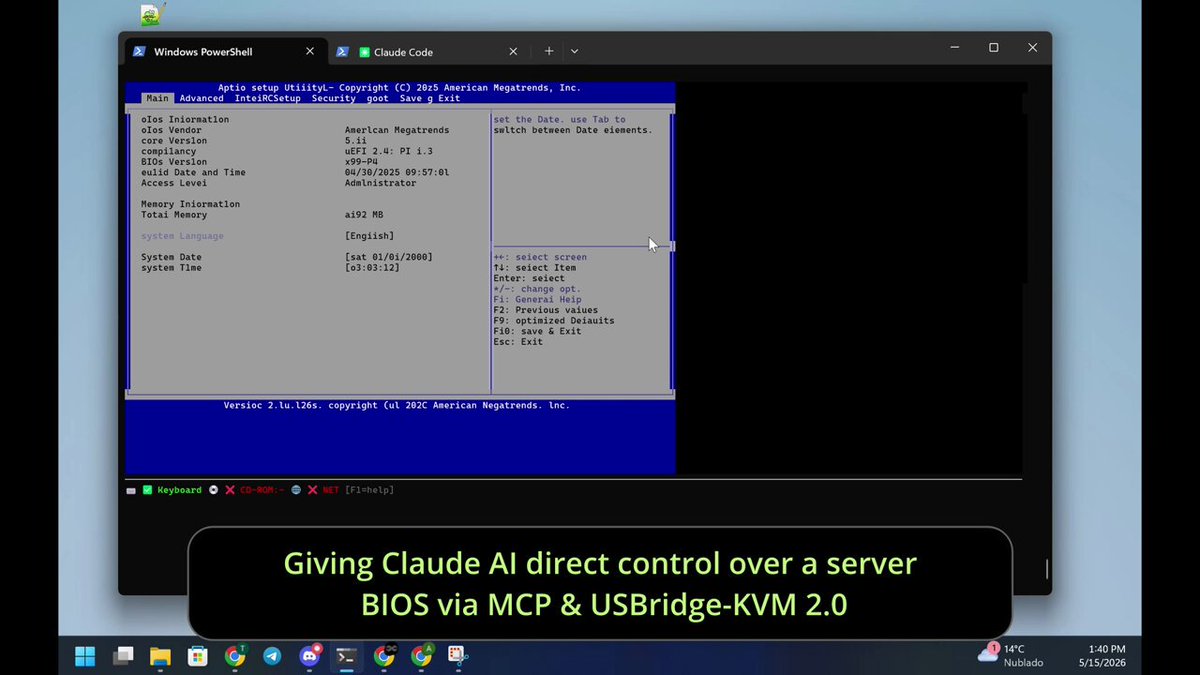
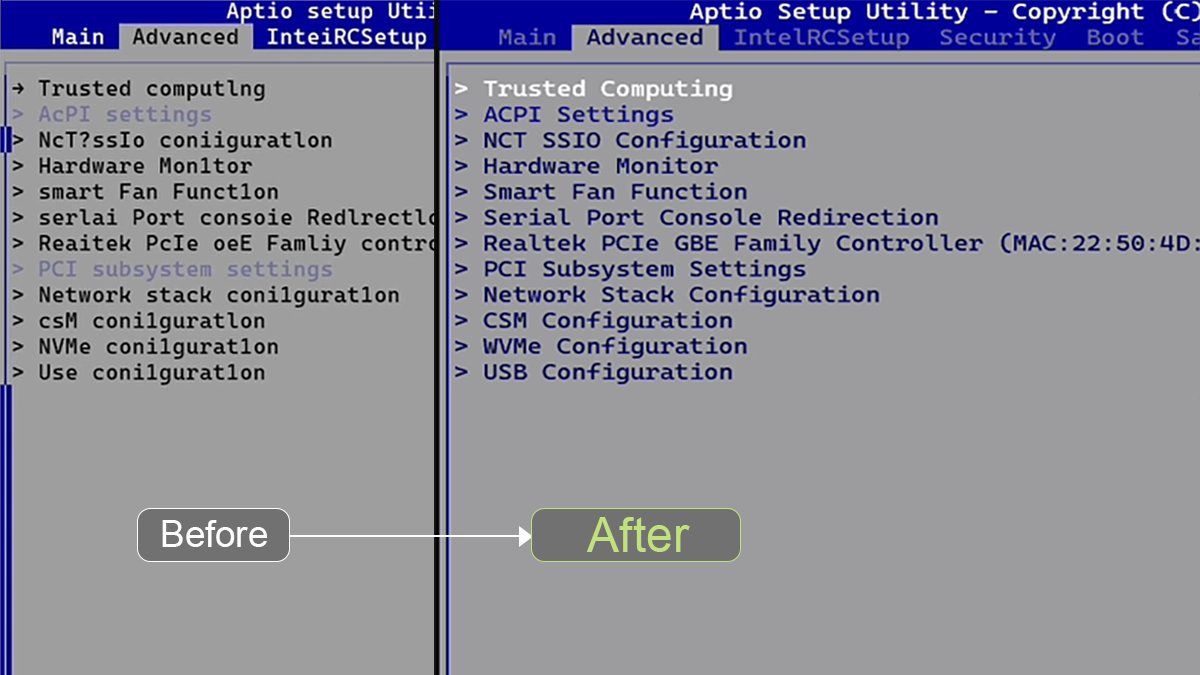
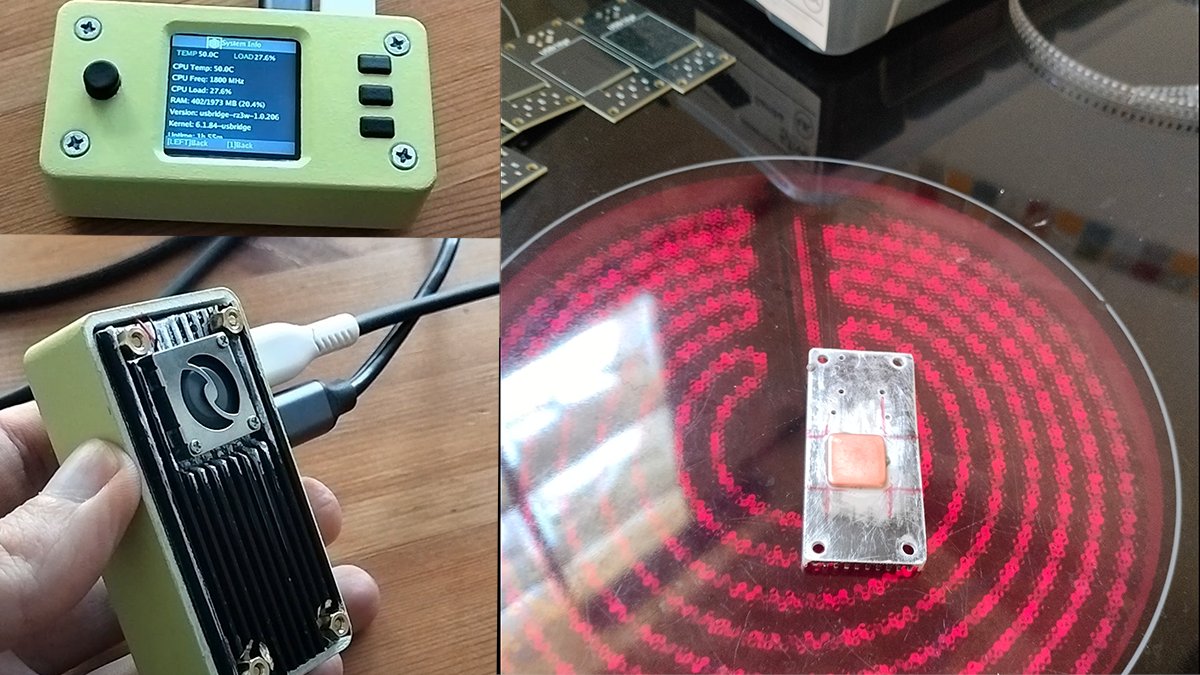
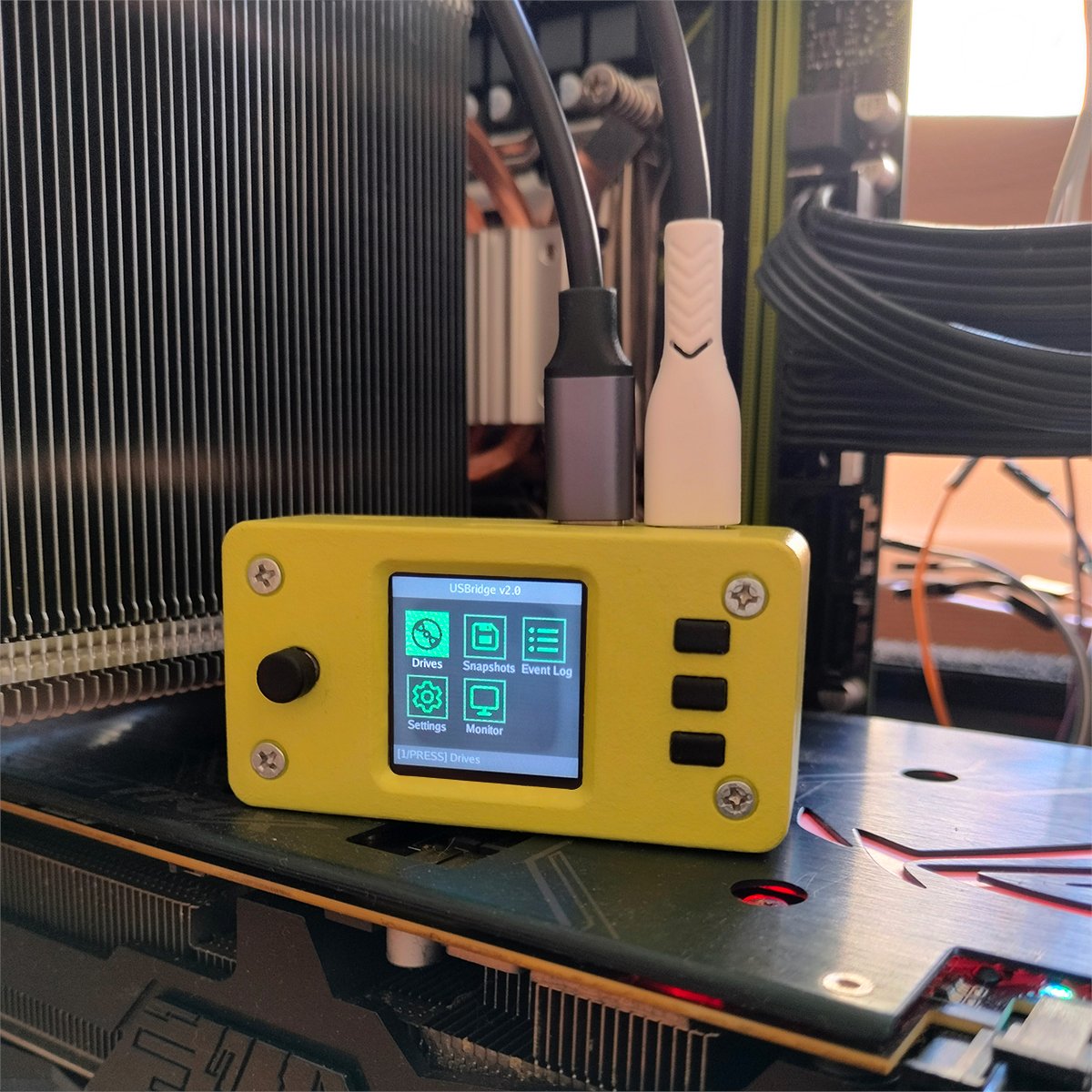
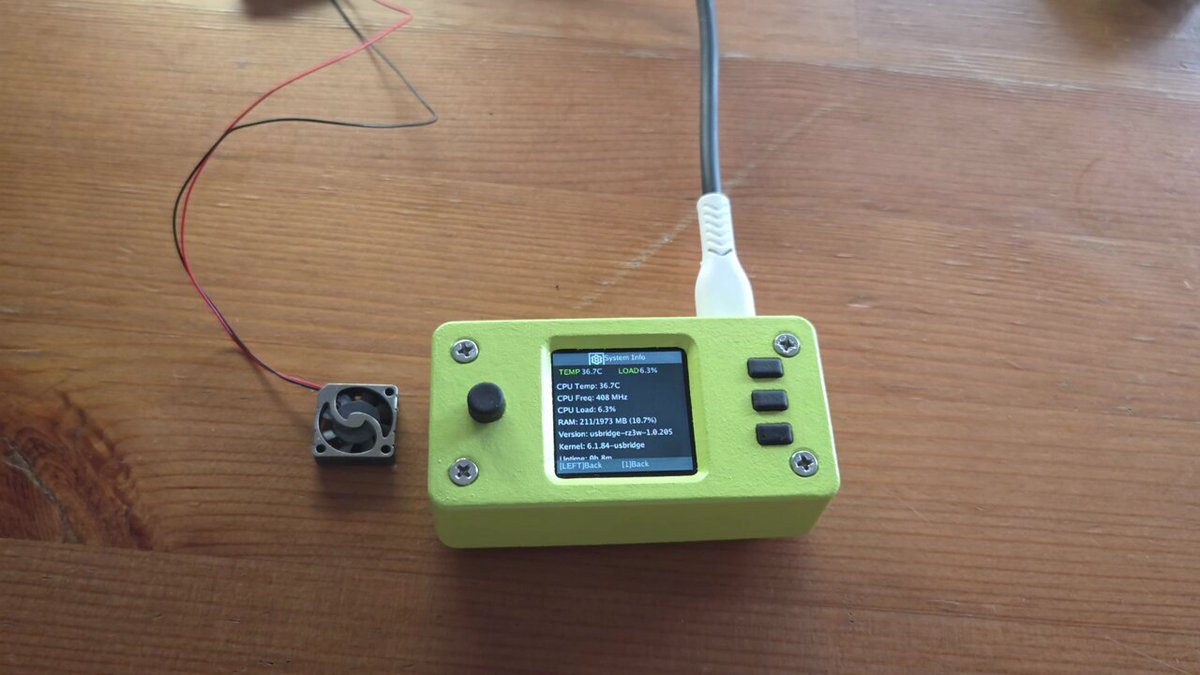
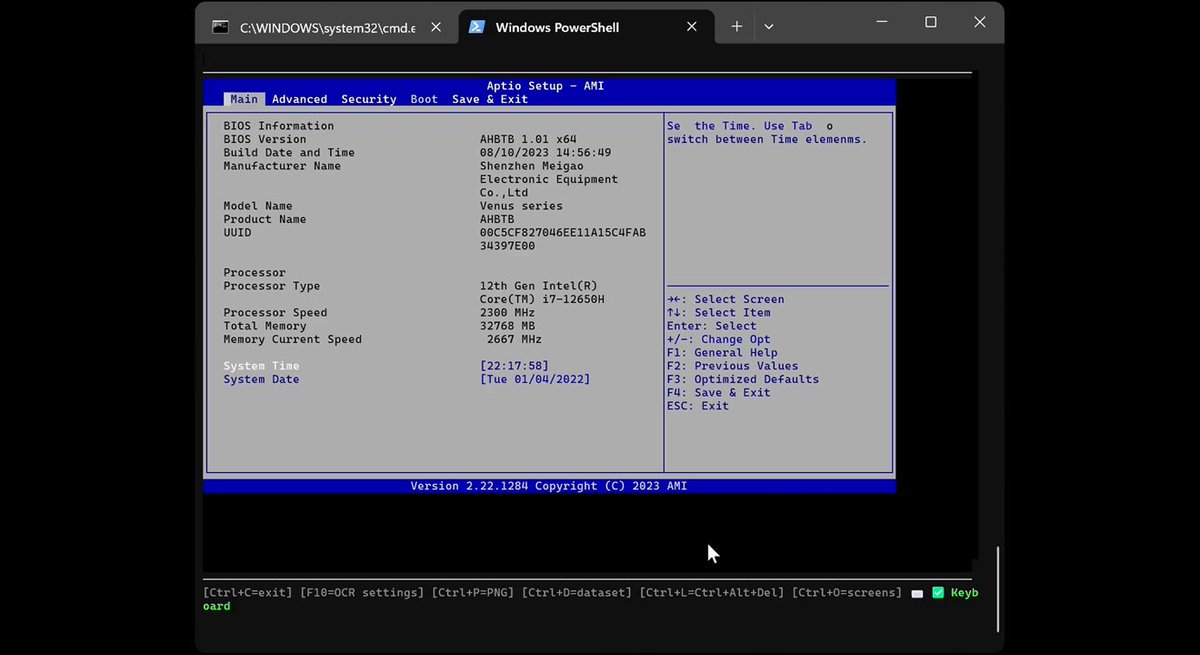

Major milestone! The first USBridge-KVM 2.0 unit is officially shipped to the US for technical review 🚀 4 more packages are on the way to Spain, UK, and the US. Can't wait for the first independent feedback!
#KVM #Moonlight #OpenSource #Hardware #DIY #Radxa #OCR #USBridge
1
19
I built USBridge-KVM 2.0 to turn Pre-OS/BIOS into interactive text via SSH.
But why stop there? I rewrote the pipeline to stream games via Moonlight using hardware encoding (RGA/MPP) & DMA!
Zero lag. 1080p. Watch it run 👇
@crowd_supply page: crowdsupply.com/usbridge-tec…
48
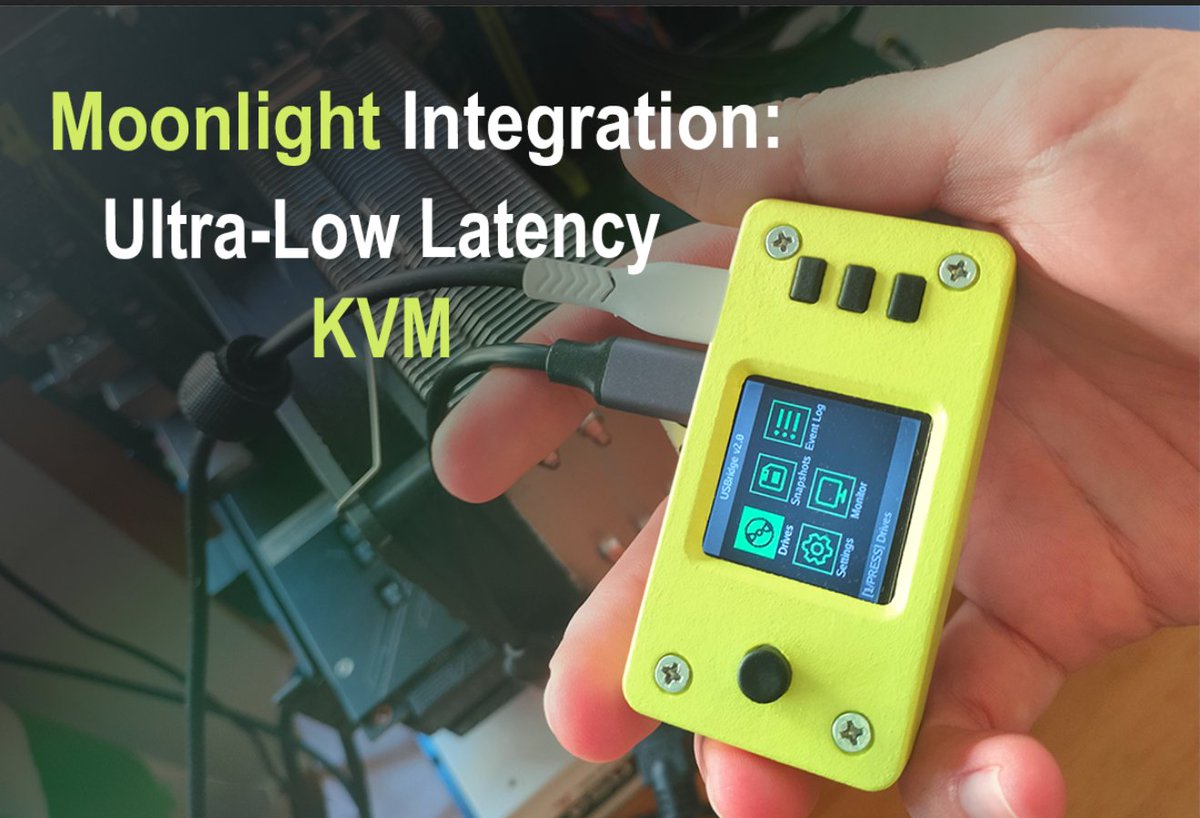
USBridge v2.0: Moonlight integration is alive! 🕹️⚡
We are bringing ultra-low latency video streaming directly to our compact KVM module. Perfect remote control with near-zero lag is getting closer.
#RaspberryPi #KVM #Moonlight #OpenSource #Hardware #DIY
1
146
What features do you want to see integrated next? Drop your thoughts below! 👇
79
Autonomous AI at the bare-metal level! 🦾
Connected Claude AI (@AnthropicAI) directly to a server BIOS via MCP and USBridge-KVM v2.0.
Watch it autonomously navigate settings and diagnose a dead CMOS battery via terminal OCR. No humans.
👇 crowdsupply.com/usbridge-tec…
59
Working on the BIOS-to-text feature via SSH for our KVM. Fixed the rendering, colors, and layout.
Next step: training a new OCR model to speed things up.
46
1/ Built a hardware KVM that gives you full server access before the OS even loads. It has a local LCD menu so you don't need a laptop at the rack. Here's what each item does 🧵
1
46
6/ Monitor — displays real-time video from the host. Enables quick diagnostics at the server rack without connecting a monitor or launching a client.
1
32
7/ Another item on my to-do list is to fix the menu display in KVM. There’s no anti-aliasing. It works, but I want to make it look nice. I haven’t had a chance to work on it yet.
30
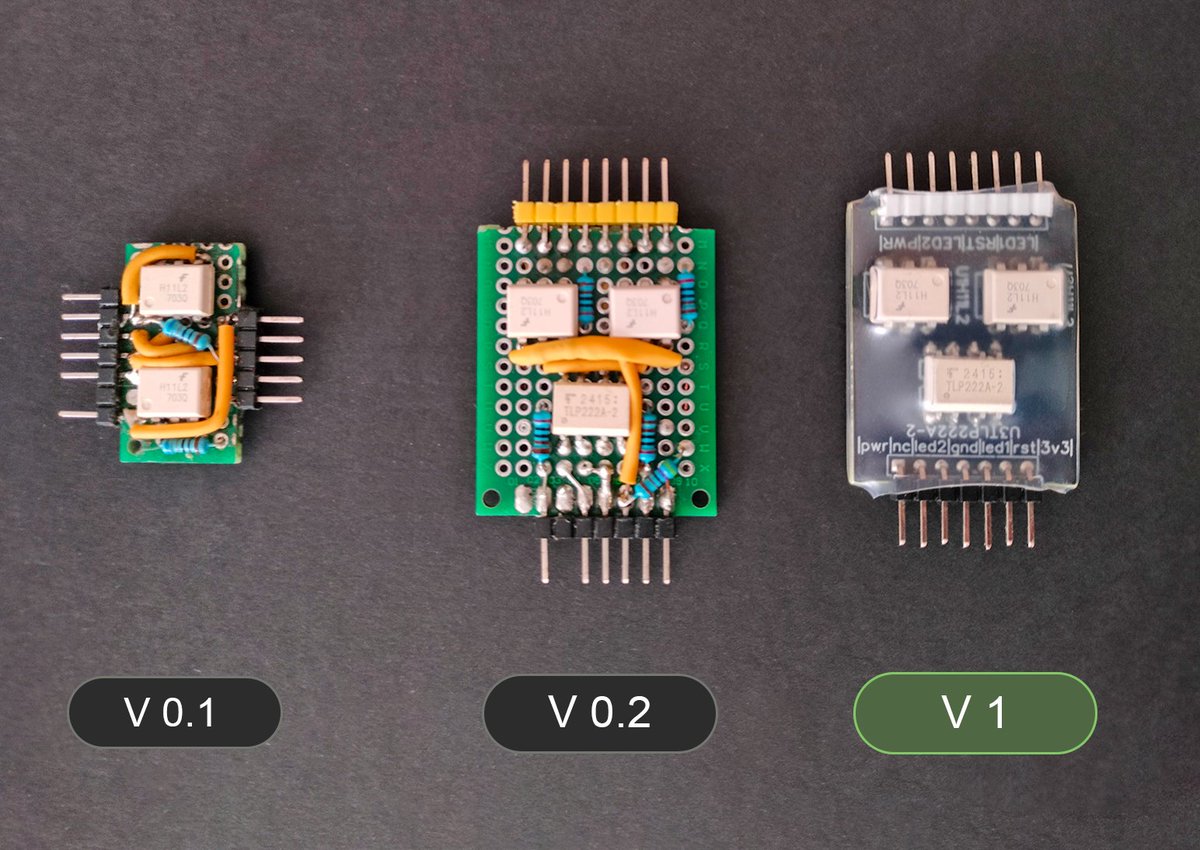
The evolution of the USBridge Power Management Module. 🛠️
It took three iterations to get from a hand-soldered prototype (V0.1) to the production-ready version (V1) that ships with our KVM 2.0.
This tiny board allows for full remote server reboots from anywhere.
34