Senior UI/UX Designer with AI-Driven Design Expertise // Figma Expert.
Joined September 2024
- Tweets 57
- Following 169
- Followers 34
- Likes 97
23 Photos and videos
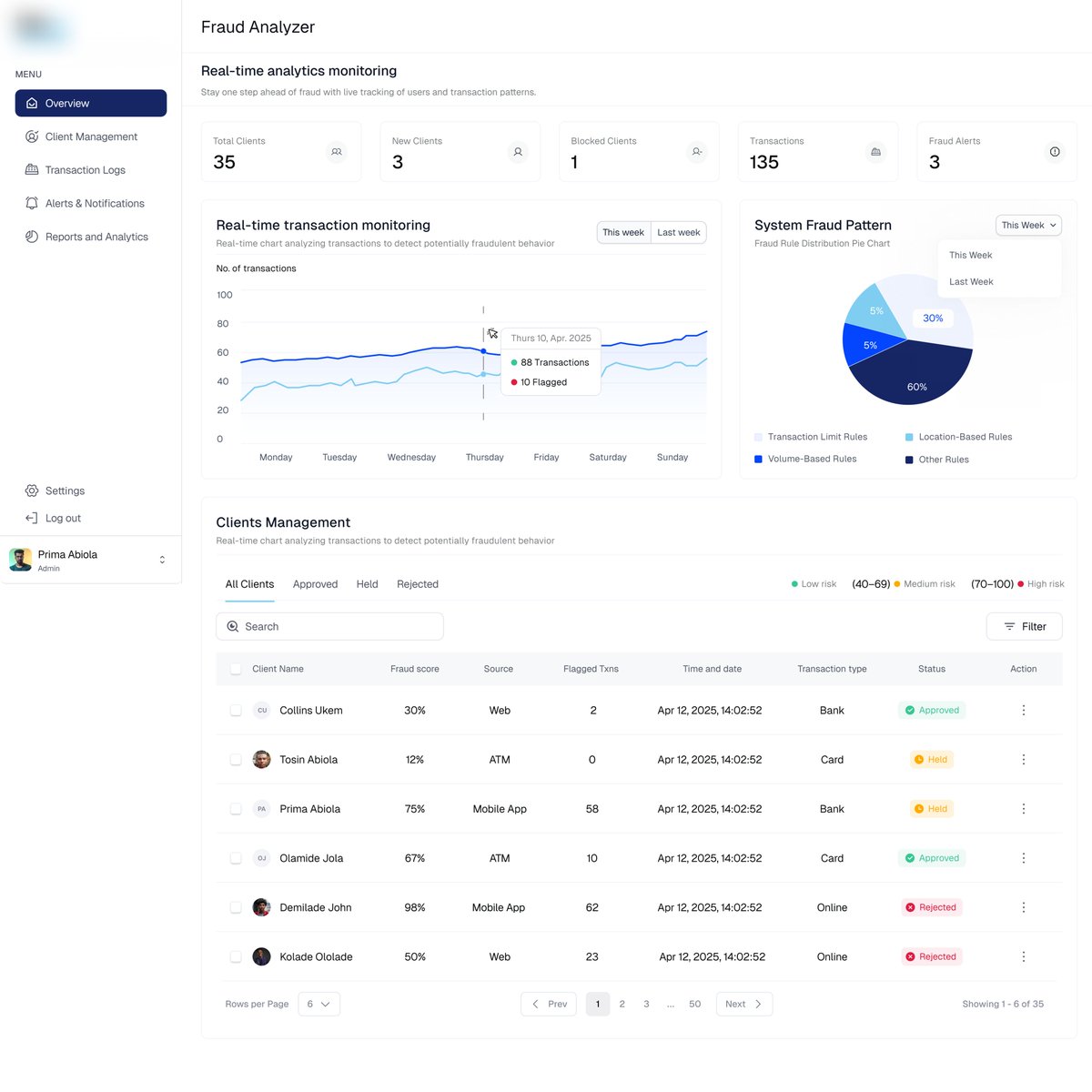
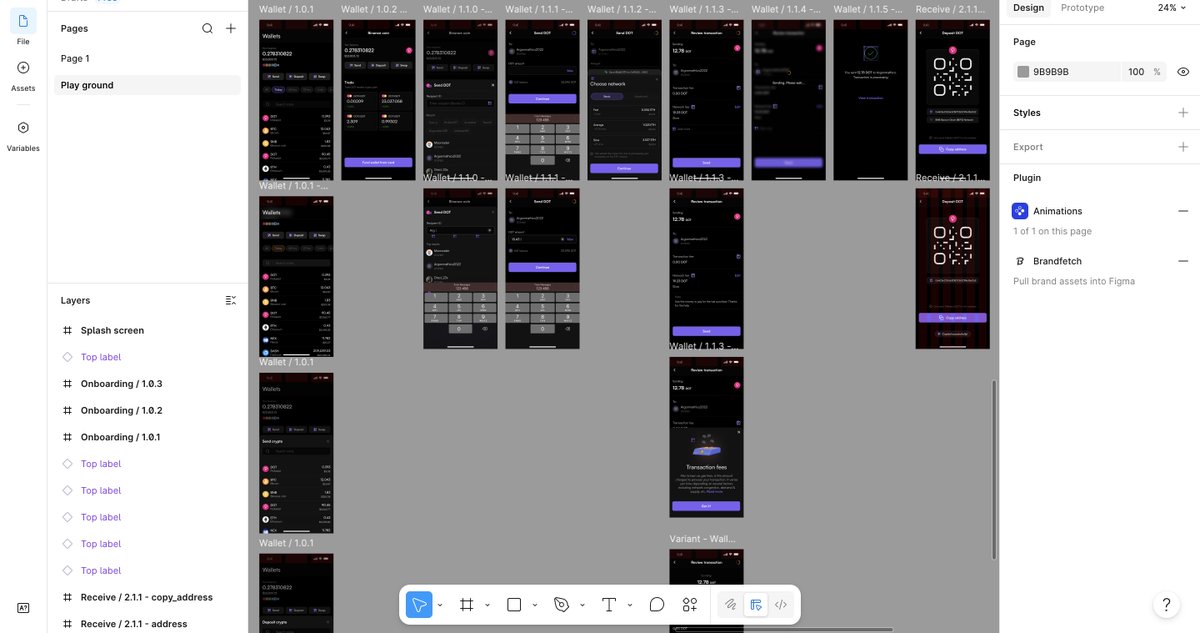


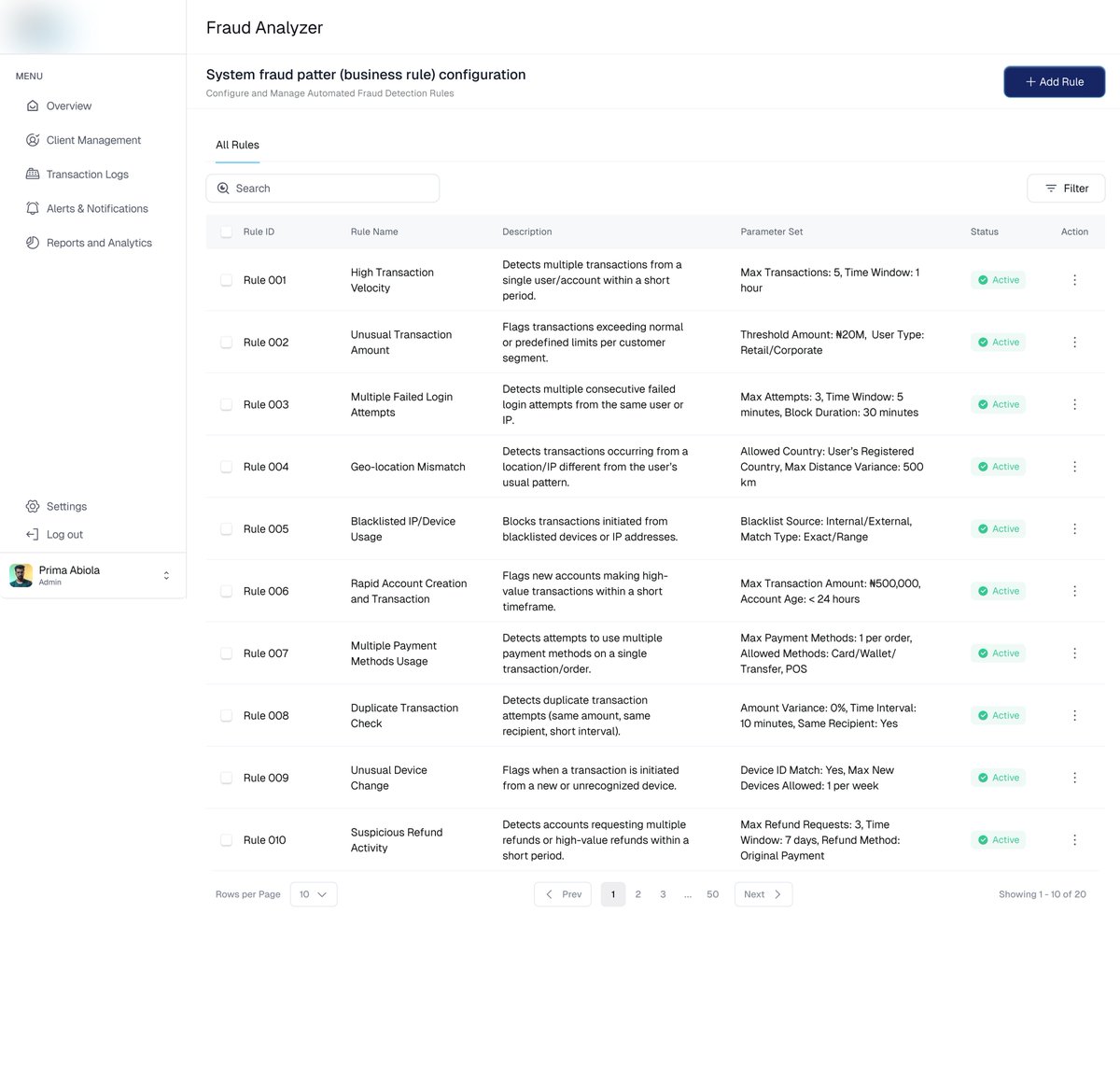
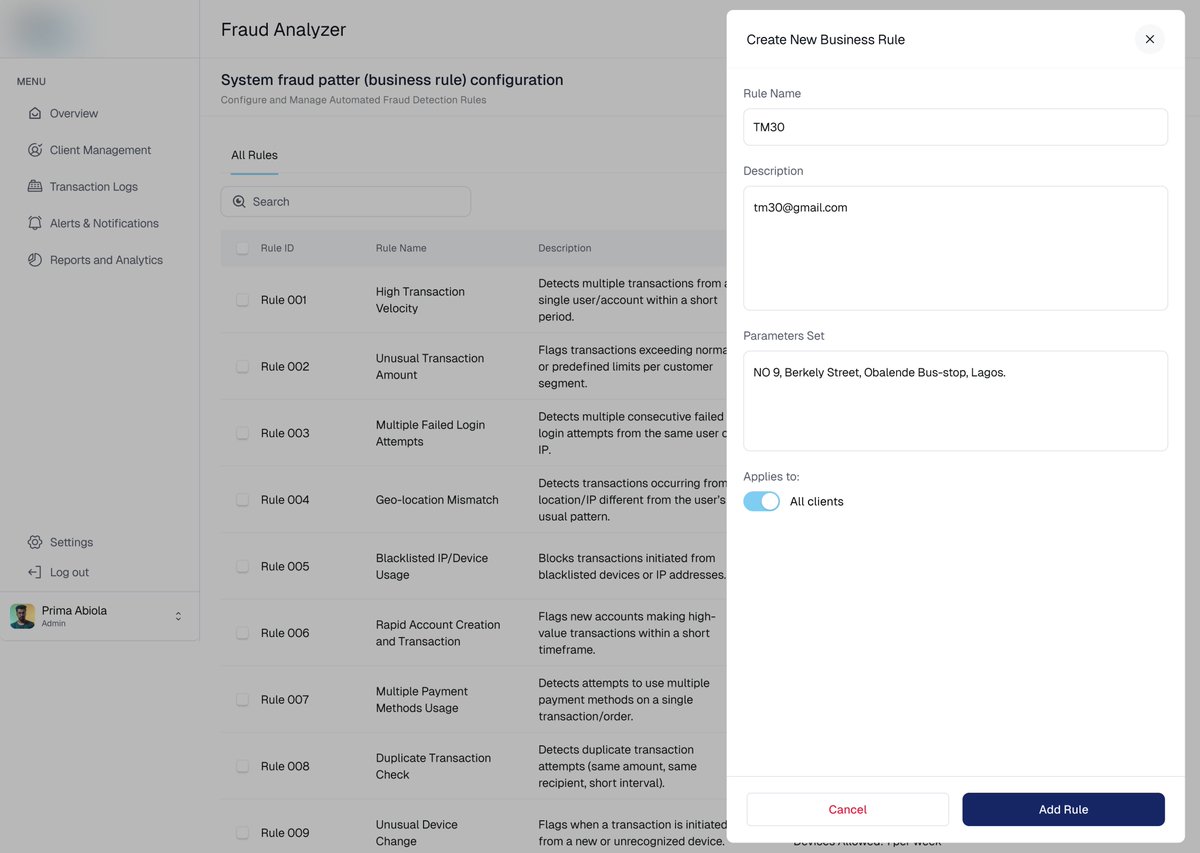
Nobody Taught Me How to Design a Fraud Detection Dashboard
When I was assigned a fraud detection project, I quickly realized something:
Nobody had taught me how to design a fraud detection dashboard.
The screens were filled with terms like risk scores, anomaly detection, transaction velocity, chargebacks, suspicious patterns, false positives, and dozens of metrics I had never encountered before.
My first instinct was to jump into Figma.
That would have been a mistake.
When you're designing complex products such as fraud detection platforms, big data systems, healthcare solutions, cybersecurity tools, or financial infrastructure, your biggest challenge isn't the UI.
It's understanding the domain.
Here's the process I followed:
• Learn the business before designing the screens.
• Map out the entire workflow from data input to decision-making.
• Ask subject matter experts to explain concepts as if you're a beginner.
• Translate technical jargon into user goals and actions.
• Identify who uses the system and what decisions they need to make.
• Focus on reducing cognitive load, not adding more information.
• Validate every design with the people who will actually use it.
A designer doesn't need to become a fraud analyst.
But a designer must understand enough to transform complexity into clarity.
The best enterprise products aren't the ones with the most data.
They're the ones that help users make better decisions with that data.
What is the most complex product or industry you've ever designed for?

1
6
Designer's Thought
Every screen in a mobile app should answer one question:
"What is the user trying to achieve right now?"
When designers focus on that question, everything becomes simpler.
Features become clearer.
Navigation becomes easier.
Users become happier.
#UIUX #DesignThinking #MobileAppDesign
2
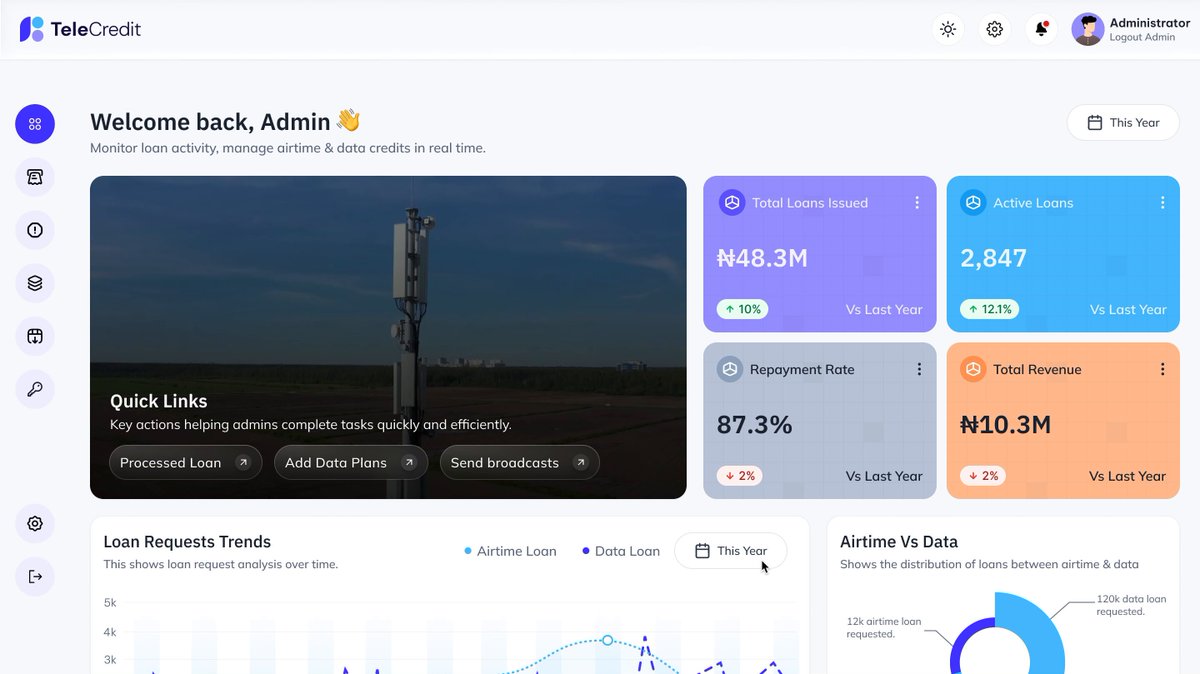
Telecom apps are no longer just for buying airtime.
Today's users expect a seamless digital experience where they can:
• Buy data instantly
• Pay bills effortlessly
• Track usage in real-time
• Manage multiple SIMs
• Contact support without long wait times
• Upgrade plans in seconds
As UI/UX designers, our job isn't just to make telecom apps look good—it's to reduce friction and help users complete tasks faster.
A great telecom experience means:
✅ Clear navigation
✅ Fast transactions
✅ Transparent pricing
✅ Personalized recommendations
✅ Accessible design for all users
The future of telecommunications belongs to companies that prioritize user experience as much as network coverage.
What is the most frustrating thing you've experienced in a telecom app?
#UIUX #ProductDesign #Telecommunications #UserExperience #UXDesign #MobileAppDesign #DigitalProducts #DesignThinking
1
10
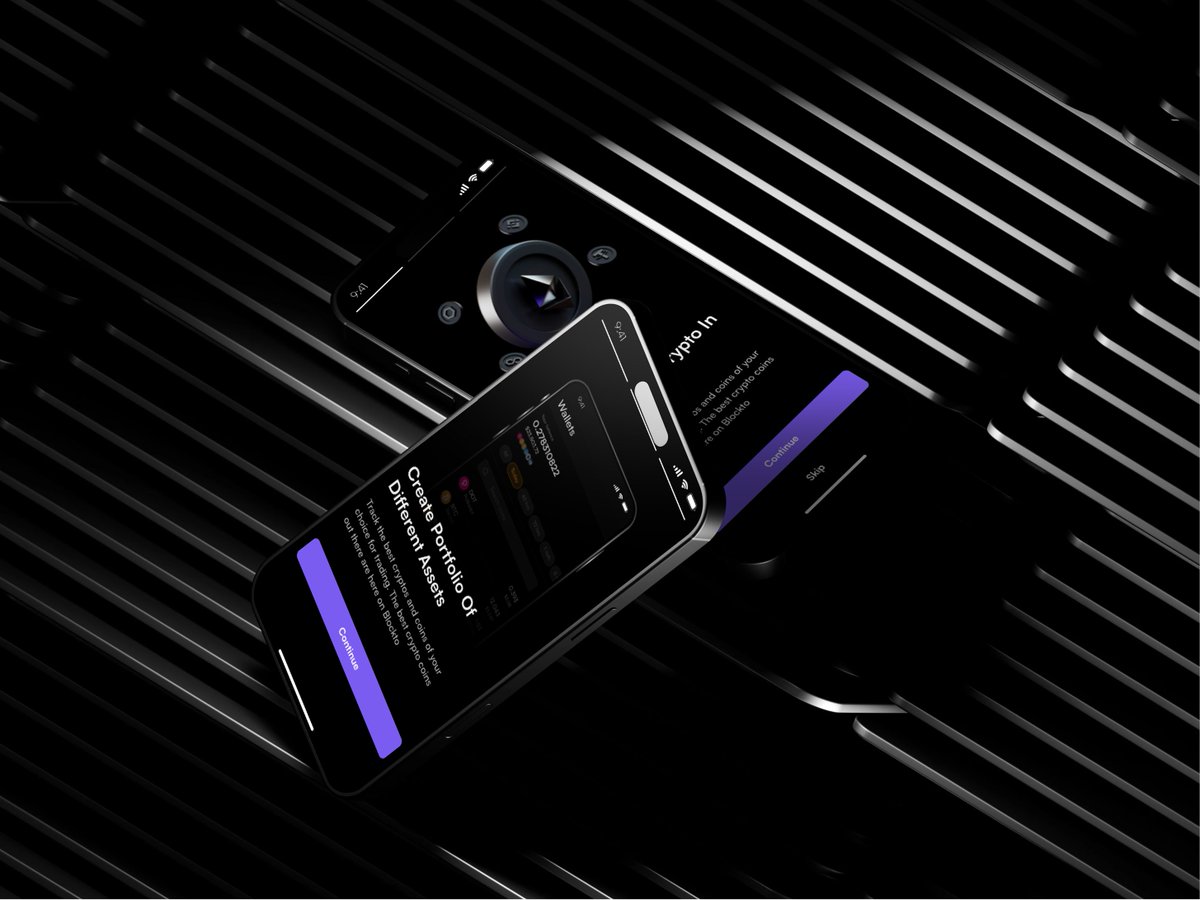
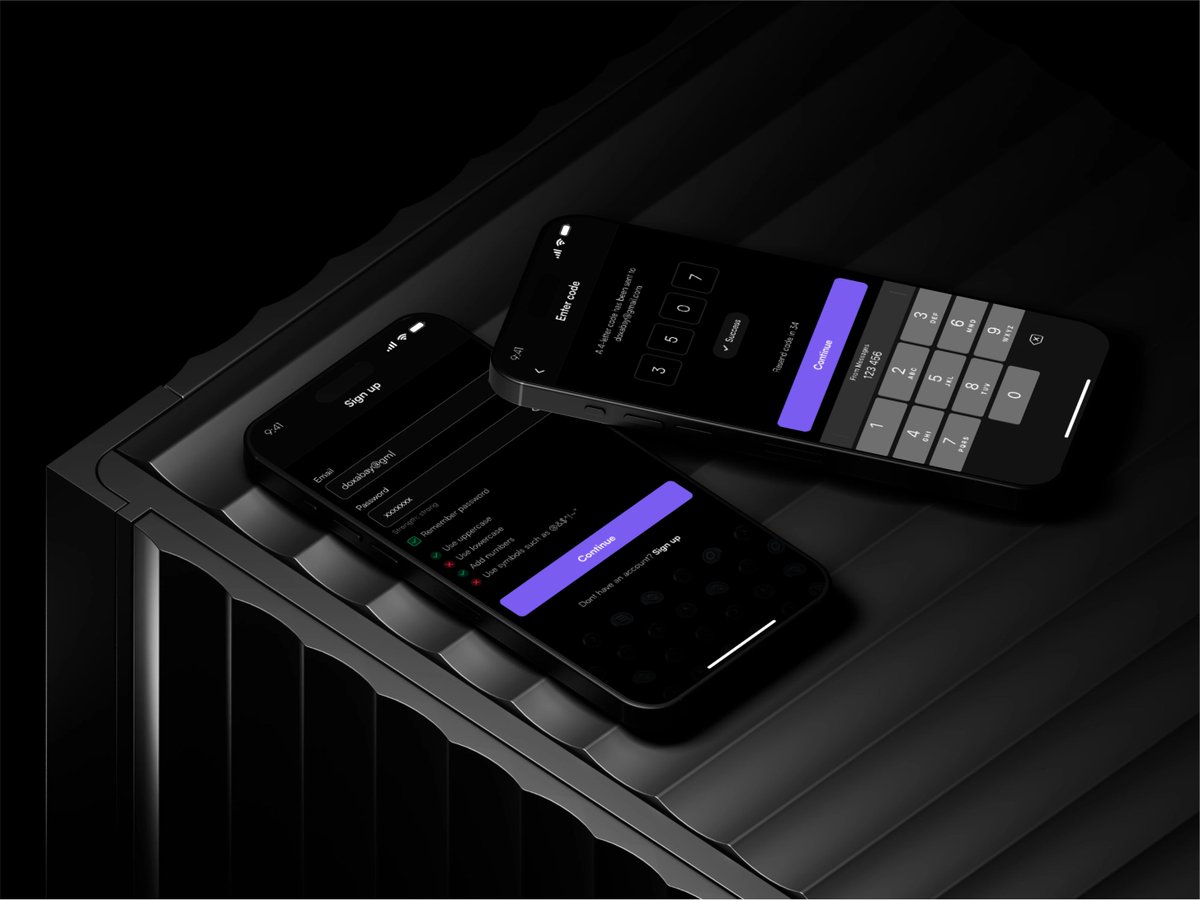
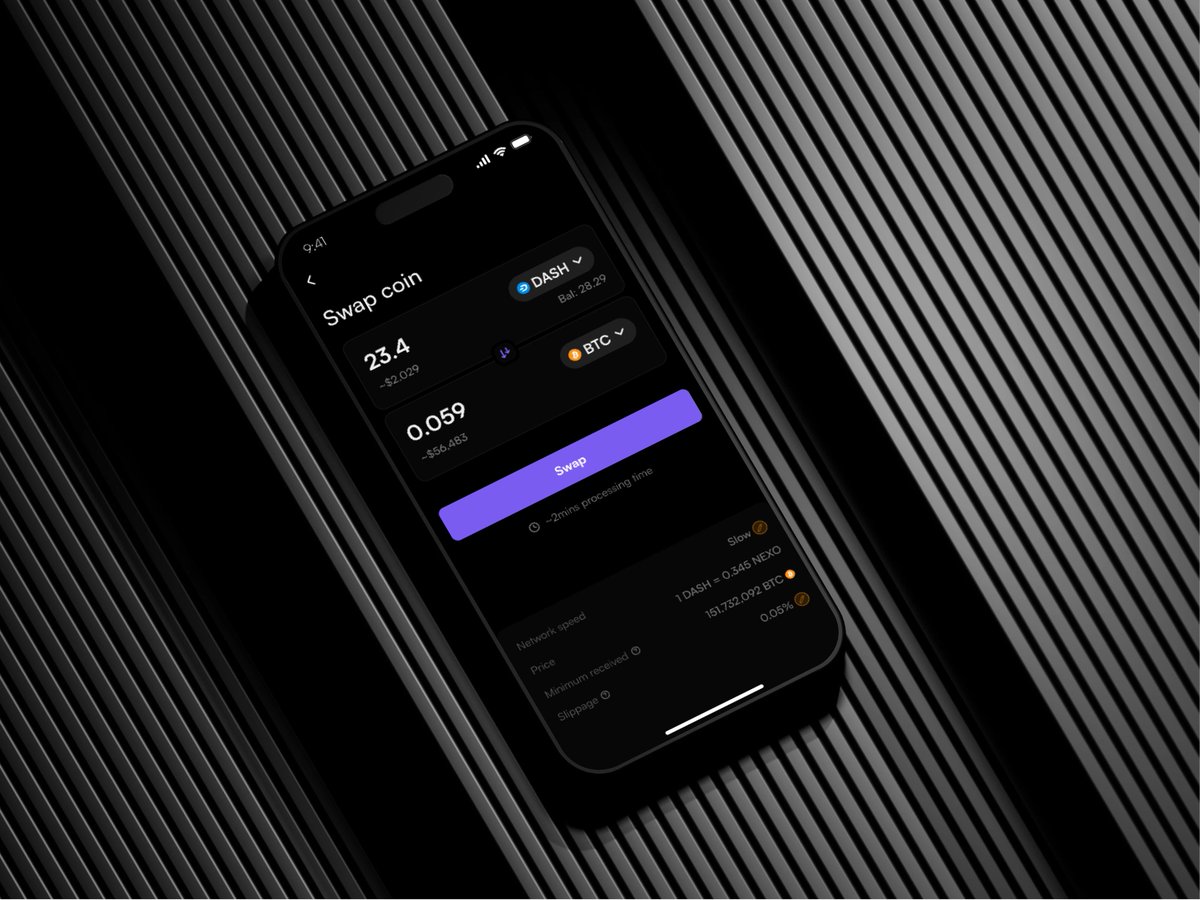
Unpopular opinion: AI isn't the threat to UX designers.
Designers who only know how to execute — without understanding WHY — are the threat to themselves.
AI raises the floor. The ceiling still belongs to critical thinkers.
Are you building toward the ceiling?
1
4
UX Tip:
If users need a tutorial before using your app, your design may need improvement.
The best interfaces feel familiar from the first tap.
Reduce complexity.
Increase clarity.
#UXDesign #MobileApps #ProductDesign #UIDesign
1
1
8
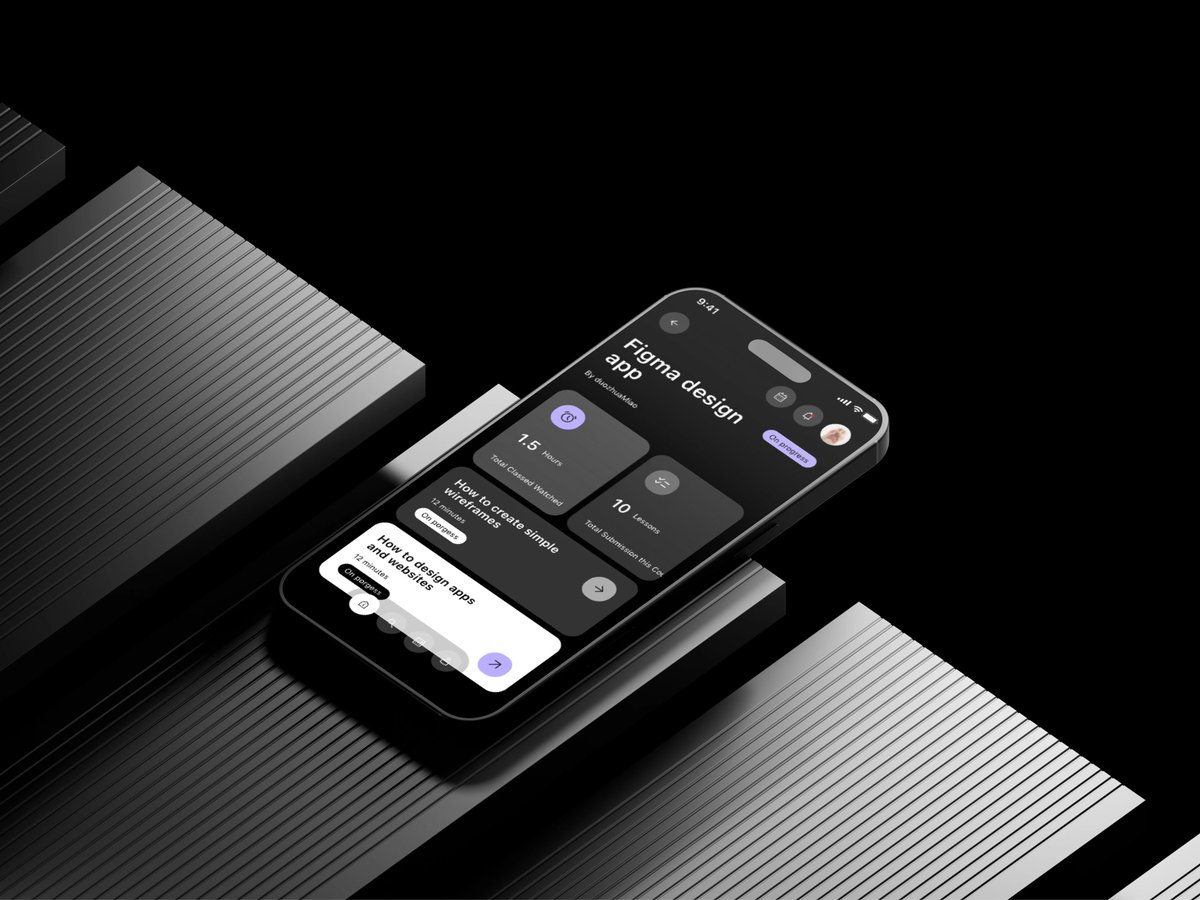
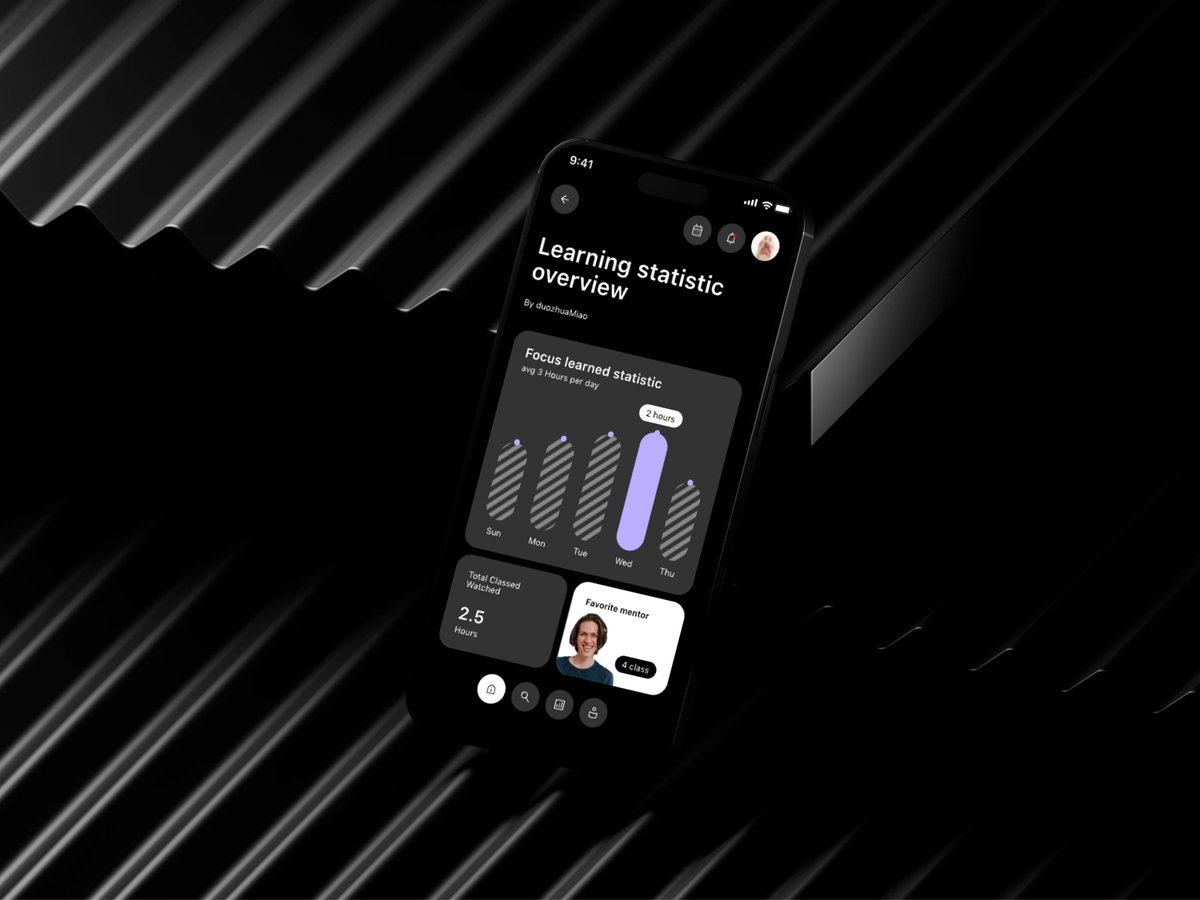
A beautiful mobile app isn't successful because of its colors.
It's successful because users can:
✅ Complete tasks quickly
✅ Understand the interface instantly
✅ Navigate without thinking
✅ Trust the product
Design is not decoration.
Design is problem-solving.
#MobileDesign #UIUXDesigner #ProductDesign #UX

2
3
UI/UX is more than aesthetics.
In factories, power plants, and industrial facilities, a confusing interface can lead to delayed responses, human errors, and safety risks.
Clear dashboards, intuitive controls, and effective alerts help workers make faster and safer decisions.
Good design saves time.
Great design can save lives.
#UXDesign #UIDesign #Safety #ProductDesign
1
8
One of the biggest mistakes in redesigning a product is assuming that "new" automatically means "better."
Many redesigns fail because they focus on aesthetics while ignoring user familiarity. Users spend months or years building habits around a product. When navigation changes drastically, key actions move to unfamiliar locations, or workflows are completely altered, users can become frustrated and confused.
Common redesign mistakes:
• Changing navigation without clear reasoning
• Prioritizing trends over usability
• Removing familiar features users rely on
• Introducing too many changes at once
• Failing to test with existing users before launch
A successful redesign should improve the experience without making users feel lost. Innovation matters, but so does preserving the mental models users have already built.
The best redesigns don't force users to relearn everything—they make familiar tasks easier, faster, and more intuitive.
Have you ever used a product after a redesign and felt completely lost?
2
10
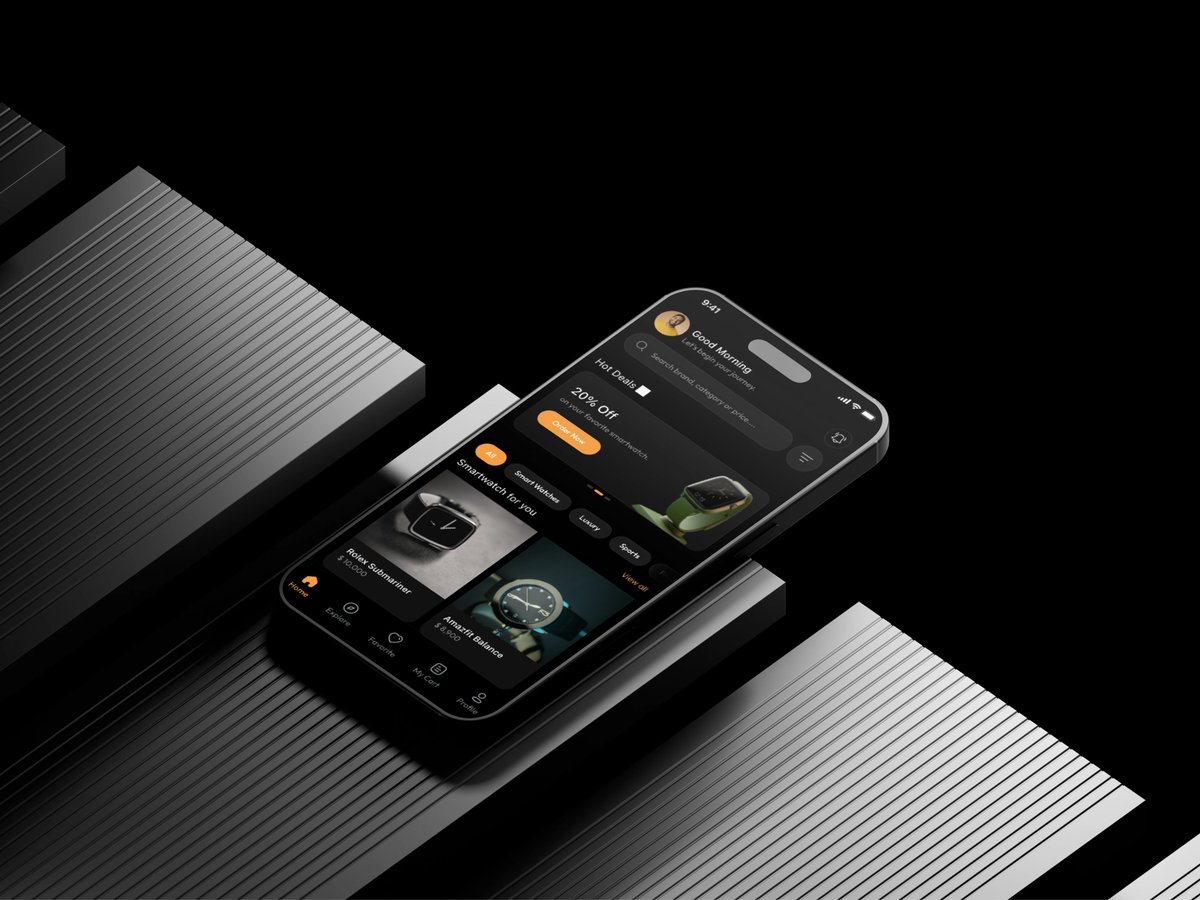
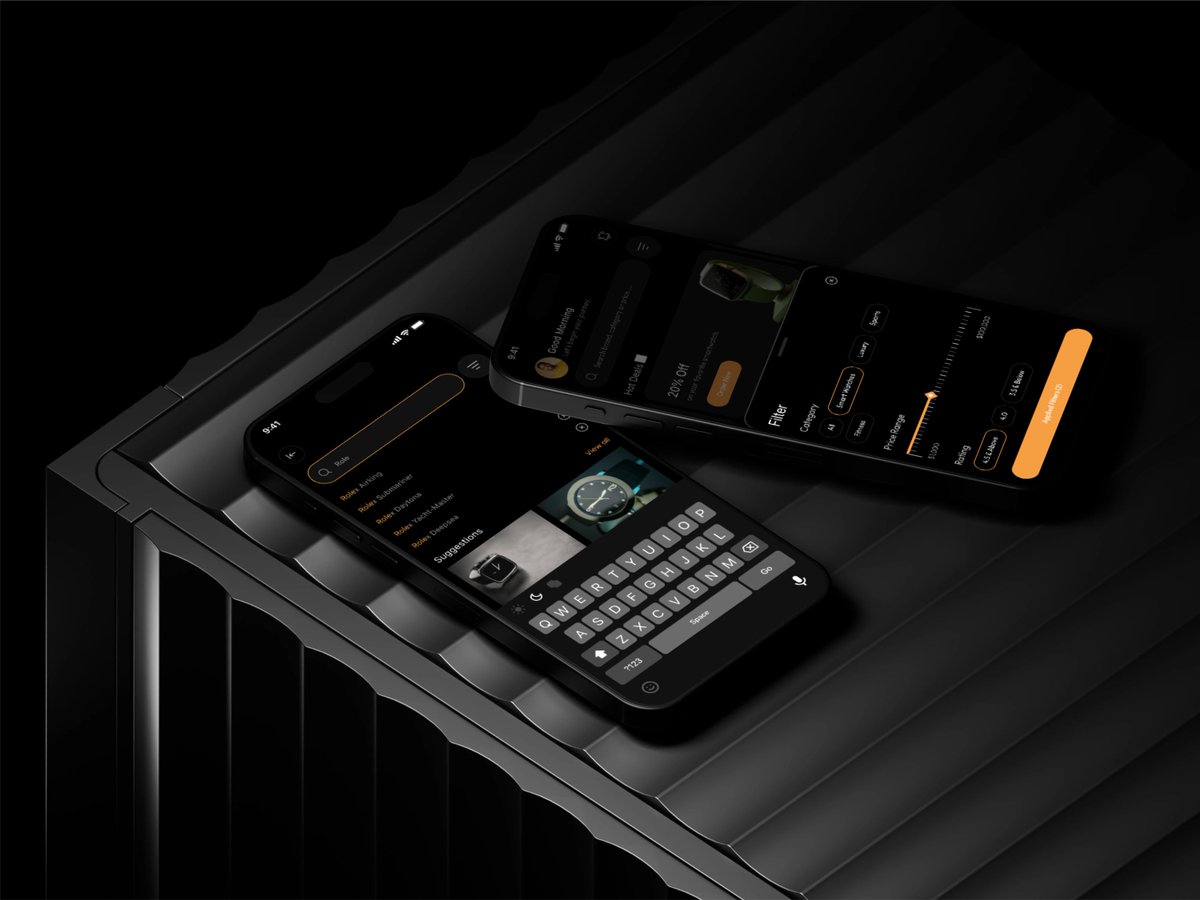
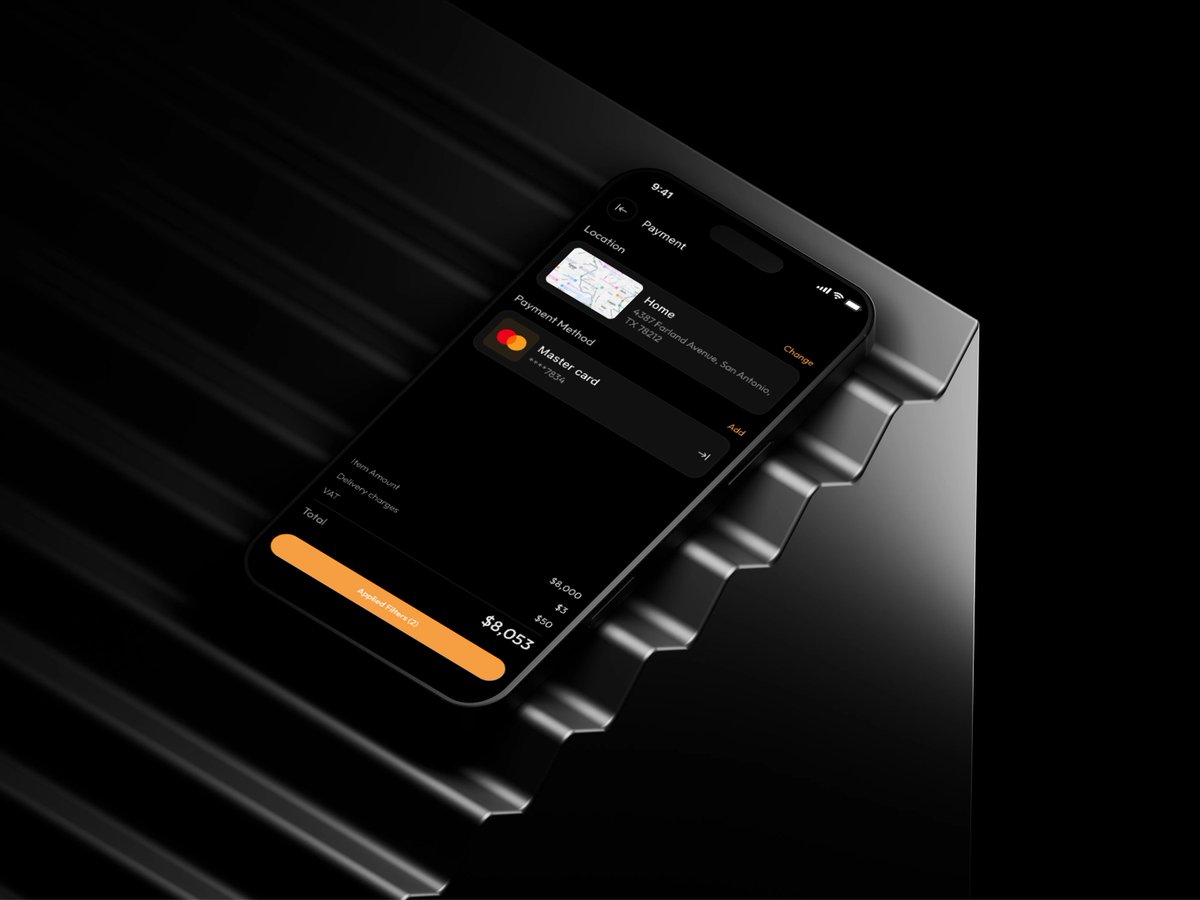
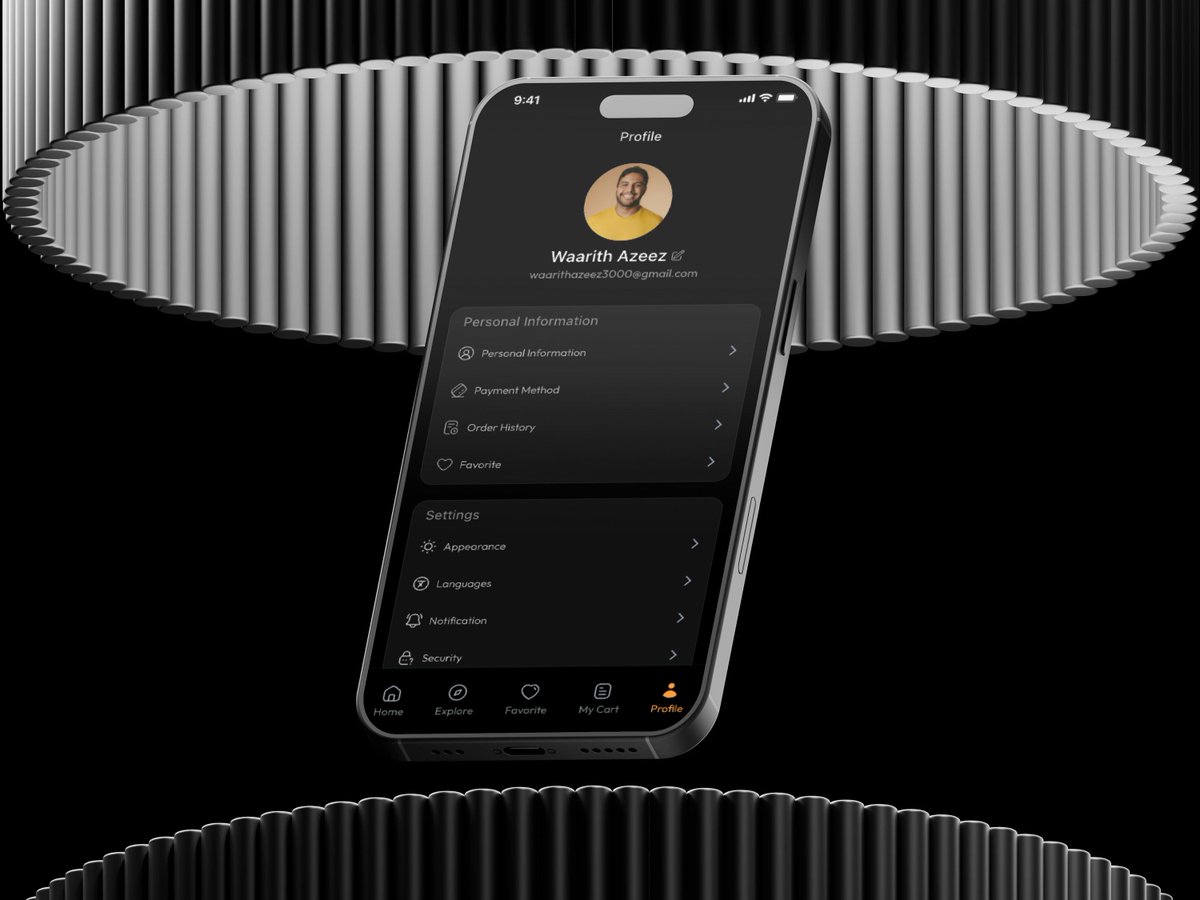
Just designed a premium wristwatch mobile app experience. ⌚
Focused on:
• Luxury aesthetics
• Seamless shopping experience
• Smart product discovery
• High-converting user flows
I help startups and businesses transform ideas into beautiful, user-centered products.
Available for freelance projects, contracts, and consulting.
#UIUX #ProductDesign #MobileAppDesign
1
10
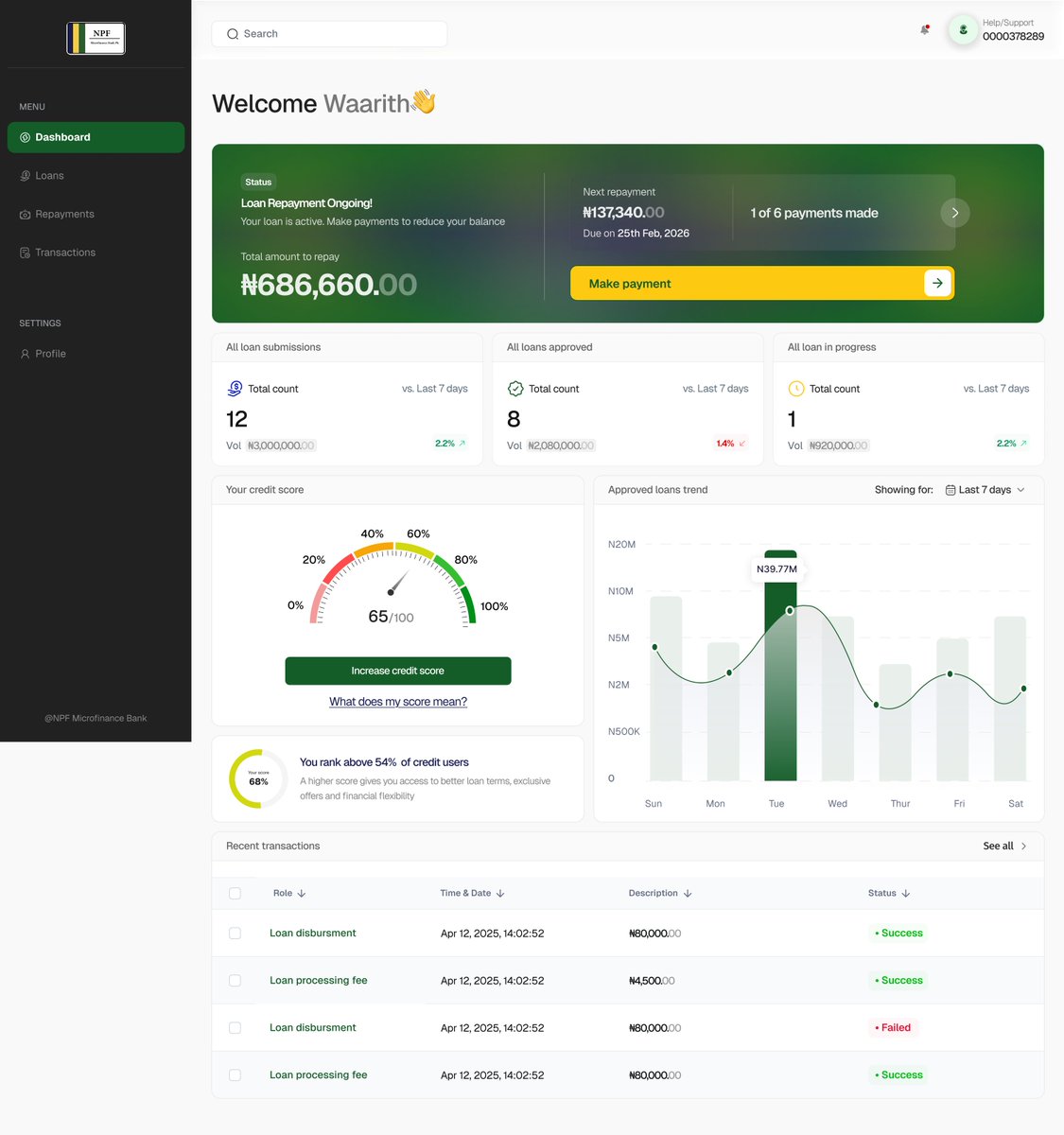
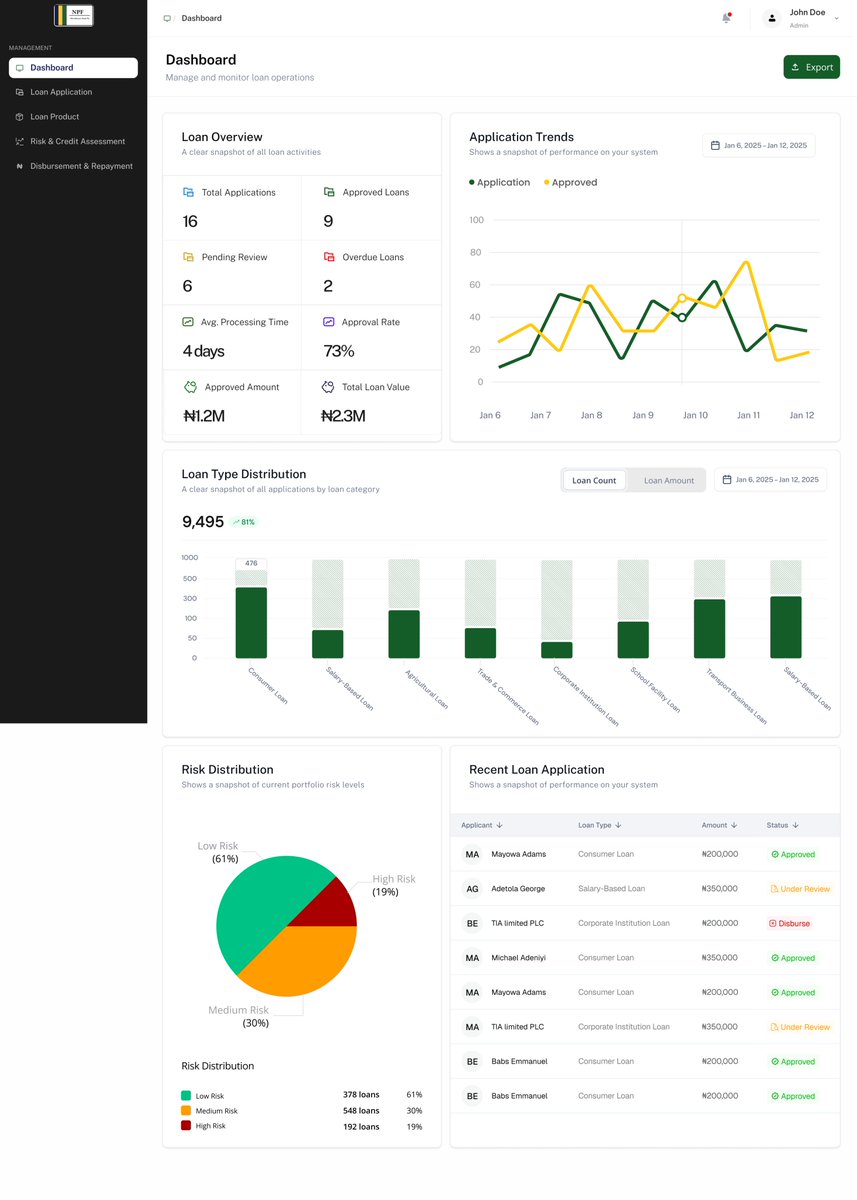
The best dashboards don't just show data.
They help users answer questions, identify patterns, and make decisions quickly.
Every chart, card, and interaction should have a purpose.
Less clutter. More clarity.
#UIUX #DashboardDesign #ProductDesign #UXDesign
1
6
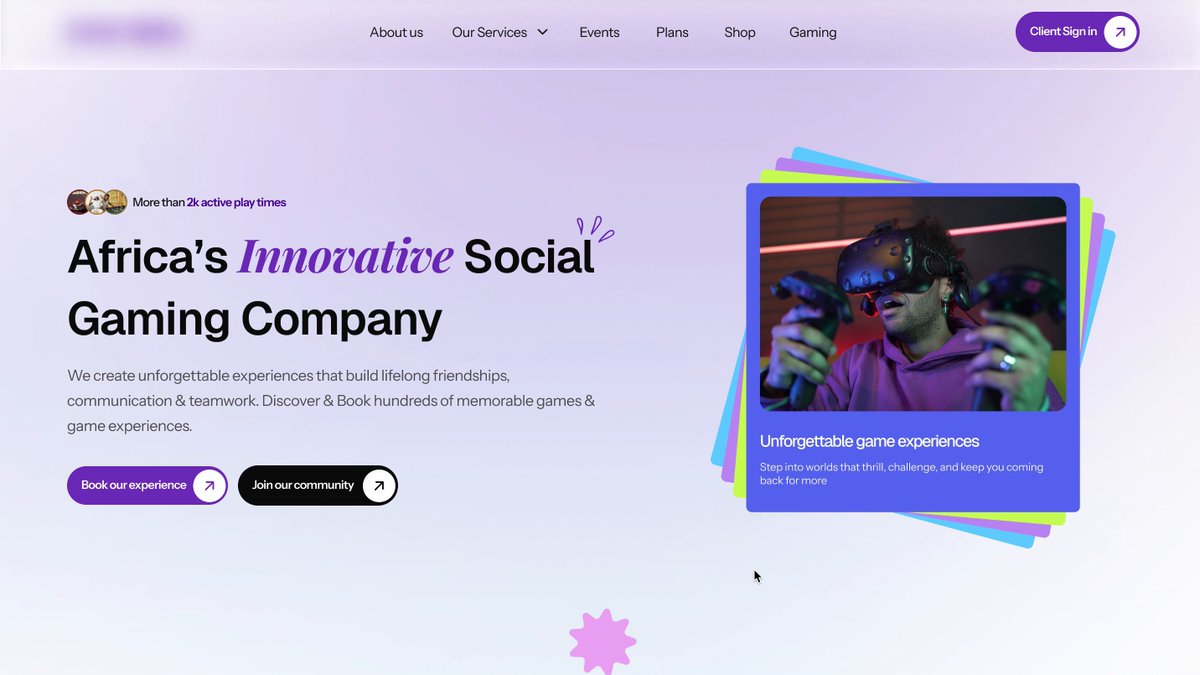
A few years ago, I thought animation was design.
Every page had something moving. 😅
Today, I've learned that great websites are built on:
• Clarity
• Usability
• Accessibility
• Performance
• Solving user problems
Animation is still important—but it should enhance the experience, not dominate it.
Looking back at old work is one of the best ways to measure growth.
What's a design belief you've changed your mind about?
1
10
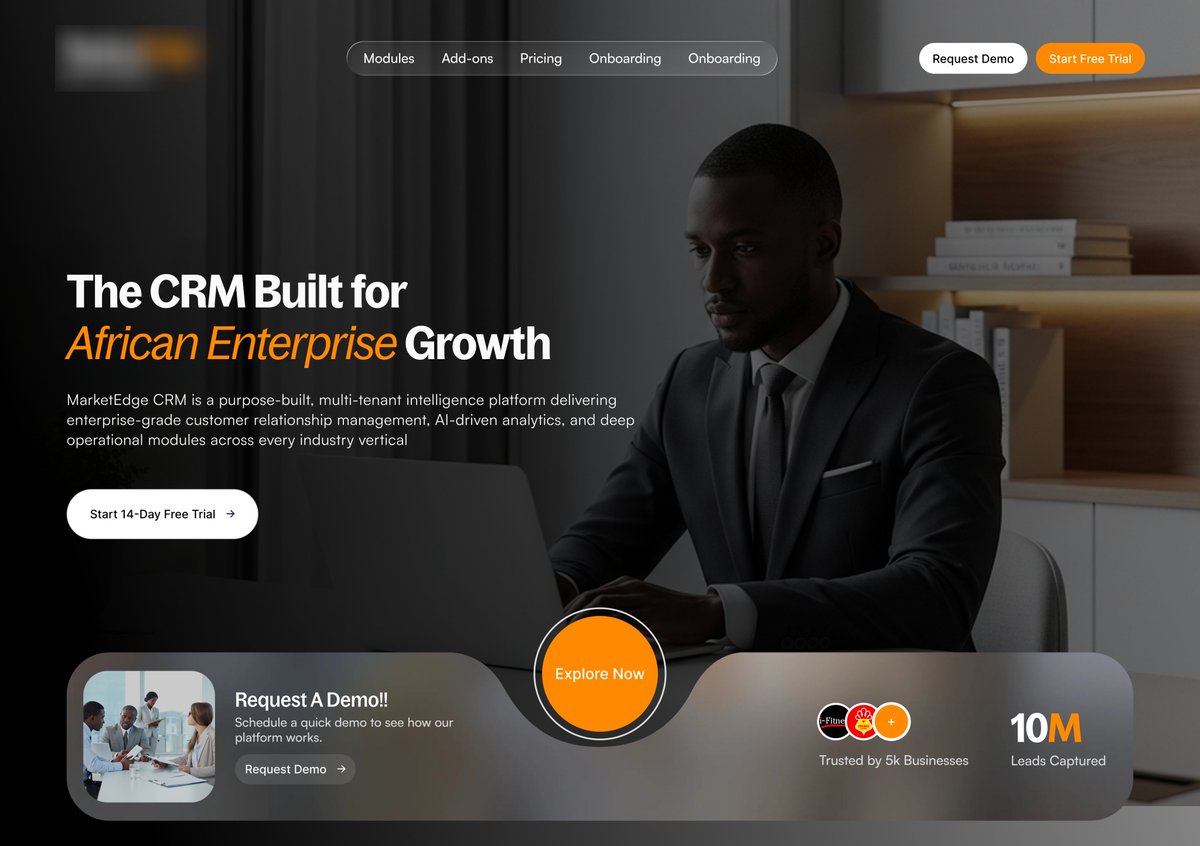
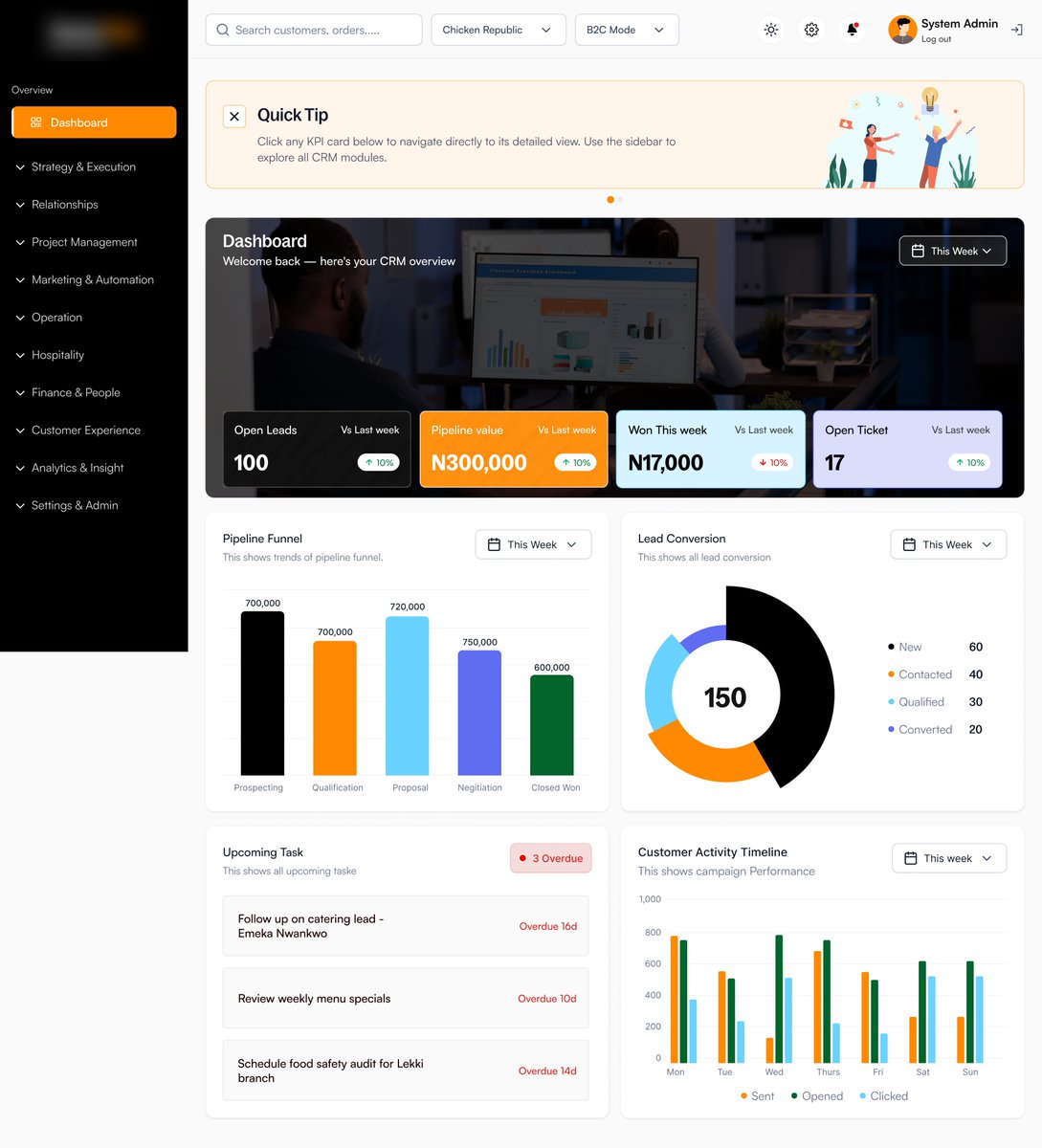
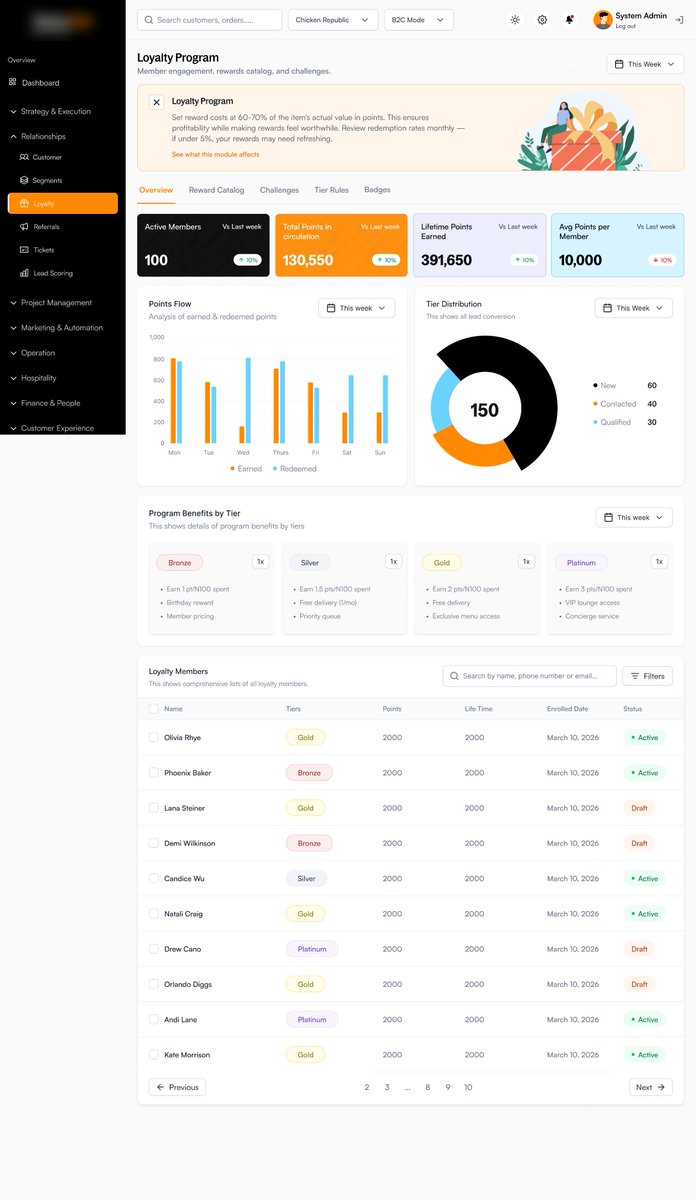
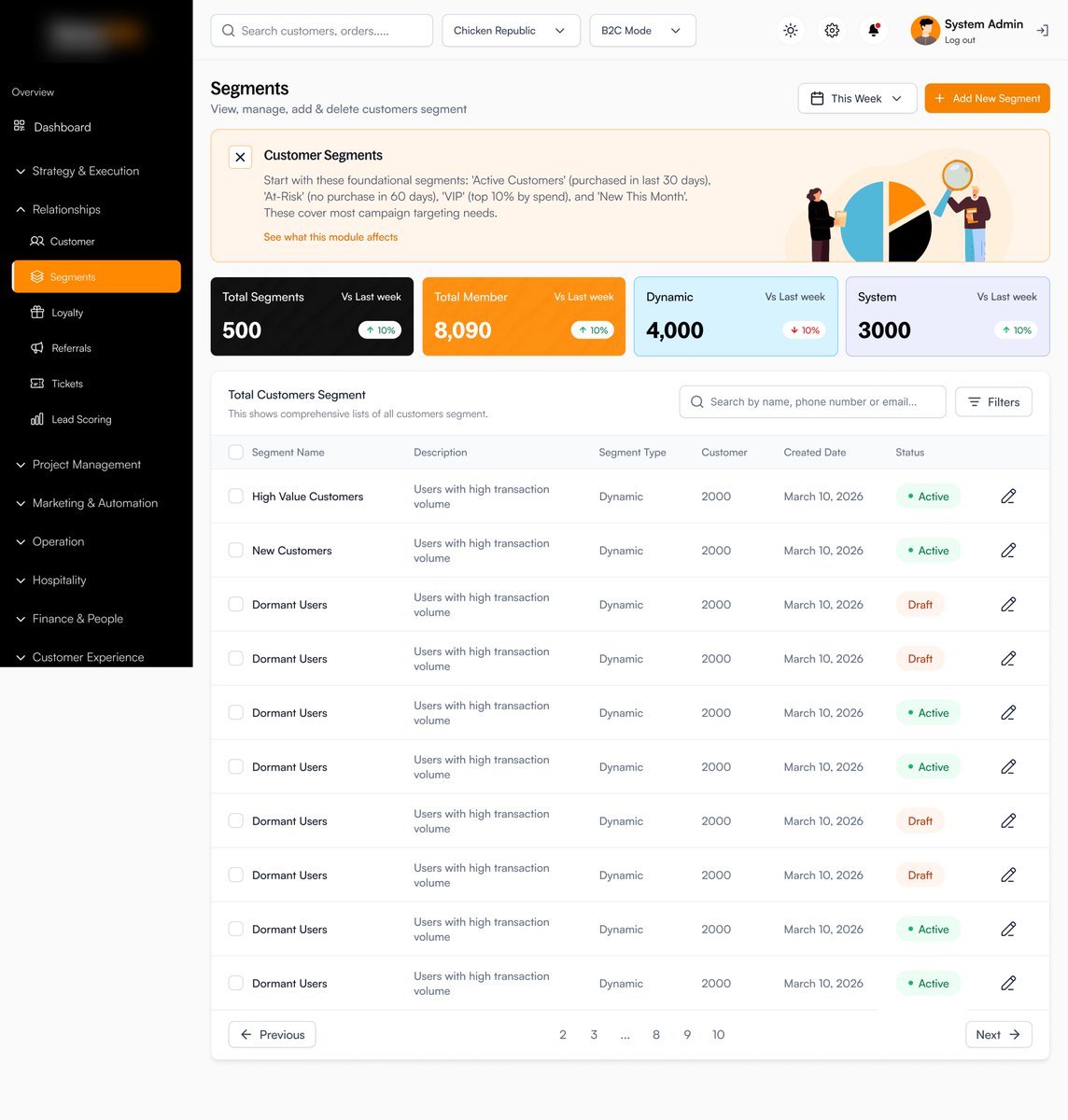
Designed a CRM web app focused on:
✔ Lead management
✔ Sales tracking
✔ Customer insights
✔ Team collaboration
✔ Clean enterprise UI
The goal was to make complex workflows feel simple and efficient.
Enterprise UX is more than aesthetics — it’s about productivity. 🚀
#UIUX #CRM #SaaS #WebDesign #ProductDesign
2
18
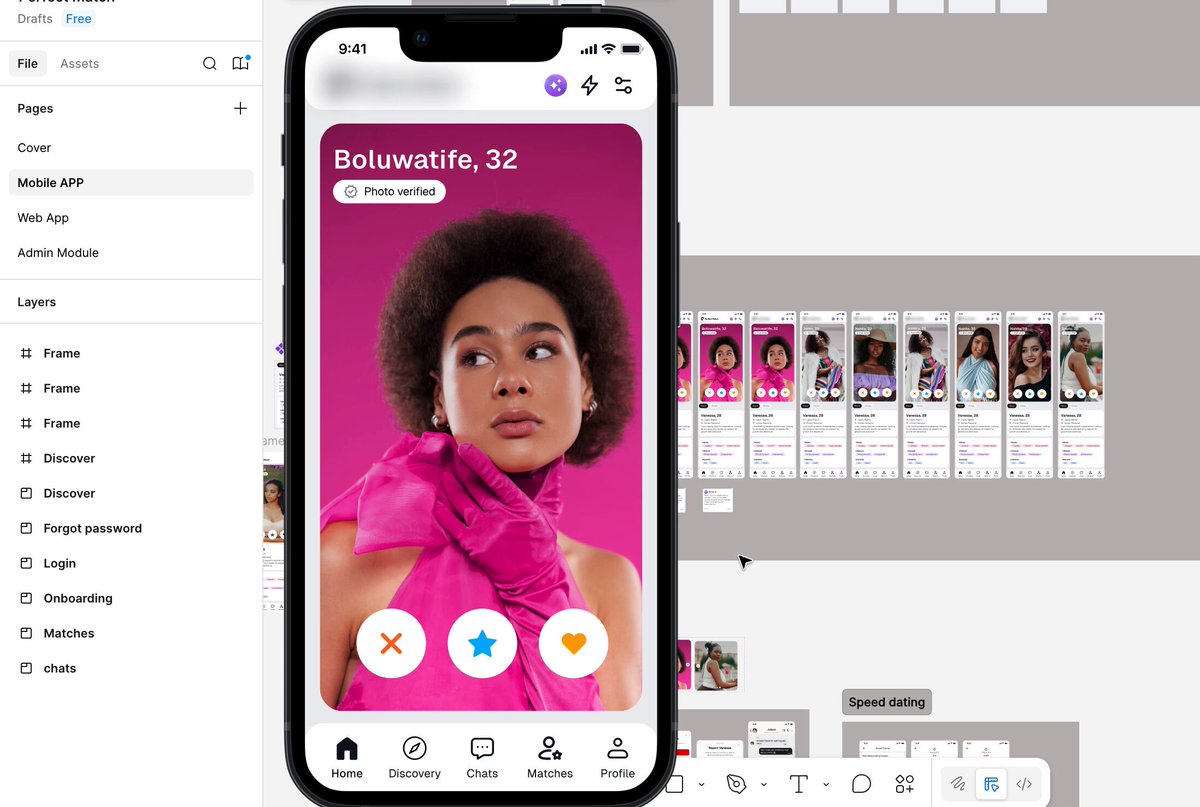
Designed a dating platform that goes beyond swiping
Features include:
• AI Pickup Lines
• Conversation Coach
• Relationship Advisor
The goal?
Helping people build better conversations & meaningful connections.
Led the design direction as Senior Designer
#UIUX #ProductDesign #AI
1
19
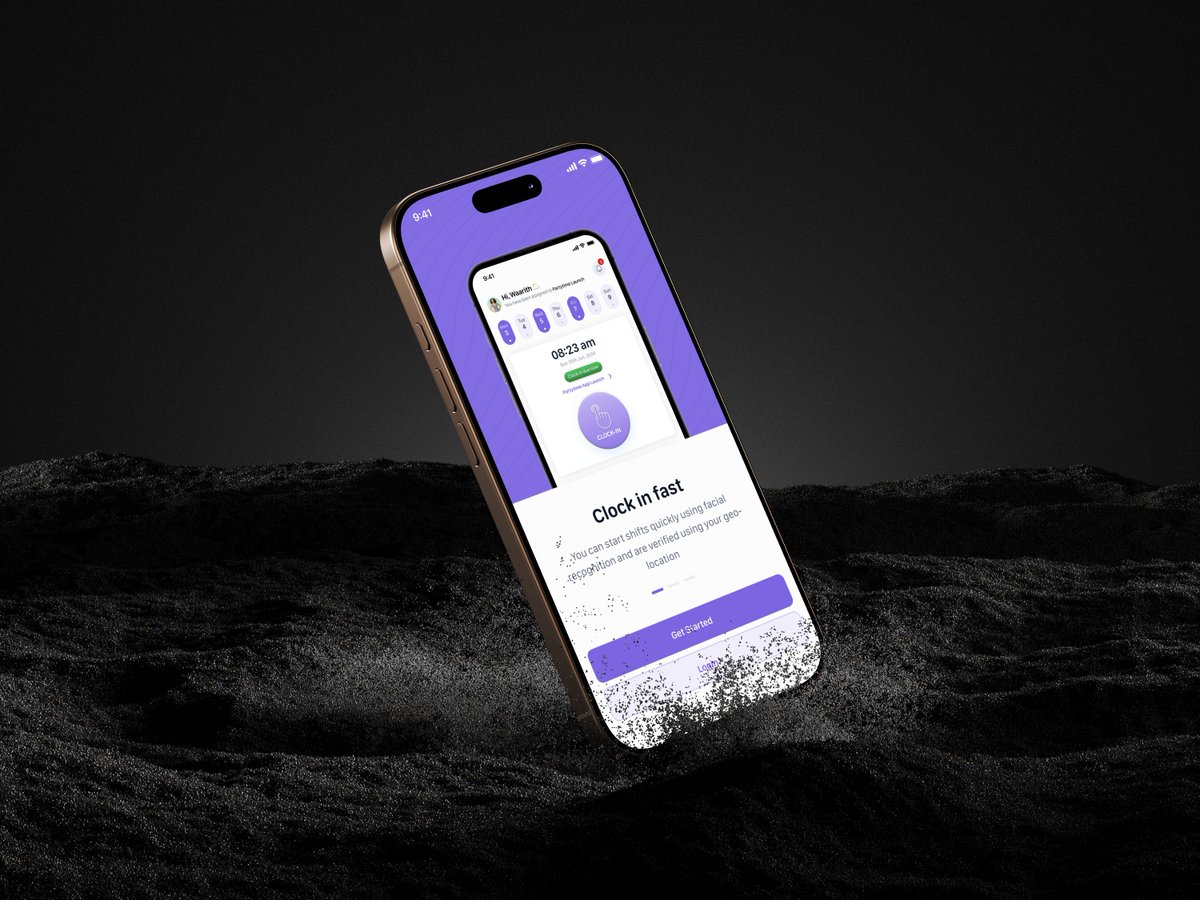
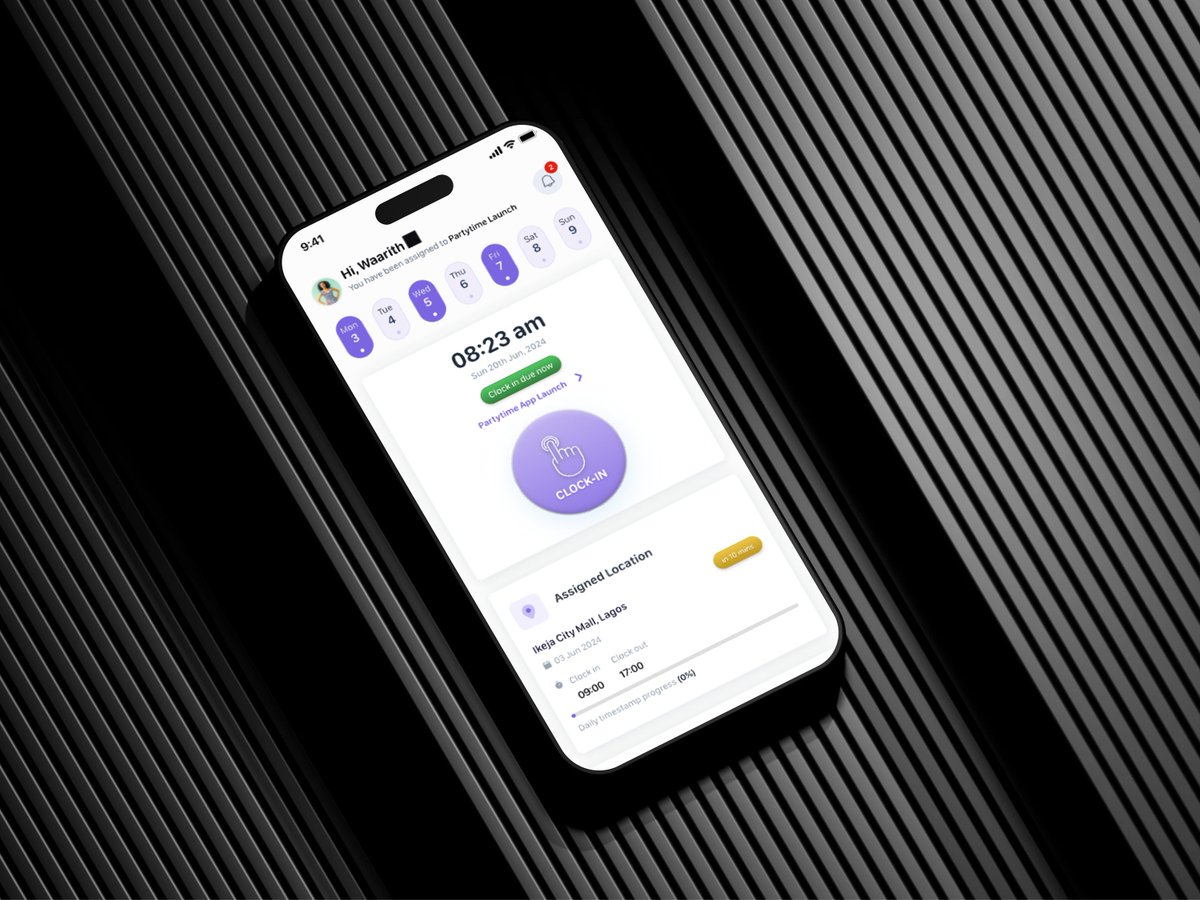
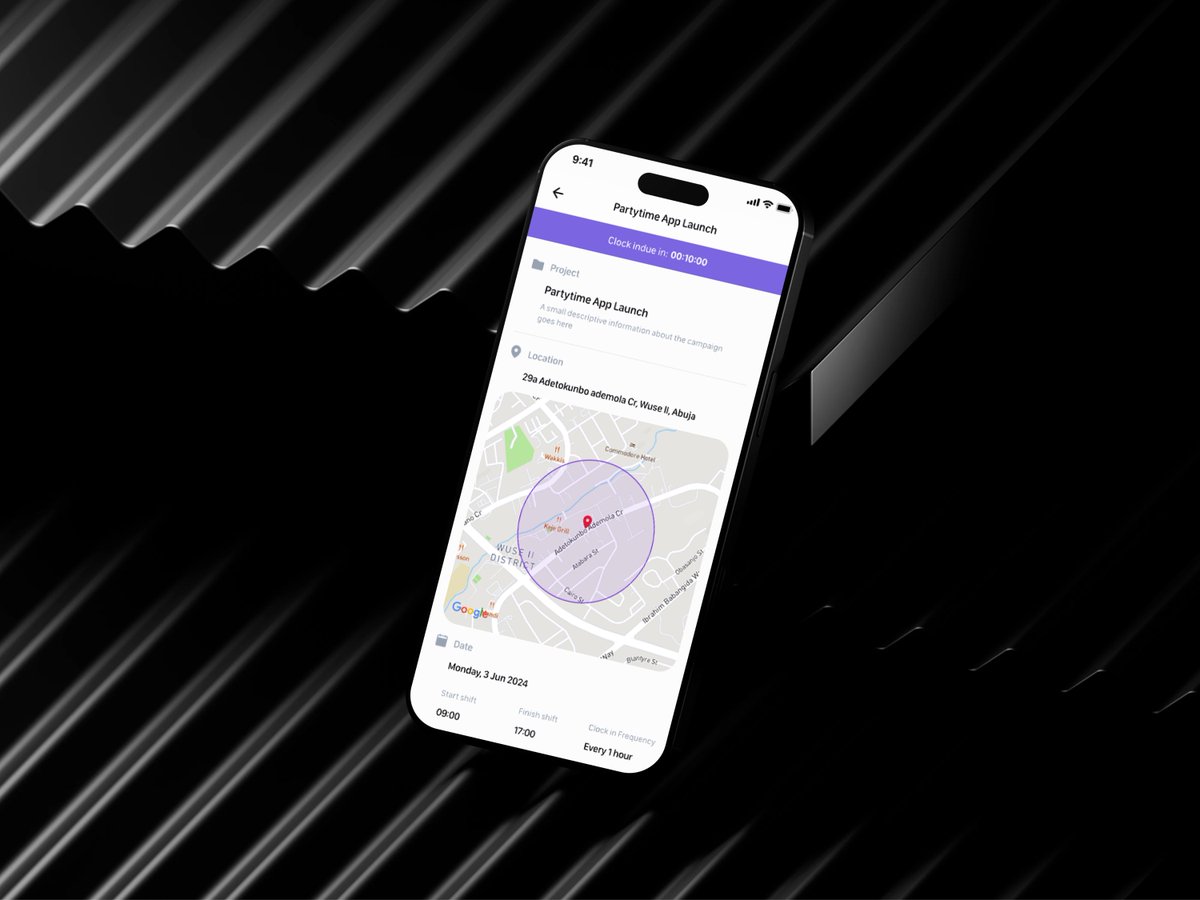
New UI/UX concept: Clock-In App
A simple and intuitive way for employees to clock in, track hours, manage shifts, and monitor attendance in real time.
Focused on:
✅ Fast check-ins
✅ Clean dashboard
✅ Attendance history
✅ Better workforce visibility
Feedback is welcome 👇
#UIUX #ProductDesign #AppDesign #Figma #DesignInspiration
1
24
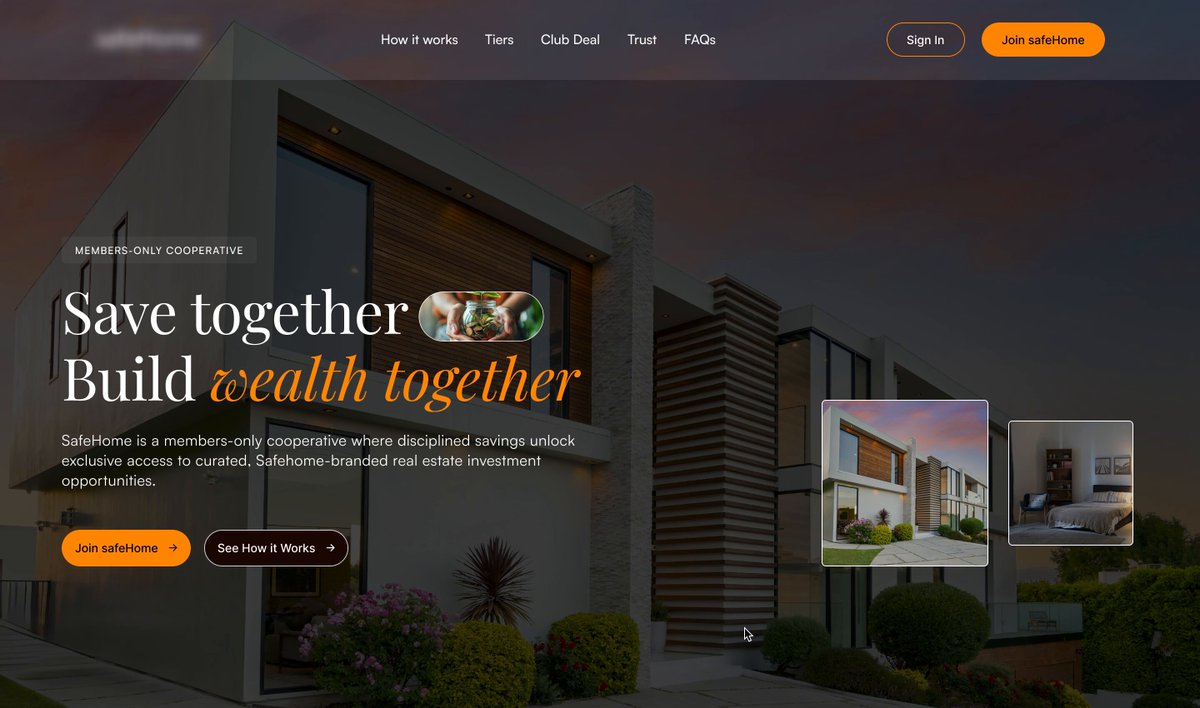
Designed an animated hero section for a real estate platform
The idea:
• Showcase multiple properties without clutter
• Create motion that guides attention
• Strengthen first impressions
• Encourage users to explore listings
Sometimes a few seconds on the first screen determine whether users stay or leave.
#UXDesign #UIDesign #RealEstate #WebDesign #Figma
1
19
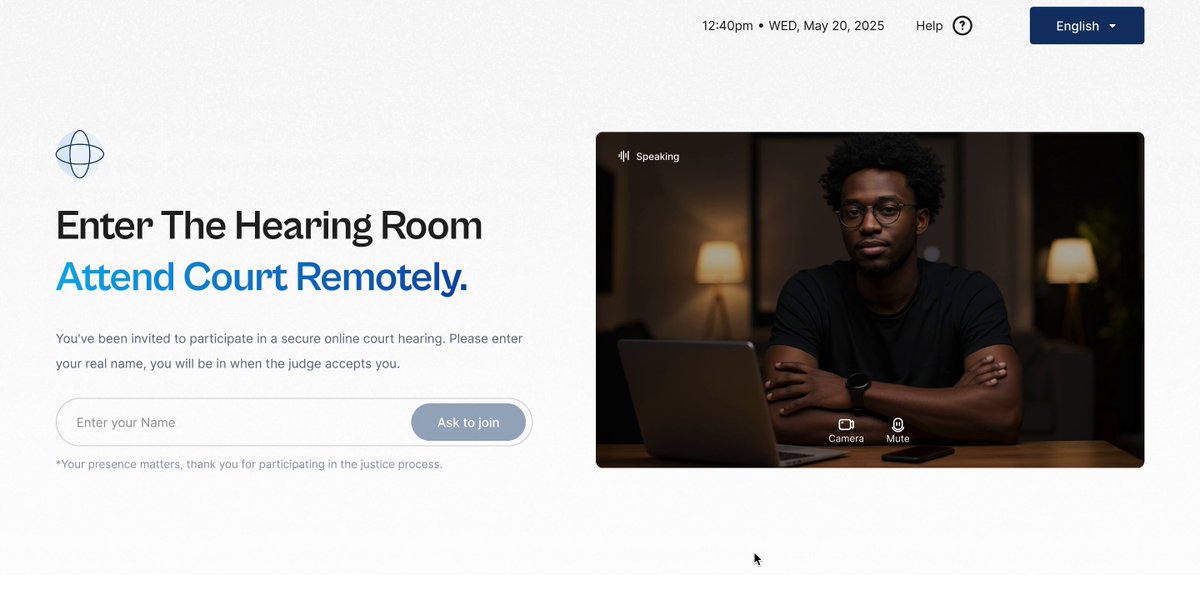
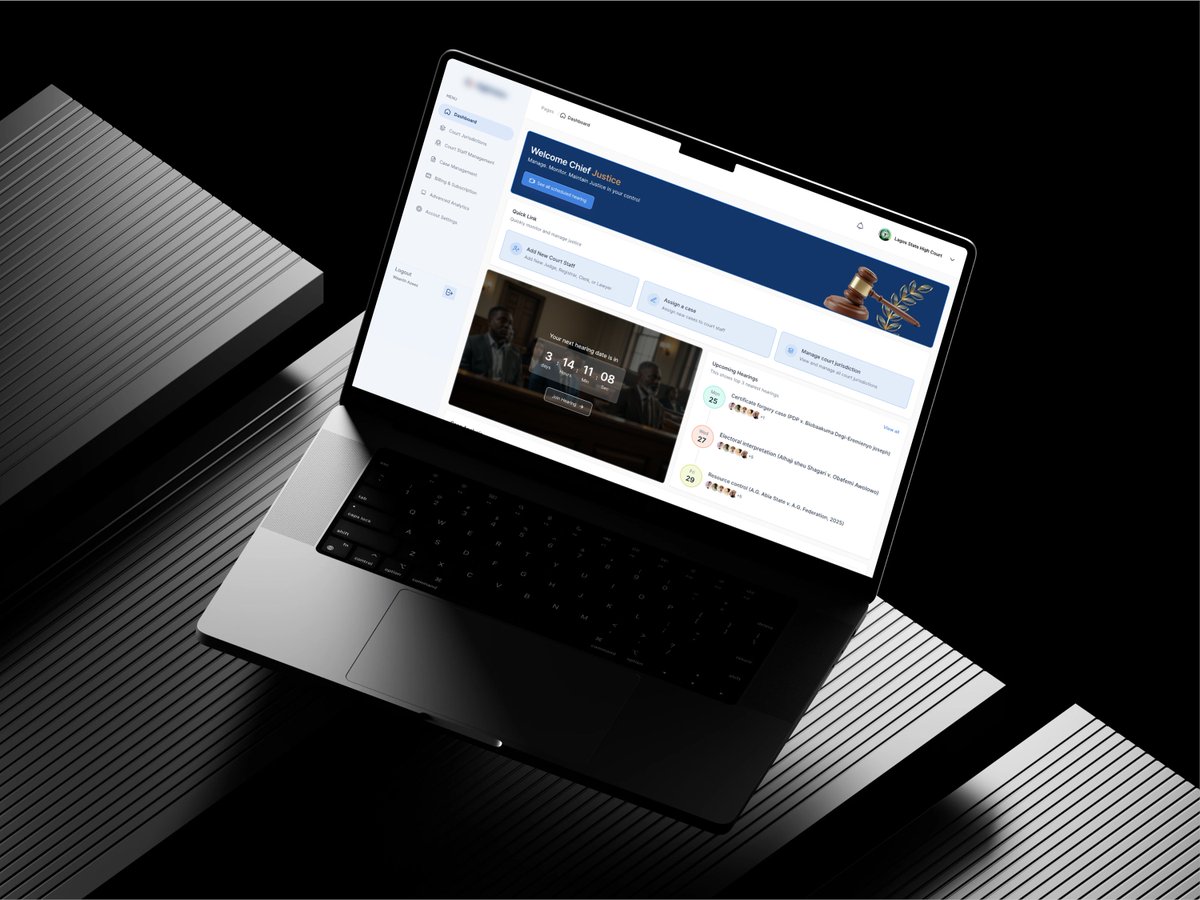
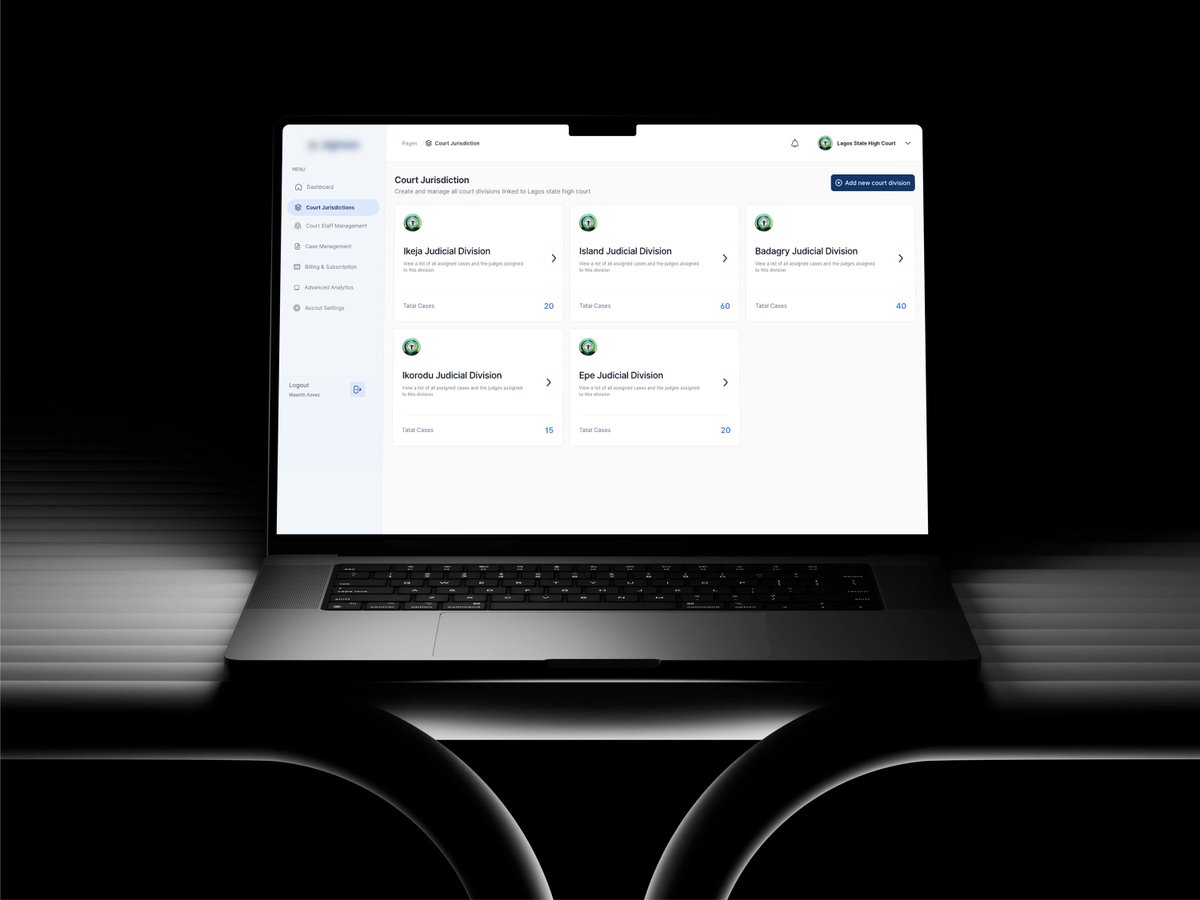
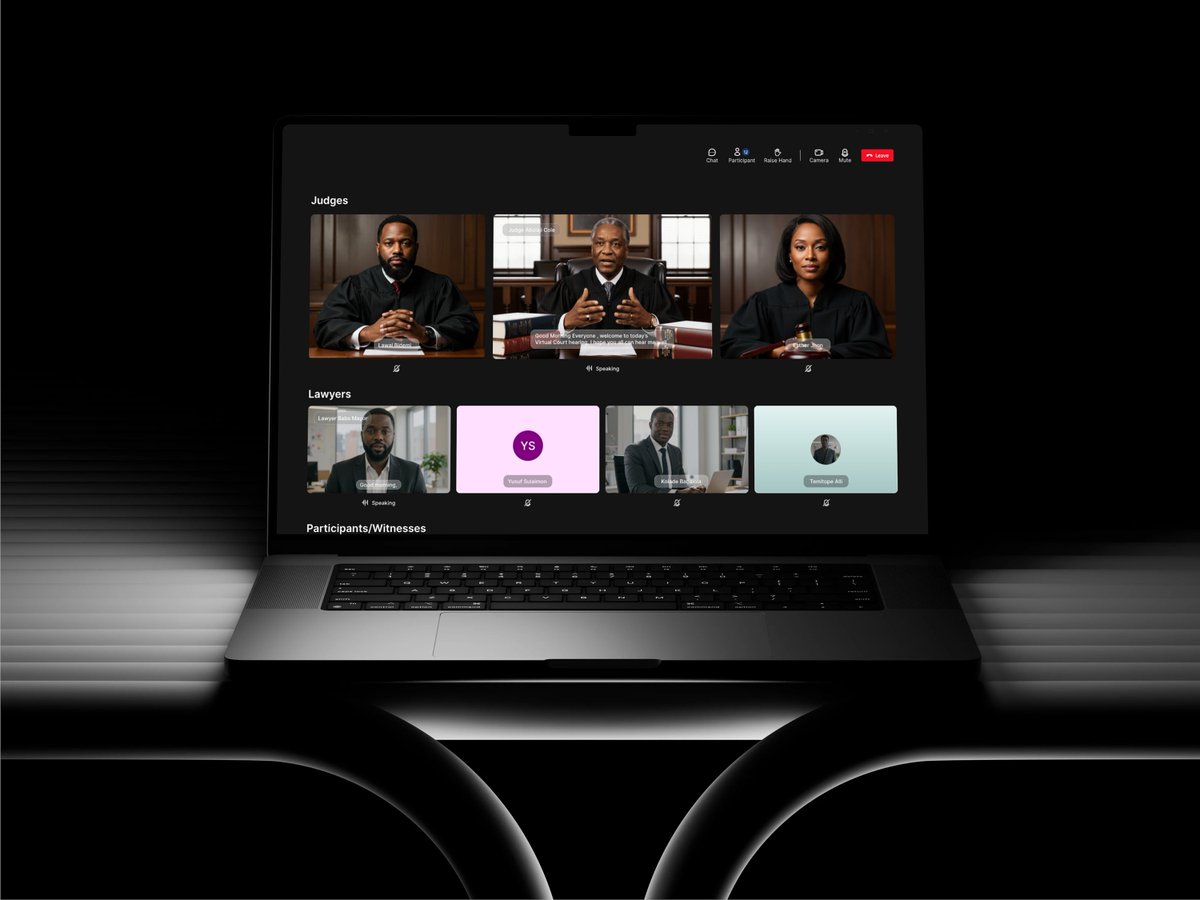
Just finished working on a Court Management System
Designed to help courts:
• Manage cases digitally
• Schedule hearings
• Conduct virtual court sessions
• Organize legal documents
• Track case progress in real time
One thing this project taught me: great design isn't about adding more features—it's about reducing complexity.
#UXDesign #LegalTech #ProductDesign
1
12
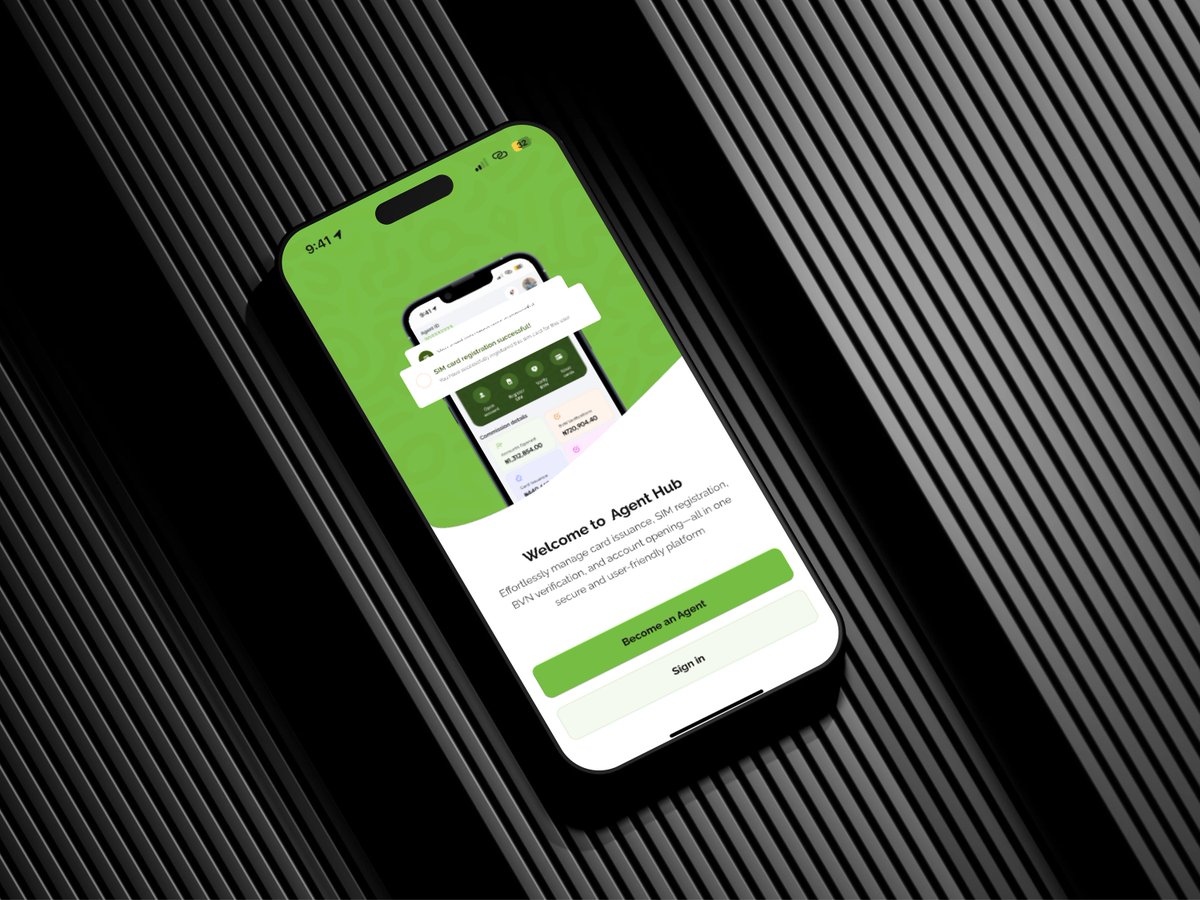
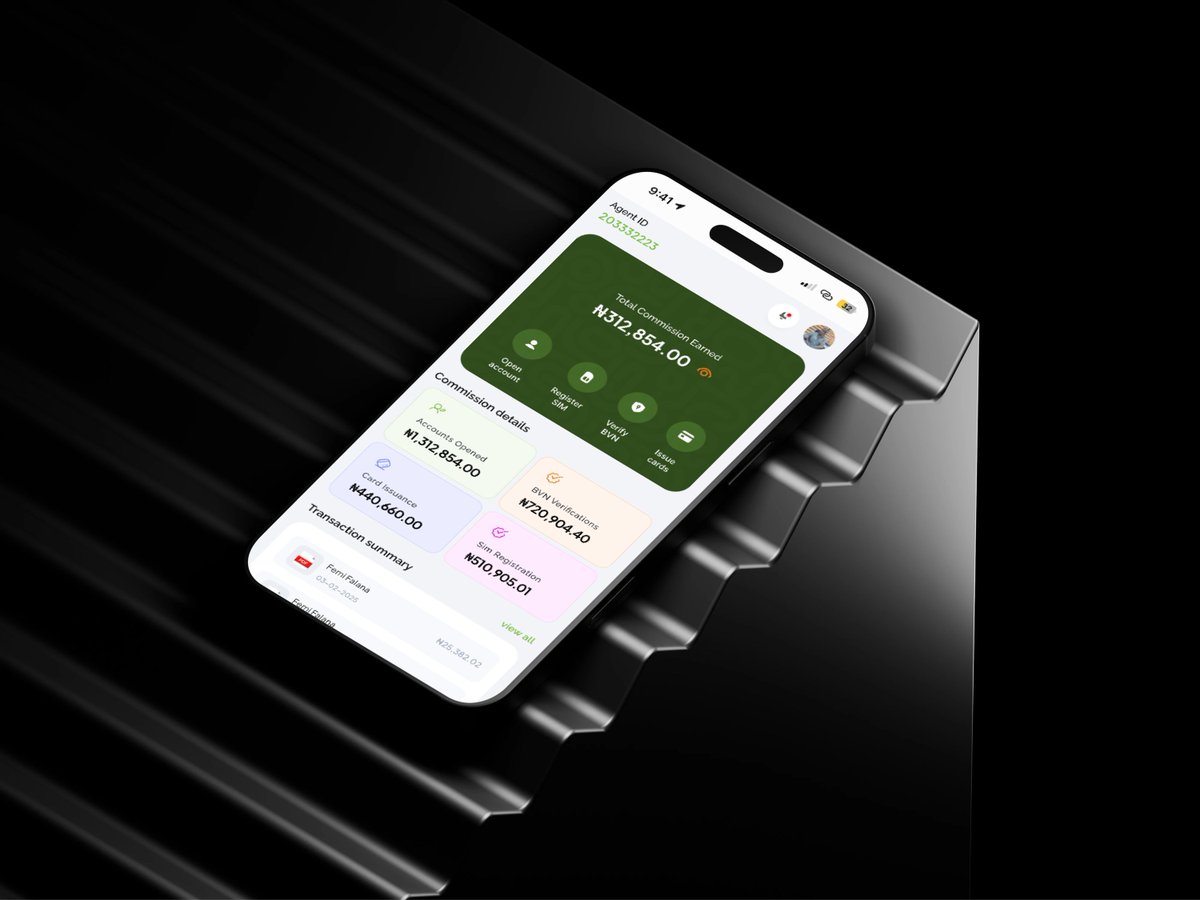
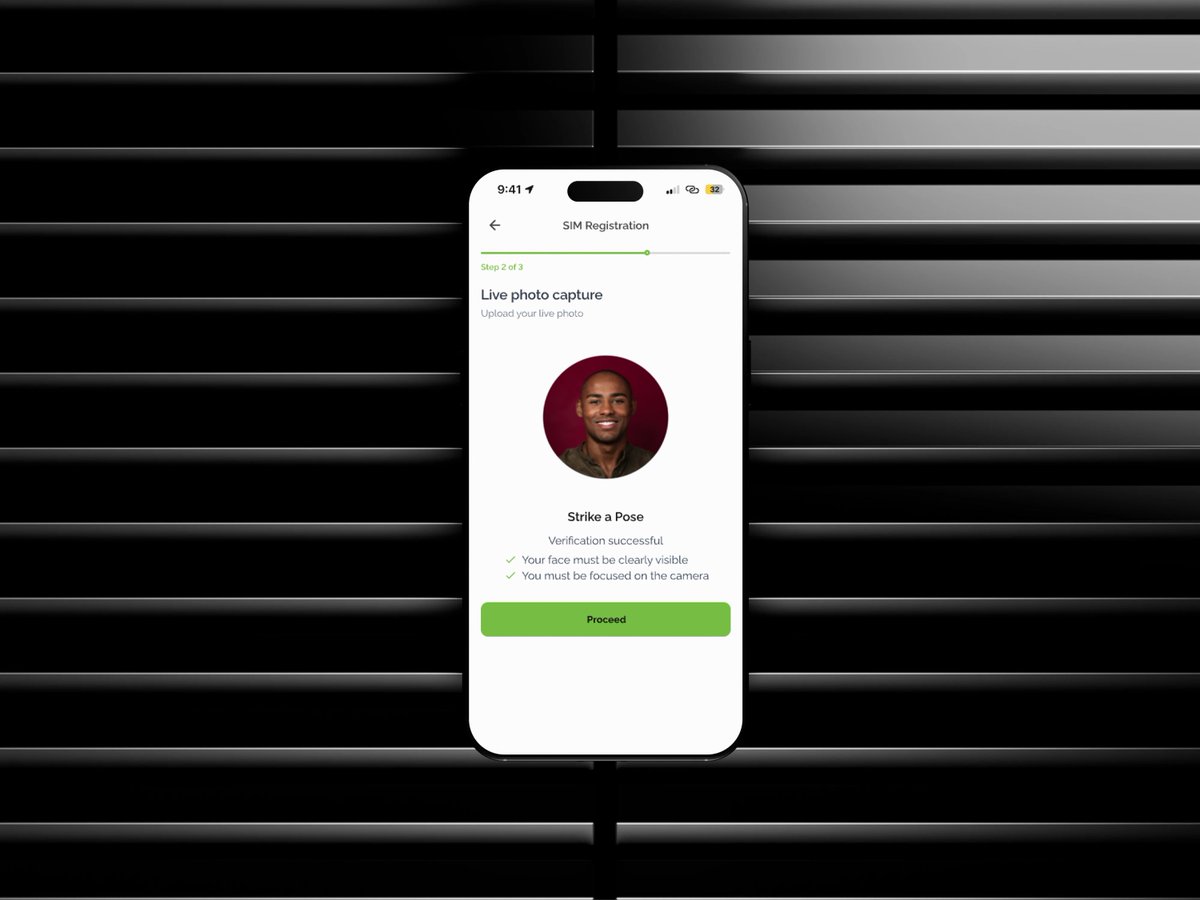
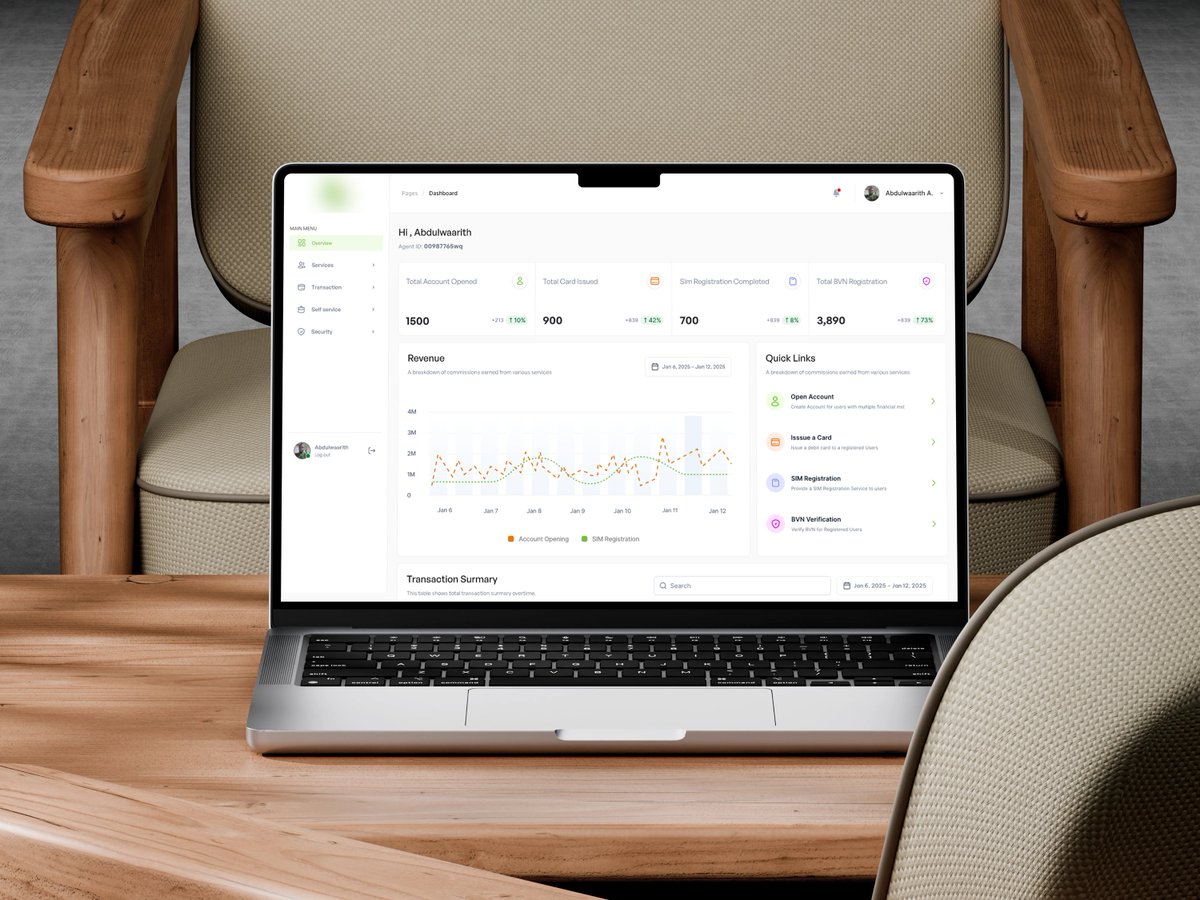
Found a mobile app design I created 2 years ago.
At the time, I thought it was flawless.
Looking at it today, I learned:
• Pretty UI ≠ Great UX
• Less screens > More screens
• Data needs hierarchy
• Consistency builds trust
• User flows matter more than visuals
The best part of being a designer is realizing your old "best work" is now your benchmark for growth.
#UXDesign #UIDesign #Fintech #ProductDesign
1
2
48
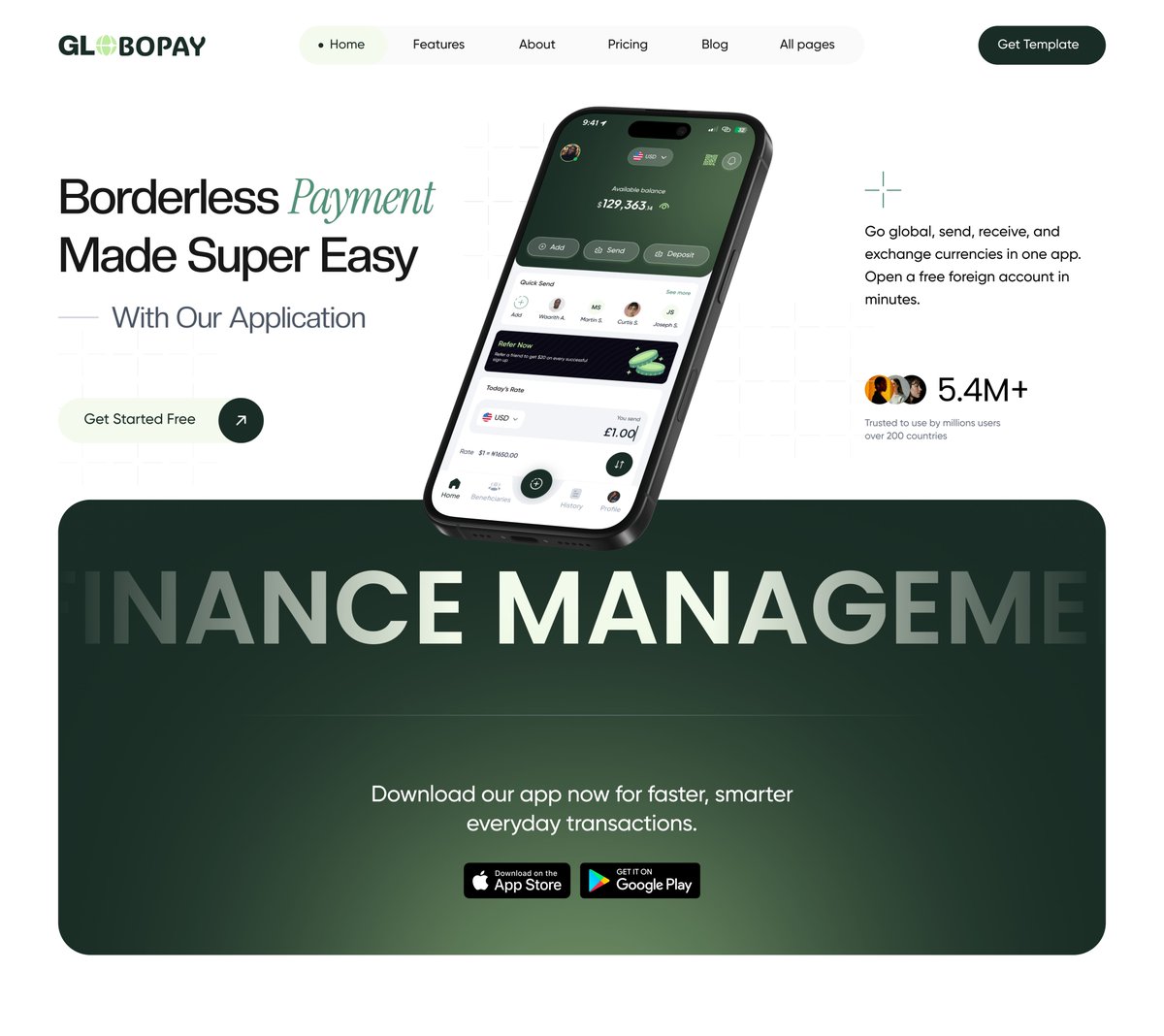
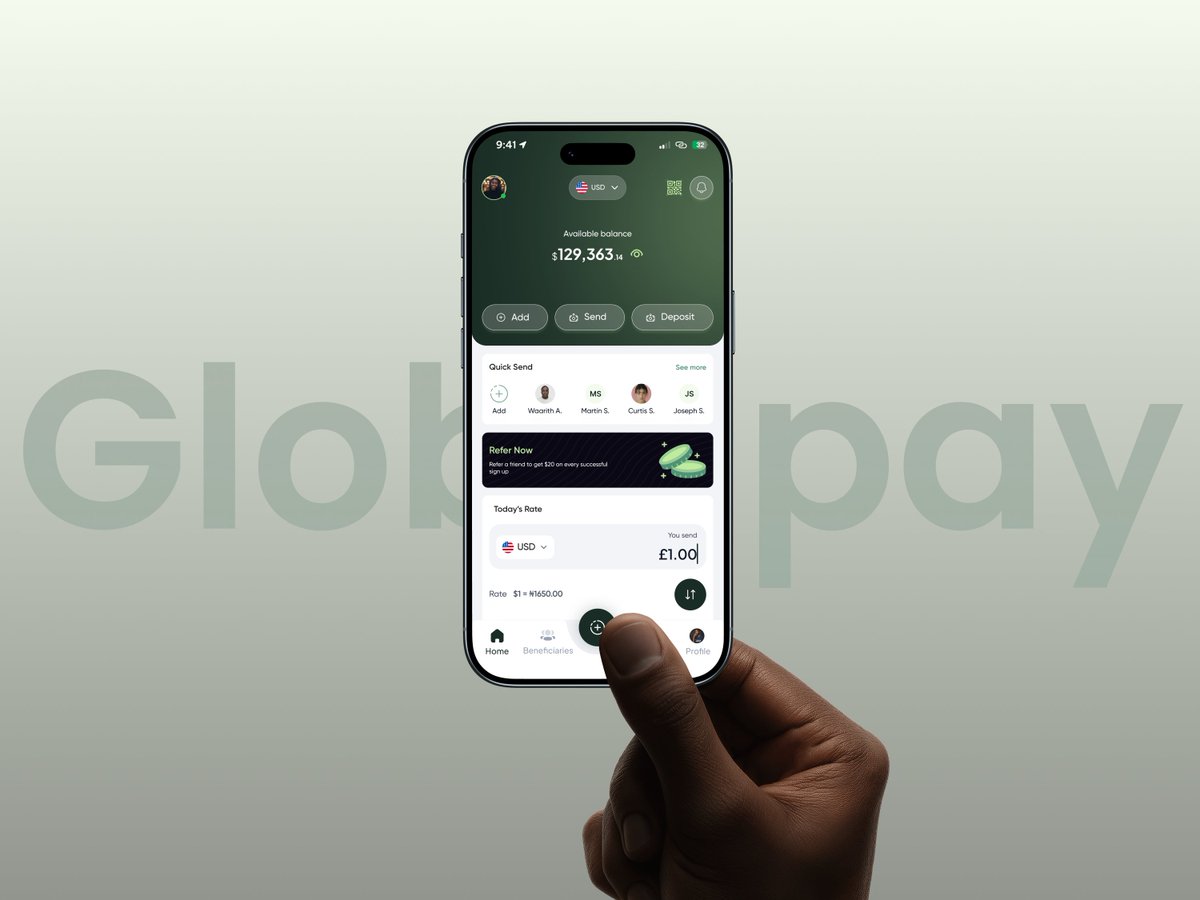
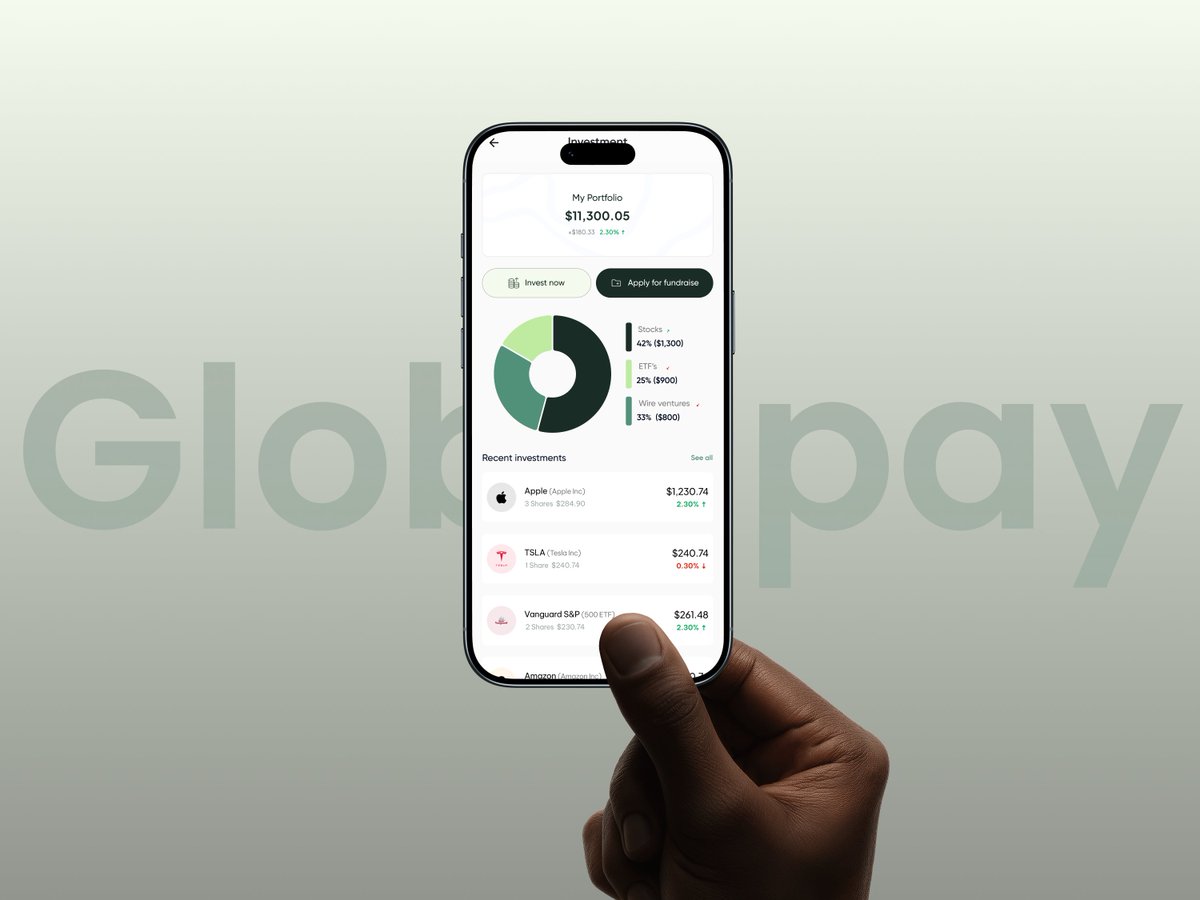
The future of money is borderless.
Sending and receiving payments globally should feel as easy as sending a text message — fast, secure, transparent, and accessible to everyone.
Businesses are no longer limited by geography.
Freelancers can work with clients worldwide.
Families can support loved ones instantly.
Creators can get paid from anywhere.
Borderless payments are not just a fintech trend.
They are powering the next generation of global commerce.
The world is becoming one marketplace, and payments are evolving to match it.
#Fintech #BorderlessPayments #GlobalPayments #DigitalFinance #FintechInnovation #Payments #CrossBorderPayments #FutureOfFinance #Banking #FinancialTechnology #ProductDesign #UIUX #Figma

2
19
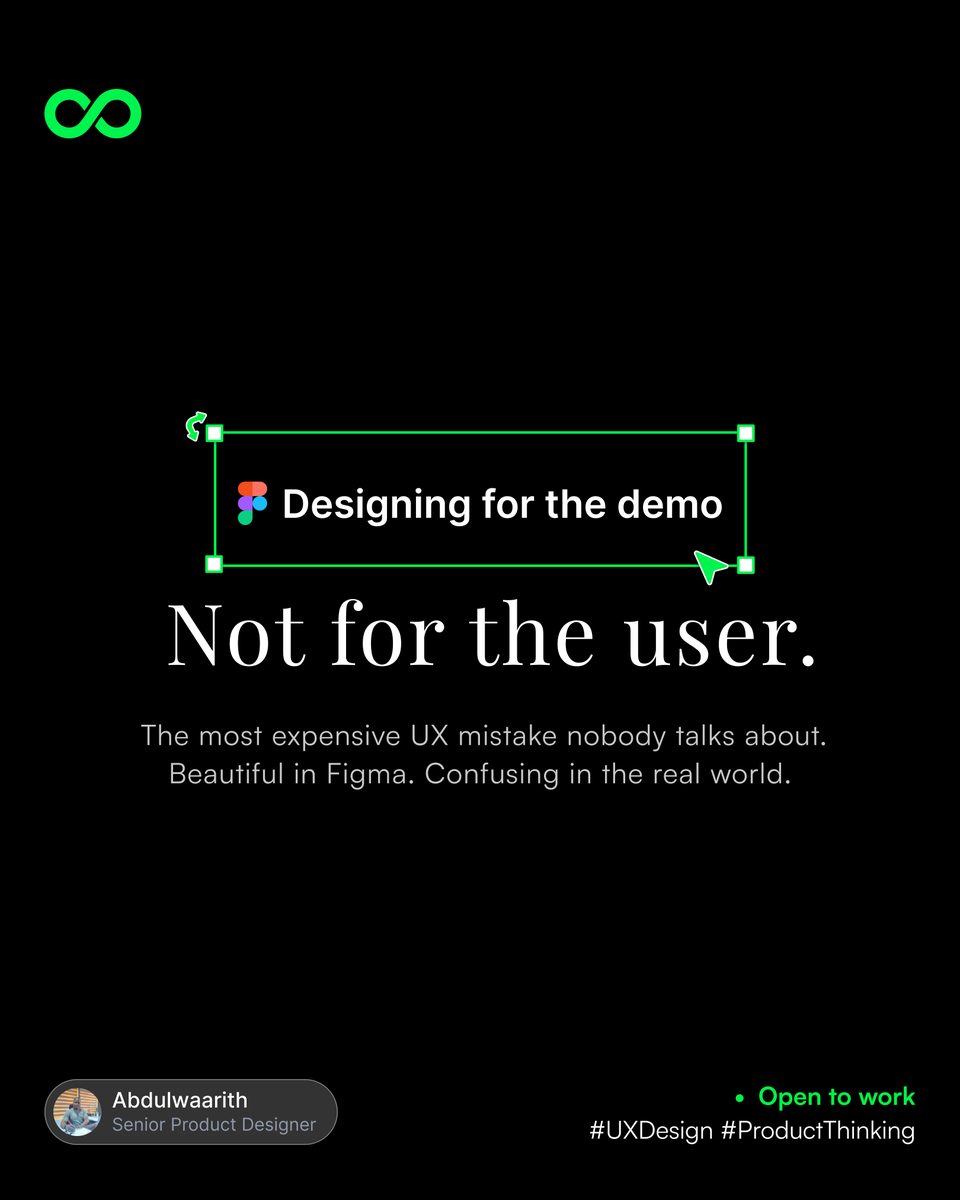
Nobody talks about the most expensive UX mistake in product teams.
It's not a bad navigation.
It's not a confusing onboarding.
It's not even a weak visual hierarchy.
It's designing for the demo — not the user.
#UXDesign #ProductThinking #DesignLeadership #OpenToWork
2
17
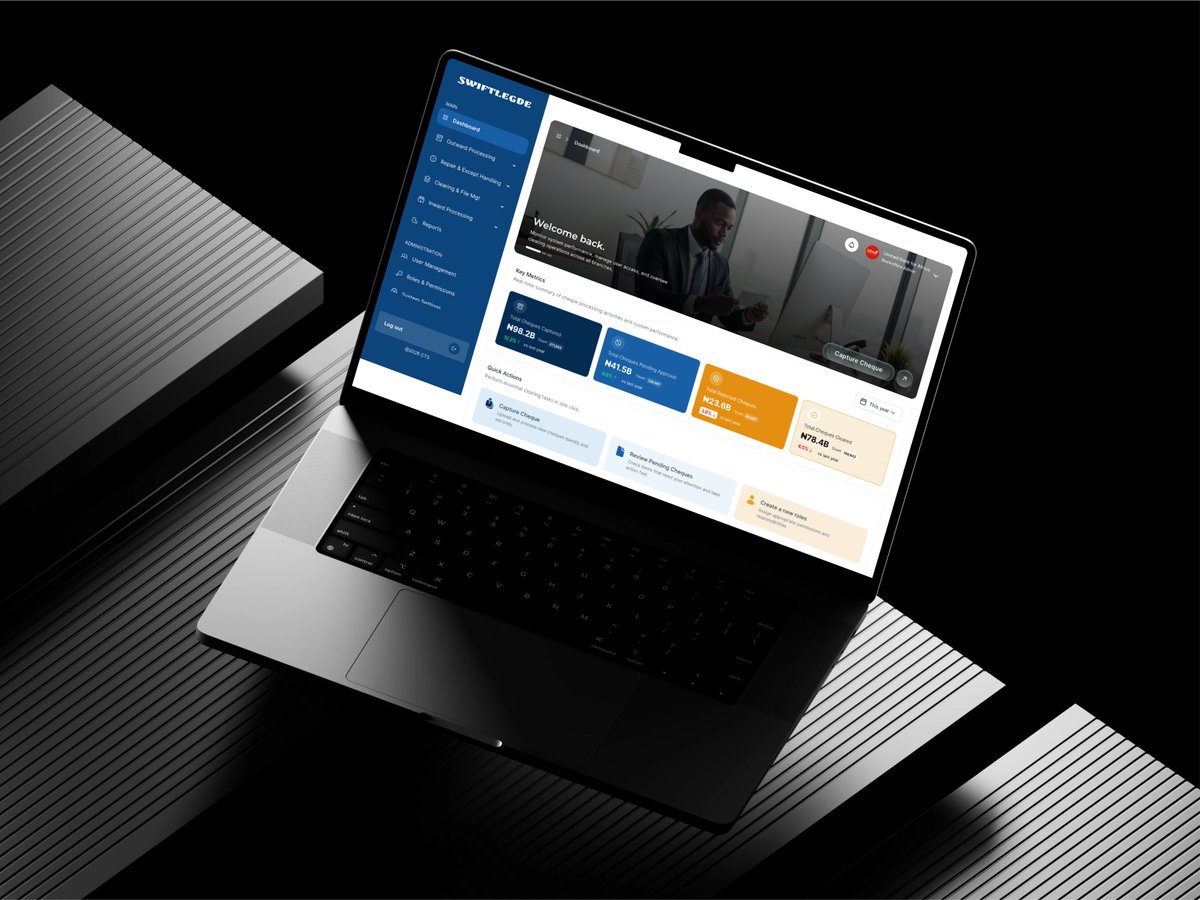
Cheques still move billions in Nigeria every week.
I designed a system that digitizes the entire clearing process, faster settlement, zero paper, full audit trails.
Faster clearing. Smarter fraud detection. Compliance teams that are actually in control.
#FintechNigeria #UIUX
3
2
7
35