Zight is proud to be a sponsor of #ZendeskRelate 2026.
If you’re here, stop by our booth and say hi! We’d love to connect, chat customer support, and show you what’s new at Zight.
ALT Zight is an event sponsor for Zendesk Relate, taking place May 18-20 in Denver, CO.
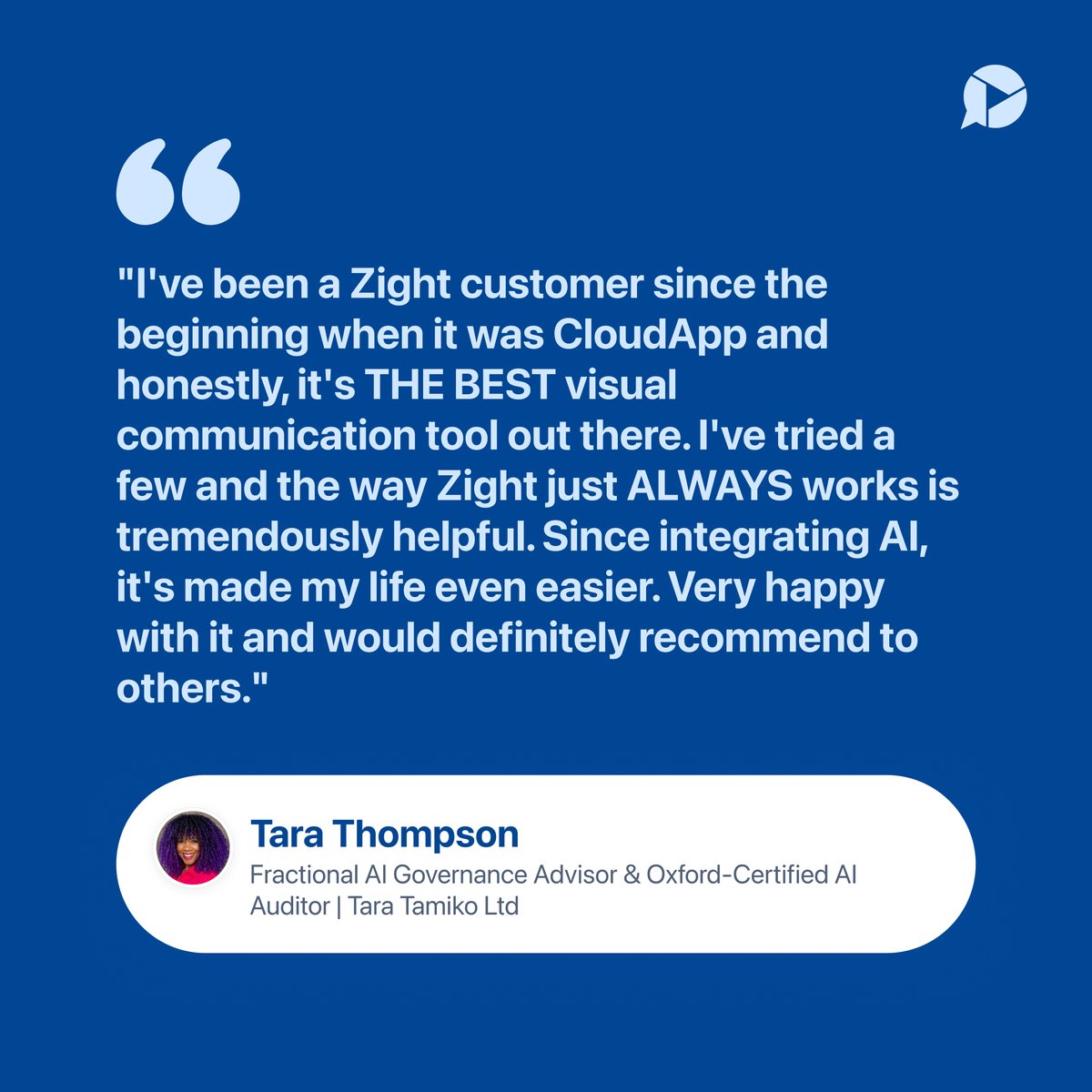
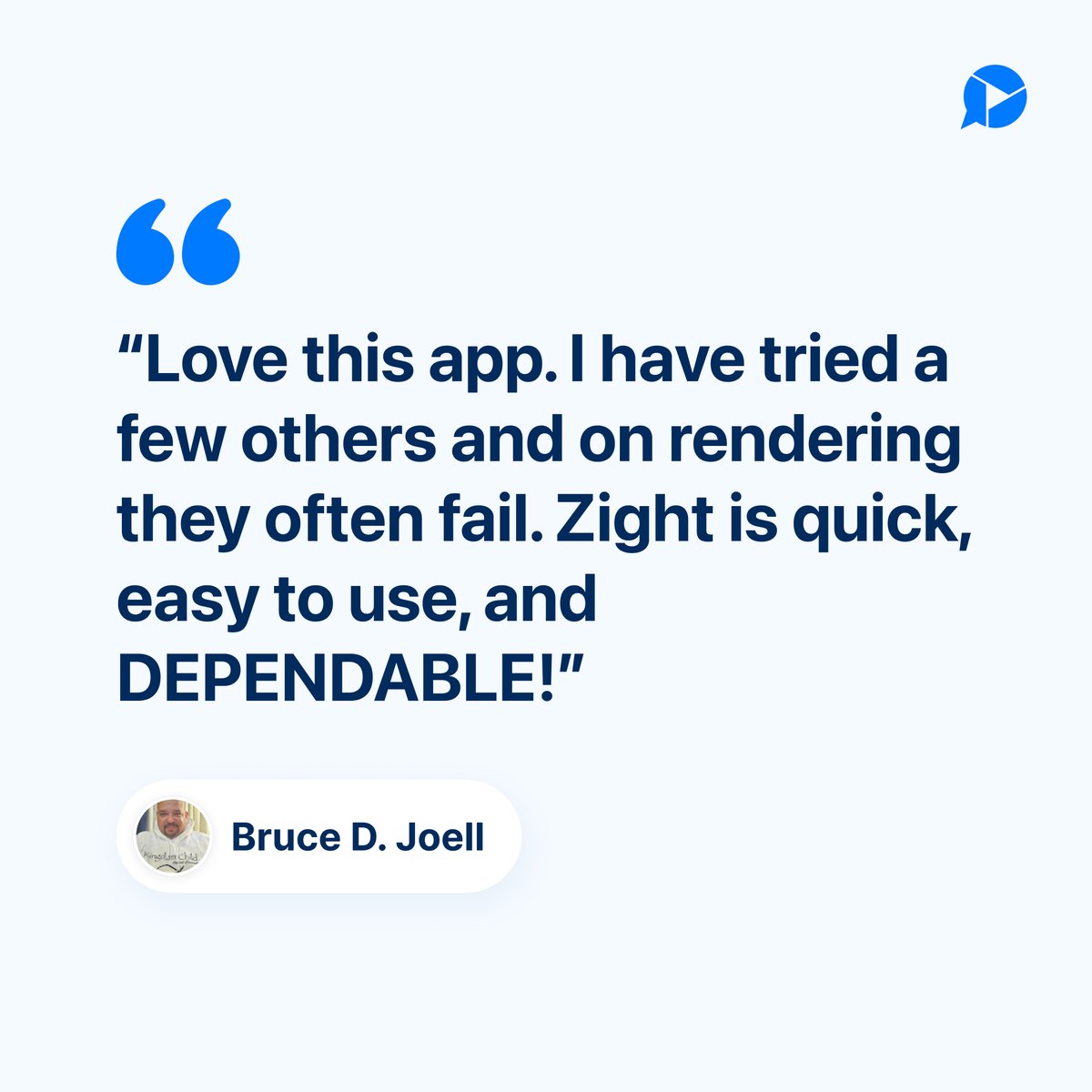
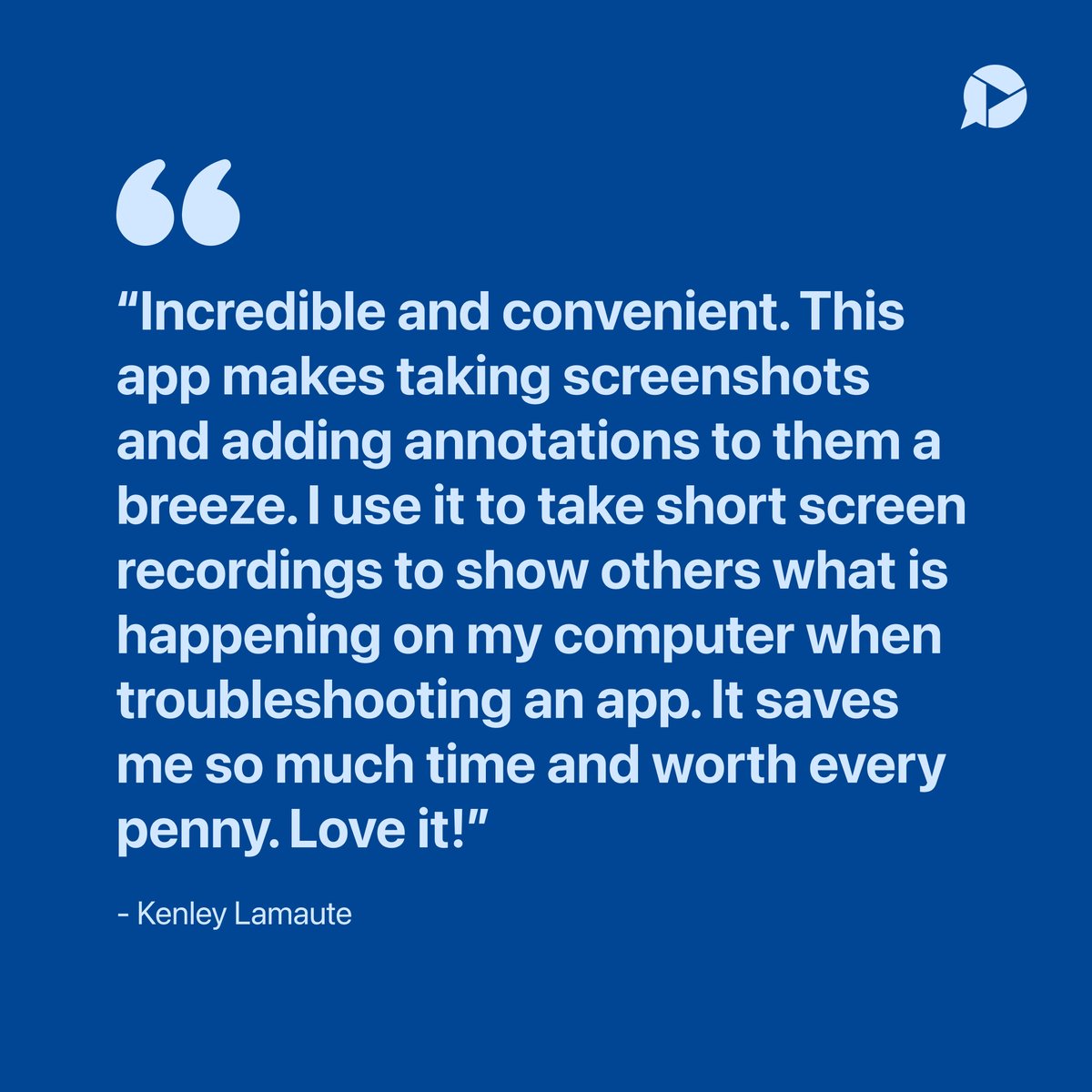
Tara from Tara Tamiko Ltd has been with us from the beginning. Hearing that Zight is the one tool that consistently works means a lot. We’re glad the AI features are making things even easier day to day.
We really appreciate the support and recommendation!
#AI#CustomerReview#communicationtool
ALT Customer review from Tara Thompson at Tara Tamiko Ltd sharing her experience using Zight since the CloudApp days and praising its reliability, AI features, and visual communication tools.
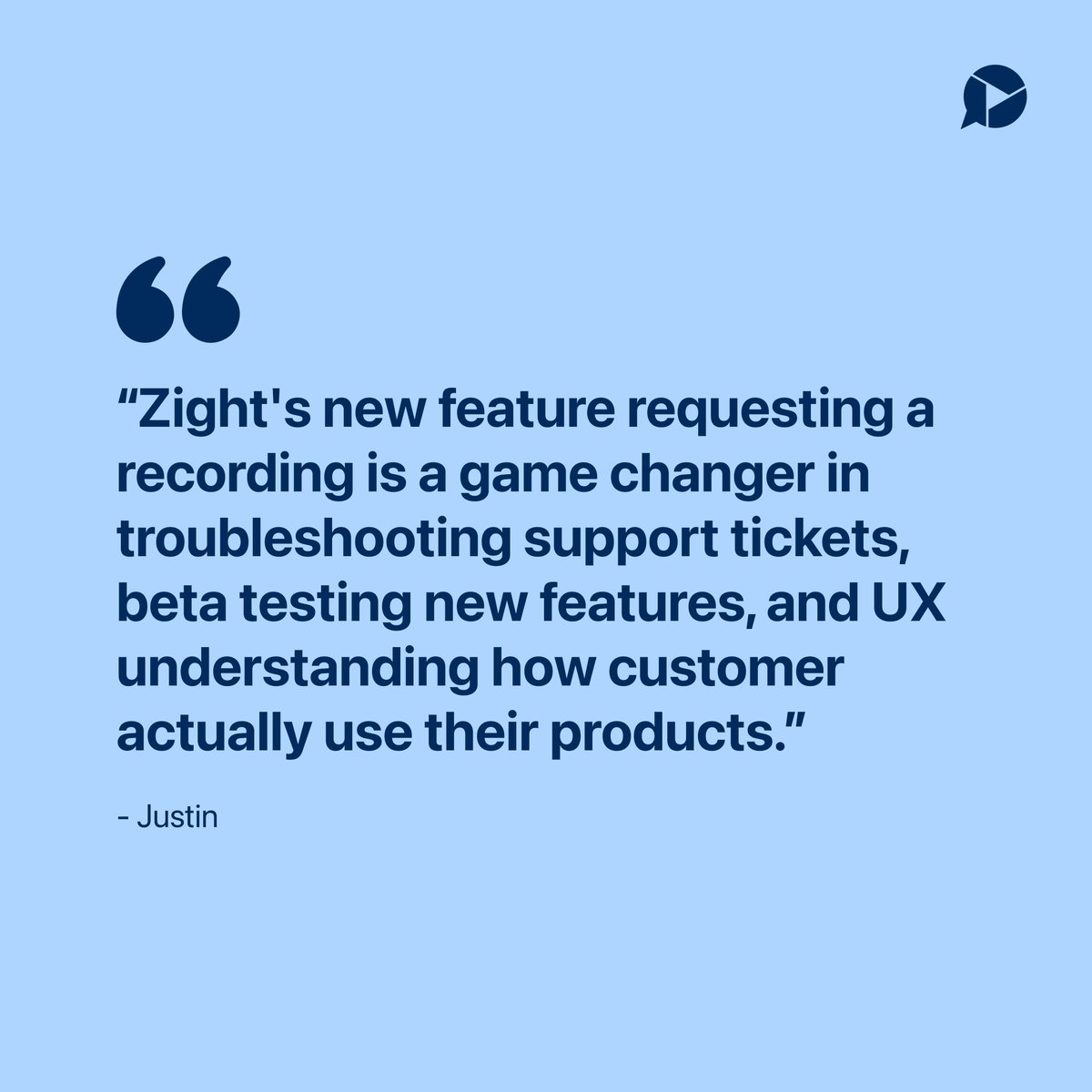
Justin is using request video to get a clearer view into how customers actually use their product. That kind of visibility goes a long way.
#Request#UserInsights#UXResearch#SupportTools
ALT Customer review from Justin describing Zight’s request video feature as a game changer for troubleshooting support tickets, beta testing, and understanding user behavior.
How many times have you explained the same process this week?
Now imagine doing it once… and never again.
Zight's AI Agent transforms your screen recordings into a live AI agent that can replay your steps anytime, for anyone.
- Onboarding
- Support walkthroughs
- Internal processes
All handled automatically.
Want to join the waitlist? Use the link in the comments.
#WorkflowAutomation#AI#AsyncWork#ProductivityTools#Automation
Tired of meetings that could’ve been a quick video?
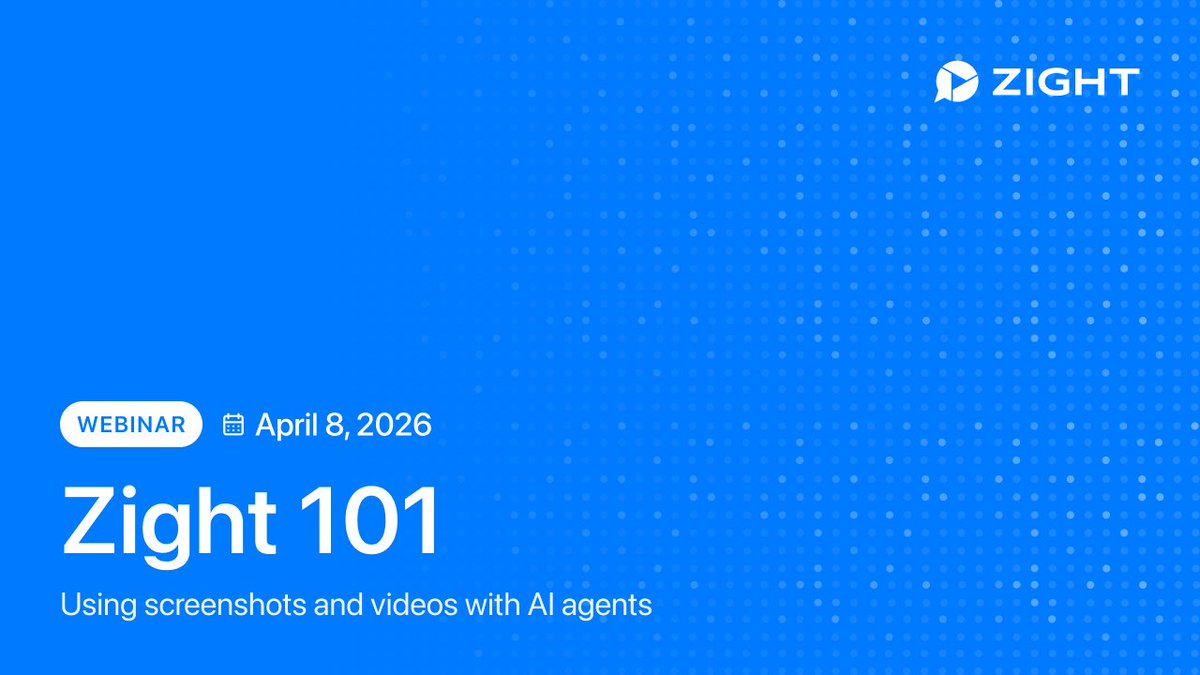
Join our Zight 101 webinar and learn how teams use visual communication AI to move faster.
We’ll be going over:
How to create screen recordings, screenshots, and GIFs
Practical ways to save time with async workflows
Insider tips to get more out of Zight
Real-world examples you can apply immediately
Ready to work smarter? Sign up for our free webinar through the link in our comments!
#AIAgents#ProductWorkflow#Webinar
How much time are you losing chasing down files over email?
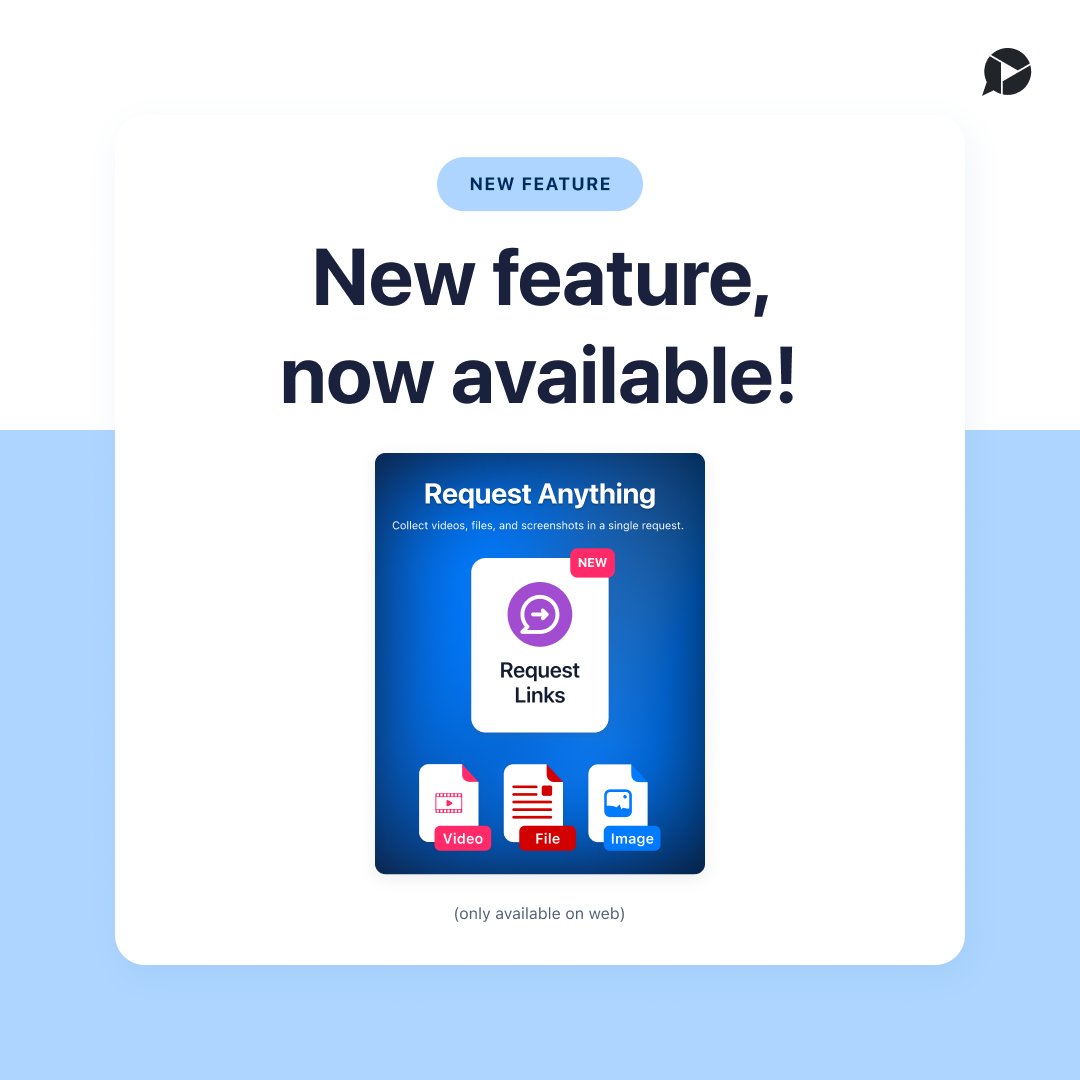
Zight Request Links makes it simple. Share one link, collect videos, images, and files instantly.
Request Video → available on all platforms
Request Images & Files → web only
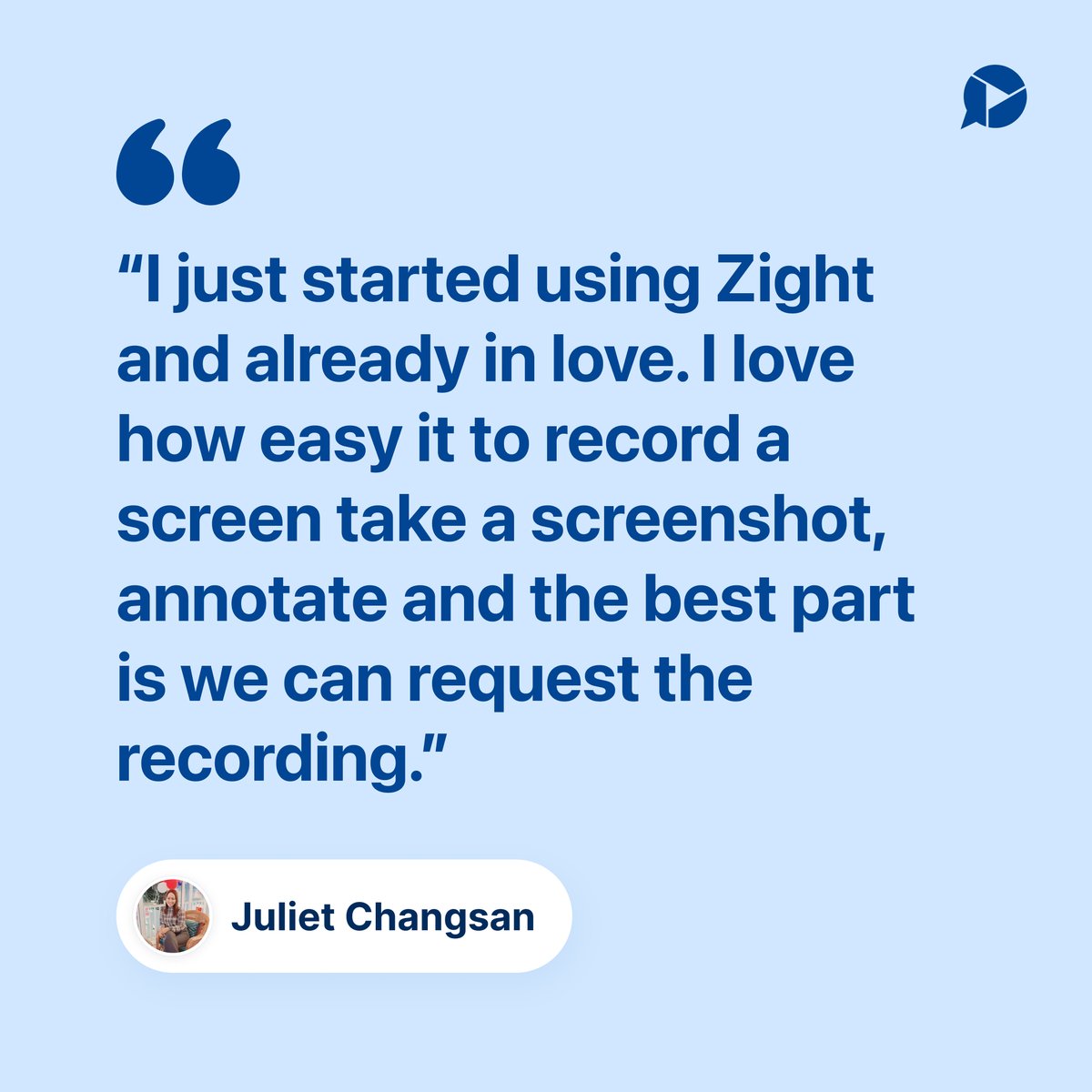
Juliet said it best, the best part is request video. Try it out and see how easy it is to get exactly what you need.
ALT Customer review from Juliet Changsan saying she just started using Zight, loves how easy it is to record, screenshot, annotate, and that the best part is the request video feature.
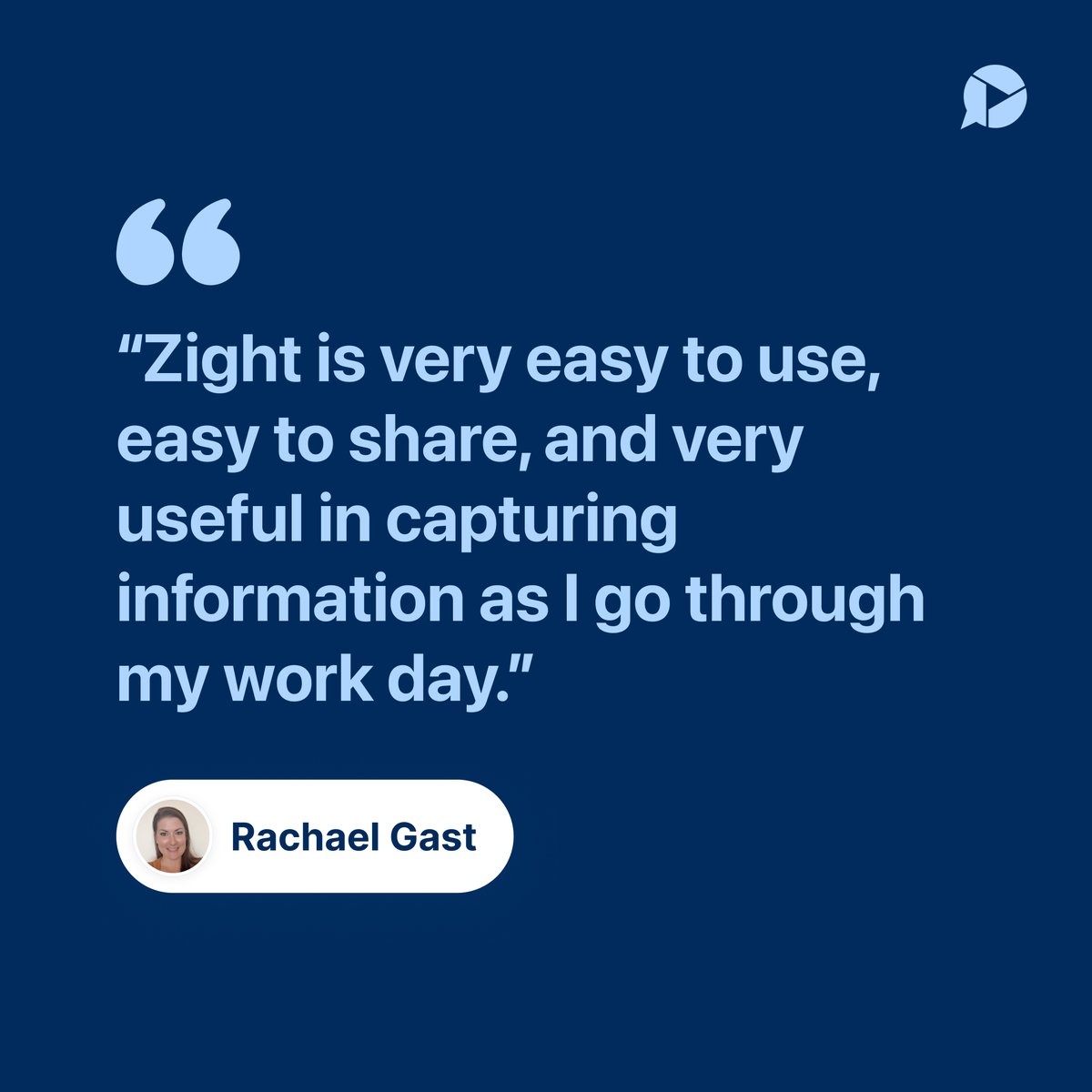
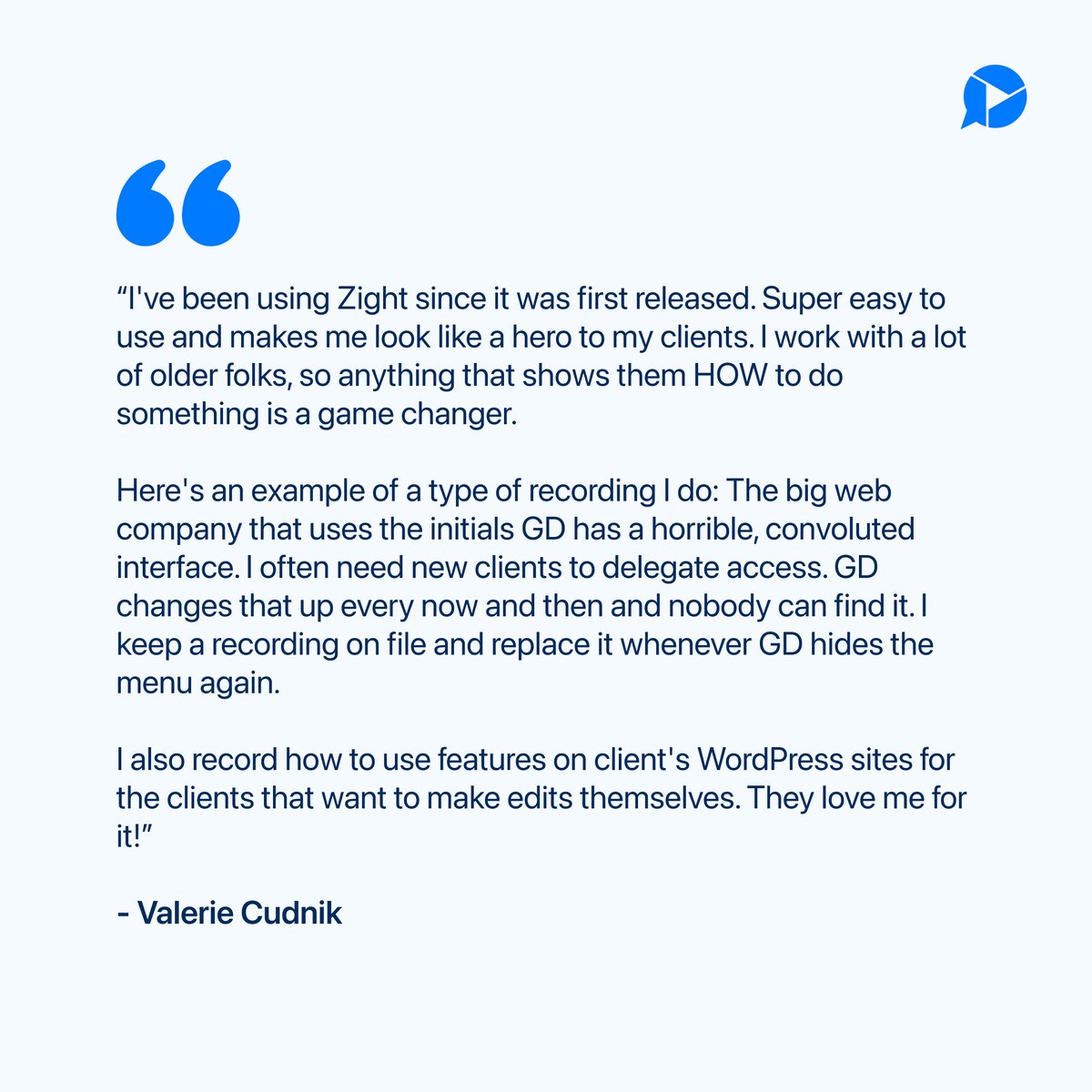
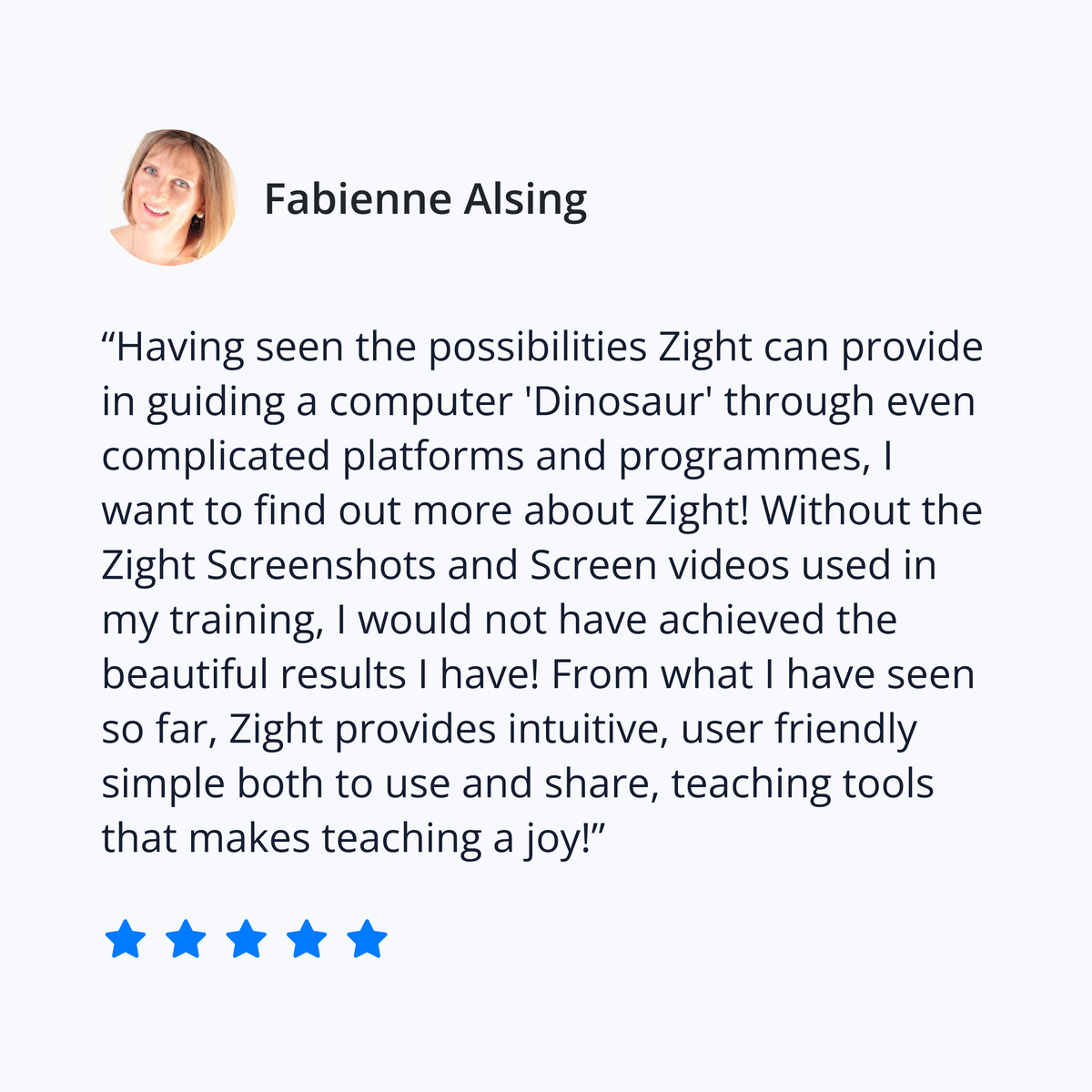
Thanks for the kind words, Valerie Cudnik, and for being with Zight since the beginning. We love hearing how you use recordings to walk clients through tricky tools. Helping your clients feel confident is exactly what Zight is built for.
#testimonial#ScreenRecording
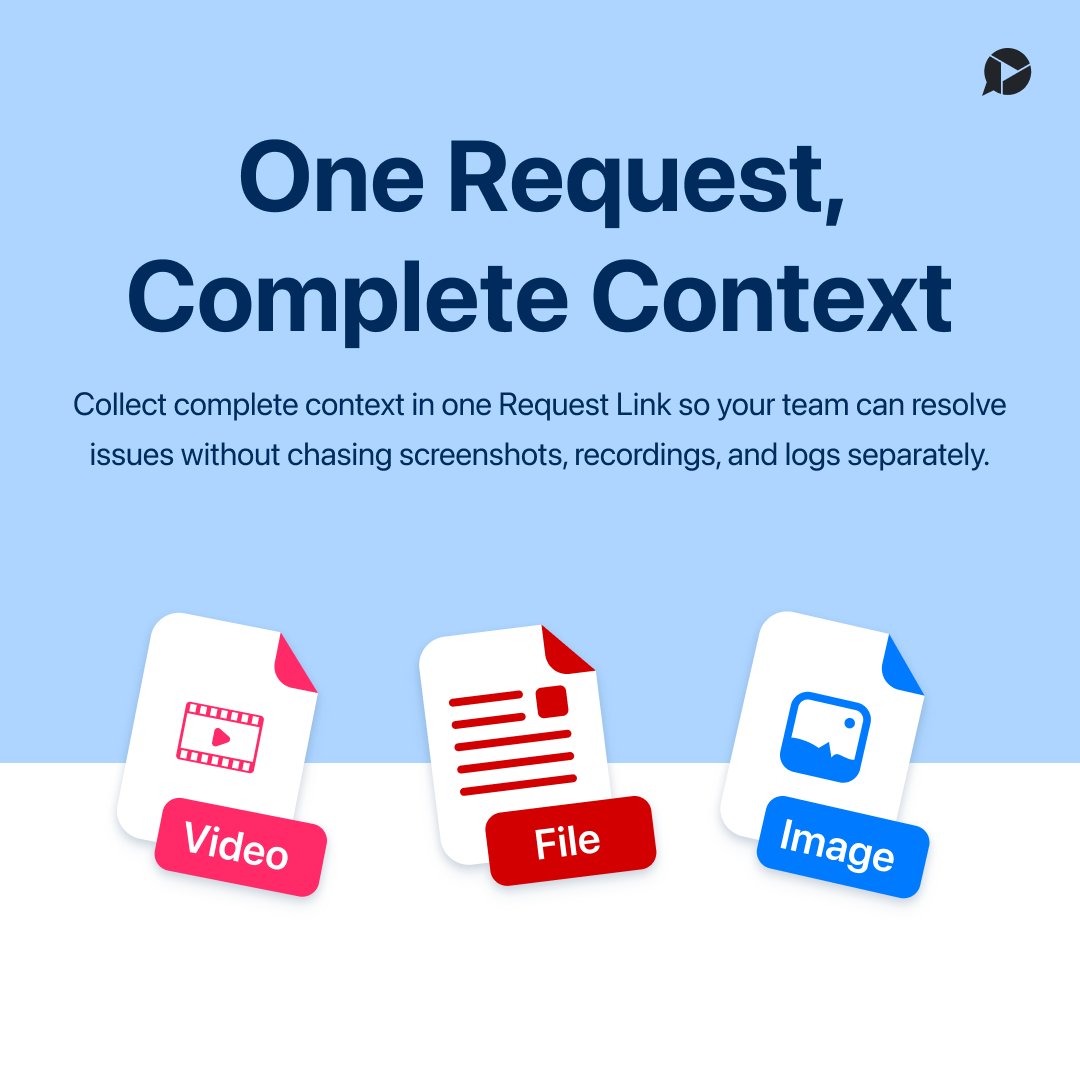
We just released Request Links! A new way to collect exactly what you need in one request:
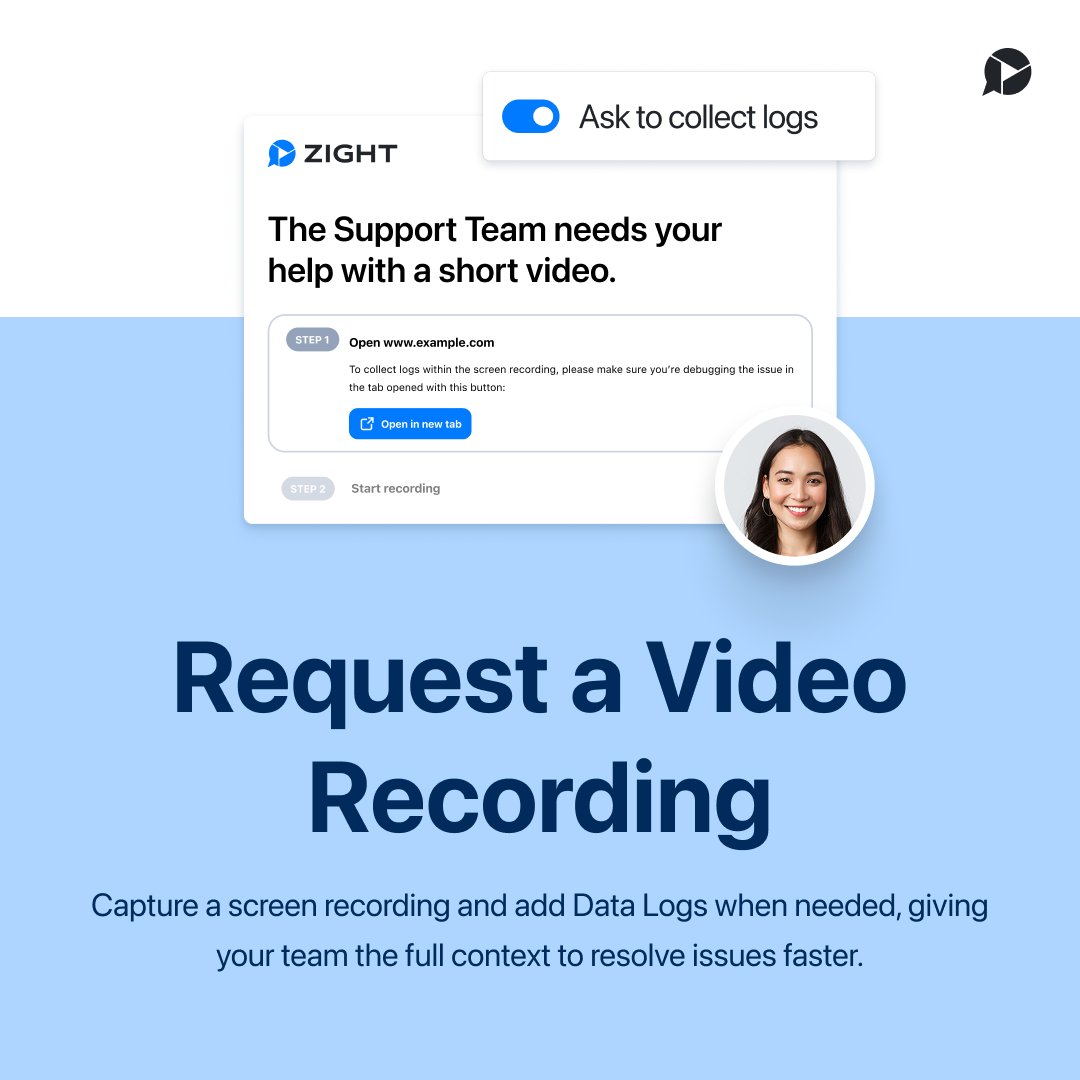
• Request Video to capture screen, webcam, or both
• Add Data Logs when deeper troubleshooting is needed
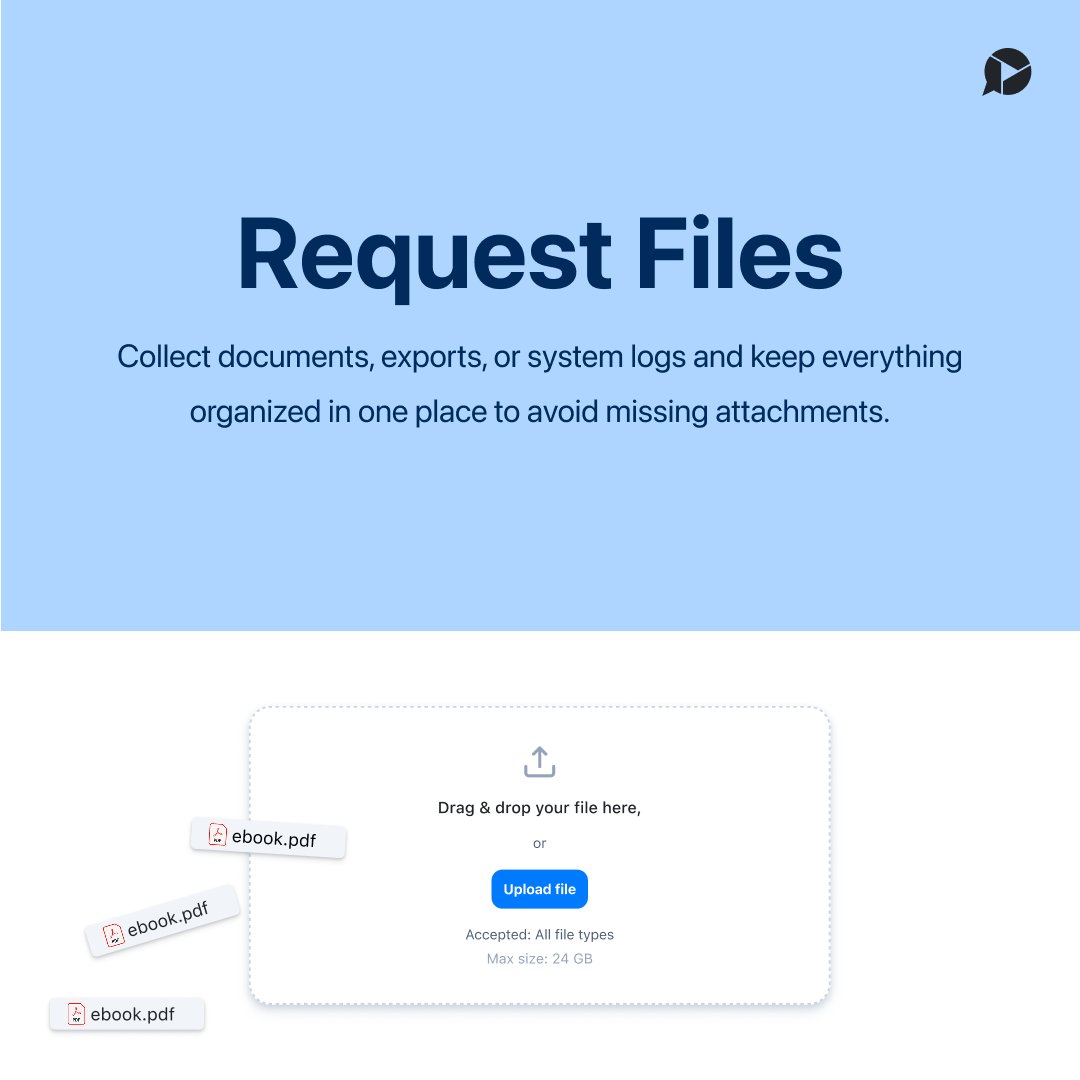
• Request Files for documents, exports, and logs
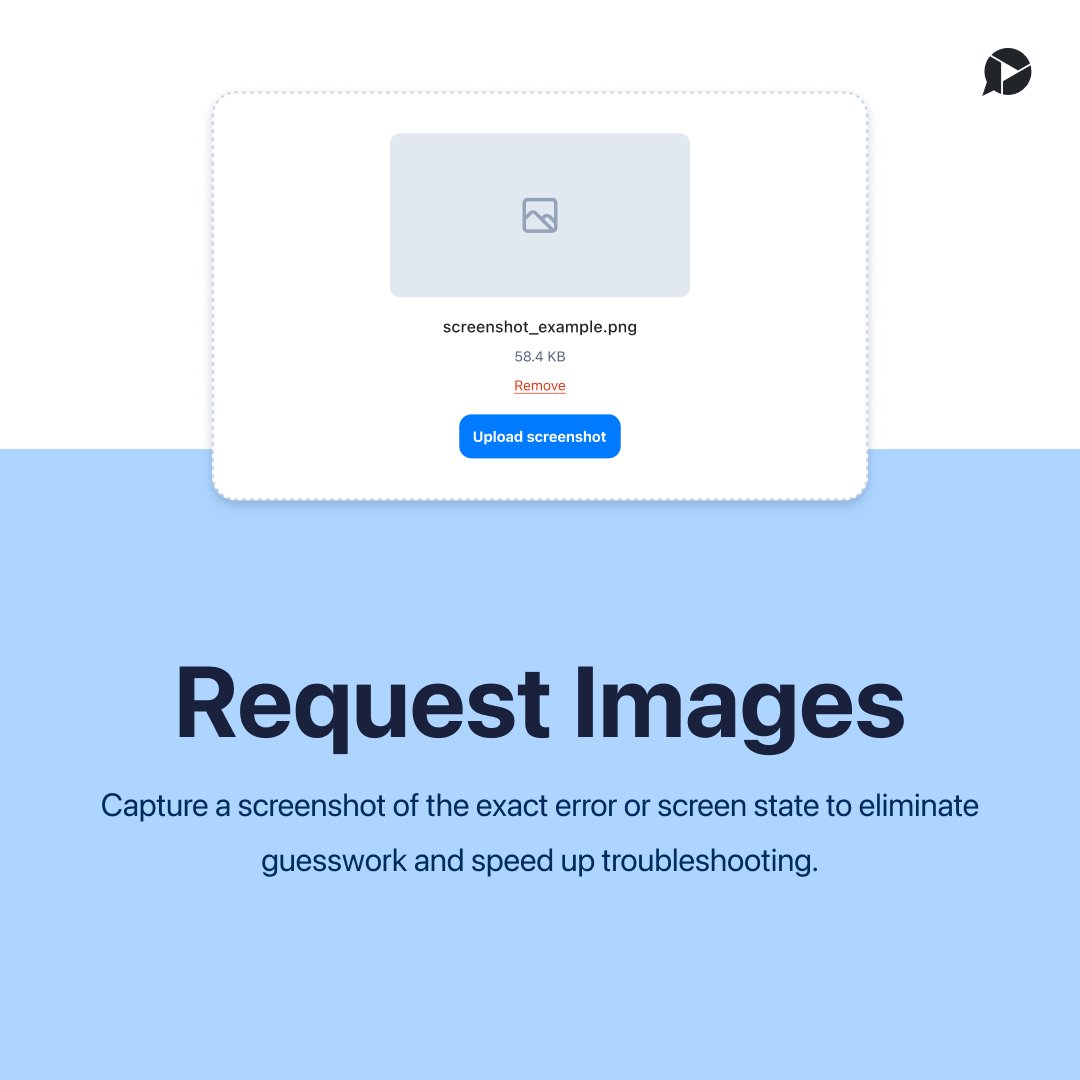
• Request Images for screenshots and visual proof
One request. Multiple ways to respond
Which request will you try first? Video, Data Logs, Files, or Images?
#requestvideo#screenrecording#datalogs#fileupload#imageupload
Request Video is changing how teams collect context.
When something breaks or needs clarification, the fastest path forward is often: “Can you show me?”
With Request Video, you can:
• Send a link with no downloads or sign up required
• Collect a screen recording reply from anyone
• Get the full story without scheduling another meeting
Try Request Video in your next support ticket, bug report, or internal handoff and get to a solution faster.
#RequestVideo#Support#CustomerSupport#ScreenRecording