What am I reading this morning? Guidance from the Dept of Ed and Office of Ed Tech about How to Prioritize Accessibility in K-12 Technology. Lots of good info - if you read any of it, I'd love your thoughts! #FCPSKeepCALM#a11ygovtech.com/education/k-12/e…
We have come a long way with accessible educational materials, accessibility technologies and assistive technologies. @CAST_UDL constructed a great video with student stories describing their impact. @ATS_FCPS@accessible_fcpsyoutube.com/watch?v=zAX8P3Ql…
Check out the new Google feature that lets users insert a smart clip timer! Use it to help students stay on task and boost productivity! #ATiseverywhere#EdTech#TeachingTools@ATS_FCPS
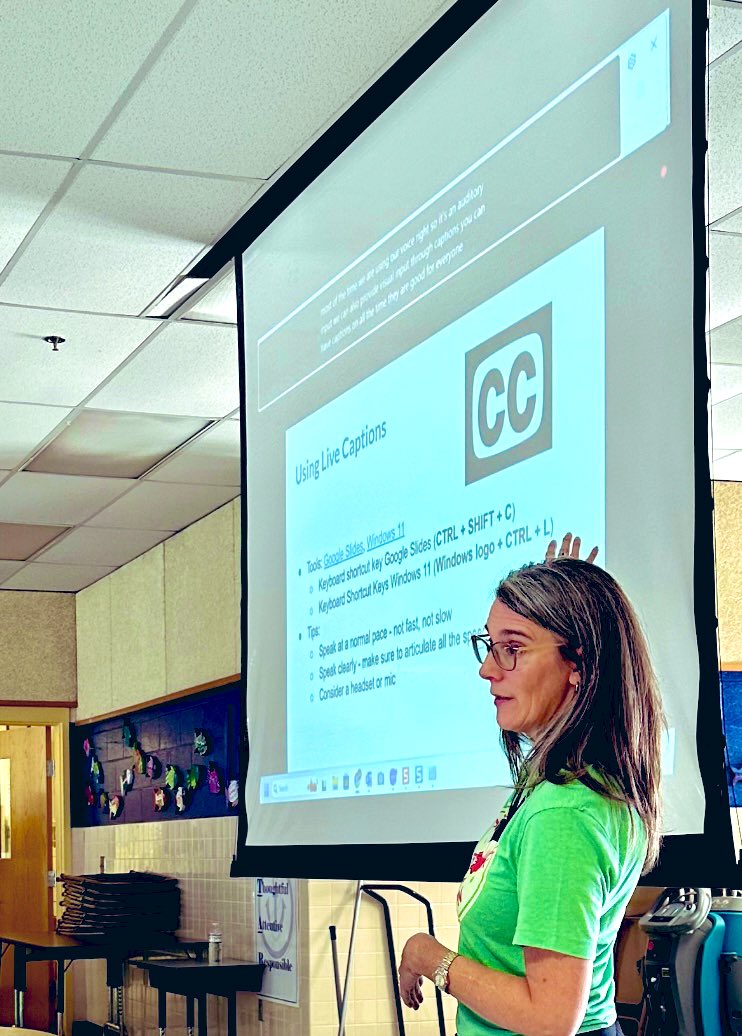
Captions support language learners, learners with hearing loss, those in the back of the room, and more. Present lessons with live captions in Google Slides or Windows 11. Use Live Captions in Chrome for videos and podcasts. #FCPSKeepCALM#UDL@ATS_FCPS@FCPS_EdTechTeam@fcpsnews
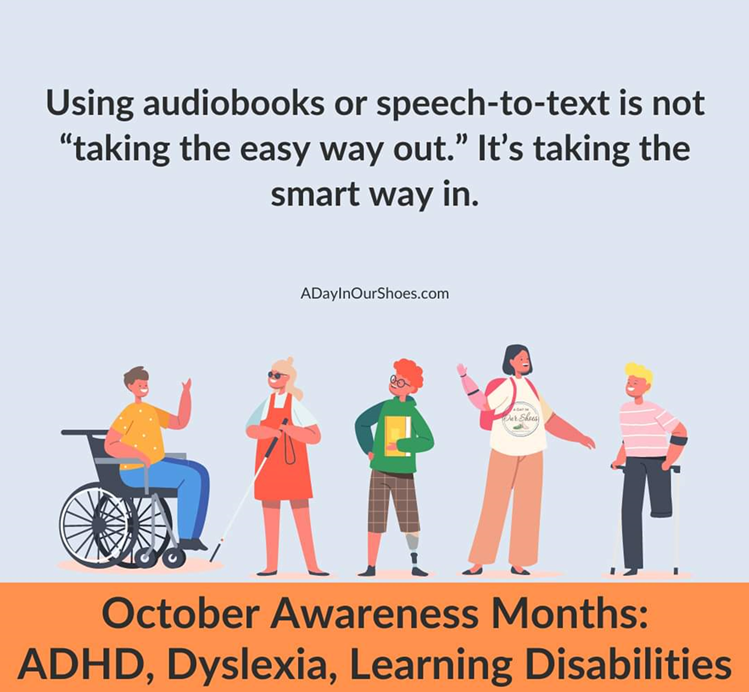
#EdTech is the smart way in. We couldn't agree more! So many people benefit from using audio to support reading and FCPS has so many great inclusive tools! Support #UDL, make tools available, & remember to use accessible text. #FCPSKeepCALM@ATS_FCPS@FCPS_EdTechTeam@fcpsnews
ALT "Using audiobooks or speech-to-text is not 'taking the easy way out.' It's taking the smart way in." Graphic from ADayInOurShoes.com and has illustrations of 5 people, each with a visible disability. the bottom banner reads, "October awareness months: ADHD, Dyslexia, Learning Disabilities.
Discover the 'what, why, and how' of Accessible Materials & Assistive Technologies in this 3-part video series from the AEM Center at CAST. Learn how these tools can support inclusive learning environments for all students!
🎥📚 Watch here: youtu.be/zAX8P3QlLM0?si=rqsJ…
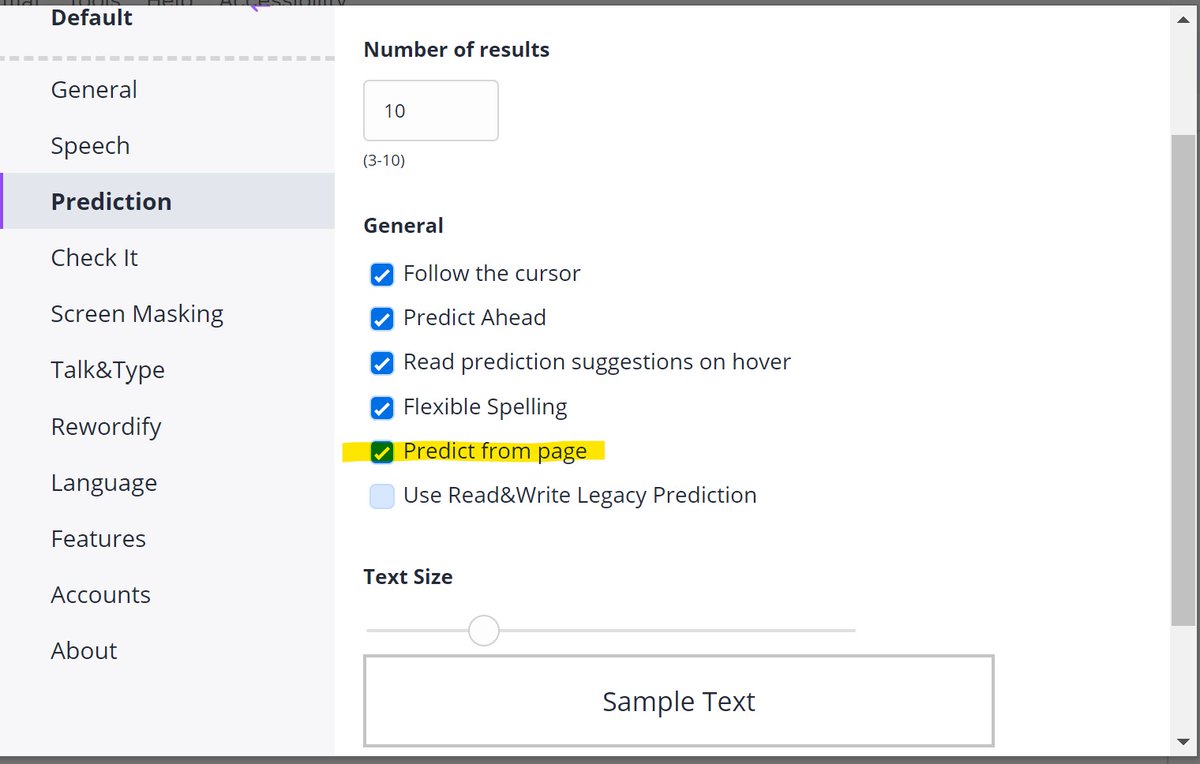
Colleen Kalamajka shared a game-changer in the Read&Write! The word predictor can extract topical words from a page, making the suggestions even more relevant. This is a huge win for writers and learners alike! #ReadandWrite#AssistiveTechnology#WritingTips@ATS_FCPS
ALT options of read and write
check off the predict from page option
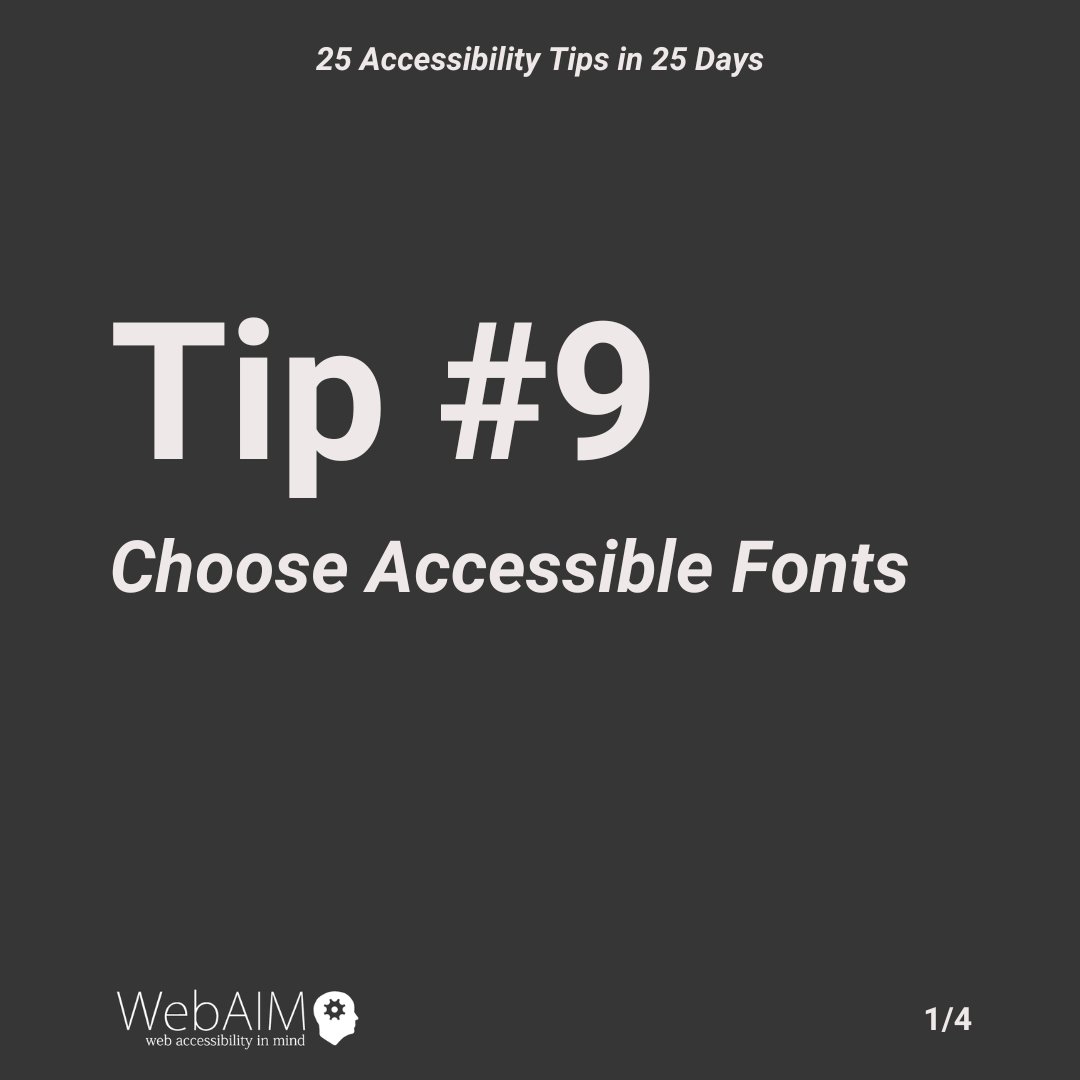
2024 marks 25 years since WebAIM was founded. This month we are celebrating with 25 accessibility tips in 25 days. Tip #9 teaches why choosing accessible fonts is important. #WebAIM25#a11yTips
ALT Tip #9: Choose Accessible Fonts.
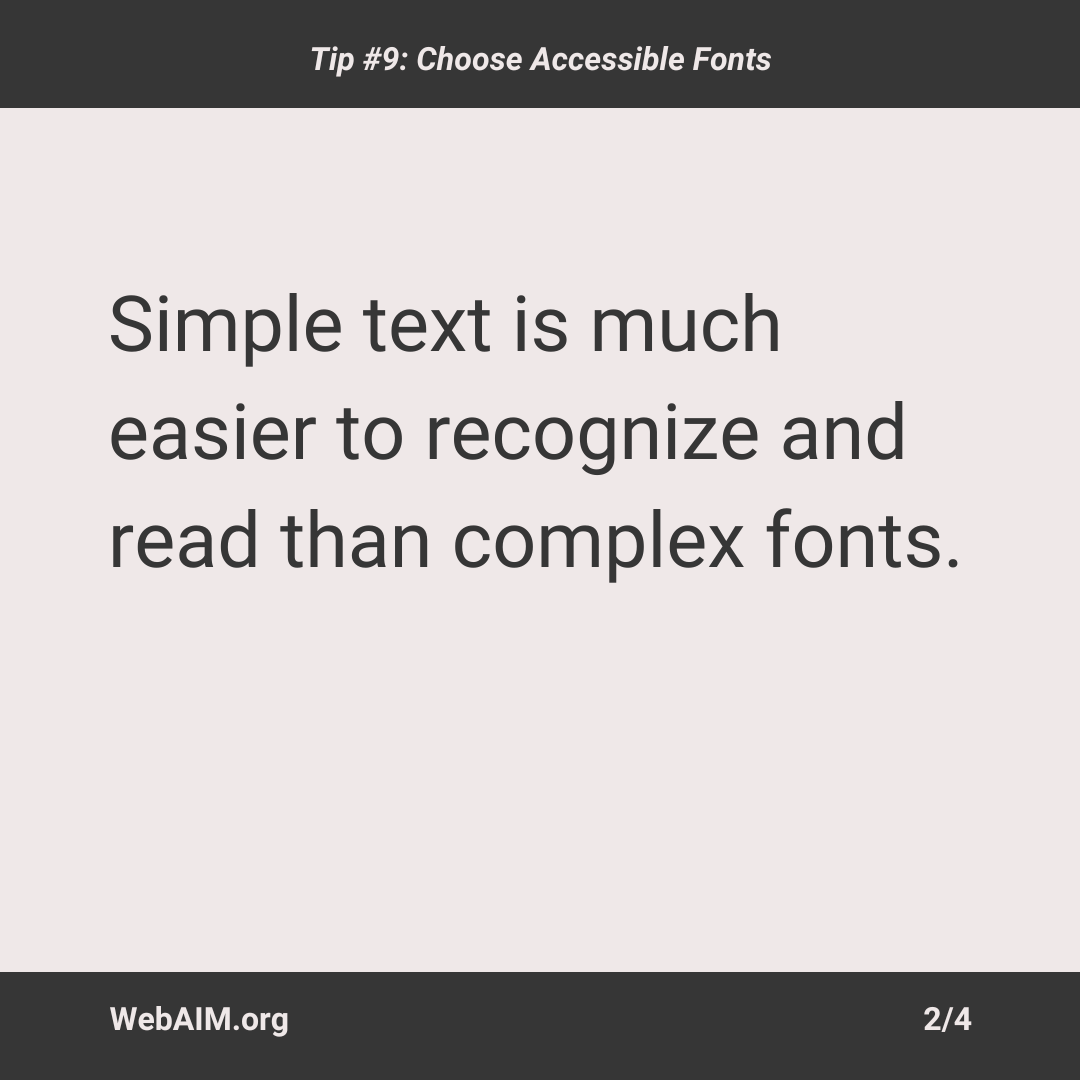
ALT Simple text is much easier to recognize and read than complex fonts.
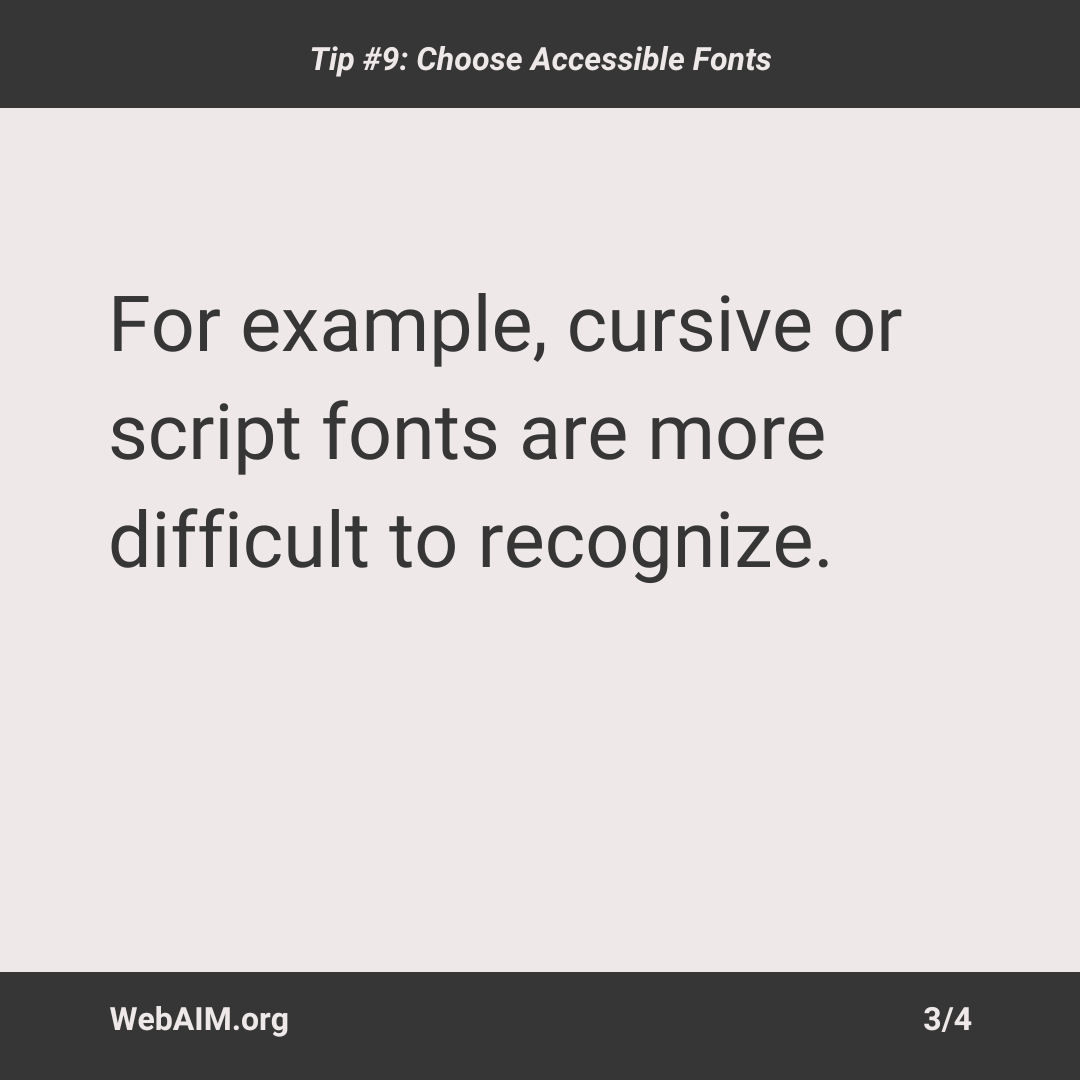
ALT For example, cursive or script fonts are more difficult to recognize.
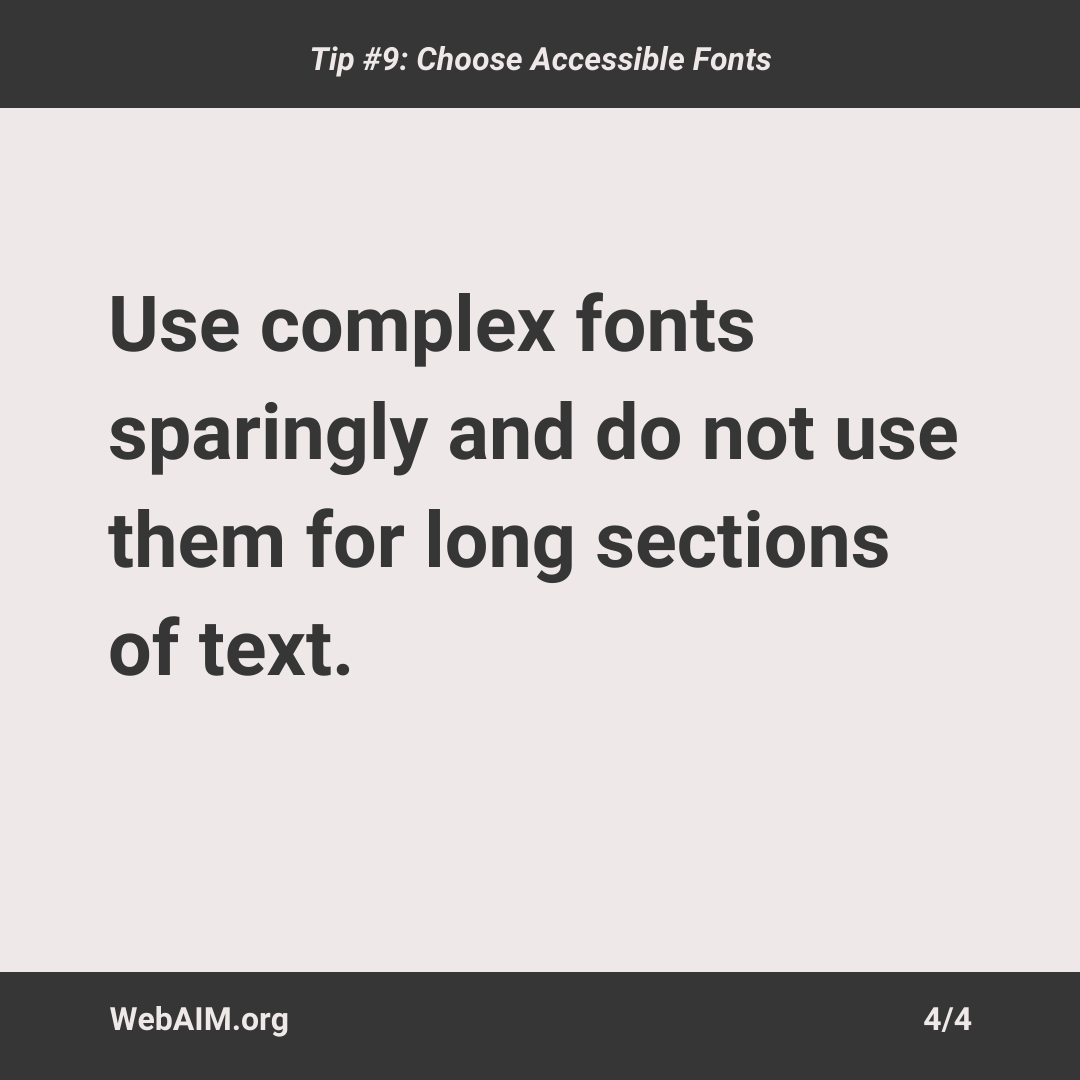
ALT Use complex fonts sparingly and do not use them for long sections of text.
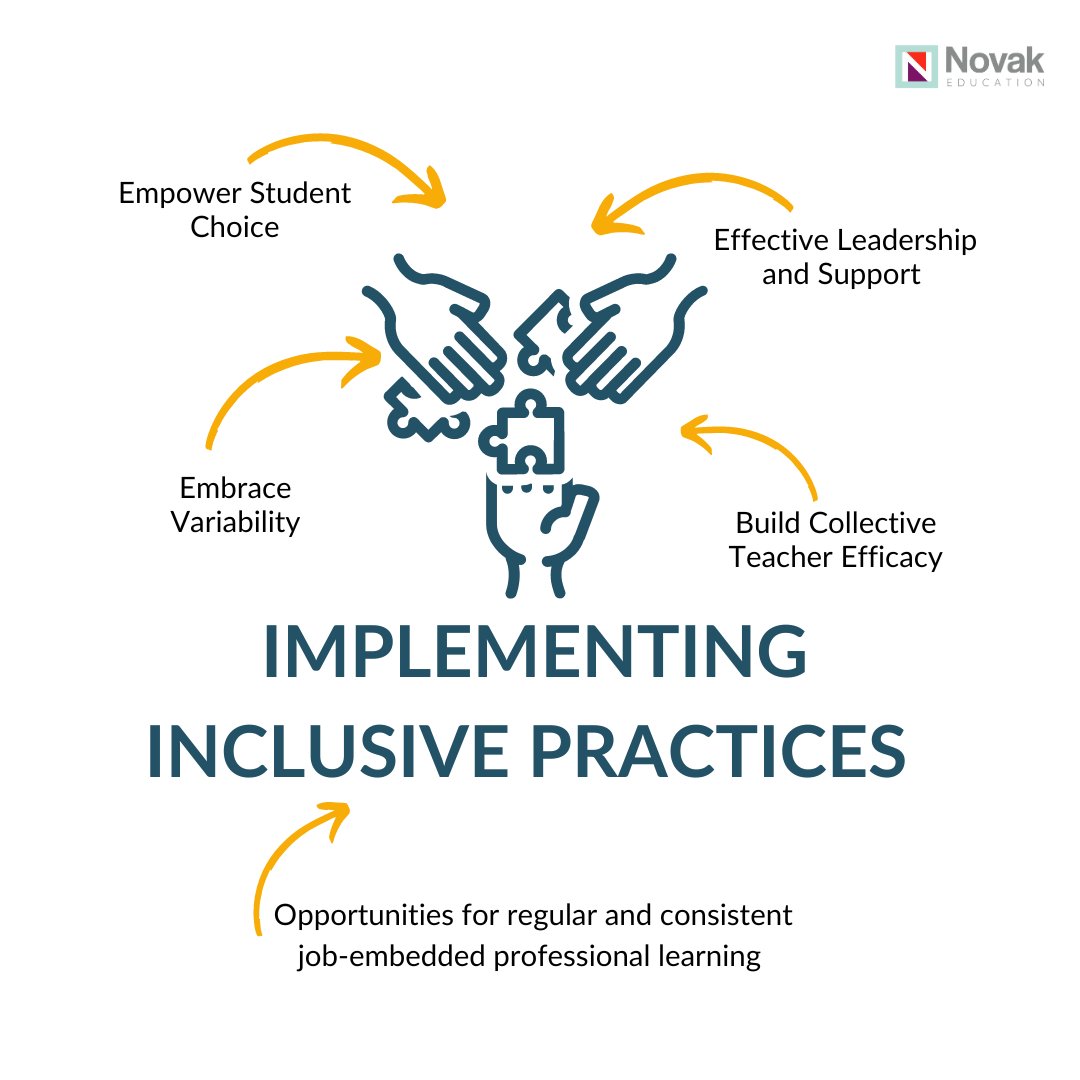
True inclusive practice goes beyond simply bringing people together. In order for inclusion to be effective, you must also implement inclusive practice.
Dive in to episode 15 of The Education Table Podcast (9 mins) to learn more
hubs.la/Q02SvJ7_0
We're excited to introduce NCADEMI: The National Center on Accessible Digital Educational Materials & Instruction to help schools and families improve the accessibility of digital educational materials and instruction. ncademi.org
#FCPSKeepCALM: Scanned docs in an LMS may not support learners who use technology. Scans = graphic text = inaccessible. Watch this video on using Ally for Schoology to convert scanned documents into accessible ones. youtu.be/3XnRb5kx3QU@ATS_FCPS@FCPS_EdTechTeam#UDL#a11y