
Middle School Technology Integration Coach. Views are my own.
Joined August 2012
- Tweets 220
- Following 526
- Followers 259
- Likes 402
17 Photos and videos



Ashley Hurst retweeted

10 Feb 2023
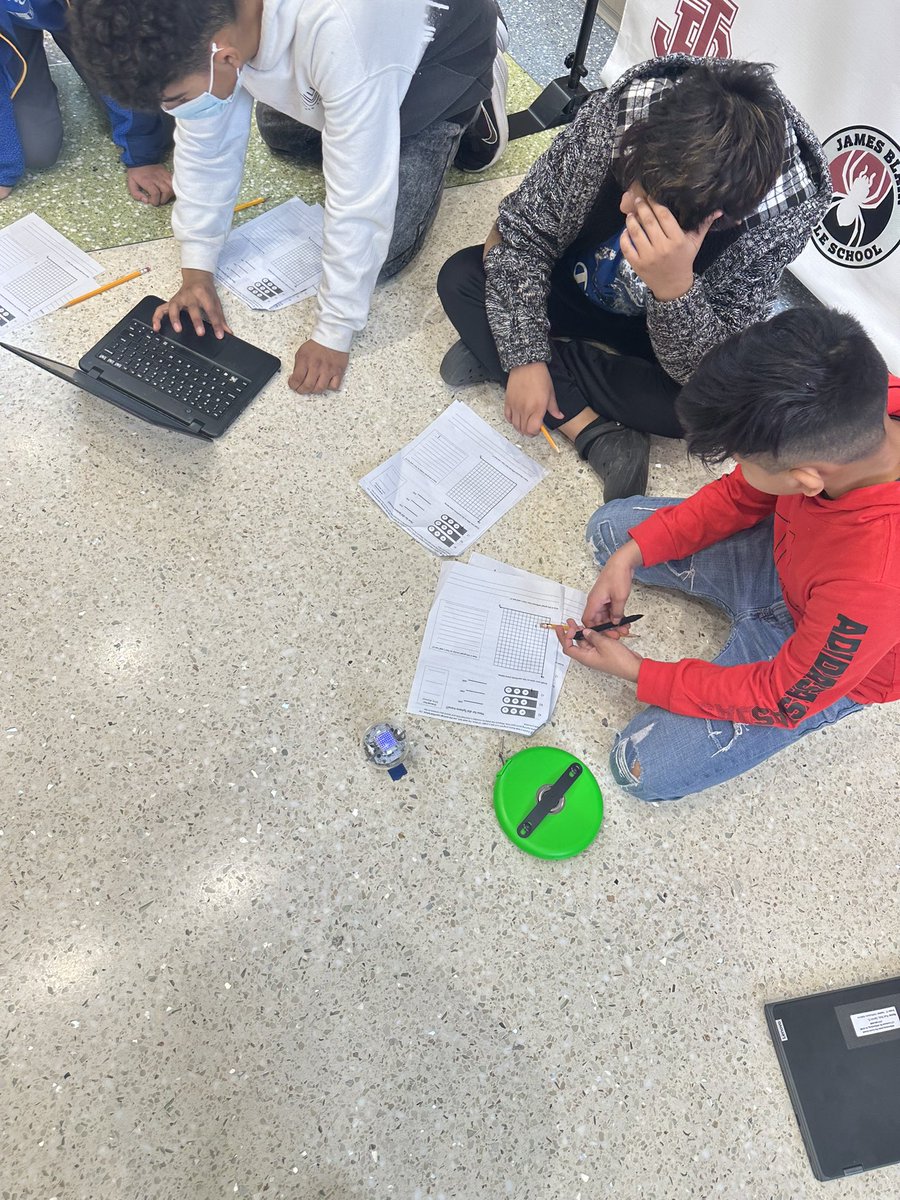
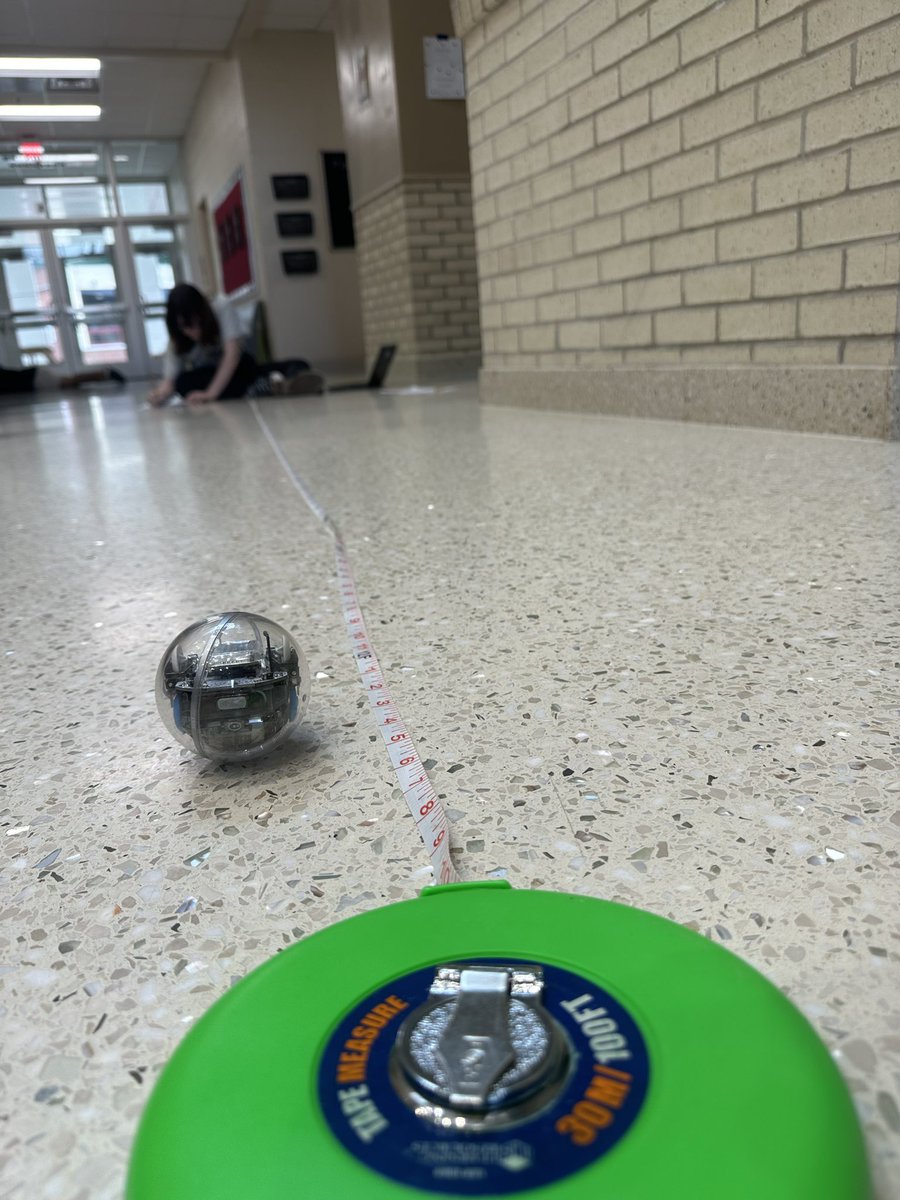
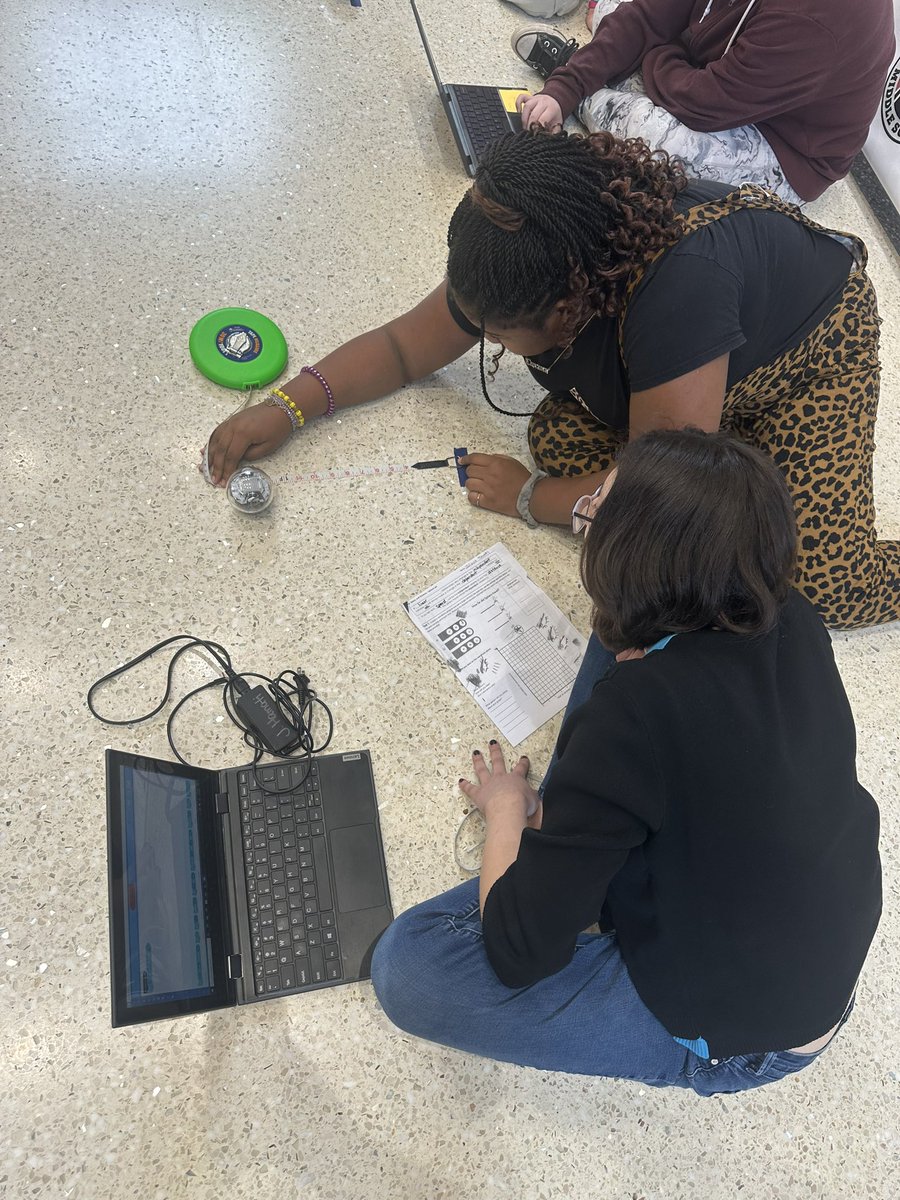
We are introducing Functions and Slope in 7th grade by using the Sphero robots #MathMagic @JBMS_WJCC
1
4
714
Ashley Hurst retweeted

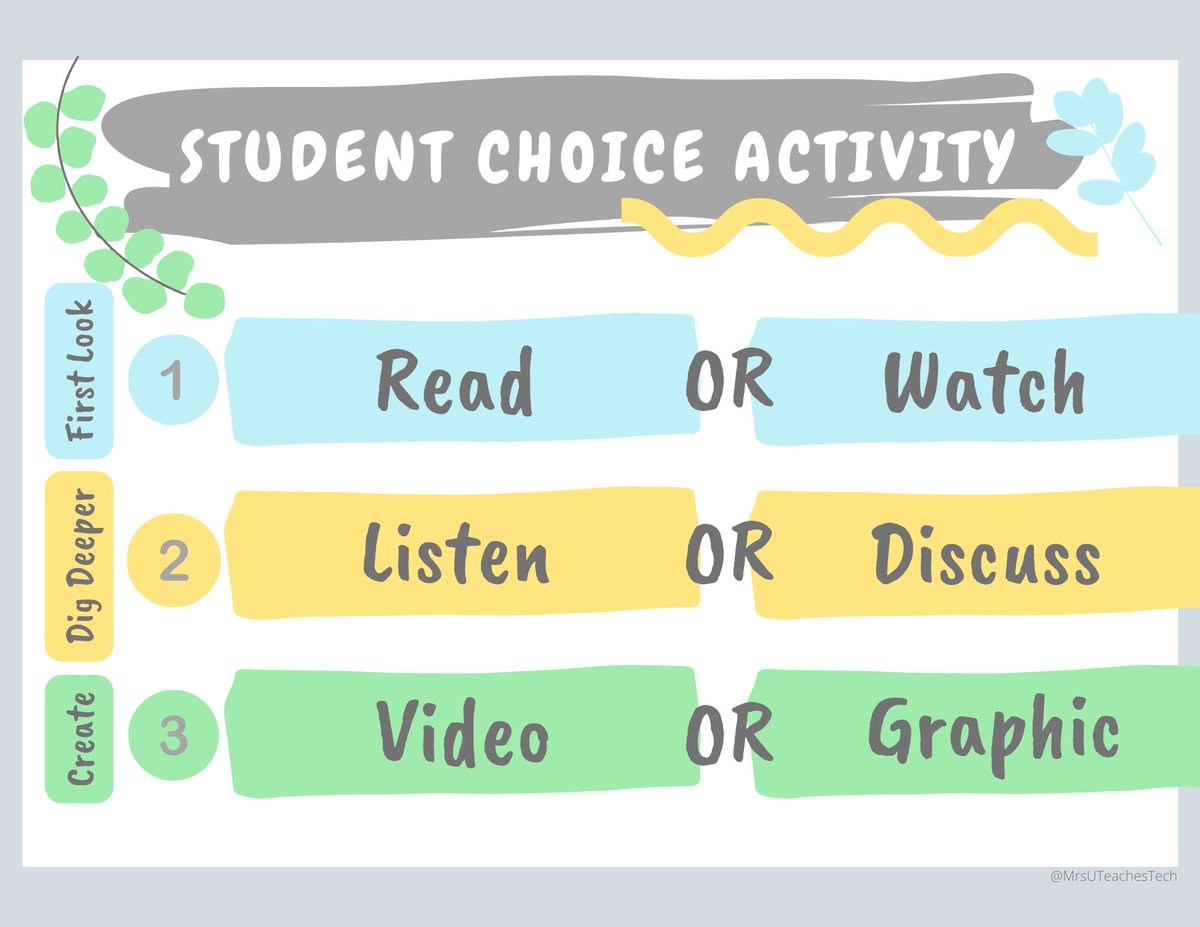
The Power of Student Choice.
This or That?
1. Read an article or watch video
2. Listen to a podcast or have guided discussion in a group.
3. Create a video or make a graphic about what you learned.
#teachertwitter #edtechchat #edTechcoach #edtech
1
7
26

7 Feb 2022
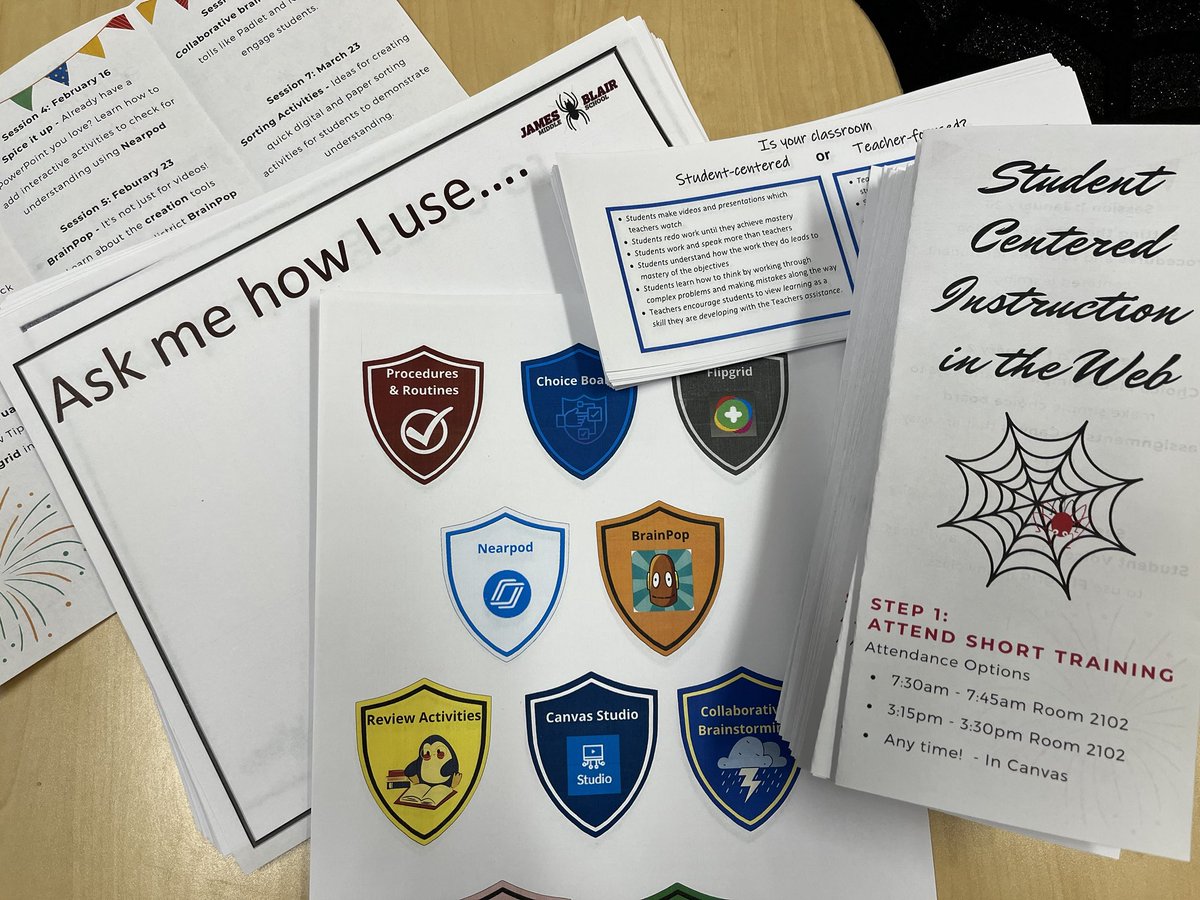
Prepping for our next session on student voice and flipgrid! @stanleywjcc #studentcenteredinstructionintheweb
1
3
7
Ashley Hurst retweeted

12 Dec 2021
IT STARTS MONDAY 😱😱😱
#DitchSummit, a FREE online conference for educators from Dec 13 to Jan 7.
📺 70 sessions
📃 FREE PD certificates
🎁 Prizes
... and MORE!
Register: DitchSummit.com
#ditchbook #edtech #googleedu #microsoftedu #tlap #techlap
4
78
126
Ashley Hurst retweeted

31 Jul 2021
Digital tools will do exactly what they are designed to do. That’s not innovative. What is, though, is how teachers use them in pedagogically sound ways to empower all kids to learn.
1
85
257
Ashley Hurst retweeted

18 Jul 2021
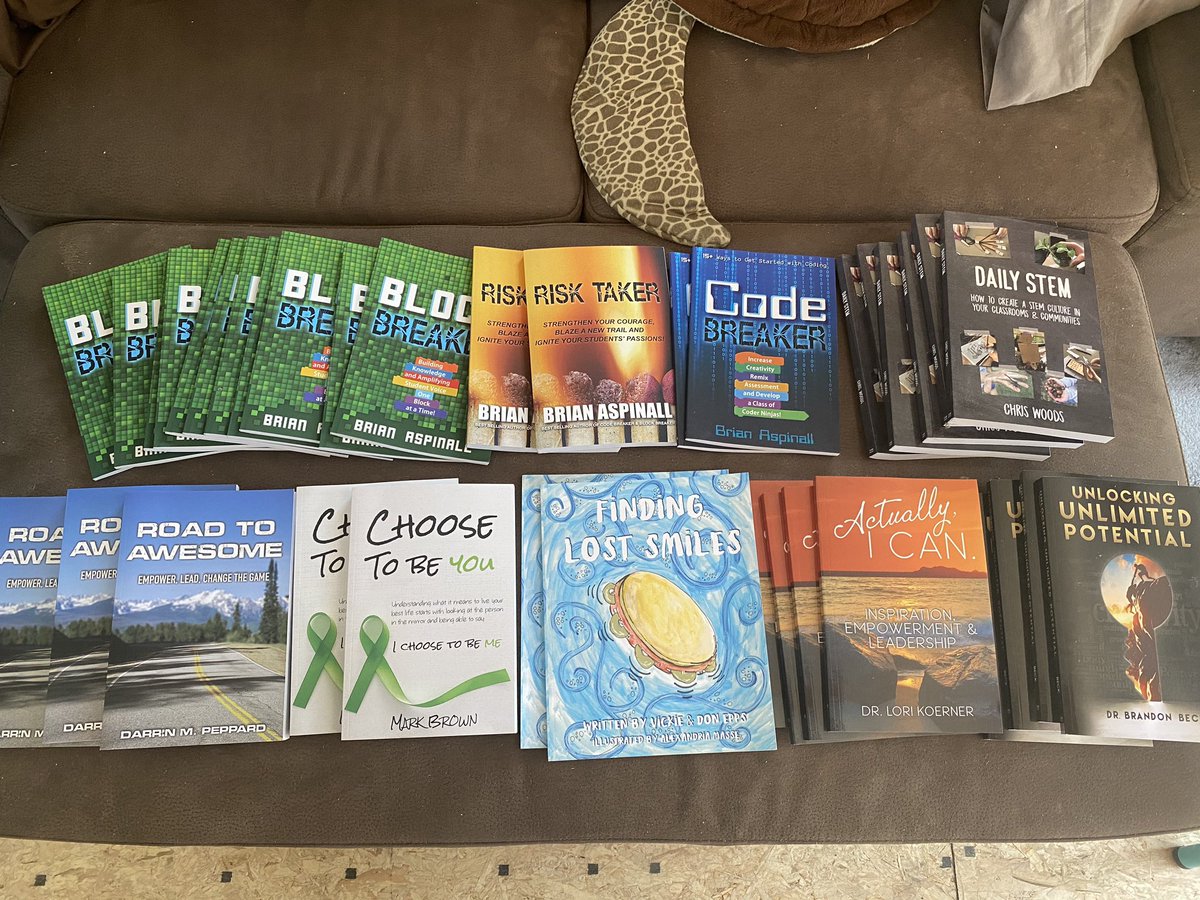
SUMMER CONTEST!
We have 36 @codebreakeredu books to give away to 12 people (3 books of your choice * while supplies last)
Block Breaker, Risk Taker, Code Breaker, Daily STEM, Road To Awesome, Choose To Be You, Actually I Can & Unlocking Unlimited Potential!
SIMPLY RETWEET! 🙌🏼
23
520
255





Ashley Hurst retweeted

14 Aug 2020
2 Simple Ways to Improve Online Instruction
via @edutopia
edutopia.org/article/2-simpl…
2
150
381
Ashley Hurst retweeted

13 Aug 2020
Whaaaaaat!!!???
I was today years old when I learned that #PowerPoint slides can be a background in Zoom *and* you can move thru the slides.
Note - you can download #GoogleSlides as PPT files to do this!
#RemoteTeaching #RemoteLearning
11 Aug 2020

My big Zoom learning today was that you can use Powerpoint Slides as your background and move from slide to slide! This will come in real handy for synchronous teaching or workshops!
It's in the advanced section of "Share Screen"
#edtech #sbpdchat #remotelearning @zoom_us
92
864
2,540
Ashley Hurst retweeted

25 Jan 2017
9
469
663
Ashley Hurst retweeted

29 Jul 2020
🏡 Remote Learning with @Flipgrid
Check out blog.flipgrid.com/news/remot… for brilliant community ideas tailored to:
❤ Elementary
🧡 Middle School
💛 High School
💙 Post-Secondary
💜 Coaching
What are your best remote learning ideas?
#FlipgridForAll 💚
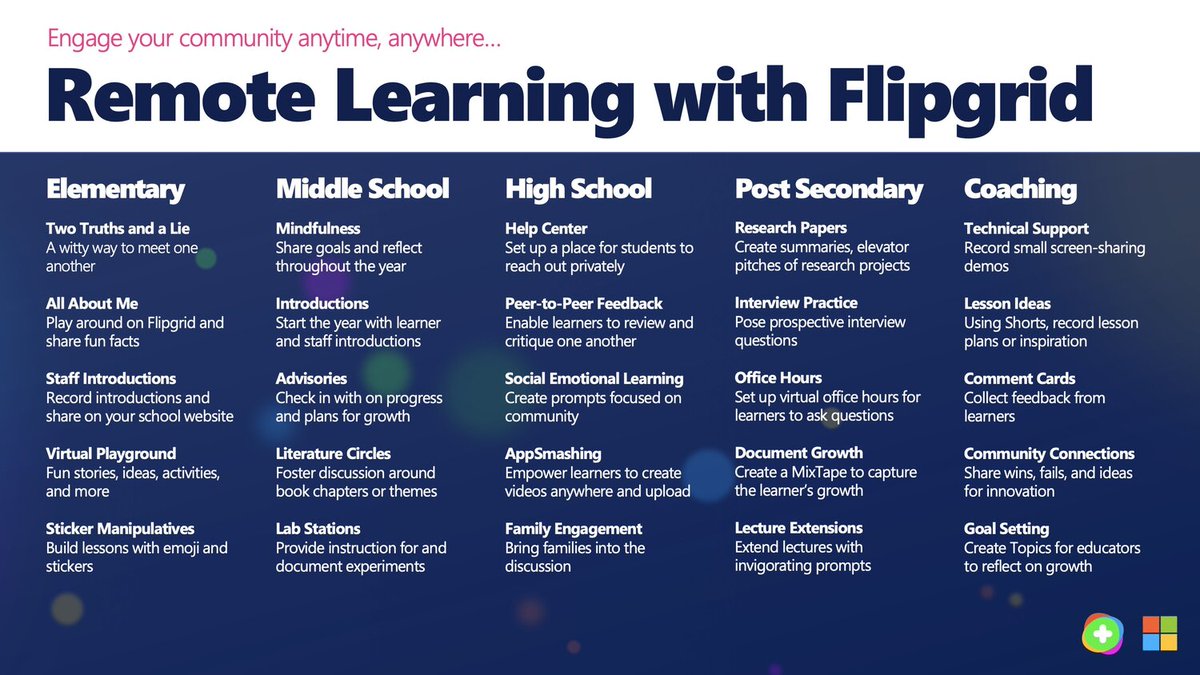
ALT 🏡 Remote Learning with @Flipgrid Check out blog.flipgrid.com/news/remoteideas for brilliant community ideas tailored to Elementary, Middle, High School, Post Secondary, and Coaching! #FlipgridForAll 💚
13
288
533
29 Jul 2020
Thank you for sharing this @MrsSMBean!
5
15 Jul 2020
Conversations with Common Sense - Tech in Support of Black Lives: Closing the Digital Divide and Shaping a Just Internet evt.mx/kMK3HX7Z via @eventable