Global SaaS API marketplace.
Joined February 2024
- Tweets 1,339
- Following 11
- Followers 31
- Likes 73
20 Photos and videos












6 Nov 2025
“It worked perfectly in testing… until real users showed up.”
That’s when hidden failures come alive.
Production isn’t predictable — you’ll face:
• Inputs your model never saw
• Edge cases that break your logic
• Latency spikes and surprise costs
• Users behaving in ways you didn’t plan for
Testing in production isn’t risky — it’s essential.
Noveum AI helps you monitor and evaluate agents safely:
• Gradual rollouts to a small percentage of traffic
• Automated accuracy, tone, and satisfaction checks
• Unified tracking of quality, cost, and latency
• Instant alerts when performance drops or costs spike
Fewer surprises. Faster fixes. Smarter agents.
Because reliability isn’t built in testing — it’s built in the field.
Check out Noveum AI — link in the comments.
hashtag#GenAI hashtag#AIinProduction hashtag#AIAgents hashtag#AIQuality hashtag#LLMOps hashtag#MachineLearning
3
497
28 Oct 2025
📸 Perfect for Businesses That Want Stunning Visuals — Without the Studio Costs
Every business knows the struggle — planning a photoshoot, coordinating schedules, hiring photographers, editing for weeks… all just to get a handful of product images.
But what if you could skip all of that?
With the Photorealistic Photoshoot Image Generator API, you can instantly create lifelike, professional-grade visuals using just a few words. No camera, no lights, no waiting — just creativity and results.
✨ Perfect for:
🛍️ E-Commerce & Retail Brands – Generate clean, on-brand product photos for your online store in minutes.
🏠 Interior Design & Real Estate – Visualize spaces, redesign rooms, or create marketing-ready property images without setting foot on-site.
📱 Social Media Managers – Keep your content calendar full with fresh, lifestyle-based visuals that match your brand aesthetic.
💡 Marketing & Creative Agencies – Quickly test ideas, themes, and campaign visuals without the cost of production.
🎨 Startups & Entrepreneurs – Build your brand presence with high-quality visuals even before your product is physically ready.
This isn’t just about saving money — it’s about giving your business creative freedom and agility. Create, experiment, and scale your visuals with confidence.
🔗 Link in the comments
#BusinessGrowth #MarketingTools #BrandBuilding #EcommerceSolutions #DigitalInnovation #ContentMarketing #StartupLife #VisualStorytelling #CreativeTech #ProductPhotography
1
298
21 Oct 2025
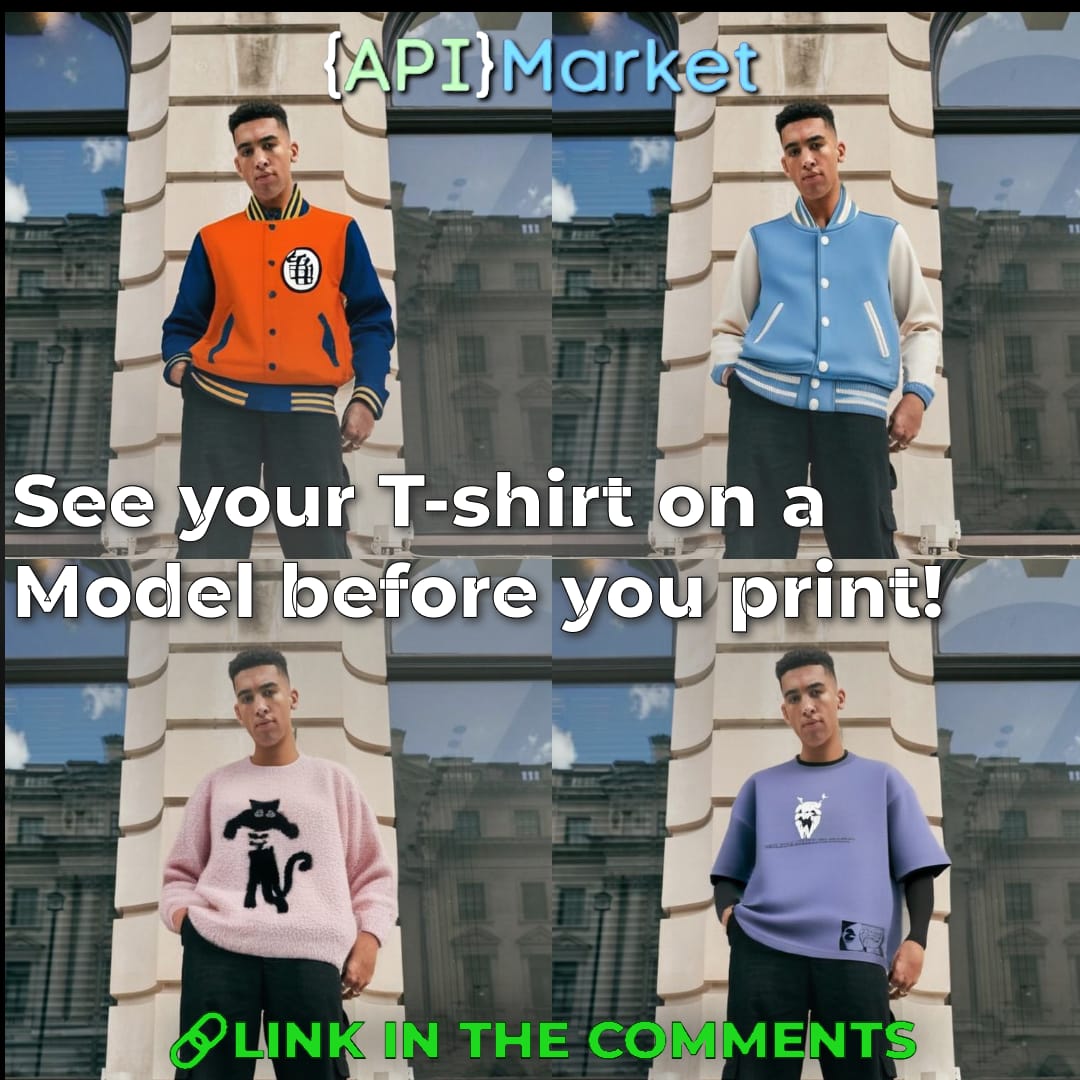
Tired of hiring models, organizing photoshoots, and waiting on edits—just to see how a design looks on a person?
With api.market’s Realistic Clothing Try-On API (IDM-VTON), you can generate on-model apparel previews in minutes—no studio, no fittings, no added cost.
✅ Perfect for fashion brands, print-on-demand businesses, e-commerce stores & designers
✅ Works with tops, bottoms, and dresses
✅ High-fidelity AI try-ons for product previews, mockups, and campaigns
✅ Scalable and seamless to integrate
Stop spending on models—start visualizing instantly.
Link in comments.
1
1
2
101
9 Oct 2025
🎭 One API, All Models: Unified AI Power (Swift AI)
No more juggling multiple providers — access the entire ecosystem of cutting-edge AI models instantly through a single, unified API. 🚀
Why it matters?
✅ One integration for OpenAI GPT-5, Claude 4, Google Gemini & Meta Llama
✅ Matches official pricing — you effectively pay $1 for $1 of OpenAI usage
✅ OpenAI-compatible — plug & play in minutes
✅ Custom plans for high-volume needs — scale without limits
Use Cases:
* Build multi-model apps without complexity 🛠️
* Future-proof your product with instant access to new models 📈
* Optimize costs & performance with a single billing point 💳
* Empower developers to innovate faster ⚡
💡 Get ahead of the curve. Don't wait for complex integrations — Swift AI makes it simple.
👉 Learn more and get your API key at the link in comments!
#SwiftAI #APIMarket #OpenAI #GPT5 #Claude #Gemini #Llama #AI #DeveloperTools #Innovation
1
1
87
23 Sep 2025
AIs future is just getting started. Most people only see the tip of the iceberg.
🌐 API.Market isn’t just about AI—it’s about unlocking its true potential for developers and creators.
⚡ No hype. No complicated setup.
Just: ✅ Listen to our CEO Shashank Agarwal → Get insights → See why AI is still on day one → Get inspired to build. #APIMarket #AI #Shorts #TechInsights #FounderAdvice #Innovation #BuildSmart
1
154
22 Sep 2025
Most platforms are built to sell APIs.
API.Market is built for developers—to actually help you run them, chain them, and ship real workflows in minutes.
⚡ No fluff. No endless docs. Just: ✅ Pick API → Enable MCP → Paste snippet → Run in plain English.
Our CEO Shashank Agarwal breaks down why this makes all the difference. 🙌 #APIMarket #AI #Shorts #DeveloperTools #BuildFast #FounderAdvice #TechMadeSimple
93
21 Sep 2025
💡 “Your first paying customer matters more than 100 free users.” Our CEO, Shashank Agarwal, shares the #1 startup mistake to avoid
🚀 Too many founders chase growth before proving people will actually pay.
The real validation? That very first customer who trusts your product enough to open their wallet. 💳✨
Focus on solving one problem deeply, win that first paying user, and scale from there.
#APIMarket #AI #Shorts #StartupTips #FounderAdvice #BuildFast #entrepreneurlife
1
3
92
21 Sep 2025
1
29
18 Sep 2025
✨ Imagine your LLM not just chatting — but actually doing.
With MCP API.Market, Claude or Cursor can connect directly to APIs and run full workflows for you:
🎙️ Speech-to-text
🖼️ Image generation
🎬 Video creation
📊 Data tools & more
Setup takes just minutes (Node.js Claude Desktop API.Market account). After that, your LLM executes tasks with plain English prompts — no coding required.
🚀 The fastest way to automate, build, and create powerful AI workflows.
#APIMarket #ClaudeAI #CursorIDE #MCP #AItools #BuildFast
40
15 Sep 2025
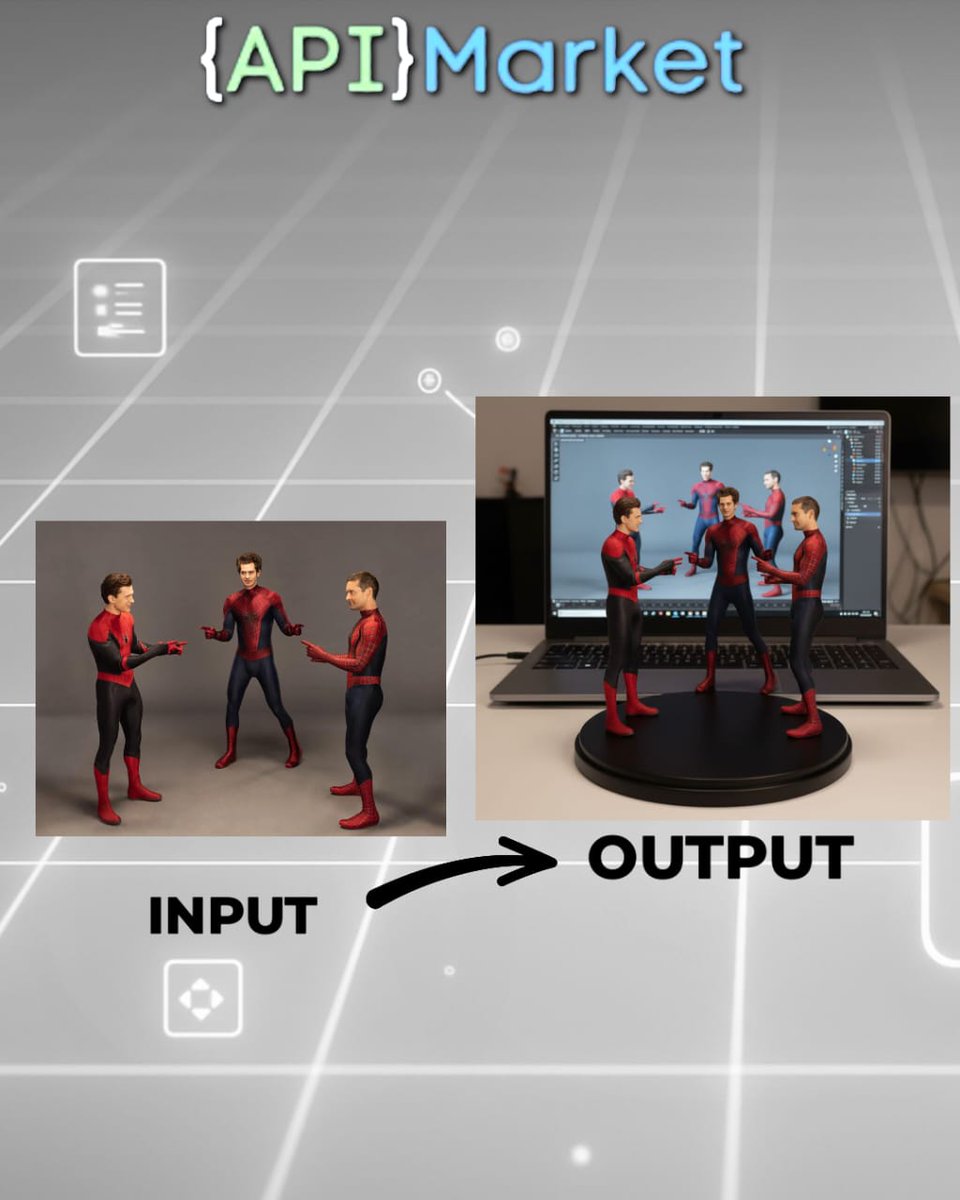
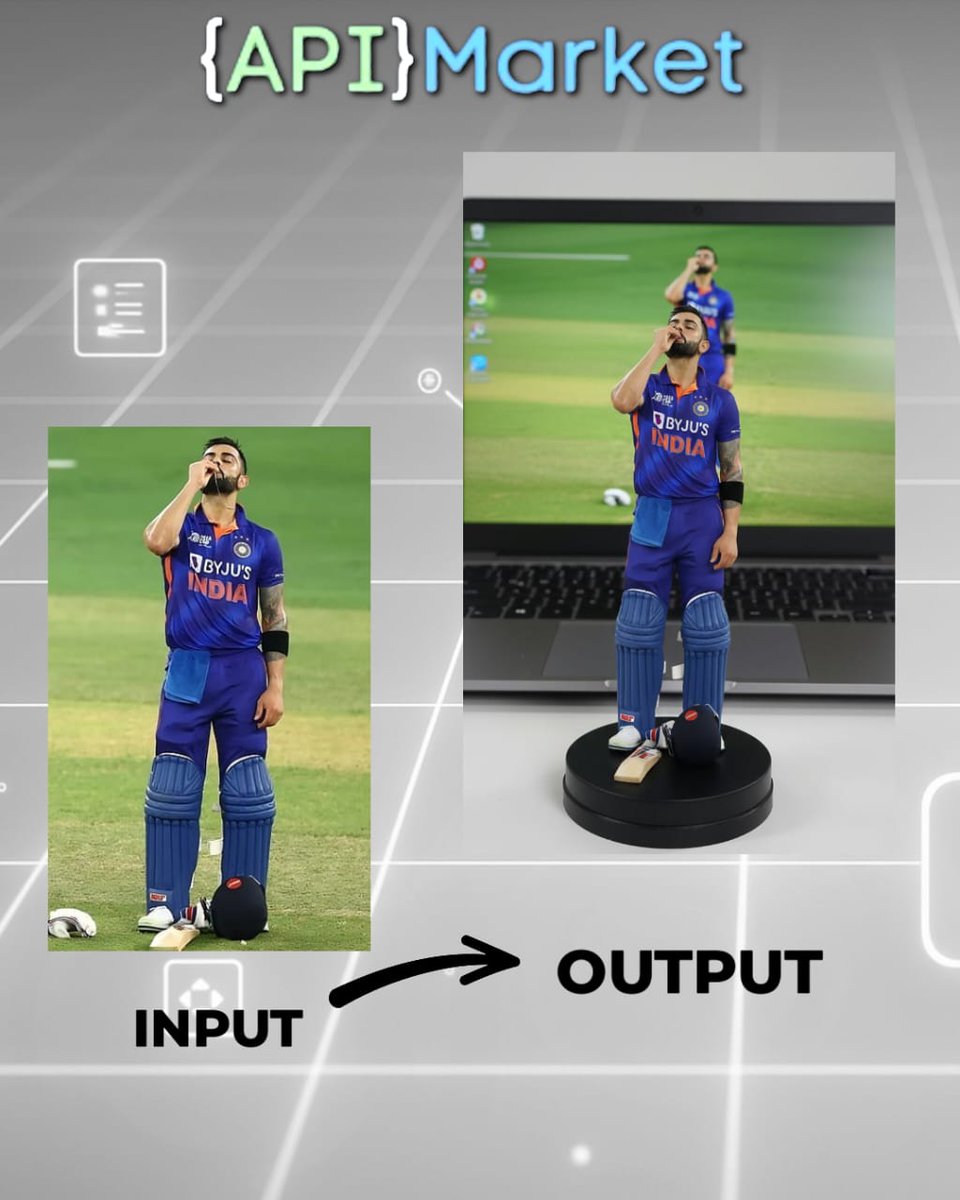
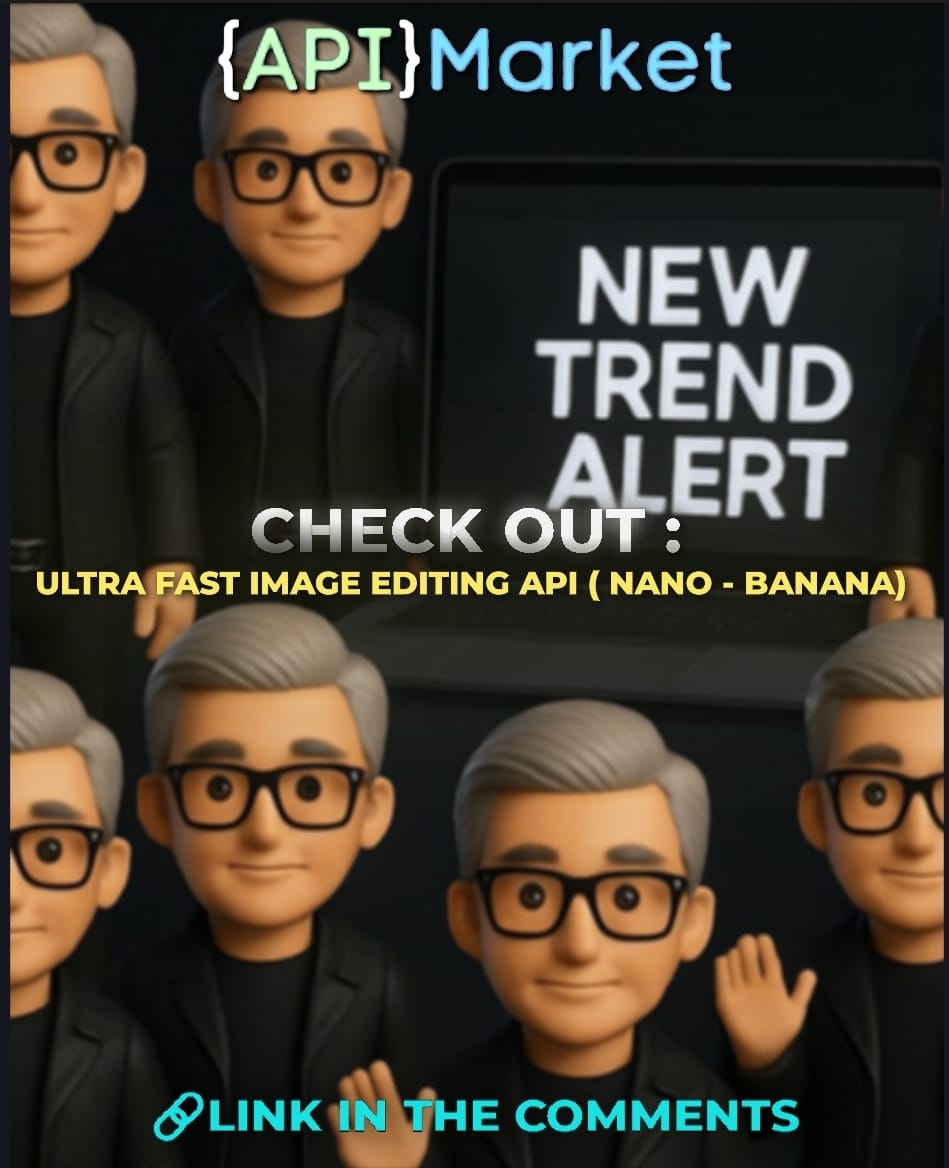
🎭 Next-Gen Figurine Design with Ultra-Fast AI (Nano-Banana)
No more waiting for slow renders — bring your figurine concepts to life instantly with Google’s Nano-Banana powered API. 🚀
Why it matters?
✅ Ultra-fast image processing — no delays
✅ High-precision figurine edits & transformations
✅ Multiple input formats (JPG, PNG)
✅ Customizable outputs — perfect for product mockups & concept art
Use Cases:
* Design & iterate figurines for collectibles 🎨
* Create stunning 3D-inspired mockups for marketing 📸
* Empower creators to ride the AI figurine trend ahead of time
* Generate instant visuals for e-commerce & campaigns 🛒
💡 Get ahead of the trend. Don’t wait for processing time — Nano-Banana makes it instant.
👉 Check details in comments!
1
1
2
112
6 Sep 2025
📸 Ultra-Fast AI Image Editing with Google’s Nano-Banana Model 🍌✨
Take your visuals to the next level with lightning-fast, precise image edits powered by Google’s Gemini 2.5 Nano-Banana. Perfect for developers, marketers, designers & creators 🚀
⚡ Why Nano-Banana?
✅ Lightning-fast edits
✅ Flawless precision
✅ JPG & PNG support
✅ Simple REST API
💡 Ideal for e-commerce, social media apps, marketing teams, content creators & AR experiences!
💳 Just $0.05 per image — no subs, no limits.
⭐ Rated 5.0 by early users.
👉 Transform your images faster than ever. Link in bio!
#APIMarket #AItools #ImageEditing #NanoBanana #GoogleAI #ComputerVision #ContentCreation #MarketingAI #DesignAutomation #VisualA
2
5
137
29 Aug 2025
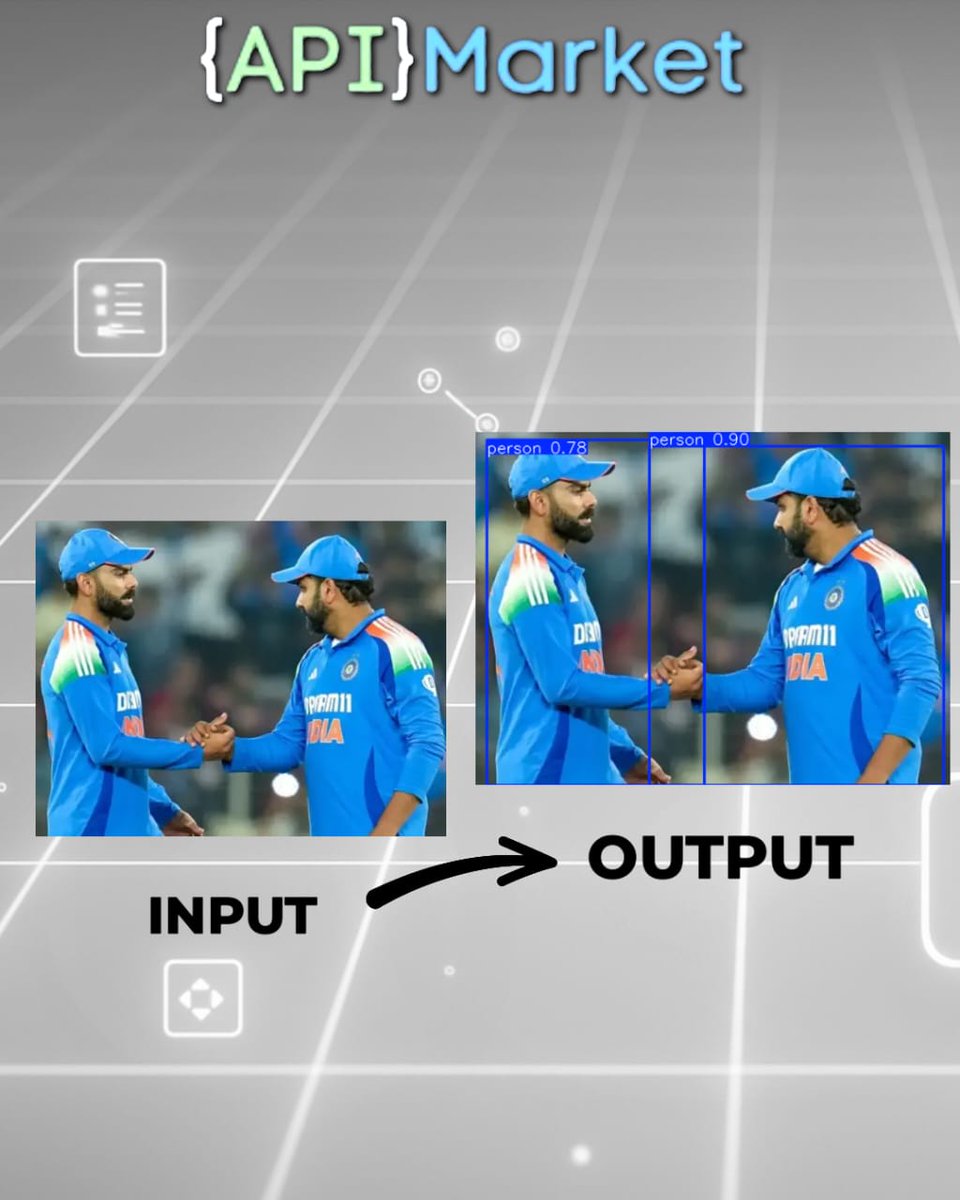
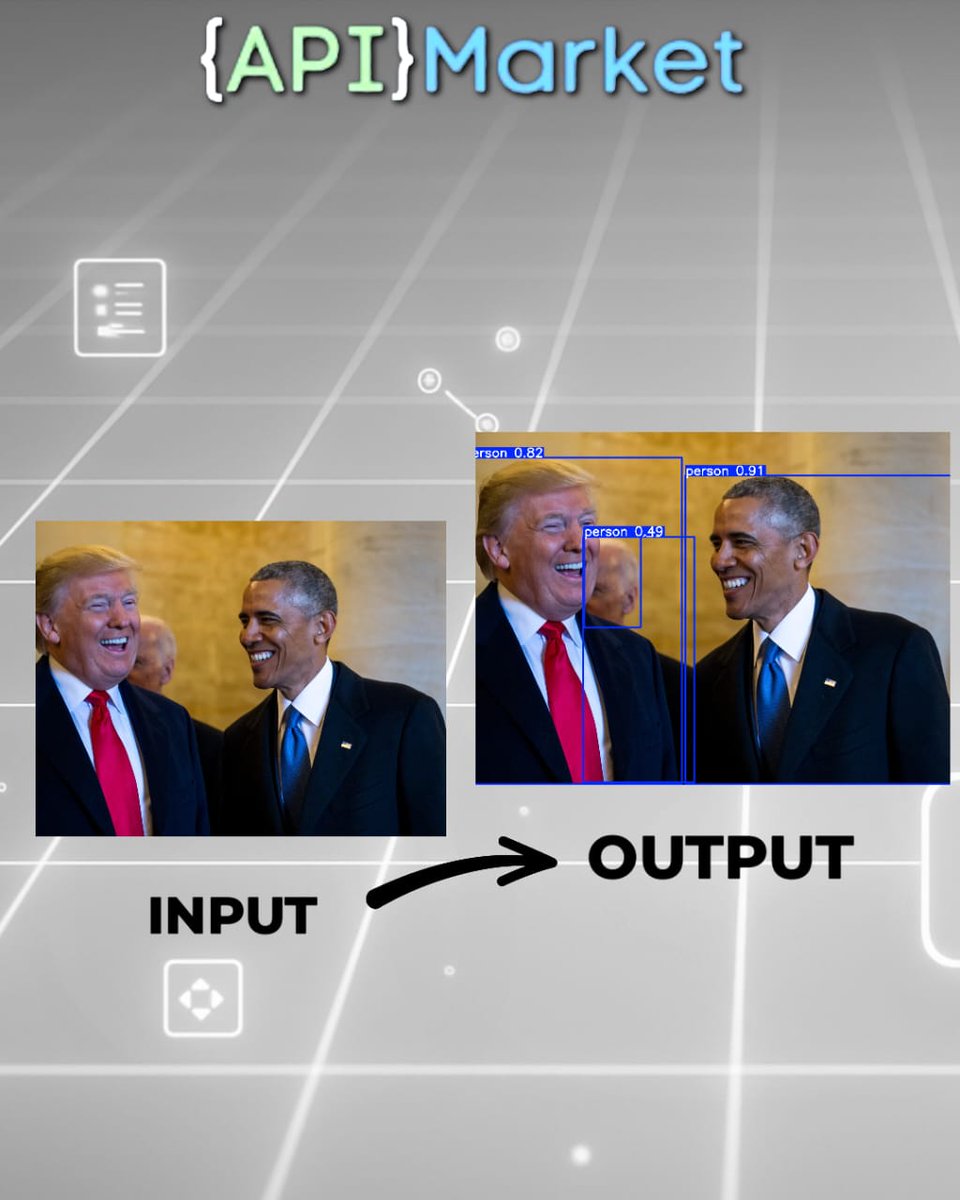
⚡ Detect Anything Instantly with Real-Time Object Detection API (YOLOv8s Worldv2)
No more missed details in images or videos! From smart surveillance to retail analytics, traffic monitoring, or warehouse automation — this API delivers blazing-fast, high-accuracy object detection in real time.
🔍 Use Cases:
• Track customers & products in retail
• Secure zones & detect suspicious objects
• Smart traffic & self-driving systems
• Automate warehouse inventory & logistics
• Spot defects in manufacturing pipelines
✨ Why Choose This API?
✅ Open-vocabulary detection — detect any object
✅ Real-time performance (only 12.7M parameters)
✅ High accuracy (37.7 mAP50-95 on COCO)
✅ JSON annotated image outputs
✅ Simple REST API, plug-and-play
💡 Pay-as-you-go: just $0.01 per image.
No subscriptions. No limits.
🚀 Perfect for Developers | AI Engineers | Startups | Enterprises | Innovators
👉 Check the link in comments!
#APIMarket #ObjectDetection #AItools #ComputerVision #Automation #SurveillanceTech #RetailAnalytics #TransportationAI #WarehouseAutomation #ImageRecognition #APIsforDevelopers
1
1
4
115
27 Aug 2025
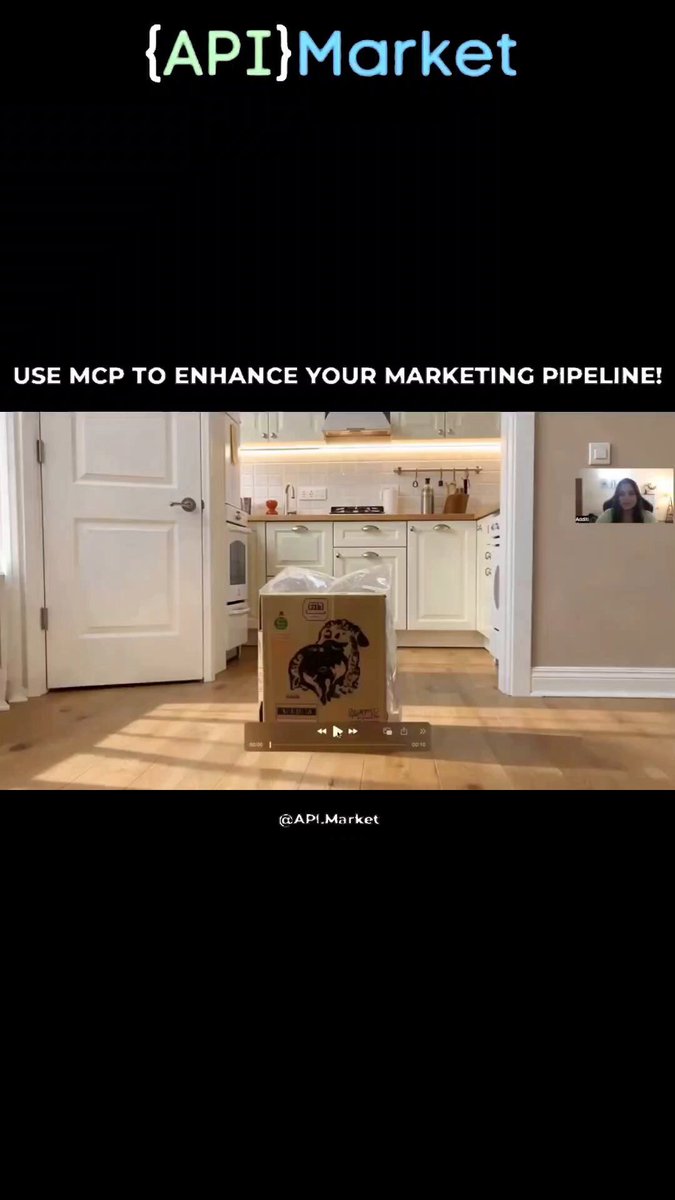
Your prompts just grew arms and legs. We turned every API on API.Market into an MCP tool—so Claude and Cursor can use them directly. Not just for devs. If you’re a PM, founder, analyst, or designer, you can now run real workflows from a chat window.
Same 4 steps for any API
1. Open an API on API.Market
2. Hit the MCP Integration tab
3. Copy the snippet into Claude or Cursor
4. Ask in plain English and run
(Use the same steps to add as many APIs as you want and chain them into a pipeline.)
What the video shows
I demo Claude text-to-video end-to-end with one API. You can repeat the steps to build full pipelines—for example: speech-to-text → text-to-image → image-to-video for marketing collateral.
Prerequisites (2-minute checklist)
1. Node.js installed
Mac: brew install node
Don’t have Homebrew? Check with brew -v. If it’s missing, grab the install command from the comments (avoiding links here).
Windows/Linux: install Node.js LTS from the official site (link in comments).
2. Claude Desktop installed (link in comments).
3. Sign up at API.Market (link in comments).
4. Pick your API → subscribe/enable.
5. Using a paid API? Add funds to Wallet (super simple; link in comments if you need it).
6. On the API page, open MCP Integration → copy the Claude/Cursor code block.
7. In Claude Desktop: Settings → Developer → Edit config → paste the block under mcpServers.
8. Restart Claude.
9. Prompt Claude for your task; it will call the APIs and return results.
Demo video with the exact steps is attached at the end of the post.
#APIMarket #MCP #ClaudeAI #CursorIDE #BuildFast
2
4
88