
Founder & CEO of @inedo, creator of @TheDailyWtf, single malt aficionado, occasional cyclist, and board gamer.
Joined March 2009
- Tweets 2,826
- Following 564
- Followers 1,018
- Likes 607
125 Photos and videos








12 Dec 2025
Checks bio. Aaand of course he's peddling some slop generator wrapper
11 Dec 2025

"Vibe coding isn't real engineering."
Cool. I just did a 2 hour CDN overhaul that cut bandwidth by 99%, dropped costs from $12K to $200/month at scale, and required zero backend changes.
While you're gatekeeping, we're shipping.
Stay skeptical. It's a competitive advantage for us.
W @Cloudflare
136
2 Oct 2025
Japan: innovative yet inexpensive high-quality consumer hardware
America: world-changing document management and other software
Europe: "Don't you dare turn off that green Eco button! And no red Turbo buttons at all!!"

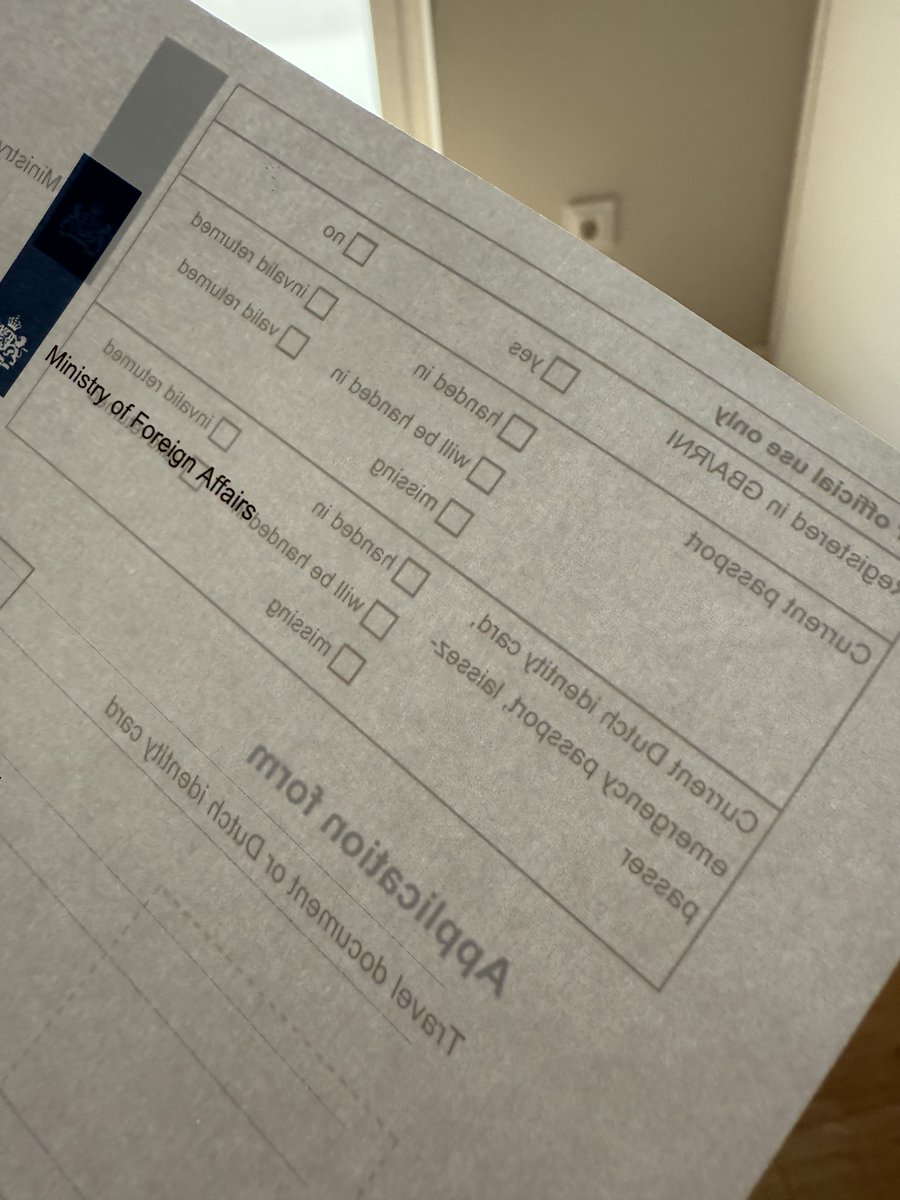
Today I had to go the Netherlands Embassy to renew my passport and had to print a form
I was wondering why my new Brother printer kept printing everything double sided?
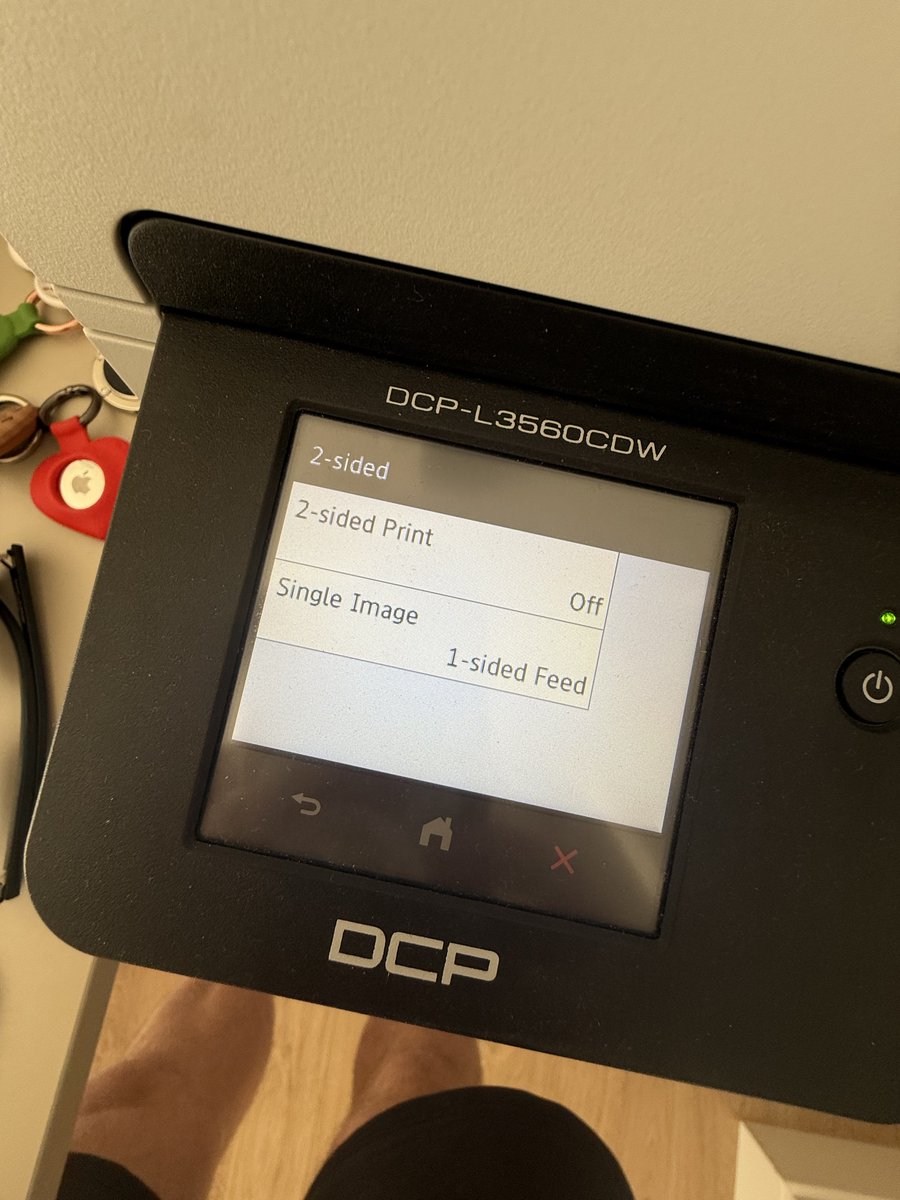
So I tried to disable it in the printer's own display menu where it's hidden 6 levels deep:
> Settings -> All Settings -> Printer -> 2-sided -> 2-sided Print -> Off
But it still printed everything double-sided, then I Googled and discovered it's a forced default by the European Union, of course for 🍃 Eco reasons:
"To comply with EU ecolabel, the default setting is expected to be duplex (double-sided) in new printers sold in the EU since 2022”
I then discovered it's defaulted at both levels, AGAIN in the printer's drivers too, where you have to disable double-sided too on MacOS, again hidden 6 levels deep:
> System Settings -> Printers & Scanners -> Brother -> Options & Supplies -> Driver -> Disable duplex
Realistically few people will go 2 menus 6 levels deep to disable this and are just stuck with printers that print double-sided in the European Union
This is another example of their famous "nudging", they don't make it impossible to print like a normal printer, they just make it highly annoying and difficult for most people to change the defaults
Thank you @vonderleyen, very cool!

1
237
25 Sep 2025
I look forward to the Wokeware era becoming a historic curiosity. Like Temple OS, but much less interesting.
25 Sep 2025

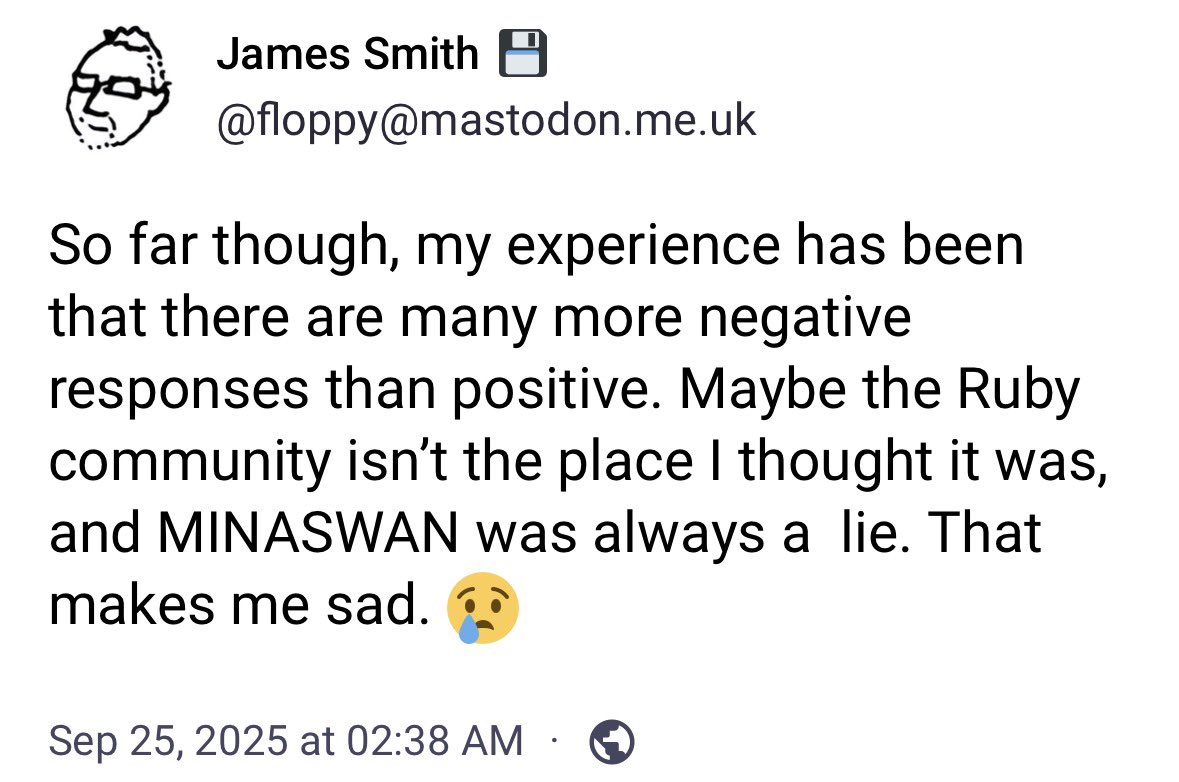
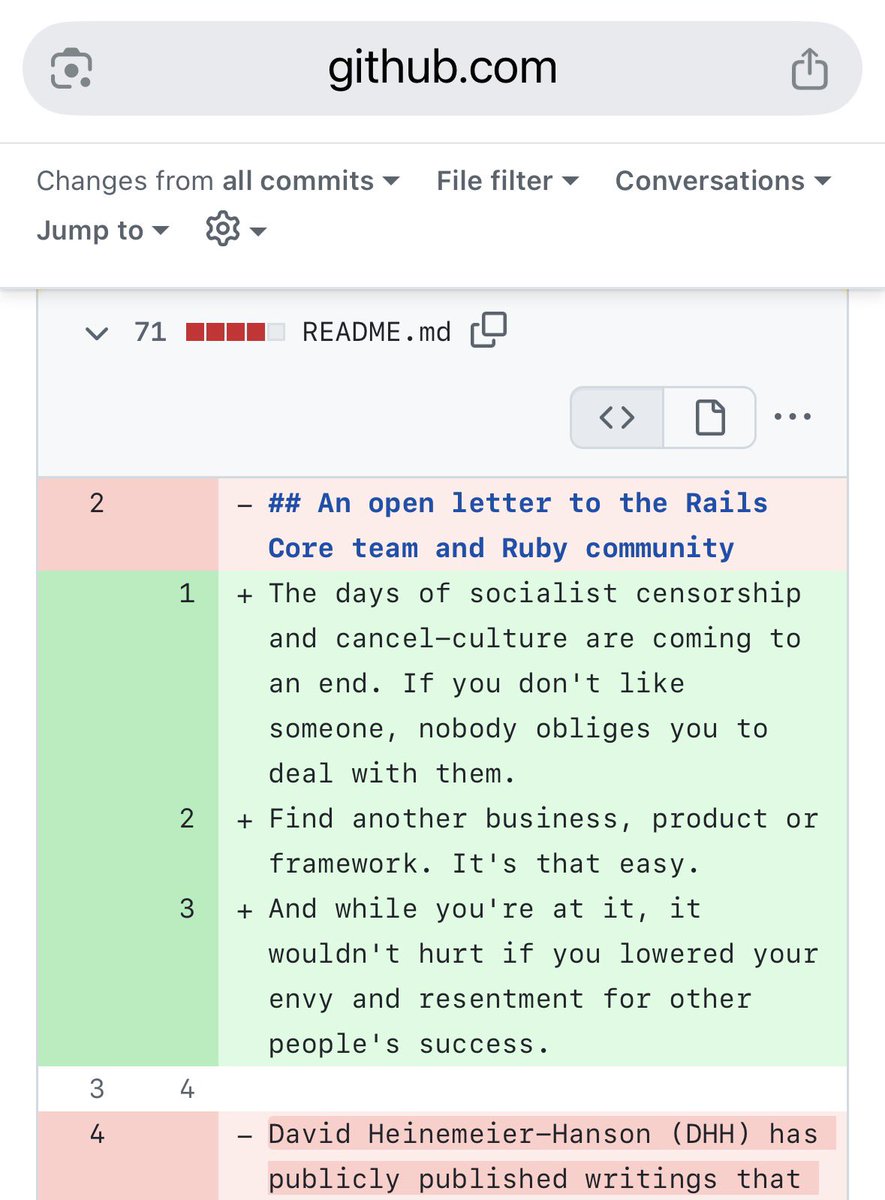
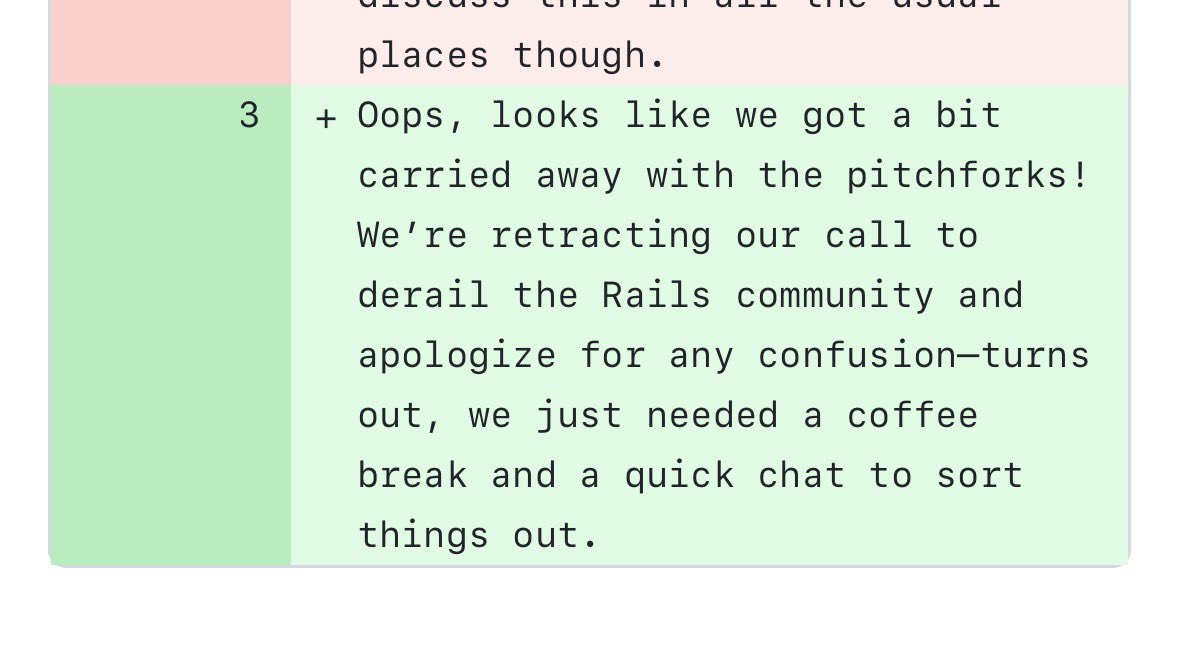
The organizer of the effort to kick out the founder of Ruby on Rails is sad because people have overwhelmingly responded in support of the targeted founder (@dhh).
The protest organizer, James Smith, stated:
“So far though, my experience has been that there are many more negative responses than positive.”
“That makes me sad. 😢”
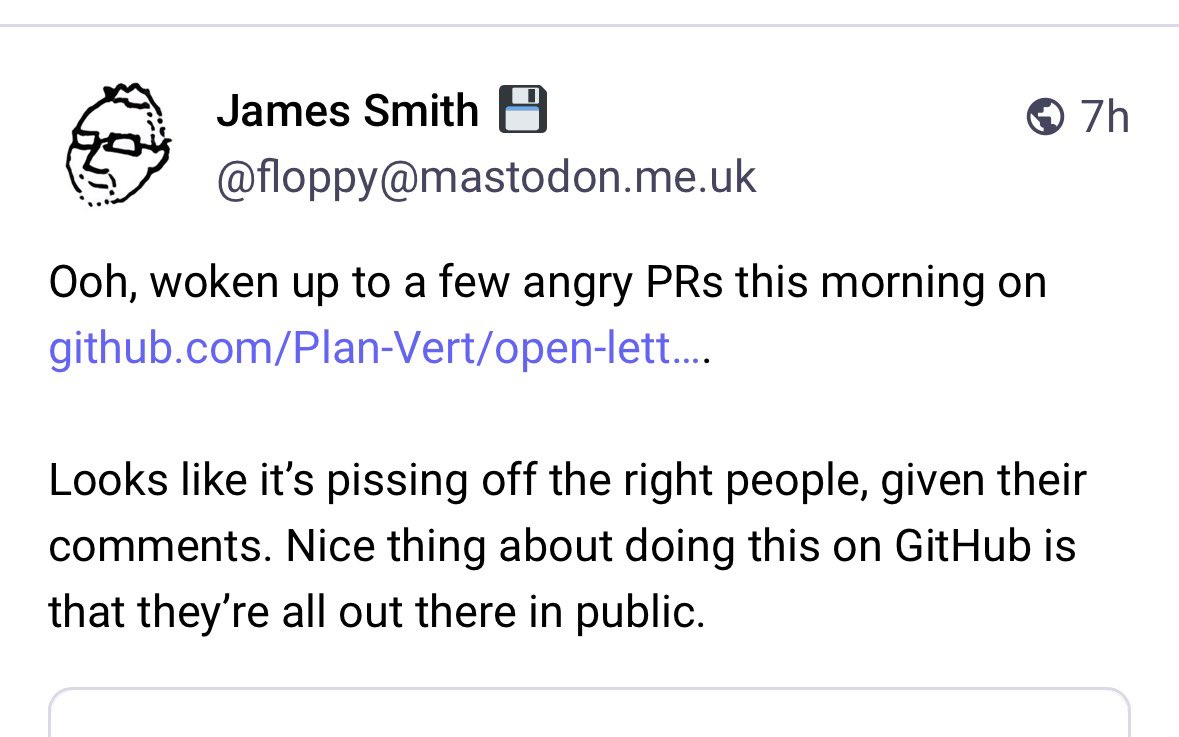
James Smith also stated that the petition is getting angry comments.
“Looks like it’s pissing off the right people,” he stated.
A sample of those “angry comments” is in the screenshots.
3
253
25 Sep 2025
Exactly this. If you slap a commercial license on your FOSS project, you will lose goodwill AND still be poor.
Instead, start a business and use all that goodwill to accelerate marketing
blog.inedo.com/inedo/from-fo…
25 Sep 2025

Building a business model that scales with FOSS adoption is really quite hard for most popular works in our ecosystem.
It means building totally separate products / platforms / marketplaces / labor-intensive services IN ADDITION to the demands of running a popular OSS project
2
273
24 Sep 2025
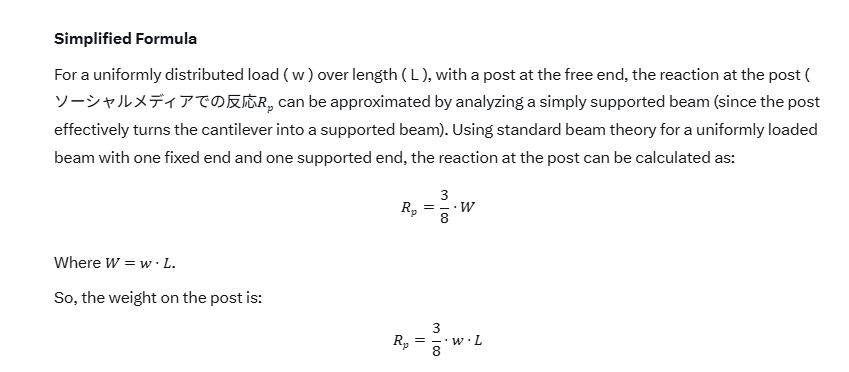
Doing some Vibe Structural Engineering, calculating load distribution for cantilever supports.
ソーシャルメディアでの反応 ("Social Media Reactions"). Wait, what?
But I'm sure the rest is totally fine. And the next model will get it all right.
And now back to a textbook...
43
27 Jun 2025
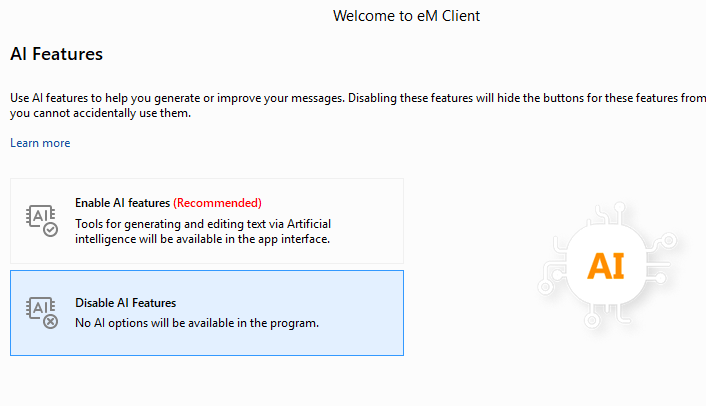
The most braindead use of AI I've seen to date: adding a Frequently-Asked Question link that opens a chatbot with "possibly inaccurate" content sourced from an article... also linked on the same page.
Is this really how Microsoft thinks people want to integrate BingAI Copilot?
1
1
212
26 Jun 2025
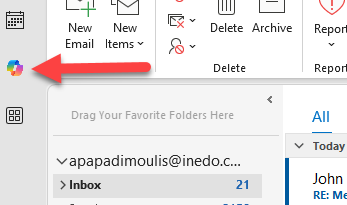
Aaaand BingAI Copilot has returned within 24 hours of uninstallation.
@Microsoft please make this a paid feature. We, your loyal customers, will pay you even more money to not have your third-rate ChatGPT malware infect your once great tools
1
135
24 Jun 2025
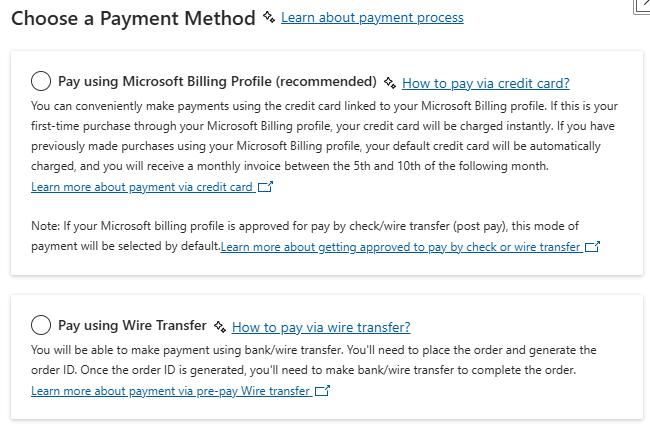
Incredible. Microsoft's Partner program (renamed yet again to "AI Cloud Partners") publishes program details exclusively in graphic-heavy PDF formats.
Can you guys please ask your BingAI copilot to convert this into a web page?
1
130
24 Jun 2025
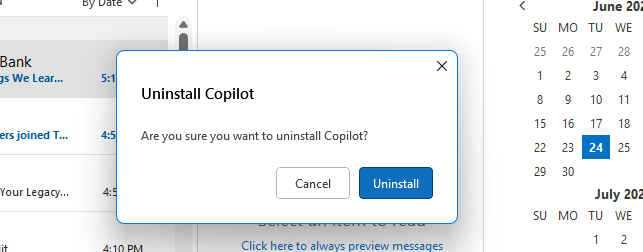
Attempt #7 to uninstall Microsoft's third-rate Chat GPT from Office. We'll see how long it stays off the navigation.
@Microsoft please take the hint - no one wants your shitty BingAI. Stop pushing this garbage on your paying customers.
3
144
13 Jun 2025
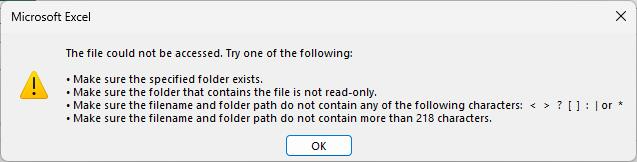
I guess @msexcel no longer supports square brackets in file names? Which is frustrating when you've been using them for years...
Do they even bother testing these days, or have they just gone all in on GitHub Copilot BingAI coding/testing?
1
135
21 May 2025
Why isn't Copilot integrated into more things? I shouldn't have to press a button on an elevator when I can just have a conversation with an agent on which floor I want
2
158
Alex Papadimoulis retweeted

21 May 2025
I'm relaunching the Tokyo .NET Developers Meetup this July at a new venue. We have one speaker lined up already but searching for a second.
This time we will have pizza and beverages, which we couldn't have in the Microsoft Japan HQ boardroom 🤣
21 May 2025

ICYMI - Find a Meetup! .NET meetups are a great and fun way of meeting other like-minded developers, and joining one couldn't be easier. Learn about tricks & tips, discover the latest .NET has to offer, or just come to be inspired.
➡️hubs.li/Q03n29TT0

2
4
519
16 May 2025
Microsoft is in the business of web hosting now. Making things run faster so your customers buy less sever time is really dumb.
The smart move is to invest in AI slop generators that write slow, buggy code that requires more sever time.
15 May 2025

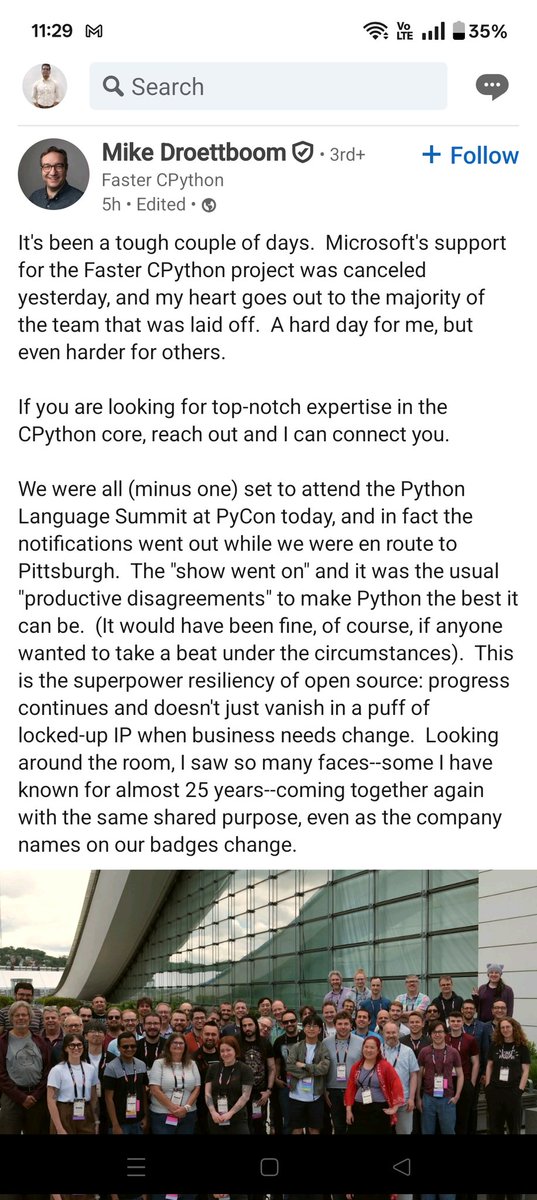
Looks like the team at Microsoft which has been pushing most of the performance improvements in the last few Python releases has also been laid off.
These included changes like the specialising interpreter, the JIT compiler, improvements to the GC, stackrefs, all of which has significantly improved the performance of Python.
1
3
143
Alex Papadimoulis retweeted

15 May 2025
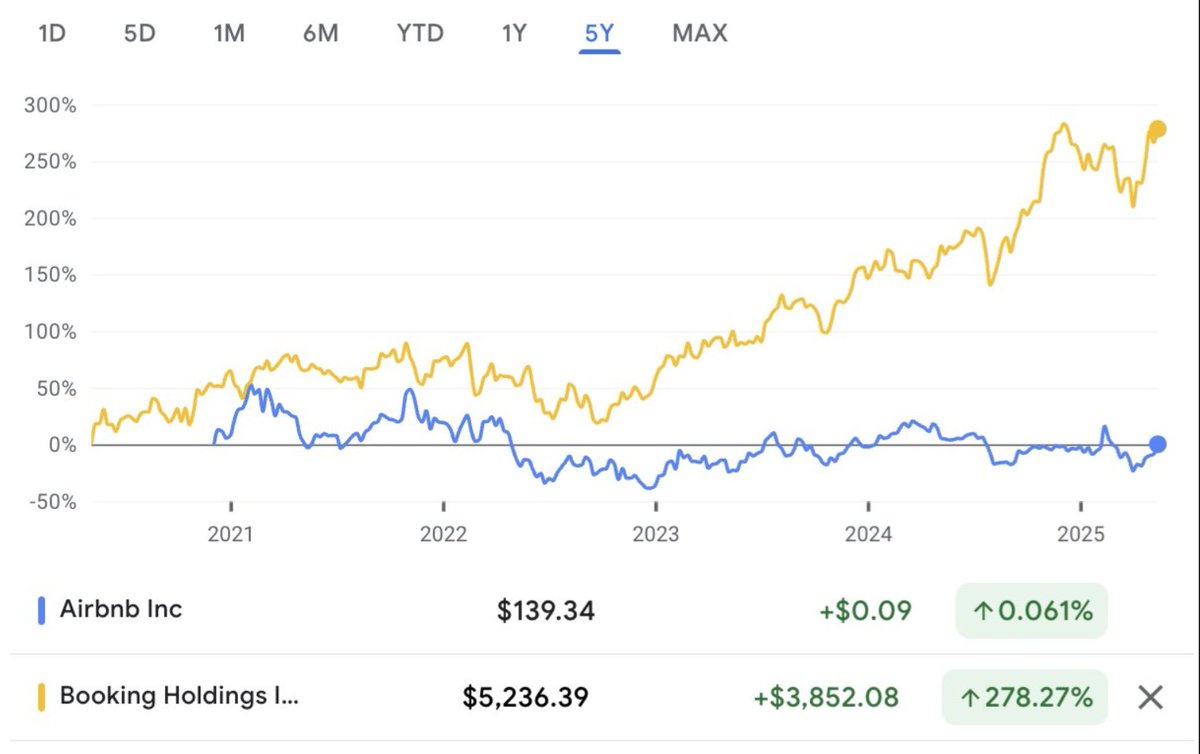
I guess this is what could happen when you have a maniacal focus on quality, craft and design
40
49
1,254
204,041
15 May 2025
I think the real headline should be, Company Paid Someone $150K/yr to Script Stuff in Facebook Metaverse
fortune.com/2025/05/14/softw…
63
12 May 2025
Thoughts on the backlash against MassTransit, AutoMapper, MediatR, etc?
Personally, I think developers are justified to be upset and there's a much better path for .NET FOSS commercialization.
Here's my take: blog.inedo.com/inedo/from-fo…
1
457
11 May 2025
Windows 11 IoT Enterprise is absolutely amazing - it's like an OS from an alternative universe where Microsoft isn't bundling slopware or constantly forcing malware "updates"
2
134
8 May 2025
The developer outrage over MassTransit going commercial was completely justified. It was a poor decision that will likely not lead to prosperity.
But it's not too late, and I'd love to see @PhatBoyG change course to find a path to success. Here's how:
blog.inedo.com/inedo/from-fo…
2
86
4 May 2025
Lol "undeniable the best" slop! 102 pages of slop research that no human will ever read. Is the use case to have a slop agent then create a slop summary of it?
3 May 2025

on deep research, chatgpt is still undeniably the best, 52 minutes of research and close to a book of information
skimming through it, it seems all accurate
genuinely a mind-blowing product
103