
Joined February 2020
- Tweets 5,450
- Following 22
- Followers 81
- Likes 577
3,370 Photos and videos









Motivation starts the journey.
Consistency completes it.
Small daily practice > random long sessions.
Skills grow through repetition.
What’s your current learning routine?
#Consistency #SkillBuilding
2

Jun 12
Good accountants don’t just record numbers.
They notice patterns.
Unusual expenses
Missing entries
Sudden changes
Observation creates value.
#AccountingSkills #Finance
6
Jun 10
Advanced formulas won’t save bad data.
Duplicates
Spaces
Wrong formats
Missing values
Bad data = bad results.
Clean first. Formula later.
#ExcelTips #DataCleaning
7
Knowing ≠ Applying.
Watching tutorials builds awareness.
Practice builds familiarity.
Real tasks build confidence.
Stop only learning.
Start applying.
#SkillDevelopment #Learning
3
Shortcuts don’t just save time.
They reduce effort.
Less clicking
More focus
Better workflow
Start with 5 shortcuts.
Use daily.
#Productivity #ExcelTips
7
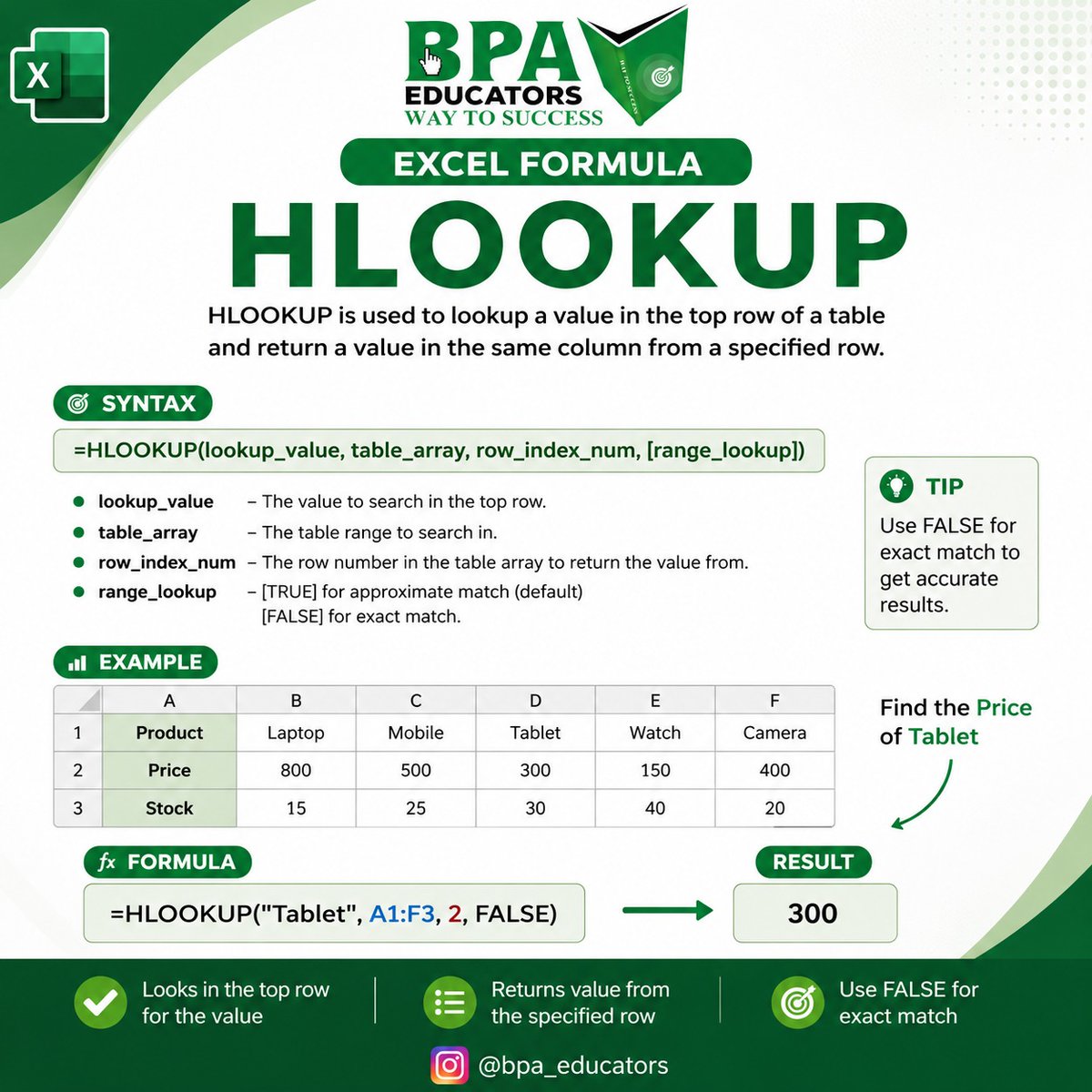
Master Excel with HLOOKUP 🔍📊
Learn how to quickly find data in rows using the powerful HLOOKUP function in Excel. Perfect for students, accountants, and professionals who want to save time and work smarter!
✨ What you’ll learn:
✔️ HLOOKUP syntax
✔️ Practical example
14
ccounting software is not just for recording.
Its real purpose = clarity.
Where is money coming from?
Where is it going?
What needs attention?
Don’t just generate reports.
Understand them.
#Accounting #Finance
1
1
11
May 30
Big productivity gains don’t always come from big tricks.
Sometimes it’s simple habits:
Clear file names
Tables
No merged cells
Consistent formats
Small habits = faster, cleaner work.
#ExcelTips #Productivity
1
6
May 27
Dashboards are not about making Excel look pretty.
They’re about making information easy to understand.
Start simple:
Clean data
Pivots
Charts
Slicers
That’s enough.
#ExcelDashboard #MIS
11
May 25
Bank reconciliation isn’t just matching numbers.
Uncleared cheques, bank charges, auto-debits, deposits in transit all create differences.
Mismatch doesn’t always mean mistake.
Sometimes it’s timing.
#AccountingSkills #BankReconciliation
13
May 22
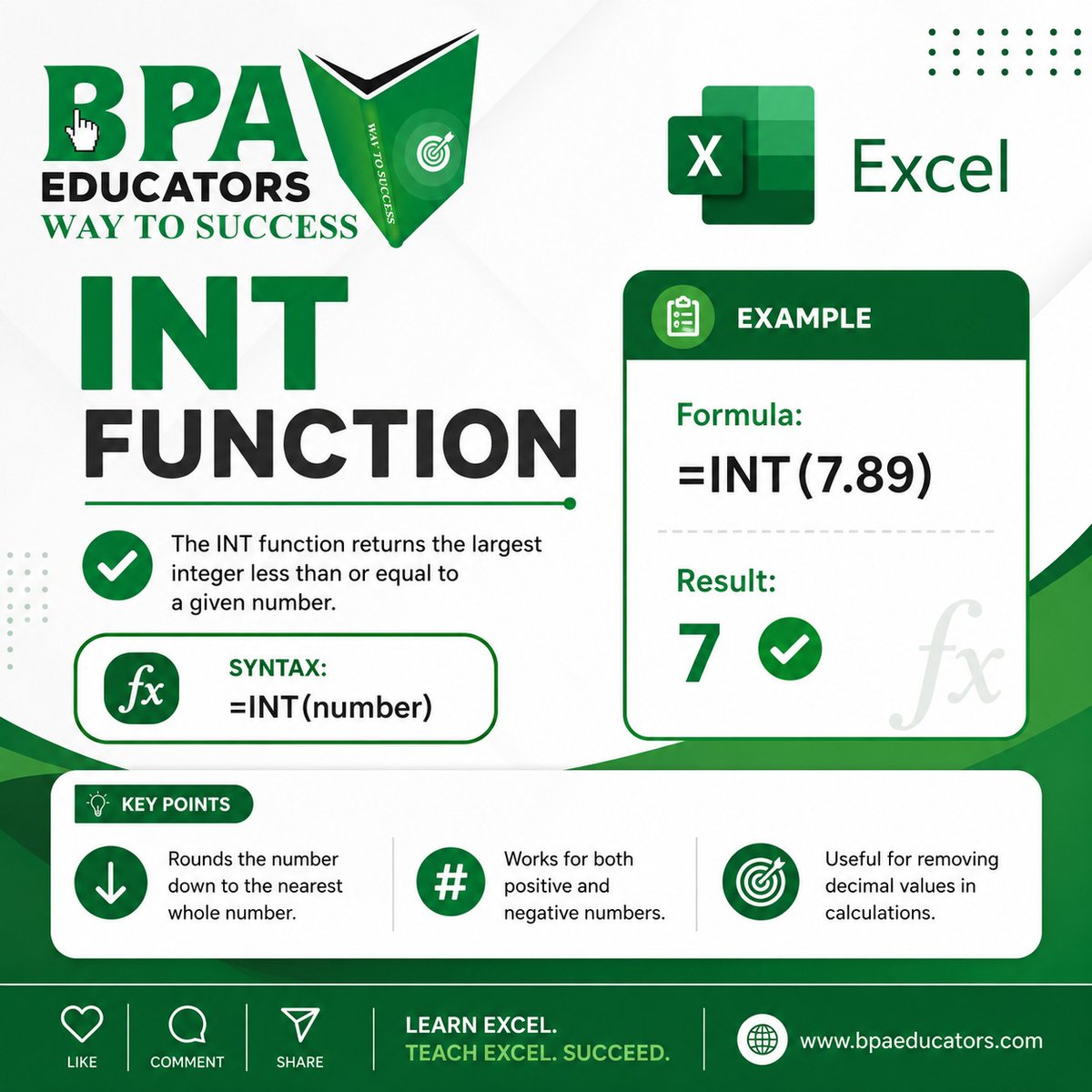
✨ Master Excel with BPA Educators!
📊 INT Function in Excel
The INT function is used to convert a number into the nearest lower whole number (integer). It simply removes the decimal part and gives you a clean value.
🔹 Syntax:
=INT(number)
🔹 Example:
=INT(7.89) 👉 Result: 7
5
May 21
Still making reports manually in Excel?
Pivot Tables can summarise thousands of rows in seconds.
Monthly sales
Customer summary
Product analysis
Less formulas. Faster reporting.
Have you started using Pivot Tables yet?
#PivotTable #ExcelTips #DataAnalysis
12
May 11
Advanced formulas won’t fix bad data.
Duplicates
Spaces
Wrong formats
Bad data = wrong results
Clean data first.
Then apply formulas.
4
May 11
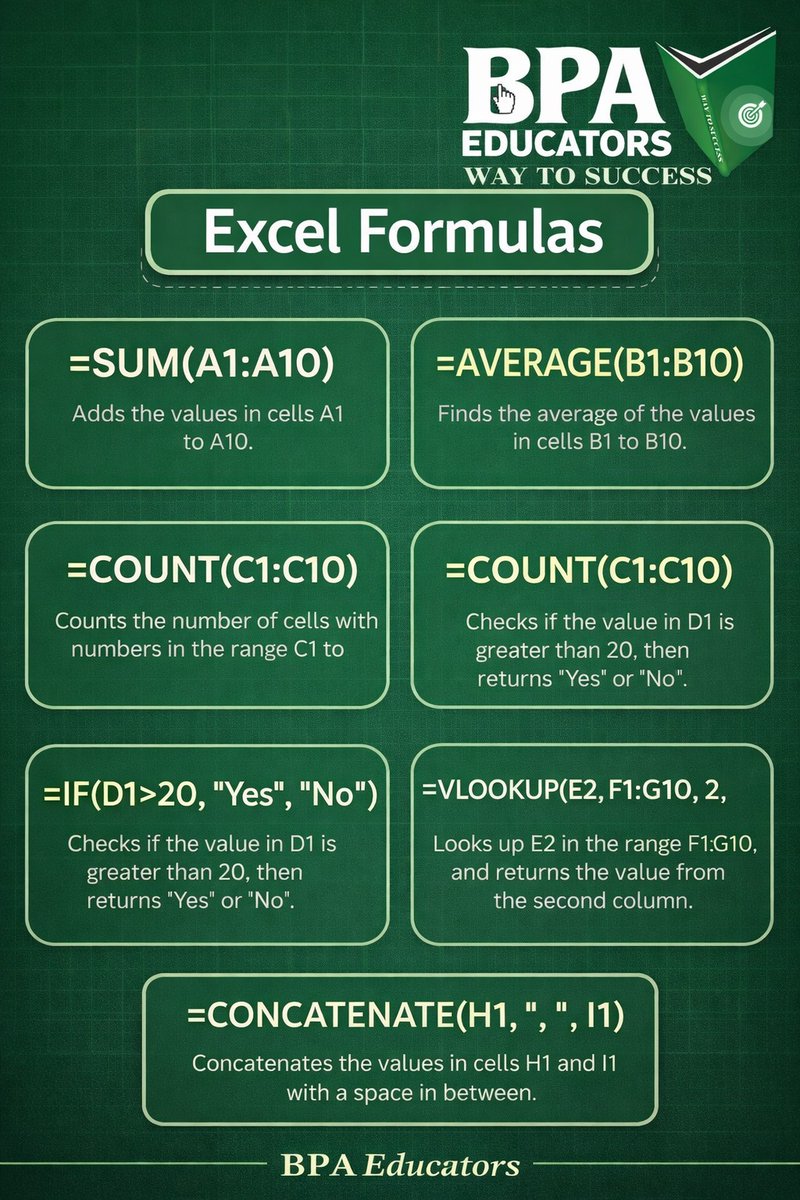
📊 Master Excel Like a Pro! 💻✨
Learn useful Excel Shortcuts & Powerful Formulas to save time and work smarter. 🚀
✅ Shortcuts
✅ Formulas
✅ Practical Learning
✅ Real Projects
Join BPA Educators
📞 Call/WhatsApp: 8882196405
#Excel #MSExcel #ExcelTips #ExcelFormula
11
Knowing something is not the same as applying it.
Watching tutorials ≠ skill
Practice = familiarity
Real work = confidence
Apply what you learn.
5
Apr 28
Shortcuts don’t just save time.
They reduce effort.
Less clicking
More focus
Smoother workflow
Start small. Use daily.
They become natural.
3
Apr 27
If you’re working with loans, EMIs, or financial data in Excel, this is something you should know.
Your total EMI is not just one number.
It’s made up of **two parts: Interest Principal**
And Excel helps you break it down easily using:
📊 **1. IPMT Function
19
Apr 25
Accounting software is not just for recording.
It’s for clarity.
Where money comes from
Where it goes
If reports confuse you, something is wrong.
Don’t just create reports.
Understand them.
6
Apr 22
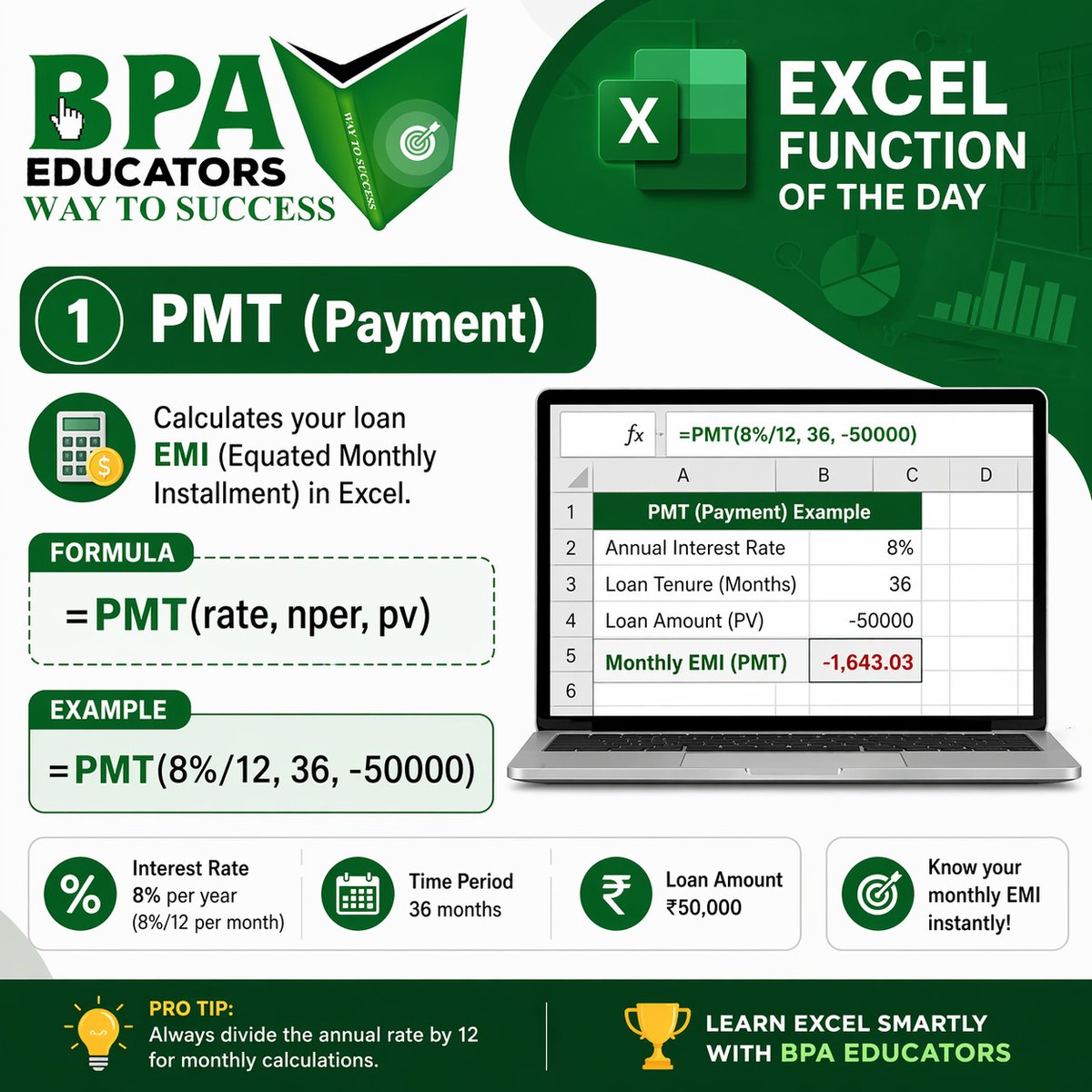
💸 Master Your Loan Calculations with Excel!
📊 Function of the Day: PMT (Payment)
Easily calculate your EMI (Equated Monthly Installment) in seconds using Excel!
No more manual calculations — just smart work 🚀
🔹 Formula:
=PMT(rate, nper, pv)
🔹 Example:
23
Apr 21
Big productivity gains don’t come from big tricks.
They come from small Excel habits:
Clear file names
Tables
No merged cells
Consistent formats
Simple habits = less errors faster work
5