
Instructional Coach - Grand Forks, ND | Google Certified Innovator, Trainer & Educator | ❤️ EduProtocols | #GoogleET | #GoogleEI |#GoogleChampion | #CHI24
Joined August 2008
- Tweets 4,837
- Following 2,028
- Followers 1,792
- Likes 7,534
1,587 Photos and videos


Pinned Tweet

9 Apr 2024
I am beyond excited 🎉 to be going to Chicago this summer as a Google for Education Certified Innovator. I guess the 3rd time applying worked out. 😂#chi24 #GoogleChampions #GoogleEI
17
110
2,515
ℂ𝕒𝕣𝕝𝕒 ℍ𝕒𝕒𝕧𝕖𝕟 ✈️ #CHI24🤠ISTELIVE25 retweeted
Quizzes & Flashcards in @NotebookLM got a big upgrade based on YOUR feedback.
Now you (and your students) can:
✅ Save your progress & pick up where you left off
✅ Shuffle or delete cards
✅ Track what you’ve mastered vs what needs review
Give it a try: notebooklm.google.com
11
53
230
63,291
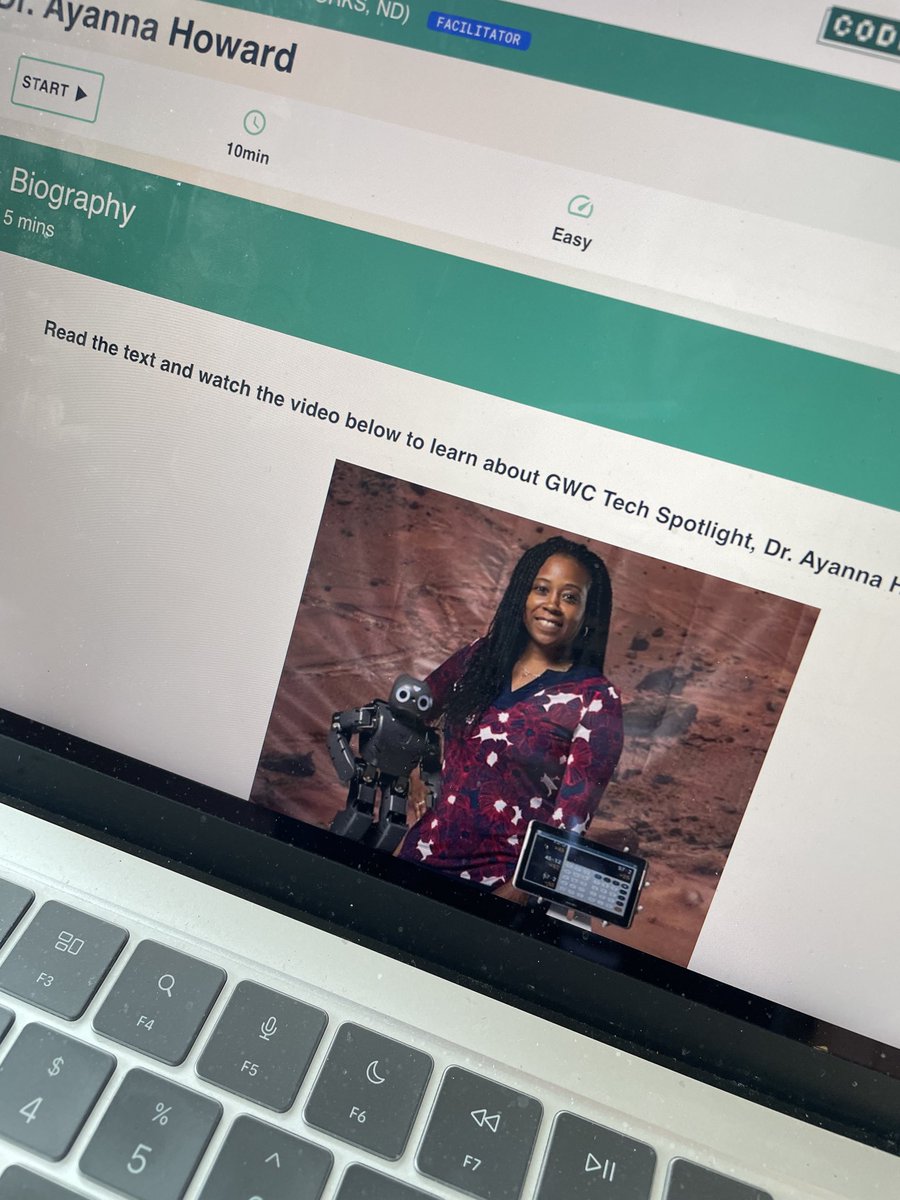
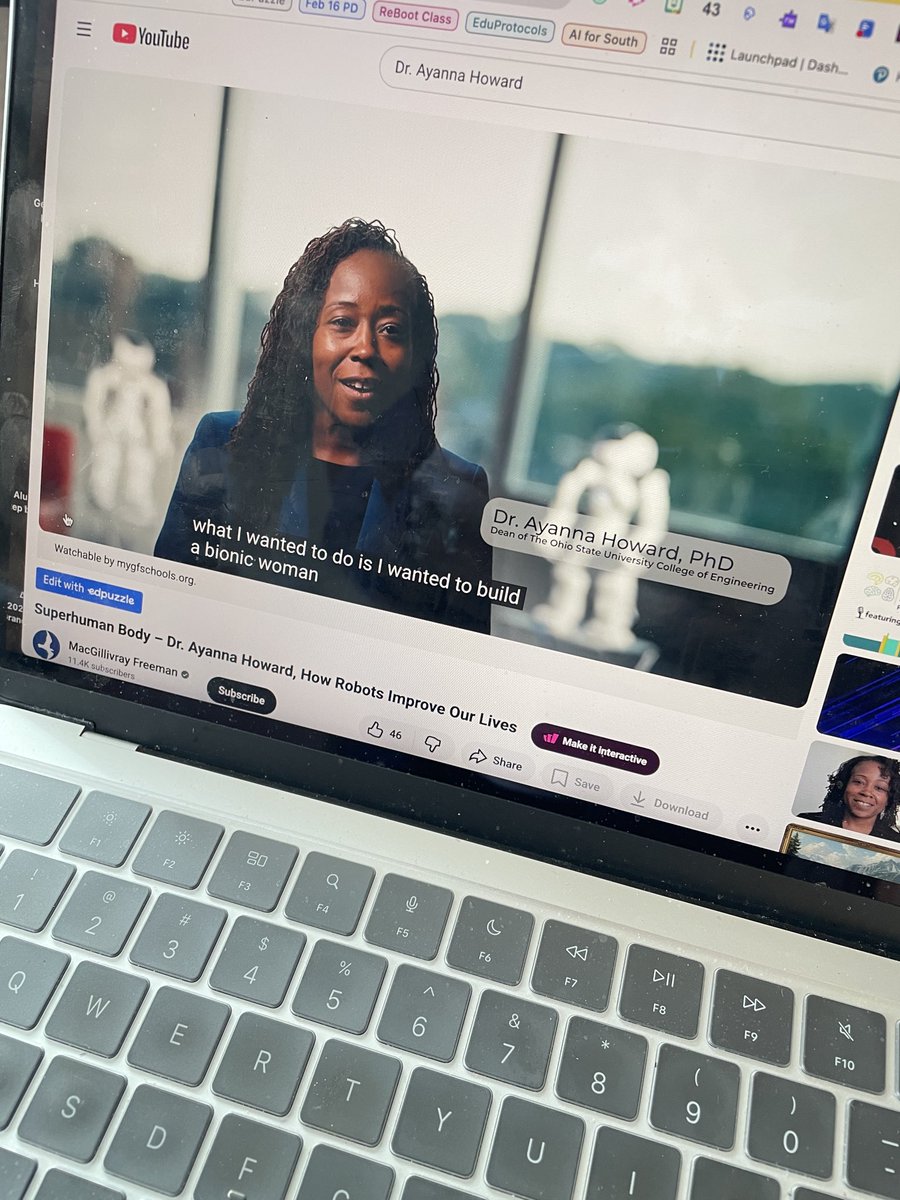
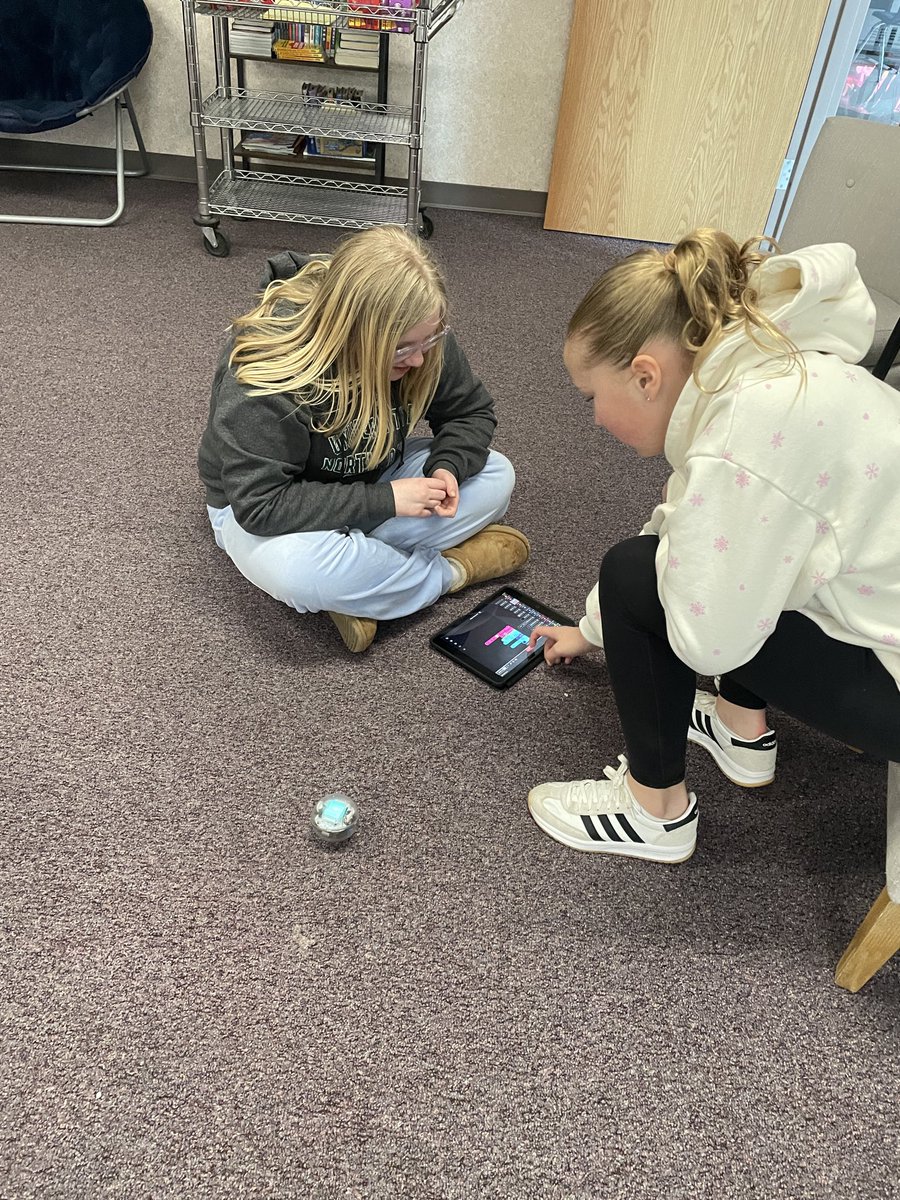
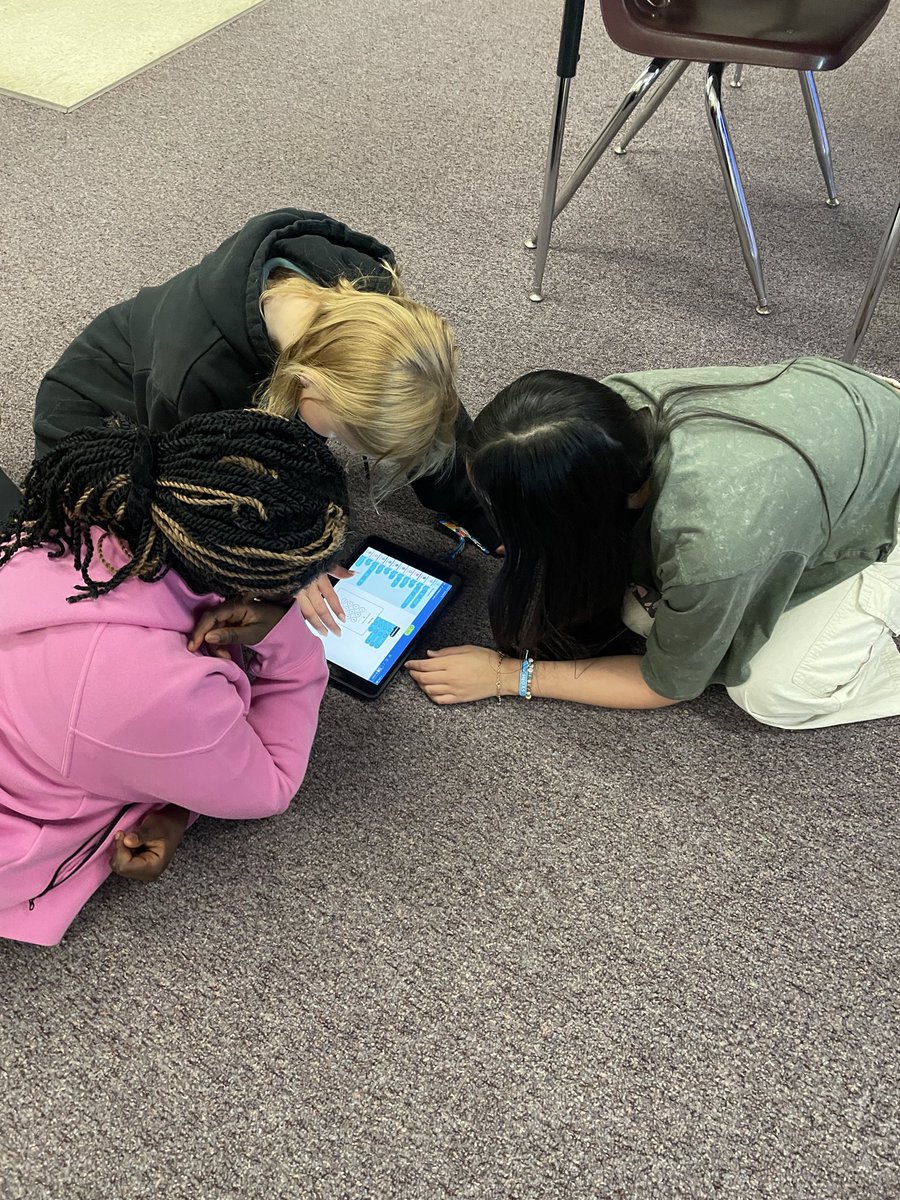
We learned about Dr. Ayanna Howard today in @GirlsWhoCode She is doing research on how robots can improve our lives. The girls then worked with the @SpheroEdu robots. @southms_gf
1
97
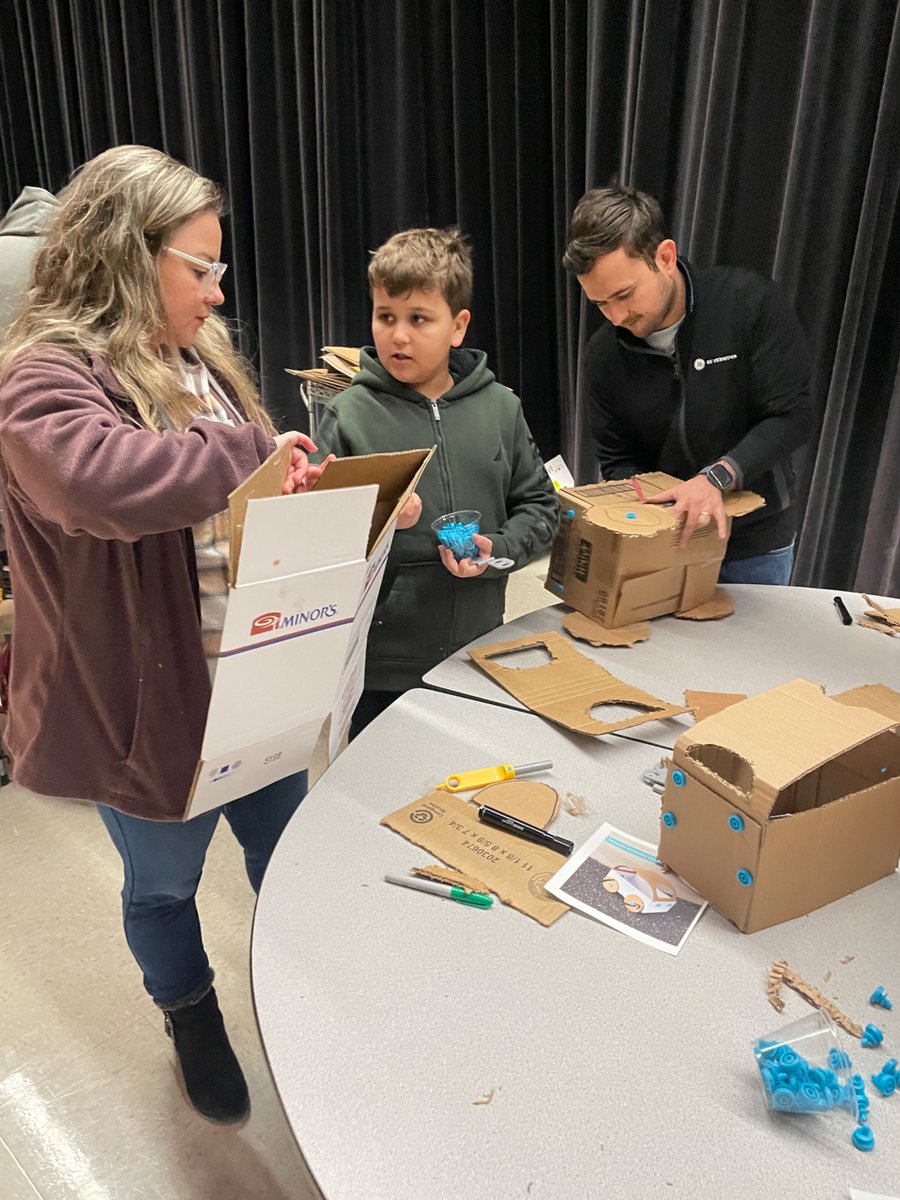
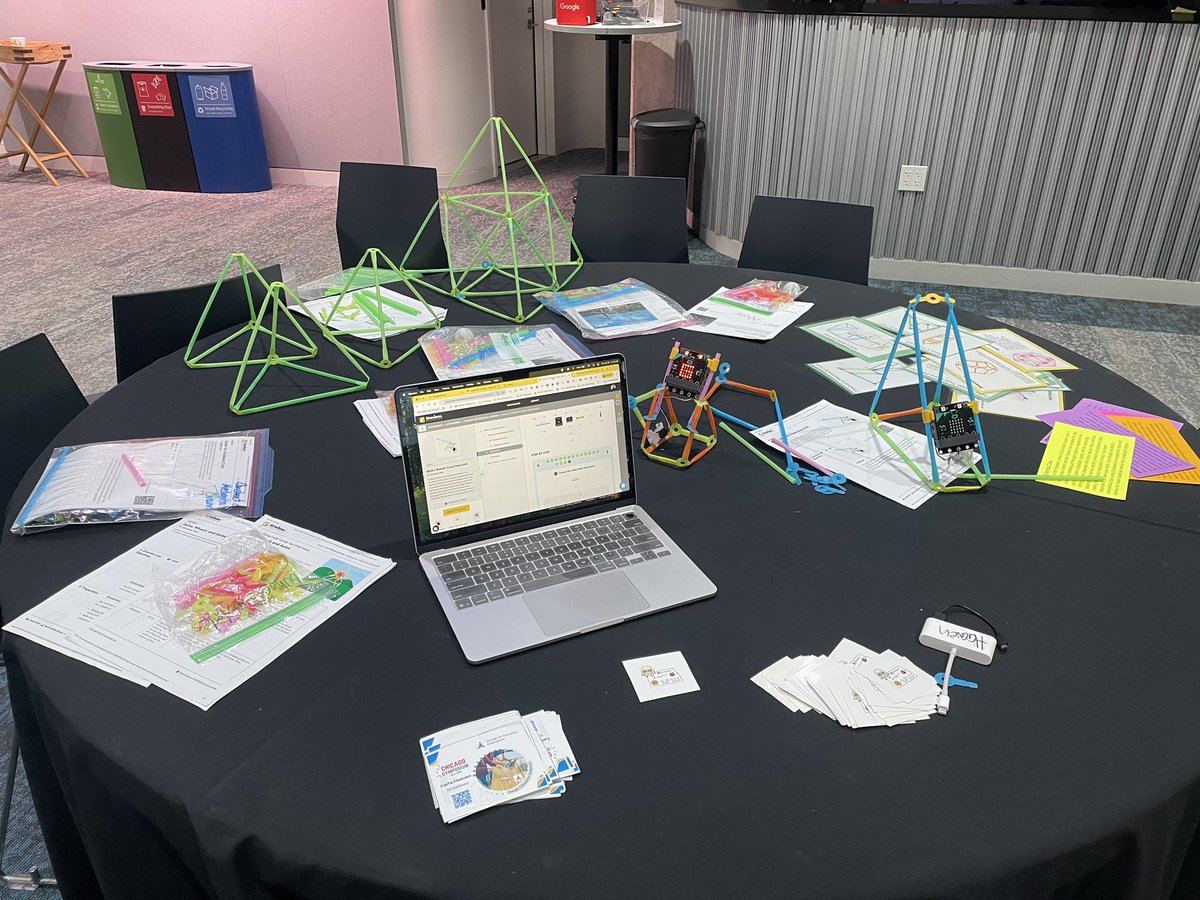
Late Post-Our Maker Night at @southms_gf was a fun night for families. Our stations were @KEVAplanks @My_Clixo @strawbees @Makedo & card/dice games. We are so thankful to the @GFFEAlumniNet for their grant support over the past few yrs to purchase 4 out of the 5 activities.
ALT Makedo Station
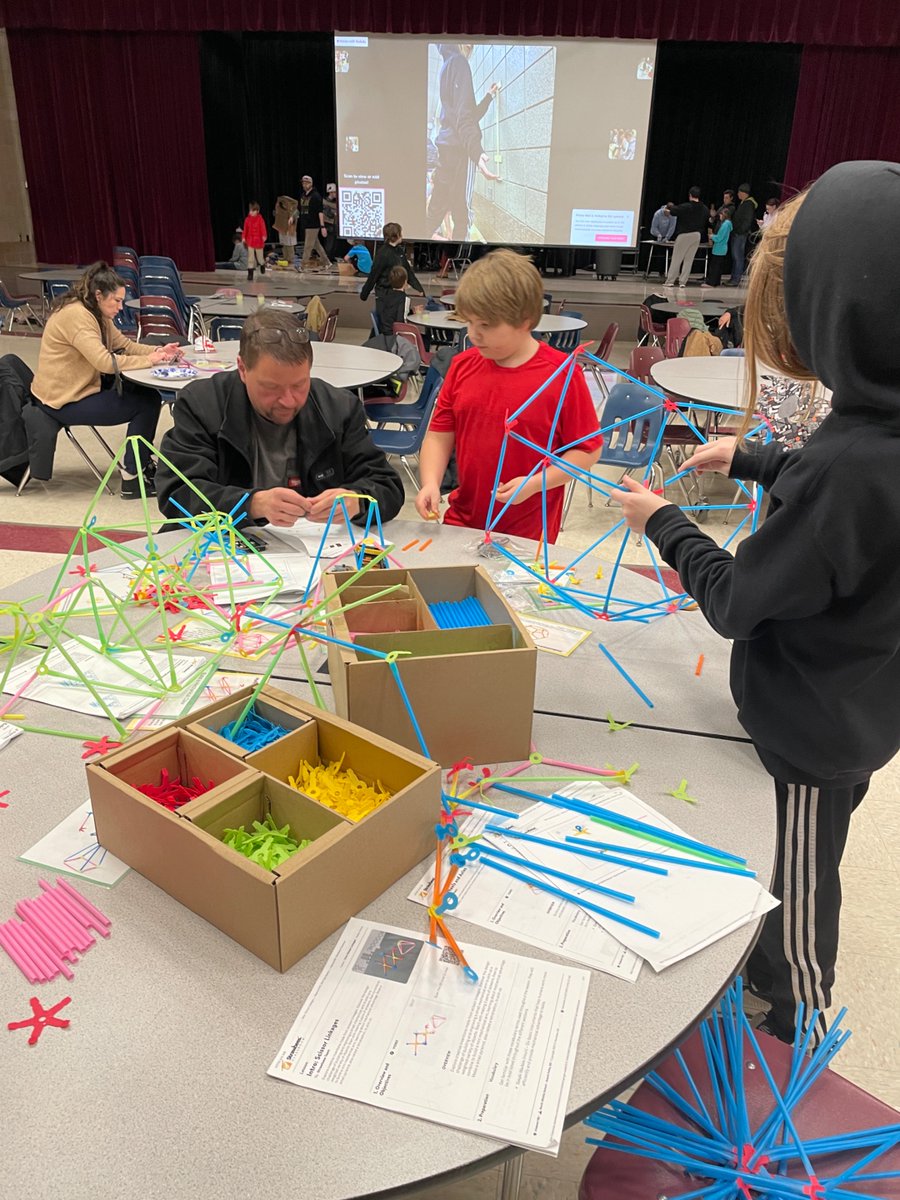
ALT Strawbees Station
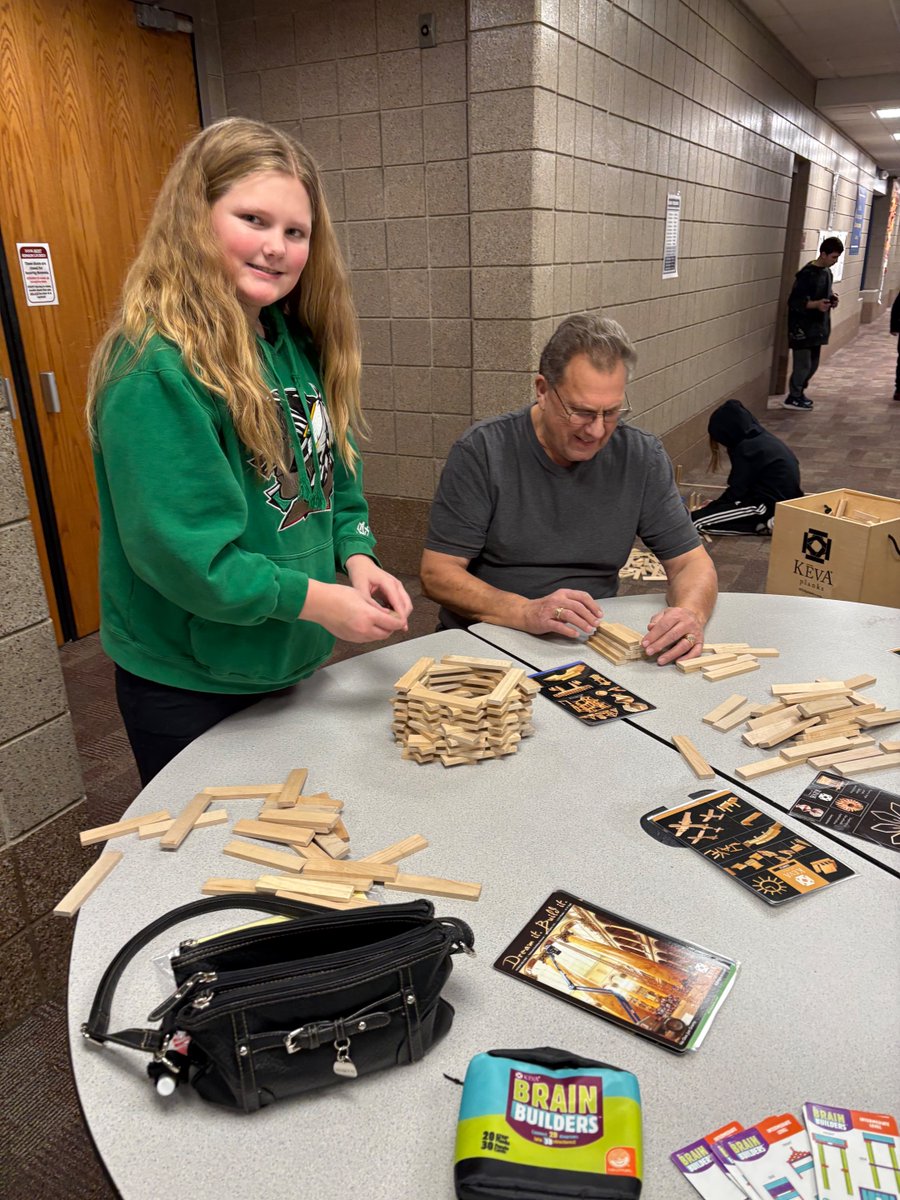
ALT Keva Station
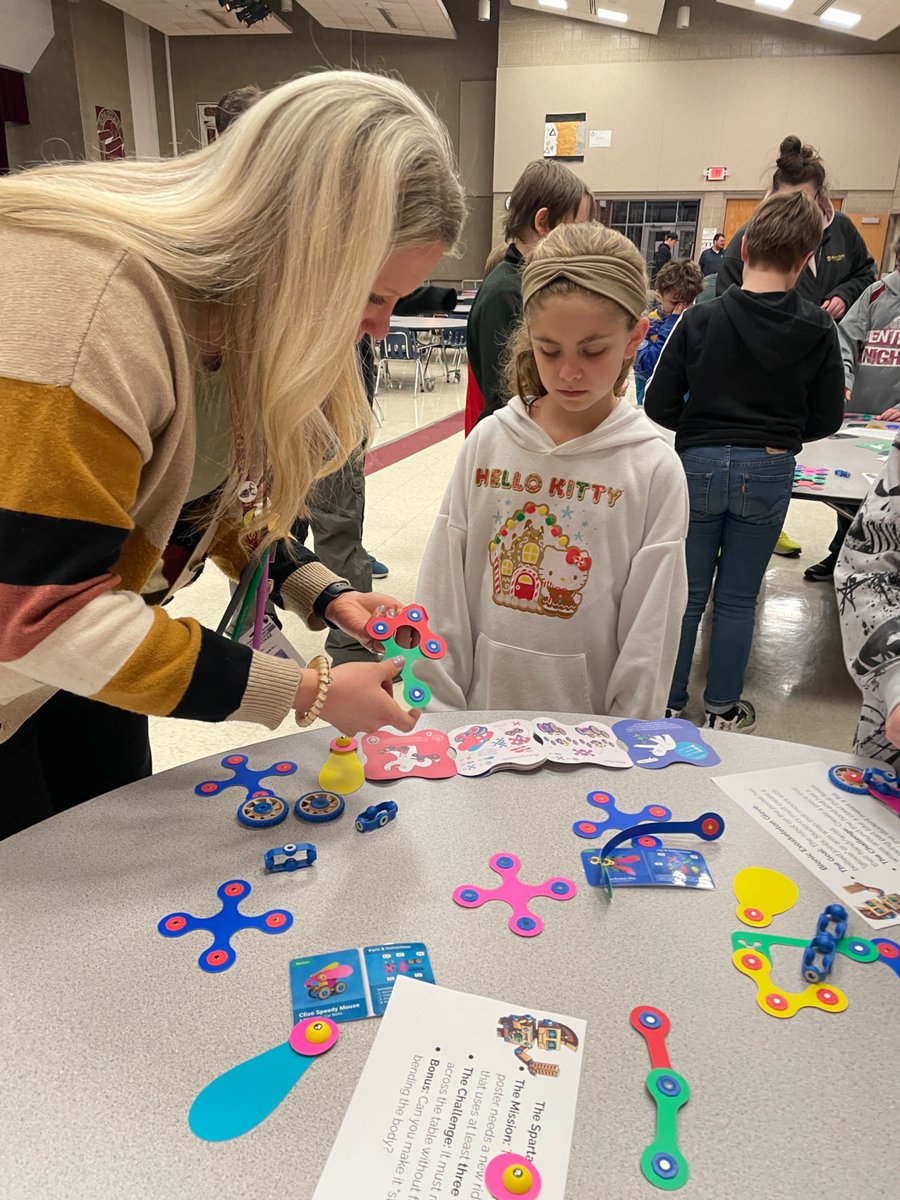
ALT Clixo Station
3
60
ℂ𝕒𝕣𝕝𝕒 ℍ𝕒𝕒𝕧𝕖𝕟 ✈️ #CHI24🤠ISTELIVE25 retweeted

29 Nov 2025
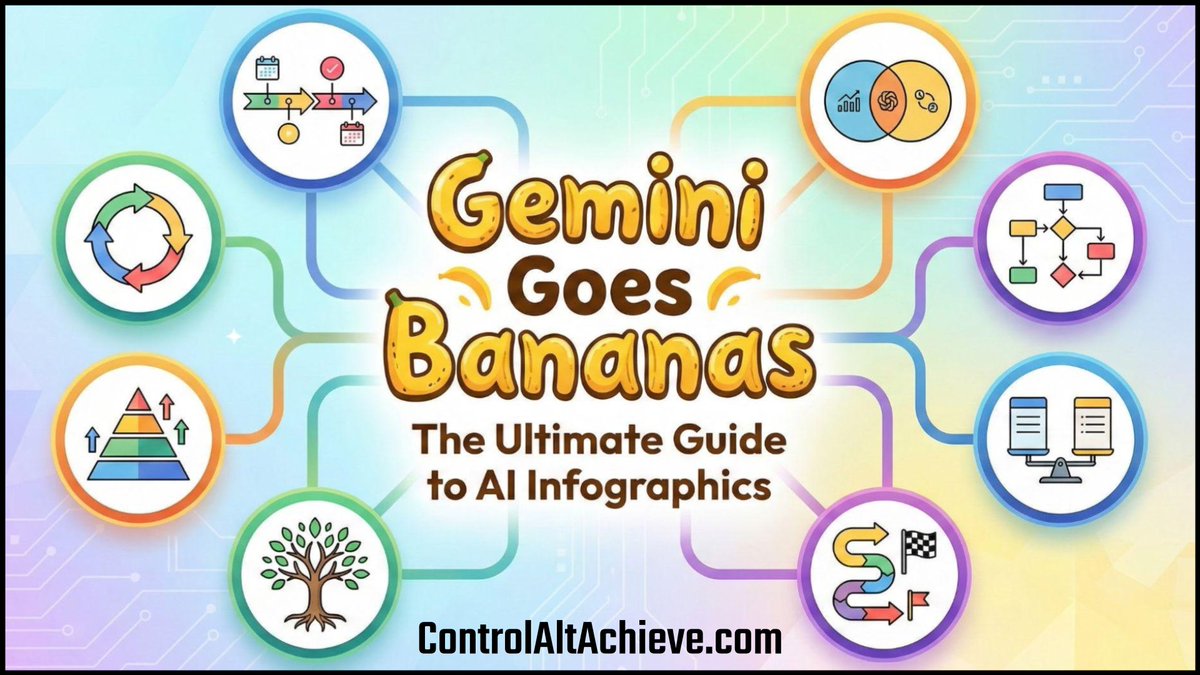
🍌 Gemini Goes Bananas: The Ultimate Guide to AI Infographics - controlaltachieve.com/2025/1…
ℹ️ 28 Sample Educational Infographics
📄 Infographic Prompts
🎨 Visual Style Ideas
🔄 Layout Ideas
💡 Tips & Tricks
@GeminiApp @GoogleForEdu #edtech #GoogleEDU #NanoBananaPro #Gemini
5
41
102
5,587
ℂ𝕒𝕣𝕝𝕒 ℍ𝕒𝕒𝕧𝕖𝕟 ✈️ #CHI24🤠ISTELIVE25 retweeted

4 Sep 2025
Taking the famous @makeymakey piano to a whole other level with Scratch, @Makedo and other materials. We had keyboards, guitars, drum kits and more! They used Scratch to find the sounds and assign them to different keys.
As one mum said, “The kids were HYPED!” #STEM #EdTech
3
5
14
572
ℂ𝕒𝕣𝕝𝕒 ℍ𝕒𝕒𝕧𝕖𝕟 ✈️ #CHI24🤠ISTELIVE25 retweeted

6 Sep 2025
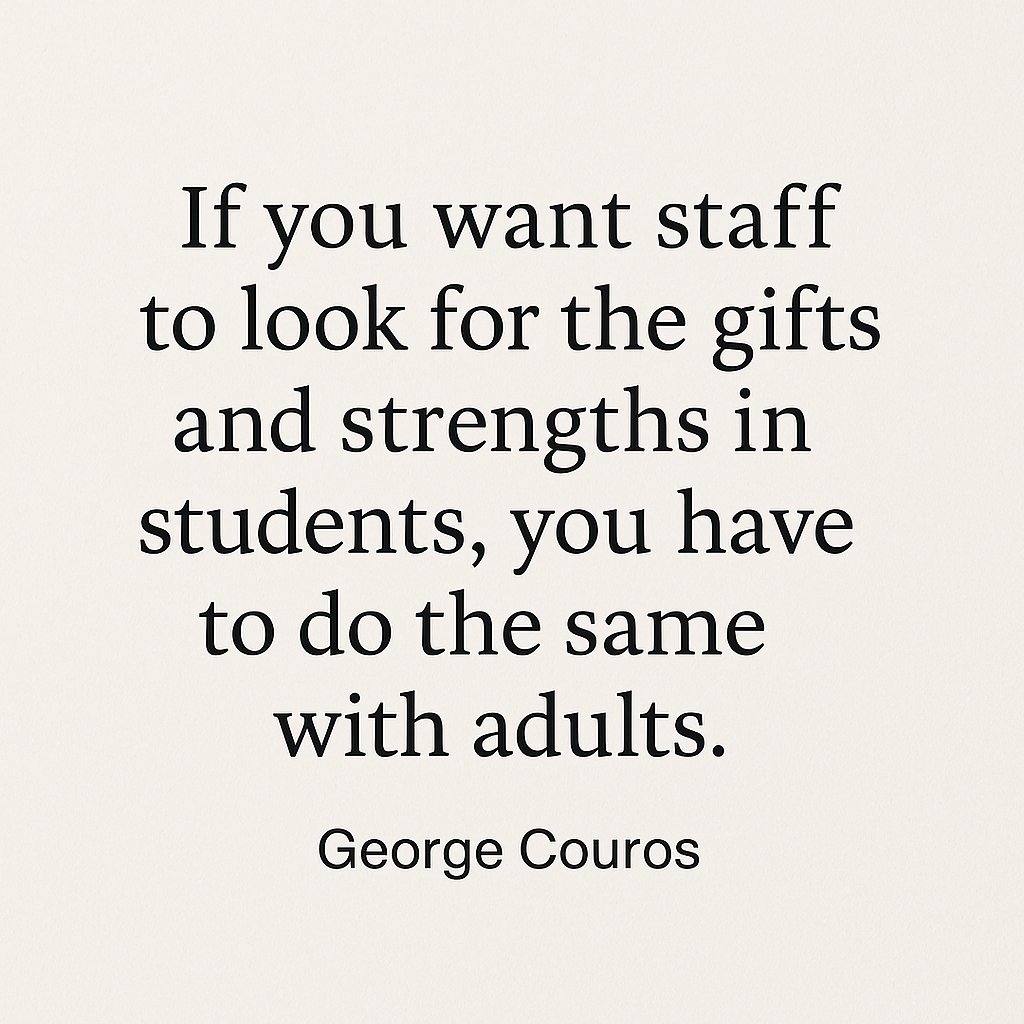
"...starting with strengths isn’t ignoring weaknesses, but just ensuring people feel valued before anything. It is easier to grow in all areas when you know that you are appreciated."
3 Observations from Summer That Inspired Hope for the Year Ahead - mailchi.mp/georgecouros/star…
7
25
2,780
ℂ𝕒𝕣𝕝𝕒 ℍ𝕒𝕒𝕧𝕖𝕟 ✈️ #CHI24🤠ISTELIVE25 retweeted

3 Sep 2025
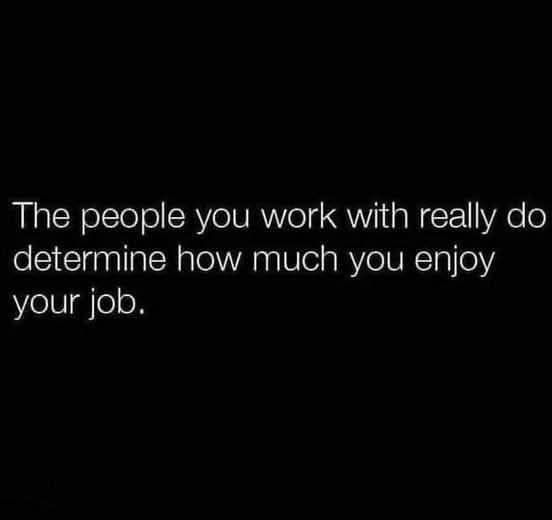
Truth. 💯
2
36
382
19,414
ℂ𝕒𝕣𝕝𝕒 ℍ𝕒𝕒𝕧𝕖𝕟 ✈️ #CHI24🤠ISTELIVE25 retweeted

12 Aug 2025
Get ready for even more flexibility in @NotebookLM! In the Studio panel, you can now create multiple Audio Overviews from one source (in different languages too!) and share the wealth to your amazing Video & Audio Overviews 🎉. goo.gle/45vPGXs
5
54
235
14,124
ℂ𝕒𝕣𝕝𝕒 ℍ𝕒𝕒𝕧𝕖𝕟 ✈️ #CHI24🤠ISTELIVE25 retweeted

7 Aug 2025
After delivering PD on @GoogleForEdu tools, I asked teachers which tool they were most excited to try. Can you guess what came out on top? Excited to support teachers in using this tool to create an #undeniableimpact on our students! @APSInstructTech @apsitnatasha @apsitjen
2
7
574
ℂ𝕒𝕣𝕝𝕒 ℍ𝕒𝕒𝕧𝕖𝕟 ✈️ #CHI24🤠ISTELIVE25 retweeted

7 Aug 2025
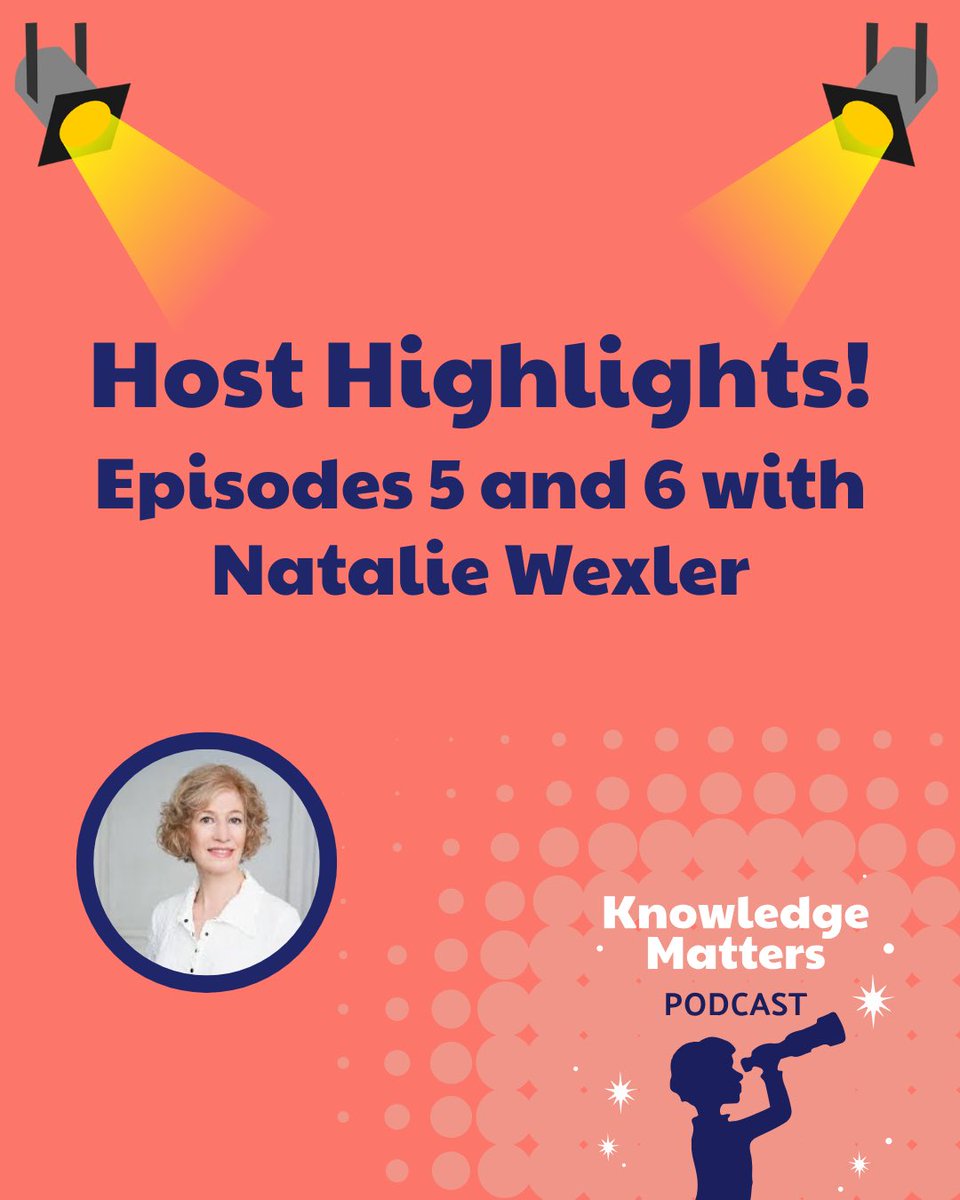
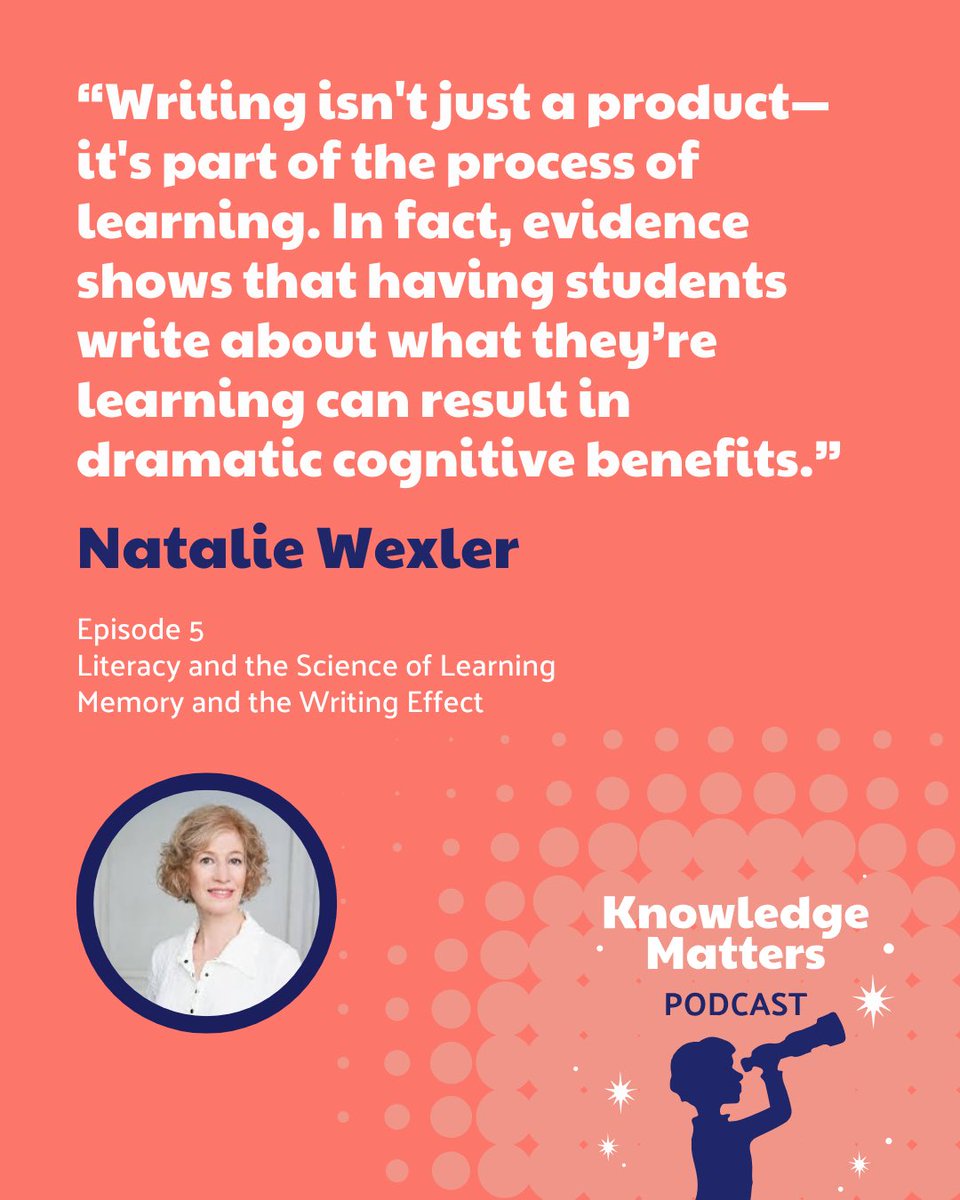
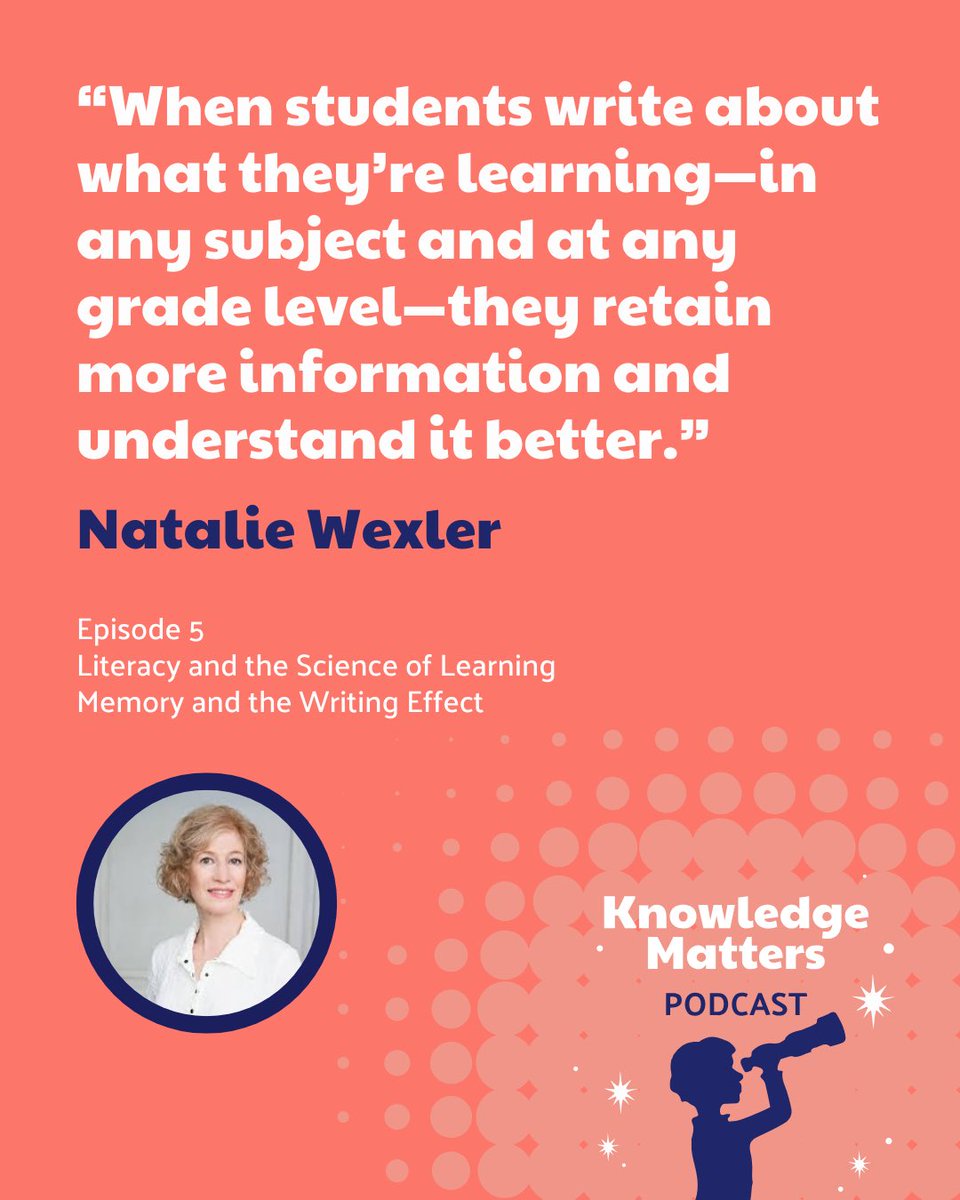
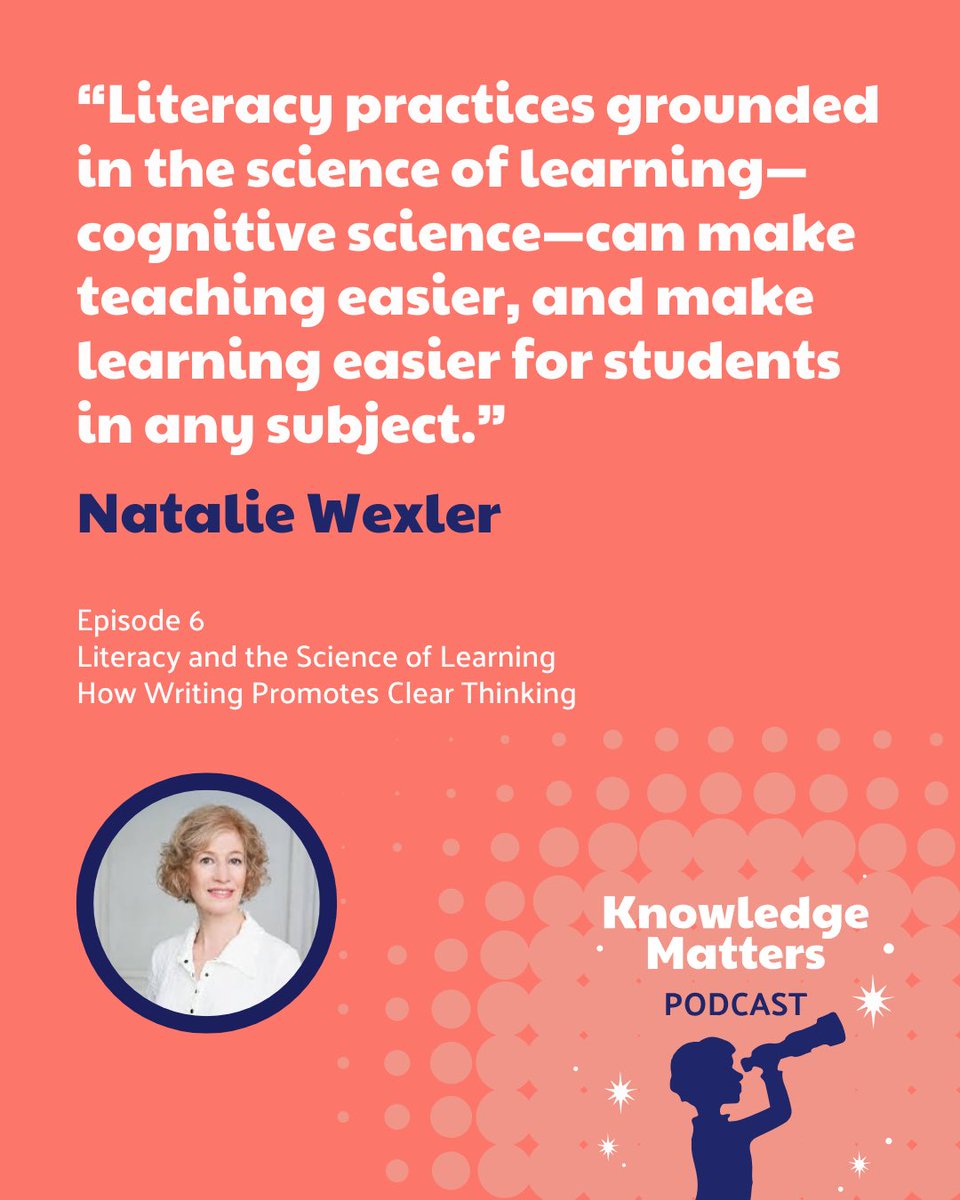
📸More Host Highlights from Season 3 of the #knowledgematters podcast! @natwexler hosts our final 2 episodes and speaks with educators from @MCSchoolsLa about the changes they made to writing instruction!
🎧Listen to all 6 episodes of season 3 NOW! bit.ly/4fqkFsA
6
10
2,108
ℂ𝕒𝕣𝕝𝕒 ℍ𝕒𝕒𝕧𝕖𝕟 ✈️ #CHI24🤠ISTELIVE25 retweeted

NEW today!
🎭 Want to bring learning to life in your classroom?
🤖 This episode shares how to use AI to create custom reader’s theater scripts.
💡 Great for building fluency, excitement, and deeper understanding.
classtechtips.com/2025/08/05…
4
7
505
ℂ𝕒𝕣𝕝𝕒 ℍ𝕒𝕒𝕧𝕖𝕟 ✈️ #CHI24🤠ISTELIVE25 retweeted

2 Aug 2025
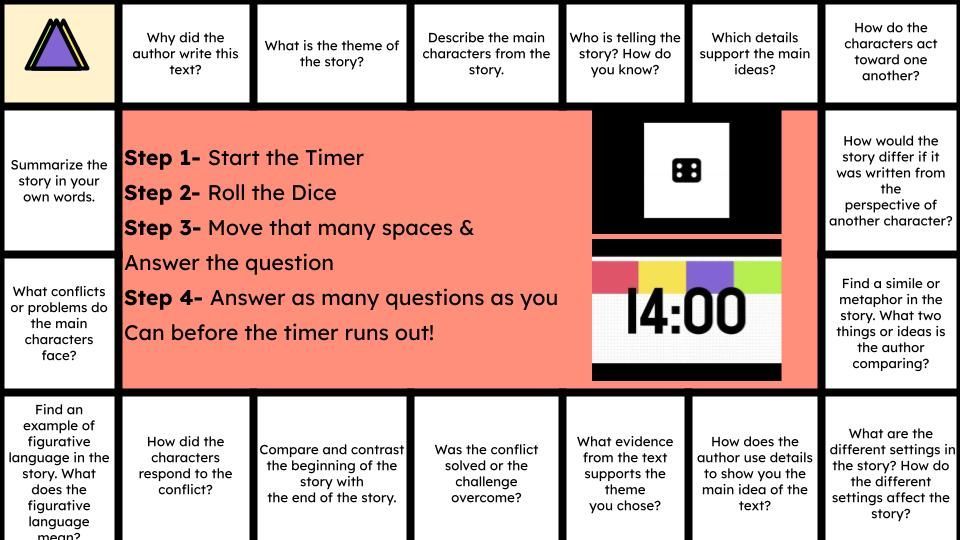
Looking for a fun and engaging way to get your students talking?
Here's how to play:
1️⃣ Create questions for students to answer as they move around the board.
2️⃣ Roll the dice!
3️⃣ The first s to answer most of the? Before the timer runs out wins! youtube.com/watch?v=J3YbBD1x…
1
31
81
7,534
ℂ𝕒𝕣𝕝𝕒 ℍ𝕒𝕒𝕧𝕖𝕟 ✈️ #CHI24🤠ISTELIVE25 retweeted

1 Aug 2025
A “TEACHER” is anyone in a school that has the chance to make an impact on the life of a child. From the bus driver to the classroom teacher to the front office staff to the superintendent.
We all play a roll in the outcome ❤️
12
92
377
47,746
ℂ𝕒𝕣𝕝𝕒 ℍ𝕒𝕒𝕧𝕖𝕟 ✈️ #CHI24🤠ISTELIVE25 retweeted
31 Jul 2025
📢 Calling all educators & school admins! Ever wondered how to seamlessly integrate #AI into your institution? From saving time on everyday tasks to sparking major creativity, our enablement guide has all the tips & tricks to make implementation a breeze. goo.gle/4lc6fgN

ALT A graphic with the title "Launch Gemini for Education and NotebookLM at your institution" and an illustration of a stylus.
7
37
105
9,193
ℂ𝕒𝕣𝕝𝕒 ℍ𝕒𝕒𝕧𝕖𝕟 ✈️ #CHI24🤠ISTELIVE25 retweeted

30 Jul 2025
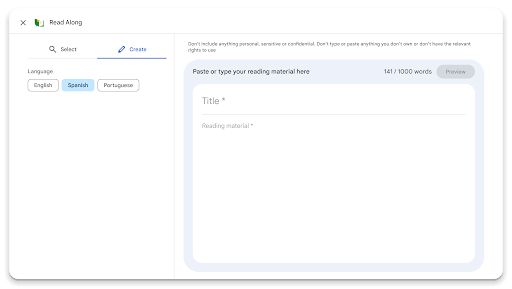
Read Along for #GoogleClassroom now supports custom content! Copy and paste content from a source and Read Along will provide guided reading support!
Note: This feature requires an #EDUPlus or Teaching&Learning license.
Learn more: workspaceupdates.googleblog.…
#GoogleEDU
1
3
219
ℂ𝕒𝕣𝕝𝕒 ℍ𝕒𝕒𝕧𝕖𝕟 ✈️ #CHI24🤠ISTELIVE25 retweeted
30 Jul 2025
Visual learners, this one's for you! @NotebookLM's new Video Overviews transform your sources into engaging explainer videos with #AI narration and visuals. Customize to your learning style! Learn more: goo.gle/3IQO0jz
6
56
223
13,484
28 Jul 2025
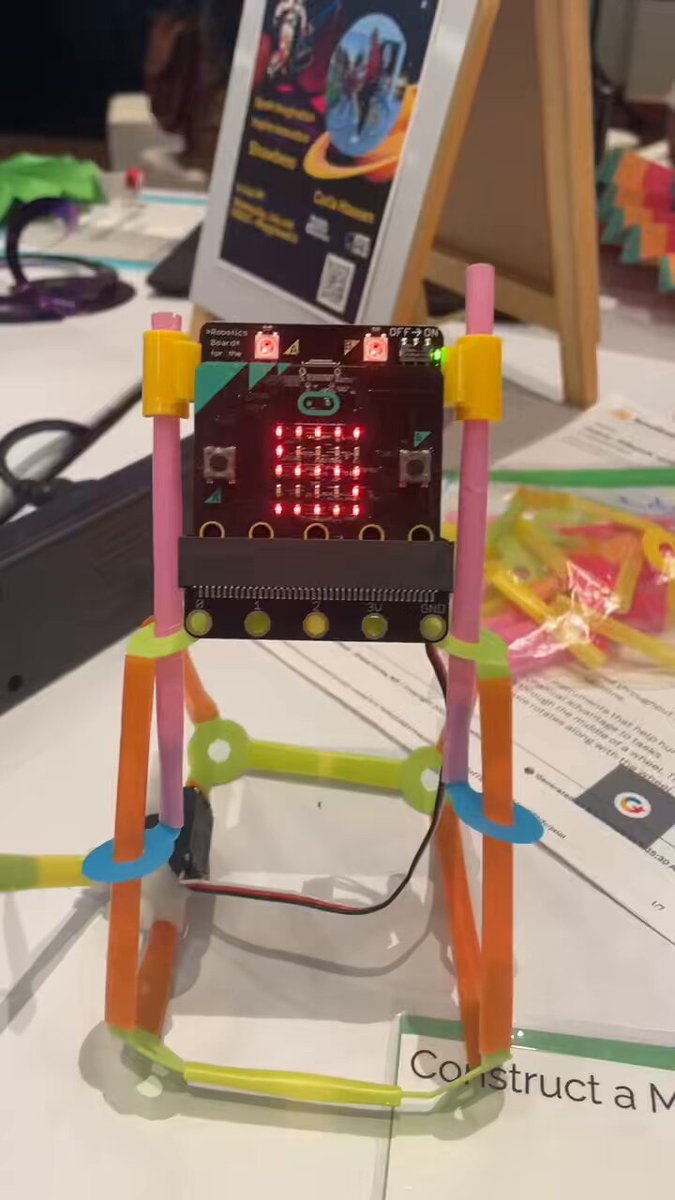
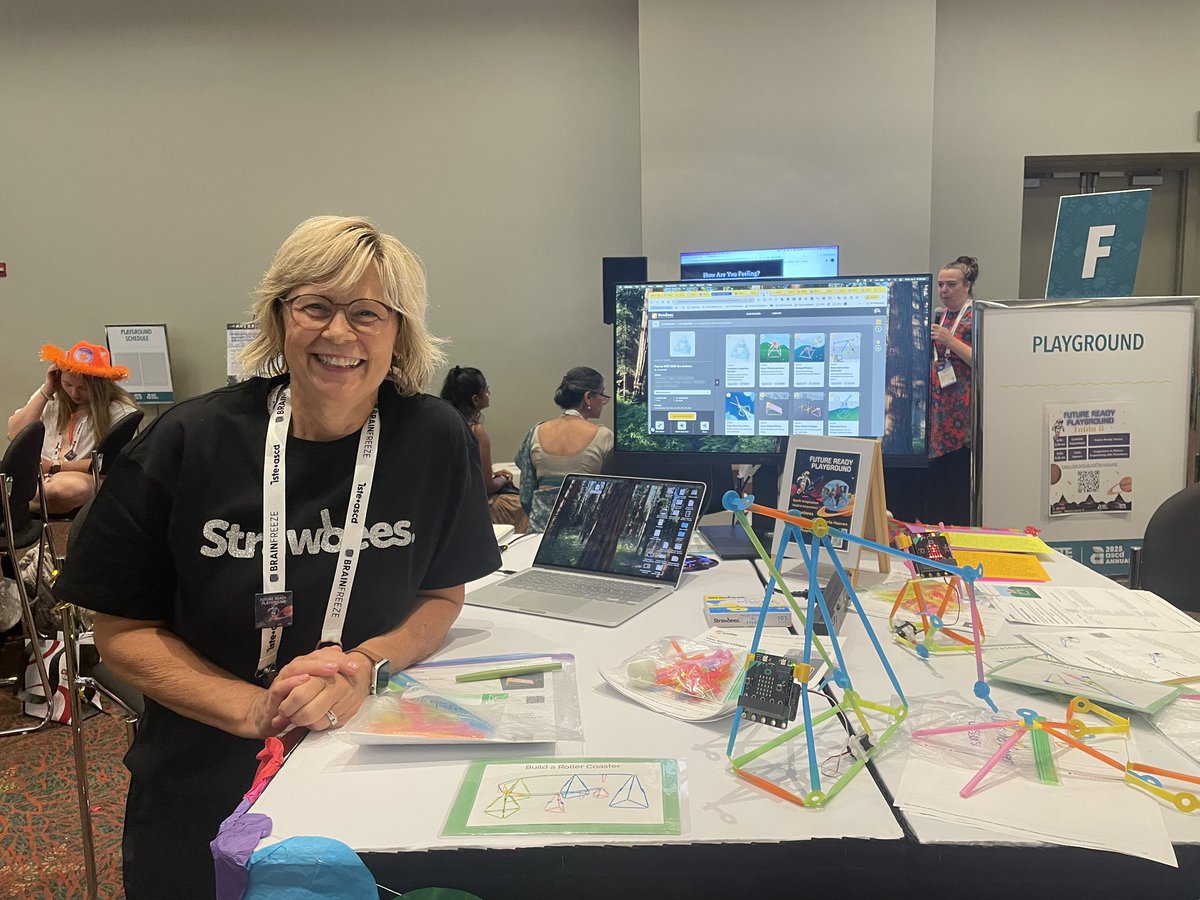
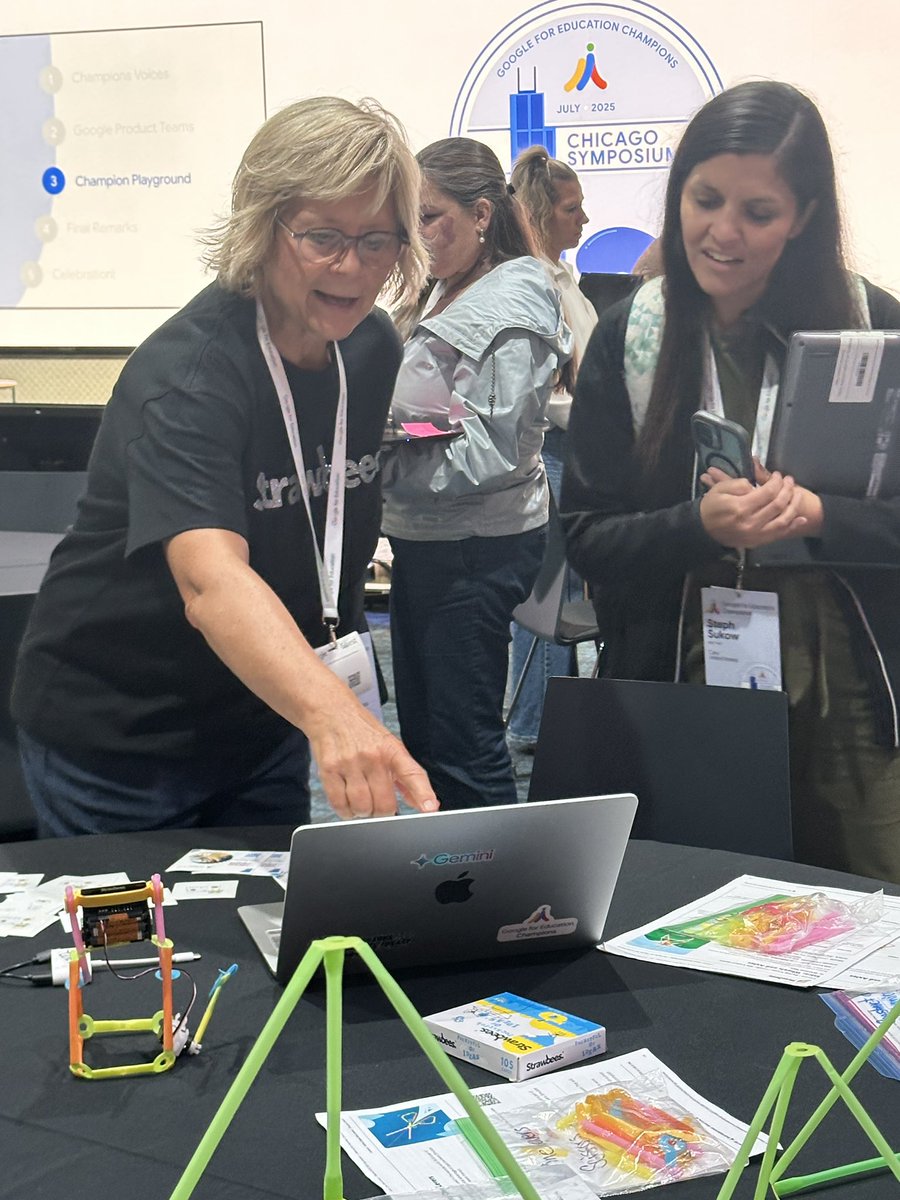
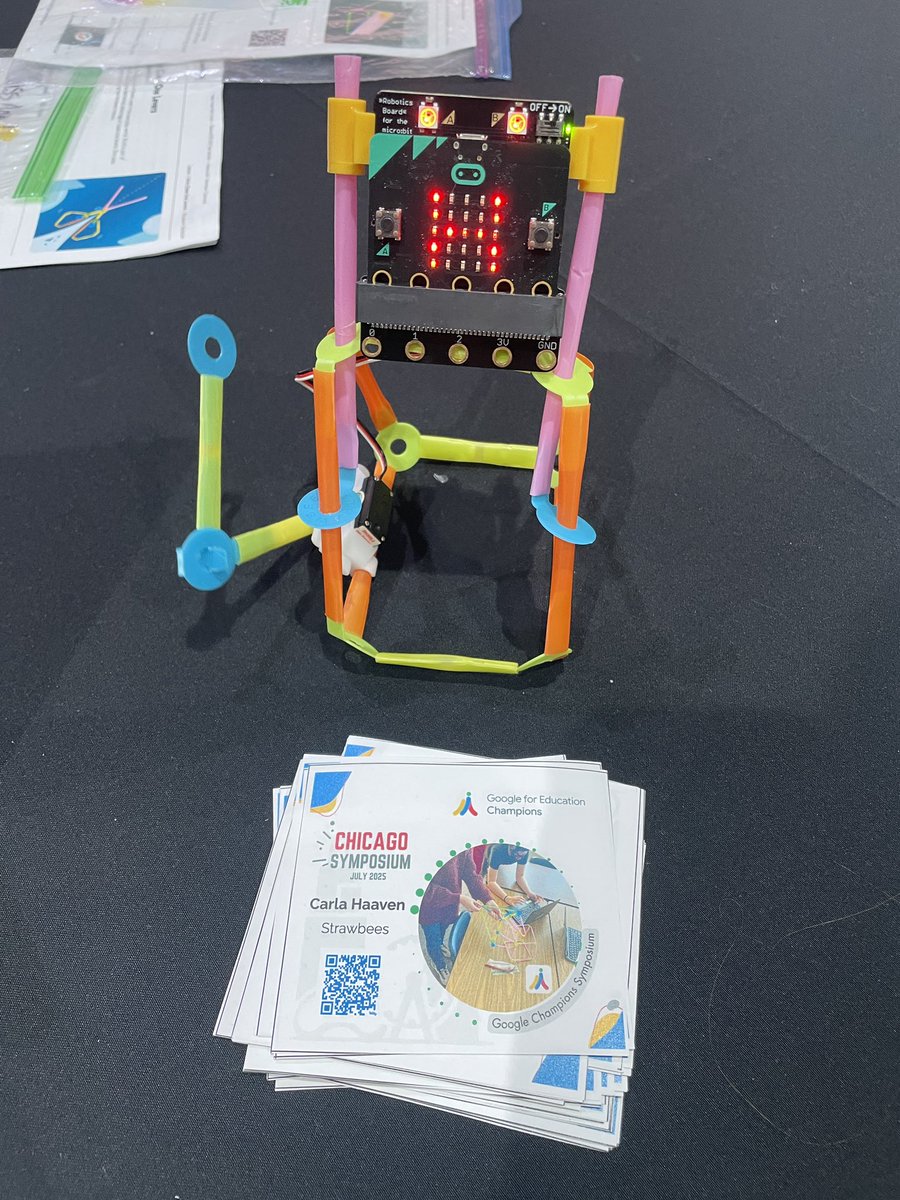
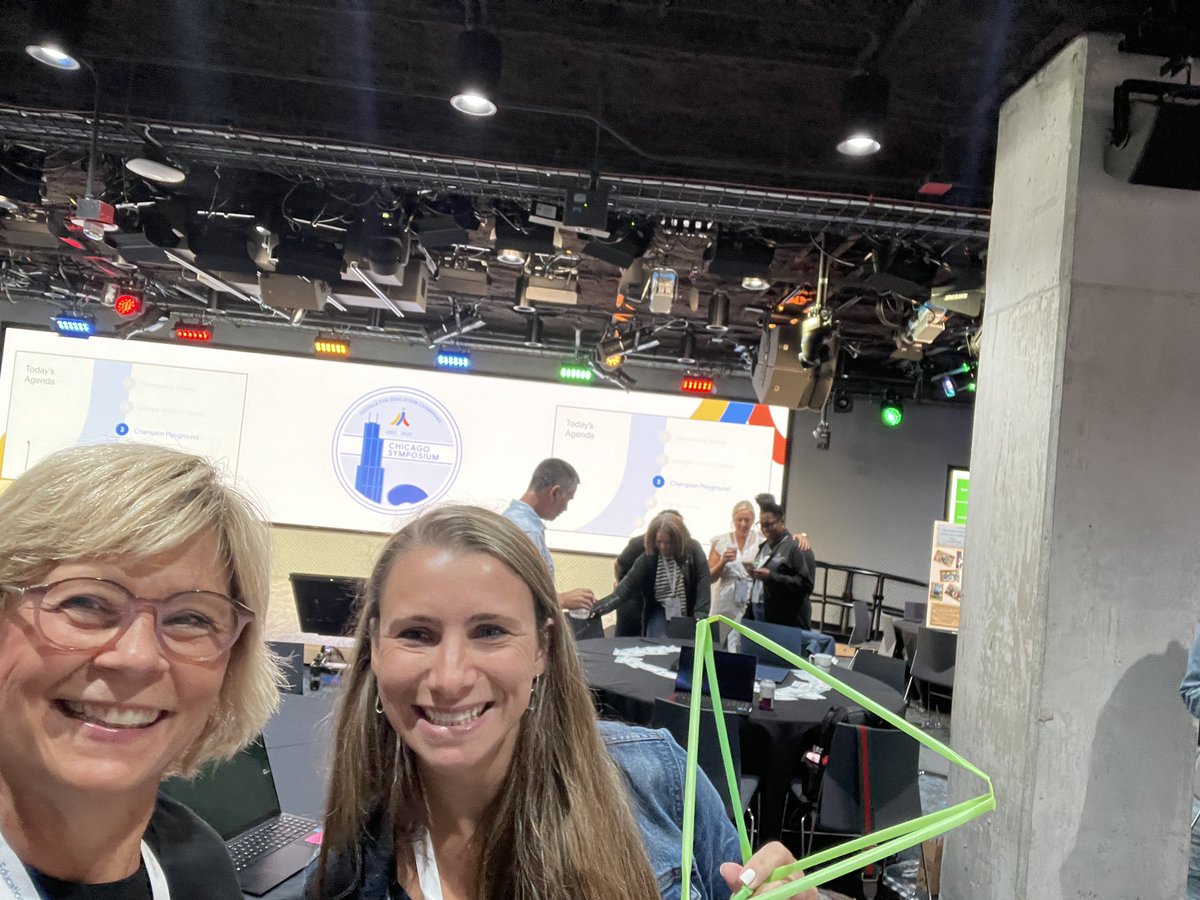
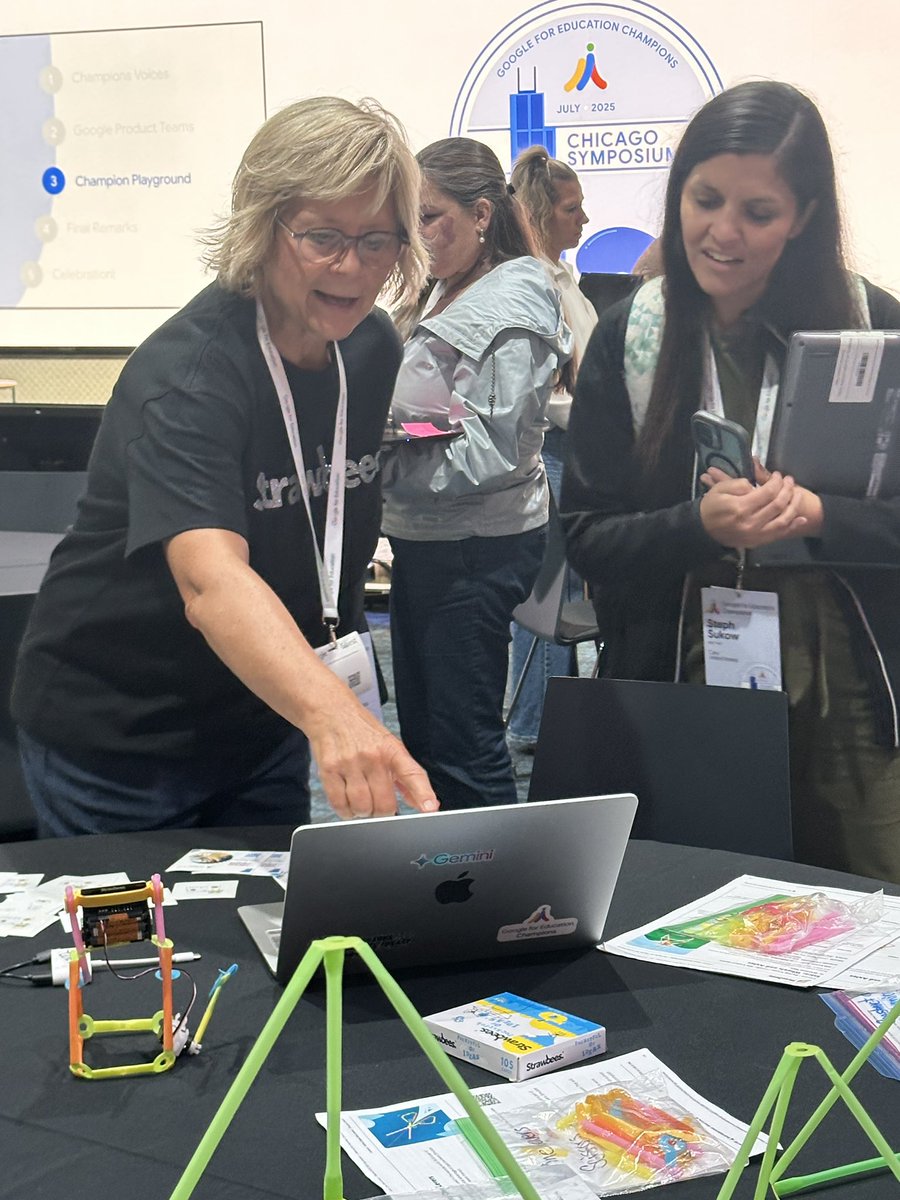
My @strawbees made it to the #GoogleChampions Symposium in Chicago for another playground. It was fun to share with so many interested educators. #Simplemachines #4Cs
1
2
8
238
26 Jul 2025
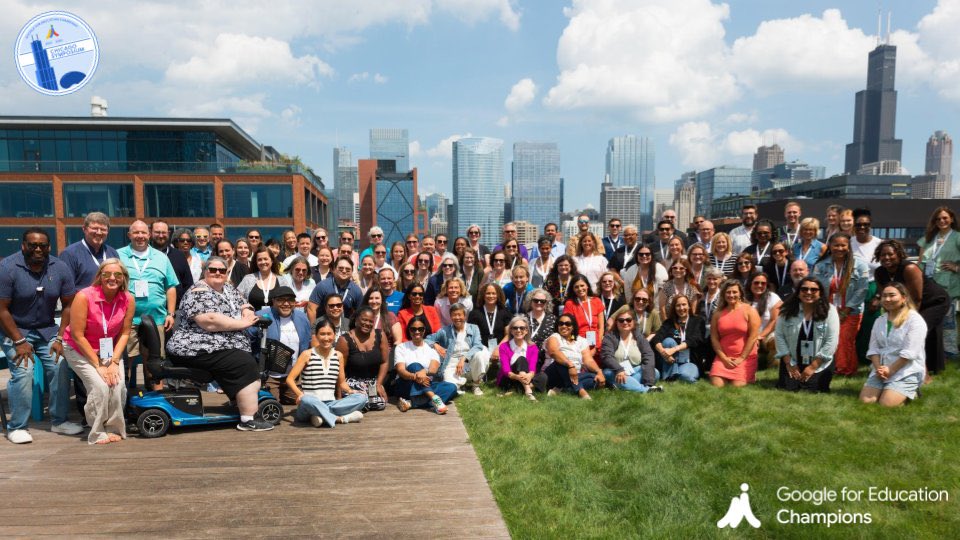
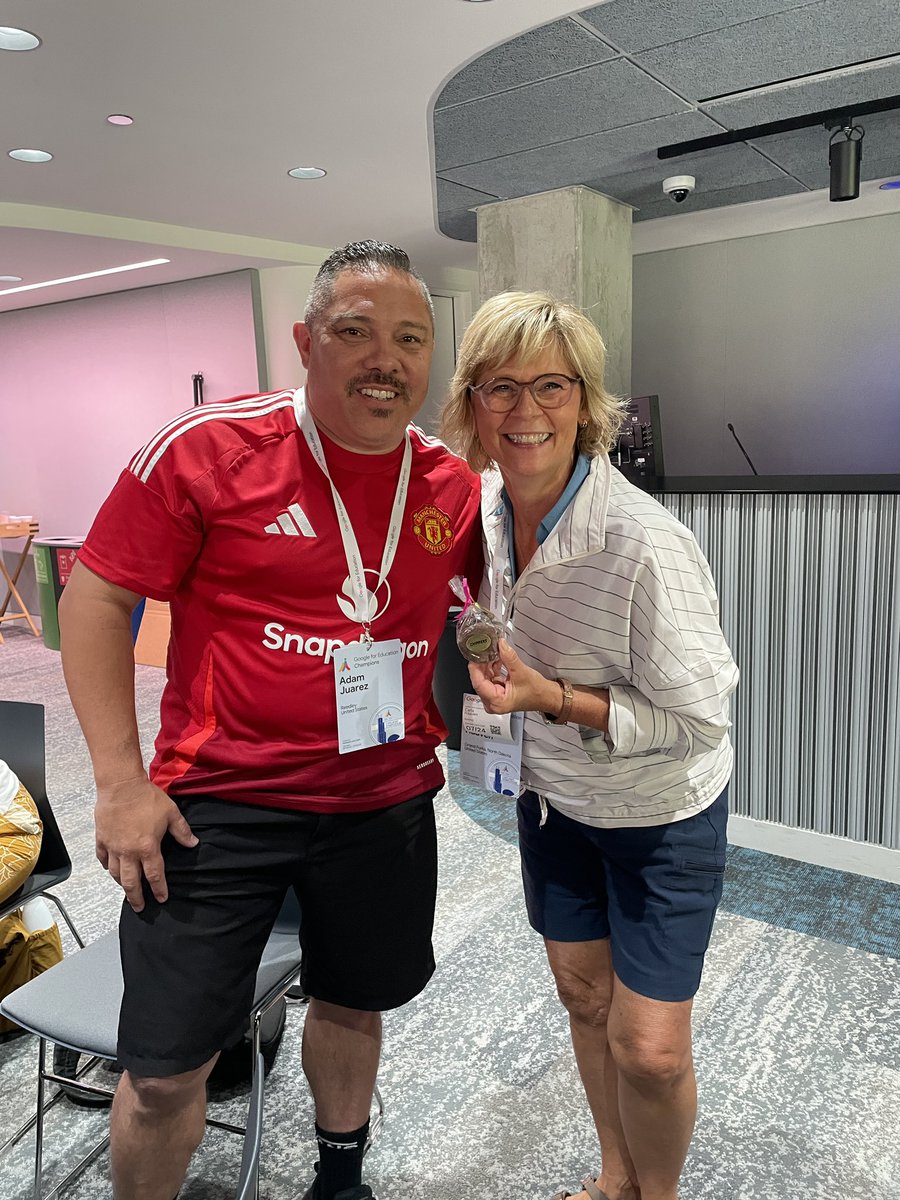
My bucket is full and ready for another school year after spending 3 days at the #GoogleChampions Symposium at Google Chicago. #Gemini #Team3 #Strawbees


2
13
257
ℂ𝕒𝕣𝕝𝕒 ℍ𝕒𝕒𝕧𝕖𝕟 ✈️ #CHI24🤠ISTELIVE25 retweeted
25 Jul 2025
No-cost access to #GoogleVids? We like the sound of that 😎
Educators and students can use Vids to create instructional videos for complex topics, turn book reports into fun videos, and so much more. Head to our quick start guide and give it a try today! goo.gle/4lMRaDC
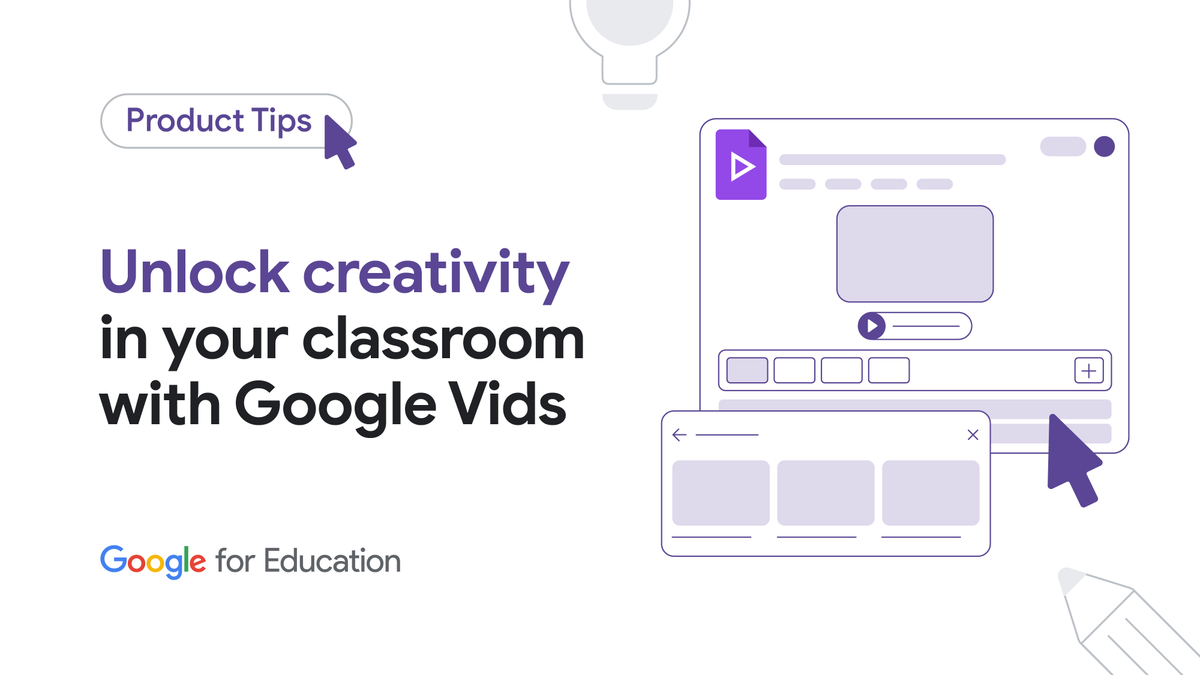
ALT A graphic with the text "Unlock creativity in your classroom with Google Vids" and an illustration of a video editing interface.
2
31
66
6,549
ℂ𝕒𝕣𝕝𝕒 ℍ𝕒𝕒𝕧𝕖𝕟 ✈️ #CHI24🤠ISTELIVE25 retweeted

24 Jul 2025
Team #3 rocks the boat! #GoogleChampions #google

2
11
261