
Publishing software company offering development, training & consultancy. Tweets by @CircularKen. Book a #MasterPlan demo with us – link below!
Joined October 2011
- Tweets 1,284
- Following 1,102
- Followers 362
- Likes 222
263 Photos and videos









6 Jan 2025
Thanks Twitter, so long X. Continue the conversation over on Bluesky! bsky.app/profile/circularsof…
19
Circular Software retweeted

10 Nov 2023
Thank you to our amazing Design Accessibility Summit sponsors:
@Adobe
@CacidiInfo
@Circular_soft
EM Software
@Fontlab
@powerpoint
@teampageproof
@Recosoft
@santacruzsw
Learn more about our sponsors at CreativePro.com/partners

ALT Thank you to our amazing sponsors! Logos of each sponsor are centered across a white background in alphabetical order as follows: Adobe Cacidi Circular Software EM Software Fontlab Microsoft PowerPoint PageProof Recosoft Santa Cruz Software
4
5
400
19 Jul 2023
The recent session 'No-code accessibility from InDesign' by @CircularKen was the second most attended session of the week at the Digital Publishing Summit 2023 with people from 19 different countries tuning in to the live stream!
youtu.be/9_xYi28qLDk
3
1
158
11 Jun 2023
Circular Software - So good that @robdewinter commits to the laptop sticker after his first demo at #CreativeProWeek
1
4
647
27 May 2023
How can typesetters, publishers and content creators be required to create accessible publications if they don’t have the tools to make them?
There is hope… No-code Accessibility for InDesign at Digital Publishing Summit 2023 on June 20th. #eprdctn
edrlab.org/events/digital-pu…
1
2
162
18 Nov 2022
Circular Software is a proud partner of Design Accessibility Summit.
See you there?
18 Nov 2022

Thank you to our Design Accessibility Summit partners!
@AdobeDesign
@canto
@circular_soft
@chadchelius @daxjcastro Training and Consulting
@Fontlab
@powerpoint
@nobledesktop
@teampageproof
@santacruzsw
Learn more about our partners at CreativePro.com/partners
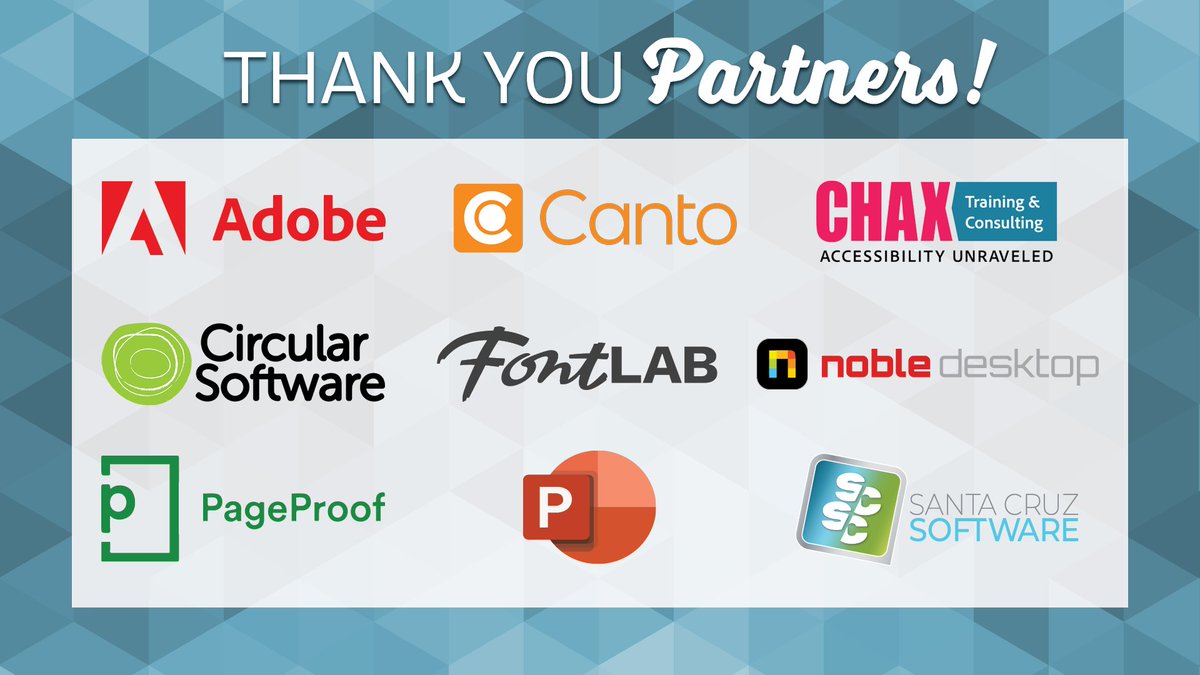
ALT Design Accessibility Summit 2022 partners
3
3
Circular Software retweeted

17 Oct 2022
📢 Exciting news!
The #Publishing Accessibility Action Group website has launched! Check it out: paag.uk/
If you attended our #WednesdayWisdom Q&A session with PAAG Chair Stacy last month (or even if you didn't!), you'll definitely want to take a look.
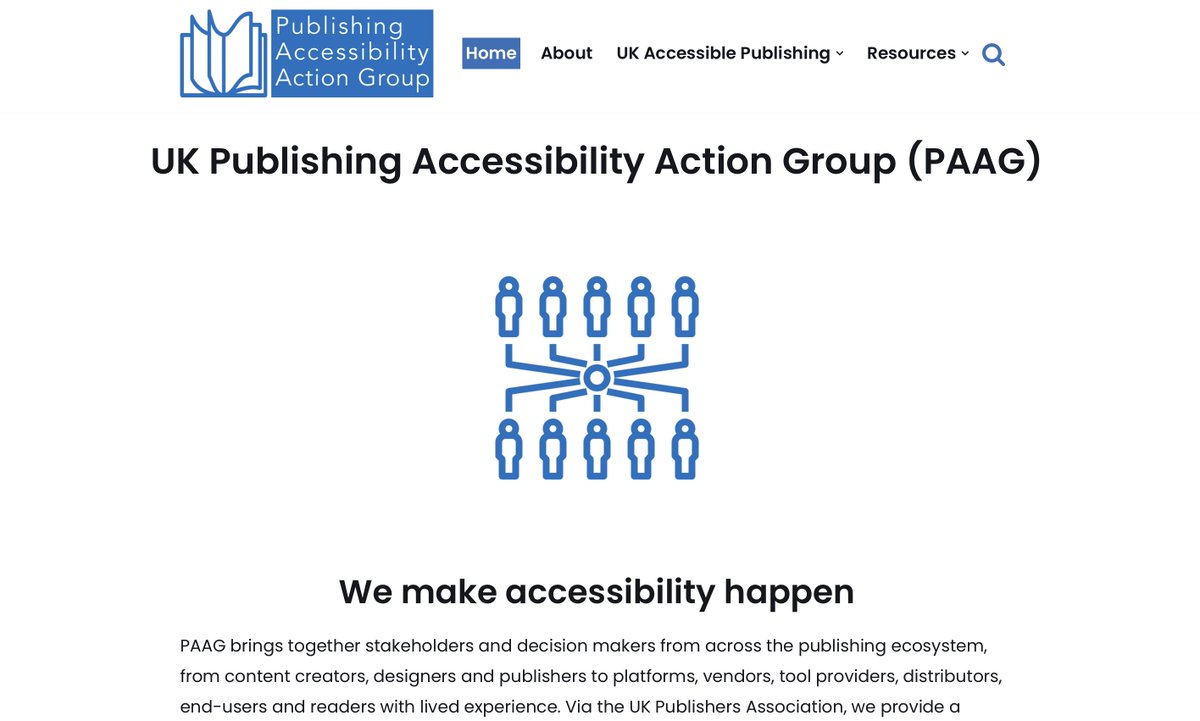
ALT The homepage of the PAAG website. Large black text on screen reads: "UK Publishing Accessibility Action Group (PAAG) - We make accessibility happen", and a blue line illustration of lots of people being brought together in one hub is shown below.
4
7
16 Oct 2022
The ability to check that a file is ready for accessible export, whilst still in InDesign is a great benefit.
❌ InDesign offers no accessibility checks.
🟢 Circular Software has multiple checklists that reports and flags accessibility issues in InDesign.
bit.ly/CircularA11y
15 Oct 2022
Position images into text flow in InDesign to appear at the relevant place in reflowable EPUB.
❌ There is no way to check if images are anchored into text
🟢 Circular Software checks and flags any images that are not anchored for reflowable ebooks
bit.ly/CircularA11y
1
14 Oct 2022
Section markers and landmarks identify and navigate major parts of an EPUB.
❌ InDesign offers no way to add section markers and landmarks.
🟢 Circular Software tools add visual section markers and landmarks to InDesign pages which are then added to your EPUB.
#InDesignBetter
14 Oct 2022
After export EPUBs should be checked for validation against the EPUB standard and for accessibility issues.
❌ InDesign offers no method of validation.
🟢 Circular Software connects with epubcheck for validation and runs ACE A11y report on EPUBs.
bit.ly/CircularA11y
13 Oct 2022
Many publishers do not use InDesign’s generated Table of Contents.
❌ InDesign requires user to make a complex uneditbale internal table of contents.
🟢 Circular Software users adds an editable accessible multi level contents page in their ebooks.
#InDesignBetter
12 Oct 2022
Descriptions of images and figures should be added so their meaning can be delivered as text, braille or voice.
❌ InDesign alt text is applied individually in an grey dialog box
🟢 Circular Software visually prepares images for descriptions in bulk
bit.ly/CircularA11y
11 Oct 2022
The level and ordering of headings is an important feature in ebook structure.
❌ InDesign offers no way to view or check applied heading hierarchy.
🟢 Circular Software visually labels heading tags then checks and flags when hierarchy out of sequence.
bit.ly/CircularA11y
10 Oct 2022
‘ARIA roles’, the modern method used to indicate the meaning of content, are widely used on the web and are recommend within EPUB.
❌ InDesign offers no way to add ARIA roles.
🟢 Circular Software automatically adds useful ARIA roles to every EPUB.
bit.ly/CircularA11y
1
9 Oct 2022
The reading order of InDesign bears no relation to position of objects on the page or styling used.
❌ InDesign Articles panel means users must manually add and reorder content.
🟢 Circular Software adds visual and editable reading order markers.
bit.ly/CircularA11y