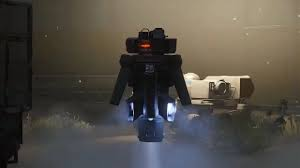
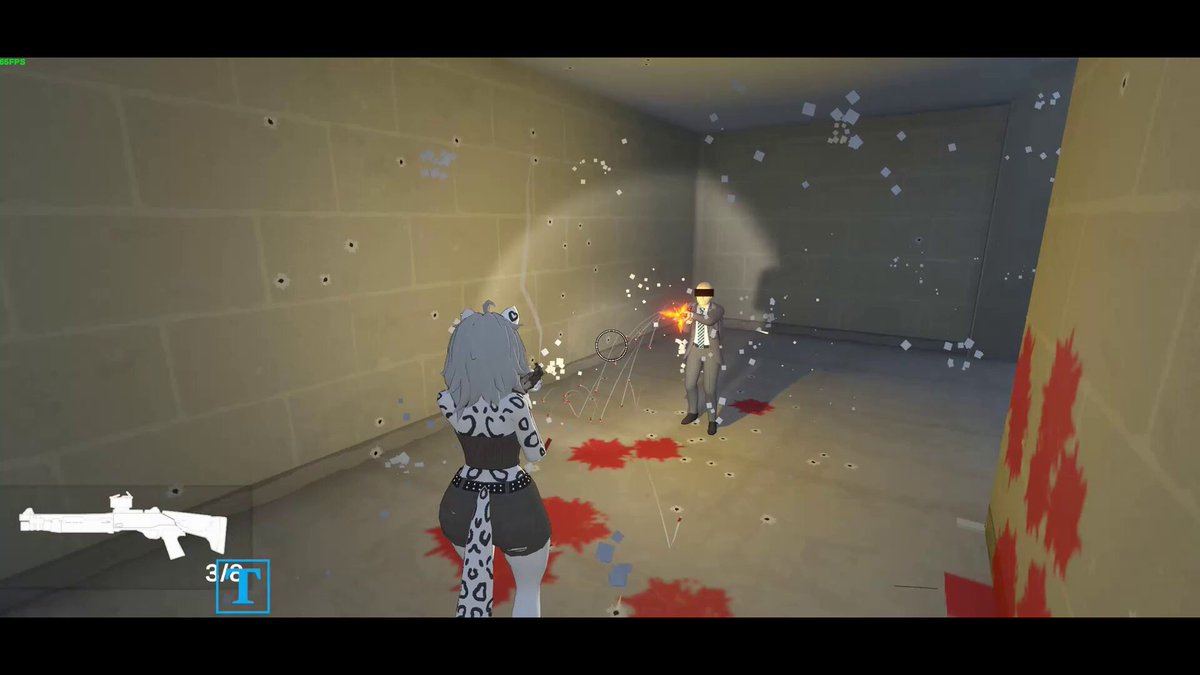
I recently added spread buildup when shooting and because the enemies can shoot as fast as the gun allows, it would get really inaccurate, really quickly.
Fixed it with a spread cap, and reduced firerate for AI
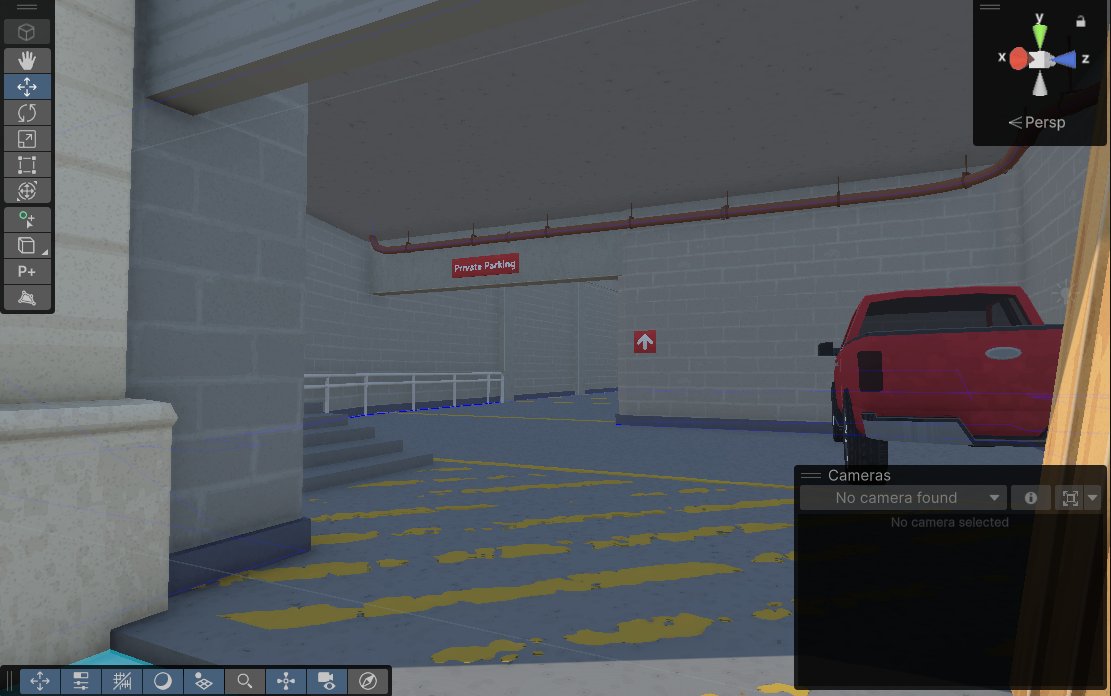
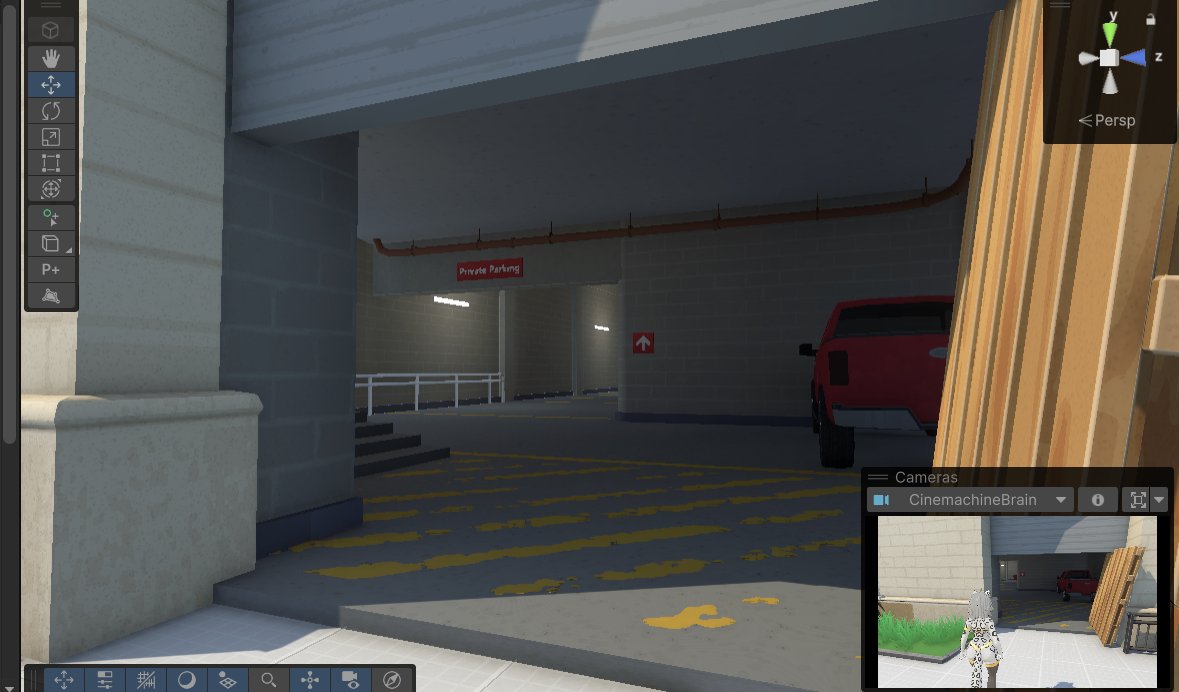
I've never played around with light baking before so using Unity's adaptive probe volumes for the first time felt like magic (and apparently they're quite performant too !!)
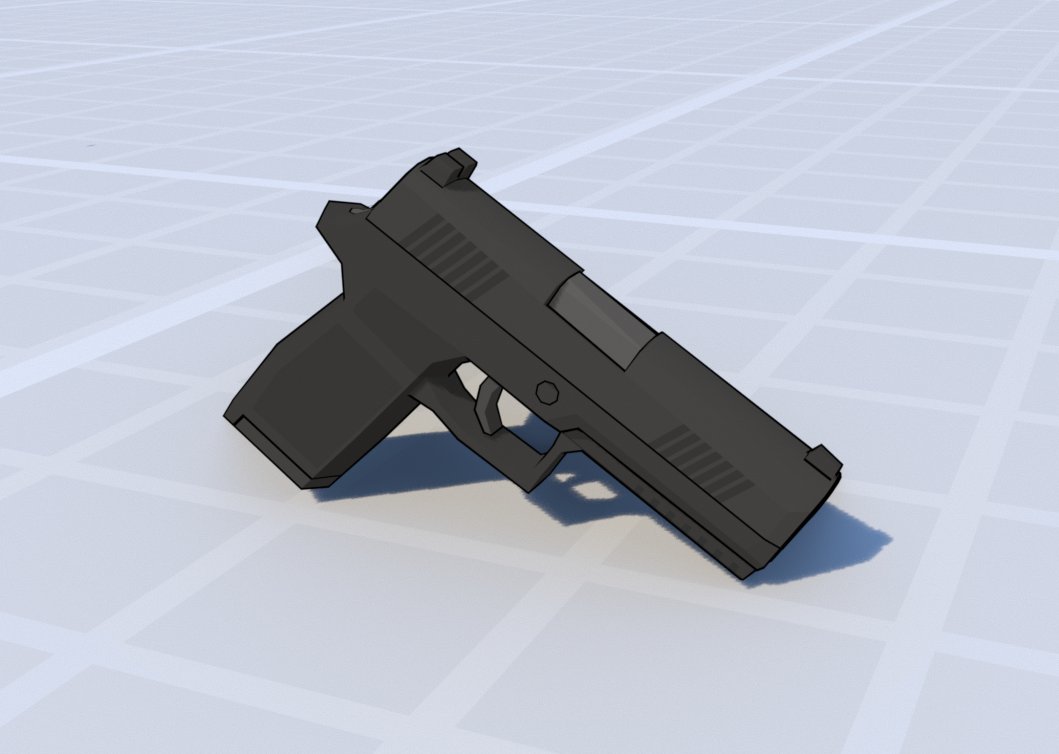
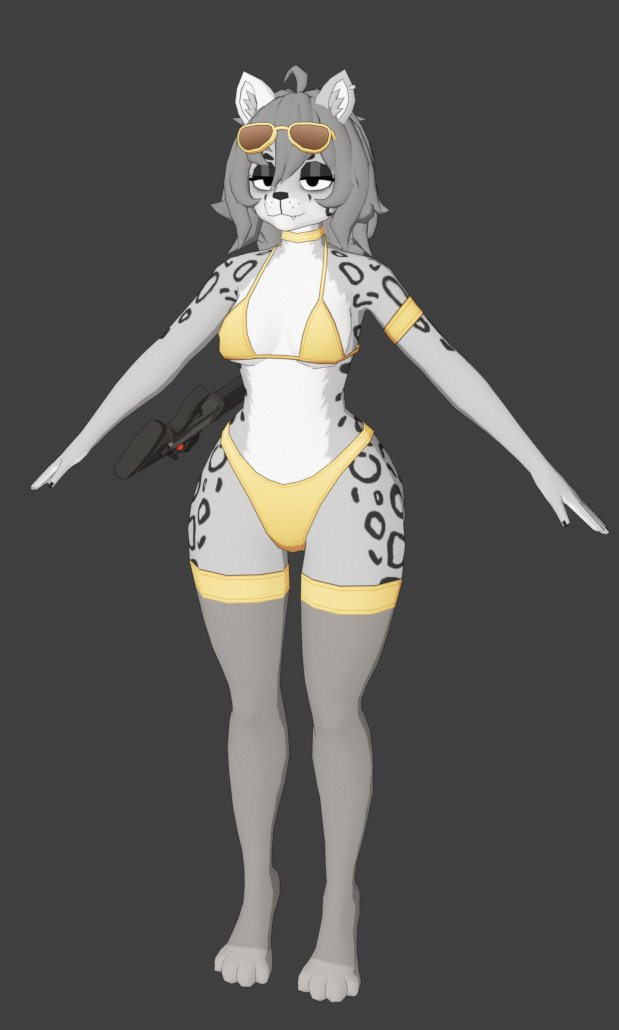
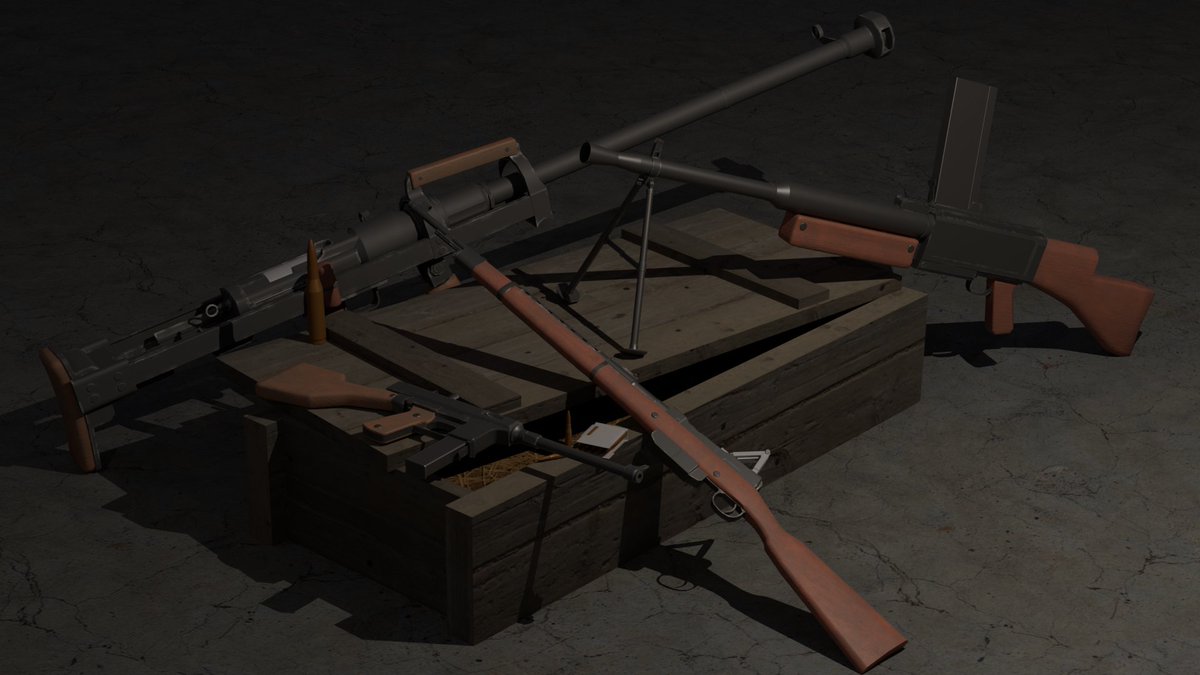
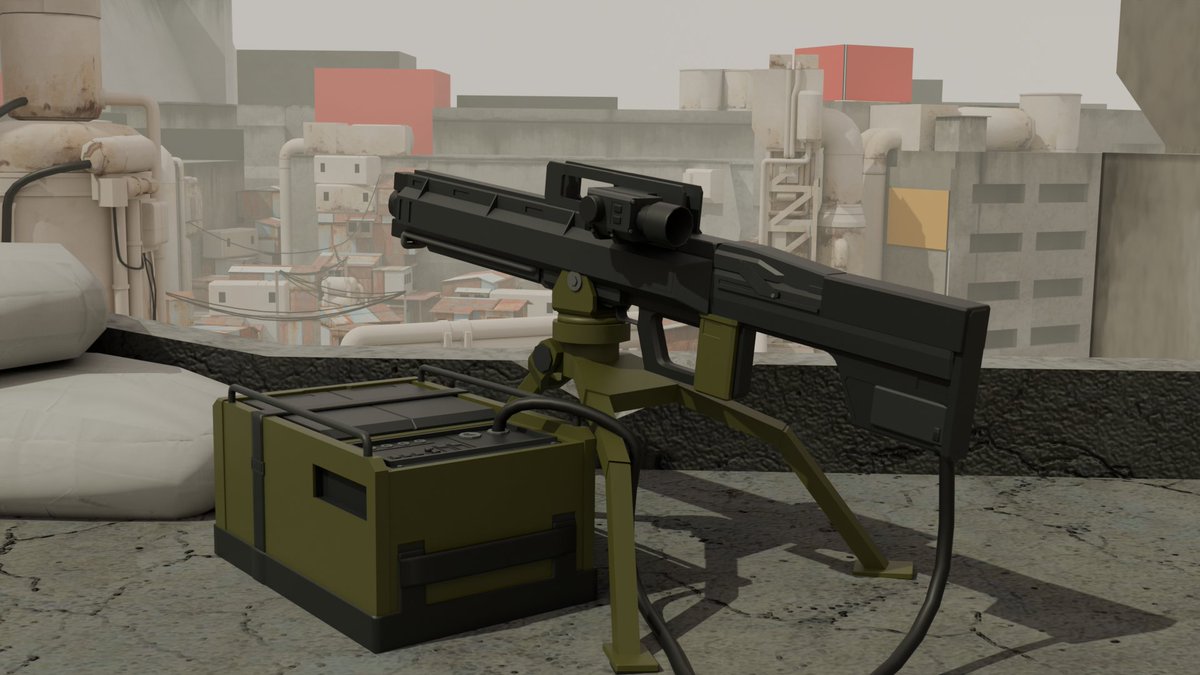
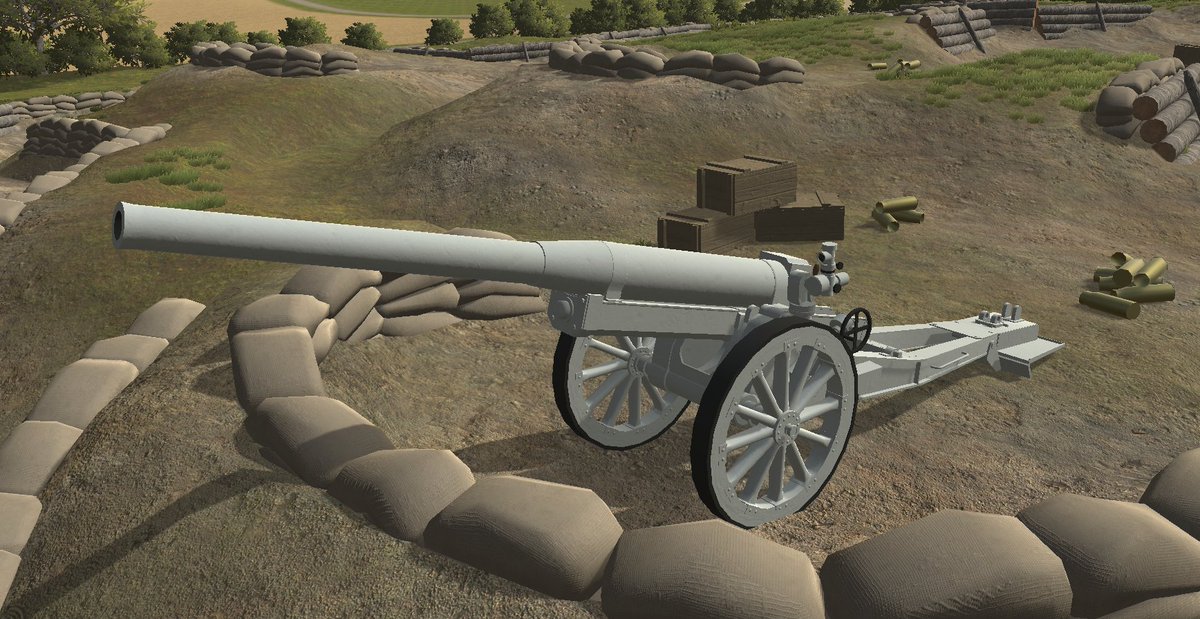
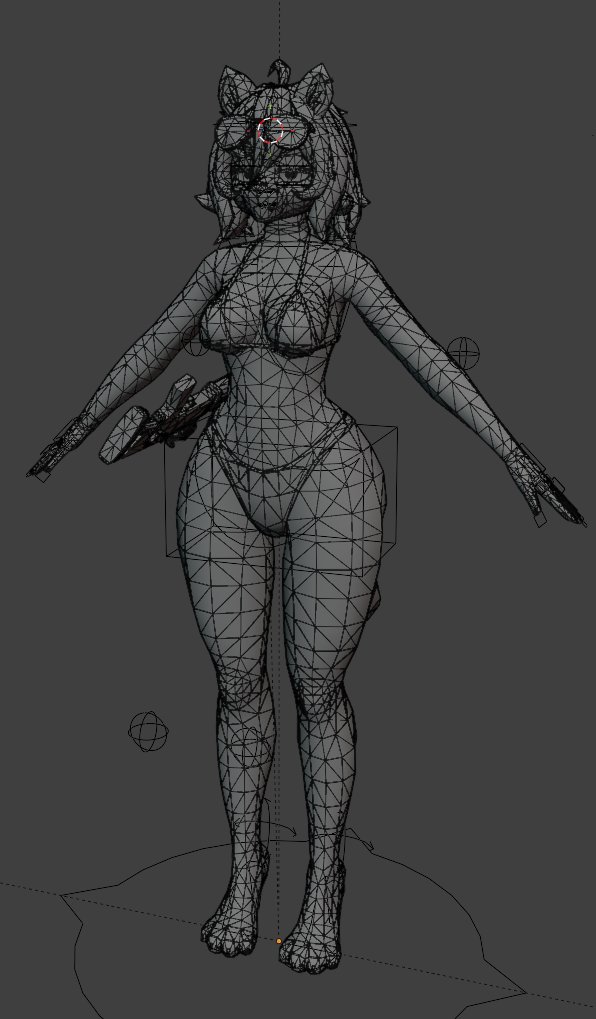
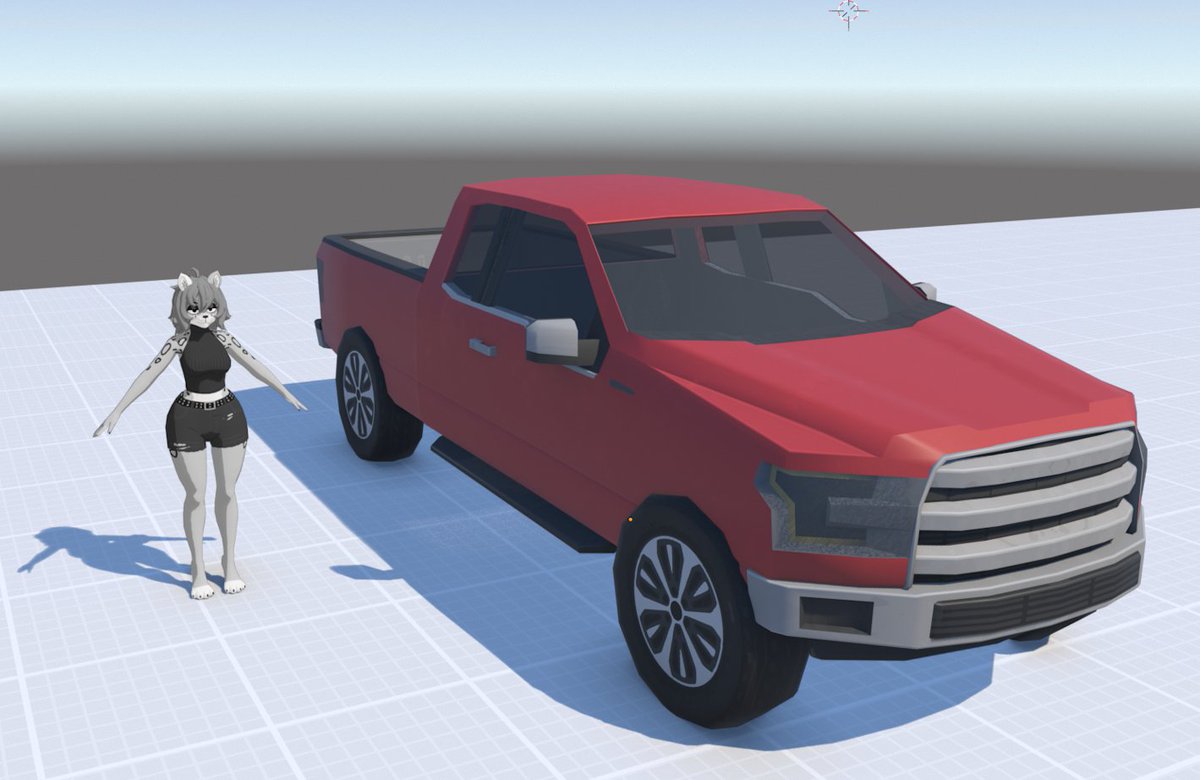
π¨Gamedev tip: Set up Blender's render view to match your game engine.
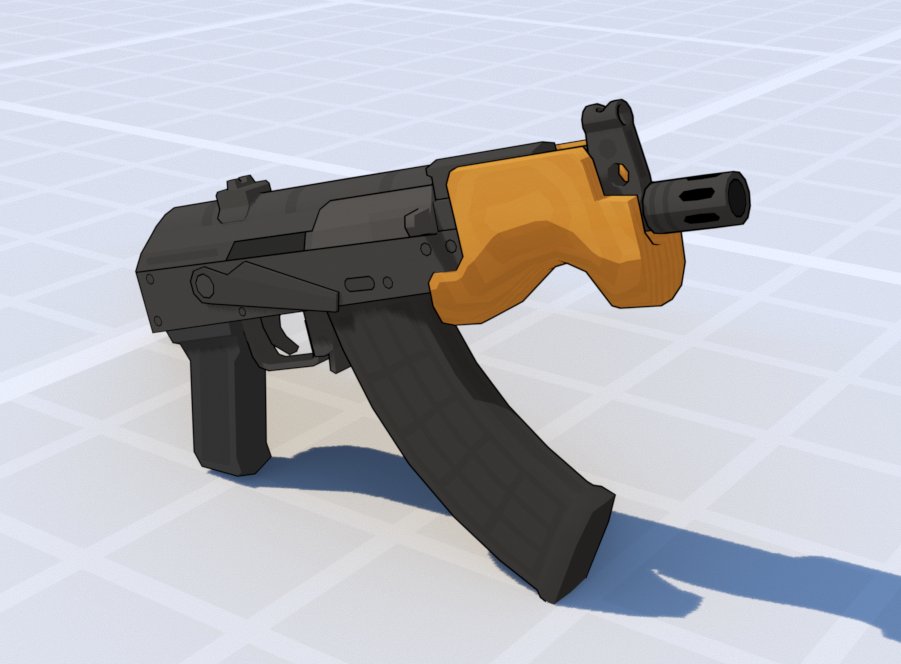
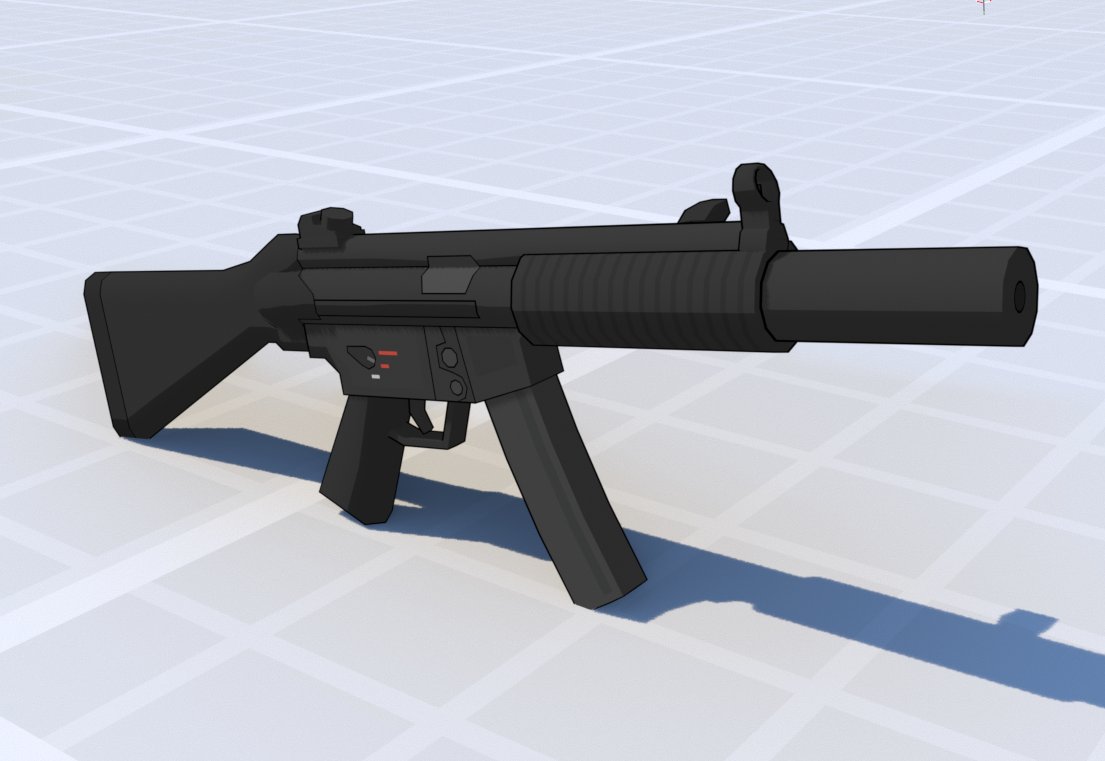
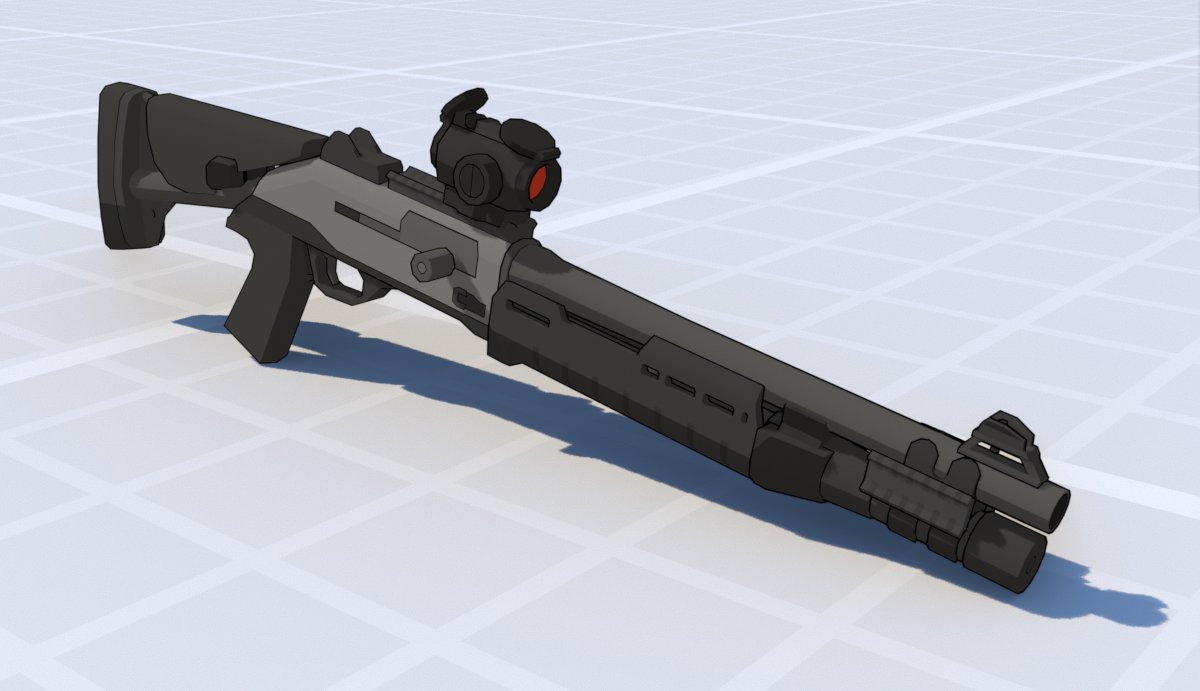
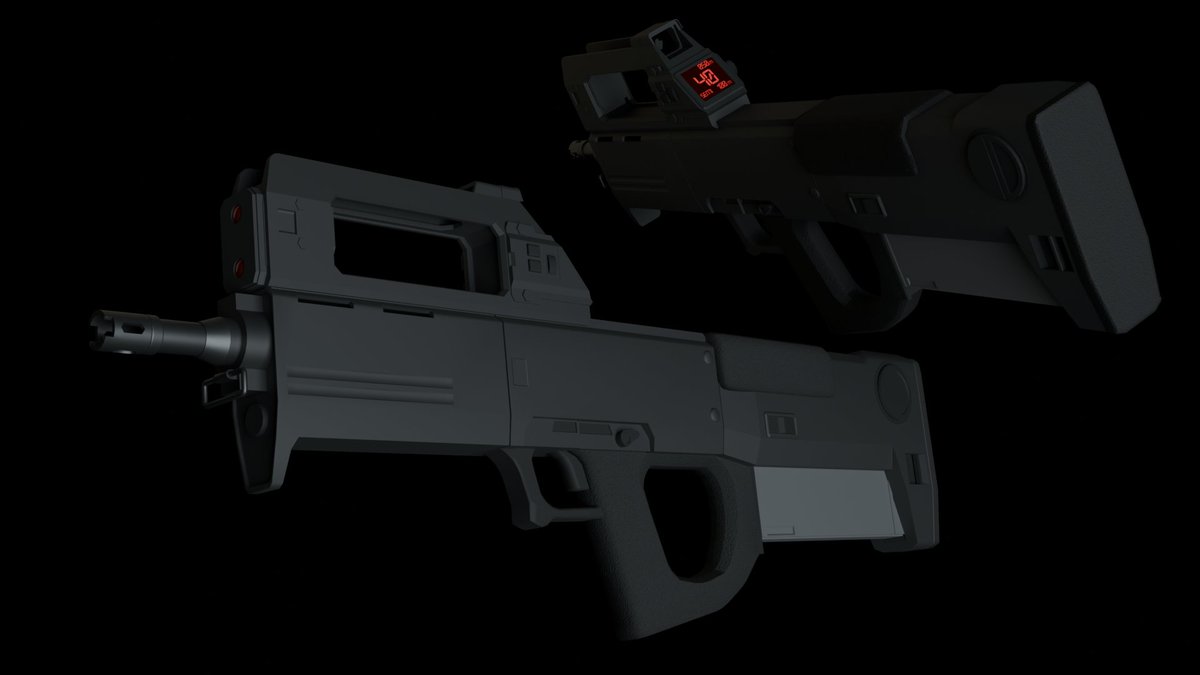
I've recently done this and it has helped me get my models to look exactly how I want them before importing them into Unity!
Some quick tips on how to achieve this in the thread below π§΅
#gamedev#blender
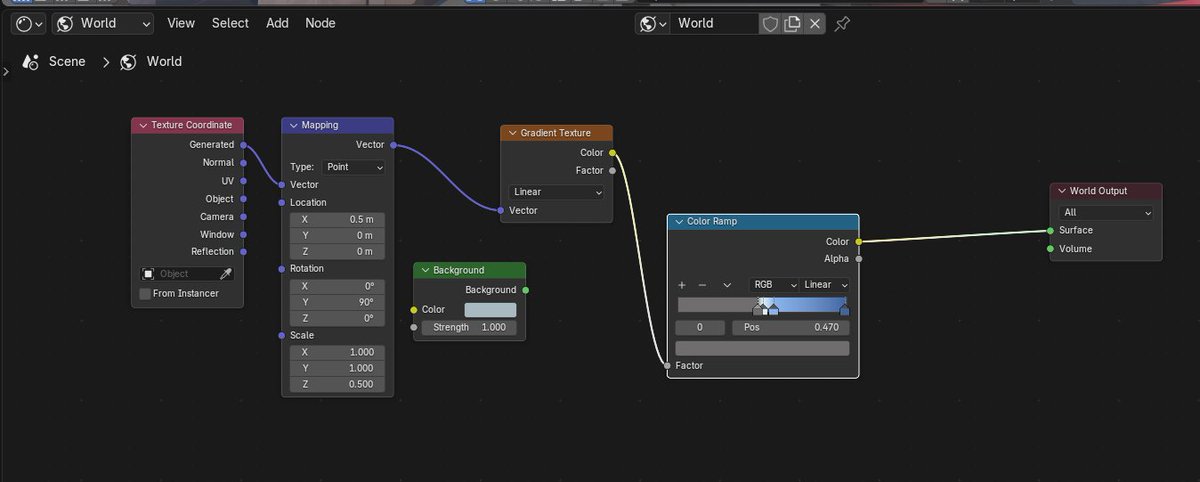
2. Match the ambient lighting & skybox. βοΈ
In blender's shader editor, set the 'Shader Type' to 'World' in the upper left and make it a gradient to match whatever you have in engine, or use a cube map if you're using one!
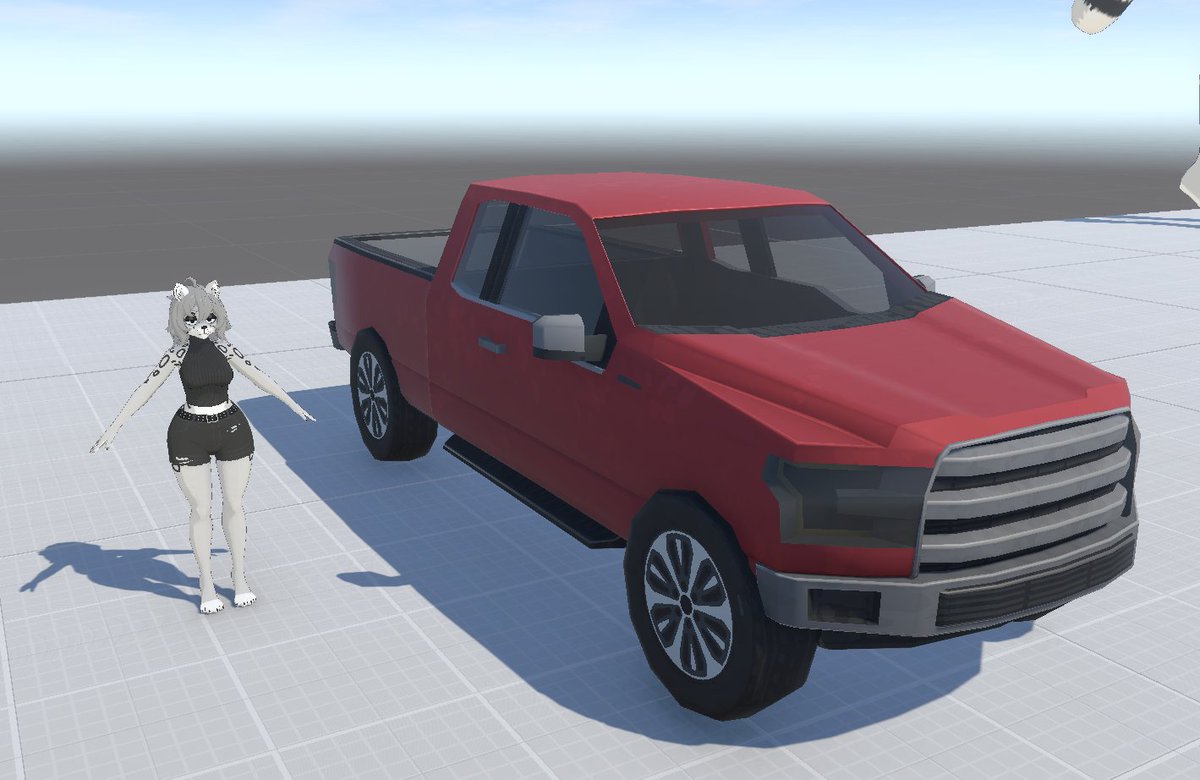
3. Recreate your scene to help with scale. π
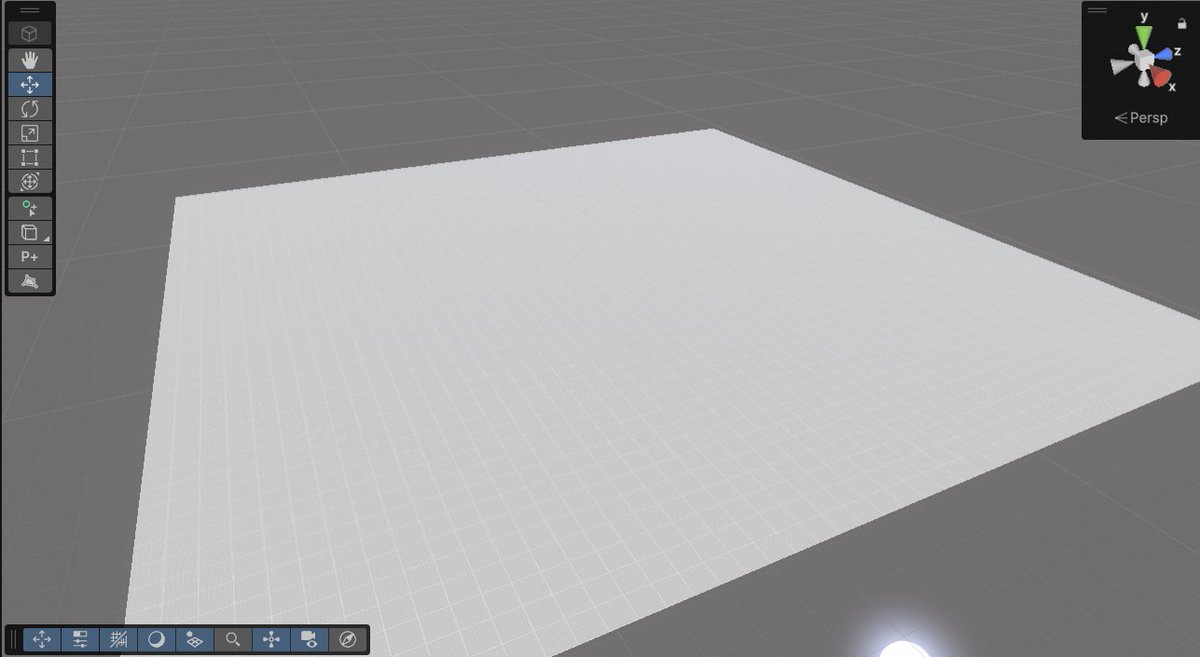
In my unity project, I have a test level with a 50x50 plane. Having this same plane at the same scale in Blender really helps with modelling objects at the right scale. Bonus tip: place your player model.