
May 21
Greetings creators! In this tutorial on Adobe After Effects, work through the process of crafting dynamic 3D infographic charts with a straightforward and innovative approach. Notably, this tutorial dispenses with the necessity for additional plugins.
Let's delve into the key aspects you will master in this session. Initially, you'll acquire the skills to fashion seven distinct types of animated infographics. Subsequently, I will demonstrate how to transform these creations into compelling 3D spinning objects. Lastly, you'll discover techniques to enhance the visual appeal of your animations using fundamental effects.
For your convenience, all the requisite files are accessible for download in the video's description on my YouTube channel. Waste no time; embark on your journey to create remarkable visuals today! Simply follow the link provided in my bio for the comprehensive tutorial. Enjoy the process, and continue to fuel your creativity.
Author: Valeri Visual
Brought to you by: U.I Saviour
#MotionProcess #EasyAnimation #MotionLovers #AETutorial #MotionDesigners #UIUXDesigner #GraphicDesignBlog #LearningAnimation #GraphicDesignersClub #AfterEffectsAnimation #UIDesigns #DigitalAnimation #AfterEffectsCC #GraphicDesignCommunity #AdobeAfterEffects #2DAnimation #MotionGraphics #VTutorials x.com/Charle2Creative/status…
 UI/UX Savior
19

Apr 24
Made with Deekay Tool by @sinasalariy
aescripts.com/deekay-tool
#aftereffects #aescripts #deekaytool
Comment “Game” to get the free project file plugin link👇
🔗 In collaboration with @aescripts
🎬 Powered by: aescripts aeplugins
#aftereffects #motiondesign #aetutorial #aescripts #aeplugins #supermario #game #pixelgame #deekaytool #characteranimation #tutorial #animation #rigging #2danimation #character #motiongraphictv
18
1,734
Mar 23
Made with Newton by @motionboutique
aescripts.com/newton
#aftereffects #aescripts #newton
Inspired by @synthymental , here is how I recreated a physics-driven drift using Newton and a 3D car model in After Effects.
•2D Drift: I create the animation with a 2D representation of my car and make it drift using Newton.
•Simulation: I import this new animation into a new composition to simulate collisions with the letters.
•3D Model: I use a 3D model to replace my 2D image and switch my composition to 3D.
•Sync: To optimize my work, I synchronize the 2 compositions with cameras.
Want to learn more?
🔗 Full step-by-step tutorial link in bio.
#AfterEffects #MotionDesign #NewtonAE #Drift #AETutorial #Animation #Adobe #kinetictype #cars
1
5
64
3,681

A short tutorial I recorded while I was making a new animation! I hope you enjoy it! working with bones is quite interesting, even though I don't have much experience >,<
#aftereffects #2danimation #aetutorial
1
8
120
Jan 13
Made with Deekay Tool by @sinasalariy
aescripts.com/deekay-tool
#aftereffects #aescripts #deekaytool
Comment “Character” to get the free project file plugin link
🔗 In collaboration with @aescripts
🎬 Powered by: aescripts aeplugins
#motiondesign #aftereffects #aftereffectstutorial #aetutorial #2danimation #deekaytool #aescripts #2danimation #aereels #aeplugins #motionpastestudio #tutorial #freeproject
2
13
1,725

Jan 2
Stranger Things may have wrapped… but atmospheric world-building like this never goes out of style.
#strangerthings5 #strangerthingsfinale #upsidedown #vfxbreakdown #vfxartist #aftereffects #ae #aetutorial
8
400

Neon Outline in After Effects with Saber Effect
#NeonOutline #NeonGlow #GlowOutline #NeonLine #GlowLine #SaberEffect #SaberPlugin #AfterEffects #AeTutorial #VFXTutorial #AnimatedOutline #AfterFraming
youtu.be/Od3jvgTfkl4
1
70
30 Dec 2025
Made with Super 3D by @sinasalariy
aescripts.com/super-3d
#aftereffects #aescripts #super3d
Comment “Super3d” to get the free project file plugin link👇
🔗 In collaboration with @aescripts
🎬 Powered by: aescripts aeplugins
#aescripts #aftereffects #motiongraphics #animation #2danimation #3danimation #aetutorial #designtips #creativeprocess #animationtips #motiondesigner #aetutorial #super3d #aeplugins
2
26
1,746
22 Nov 2025
Made with Connect Layers by @sinasalariy
aescripts.com/connect-layers
#aftereffects #aescripts #connectlayers
Comment “Newton” to get the free project file plugin link👇
🔗 In collaboration with [@aescripts]
🎬 Powered by: aescripts aeplugins
#aftereffects #motiondesign #aetutorial #aescripts #aeplugins #newton4 #connectlayerspro #motiongraphics #2danimation #learnmotiondesign #rigging #aecommunity #aereels #motionpastestudio
1
4
34
2,000
5 Nov 2025
Made with Newton by @motionboutique
aescripts.com/newton
#aftereffects #aescripts #newton
Making Text React to Collisions with Newton Expressions in After Effects 💥📝
I wanted to explore whether text could react to actual collisions — switching between “yes” and “no” based on the Export Contacts data from Newton.
So I asked ChatGPT to help me write an expression that would react to those keyframes.
But right away, I hit a problem: Newton gave me tons of keyframes.
Tiny value changes, sometimes every frame — way too noisy to use as-is.
My text was switching constantly, even on the slightest nudge. Not ideal for clear storytelling.
So I refined the expression with ChatGPT and added logic to clean things up:
✔️ Ignore keyframes that are too close together
✔️ Ignore value changes under 5px
✔️ Only toggle the text when something actually matters
Now the result feels clean and intentional — the text reacts only to real impacts, not background noise.
Perfect for keeping Newton-based animations dynamic but readable.
Want to see more Newton-based animation tricks? Let me know what you'd like to explore next ⬇️
#newtonae #aftereffects #motiondesign #kinetictype #aetutorial #motiongraphics
5
836

2 Nov 2025
26
31 Oct 2025
Made with Quick Chromatic Aberration by @chrismoran__
aescripts.com/quick-chromati…
#aftereffects #aescripts #quickchromaticaberration
How Vox makes flat screens feel alive — quick breakdown of 3 subtle layers.
Built in After Effects.
#aftereffects #motiondesign #motiongraphics #aetutorial
#motiondesigners #animatorsofinstagram #designcommunity
#visualstorytelling #designbreakdown #animationbreakdown
3
29
1,847
25 Sep 2025
Made with Newton by @sinasalariy
aescripts.com/newton
#aftereffects #aescripts #newton
Comment “Newton” to get the free project file plugin link👇
🔗 In collaboration with [@aescripts]
🎬 Powered by: aescripts aeplugins
#aftereffects #motiondesign #aetutorial #aescripts #aeplugins #newton4 #connectlayerspro #motiongraphics #2danimation #learnmotiondesign #rigging #aecommunity #aereels #motionpastestudio
3
824

21 Sep 2025
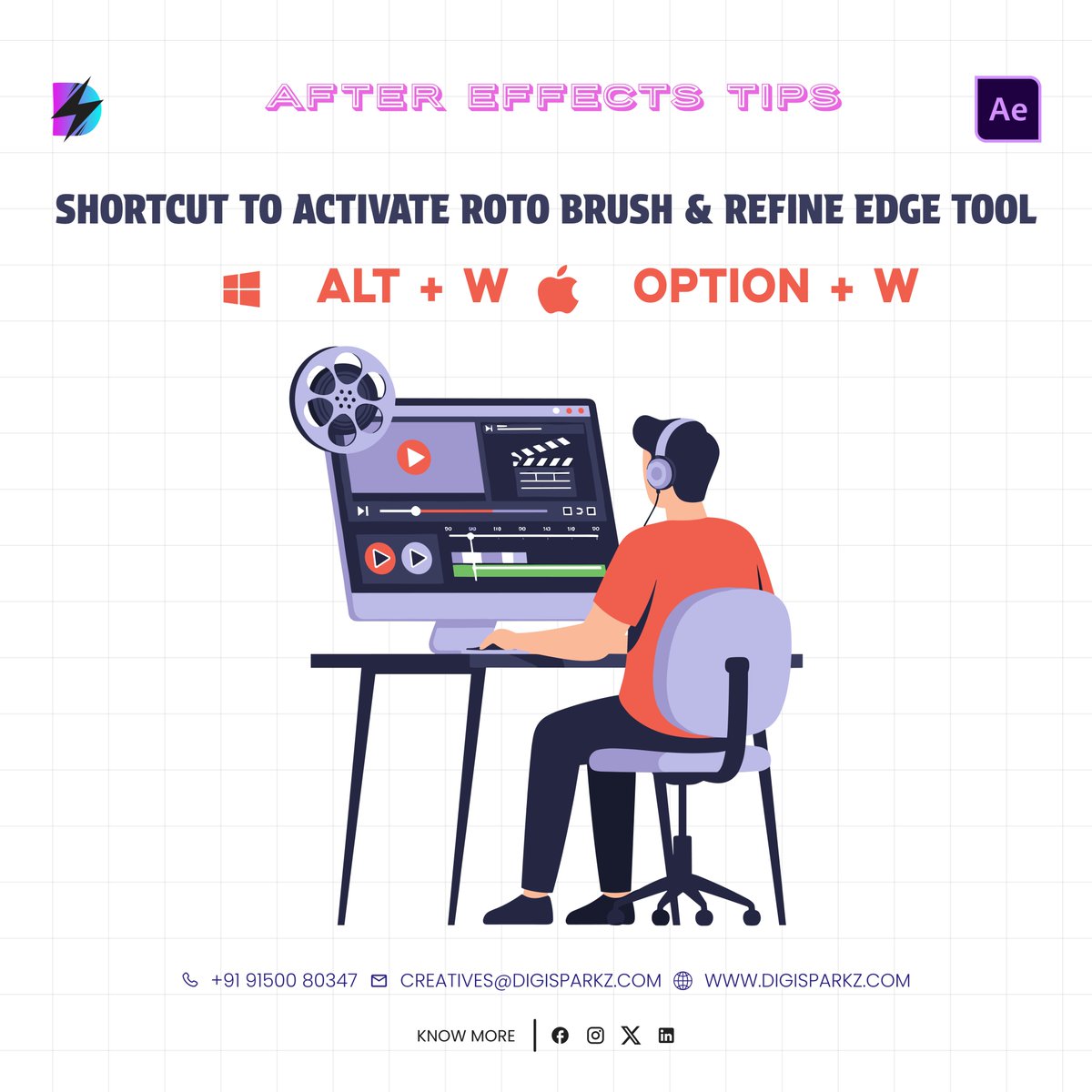
Speed matters when you’re editing like a pro! 🎨
Use Alt W (Windows) / Option W (Mac) to activate Roto Brush & Refine Edge instantly. 💡
Small shortcuts, big difference in your workflow. ✨
#Digisparkz #CreativeAndMedia #AfterEffectsTips #AETutorial #RotoBrush #RefineEdge
13
8 Aug 2025
✅ Motion tracking
✅ Roto
✅ Fire glow
✅ Relighting
✅ Heat distortion
🔥 It’s all in this fire comp breakdown — made with ActionVFX footage.
Try it yourself: bit.ly/fire-realism-pfl
#AEtutorial #VFXassets #ActionVFX
1
127
7 Aug 2025
🚨 BRAND NEW TUTORIAL 🚨
youtu.be/lL2iH9TjNVw
We cover:
✅ Fire speed & motion
✅ Heat distortion & glow
✅ Atmosphere, relighting, and imperfections
✅ Add vs Screen (yes, it matters)
#VFXCompositing #AfterEffects #FireVFX #NukeCompositing #ActionVFX #AEtutorial

4
240

4 Aug 2025
See how it was actually animated — all layers, paths & movement revealed.
🥷 Captured using my new plugin SCOPE — exports exactly what you see in AE
📺 Full tutorial now live on YouTube → @ebertfr
📂 Project files on Patreon (link in bio)
#aftereffects #motiondesign #aetutorial
1
2
107
26 Jul 2025
What if Shady’s verse was an actual text thread?
📺 Full tutorial drops tomorrow on YouTube → @ebertfr
🥷 Built using my plugin FLEX to speed up the animation flow
📂 Project files now on Patreon (link in bio)
#aftereffects #motiondesign #aetutorial #lyricvideo
1
1
115
23 Jul 2025
Learn to Animate Apple’s Shazam UI — with shape morphs, bounce & polish
📺 Full tutorial now live on YouTube → @ebertfr
🥷 Built using my plugin FLEX to speed up the animation flow
📂 Project files now on Patreon (link in bio)
#aftereffects #motiondesign #aetutorial
1
1
119
20 Jul 2025
Inspired by Apple & Shazam — and an Indonesian kid on a boat.
📺 Full tutorial drops tomorrow on YouTube → @ebertfr
🥷 Built using my plugin FLEX to speed up the animation flow
📂 Project files now on Patreon (link in bio)
#aftereffects #motiondesign #aetutorial #uianimation
1
1
148