
Don't miss out on HueForge's 3rd Anniversary sale, one of only two sales a year.
20% off HueForge, FlatForge and ColorDrop with further bundle savings for combining more than one item.
Sale runs until midnight on the 20th Eastern Time (GMT-5). When it's over, it's over.
1
5
14
702

I'm excited to announce the 3rd Anniversary Sale starting June 14th at 12am EDT (GMT-5) and running until June 20th at 11:59pm EDT. During this time all HueForge licenses as well as FlatForge and ColorDrop will be 20% off. Also, all purchases of a HueForge license along with ColorDrop or FlatForge will have a bundle discount. If you don't need to buy HueForge, there is a bundle discount for FlatForge and ColorDrop when buying any of the paid plugins. (the 3MF Export Plugin will count for the purposes of the bundle, but is not discounted more during this sale)
It's a great time to renew your annual license or pick up the HueForge license upgrade you've been waiting for.
Polymaker Coupons for the original price will still be issued for qualifying Personal Use orders.
shop.thehueforge.com
1
11
29
4,598

Jun 10
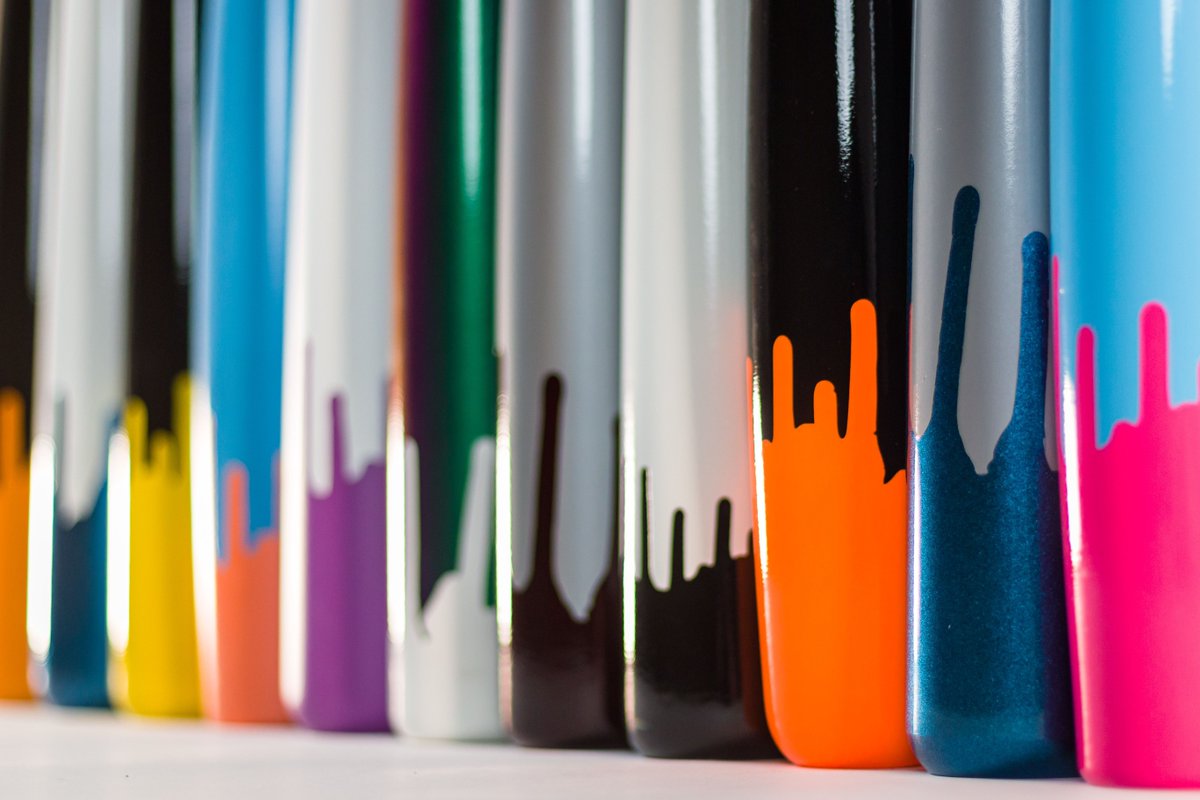
🎨 Workshop Wednesday: This week, a look inside our color studio. Every Viper finish is applied by hand — your solid colors, camo patterns, and our exclusive drip finishes. What color combo would you spec? Drop it below! ⬇️
#ColorDrop #Drip Finish #CustomBat #BatColors #VIperBats #WoodBat #BatFinish #HandPainted
33

Jun 10
Thank you for sharing feedback! We've noted this down 🙏 Can you DM us a video of the ColorDrop darkening issue?
291

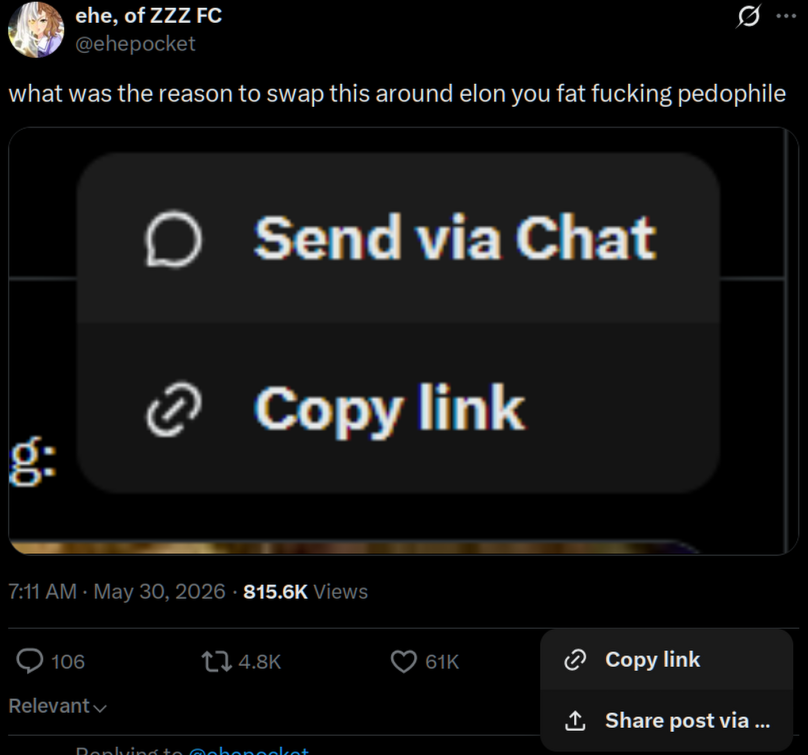
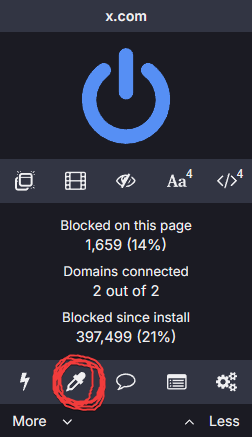
Everyone, if you use ublock just select the send via chat thing with the colordrop tool and click create. it's fixed
May 31

2
2
43
11,700
May 28
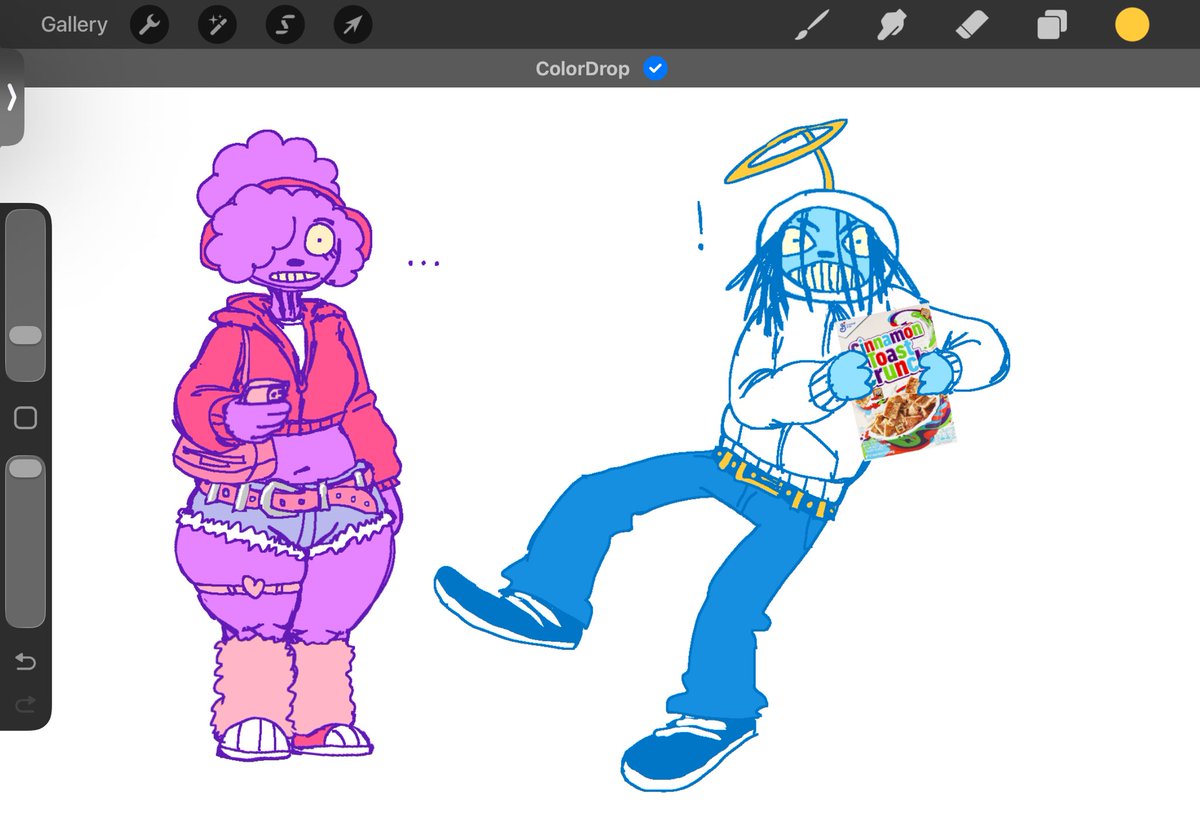
It helps to keep color fills and line art layers separate! With this setting, you can ColorDrop fills onto any Layer. The fills will behave as though they are flowing into the linework on the Reference Layer ✨
help.procreate.com/procreate…
35
3,154




May 4
Hey there! The Reference layer will inform all of your other layers. ColorDrop will apply to your other layers while respecting the line work of your Reference layer. You may like to turn off Reference for your layer to apply ColorDrop specifically to line work on a seperate layer. Please share a screenshot of your Layers panel if we can be of any help in looking into the layer setup. 🤗
7
2,889

Apr 28
If you use the stamps they have a stamp of all the miis you have on the island!! And then you can just directly colordrop from that then get rid of the stamp
2
2
43
Announcing the release of HueForge v0.9.3 and the brand new Color Drop Plugin! (For Windows/MacOS right now. Linux in the coming week)
The version has a ton of updates, you can read the notes here: open.substack.com/pub/hornan…
But some highlights.
1 - A proper Windows Installer but the zip file is still there if you prefer a portable version.
2 - SpotFix - the ability to adjust individual sections of the Mesh after creating your model with Color Pop or Color Match.
3 - Project Tree - the ability to make branching snapshot quicksaves and restore back to previous version easily with hotkeys or a UI for navigating the tree. Saves an hfpt file next to your project that gets loaded with it so you don't lose the history between saving and reloading.
4 - A LOT of bugfixes and stability Fixes.
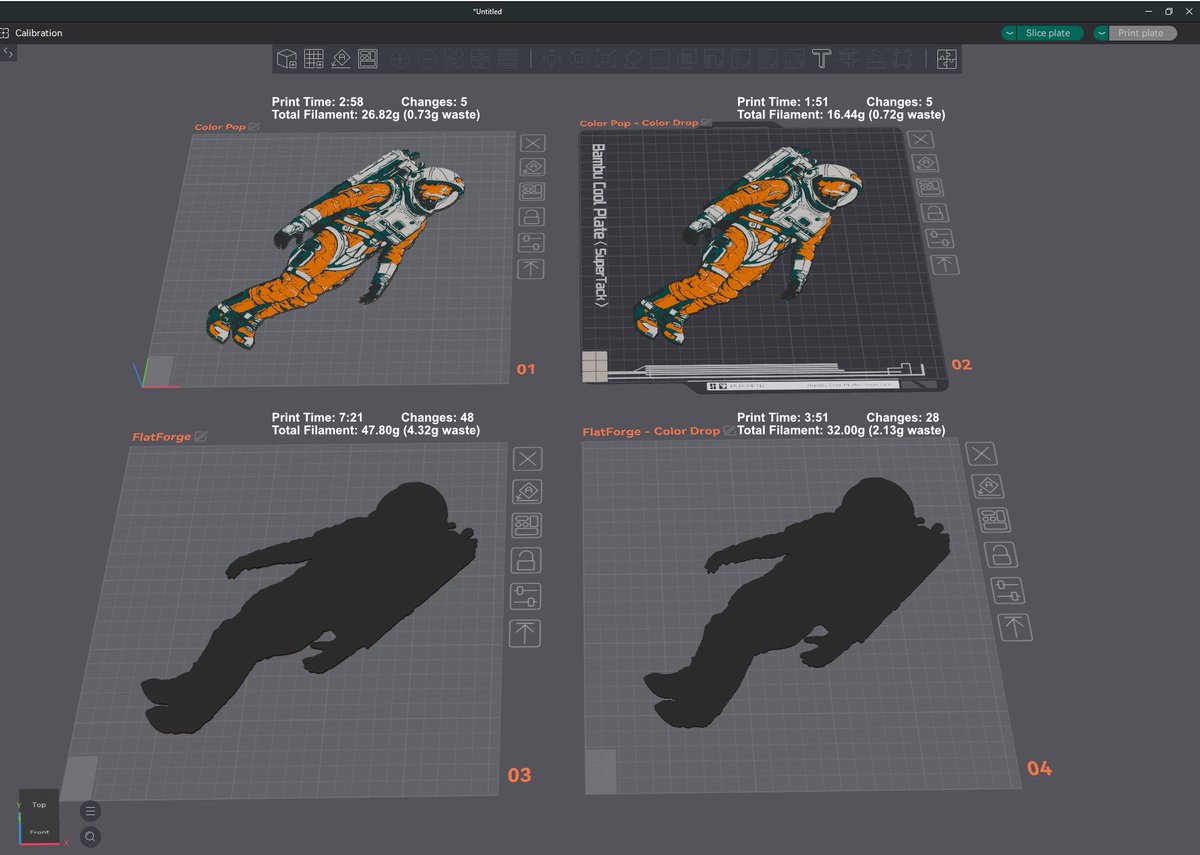
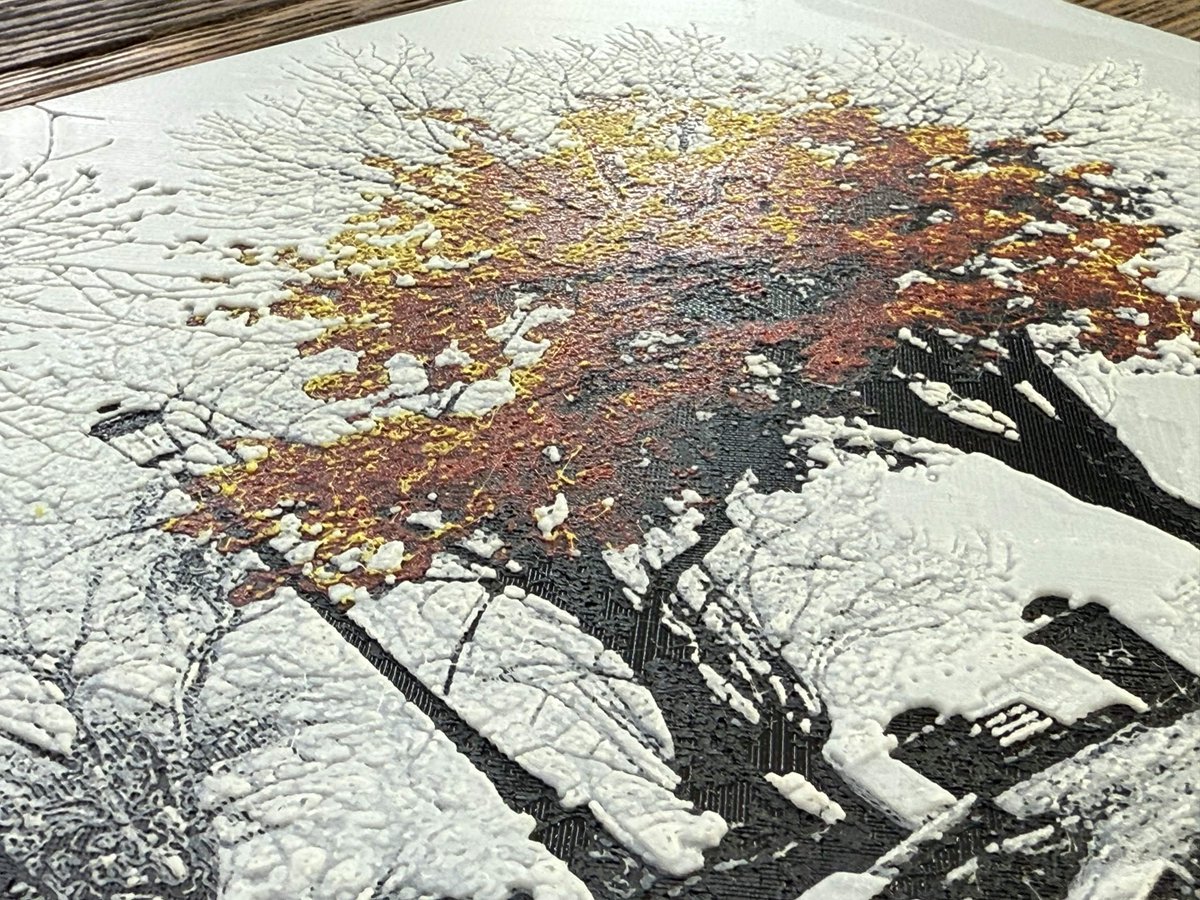
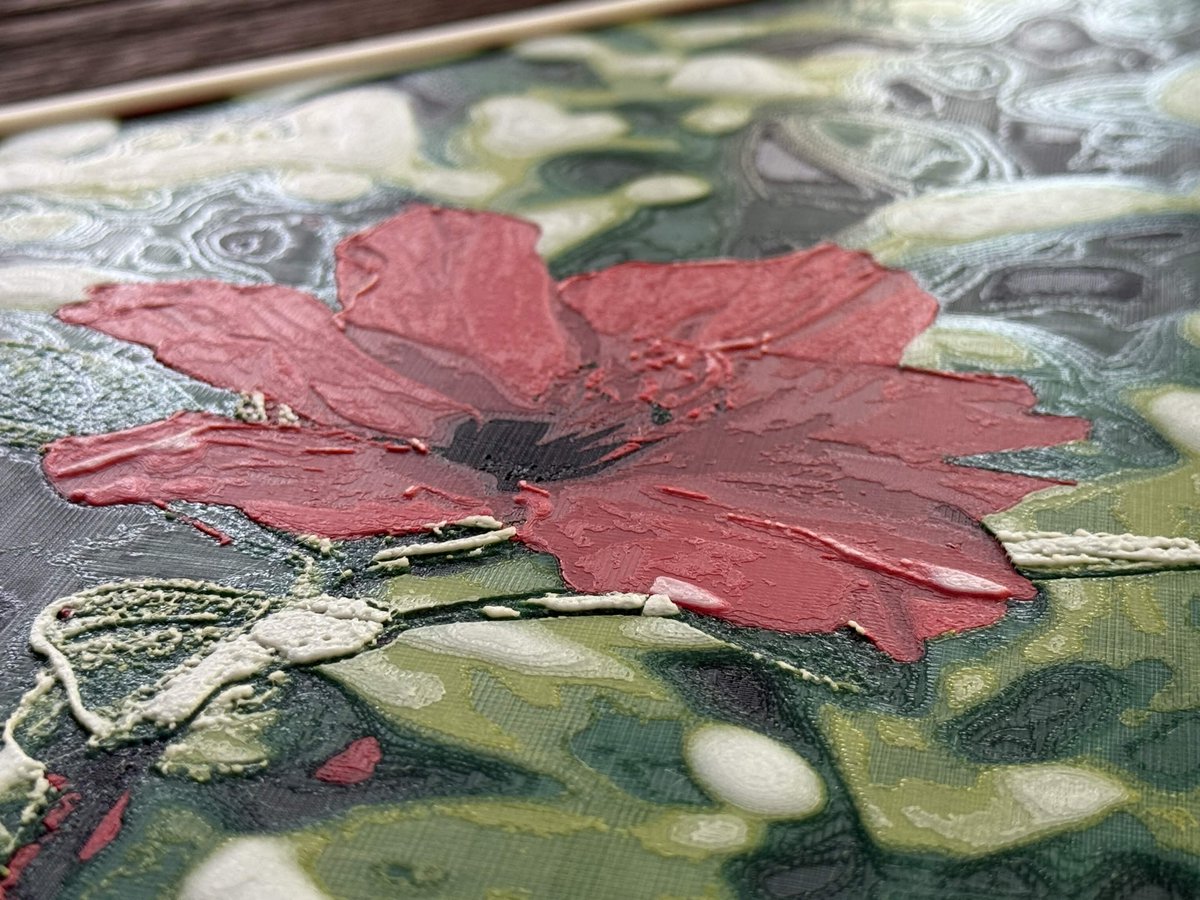
And announcing the ColorDrop Plugin (shop.thehueforge.com/pages/c…) which keeps the texture of HueForge prints but nests to common colors so that the print is shorter, rings around parts of your model disappear and print time drops dramatically. Purge waste can be the same or higher for regular HueForge prints, but the total filament used is a lot less and for FlatForge prints that benefit, Color Drop is a huge time and filament saver with less waste. Also allowing much thinner FlatForge prints.
11
47
2,041

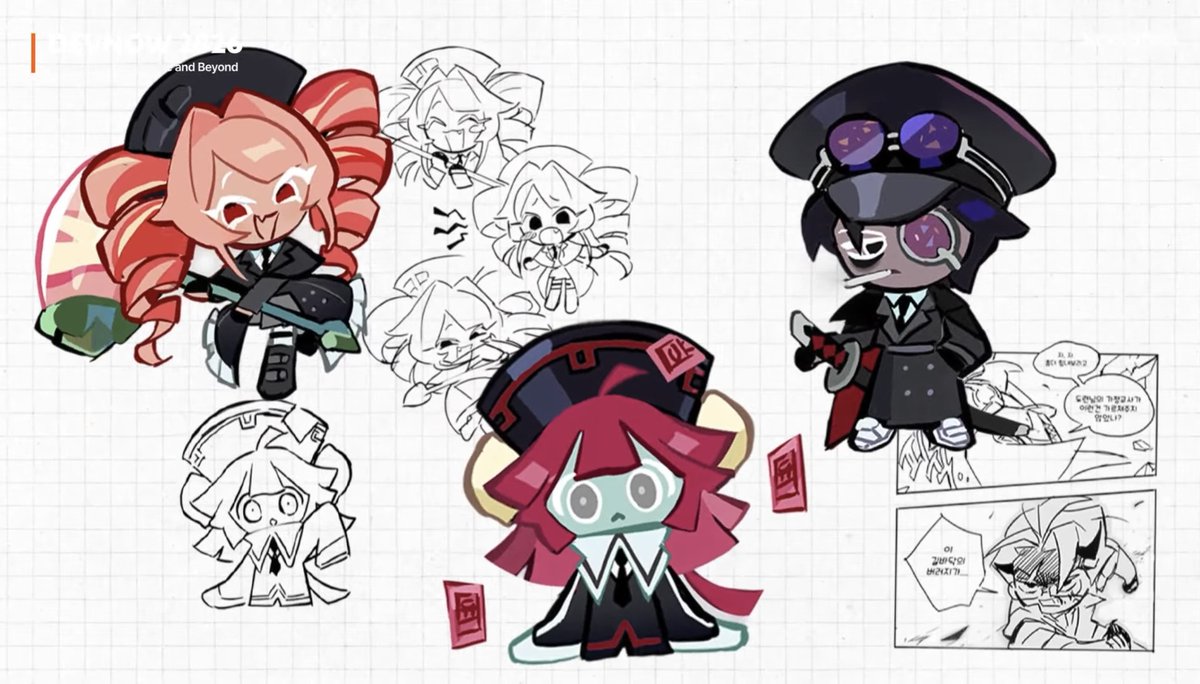
I'm glad we got 2d refs of them cuz I would flip out trying to colordrop from their 3d designs


3
23
1,035