
16m
OxygenOS lost some of its original identity after merging closer with ColorOS
1
2
33

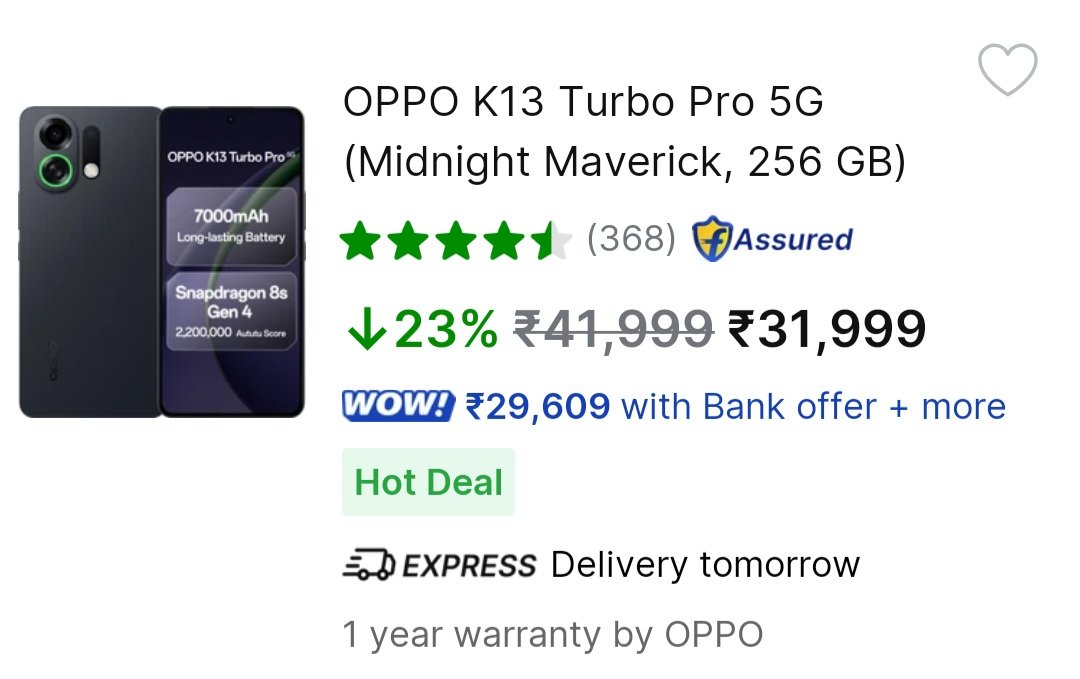
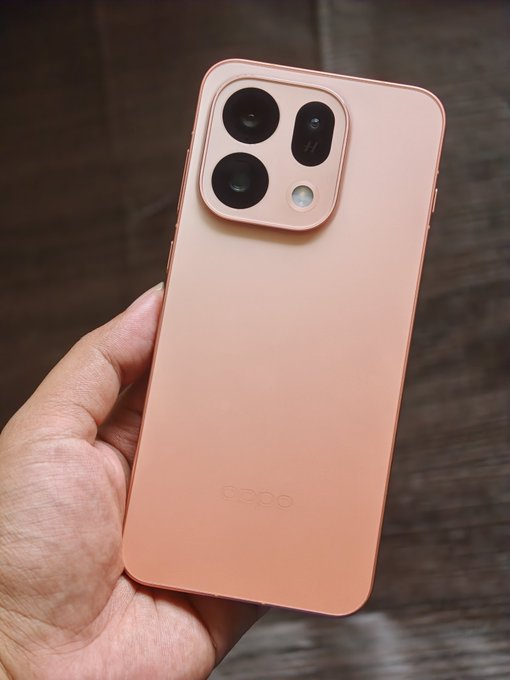
This is a very very good phone around 30K, I have personally used the device for more than 2 months and it has :
✅ Very good performance :
🔴 Snapdragon 8s Gen 4 256GB UFS 4.0 storage at 32K is crazy 🔥🔥🤩
✅ Great display : 6.8" 1.5K 120Hz OLED, In-display FS
✅ Excellent battery backup, it'll easily last 1.5 day if you're not a very heavy user : Massive 7000mAh🔋80W⚡
✅ 50MP Main camera with OIS is fine but no UW and Ok-ish 16MP selfie
(Other brands are also offering single camera at this price but the SoC on those devices are Snapdragon 7s Gen 4)
✅ The Smoothest UI on Android, ColorOS 16 and ColorOS 17 will be even better
Cons of OPPO K13 Turbo Pro :
❌ It'll get update till ColorOS 17 based on Android 17
31
913


The current UI's are enough smooth and fluid frankly. It's sort of now becoming a gimmick i mean ColorOS 16 is enough fluid what more can anyone need? With COS 17 if OPPO tweaks animations further the difference would be hardly visible. They should focus of budget optimisations.
25


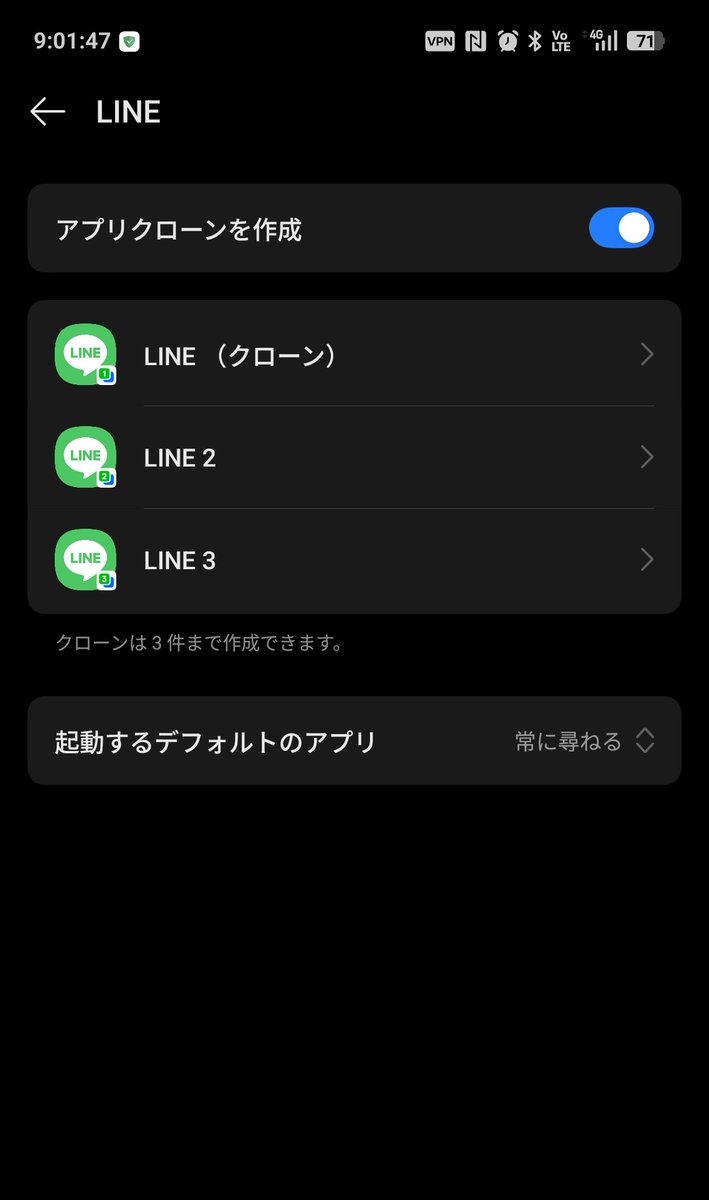
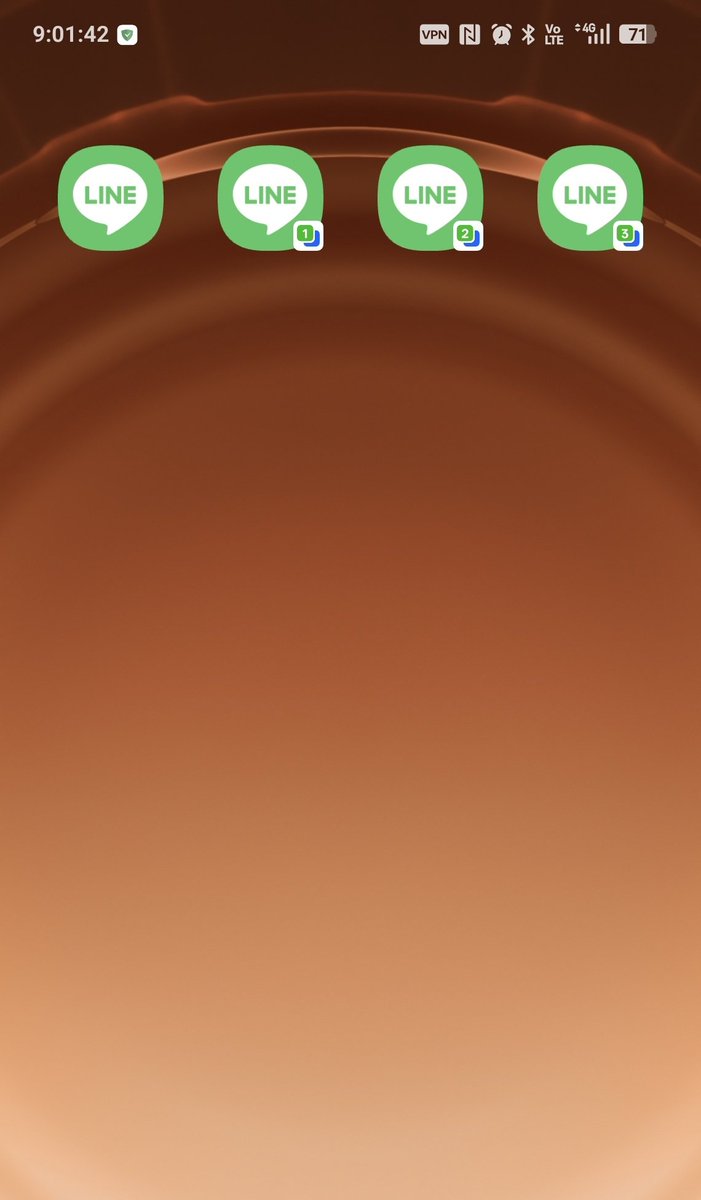

Most Android camera apps quietly die a few minutes after you lock the screen. No crash, no error in logcat — the frames just stop. I spent a year figuring out why, and it turns out you're not fighting one bug. You're fighting four power-management systems at once.
Here's the whole map.
System 1: the foreground-service lifecycle. If your camera capture lives in a normal Service, the OS can kill it for memory pressure within seconds of screen-off. The fix is a foreground service with type "camera|microphone" and a persistent, non-dismissible notification. On API 34 if you skip the type, startForeground() throws and the service dies the instant you attach the camera.
System 2: Doze. Once the phone has been still and unplugged a while, the system batches background work and can revoke wakelocks held without the right foreground-service type. You need the correct type AND a PARTIAL_WAKE_LOCK with a readable tag.
System 3: App Standby buckets. Even past Doze, the OS sorts your app active → working set → frequent → rare → restricted based on usage. A "rare" app gets camera and network capabilities curtailed. The lever is the same visible notification — as long as the user can see it, the bucket stays warm.
System 4: OEM patches. This is the layer AOSP docs never warn you about. MIUI, EMUI, One UI, ColorOS, FunTouchOS, OxygenOS — every one ships a vendor battery optimizer that kills background camera apps even when AOSP's own rules say you're allowed to run. You can't opt in programmatically. The best you can do is detect the manufacturer and deep-link the user to the right autostart screen.
If you only fix #1, your session lives 10 minutes on a clean Pixel and dies in 3 on a Xiaomi. Fix #1–3 but not #4 and you ship a 1-star review storm from every Chinese OEM.
The single most important architectural decision:
👉 The Activity does NOT own the camera session.
Every Camera2 tutorial opens the camera in the Activity because it's showing you a viewfinder. But with the screen off there is no viewfinder — so that ownership pattern is exactly wrong. Instead, a foreground Service owns the CameraDevice, the CaptureSession, the encoder, the wakelock, and the HTTP server. The Activity is a thin client that just binds for status. When the screen turns off, the Activity goes through onPause → onStop and nothing happens to the session, because it never owned it.
Opening the camera without a SurfaceView: send output straight to surfaces that don't need a visible window — MediaRecorder.getSurface() for the MP4, and an ImageReader surface (YUV_420_888) for the frame stream. No preview target at all. Build the SessionConfiguration with just those two and it runs for hours.
Two things the tutorials never cover for long recordings:
🧭 Orientation with no Activity. You can't trust display.rotation from a Service (some Samsung/Xiaomi builds just return ROTATION_0), and OrientationEventListener stops firing when the screen goes off. What works: read TYPE_ROTATION_VECTOR from SensorManager once at record start, derive a stable orientation, bake it in with MediaRecorder.setOrientationHint() — and never change it mid-session. It's a one-shot tag in the MP4 metadata, not a live track.
🌗 Exposure & focus across hours. A security or baby cam records from afternoon into deep night — lighting shifts 6–8 stops. Default auto-exposure pushes shutter to hundreds of ms and you get motion-blurred mush. Cap exposure time at ~1/30s, let ISO ride to compensate. Then detect the scene type ONCE: static mount → lock AF and white balance; actively-filmed → keep continuous-video AF. Detect once, commit. Skip this and the footage looks fine for ten minutes and progressively wrong over three hours.
Surviving the OEM kill is two moves: request battery-optimization exemption (the user confirms, but a long-running screen-off camera genuinely qualifies), and detect Build.MANUFACTURER to deep-link the exact autostart Activity per vendor, wrapped in try/catch with a generic fallback.
What this bought us, measured: continuous 1080p for 8h screen-off on a Pixel 6. On a Xiaomi with autostart enabled, about the same. Without autostart, the session died at ~47 min on average — which matched the review pattern exactly. Shipping the OEM autostart wizard cut "stopped recording overnight" emails to roughly 1/100th.
The deliberate trade-off underneath all of it: no cloud, no account, no background uploads. The recording stays on the device; LAN viewing goes through an embedded MJPEG web server. The moment you add an authenticated cloud broker you inherit the failure mode that made 378 brands of cameras watchable in a single key extraction. The point is to be structurally incapable of being that breach.
Full version with all the Kotlin: dev.to/superfunicular/camera…
Try the app: play.google.com/store/apps/d…
1
81
PSUM VenkataDurgaRao retweeted

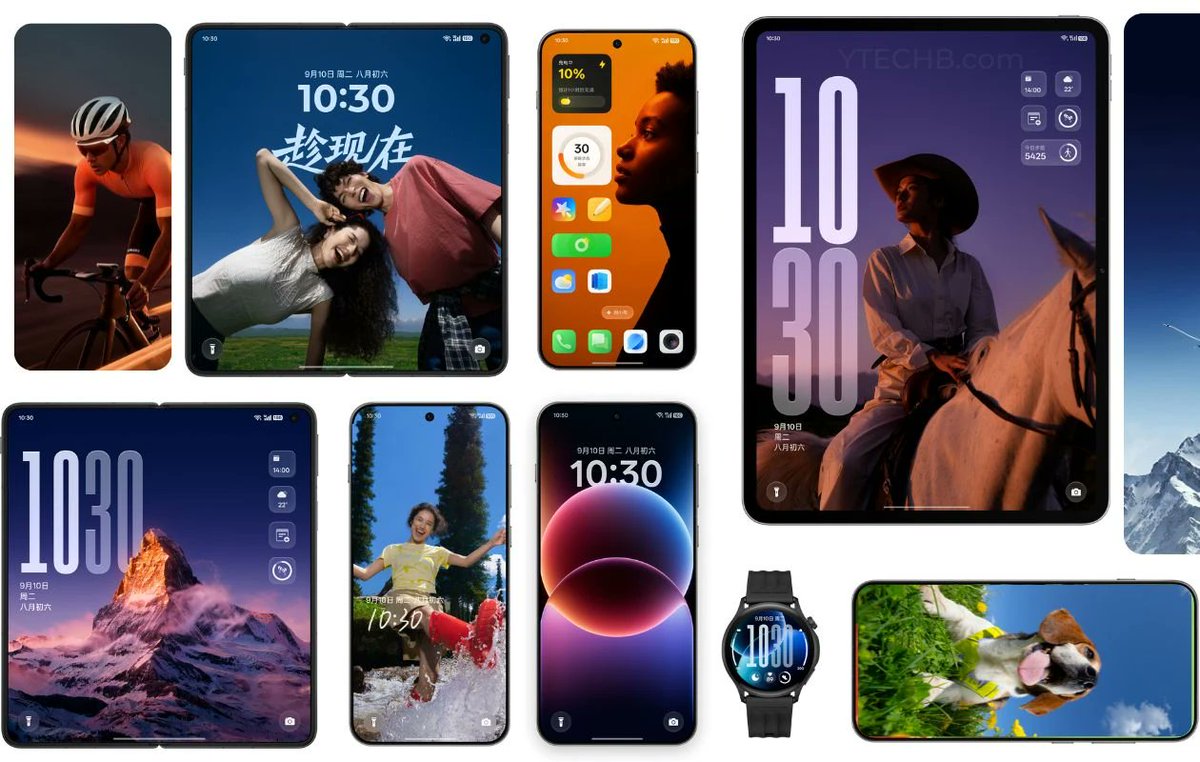
🚨 𝐓𝐡𝐞 𝐄𝐯𝐨𝐥𝐮𝐭𝐢𝐨𝐧 𝐨𝐟 𝐂𝐨𝐥𝐨𝐫𝐎𝐒: 𝐅𝐫𝐨𝐦 𝐂𝐨𝐥𝐨𝐫𝐎𝐒 𝟏 𝐭𝐨 𝐂𝐨𝐥𝐨𝐫𝐎𝐒 𝟏𝟕 (𝐄𝐱𝐩𝐞𝐜𝐭𝐞𝐝)
Today, ColorOS powers hundreds of millions of OPPO devices worldwide.
Here's how it evolved over the years. 👇
📱 𝐂𝐨𝐥𝐨𝐫𝐎𝐒 𝟏 (𝟐𝟎𝟏𝟑)
• Based on Android 4.1–4.3 Jelly Bean
• Highly customized UI
• iOS-inspired design
• No app drawer
📱 𝐂𝐨𝐥𝐨𝐫𝐎𝐒 𝟐
• Better themes & gestures
• Enhanced camera features
• More customization
📱 𝐂𝐨𝐥𝐨𝐫𝐎𝐒 𝟑 (𝟐𝟎𝟏𝟔)
• Cleaner design
• Better performance
• Improved battery optimization
📱 𝐂𝐨𝐥𝐨𝐫𝐎𝐒 𝟓 (𝟐𝟎𝟏𝟖)
• Gesture navigation
• Smart Assistant
• AI-powered features
• Better multitasking
📱 𝐂𝐨𝐥𝐨𝐫𝐎𝐒 𝟔 (𝟐𝟎𝟏𝟗)
• Borderless Design
• Cleaner UI
• Better animations
• Improved performance
A major turning point for ColorOS.
📱 𝐂𝐨𝐥𝐨𝐫𝐎𝐒 𝟕 (𝟐𝟎𝟏𝟗)
• Lighter UI
• Better dark mode
• Improved privacy
• Better gaming features
Many users consider this the version that transformed ColorOS.
📱 𝐂𝐨𝐥𝐨𝐫𝐎𝐒 𝟏𝟏 (𝟐𝟎𝟐𝟎)
• Extensive customization
• Personalized AOD
• Better privacy controls
• Smoother animations
📱 𝐂𝐨𝐥𝐨𝐫𝐎𝐒 𝟏𝟐 (𝟐𝟎𝟐𝟏)
The OnePlus integration era.
• Shared software foundation with OxygenOS
• Better RAM management
• Improved privacy tools
• Enhanced cross-device features
📱 𝐂𝐨𝐥𝐨𝐫𝐎𝐒 𝟏𝟑 (𝟐𝟎𝟐𝟐)
Aquamorphic Design arrives.
• New visual language
• Fluid animations
• Better multitasking
• Smarter notifications
📱 𝐂𝐨𝐥𝐨𝐫𝐎𝐒 𝟏𝟒 (𝟐𝟎𝟐𝟑)
• Expanded AI features
• Better performance
• Smarter system management
• Enhanced security
📱 𝐂𝐨𝐥𝐨𝐫𝐎𝐒 𝟏𝟓 (𝟐𝟎𝟐𝟒)
• AI productivity tools
• Better gaming performance
• Faster responsiveness
• Enhanced optimization
📱 𝐂𝐨𝐥𝐨𝐫𝐎𝐒 𝟏𝟔 (𝟐𝟎𝟐𝟓–𝟐𝟎𝟐𝟔)
• Advanced AI integration
• Trinity Engine enhancements
• Better ecosystem connectivity
• Enhanced privacy & customization
📱 𝐂𝐨𝐥𝐨𝐫𝐎𝐒 𝟏𝟕 (𝐄𝐱𝐩𝐞𝐜𝐭𝐞𝐝)
Expected focus areas:
• More advanced AI
• Smoother animations
• Better battery efficiency
• Stronger ecosystem integration
• Enhanced privacy & security
📊 𝐒𝐨 𝐰𝐡𝐚𝐭 𝐜𝐡𝐚𝐧𝐠𝐞𝐝?
Early ColorOS:
• Heavy customization
• Strong iOS-inspired design
Modern ColorOS:
✅ Smooth
✅ Highly customizable
✅ AI-powered
✅ Better ecosystem integration
✅ Long-term software support
🔥 From an iOS-inspired Android skin to one of Android's most polished software experiences, ColorOS has come a long way.
What's your favorite ColorOS version? 👇
❤️ ColorOS 1–11
🔄 ColorOS 12–17
#OPPO #ColorOS #Android #TechTwitter #OxygenOS #AI

3
15
1,171
𝗢𝗻𝗲𝗣𝗹𝘂𝘀 𝗵𝗼𝘁 𝘁𝗮𝗸𝗲 🔥
𝗧𝗵𝗲 𝗼𝗹𝗱 𝗢𝘅𝘆𝗴𝗲𝗻𝗢𝗦 𝘄𝗮𝘀𝗻'𝘁 𝗷𝘂𝘀𝘁 𝘀𝗼𝗳𝘁𝘄𝗮𝗿𝗲, 𝗶𝘁 𝘄𝗮𝘀 𝗢𝗻𝗲𝗣𝗹𝘂𝘀' 𝗶𝗱𝗲𝗻𝘁𝗶𝘁𝘆.
📱 𝗢𝗻𝗲𝗣𝗹𝘂𝘀 𝟲 (𝟮𝟬𝟭𝟴)
• 𝗦𝘁𝗶𝗹𝗹 𝗳𝗲𝗲𝗹𝘀 𝘀𝘂𝗿𝗽𝗿𝗶𝘀𝗶𝗻𝗴𝗹𝘆 𝘀𝗺𝗼𝗼𝘁𝗵 𝘁𝗼𝗱𝗮𝘆
• 𝗖𝗹𝗲𝗮𝗻, 𝗹𝗶𝗴𝗵𝘁𝘄𝗲𝗶𝗴𝗵𝘁 𝗲𝘅𝗽𝗲𝗿𝗶𝗲𝗻𝗰𝗲
• 𝗧𝗿𝘂𝗲 𝗢𝘅𝘆𝗴𝗲𝗻𝗢𝗦 𝗗𝗡𝗔
📱 𝗢𝗻𝗲𝗣𝗹𝘂𝘀 𝟭𝟮 (𝟮𝟬𝟮𝟰)
• 𝗙𝗮𝘀𝘁𝗲𝗿 𝗵𝗮𝗿𝗱𝘄𝗮𝗿𝗲 𝘁𝗵𝗮𝗻 𝗲𝘃𝗲𝗿
• 𝗠𝗼𝗿𝗲 𝗳𝗲𝗮𝘁𝘂𝗿𝗲𝘀 𝘁𝗵𝗮𝗻 𝗲𝘃𝗲𝗿
• 𝗕𝘂𝘁 𝘀𝗼𝗺𝗲𝘁𝗶𝗺𝗲𝘀 𝗳𝗲𝗲𝗹𝘀 𝗰𝗹𝗼𝘀𝗲𝗿 𝘁𝗼 𝗖𝗼𝗹𝗼𝗿𝗢𝗦 𝘁𝗵𝗮𝗻 𝗰𝗹𝗮𝘀𝘀𝗶𝗰 𝗢𝘅𝘆𝗴𝗲𝗻𝗢𝗦
𝗗𝗶𝗱 𝗢𝗻𝗲𝗣𝗹𝘂𝘀 𝗴𝗮𝗶𝗻 𝗳𝗲𝗮𝘁𝘂𝗿𝗲𝘀 𝗯𝘂𝘁 𝗹𝗼𝘀𝗲 𝗶𝘁𝘀 𝗶𝗱𝗲𝗻𝘁𝗶𝘁𝘆?
𝗪𝗵𝗮𝘁'𝘀 𝘆𝗼𝘂𝗿 𝘁𝗮𝗸𝗲? 👇
#𝗢𝗻𝗲𝗣𝗹𝘂𝘀 #𝗢𝘅𝘆𝗴𝗲𝗻𝗢𝗦 #𝗔𝗻𝗱𝗿𝗼𝗶𝗱 #𝗧𝗲𝗰𝗵𝗧𝘄𝗶𝘁𝘁𝗲𝗿

10
3
83
11,136

👀 Transparentní pojetí prvků v telefonech Oppo? V žádném případě! Designový ředitel ColorOS tyto zvěsti rázně smetl ze stolu 💪 smartmania.cz/transparentni-… smartmania.cz/transparentni-…
260
Muskan S retweeted

Jun 8
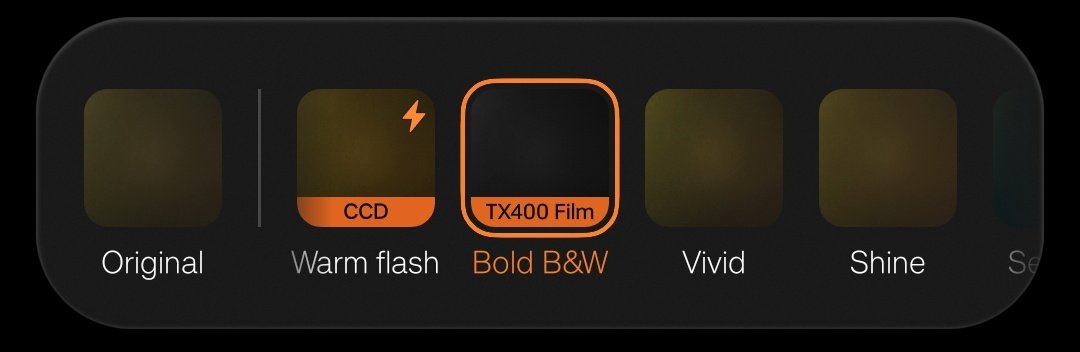
OPPO introduced a new Black and White filter in ColorOS 16.1 🔥
TX400 Film Bold BW
Its a nice BW and I am liking it. May be one of the best now. Those who got the new update use it and check 👀
11
14
161
4,635
Muskan S retweeted
Jun 11
ColorOS 17 changes are minimal this year as per DCS 👀
I am waiting to see HyperOS 4 changes. They are going to do many changes as per leaks.
OriginOS 7 is also awaited.
7
8
98
3,711
Muskan S retweeted
Jun 13
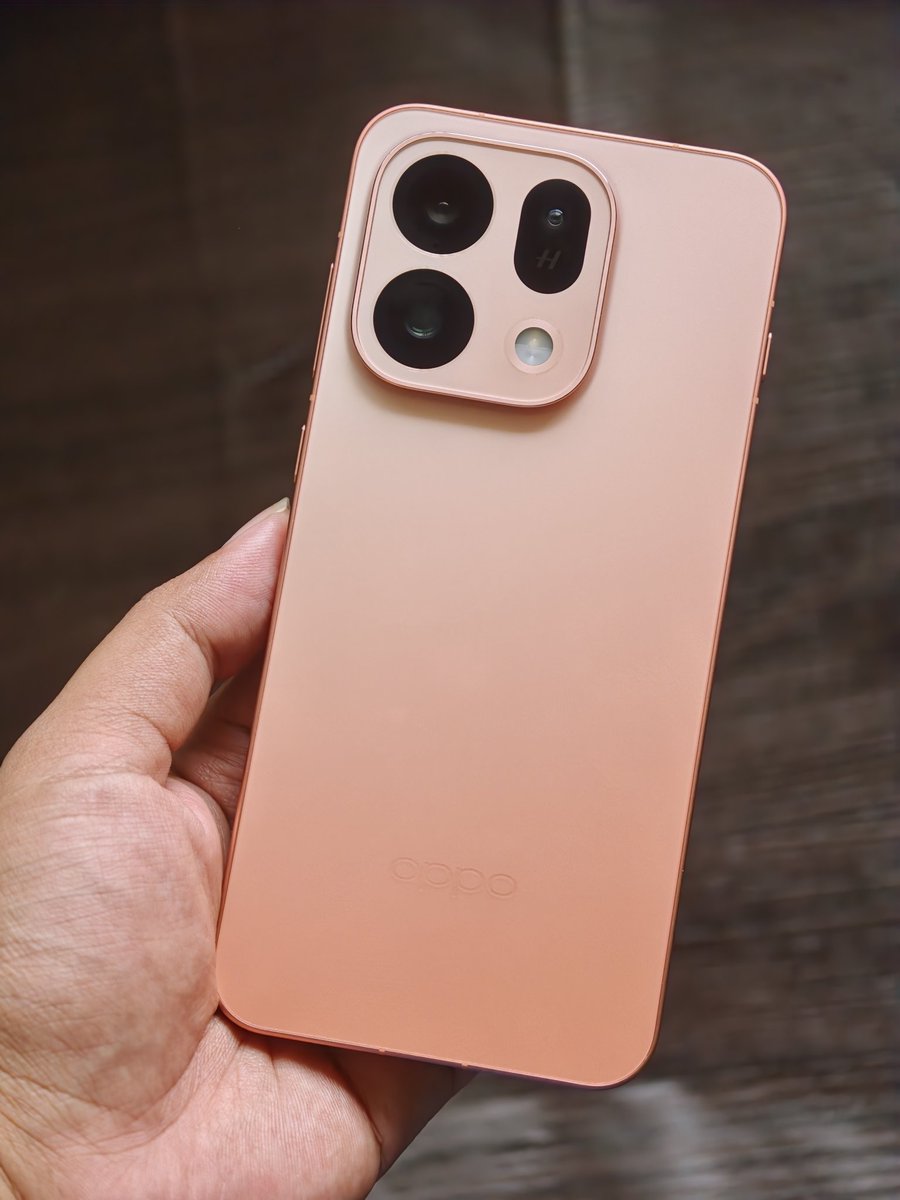
ColorOS 16.1 in OPPO Find X9s is smooth and haptics is also good same like Find X9 🔥
Moreover its good to see that OPPO has given all 50 MP rear camera sensors in Find X9s for a premium feel not 8 MP UW like what some other brands giving in costly smartphone.
6
8
112
2,767



ColorOS 16.1 in OPPO Find X9s is smooth and haptics is also good same like Find X9 🔥Moreover its good to see that OPPO has given all 50 MP rear camera sensors in Find X9s for a premium feel not 8 MP UW like what some other brands giving in costly smartphone.
25
Harmony_HM OS retweeted

Jun 12
ColorOS can't btw.
Incoming ColorOS 17 seemingly doesn't do anything drastic visually.

5
2
83
3,588