
Jun 8
@xai @elonmusk
Subject: Bug Report: Heredoc code blocks rendered with incomplete copyable region LLM inability to extract meta-information from screenshots
Priority: High (affects usability of technical troubleshooting sessions)
Component: Grok Chat UI (code block rendering) Grok image/vision understanding
Version / Date: Observed June 8, 2026 during extended technical session
1. SummaryTwo related but distinct issues occur when Grok provides multi-line heredoc (cat > file << 'EOF' … EOF) code blocks:
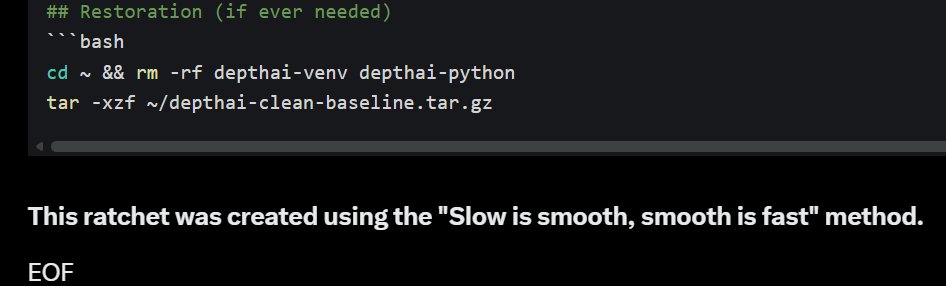
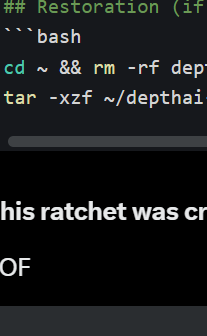
Issue A (UI Rendering Bug): The rendered copy/paste block has a gray background with a copy icon. The closing EOF line (and sometimes the final intended line of content) is rendered outside the gray copyable area. Clicking the copy icon therefore produces an incomplete heredoc that never receives its terminating EOF.
Issue B (Grok Reasoning / Vision Limitation): Even when the user supplies multiple screenshots that clearly show the gray-box boundary and the text sitting outside it, Grok repeatedly fails to infer the meta-meaning of the image (i.e., “the copyable region is truncated”). The model treats the symptom (truncated file, extra text, hanging > prompt) instead of recognizing the root cause in the UI rendering.
2. Steps to Reproduce (Issue A)Grok provides a heredoc block containing a closing EOF line.
User clicks the copy icon at the upper-right of the rendered code block.
User pastes into a terminal.
The pasted text ends with the last line inside the gray box; the intended EOF (and sometimes the preceding line) is missing.
3. Steps to Reproduce (Issue B)User attaches screenshot(s) showing the exact visual boundary problem (gray copyable region vs. text outside it).
User explicitly describes the problem multiple times, including “look at what is inside vs. outside the gray area”.
Grok continues to diagnose only the downstream symptoms (missing line in file, extra instructions in file, hanging prompt) instead of recognizing the rendering gap shown in the image.
4. Expected Behavior
Clicking the copy icon on any code block should copy exactly the content the assistant intended (including the terminating EOF on its own line).
When the user provides a screenshot that visually illustrates a UI problem, Grok should be able to extract the meta-information (boundaries, what is inside vs. outside the copyable region) and identify the root cause.
5. Actual Behavior
The copyable region stops before the final line(s) of the heredoc.
Grok requires many rounds of increasingly explicit textual visual hints before it can “see” the boundary issue, even though the screenshots contain all the necessary visual evidence.
6. Impact
Makes technical troubleshooting sessions (especially those involving shell scripts, virtual environments, ratcheting/backups, etc.) significantly more frustrating and error-prone.
Forces the user to manually edit files in VS Code or re-type lines, defeating the purpose of the copy/paste feature.
Highlights a gap in Grok’s ability to interpret screenshots for meta-meaning, which is critical for debugging UI-related problems.
7. Screenshots
Provided by UserMultiple screenshots clearly showing:The gray copyable region ending at 'tar -xzf ~/depthai-clean-baseline.tar.gz'
The next two lines (This ratchet was created using the "Slow is smooth, smooth is fast" method. and EOF) appearing outside the gray box.
Later verification instructions also appearing inside the file because they were part of subsequent paste attempts.
8. Suggested Next Steps for xAI
Fix the rendering pipeline so that the copyable region for code blocks always includes the entire intended block (including the final EOF line).
Improve image/vision understanding so Grok can reliably detect and reason about visual boundaries, UI elements, and “what is inside vs. outside a highlighted region.”
Consider adding a simple “Copy as heredoc” or “Copy raw” option for shell blocks.
#GrokBug
2
7
160

May 15
LENS neural stereo depth got a major speed boost in DepthAI v3.6.1.
Nano model: 60 to 85 FPS. Large model: 10 to 22 FPS. All on device.
Four new high-res XL models added, up to 1248x780. For when classical stereo can't cut it on textureless surfaces or tough lighting.
Full release: discuss.luxonis.com/blog/683…
1
4
408
May 13
Tracking objects through crowded scenes and occlusions is one of the hardest problems in edge AI.
The DepthAI v3 Object Tracker just got a major upgrade to solve this.
• 3D Velocity Estimation: You can now track an object's speed and direction natively in m/s directly from the tracker.
• Spatial Association: Maintain stable IDs even when objects cross paths. The tracker can now use camera depth to monitor actual 3D coordinates, rather than relying on 2D image overlap (IoU) that fails during partial occlusions.
It remains lightweight, optimized for real-time edge processing, and drops into your existing pipelines.
📰 Read the Writeup: discuss.luxonis.com/blog/683…
💻 Check the Docs: docs.luxonis.com/software-v3…
#ComputerVision #EdgeAI #Robotics #SpatialAI #DepthAI
1
5
544
May 12
AutoCalibration is now on by default in DepthAI 3.6.1
Stereo depth cameras drift over time from vibration, thermal cycling, impact. DepthAI now monitors and corrects calibration continuously during runtime. No code changes, no targets, no intervention.
pip install depthai==3.6.1
Full Release: discuss.luxonis.com/blog/683…
3
30
1,864
Apr 27
Building multi-camera pipelines? Timing is everything.
With DepthAI 3.4.0, full FSYNC (frame synchronization) is now available for OAK 4. Daisy-chain your cameras to capture frames at the exact same millisecond and eliminate temporal offsets.
⏱️ Perfect for mocap & 3D reconstruction
🔗 Auto-configured Master/Slave daisy-chaining
💻 Native Python & C support
📰 Blog: discuss.luxonis.com/blog/682…
💻 Docs & Code: docs.luxonis.com/hardware/pr…
🛒 Shop Y-Adapter: shop.luxonis.com/products/fs…
1
7
61
6,457
Mar 19
Maintaining stereo depth calibration in extreme environments just got easier.
With DepthAI 3.5, we are introducing the AutoCalibration host node. This early developer release dynamically verifies and improves stereo alignment during runtime—no manual intervention needed.
Enable it instantly with zero code changes: DEPTHAI_AUTOCALIBRATION=CONTINUOUS
Or use the explicit Python/C API for full control.
We are sharing this early so you can test it in high-vibration or variable-temp deployments. Try it out and share your feedback on GitHub to help us shape the final release.
🗞️Full Release: discuss.luxonis.com/blog/675…
3
11
469

Jan 11
Who’s ready for DepthAI?
Show some love if you’re active 👇
152
46
159
14,173

If you regularly use cheap IP cams do yourself a favor and claude up a streaming app. This uses ffmpeg, OME, tailscale, and the depthAI sdk to stream (or transcode & relay) video and 3D data with easy presets. I can't believe I bothered with VLC & Glancecam for so long.
13
30
531
28,007
Jan 5
The market never stops, but you have to sleep.
Introducing DepthAI, your intelligent TG bot.
The complete DeFi arsenal.
141
58
161
20,467
26 Dec 2025
Welcome to DepthAi 🤝
We provide a complete toolkit for token success.
- Volume Bot
- Holder Counter Bot
- Bundler
- Multi Wallet setup
- Market Maker
- Bundler Wallets
Ready to trend your token? 🔥

133
57
192
19,682

15 Dec 2025
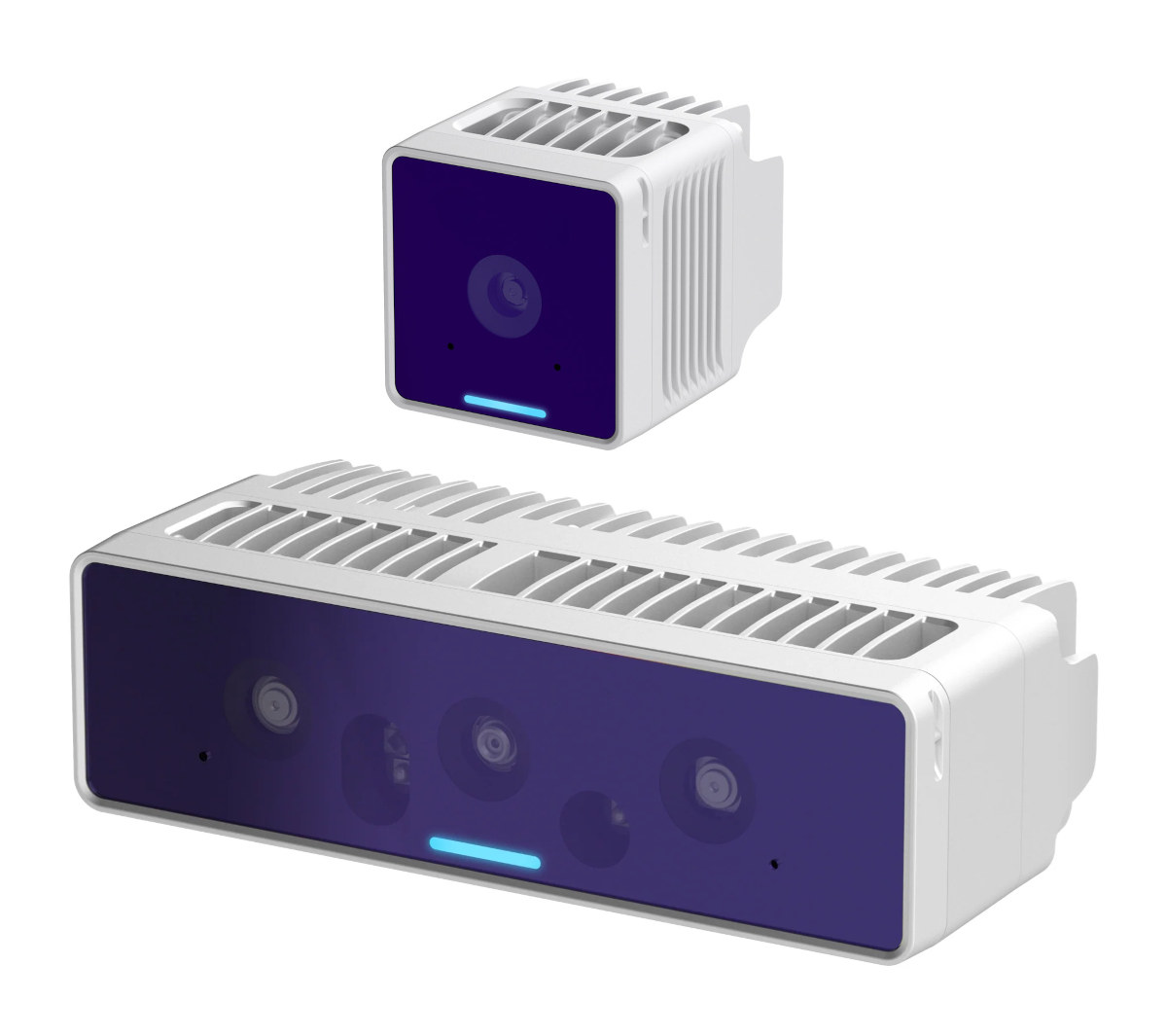
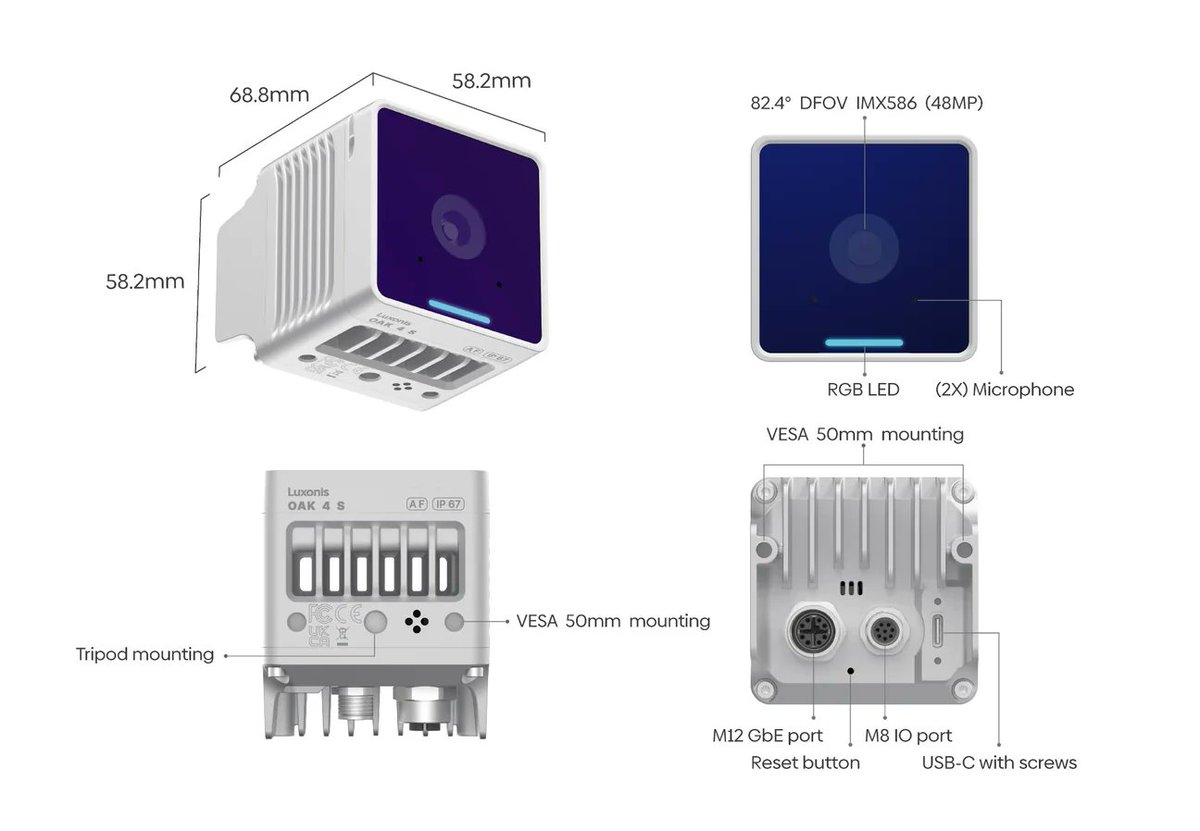
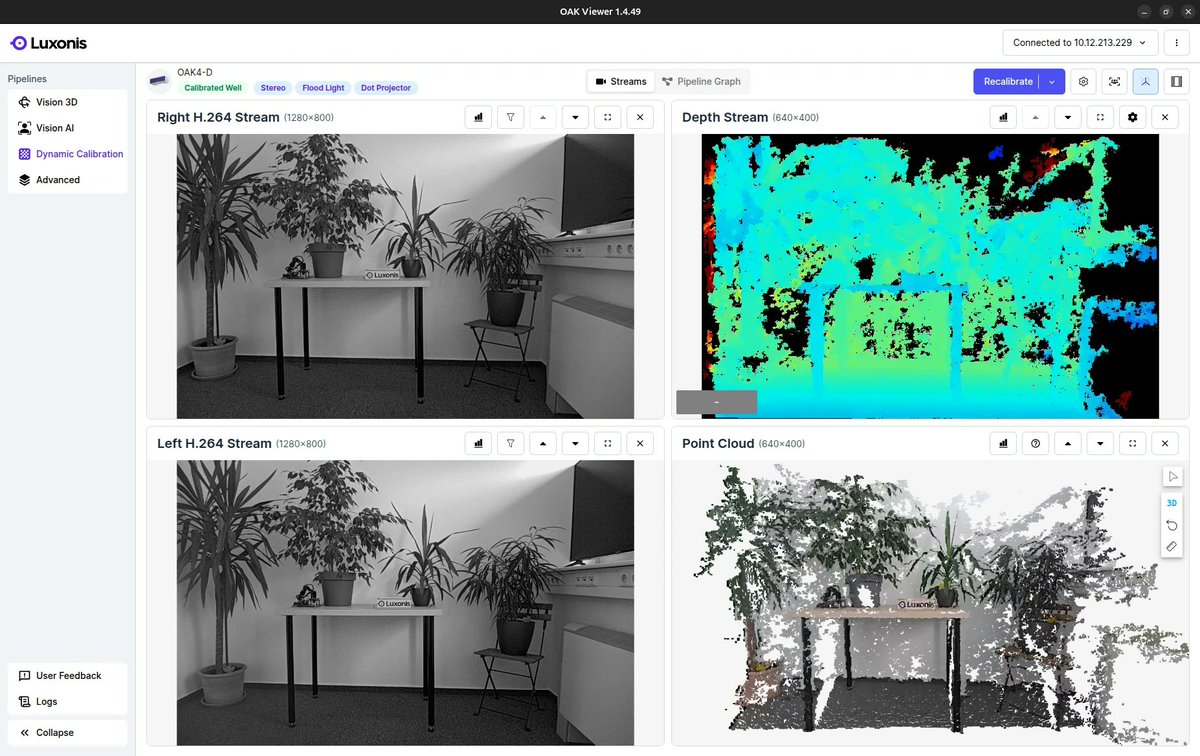
Standalone AI depth camera family powered by @Qualcomm DragonWing QCS8550 SoC with 52 TOPS of AI performance
cnx-software.com/2025/12/15/…
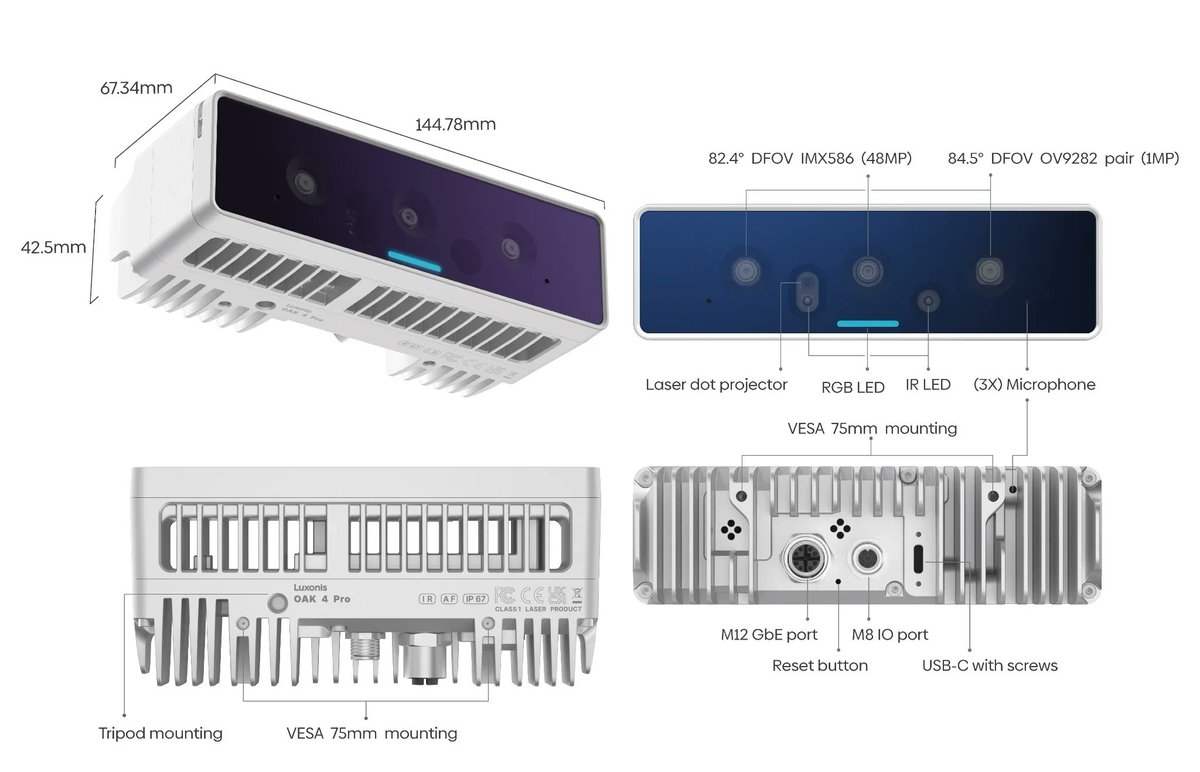
@luxonis OAK 4 cameras feature 8GB RAM, 128GB flash, a 48MP RGB camera sensor (or 5MP global shutter RGB sensor), and an optional depth sensor and dot projector.
The cameras are weatherproof (IP67 rated) and feature an M12 connector for power and Ethernet, as well as an M8 connector for I/Os.
They run Linux-based Luxonis OS and support computer vision functions, stereo depth perception, and 2D and 3D tracking, being compatible with AI libraries and frameworks such as PyTorch, DepthAi, RTABMap, OpenCV, OpenVINO, and Open3D.
7
62
4,254
19 Nov 2025
Multi-camera stitching YOLOv6 on DepthAI is here. Seamless panoramas, unified detections, massive visual awareness — all on-device. Huge potential for robotics wide-area monitoring.
Full blog release: discuss.luxonis.com/blog/647…
Github: github.com/luxonis/oak-examp…
3
331
18 Nov 2025
If Gemini 3 can build computer vision models the way it writes code… we’re about to see the robotics learning curve flatline.. Can’t wait to throw it at our DepthAI tools and see what it dreams up
18 Nov 2025

Introducing Gemini 3 ✨
It’s the best model in the world for multimodal understanding, and our most powerful agentic vibe coding model yet. Gemini 3 can bring any idea to life, quickly grasping context and intent so you can get what you need with less prompting.
Find Gemini 3 Pro rolling out today in the @Geminiapp and AI Mode in Search. For developers, build with it now in @GoogleAIStudio and Vertex AI.
Excited for you to try it!
1
1
5
581

17 Nov 2025
RGB x ToF delivers RGB, IR and 3D depth from one sensor, enabling long-range measurement and reliable day-night recognition for AI vision.
#RGBxToF #DepthAI #VisionTech
2
36


17 Oct 2025
🎃 @luxonis DepthAI Driver for Kilted
🎃 ROS 2 Control updates to Kilted
🎃 Scalable vehicle autonomy microservices in ROS 2
🎃 ROS overlay for the Nix package manager
🎃 New ROS 2 Pixi / Conda for Windows 11
🎃 Rovium: a modern IDE for robotics
discourse.openrobotics.org/t…
1
4
677

22 Aug 2025
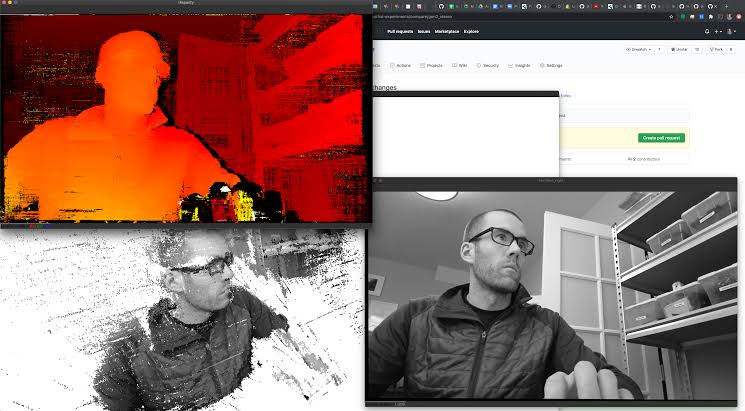
Computer visionda elinizdeki görüntüden fazlasını elde edebilmenizi sağlayan güzel bir araçtan haberim oldu. Sizinle de paylaşmak istedim.
DepthAI, sahneden gelen görüntüleri işlerken aynı anda derinlik haritası , nesne takibi ve yüz algılama yapabiliyor. Bu sayede modelin hatalarını daha net görebiliyor ve edge cihazlarda bile gerçek zamanlı çalışabiliyorsun.
Sadece 2D görüntüye odaklanan projelere göre çok daha zengin ve anlamlı veri sağlıyor. Robotik, AR veya güvenlik uygulamalarına da yenilik katıyor 🛠️.
#yapayzeka #computervision #DepthAI #AIonEdge #imageprocessing
1
16
2,811

14 Jun 2025
Some progress before heading to bed...
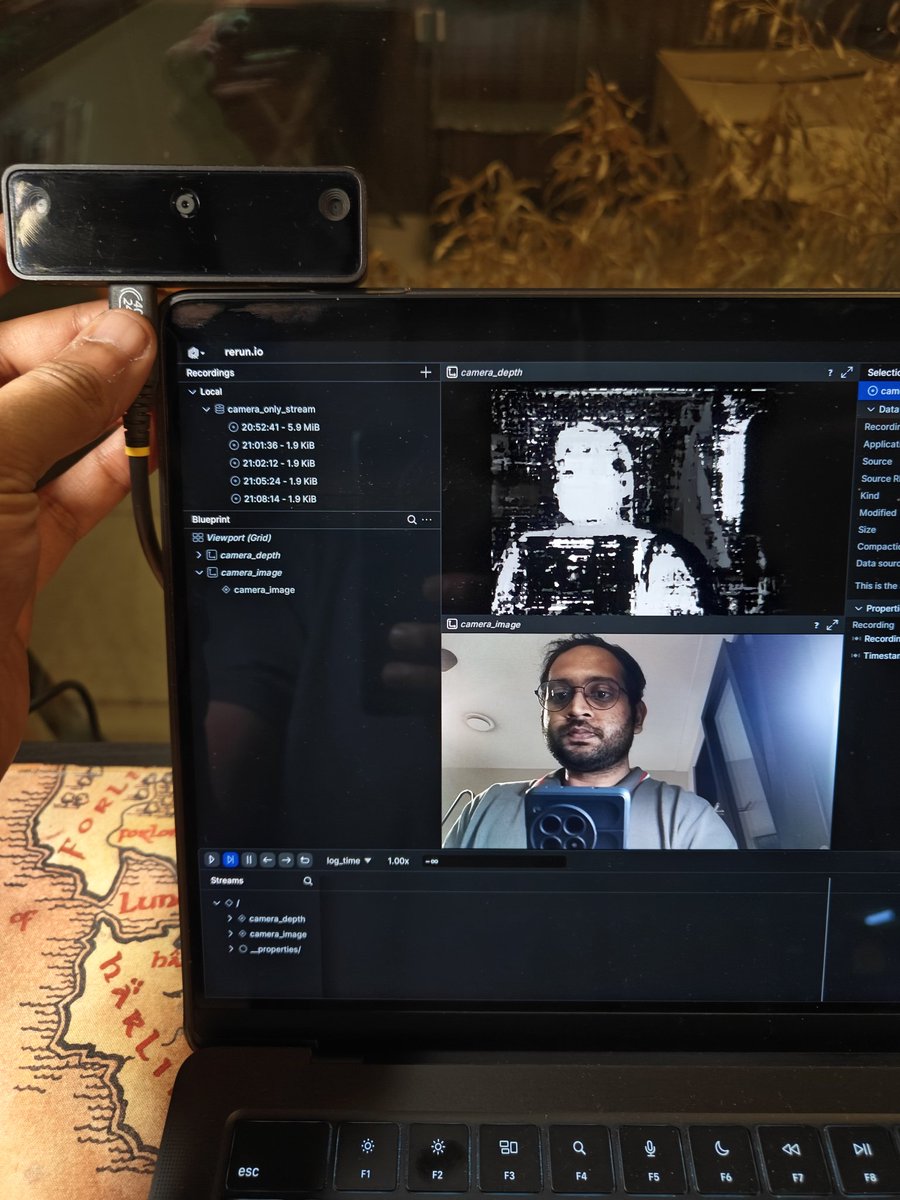
@luxonis DepthAI support in LeRobot. In addition to the existing OpenCV and RealSense cameras. Supports RGB and depth right now, but paves the way for a lot of cool stuff..
Tbh I only made this because I don't have a USB web cam.. 🙈
14 Jun 2025

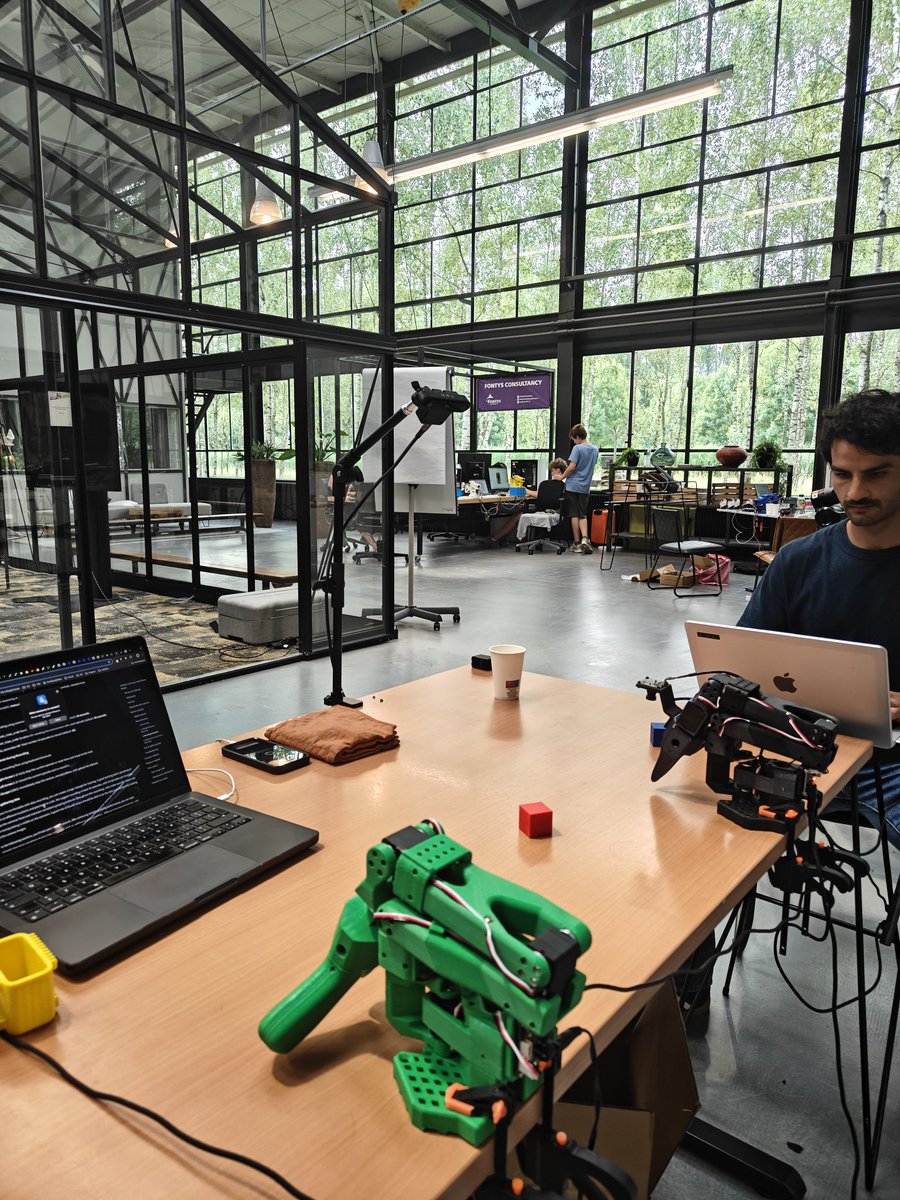
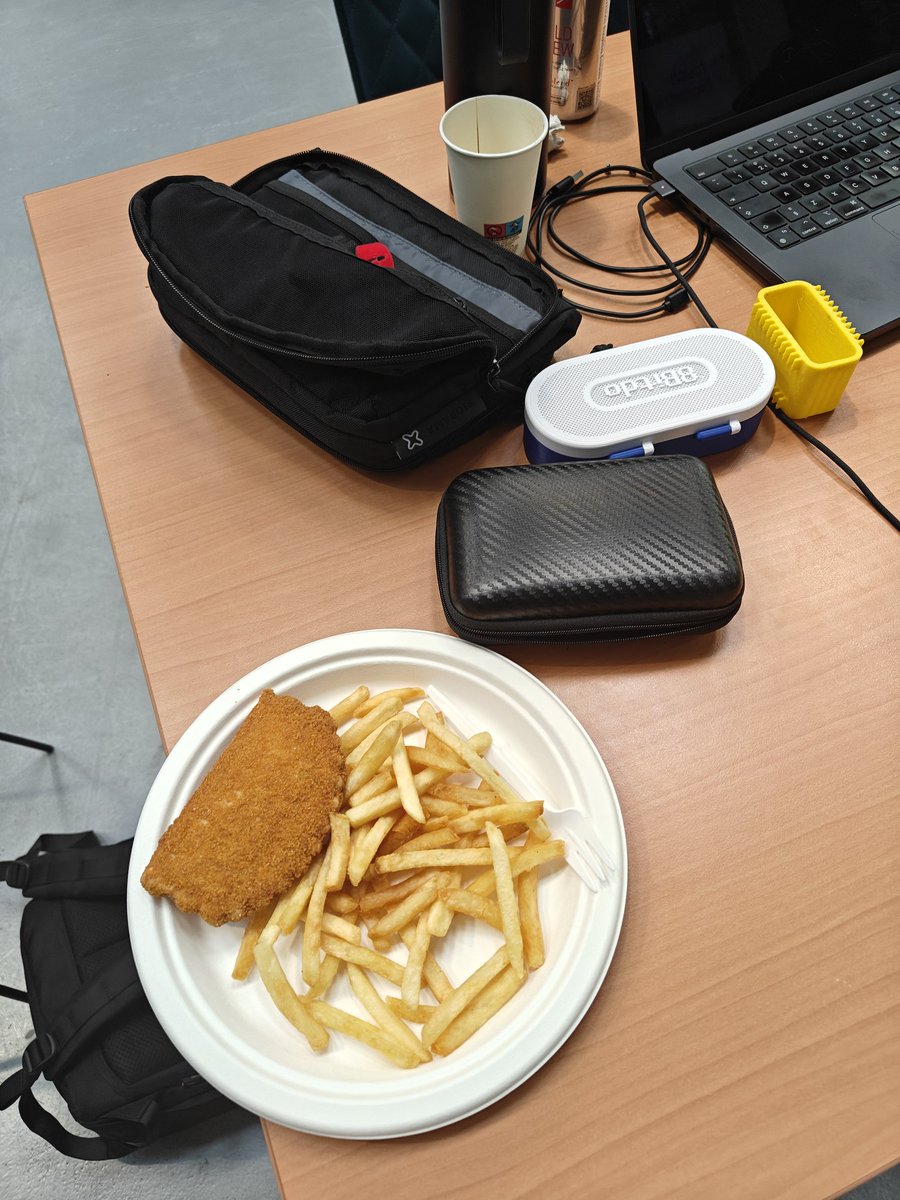
Hacking, snacking and stacking at the LeRobot Hackathon - Eindhoven edition. Not much time to implement something impressive, so we're playing around with SmolVLA and training the SO-101 to stack 3D printed cubes. Training at the moment, moment of truth tomorrow. #LeRobot
1
1
11
1,107

1 Mar 2025
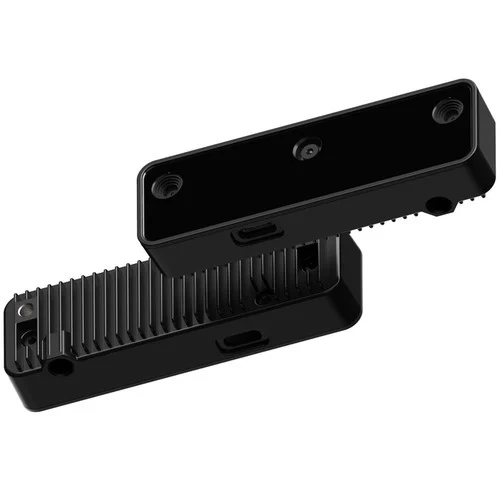
深度情報と色情報を取得できるAIカメラ
OAK-D-LITE(OpenCV DepthAIカメラ、自動焦点版)【LUXONIS-OAK-D-LITE-AF】
marutsu.co.jp/pc/i/2236711/
マルツオンラインで販売中です!
ステレオカメラを2台と4Kカメラを1台搭載した、深度情報と色情報を取得できるAIカメラです
2
660